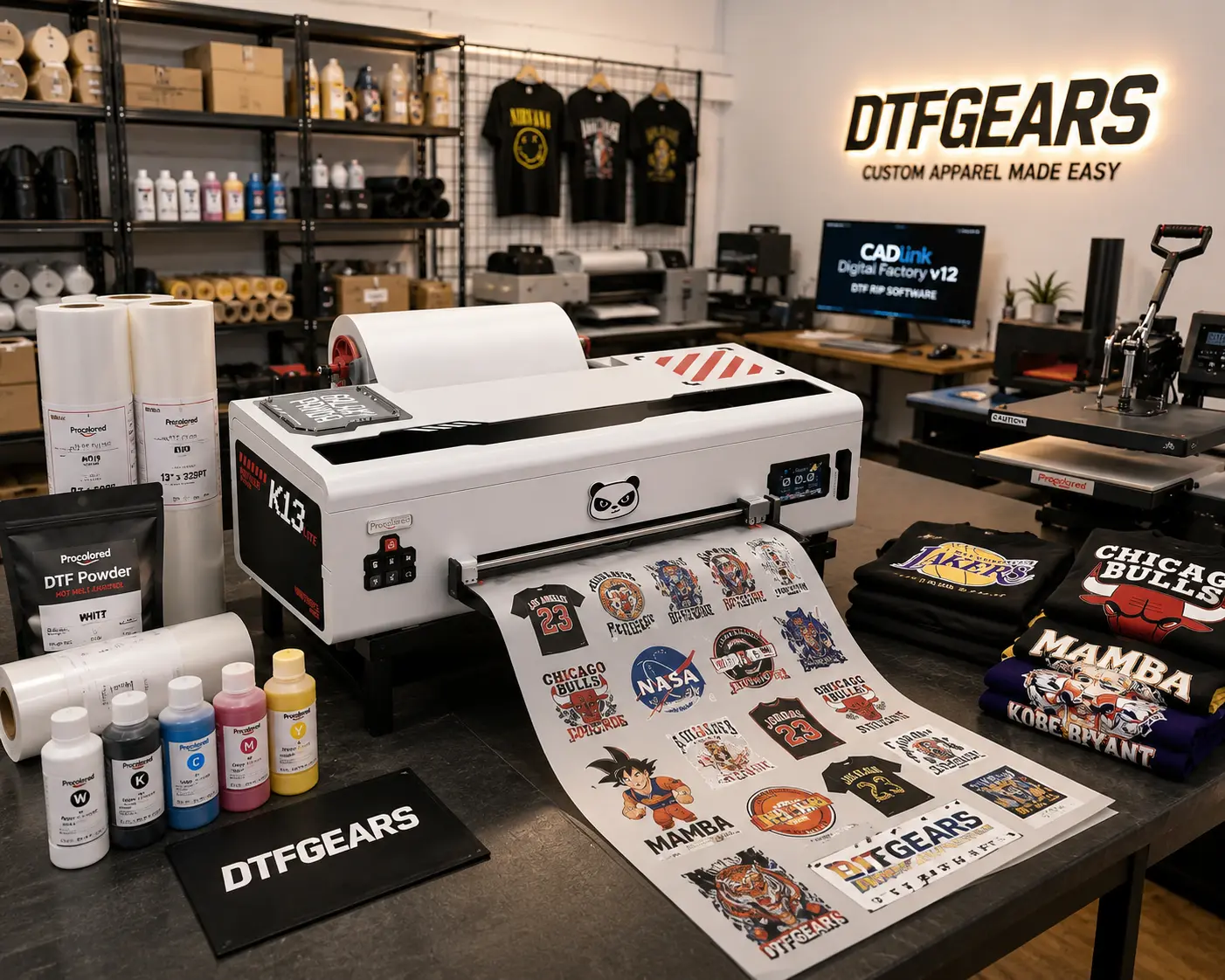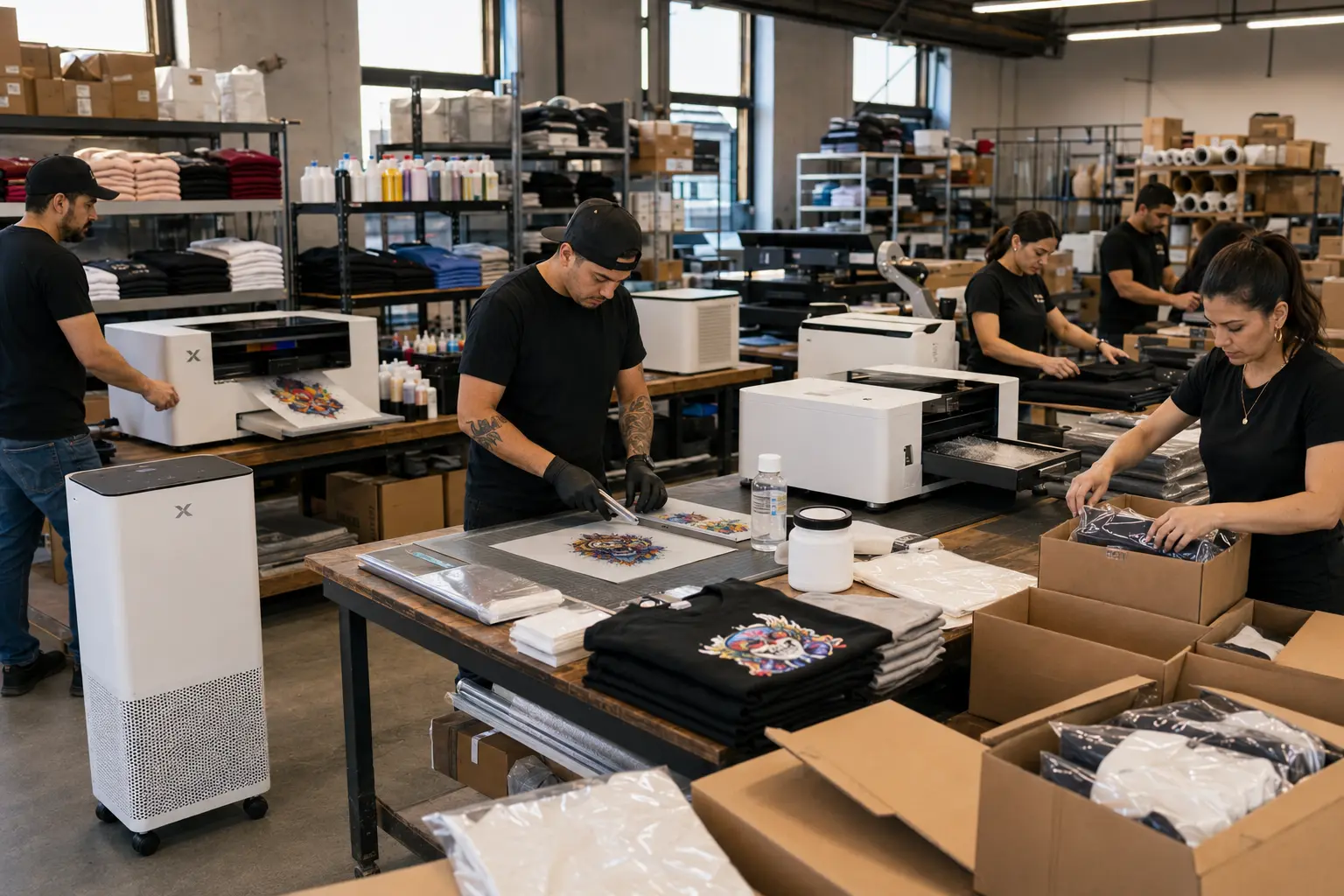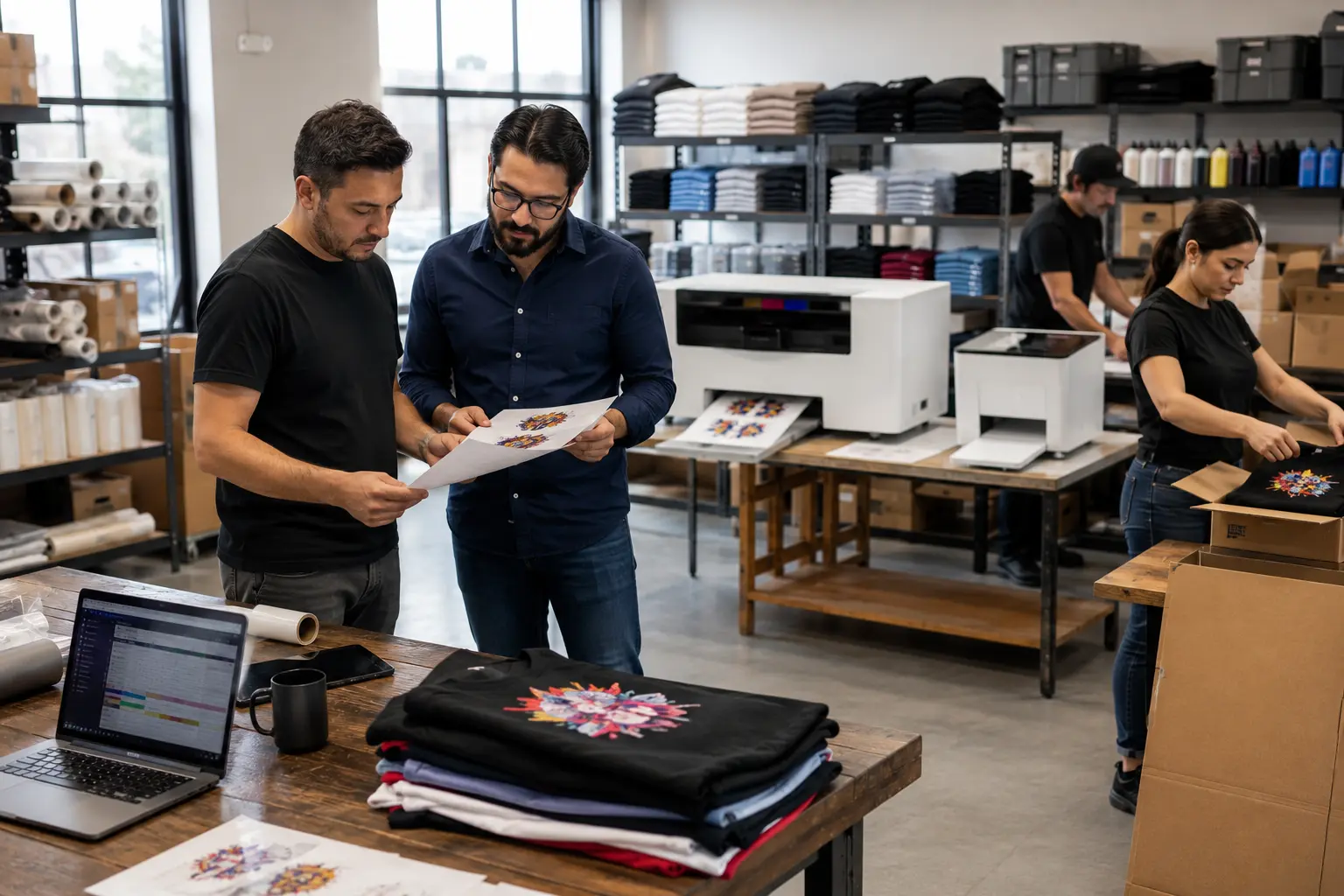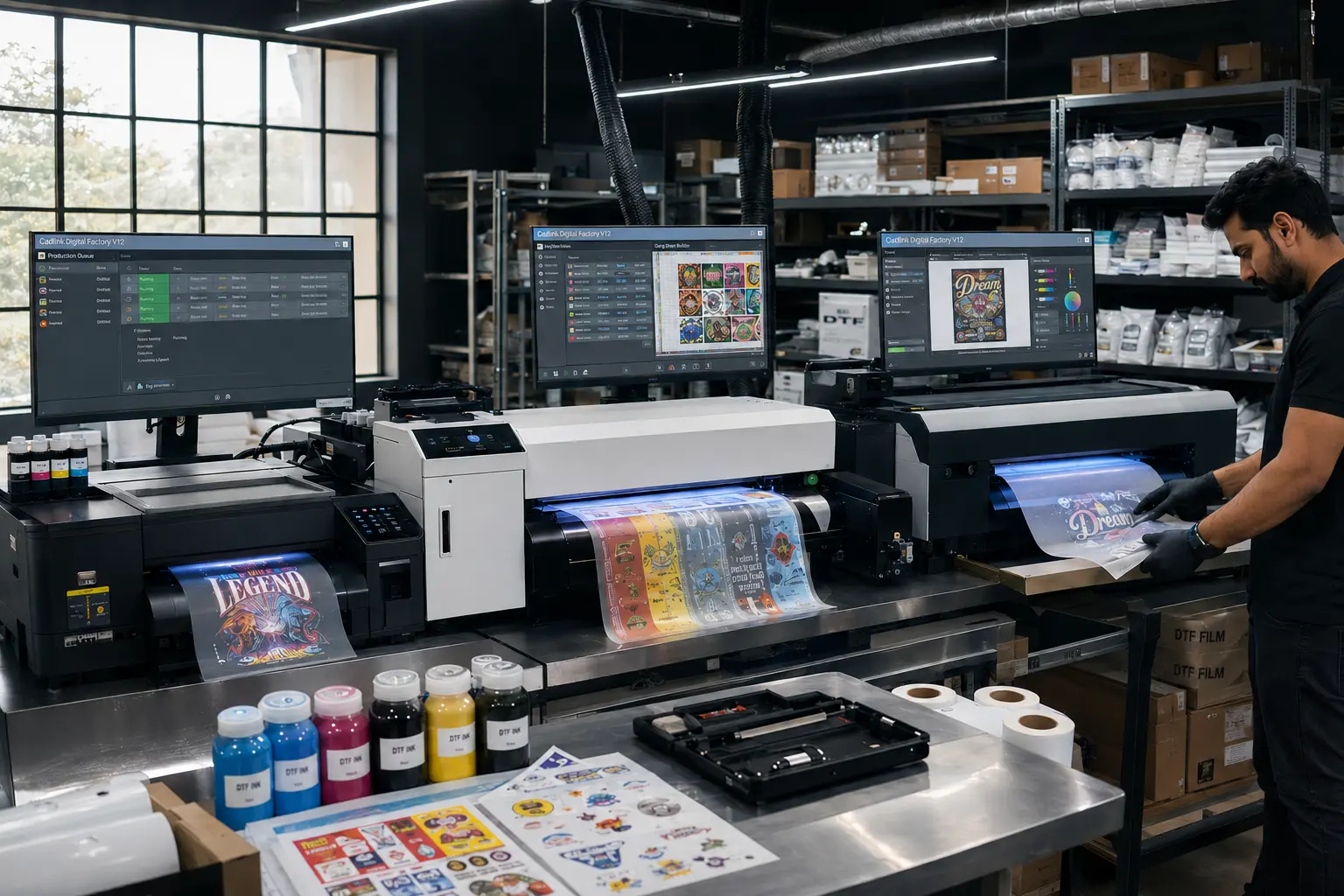

If you’re running a DTF printing business, every minute and every milliliter of ink matters. The right RIP software can significantly reduce production costs while improving print consistency.The latest CADlink V12 features are designed specifically to help DTF businesses automate repetitive tasks, reduce ink waste, improve color accuracy, and increase daily production without adding extra labor.
Whether you’re producing custom apparel, gang sheets, or bulk transfers, these CADlink Digital Factory V12 benefits can help your shop become more profitable from day one.
Why CADlink V12 Is More Than Just RIP Software
Many print shops think RIP software simply converts artwork into printable files. In reality, modern RIP software determines how efficiently your printer operates.
With Digital Factory V12, you gain intelligent automation, better color management, smarter job organization, and advanced production tools that help you save ink in DTF printing while increasing throughput.
The result?
- Less wasted film
- Lower ink consumption
- Faster production
- Better print consistency
- Higher profit margins
Let’s explore the five features that make the biggest impact.
1. Smart Auto-Nesting & the Built-In Gang Sheet Builder
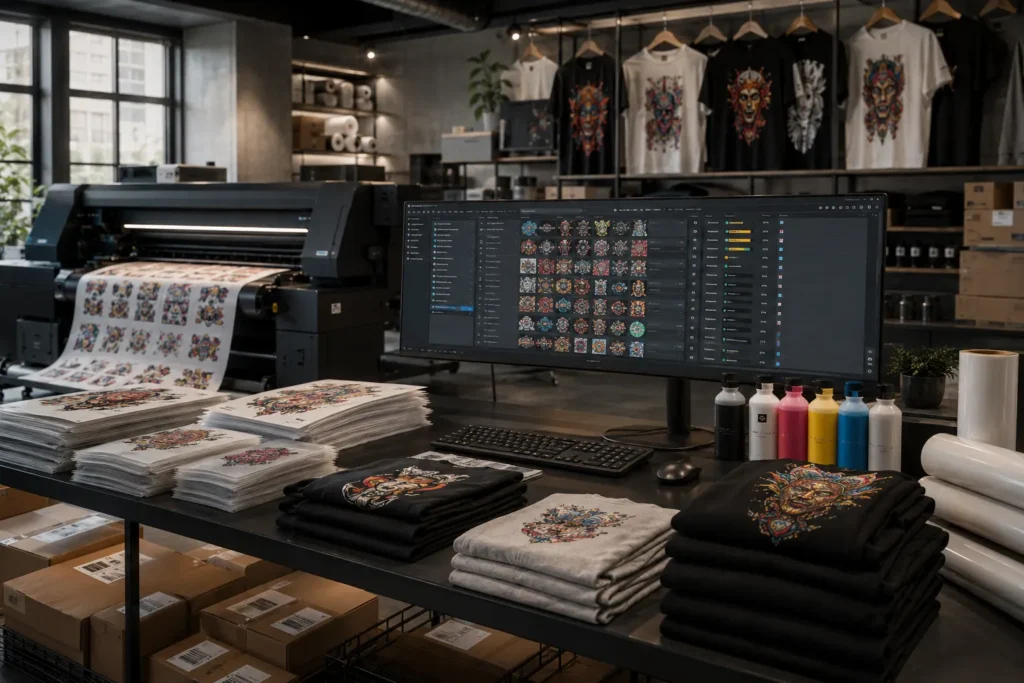
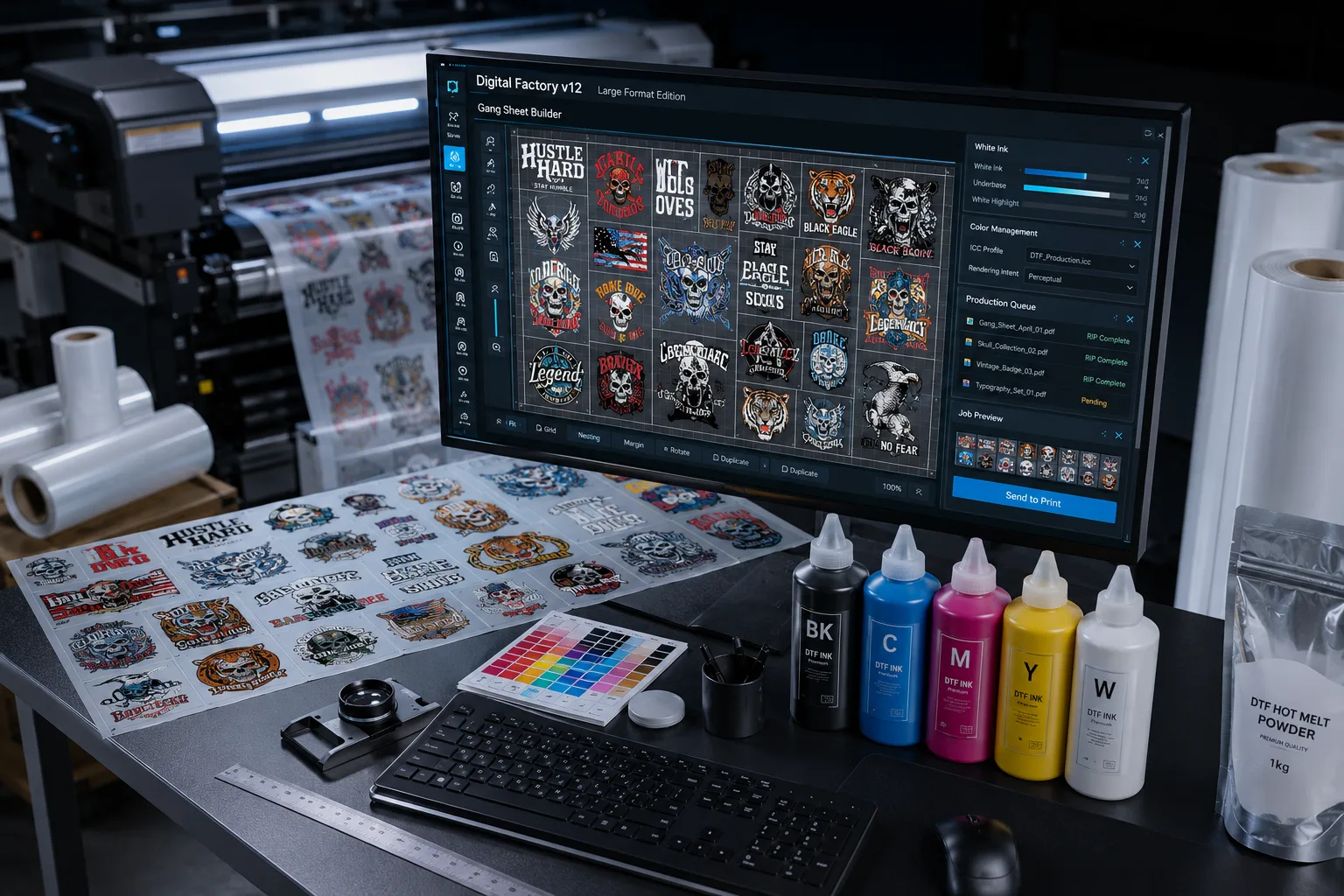
One of the most valuable CADlink V12 features is its intelligent nesting engine combined with the built-in Gang Sheet Builder.
Instead of manually arranging artwork across your film, the software automatically positions designs to maximize available space.
How It Saves Time
Manual layout takes several minutes for every order.
With automatic nesting:
- Multiple customer orders fit onto one sheet
- Empty space is minimized
- Layout is generated in seconds
- Production starts faster
For busy print shops processing dozens of orders daily, those saved minutes quickly become hours each week.
How It Saves Ink & Film
Efficient placement reduces unused film space.
Benefits include:
- Less PET film waste
- Lower white ink consumption
- Fewer partially used sheets
- Reduced production costs
For high-volume shops, these savings alone often offset the software investment.
One-Click ICC Color Profiles
Color consistency is one of the biggest challenges in DTF printing.
Different films, inks, humidity, and printers can all affect output.
One of the most practical CADlink V12 features is One-Click ICC Color Profile management.
Why ICC Profiles Matter
Without proper color calibration:
- Reds appear orange
- Blacks look washed out
- Brand colors become inconsistent
- Customers request reprints
Every reprint costs:
- Film
- Ink
- Powder
- Labor
- Shipping delays
CADlink Makes Calibration Simple
Instead of complicated manual adjustments, users can quickly apply optimized ICC profiles for supported printers and media.
Advantages include:
- Consistent color
- Better gradients
- Cleaner shadows
- Accurate skin tones
- Reduced trial-and-error
This is one of the biggest CADlink Digital Factory V12 benefits for shops producing branded merchandise.
3. Enhanced Markup & Finishing Tools
Production mistakes often happen before printing even starts.
Artwork may require:
- Resizing
- Mirroring
- White underbase adjustments
- Label additions
- Crop marks
- Production notes
The enhanced markup tools in V12 streamline these tasks inside the RIP software.
Faster Prepress Workflow
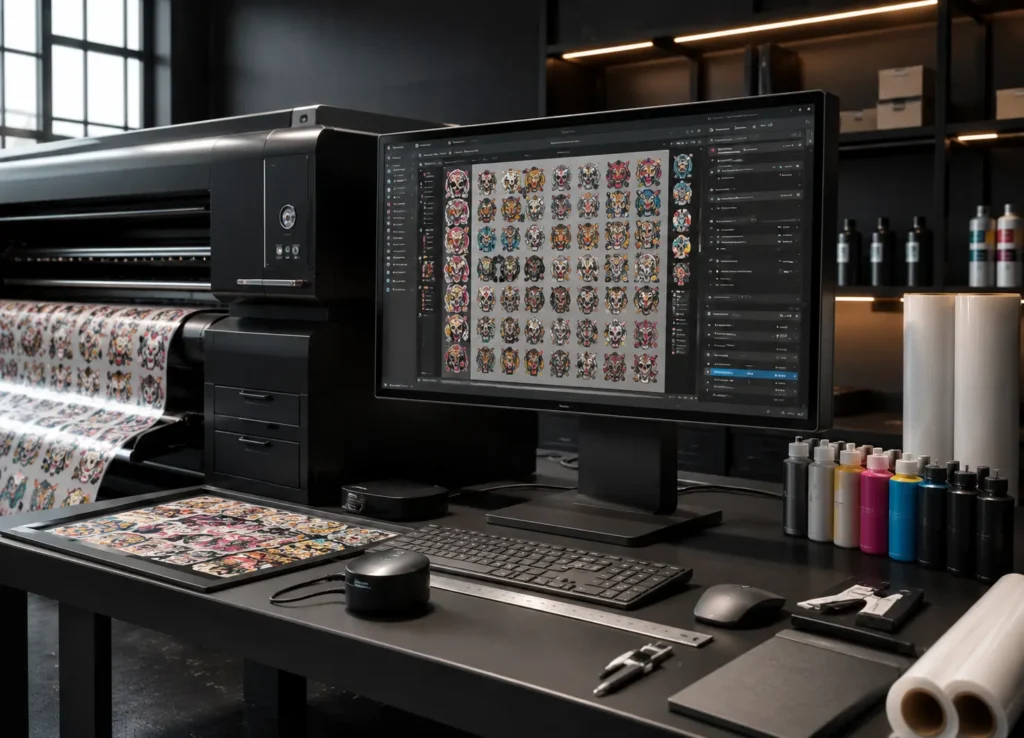
Rather than switching between multiple design programs, operators can make quick production edits directly within CADlink.
This means:
- Fewer software changes
- Less operator error
- Faster approvals
- Shorter production cycles
Better Workflow for Teams
If multiple employees handle production, standardized markup tools help everyone follow the same process.
That consistency reduces costly mistakes.
4. Batch Printing Queue
Growing DTF businesses rarely print one order at a time.
Instead, they process dozens—or even hundreds—of jobs throughout the day.
One of the most underrated CADlink V12 features is its Batch Printing Queue.
Print Multiple Orders Automatically
Instead of manually loading each print job:
- Queue multiple customer orders
- Organize jobs by priority
- Schedule production
- Reduce printer idle time
This keeps your production line moving continuously.
Ideal for Busy Print Shops
The Batch Queue is especially valuable for:
- Etsy sellers
- Shopify businesses
- Contract decorators
- Print-on-demand companies
- Large wholesale transfer suppliers
Automation allows employees to focus on packing, pressing, and quality control instead of repeatedly loading files.
5. Fiery Color Profiler Add-On for Pantone-Level Accuracy
For shops printing corporate apparel or branded merchandise, precise color matching is essential.
The optional Fiery Color Profiler Add-On enhances Digital Factory V12 with advanced color management capabilities.
Professional-Level Color Accuracy
Benefits include:
- Better Pantone matching
- Improved spot colors
- Accurate gradients
- Better repeatability
- More predictable production
Customers notice color consistency immediately, especially when reordering.
Who Needs It?
The Fiery Color Profiler is ideal for:
- Brand merchandise suppliers
- Uniform manufacturers
- Promotional product businesses
- Corporate apparel printers
- High-end custom apparel shops
If color accuracy is part of your value proposition, this upgrade can reduce rejected jobs and strengthen customer confidence.
Why These Features Pay for the License in Weeks
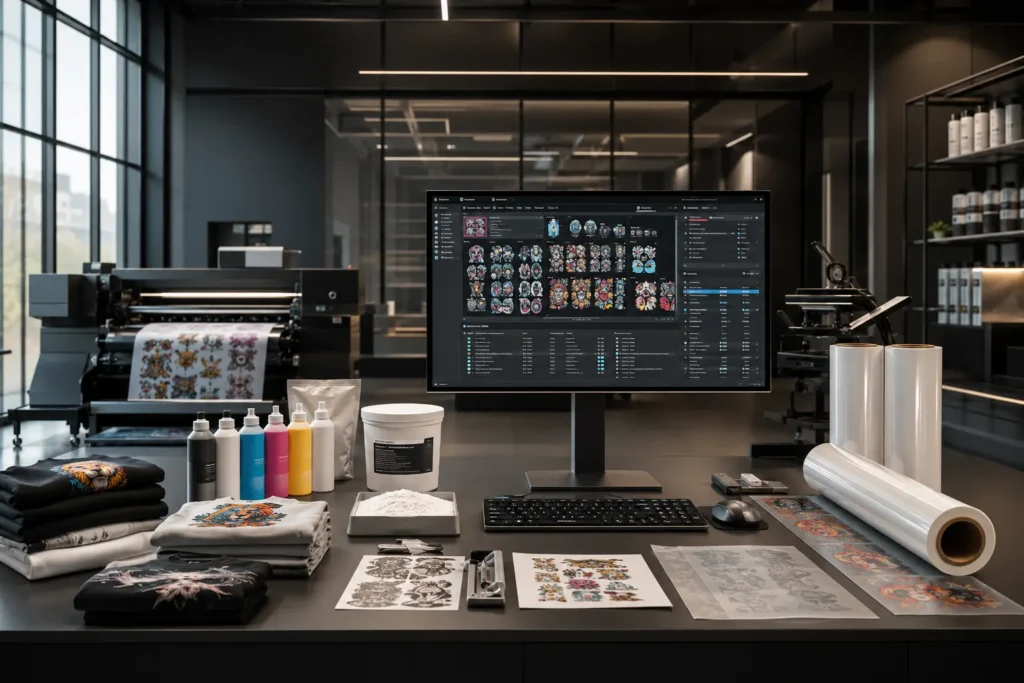
Many shop owners focus only on the purchase price of RIP software.
A better question is:
How much money does better software save every month?
Consider a shop that prints 100 gang sheets per week.
If improved nesting saves just 5% of film usage:
- Lower PET film costs
- Reduced white ink usage
- Fewer reprints
- Less operator time
Now add:
- Faster production
- Automated queues
- Better color consistency
- Fewer customer complaints
These operational improvements compound quickly.
For many businesses, the productivity gains from these CADlink V12 features can recover the software investment within weeks through reduced waste and improved efficiency.
Real-World Benefits for Different DTF Businesses
Small Home-Based Shops
- Faster learning curve
- Reduced waste
- Professional output
- Better order organization
Growing Online Businesses
- Batch processing
- Gang sheet optimization
- Faster fulfillment
- Higher daily production
Commercial Print Shops
- Multiple printer support
- Improved color workflows
- Consistent production
- Better operator efficiency
Additional CADlink Digital Factory V12 Benefits
Beyond the five major features, Digital Factory V12 also offers:
- Advanced white ink controls
- Improved raster processing
- Better transparency handling
- Faster RIP engine
- Enhanced production preview
- More reliable job management
- Better printer compatibility
- Streamlined workflow automation
Together, these improvements make Digital Factory V12 a powerful upgrade for print shops looking to scale.
How CADlink V12 Helps Save Ink in DTF Printing
Ink is one of the highest recurring expenses in DTF production.
Here’s how V12 helps reduce consumption:
| Feature | Cost-Saving Benefit |
|---|---|
| Auto-Nesting | Uses less film space |
| Gang Sheet Builder | Prints more designs per sheet |
| ICC Profiles | Reduces costly reprints |
| Batch Queue | Minimizes setup waste |
| Fiery Profiler | Improves first-print accuracy |
Small improvements across each stage of production add up to meaningful monthly savings.
Shop CADlink V12 from $394.99
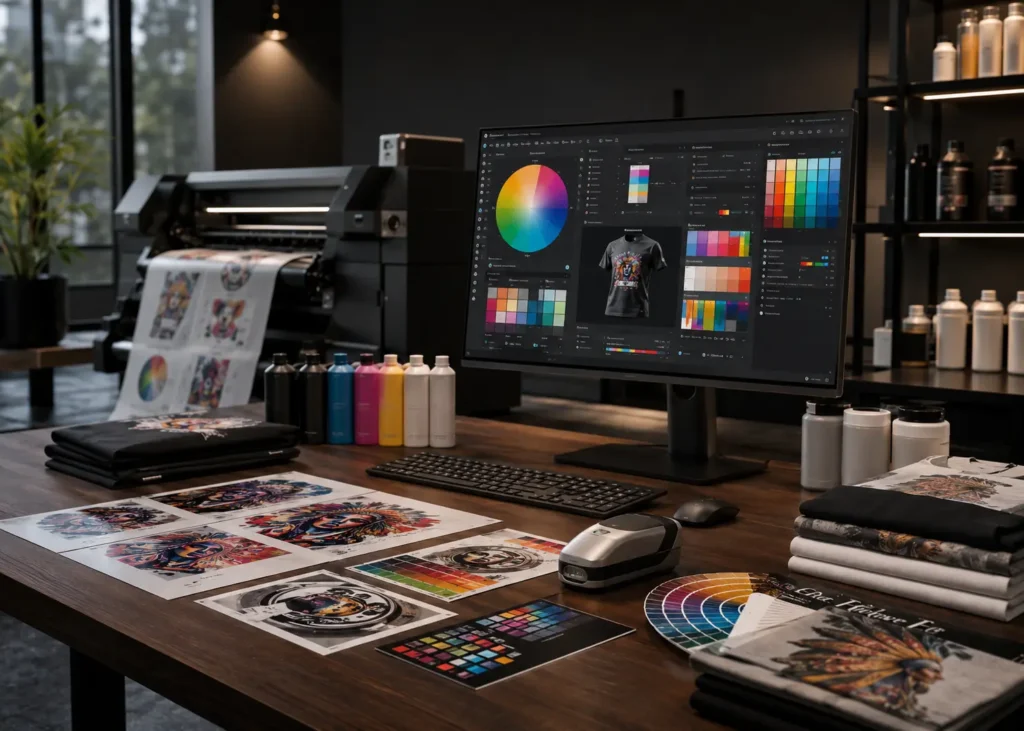
If you’re ready to increase production efficiency while reducing waste, Digital Factory V12 is a smart investment for any serious DTF business.
Whether you’re printing ten transfers a day or several hundred, the software helps automate workflows, improve color consistency, and lower operating costs.
👉 Shop CADlink Digital Factory V12 from just $394.99
Product Page: https://dtfgears.com/software/
Related Reading
Next Guide:
Cadlink V12 Supported Printers: Complete Compatibility Guide
This tutorial walks through creating optimized gang sheets step by step to maximize film usage and production efficiency.
Frequently Asked Questions
What are the best CADlink V12 features?
The most valuable CADlink V12 features include Smart Auto-Nesting, the Gang Sheet Builder, One-Click ICC Color Profiles, Batch Printing Queue, and the Fiery Color Profiler Add-On.
Does CADlink V12 save ink?
Yes. Intelligent nesting, optimized gang sheets, and accurate color profiles help reduce wasted ink, film, and unnecessary reprints.
Is CADlink V12 good for small DTF businesses?
Absolutely. Even small shops benefit from faster workflows, improved print consistency, and reduced material waste.
Can CADlink V12 improve production speed?
Yes. Features like automatic job queues, gang sheet creation, and streamlined prepress tools help increase output while reducing manual work.
Is the Fiery Color Profiler worth it?
For businesses printing branded merchandise or corporate apparel, the Fiery Color Profiler provides improved color matching and greater consistency across repeat orders.
Conclusion
The best investments in a DTF print shop are the ones that continue saving money long after they’re purchased. These CADlink V12 features do exactly that by reducing waste, improving color accuracy, streamlining production, and helping operators work more efficiently.
From Smart Auto-Nesting and the built-in Gang Sheet Builder to advanced color profiling and batch job management, every feature is designed to solve real production challenges. Whether you’re a startup or a high-volume print shop, the CADlink Digital Factory V12 benefits translate into faster turnaround times, fewer reprints, and lower operating costs. If your goal is to save ink in DTF printing while scaling your business, upgrading to Digital Factory V12 is a practical step toward higher profitability.