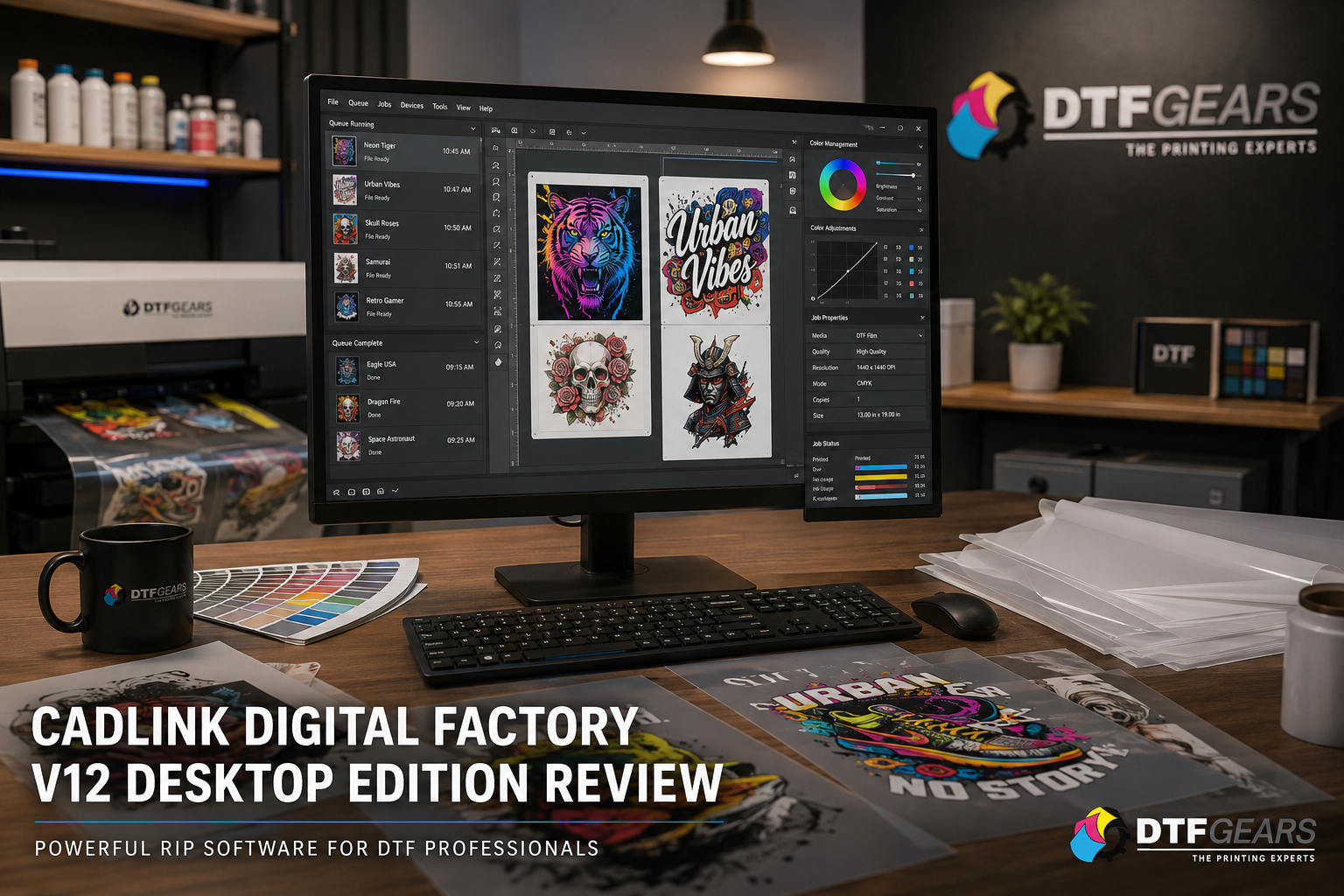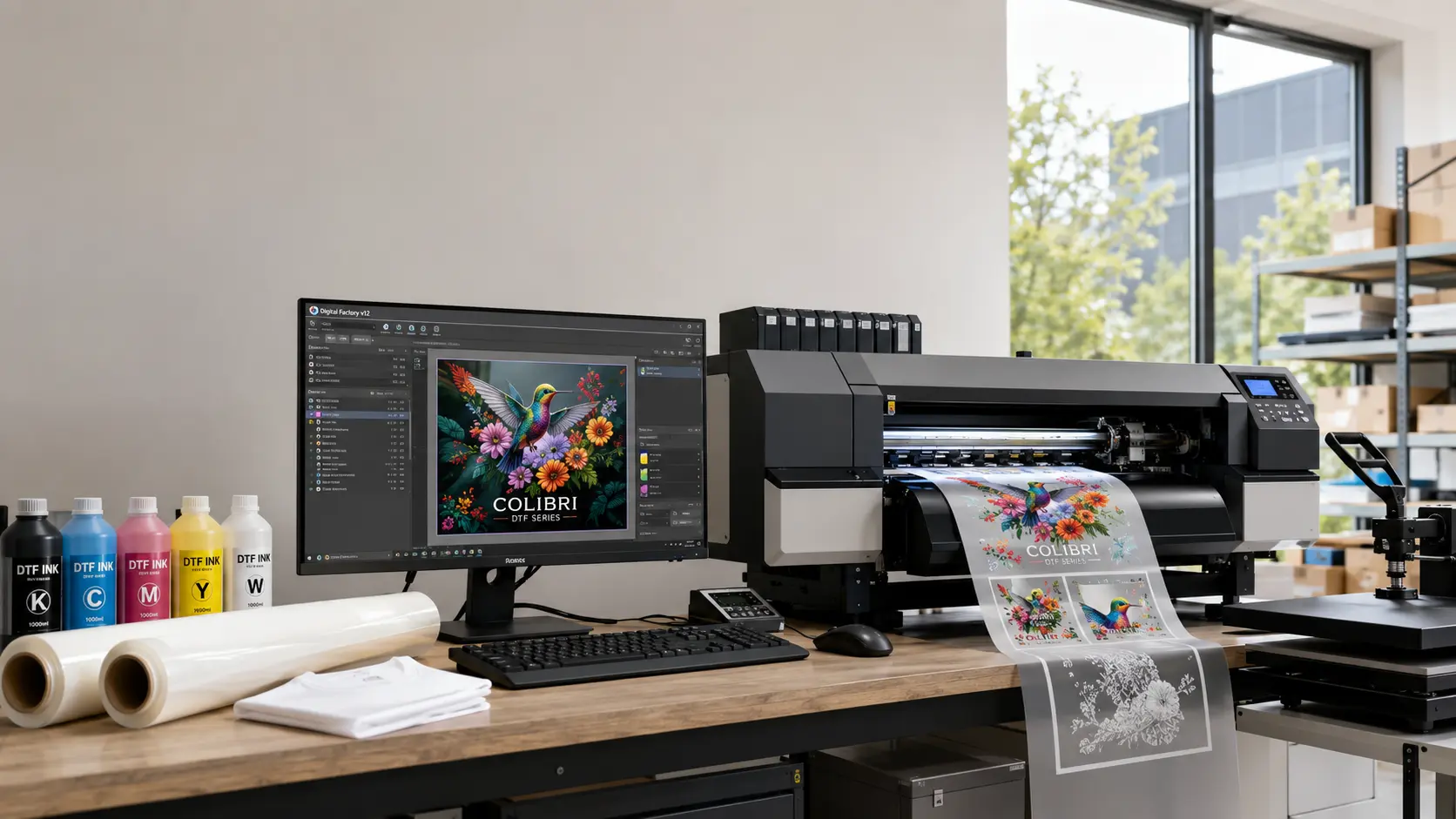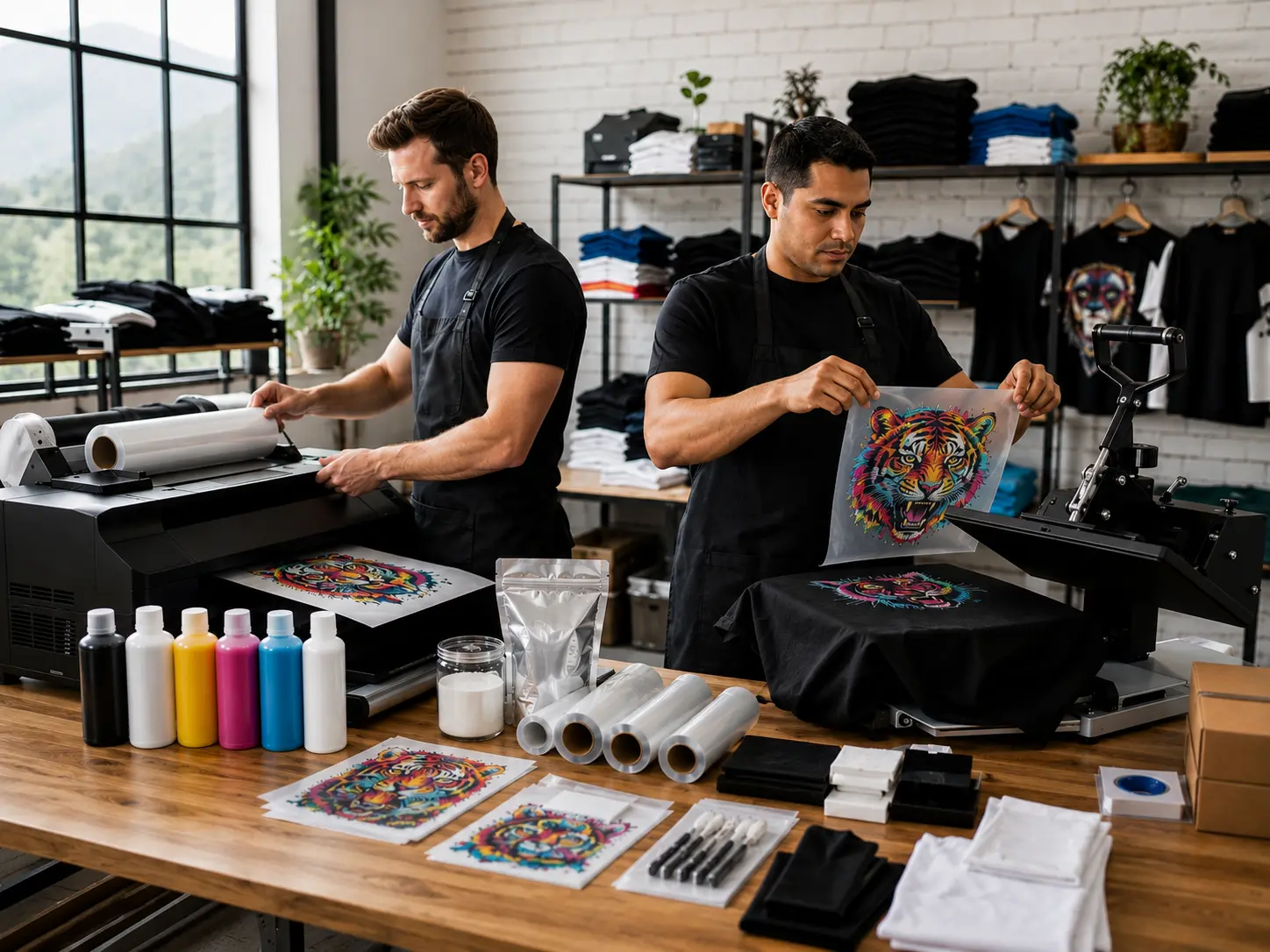

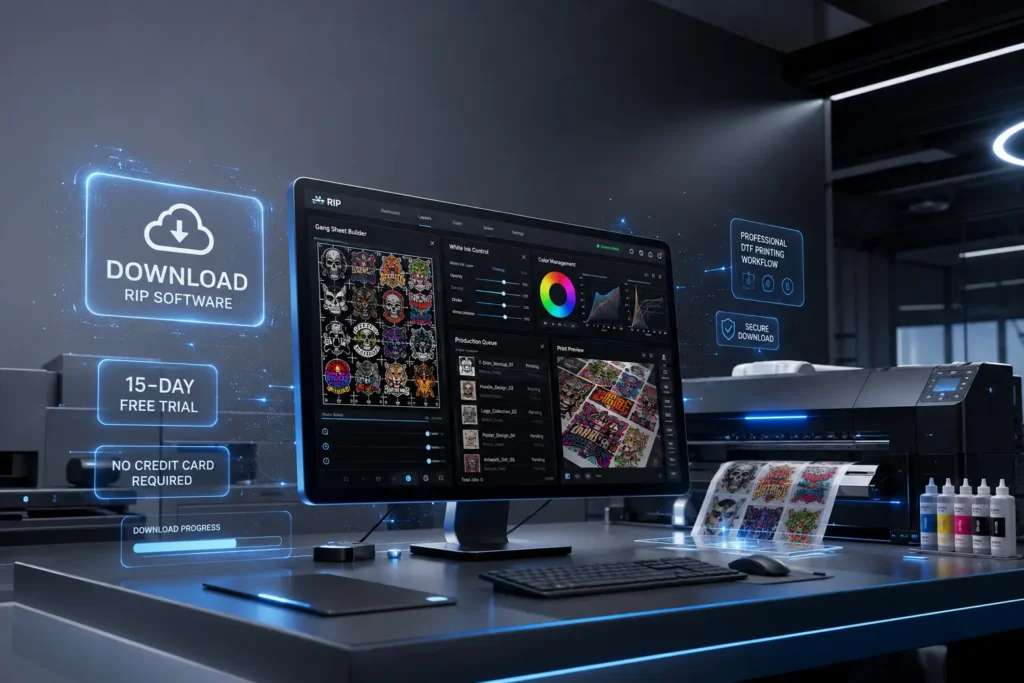
If you’re planning to upgrade your DTF printing workflow, the Cadlink DTF free trial is the best way to evaluate the software before making a purchase. Whether you’re running a small print shop or a high-volume production facility, you can test the complete Cadlink Digital Factory V12 experience for 15 days with no credit card required.
Digital Factory V12 Direct to Film RIP — Desktop Edition
- For A2 sheets or rolls up to 17″ wide
- Fiery Color Profiler add-on integration
- Integrated Gang Sheet Builder
- Enhanced markup & finishing tools
- Lifetime license, instant activation code, no dongle
The trial gives you access to professional RIP features, advanced color management, gang sheet creation, white ink controls, and production tools used by thousands of DTF businesses across the USA.
Download Cadlink Free Trial — No Card Needed
Why Try Cadlink DTF Before Buying?
Choosing RIP software isn’t just about printing images. It directly impacts print quality, color consistency, production speed, and material waste.
The Cadlink DTF free trial lets you experience the software with your own printer, films, and inks before investing in a permanent license.
During the trial, you can:
- Test print quality on real jobs
- Evaluate white ink management
- Create gang sheets automatically
- Compare color accuracy
- Measure production speed
- Check compatibility with your workflow
Instead of relying on screenshots or marketing claims, you can see real-world results in your own shop.
How to Download the Cadlink DTF Free Trial
Getting started only takes a few minutes.
Step 1
Visit the Cadlink DTF Free Trial page on DTF Gears.
Step 2
Complete the short registration form.
Step 3
Receive your download instructions by email.
Step 4
Install Digital Factory V12.
Step 5
Activate your 15-day evaluation license.
No payment information is required to begin your trial.
What Full Features You Get in the 15-Day Trial
Digital Factory V12 Direct to Film RIP — Production Edition (Large Format)
- For wide-format printers, 24″+ roll width
- Multi-printer support & enhanced queue handling
- Fiery Color Profiler + Visual Production Manager™
- Integrated Gang Sheet Builder
- Lifetime license, instant activation code, no dongle
Unlike many software demos, the Cadlink DTF evaluation version includes nearly all professional production tools.
Professional RIP Engine
Generate clean, production-ready print files with optimized RIP processing.
White Ink Control
Control white ink density for different garment colors while reducing unnecessary ink usage.
Automatic Gang Sheet Builder
Combine multiple customer designs onto one sheet to reduce film waste and improve productivity.
Benefits include:
- Less material waste
- Faster production
- Higher profitability
- Easier order management
Advanced Color Profiling
Maintain accurate colors across multiple print jobs using professional ICC color management.
Ideal for:
- Brand colors
- Corporate uniforms
- Merchandise
- Repeat customers
High-Speed Processing
Large artwork processes quickly, allowing production to continue without delays.
Production Queue Management
Handle multiple jobs efficiently with organized print queues.
Perfect for busy print shops handling dozens of orders every day.
Printer Compatibility
The software supports many popular Epson-based DTF printers and production systems used throughout North America.
Who Should Use the Cadlink DTF Trial?
The free trial is designed for almost every level of DTF printing business.
It is ideal for:
- Startup apparel businesses
- Home-based print shops
- Established DTF production companies
- Promotional product businesses
- Print-on-demand sellers
- Custom t-shirt brands
- Large commercial print facilities
Whether you’re printing 20 transfers a day or several thousand, testing your workflow first helps avoid expensive mistakes.
Why Cadlink Is Trusted by Professional Print Shops
Digital Factory V12 Direct to Film RIP — Production Edition (Large Format)
- For wide-format printers, 24″+ roll width
- Multi-printer support & enhanced queue handling
- Fiery Color Profiler + Visual Production Manager™
- Integrated Gang Sheet Builder
- Lifetime license, instant activation code, no dongle
Professional print businesses choose Cadlink DTF because it focuses on production efficiency rather than simply generating print files.
Key advantages include:
- Professional RIP technology
- Reliable white ink handling
- Excellent color consistency
- Faster processing
- Automatic nesting
- Gang sheet optimization
- Reduced film waste
- Production-ready workflow
Many shops report improved productivity after replacing basic RIP software with Digital Factory.
How the Trial Helps You Save Money
Testing before buying reduces risk.
During the evaluation period you can determine:
- Whether your printer is fully compatible
- How much ink you save
- Improvements in print quality
- Production speed gains
- Workflow improvements
- Ease of operation for your staff
A better workflow often pays for the software much faster than expected.
From Free Trial to Full License: Cadlink Pricing & How to Buy
Once your evaluation period ends, upgrading is straightforward.
When purchasing through DTF Gears, you’ll receive:
- Genuine Cadlink Digital Factory V12 license
- Installation assistance
- Activation support
- Technical guidance
- Customer service from DTF professionals
Choosing an authorized reseller ensures you’re receiving a legitimate license with proper support whenever you need assistance.
Why Download Through DTF Gears?
DTF Gears specializes in DTF equipment, software, supplies, and technical support.
When you download your Cadlink DTF trial through DTF Gears, you benefit from:
- Fast access to the trial
- Expert installation guidance
- Help selecting the right version
- Software activation support
- Ongoing customer assistance
- Trusted USA-based DTF expertise
Instead of figuring everything out alone, you’ll have knowledgeable support available throughout the process.
Frequently Asked Questions
Is the Cadlink DTF trial really free?
Yes. The 15-day trial is completely free and does not require a credit card.
Are all major features included?
The evaluation version includes professional tools so you can properly test the software before purchasing.
Can I use my own printer?
Yes. The trial is designed so you can evaluate the software with your compatible DTF printer and workflow.
How long does the trial last?
Your evaluation remains active for 15 days after activation.
Can I upgrade without reinstalling?
Yes. After purchasing a license, activation typically upgrades your installation without requiring a fresh setup.
Ready to Test Cadlink DTF?
If you’re serious about improving print quality, color consistency, and production efficiency, there’s no better way to evaluate the software than using the official Cadlink DTF free trial.
With 15 days of access, no credit card required, and professional production features available from day one, you can confidently decide whether Digital Factory V12 is the right RIP solution for your business.
Cadlink DTF Software: Buy, Install & Activate Guide
For additional information about RIP workflows and digital printing standards, visit the Cadlink Digital Factory documentation and industry resources.