
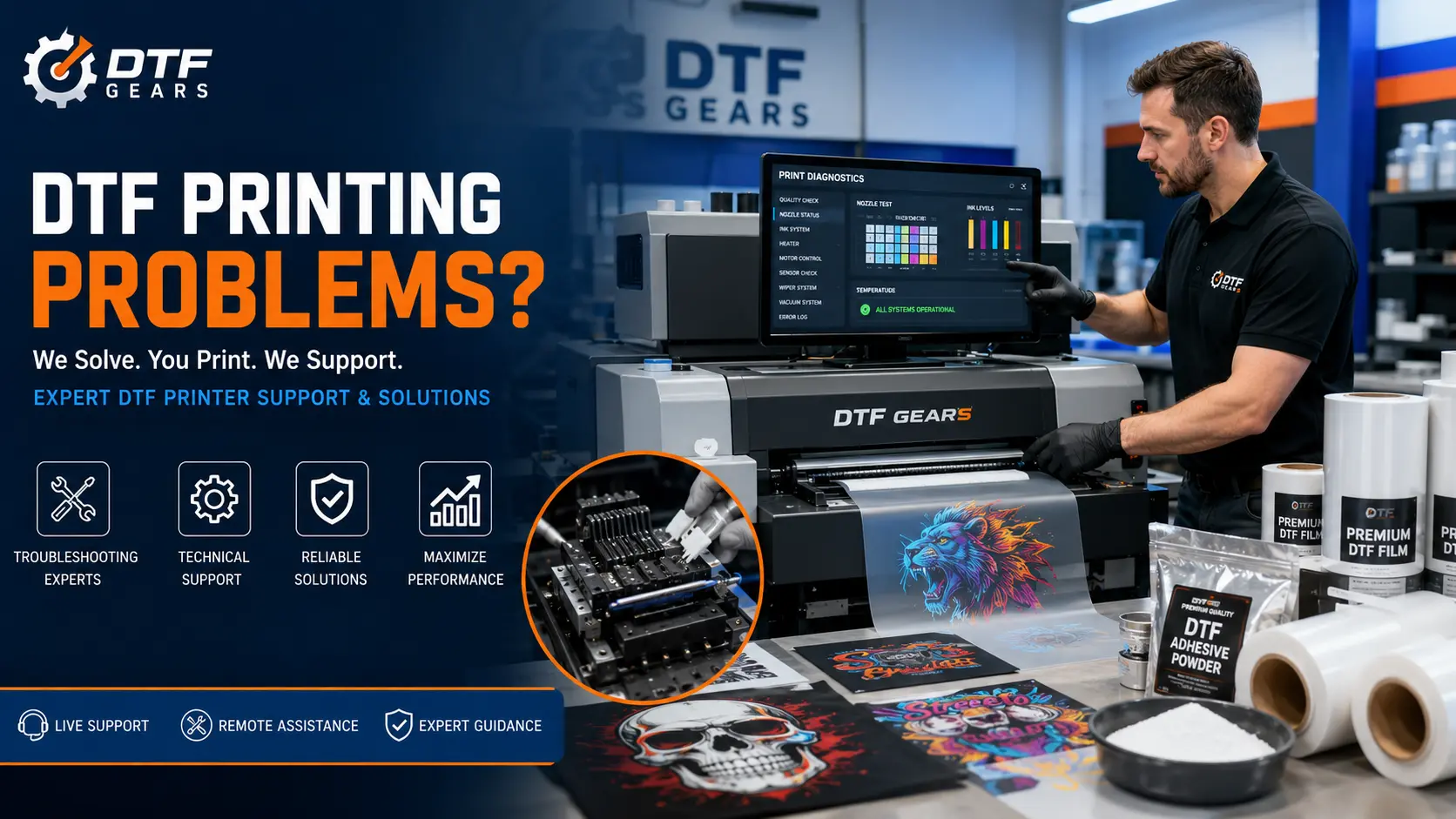
Direct-to-Film (DTF) printing has transformed the custom apparel industry by making high-quality garment decoration more accessible than ever. However, like any printing technology, DTF systems can occasionally face technical issues that affect print quality, production speed, and profitability.
If you’re experiencing DTF printing problems, don’t worry. Most issues have straightforward solutions when diagnosed correctly.
This guide covers the 7 most common DTF printing problems, their causes, and practical fixes to help you get back to producing flawless transfers.
1. DTF Printhead Clogging
One of the most common DTF printing problems is printhead clogging.
Common Causes
- Printer sitting idle for extended periods
- Low-quality DTF ink
- Improper maintenance routines
- Dust or contaminants in the ink system
How to Fix It
- Run a nozzle check daily
- Perform regular printhead cleaning cycles
- Keep the printer operating consistently
- Use high-quality DTF inks designed for your printer model
Prevention Tips
Regular maintenance is the best DTF printhead clogging fix. Even printing a small test image daily can help keep nozzles clear and functioning properly.
2. Banding or Horizontal Lines in Prints
Banding appears as visible horizontal stripes across printed designs.
Common Causes
- Clogged nozzles
- Incorrect printhead alignment
- Low ink flow
- Incorrect printer settings
How to Fix It
- Perform a nozzle check
- Clean the printhead
- Align the printhead properly
- Verify print resolution settings
Prevention Tips
Routine maintenance and proper printer calibration can significantly reduce banding issues.
3. Ink Bleeding or Smudging
When colors spread beyond design boundaries, the final print appears blurry or muddy.
Common Causes
- Excessive ink saturation
- Incorrect RIP software settings
- Low-quality film
- High humidity levels
How to Fix It
- Reduce ink density settings
- Optimize color profiles
- Store film in a controlled environment
- Use premium DTF transfer film
Prevention Tips
Proper RIP software configuration is critical for controlling ink output and maintaining sharp image quality.
4. DTF Powder Application Problems
Adhesive powder plays a critical role in transfer durability.
Common Causes
- Uneven powder coating
- Excess powder buildup
- Moisture contamination
- Low-quality powder
How to Fix It
- Apply powder evenly across the entire print
- Remove excess powder before curing
- Store powder in a dry environment
- Use premium DTF adhesive powder
Prevention Tips
Quality powder ensures stronger adhesion and reduces transfer failures during pressing.
5. DTF Transfer Not Sticking to Garments
Few issues are more frustrating than a transfer that peels after pressing.
Common Causes
- Incorrect heat press temperature
- Insufficient pressure
- Incorrect curing process
- Poor adhesive powder coverage
How to Fix It
- Verify heat press settings
- Increase pressure if needed
- Ensure proper powder curing
- Follow manufacturer-recommended pressing instructions
Prevention Tips
Using quality film and adhesive powder greatly reduces issues related to DTF transfer not sticking.
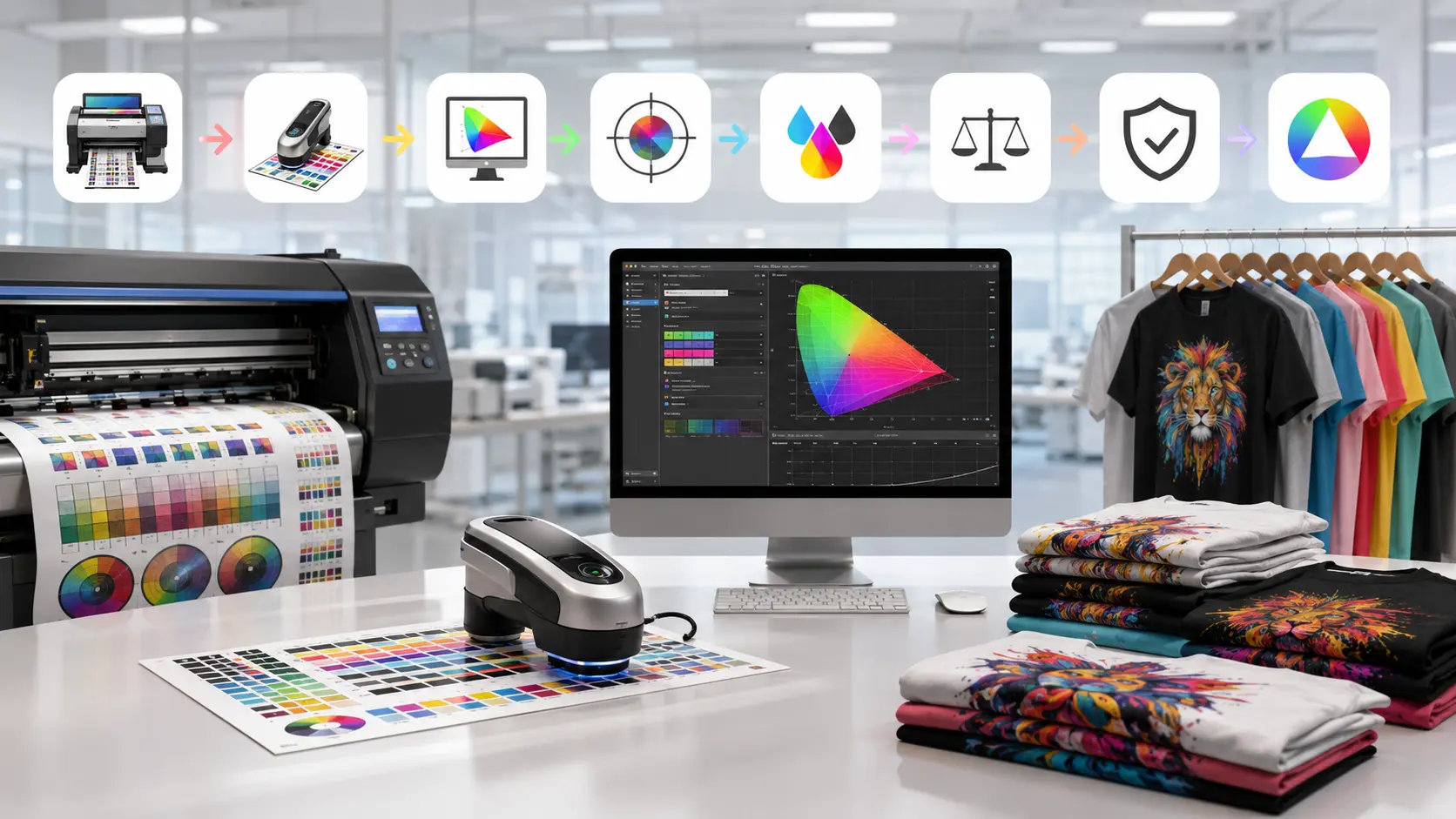
6. Color Shifting and Inaccurate Colors
Printed colors often appear different from what is shown on the screen.
Common Causes
- Incorrect ICC profiles
- RIP software configuration errors
- Poor color management
- Inconsistent ink quality
How to Fix It
- Install correct ICC profiles
- Calibrate monitors regularly
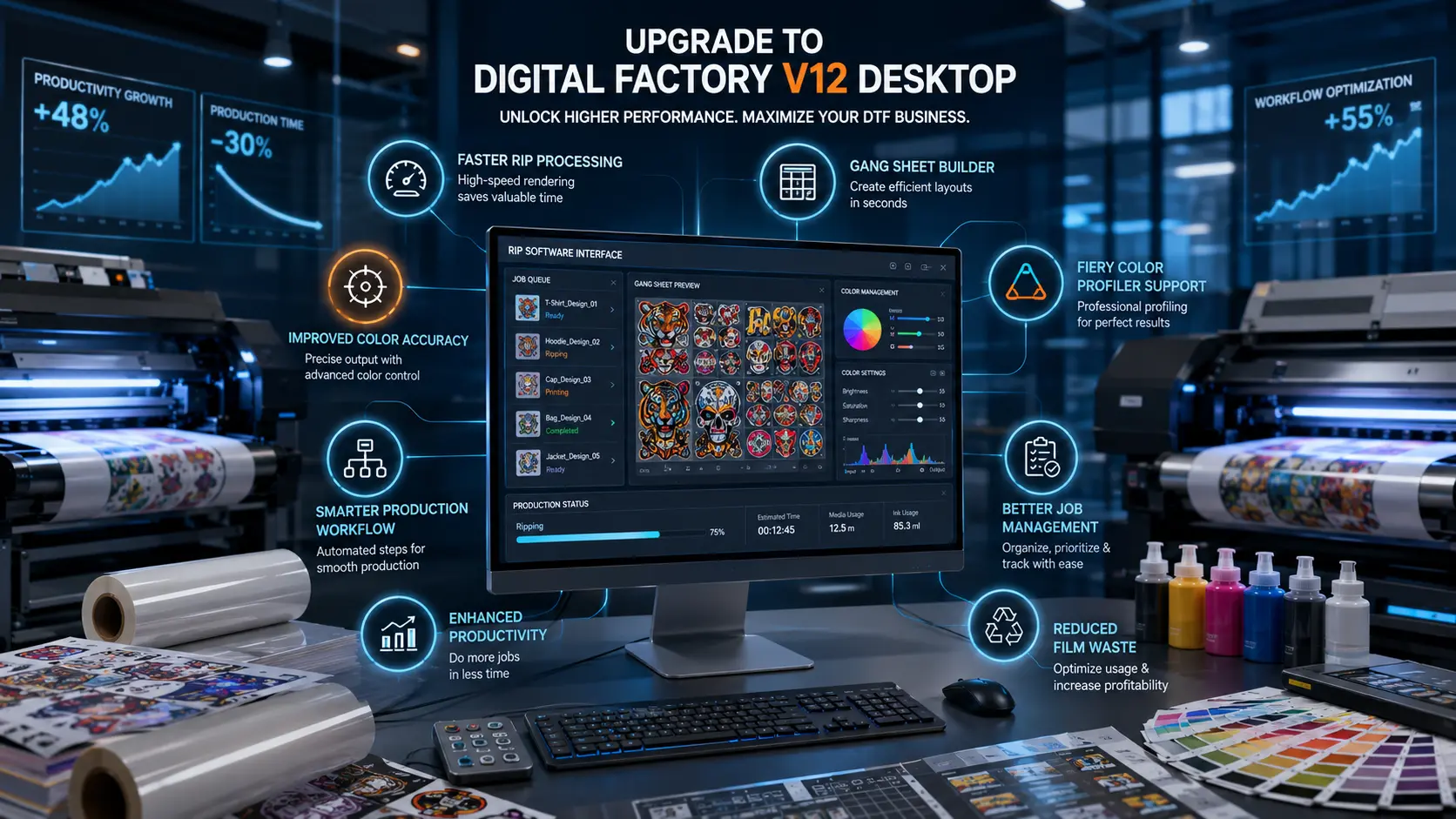
- Use reliable RIP software
- Standardize your color workflow
Prevention Tips
Professional RIP software can dramatically improve color accuracy and consistency across production runs.
7. RIP Software Errors and Workflow Issues
Software problems can halt production entirely.
Common Causes
- Outdated software versions
- Corrupted settings
- Driver conflicts
- Unsupported file formats
How to Fix It
- Update RIP software regularly
- Backup and restore working configurations
- Verify printer-driver compatibility
- Use supported file formats
Prevention Tips
Reliable RIP software not only prevents workflow interruptions but also improves color management and print quality.
How Quality Consumables Prevent Most DTF Printing Problems
Many common DTF printing problems can be traced back to low-quality consumables.
Investing in premium:
- DTF transfer film
- DTF adhesive powder
- DTF inks
- RIP software
can significantly reduce downtime, improve transfer quality, and extend printer lifespan.
A stable workflow starts with reliable materials and properly maintained equipment.
Final Thoughts
Most DTF printing problems are preventable with proper maintenance, quality consumables, and the right software setup. Whether you’re dealing with printhead clogging, transfer adhesion failures, color shifting, or RIP software errors, identifying the root cause is the first step toward a permanent solution.
By implementing the fixes outlined above, you can improve print consistency, reduce wasted materials, and keep your DTF production running smoothly.
Need Reliable DTF Supplies and Equipment?
Explore our premium:
- DTF Transfer Film
- DTF Adhesive Powder
- RIP Software Solutions
- DTF Printer Collection
- Industrial DTF Printer Systems
Get professional-grade products designed to help eliminate common DTF printing problems and maximize production efficiency.