
If you’ve been using Cadlink Digital Factory V11 Desktop for your DTF printing business, you’ve probably seen the announcement for Version 12 and wondered whether it’s worth spending $222.49 on the upgrade.
It’s a fair question.
Software upgrades often promise “better performance” and “new features,” but not every upgrade delivers meaningful improvements for day-to-day production. If your current workflow is already stable, you naturally want to know whether Version 12 will actually save you time, improve print quality, or simply add features you’ll never use.
This guide is designed to answer that question honestly.
Instead of repeating the product page, we’ll explain:
- What actually changes between V11 and V12
- Who should upgrade—and who can safely stay on V11
- How the new workflow tools affect real production
- Whether the $222.49 upgrade is a smart investment
- How to upgrade your license without losing your setup
By the end of this article, you’ll have a clear understanding of whether Cadlink V11 to V12 Desktop Upgrade is the right choice for your DTF business.
Before You Upgrade: Understand What RIP Software Actually Does
One of the biggest misconceptions in the DTF industry is that upgrading RIP software automatically improves print quality.
It doesn’t.
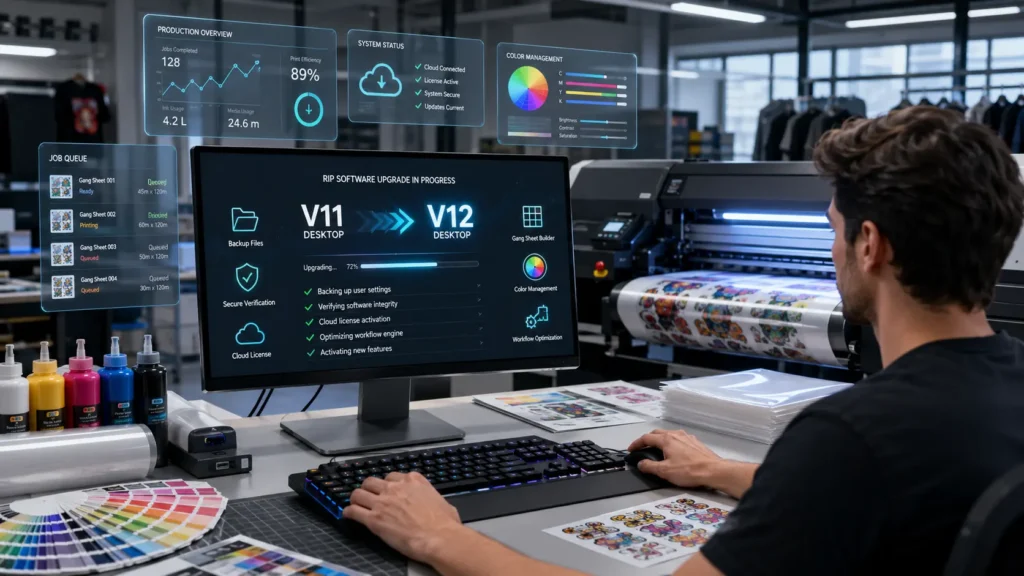
A RIP (Raster Image Processor) isn’t responsible for fixing mechanical printer issues or low-quality artwork. Instead, it acts as the bridge between your design software and your printer, converting digital artwork into precise printing instructions.
Think of it like a translator.
Your design software creates artwork that humans understand. Your printer understands only commands—where to place ink, how much white ink to apply, the print resolution, the order of colors, and how each layer should be processed. The RIP translates one into the other.
That means your final print quality depends on several factors working together:
- A well-maintained printer
- Proper ICC color profiles
- High-quality DTF ink
- Good PET film
- Correct curing temperature
- Clean printheads
- High-resolution artwork
- Accurate RIP settings
Version 12 doesn’t replace any of these. Instead, it helps you manage them more efficiently through better workflow tools, smarter processing, and improved production features.
Understanding this distinction is important because it sets realistic expectations. You’re upgrading for efficiency and productivity, not because the software alone can solve hardware-related print problems.
Why Cadlink Released Version 12
The DTF industry has changed dramatically over the last few years.
When many users first installed Version 11, most businesses were printing relatively small batches—perhaps a few gang sheets each day for local customers or online marketplaces.
Today, the landscape is very different.
Small home businesses have evolved into commercial production shops. Print-on-demand stores process hundreds of custom designs every week. Apparel brands expect faster turnaround times, and customers demand consistent color across repeat orders.
As production volumes increased, so did the need for software that could reduce repetitive tasks and improve workflow efficiency.
Version 12 wasn’t released simply to add new buttons or redesign the interface. It was developed to help modern DTF businesses:
- Prepare jobs more quickly
- Handle larger production queues
- Improve layout efficiency
- Maintain better color consistency
- Reduce manual work during everyday printing
For businesses processing dozens of orders each day, even saving a few minutes on every print job can add up to hours of recovered production time every week.
Should You Upgrade? It Depends on Your Business
Not every DTF user needs the latest software immediately.
The value of the upgrade depends far more on how you use your printer than on the version number you’re running.
If You’re a Hobby User
Perhaps you print occasionally for friends, family, or a few Etsy orders each month.
Your production volume is low, and your current workflow probably isn’t slowing you down. In this case, Version 11 may continue to meet your needs perfectly well.
Rather than upgrading software, your money may be better spent on premium film, better ink, or regular printer maintenance.
If You Run a Small DTF Business
Things change once printing becomes part of your daily business.
As orders increase, small inefficiencies become more noticeable. Spending five extra minutes arranging artwork may not matter once—but repeating that process twenty or thirty times every day becomes expensive.
For businesses with regular order flow, workflow improvements become much more valuable.
If You Operate a High-Volume Print Shop
For commercial production environments, every minute matters.
Operators often process multiple gang sheets simultaneously while managing customer files, repeat orders, and production deadlines.
In these situations, improvements to job preparation, layout optimization, and color management can have a measurable impact on daily output.
Cadlink V11 vs V12 Desktop: What’s Actually Different?
Many comparison articles simply list features without explaining why they matter.
Let’s look at the differences from a production perspective.
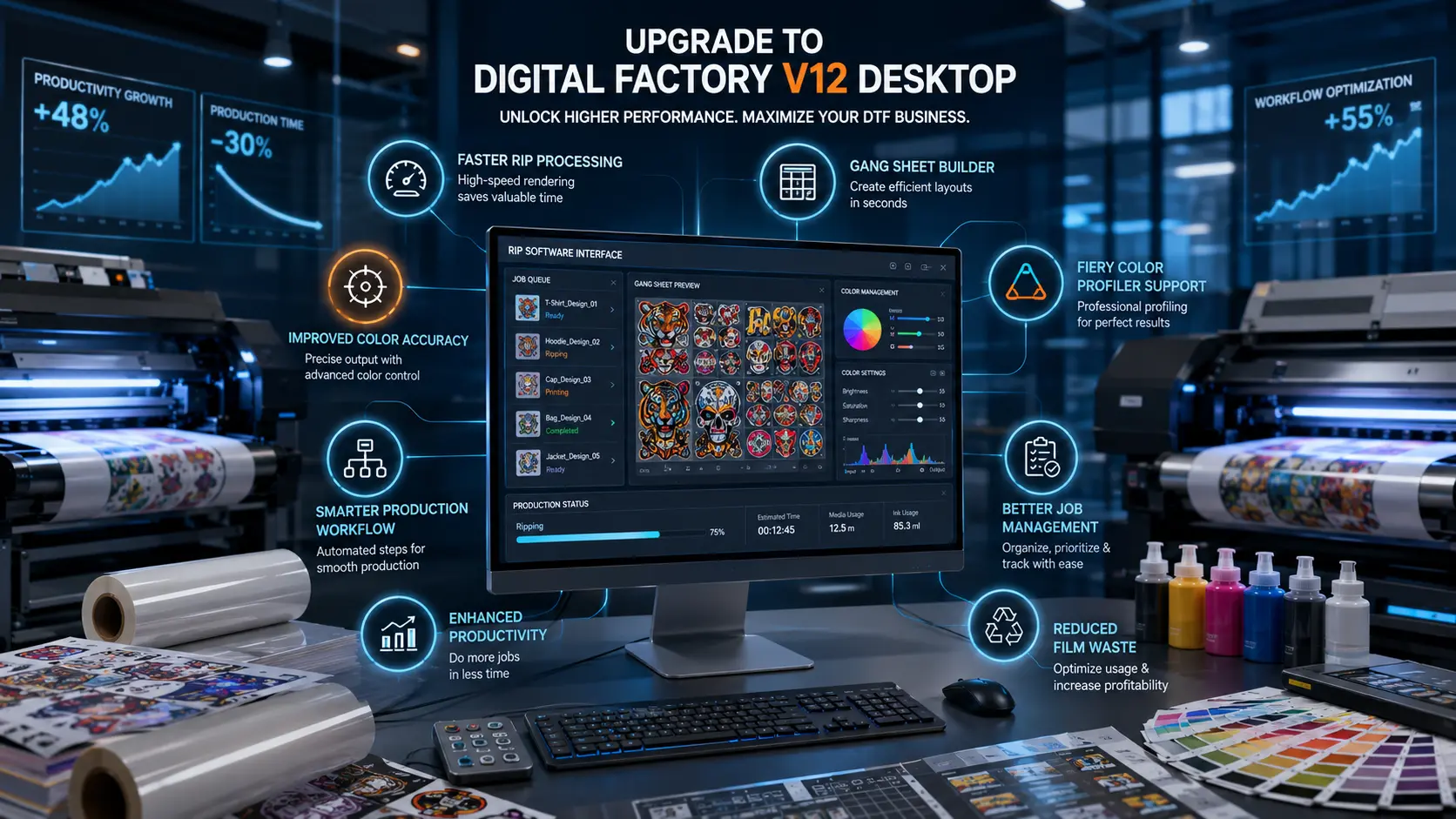
| Feature | V11 Desktop | V12 Desktop |
|---|---|---|
| Gang Sheet Builder | Manual layout | Automated workflow tools |
| Fiery Color Profiler Support | Limited | Integrated support |
| RIP Processing | Fast | Faster and more optimized |
| Job Management | Standard | Improved workflow |
| Production Tools | Basic | Enhanced |
| User Interface | Familiar | Refined |
| Compatibility | Older systems | Improved support |
| Performance Optimization | Standard | Better resource management |
The table provides a quick overview, but understanding how these improvements affect real-world printing is far more important.
Let’s explore each one.
The Biggest Improvement: Gang Sheet Builder
If there’s one feature that defines Version 12, it’s the Gang Sheet Builder.
Many new users assume it’s simply another layout tool.
It’s much more than that.
Every DTF business eventually faces the same challenge.
A customer uploads:
- Twelve logos
- Six sleeve graphics
- Four neck labels
- Three chest prints
- Multiple sizes
- Different quantities
Before printing, someone has to organize all of these designs onto a PET film sheet.
With older workflows, this usually involves dragging artwork manually, resizing elements, checking spacing, and trying to avoid wasting printable space.
That process isn’t difficult—but it is repetitive.
And repetition costs time.
The Gang Sheet Builder simplifies much of this work by making sheet preparation faster and more organized. Instead of spending several minutes arranging every order manually, operators can focus on reviewing layouts and moving jobs into production.
For businesses printing dozens of gang sheets each day, those saved minutes quickly become hours over the course of a month.
Faster RIP Processing Means More Than Faster Printing
Another improvement often misunderstood is RIP speed.
People naturally assume a faster RIP means the printer itself prints faster.
That’s only partly true.
Imagine you’re working with a large gang sheet containing hundreds of detailed graphics.
Before the printer even begins laying down ink, the RIP software has to process all of that artwork into printable data.
Large files naturally take longer.
Version 12 includes improvements that reduce this processing time, allowing jobs to move through the production queue more efficiently.
This doesn’t increase your printer’s mechanical speed.
Instead, it reduces the waiting time between preparing artwork and starting production.
For busy print shops, those delays are often more frustrating than the actual printing process.
Better Color Management for Repeat Customers
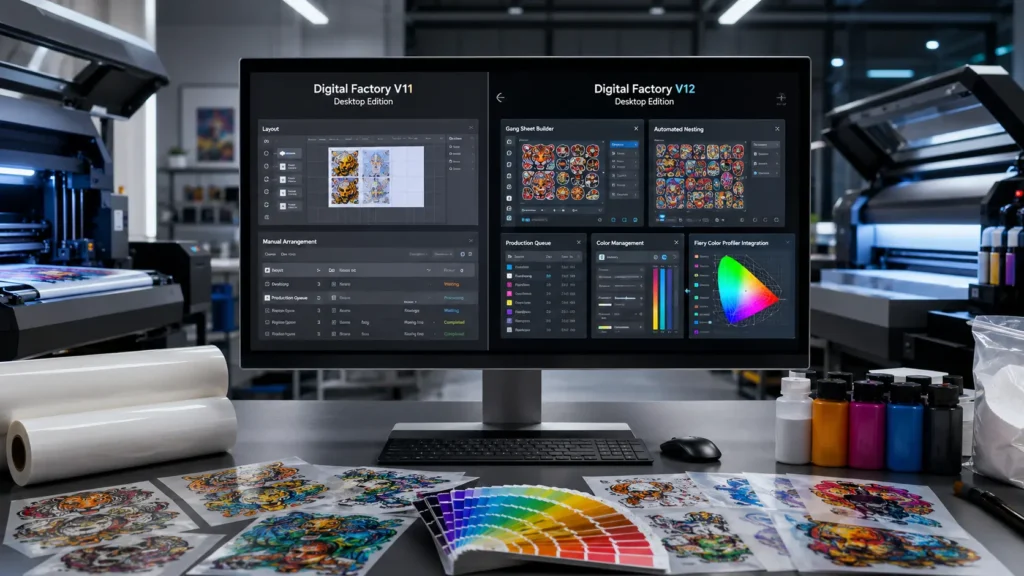
Color consistency is one of the biggest challenges in custom apparel printing.
Imagine a customer orders company uniforms today and returns six months later asking for another batch.
If the blue logo suddenly prints slightly darker—or the red appears more saturated—it immediately becomes noticeable.
Version 12 introduces support for Fiery Color Profiler, giving users greater control over ICC profiles and color calibration.
This feature is especially valuable for businesses serving:
- Corporate branding projects
- Sports teams
- Schools
- Franchise businesses
- Promotional product companies
These customers expect repeat orders to look identical, regardless of when they were printed.
Improved color management helps achieve that level of consistency.
Smarter Workflow, Not Just More Features
Many software upgrades focus on adding dozens of new buttons that most users never touch.
Version 12 takes a different approach.
Its improvements are designed around reducing repetitive work.
Small enhancements to markup tools, job organization, processing efficiency, and layout preparation may seem minor individually.
Combined, they create a smoother production experience that feels more responsive during everyday printing.
Instead of changing how you print, Version 12 changes how efficiently you prepare every job before printing begins.