
If you’re searching for a Cadlink Digital Factory V12 review, chances are you’re looking for RIP software that delivers consistent colors, reliable white ink control, and faster production without slowing down your print shop. In 2026, Cadlink Digital Factory V12 remains one of the most trusted RIP solutions for professional DTF businesses across the United States.
Powered by Fiery technology and packed with workflow improvements like the redesigned Gang Sheet Builder, advanced color profiling, and smarter production tools, Version 12 is built for print shops that want higher efficiency and fewer production headaches.
But is it really worth upgrading—or buying for the first time?
In this review, we’ll cover everything you need to know before investing.
Why US Print Shops Trust Cadlink Digital Factory V12
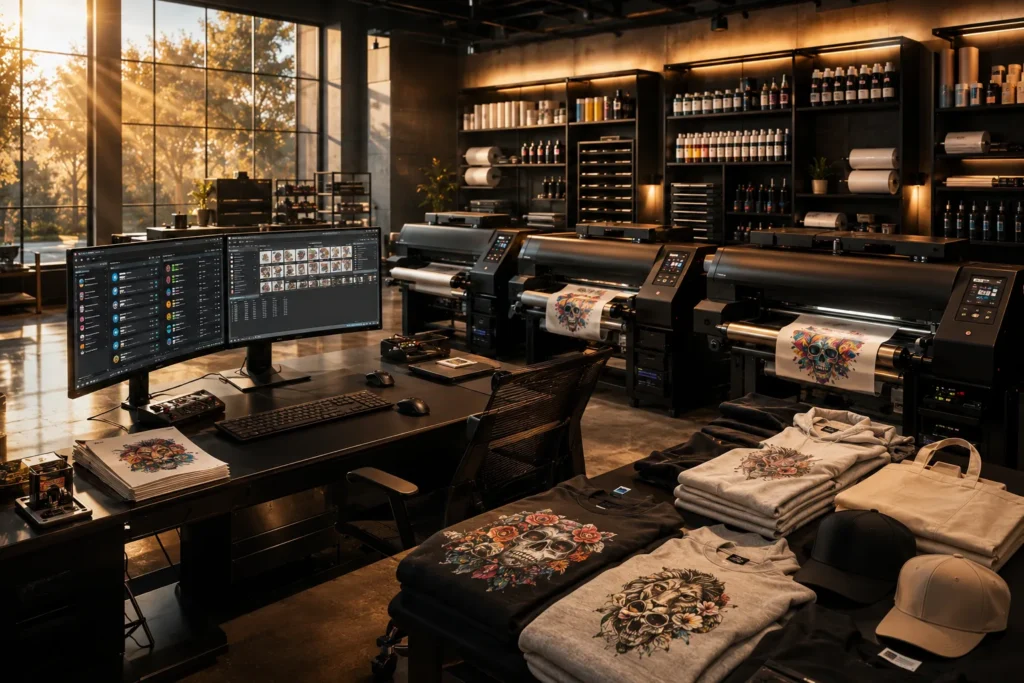
Running a profitable DTF business isn’t just about owning a quality printer.
Your RIP software determines:
- Color consistency
- White ink quality
- Print speed
- Ink usage
- Production workflow
- Job management
- Repeat order accuracy
Many low-cost RIP solutions can print files, but they often struggle with large production runs, color consistency, and workflow automation.
Cadlink Digital Factory V12 was designed to solve those problems.
What’s New in Cadlink Digital Factory V12?
Version 12 introduces several meaningful improvements that benefit both small and large print shops.
Completely Redesigned Gang Sheet Builder
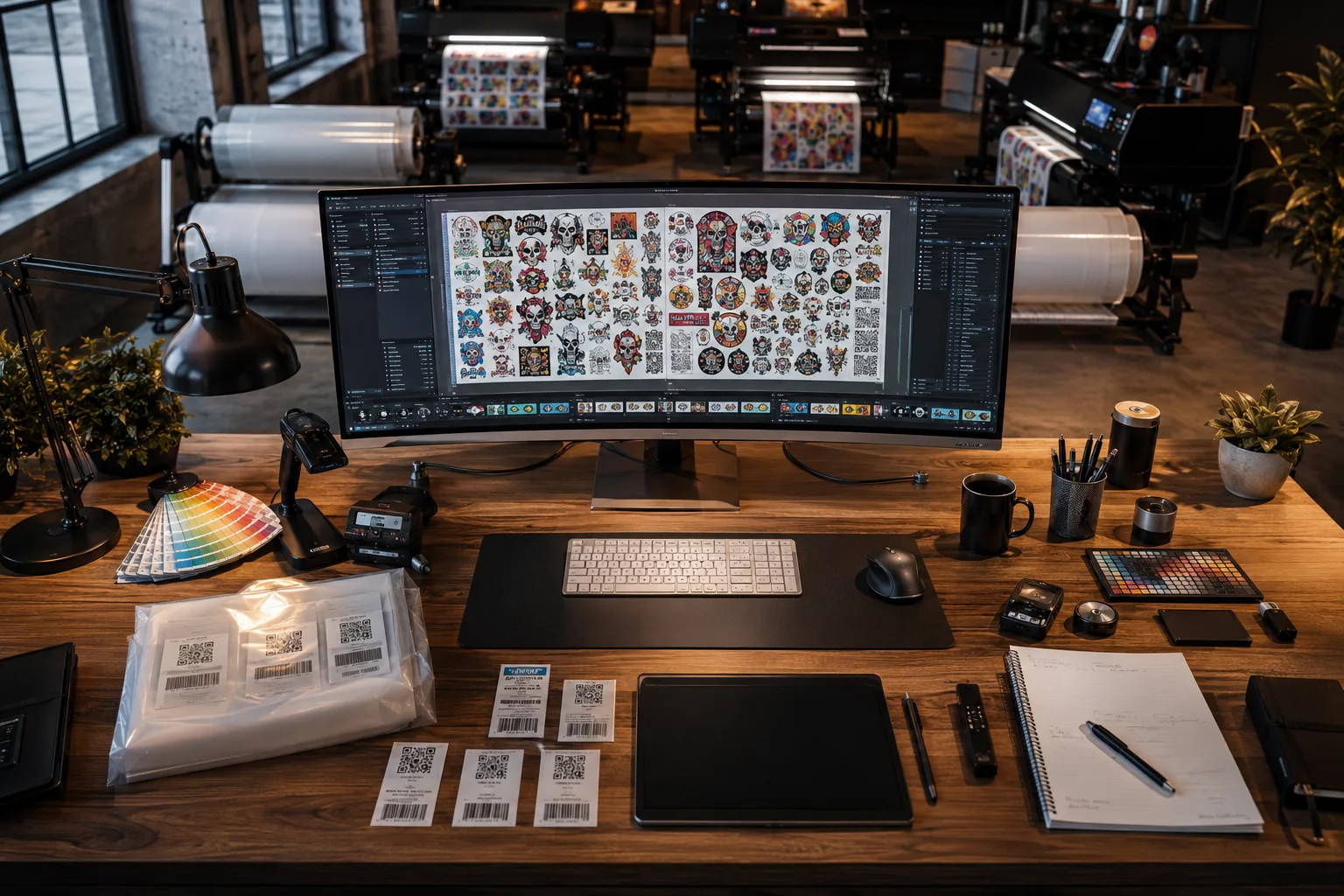
One of the biggest updates is the new Gang Sheet Builder.
Instead of manually arranging artwork every time, you can:
- Automatically place graphics
- Optimize media usage
- Save recurring layouts
- Reduce film waste
- Speed up order preparation
For shops producing hundreds of transfers daily, this feature alone can save hours every week.
Fiery Color Profiler Integration
Color consistency is one of the biggest challenges in DTF printing.
Digital Factory V12 integrates with Fiery Color Profiler, giving professional users greater control over ICC profile creation and color calibration. This helps ensure that repeat jobs maintain consistent output across production runs.
Benefits include:
- More accurate color reproduction
- Better brand color matching
- Improved consistency between printers
- Reduced color correction during reprints
Smarter Markup Tools
Version 12 also introduces improved markup capabilities that simplify job preparation.
Users can quickly:
- Resize artwork
- Rotate graphics
- Mirror prints
- Add spacing
- Prepare gang sheets faster
These small improvements reduce repetitive manual work throughout the production process.
Faster RIP Processing
Large artwork files process faster than previous versions.
This means:
- Less waiting
- Faster queue management
- Higher daily production
- Better printer utilization
Improved White Ink Generation
Cadlink has always been known for excellent white ink handling.
Version 12 continues that reputation with:
- Better underbase creation
- Cleaner edge detection
- Improved opacity
- Less ink waste
This is especially noticeable when printing on black or dark-colored garments.
Key Features at a Glance
| Feature | Benefit |
|---|---|
| Gang Sheet Builder | Faster production workflow |
| Fiery Color Profiler | Superior color management |
| White Ink Engine | Cleaner prints |
| Smart Markup Tools | Faster artwork preparation |
| ICC Profile Support | Accurate color consistency |
| Print Queue Management | Improved workflow |
| Production Automation | Reduced manual work |
Is Cadlink V12 Worth the Upgrade for US DTF Shops?
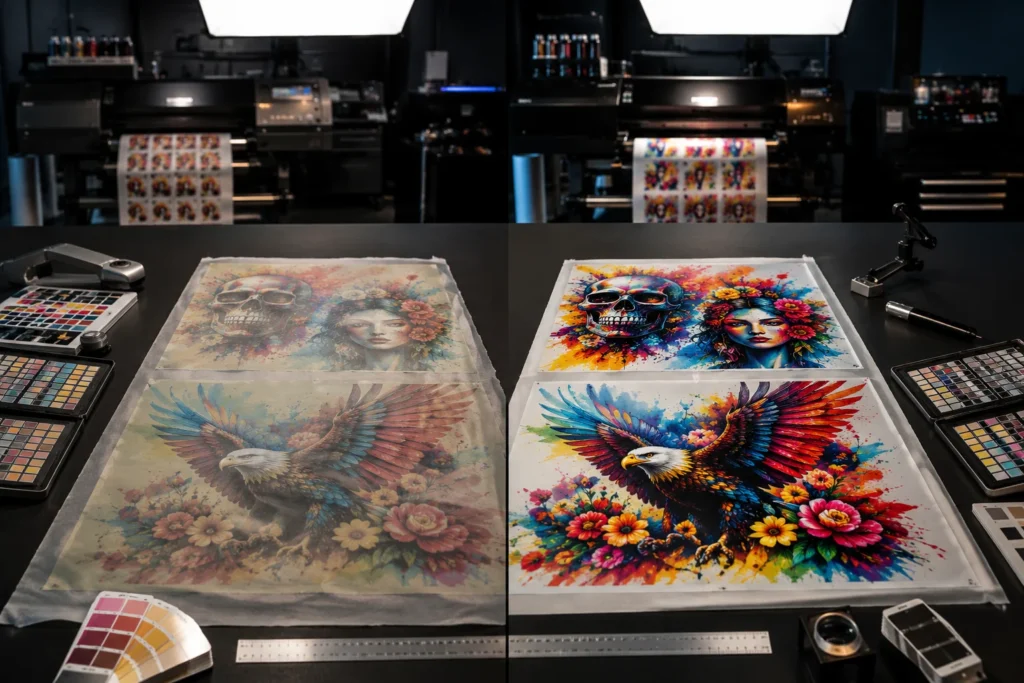
For most professional print businesses, yes.
If you’re still using:
- AcroRIP
- Older Cadlink versions
- Basic OEM RIP software
You’ll notice immediate improvements in workflow and color management.
The biggest gains come from:
- Faster job setup
- Better color accuracy
- Reduced film waste
- Improved white ink quality
- Easier gang sheet creation
These improvements translate directly into higher productivity and lower operating costs over time.
For shops producing dozens—or even hundreds—of transfers per day, the time savings can quickly justify the upgrade.
Performance Review
After evaluating its core production capabilities, here’s how Cadlink Digital Factory V12 performs:
| Category | Rating |
|---|---|
| Color Accuracy | ⭐⭐⭐⭐⭐ |
| White Ink Control | ⭐⭐⭐⭐⭐ |
| Ease of Use | ⭐⭐⭐⭐☆ |
| Workflow Automation | ⭐⭐⭐⭐⭐ |
| Print Speed | ⭐⭐⭐⭐⭐ |
| Reliability | ⭐⭐⭐⭐⭐ |
| Overall Value | ⭐⭐⭐⭐⭐ |
Pros
- Excellent color consistency
- Outstanding white ink management
- Faster RIP engine
- Professional ICC profile support
- Easy gang sheet creation
- Reliable production workflow
- Supports many commercial DTF printers
Cons
- Learning curve for beginners
- Windows-only software
- Premium features require proper setup
- Higher upfront cost than entry-level RIP programs
Desktop vs Large Format: Which Should You Choose?
Choosing the right edition depends on your production needs.
Desktop Edition is ideal for:
- A3 and A4 DTF printers
- Small businesses
- Startups
- Home-based print shops
Large Format Edition is best for:
- 24-inch and larger DTF printers
- Commercial production
- High-volume transfer businesses
- Multiple daily production runs
If you’re unsure which edition fits your workflow, read our complete comparison:
👉 Cadlink V12 Desktop vs Large Format: Which Edition Do You Need?
Buy Cadlink V12 Desktop or Large Format at DTF Gears
When purchasing RIP software, buying from an authorized reseller ensures you receive genuine licensing, installation guidance, and ongoing support.
At DTF Gears, you can purchase:
- Cadlink Digital Factory V12 Desktop
- Cadlink Digital Factory V12 Large Format
- Version upgrades
- Professional support
- Competitive pricing
Shop Cadlink Digital Factory V12 from $394.99
Explore the complete software collection and choose the edition that matches your printer and production volume.
Final Verdict
If you’re looking for the best professional DTF RIP software in 2026, Cadlink Digital Factory V12 is one of the strongest options available.
Its redesigned Gang Sheet Builder, Fiery Color Profiler integration, smarter markup tools, advanced white ink engine, and production-focused workflow make it an excellent investment for growing print shops.
Whether you’re upgrading from an older version or replacing entry-level RIP software, Digital Factory V12 delivers measurable improvements in speed, consistency, and efficiency.
For businesses that depend on reliable DTF production every day, it’s a worthwhile upgrade.
Frequently Asked Questions
Is Cadlink Digital Factory V12 good for beginners?
Yes. While the initial setup may require some learning, daily operation is intuitive once configured.
Does Cadlink V12 support Epson DTF printers?
Yes, it supports many Epson-based DTF systems. Always verify compatibility with your specific printer model.
Is Cadlink V12 better than AcroRIP?
For commercial workflows, yes. It offers more advanced color management, better white ink control, improved automation, and enhanced production tools.
What is the difference between Desktop and Large Format?
Desktop Edition is designed for smaller printers such as A3 models, while Large Format Edition supports wider commercial printers and higher-volume production.
Where can I buy Cadlink Digital Factory V12?
You can purchase genuine licenses, upgrades, and supported editions from DTF Gears Software, with pricing starting from $394.99.