
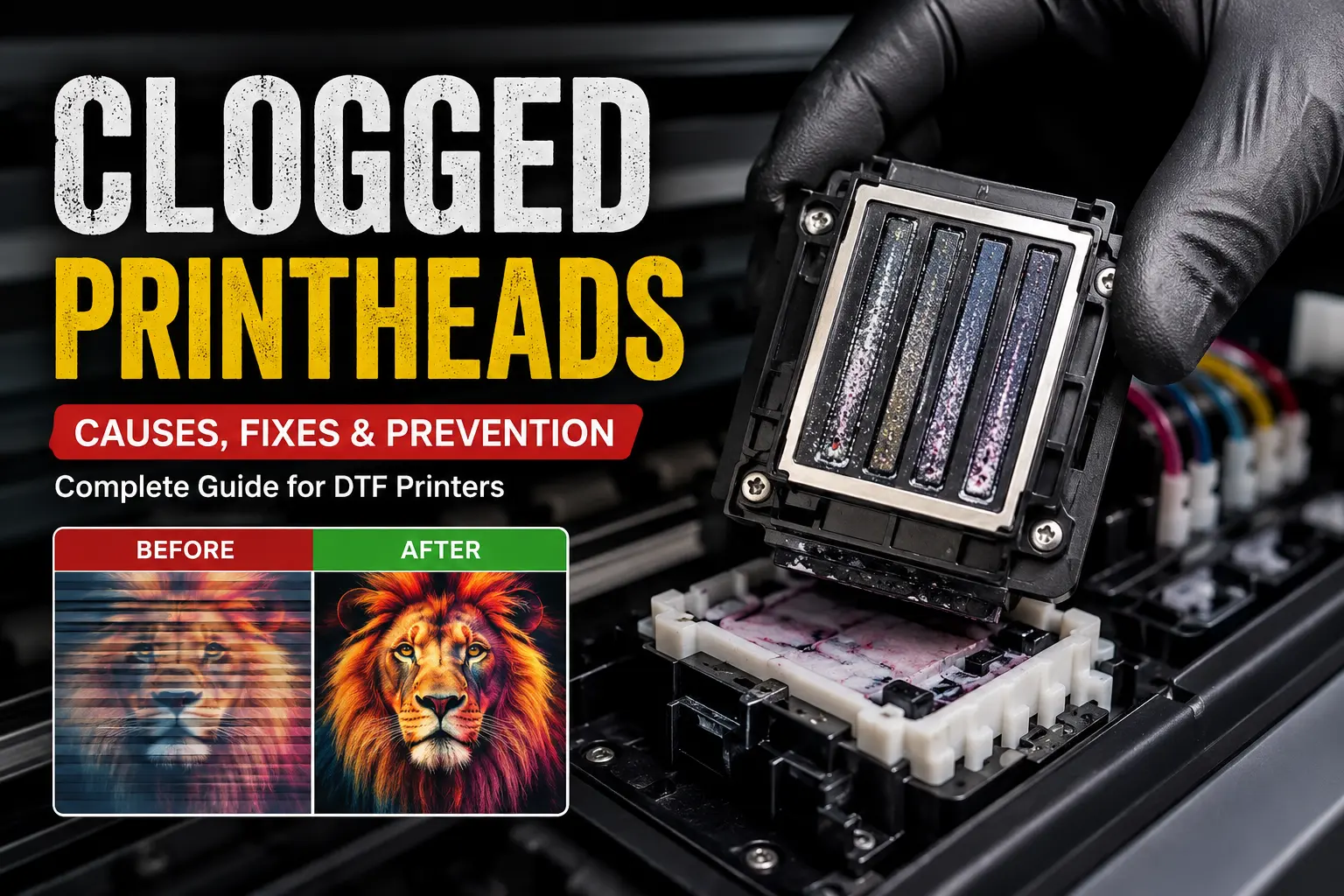
A clogged printhead is one of the most common issues faced by DTF printer owners. Whether you’re printing custom apparel for customers or running a production business, a nozzle blockage can result in missing colors, faded prints, horizontal banding, and expensive downtime.
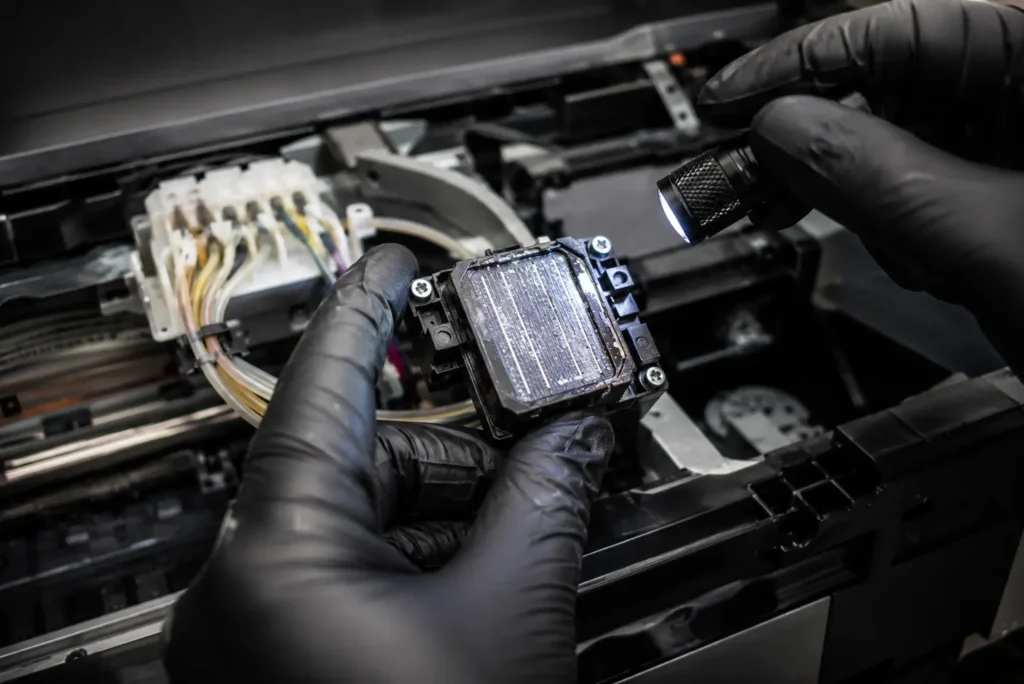
The good news? Most clogged printheads can be prevented with proper maintenance and resolved without replacing the printhead.
In this guide, DTF Gears explains why printheads clog, how to diagnose the problem, the safest cleaning methods, and preventive maintenance practices to keep your DTF printer performing like new.
Why Do DTF Printheads Get Clogged?
🖨️ View Product – xTool Printhead (Epson i1600-A1)DTF printers use extremely small nozzles to spray microscopic ink droplets. Even a tiny amount of dried ink or contamination can block these openings.
Common causes include:
- Printer left unused for several days
- White ink settling inside the ink system
- Poor ink circulation
- Low-quality DTF ink
- Incorrect humidity levels
- Dust contamination
- Air bubbles in ink lines
- Dirty capping station
- Worn dampers
- Inadequate daily maintenance
The longer a blockage remains untreated, the greater the risk of permanent nozzle damage.
Common Symptoms of a Clogged Printhead
Watch for these warning signs:
- Missing lines in prints
- Horizontal banding
- Missing colors
- White ink not printing properly
- Uneven gradients
- Weak color output
- Failed nozzle check pattern
- Ink droplets or splattering
- Random gaps in artwork
Running a nozzle check daily helps identify problems before they affect production.
Types of Printhead Blockages
1. Light Nozzle Blockage
Symptoms:
- Few missing nozzles
- Slight banding
- Minor color inconsistency
Usually fixed with one cleaning cycle.
2. Moderate Blockage
Symptoms:
- Multiple missing nozzles
- White ink missing
- Visible print defects
May require several cleaning cycles and manual maintenance.
3. Severe Printhead Clogging
Symptoms:
- Entire color channel missing
- Complete white ink failure
- Printer unable to print correctly
Often requires deep cleaning or professional servicing.
How to Diagnose Nozzle Blockage
🖨️ View Product – xTool Printhead (Epson i1600-A1)Before attempting repairs:
Step 1
Print a nozzle check pattern.
Step 2
Compare the pattern against a perfect nozzle test.
Step 3
Identify missing lines or broken sections.
Step 4
Check:
- Ink levels
- Dampers
- Ink lines
- Capping station
- Wiper blade
Never assume the printhead itself is faulty until these components are inspected.
How to Fix a Clogged Printhead
Method 1: Run a Standard Cleaning Cycle
Most printers include a built-in head cleaning function.
Best for:
- Minor nozzle blockage
- Daily maintenance
- Fresh clogs
Avoid running excessive cleaning cycles, as they waste ink and can overheat the printhead.
Method 2: Perform a Nozzle Check Again
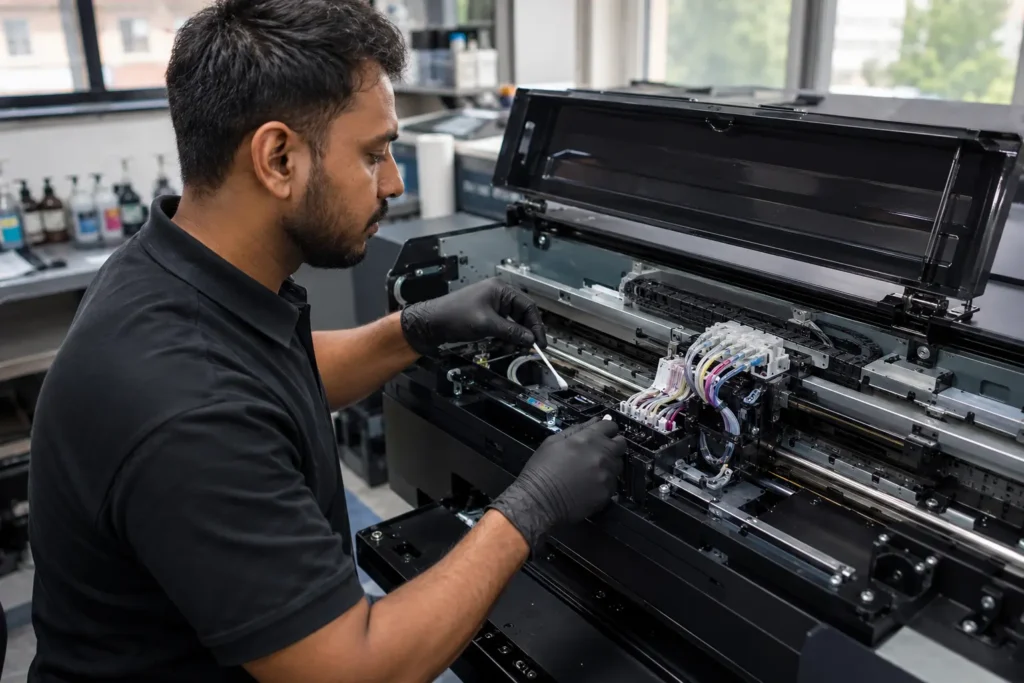
After cleaning:
- Print a nozzle test
- Compare results
- Repeat only if improvement is visible
If no improvement occurs after two or three cleanings, move to manual inspection.
Method 3: Clean the Capping Station
A dirty capping station prevents proper suction.
Clean:
- Rubber cap
- Waste ink path
- Ink residue
- Dried white ink
A clean capping station dramatically improves automatic cleaning effectiveness.
Method 4: Inspect the Wiper Blade
A contaminated wiper blade spreads dried ink back across the printhead.
Replace or clean:
- Rubber wiper
- Surrounding ink residue
This simple step often restores print quality.
Method 5: Check Ink Flow
Inspect:
- Dampers
- Ink tubes
- Air bubbles
- Ink circulation
Poor ink flow frequently causes recurring nozzle blockage.
Method 6: Use Approved Cleaning Solution
If standard cleaning fails:
- Apply approved printhead cleaning solution
- Follow manufacturer guidelines
- Avoid excessive pressure
Never use household chemicals, alcohol, or tap water on a DTF printhead.
Preventing Clogged Printheads
🖨️ View Product – xTool Printhead (Epson i1600-A1)Daily maintenance is far less expensive than replacing a printhead.
Recommended routine:
Every Day
- Print a nozzle check
- Print a small color test
- Shake white ink bottles (if applicable)
- Clean around the printhead
- Check ink circulation
Weekly
- Clean capping station
- Clean wiper blade
- Inspect dampers
- Empty waste ink bottle
- Verify humidity
Keep White Ink Circulating
White ink contains heavy pigments that settle quickly.
Failure to circulate white ink can cause:
- Ink separation
- Thick deposits
- Nozzle blockage
- Damaged printheads
If your printer supports automatic white ink circulation, ensure it remains enabled.
Control Your Printing Environment
Environmental conditions directly affect printhead health.
Recommended conditions:
- Temperature: 20–28°C (68–82°F)
- Humidity: 45–60%
- Dust-free workspace
- Stable power supply
Low humidity accelerates ink drying inside the nozzles.
Use High-Quality DTF Ink
Cheap inks often contain inconsistent pigments that increase clogging.
Premium DTF inks provide:
- Better flow
- Stable pigment suspension
- Cleaner nozzles
- Improved color accuracy
- Longer printhead life
Always use ink recommended for your printer model.
When Should You Replace the Printhead?
Replacement may be necessary if:
- Nozzle blockage never improves
- Multiple cleanings fail
- Electrical nozzle failure occurs
- Physical damage exists
- Ink channels permanently fail
Before replacing the printhead, inspect maintenance components such as dampers, capping stations, and pumps, as they are often the root cause of recurring issues.
Professional DTF Printer Support from DTF Gears

At DTF Gears, we help DTF businesses minimize downtime with expert technical support, genuine printer parts, premium DTF consumables, and professional maintenance guidance.
🖨️ View Product – xTool Printhead (Epson i1600-A1)Whether you’re dealing with recurring clogged printheads, white ink circulation issues, or complete nozzle blockage, our team can help you identify the cause and recommend the right solution to keep your production running smoothly.
Frequently Asked Questions
How do I know if my DTF printhead is clogged?
Print a nozzle check. Missing lines or broken patterns indicate nozzle blockage.
Can clogged printheads be repaired?
Yes. Most minor and moderate clogs can be cleared using proper cleaning procedures.
How often should I clean my DTF printhead?
Perform daily nozzle checks and clean only when necessary. Excessive cleaning wastes ink and may shorten printhead life.
Does white ink cause more clogging?
Yes. White ink contains heavier pigments that settle faster, making regular circulation and maintenance essential.
Can I prevent nozzle blockage completely?
While no printer is completely immune, consistent maintenance, quality inks, proper humidity, and regular printing significantly reduce the risk.
Conclusion
A clogged printhead or nozzle blockage doesn’t have to halt your DTF production. With routine maintenance, high-quality inks, proper environmental control, and timely cleaning, you can extend the life of your printhead and maintain consistently sharp, vibrant prints.
If you’re experiencing persistent print quality issues or need expert guidance, DTF Gears provides trusted support, premium DTF supplies, and technical expertise to help keep your printer performing at its best.
DTF Printer Maintenance Checklist or your DTF printer support/service page
🖨️ View Product – xTool Printhead (Epson i1600-A1)Link to your printer manufacturer’s official maintenance documentation (e.g., Epson maintenance guide).
Reviewed by DTF Gears Technical Team
This guide has been prepared by the DTF Gears technical support team, specialists in DTF printing systems, RIP software, Epson-based print platforms, and production workflow optimization. Our recommendations are based on real-world troubleshooting experience with commercial DTF printers, helping businesses reduce downtime, improve print quality, and maximize printhead lifespan.