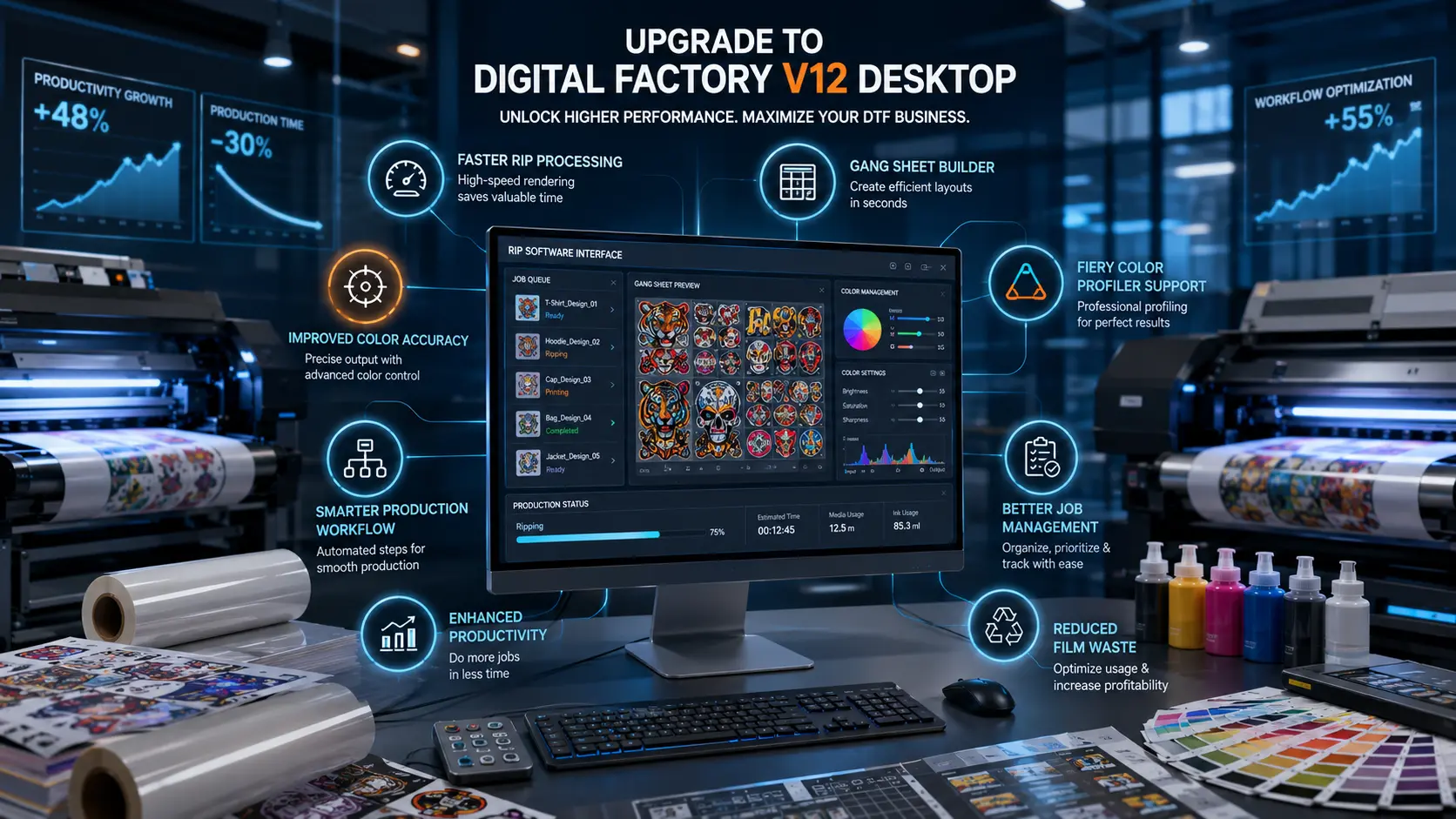

If you use Cadlink Digital Factory for DTF printing, achieving consistent color across every order is essential. While Cadlink Digital Factory V12 delivers powerful RIP capabilities and production tools, adding the Fiery Color Profiler unlocks professional ICC color management that helps your printer reproduce colors with far greater precision.
Every DTF production setup is unique. Printer models, inks, PET films, adhesive powders, humidity, and fabric types all influence the final print. Generic ICC profiles can’t account for these variables, which is why many professional print shops use Cadlink Digital Factory with the Fiery Color Profiler to create custom ICC profiles tailored to their own workflow.
View ProductWhether you’re printing fashion apparel, corporate uniforms, promotional products, or photographic transfers, Cadlink Digital Factory combined with the Fiery Color Profiler helps deliver predictable, repeatable, and accurate color every time.
Why Color Management Matters in DTF Printing
Color accuracy isn’t just about aesthetics—it directly impacts your business.
When customers order branded merchandise or apparel, they expect colors to match previous orders. Even slight variations in logo colors or skin tones can lead to rejected prints, rework, and unhappy clients.
Using Cadlink Digital Factory with advanced ICC color management helps you:
- Deliver consistent colors across production runs
- Reduce wasted film, ink, and labor
- Improve customer confidence
- Maintain professional print quality
- Reduce costly reprints
- Increase production efficiency
For businesses producing high-volume transfers, reliable color consistency becomes a competitive advantage.
Why Generic ICC Profiles Aren’t Enough
Most DTF printers include standard ICC profiles designed to work reasonably well across a wide range of setups.
However, no two production environments are identical.
Variables that affect color include:
- Printer model
- Ink manufacturer
- White ink formulation
- PET film brand
- Adhesive powder
- Print resolution
- Environmental temperature
- Humidity
- Printhead condition
Because these factors vary, generic profiles often produce inconsistent results.
With Cadlink Digital Factory, the Fiery Color Profiler allows you to create profiles specifically optimized for your equipment and materials.
Understanding ICC Profiles
An ICC profile acts as a translator between your digital artwork and your printer.
It determines how colors should be reproduced by controlling:
- Cyan
- Magenta
- Yellow
- Black
- White ink behavior
- Ink limits
- Color conversions
- Gray balance
- Tonal response
Instead of relying on default values, Cadlink Digital Factory can use custom ICC profiles that accurately represent your printer’s real-world performance.
What Does the Fiery Color Profiler Add to Cadlink Digital Factory?
The Fiery Color Profiler transforms Cadlink Digital Factory into a professional color management solution by allowing you to generate custom ICC profiles based on your exact printing environment.
Create Custom ICC Profiles
Build printer profiles specifically for:
- Your DTF printer
- Your preferred ink brand
- PET film
- Powder adhesive
- Fabric types
- Print resolutions
Every profile is optimized for your unique workflow rather than relying on generic factory settings.
Professional Printer Calibration
Printers naturally change over time due to wear, maintenance, and environmental conditions.
View ProductRegular calibration within Cadlink Digital Factory helps maintain consistent output and prevents gradual color shifts.
Improved Gray Balance
Neutral grays often reveal hidden color issues.
Custom profiling helps produce:
- Neutral gray tones
- Cleaner blacks
- Better shadow detail
- Smoother gradients
Better Skin Tone Accuracy
Photographic transfers require precise color reproduction.
The Fiery Color Profiler helps achieve:
- Natural skin tones
- Balanced highlights
- Reduced color casts
- Better facial detail
Accurate Corporate Branding
Many businesses require exact logo colors across every order.
Using Cadlink Digital Factory with custom ICC profiles helps improve consistency for:
- Corporate logos
- Franchise branding
- Sports uniforms
- Retail merchandise
- Promotional products
Optimized Ink Usage
Applying too much ink can create production issues such as:
- Smearing
- Longer curing times
- Excess powder contamination
- Reduced film stability
Professional ICC profiles optimize ink limits while maintaining vibrant colors, reducing waste without sacrificing print quality.
How Custom ICC Profiles Improve DTF Color Accuracy
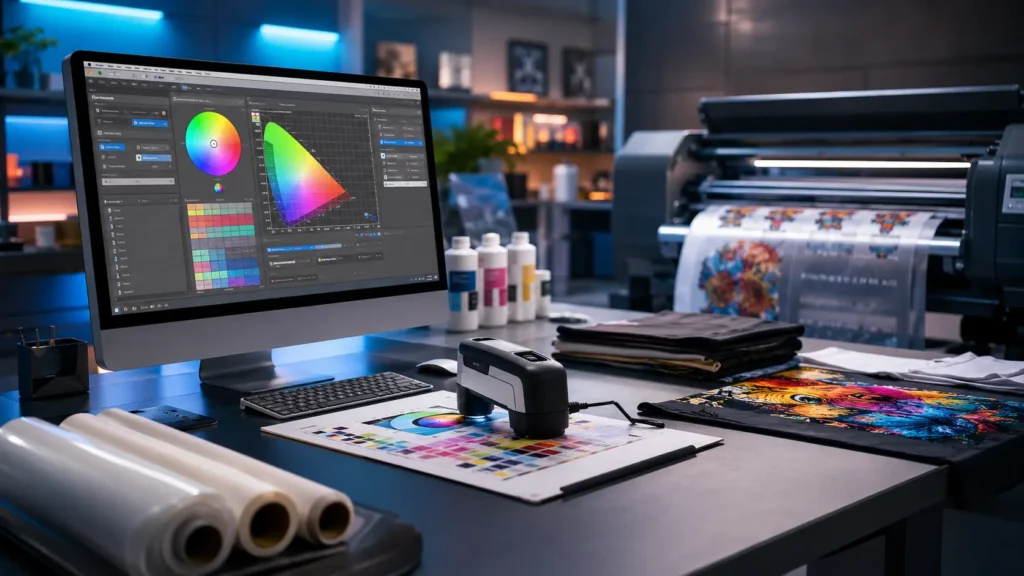
One of the biggest advantages of using Cadlink Digital Factory with the Fiery Color Profiler is achieving consistent, predictable color across every production run.
Benefits include:
Richer Reds
Custom ICC profiles help eliminate dull or orange-tinted reds, resulting in vibrant and accurate output.
More Accurate Blues
Corporate blue logos remain consistent without unwanted purple shifts.
Better Greens
Sports apparel and outdoor branding benefit from richer, cleaner greens.
Deeper Blacks
Improved black density enhances contrast while preserving shadow details.
Smoother Color Gradients
High-quality ICC profiles reduce visible banding and create smoother transitions between colors.
Reliable Repeat Orders
Perhaps the greatest advantage is consistency.
The first order and the tenth order look the same, giving customers confidence in your production quality.
Industries That Benefit Most
Adding the Fiery Color Profiler to Cadlink Digital Factory is particularly valuable for:
Apparel Decoration
- T-shirts
- Hoodies
- Jerseys
- Uniforms
Promotional Products
- Tote bags
- Event merchandise
- Corporate gifts
Fashion Brands
Consistent color across multiple production runs protects brand identity.
Corporate Printing
Maintain accurate logo colors and branded graphics for commercial clients.
Photography Transfers
Reproduce natural skin tones, smooth gradients, and fine details with greater precision.
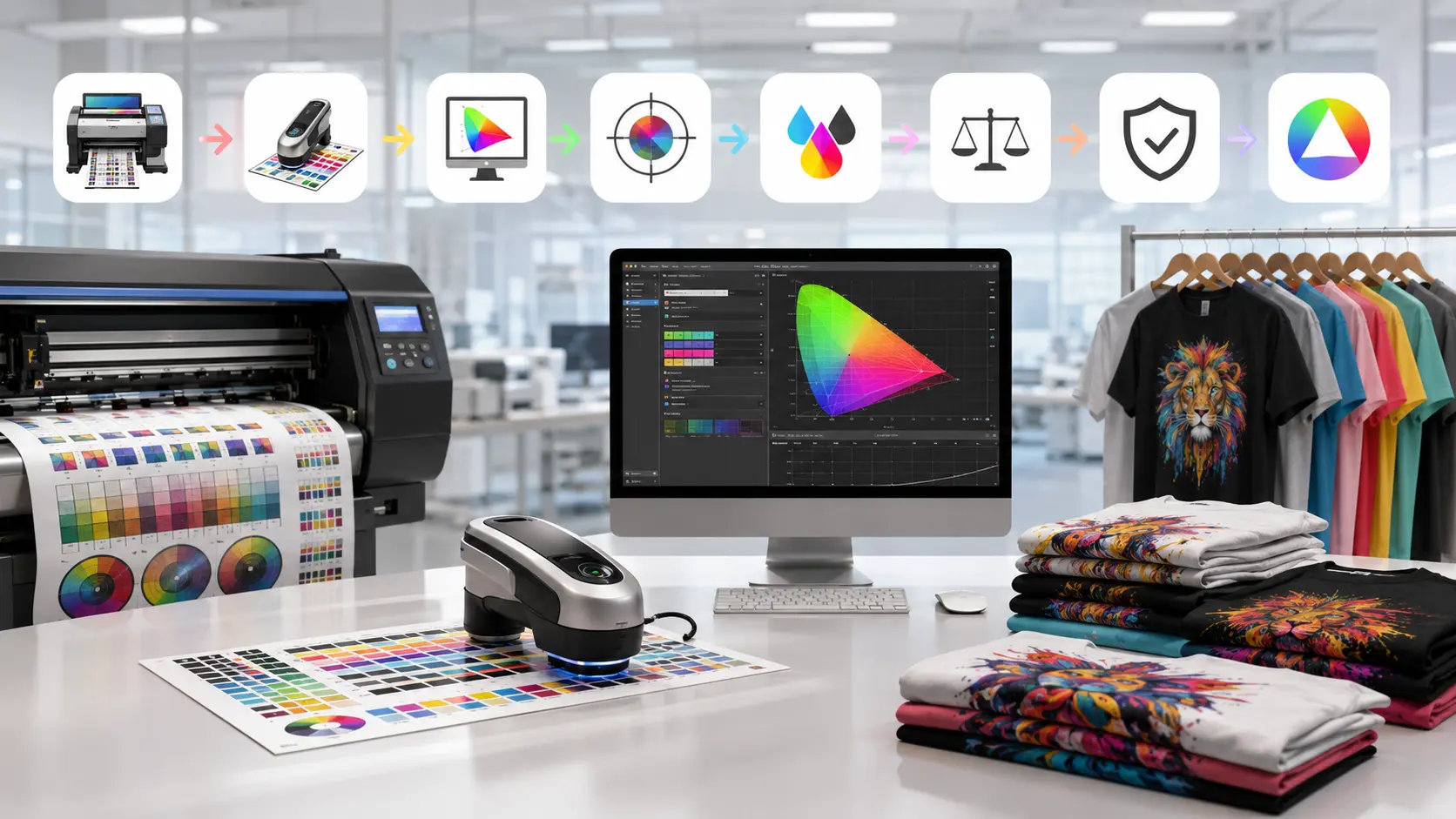
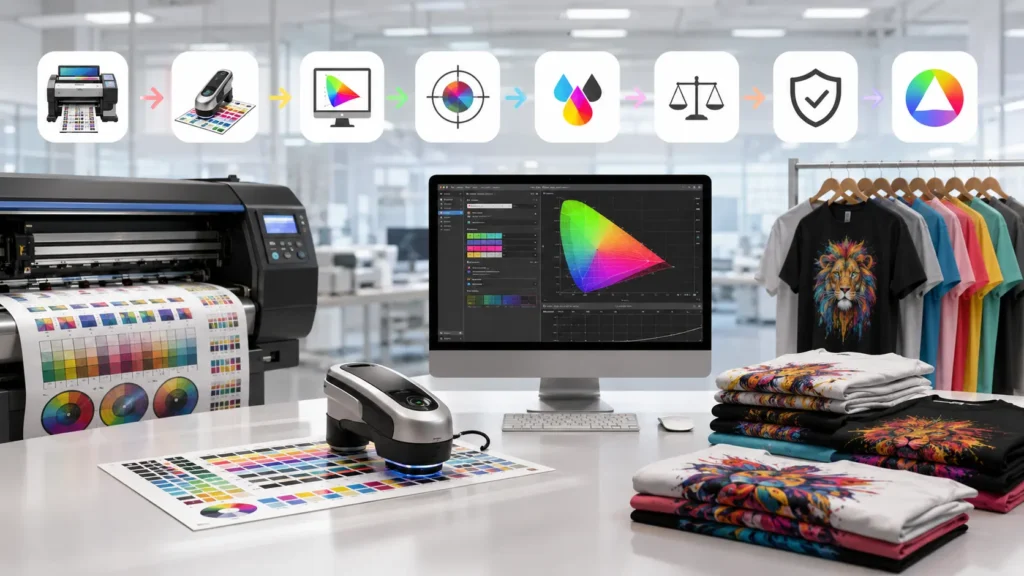
Typical Workflow with Cadlink Digital Factory and Fiery Color Profiler
A professional color management workflow usually follows these steps:
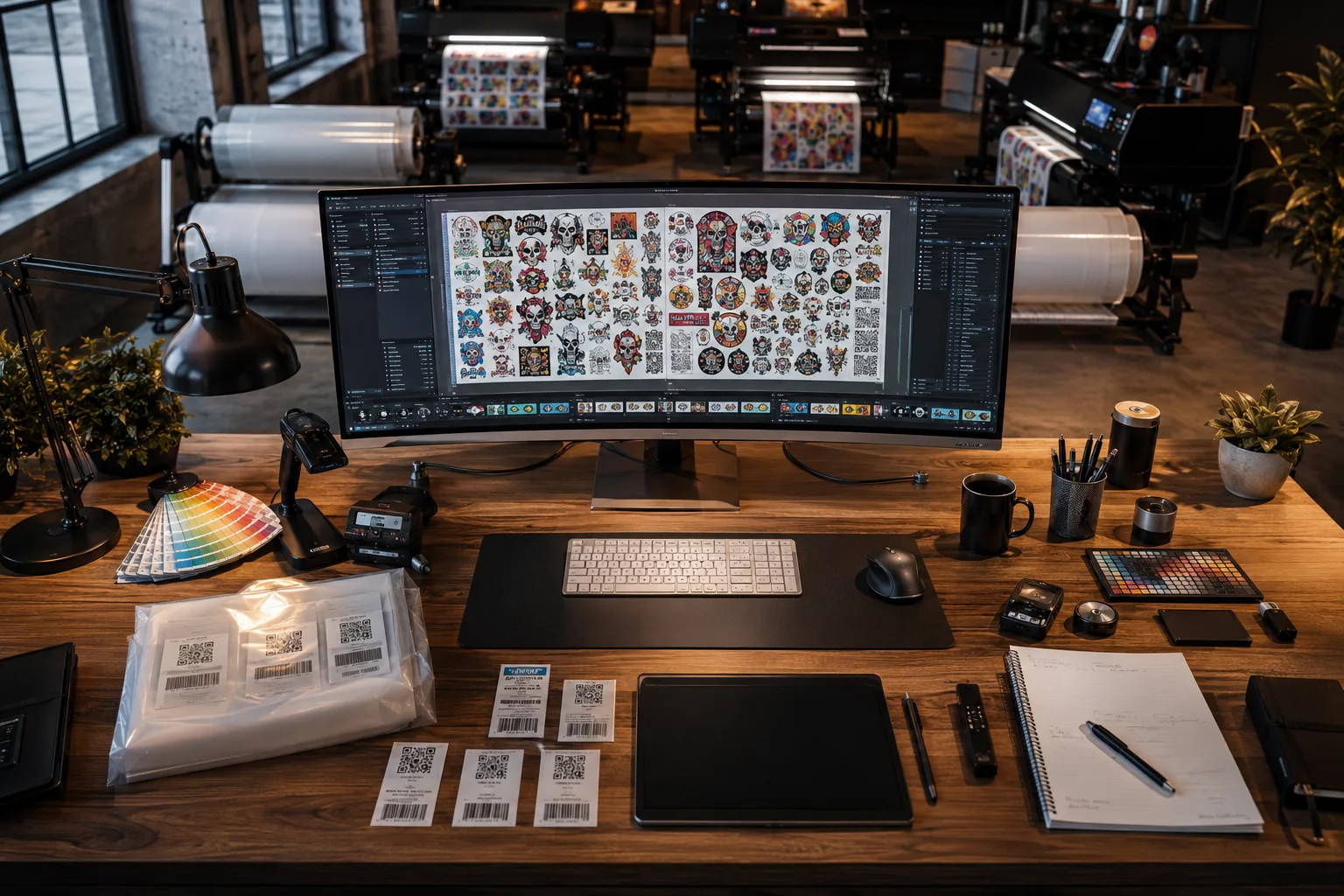
- Print a standardized color target from Cadlink Digital Factory.
- Measure the printed patches using a compatible spectrophotometer.
- Analyze the measured color data.
- Generate a custom ICC profile.
- Import the profile into Cadlink Digital Factory V12.
- Assign the profile to your print queue.
- Print with calibrated, repeatable color accuracy.
Once created, the profile can be reused until significant changes occur in your printer, ink, media, or production environment.
When Should You Create a New ICC Profile?
Consider creating a new profile whenever you change:
- Ink brand
- PET film
- Adhesive powder
- Printer model
- Print resolution
- Fabric type
- Major printer components
- Production environment
Keeping profiles updated ensures Cadlink Digital Factory continues producing the most accurate colors possible.
Benefits for Professional Print Shops
Businesses using Cadlink Digital Factory with custom ICC profiling often experience:
- Improved customer satisfaction
- Consistent production quality
- Reduced material waste
- Lower ink consumption
- Faster customer approvals
- Fewer rejected prints
- Better repeatability
- Higher production efficiency
These improvements can quickly offset the investment by reducing costly mistakes and improving workflow reliability.
Add the Fiery Color Profiler to Your Cadlink Digital Factory License
If your business depends on professional color accuracy, the Fiery Color Profiler is one of the most valuable upgrades available for Cadlink.
By creating custom ICC profiles tailored to your exact printer, inks, media, and production environment, you gain greater control over color consistency while reducing waste and improving overall print quality.
Whether you’re producing custom apparel, branded merchandise, sportswear, or photographic transfers, this add-on helps ensure every print meets professional standards.
Upgrade your Cadlink Digital Factory workflow with the Fiery Color Profiler and achieve consistent, repeatable color that your customers can rely on.
Frequently Asked Questions
Is Fiery Color Profiler included with Cadlink Digital Factory?
No. It is an optional professional add-on designed for advanced ICC color management.
Do I need additional hardware?
Yes. Creating custom ICC profiles requires a compatible spectrophotometer to accurately measure printed color targets.
Is this add-on suitable for small DTF businesses?
Yes. If you regularly print branded products, repeat orders, or color-critical designs, professional ICC profiling can help improve consistency and reduce waste.
Can I create multiple ICC profiles?
Absolutely. Cadlink Digital Factory allows you to create separate profiles for different printers, inks, films, fabrics, and production settings.
Does custom ICC profiling reduce reprints?
Yes. More accurate and repeatable color output helps reduce customer complaints, rejected prints, and costly rework.
Continue Learning
Next, read our Cadlink V12 Gang Sheet Builder Guide to learn how to maximize material usage and improve production efficiency with intelligent gang sheet creation.
Upgrade Your Cadlink Digital Factory Color Workflow
Take complete control of your DTF color production with the Fiery Color Profiler for Cadlink. Create custom ICC profiles, improve print consistency, reduce waste, and deliver professional-quality color on every order.