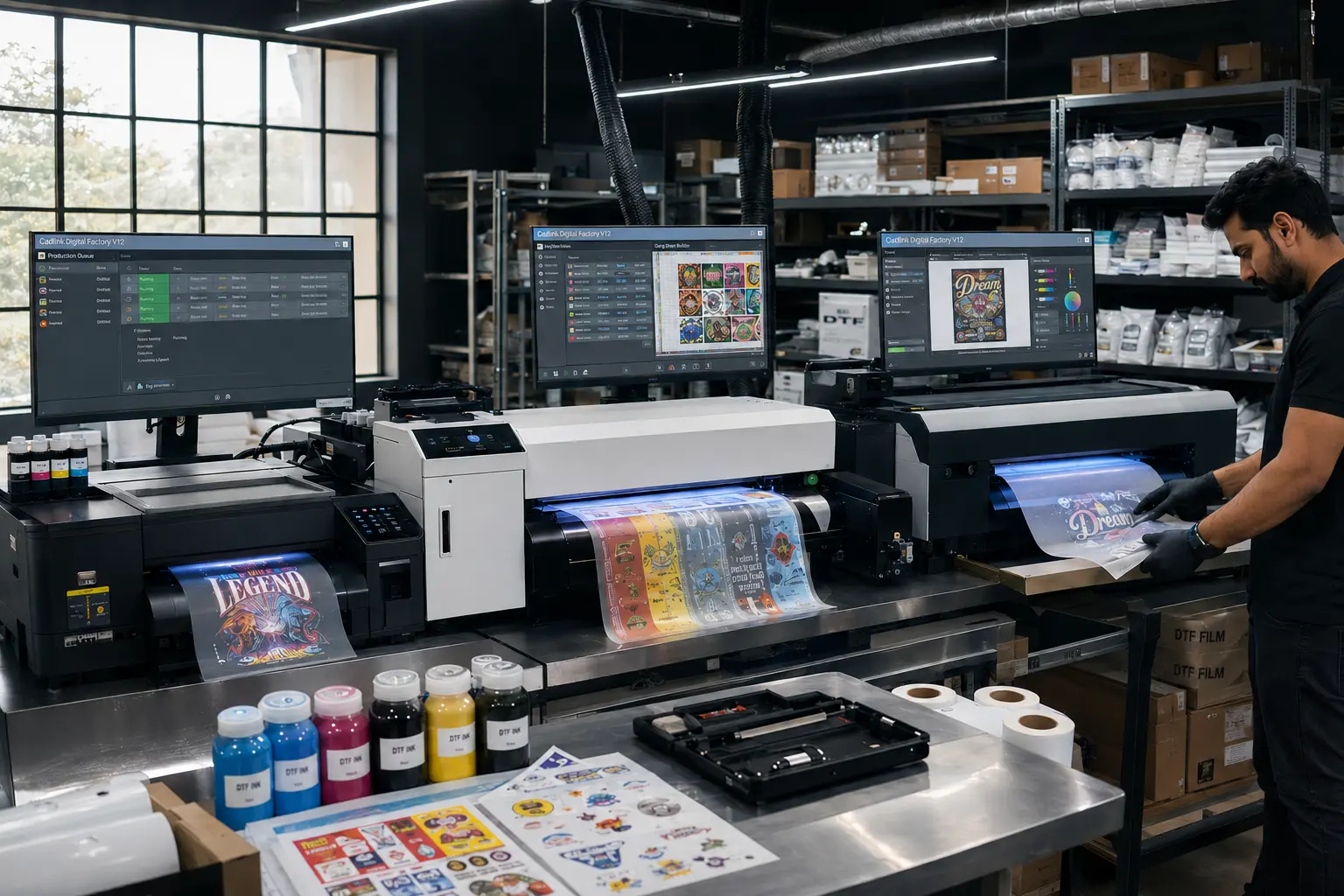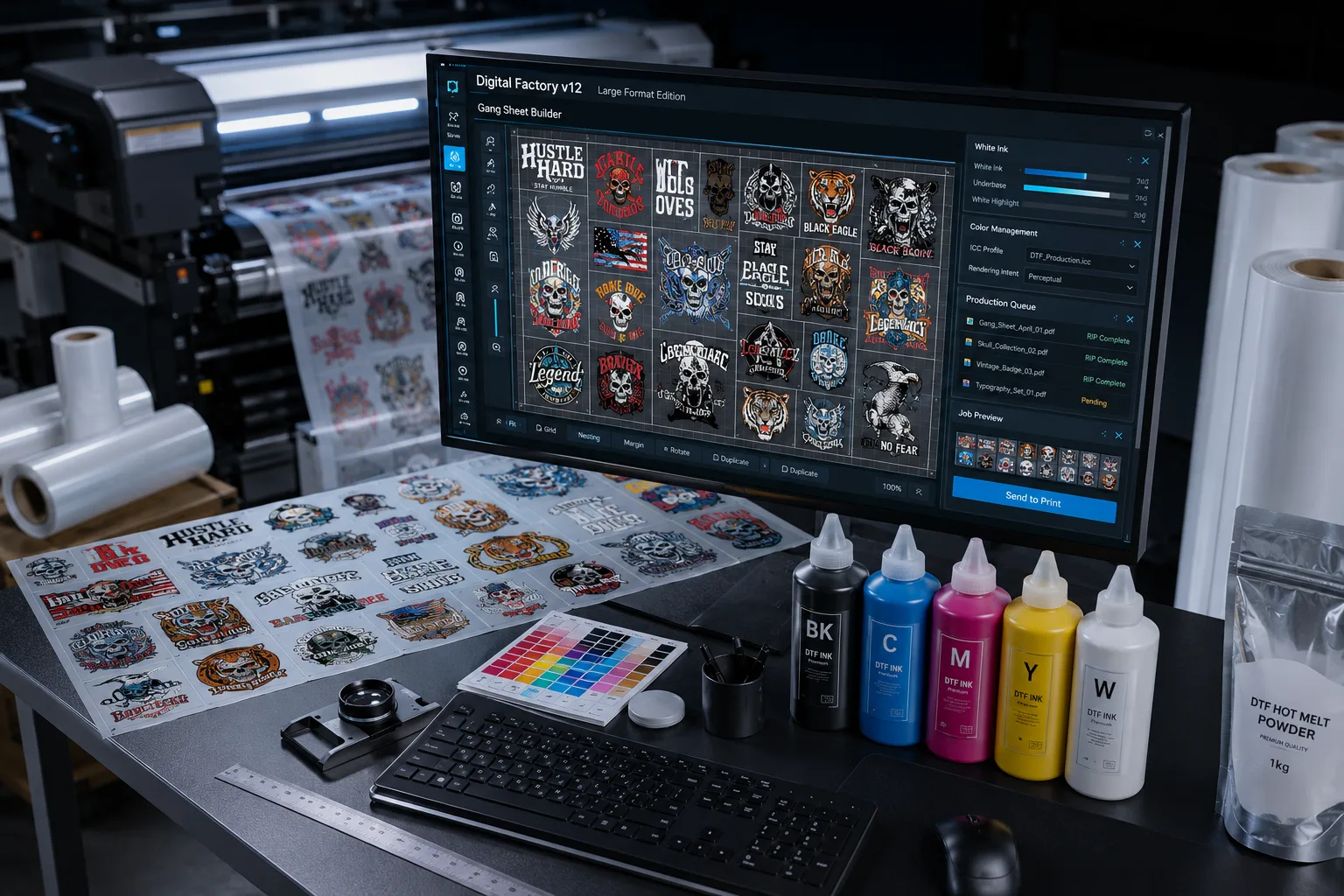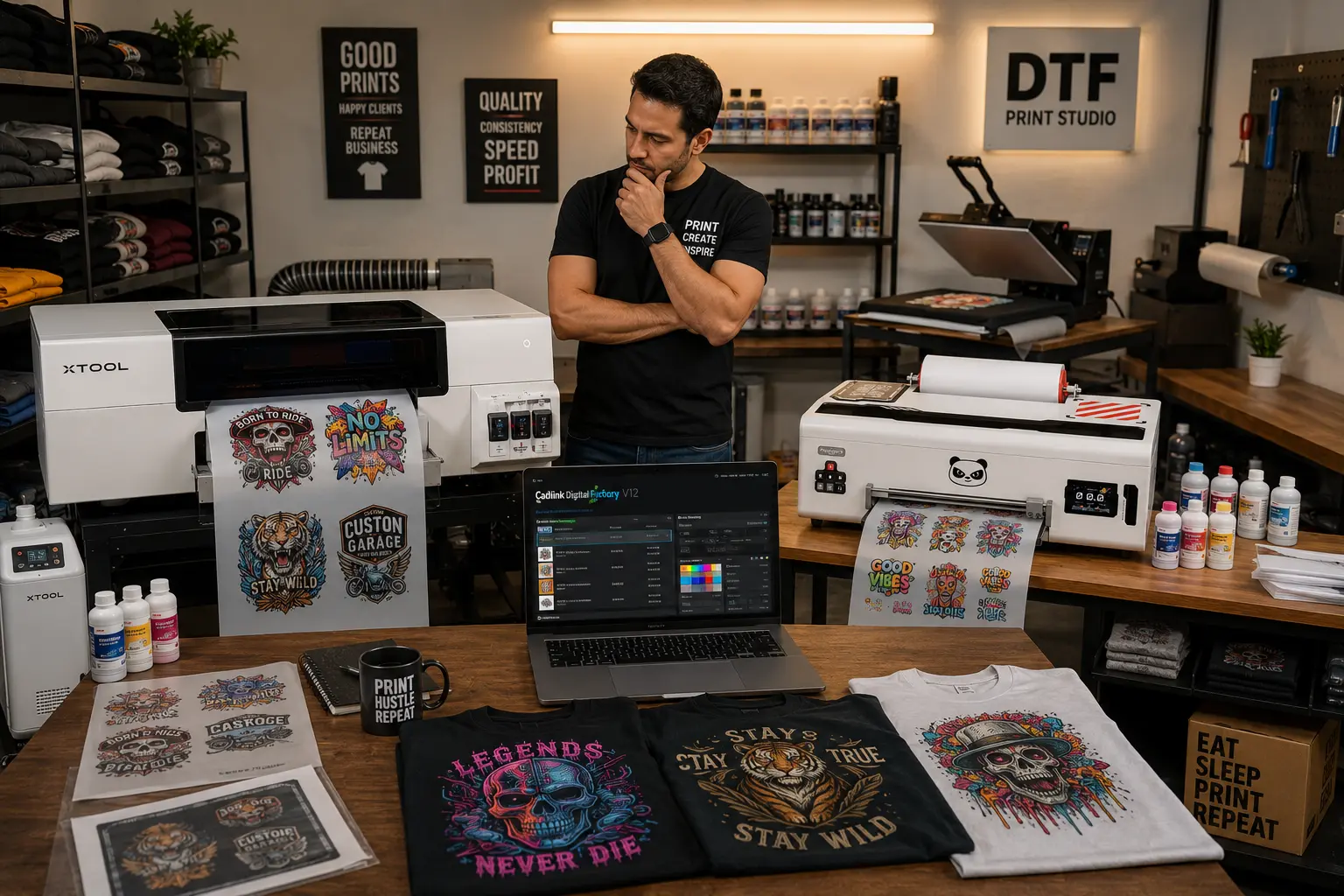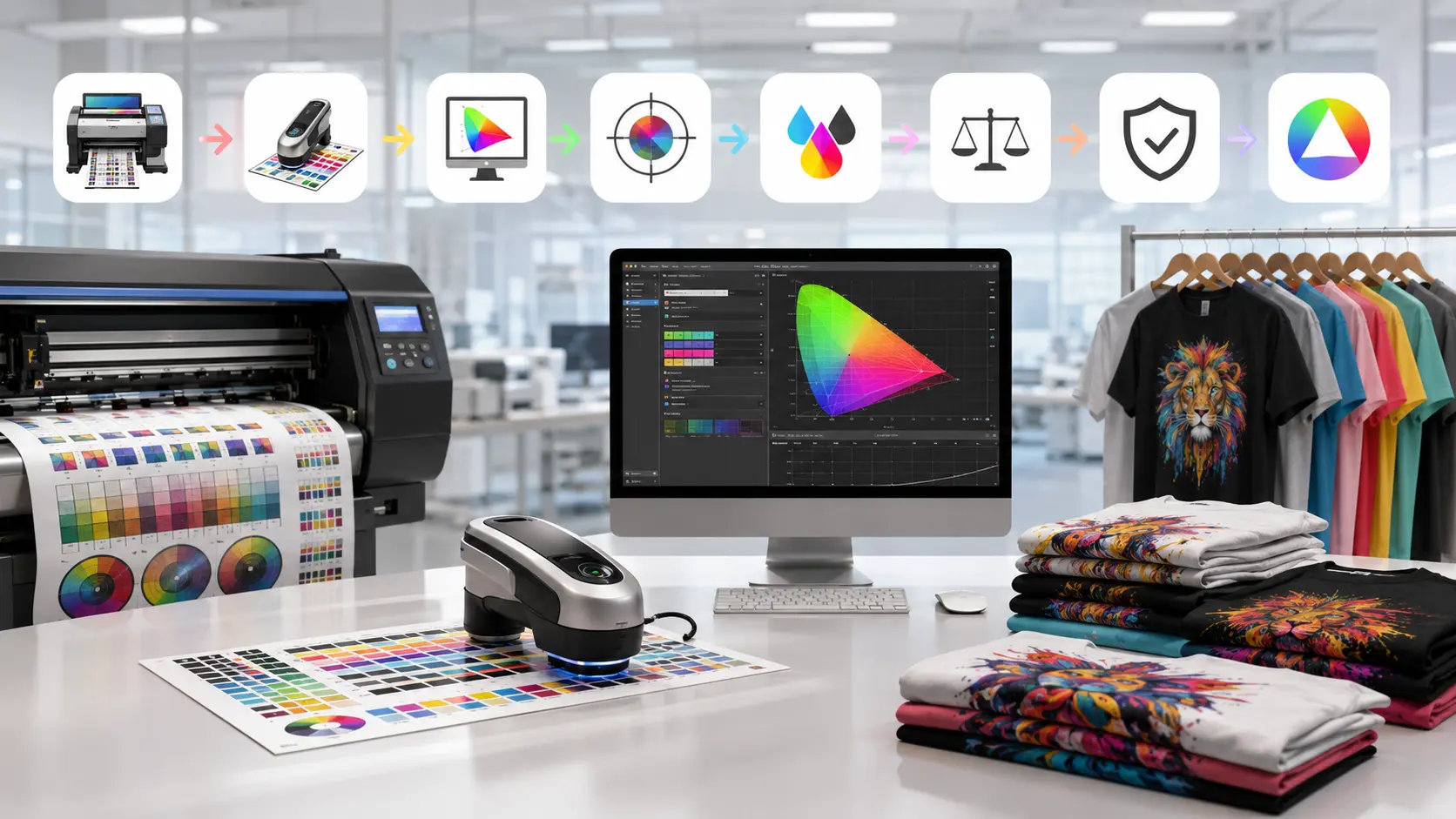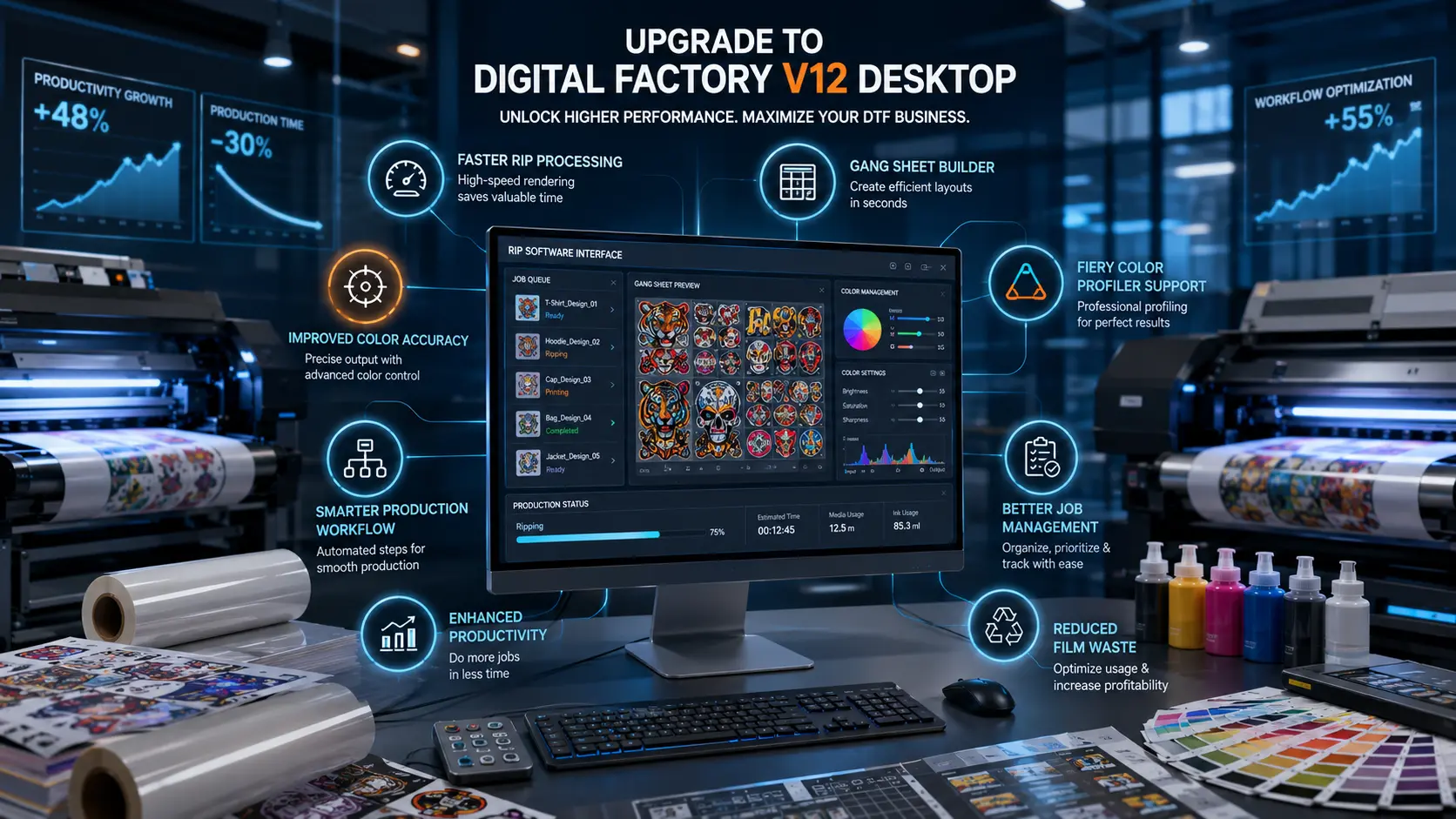

Choosing the right RIP software is one of the most important decisions a print shop can make. If you’re planning to buy Cadlink Digital Factory, understanding the available editions, pricing factors, and licensing options will help you make the right investment.
At DTF Gears, we help print businesses across the United States find the right Cadlink Digital Factory solution based on their printer model, production volume, and workflow requirements. Whether you’re launching a new DTF business or upgrading an existing production setup, selecting the correct software edition can improve efficiency, color consistency, and overall profitability.
Cadlink Digital Factory Pricing for US Shops

When researching Cadlink Digital Factory pricing, it’s important to understand that costs vary depending on the edition, supported printer models, and workflow capabilities.
Several factors influence pricing, including:
- Printer compatibility
- DTF, DTG, UV, or wide-format support
- White ink management features
- Advanced color profiling tools
- Workflow automation capabilities
- Production volume requirements
- Licensing type and upgrade options
For many print shops, the goal isn’t simply finding the lowest-priced software. It’s finding the edition that delivers the best return on investment through improved production speed, reduced waste, and consistent print quality.
At DTF Gears, we help customers compare editions and avoid paying for features they may never use.
Why Cadlink Digital Factory Is Popular Among Print Shops
Print businesses rely on RIP software to convert artwork into print-ready files while controlling color output, ink usage, and production efficiency.
Cadlink Digital Factory has become a popular choice because it offers:
Reliable Color Management
Accurate color reproduction is essential for maintaining customer satisfaction. Digital Factory provides advanced color control tools that help produce consistent results across multiple jobs.
White Ink Optimization
For DTF printing, white ink management plays a significant role in both print quality and operating costs. The software helps optimize white ink generation and usage.
Production Workflow Efficiency
Digital Factory automates several manual processes, reducing production bottlenecks and improving throughput.
Printer-Specific Optimization
Many editions are designed to work with specific printer models, helping users maximize performance and print quality.
Which Plan Should You Buy?
Not every print shop requires the same software edition. The best version depends on your business size, production goals, and equipment.
For New DTF Businesses
If you’re launching a new print operation, an entry-level edition is often the most practical choice.
Best for:
- Startup DTF businesses
- Small apparel brands
- Etsy sellers
- Home-based print shops
Benefits include:
- Essential RIP functionality
- White ink management
- Easy setup
- Lower upfront investment
For Growing Print Shops
As production volume increases, workflow demands become more complex.
A mid-tier edition may be ideal if you need:
- Faster job processing
- Enhanced color controls
- Better production management
- Increased workflow automation
This level is often suitable for businesses processing dozens of orders daily.
For High-Volume Production Facilities
Large-scale operations typically benefit from advanced editions that offer:
- Multi-printer support
- Advanced workflow automation
- Professional color profiling
- Enhanced production controls
- Greater scalability
These features help reduce manual intervention while maintaining consistent quality across large production runs.
How to Choose the Right Cadlink Digital Factory Edition

Before purchasing, evaluate your current and future business needs.
Ask yourself:
- What printer model am I using?
- How many jobs do I process each day?
- Do I need advanced color management?
- Am I planning to add more printers in the future?
- How important is workflow automation to my operation?
Choosing a software edition based on long-term growth often delivers better value than selecting the lowest-cost option.
Why Buy Cadlink Digital Factory from DTF Gears?
When purchasing RIP software, expert guidance can save both time and money.
At DTF Gears, we help customers identify the correct Digital Factory edition before they buy.
Benefits of Buying Through DTF Gears
- Genuine Cadlink software licenses
- Assistance selecting the correct edition
- Support for DTF, DTG, UV, and wide-format printing
- Fast license delivery
- Installation and activation guidance
- Knowledgeable customer support
Instead of navigating multiple software options alone, you can work directly with professionals who understand modern print workflows.
How to Order Cadlink Digital Factory
Purchasing your software through DTF Gears is straightforward.
Step 1: Share Your Printer Details
Provide information about:
- Printer brand
- Printer model
- Production type
- Current workflow
Step 2: Receive a Recommendation
Our team will recommend the most suitable Digital Factory edition based on your specific requirements.
Step 3: Review Pricing Options
You’ll receive pricing information for the editions that fit your workflow and business goals.
Step 4: Complete Your Purchase
Once your order is finalized, you’ll receive:
- Software license
- Activation credentials
- Installation instructions
- Ongoing support assistance
Not Ready to Purchase Yet?
If you’d like to evaluate the software before investing, consider starting with a trial version.
Related Guide: Cadlink Digital Factory Free Trial: Test Before You Buy
Testing the software in your production environment allows you to verify compatibility, evaluate workflow improvements, and ensure the edition meets your business requirements.
Frequently Asked Questions
Is Cadlink Digital Factory suitable for DTF printing?
Yes. Many editions are designed specifically for DTF workflows and include white ink management and color optimization features.
Can I upgrade my software later?
In many cases, upgrades are available as your business grows and your production requirements change.
How do I know which edition is right for my printer?
The best way is to consult with a knowledgeable reseller like DTF Gears who can match your printer model and workflow requirements to the appropriate edition.
Does pricing vary by printer model?
Yes. Pricing may vary depending on supported printers, software features, and licensing requirements.
Buy Cadlink Digital Factory with Confidence
The right RIP software can significantly improve production efficiency, print quality, and workflow management. Whether you’re starting a new DTF business or expanding an established print shop, Cadlink Digital Factory offers solutions designed to support professional production environments.
DTF Gears makes the buying process simple by helping you compare editions, understand licensing options, and select the software that best fits your needs.
Ready to Get Started?
Contact DTF Gears today to view pricing, compare available editions, and buy Cadlink Digital Factory with confidence.
Primary CTA: View Pricing | Buy Cadlink Digital Factory Today