
Why CADlink Digital Factory V12 Is the Best RIP Software for DTF Printing
If your DTF prints are facing color inconsistency, white ink issues, slow processing, or poor output quality, the problem may not be your printer — it could be your RIP software.
That’s why professionals are shifting toward CADlink Digital Factory V12, one of the most trusted RIP software solutions for DTF printing businesses.
Whether you run a startup DTF setup or a large production unit, CADlink helps improve workflow, print accuracy, speed, and overall output quality.
At DTF Gears, businesses choose CADlink because it delivers professional-grade printing control without unnecessary complexity.
What Is CADlink Digital Factory V12?
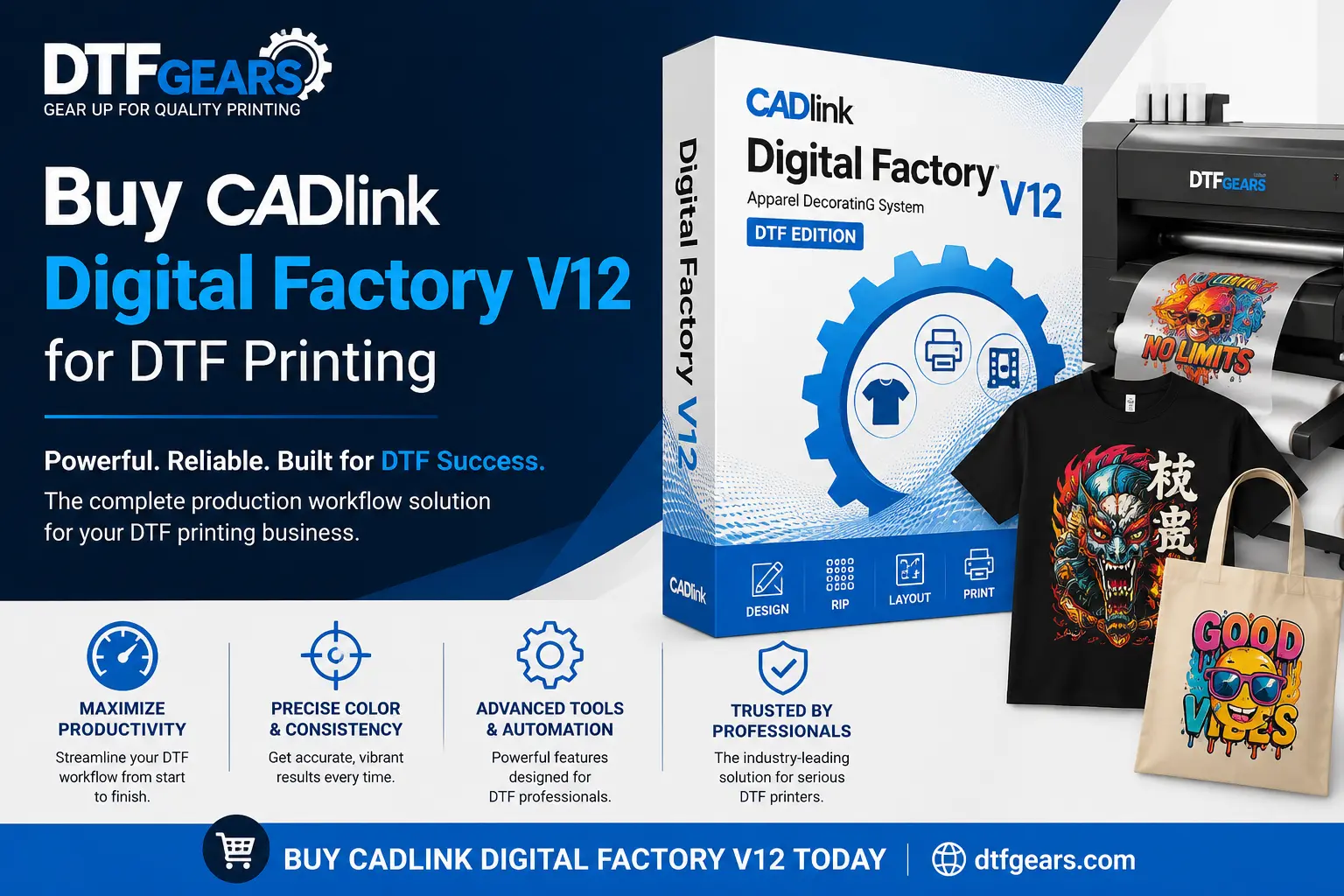
CADlink Digital Factory V12 is advanced RIP software designed for DTF, DTG, sublimation, and wide-format printing.
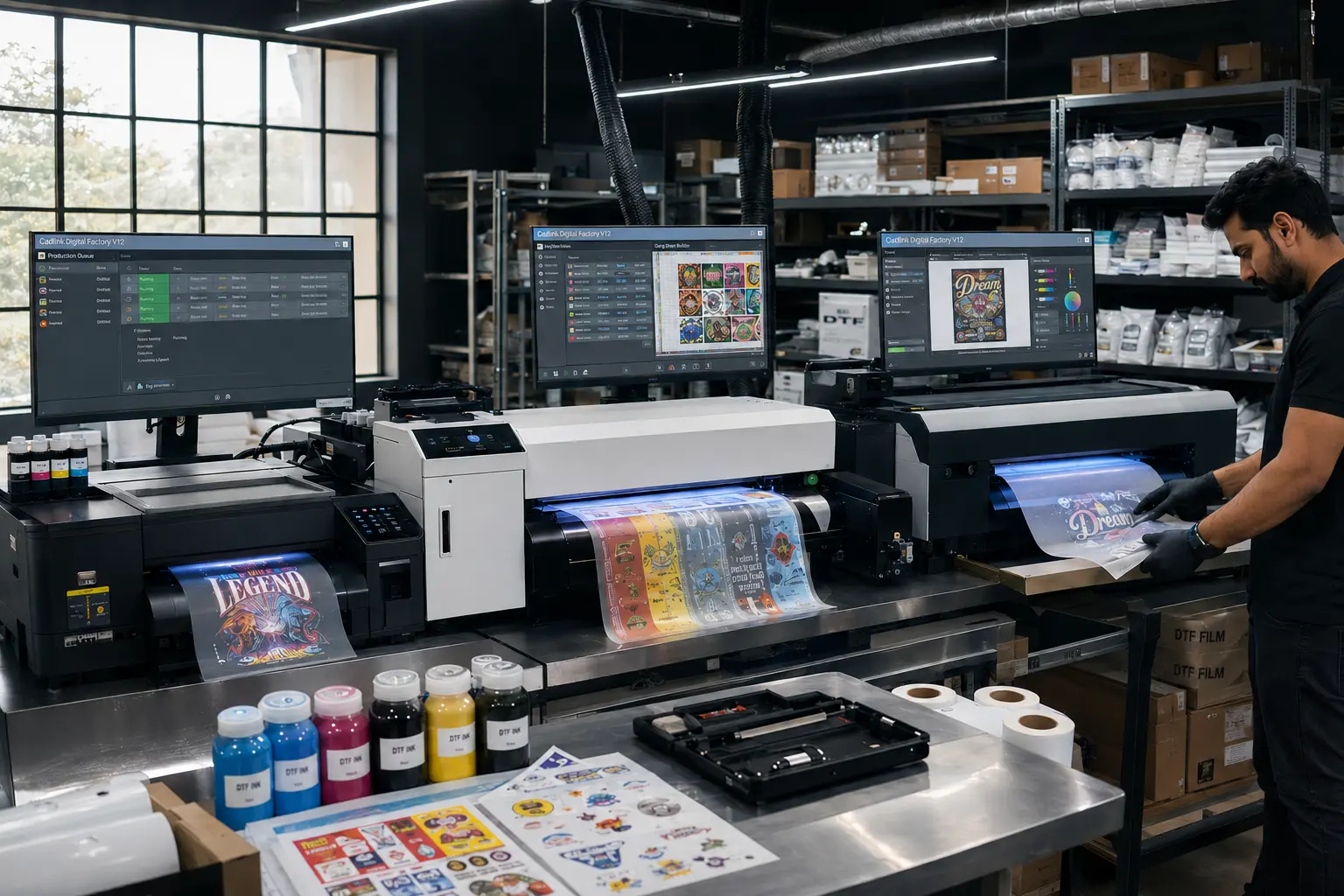
It acts as the brain between your design and your printer. Instead of simply sending artwork to print, CADlink processes colors, white ink layers, print passes, and resolution settings to create cleaner and more professional DTF transfers.
For DTF printing businesses, this means:
- Better color vibrancy
- Improved white ink management
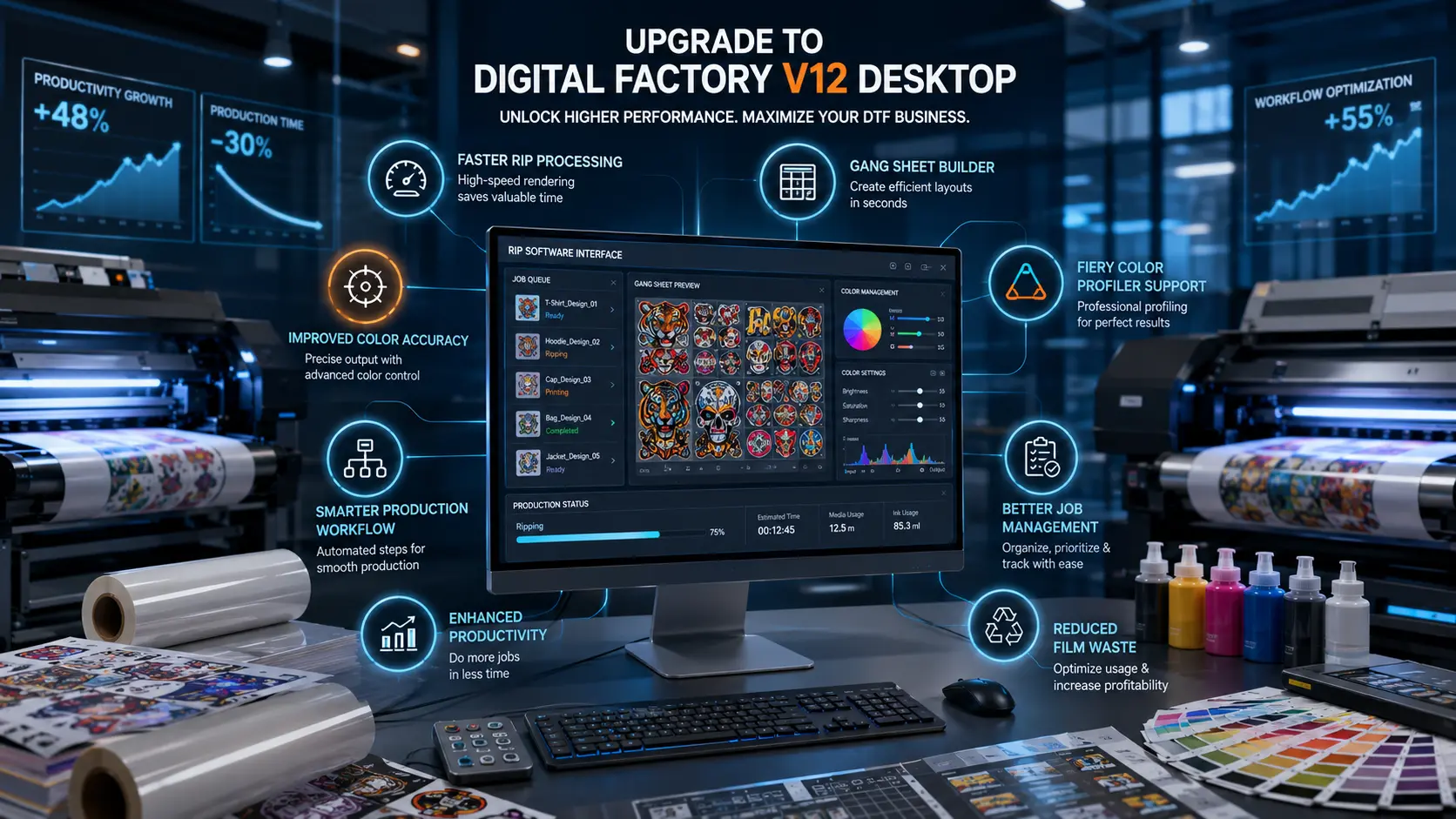
- Faster RIP processing
- Reduced printing errors
- Cleaner gradients and details
- Smoother production workflow
Why DTF Businesses Prefer CADlink Digital Factory V12
Superior White Ink Control
White ink handling is one of the biggest challenges in DTF printing.
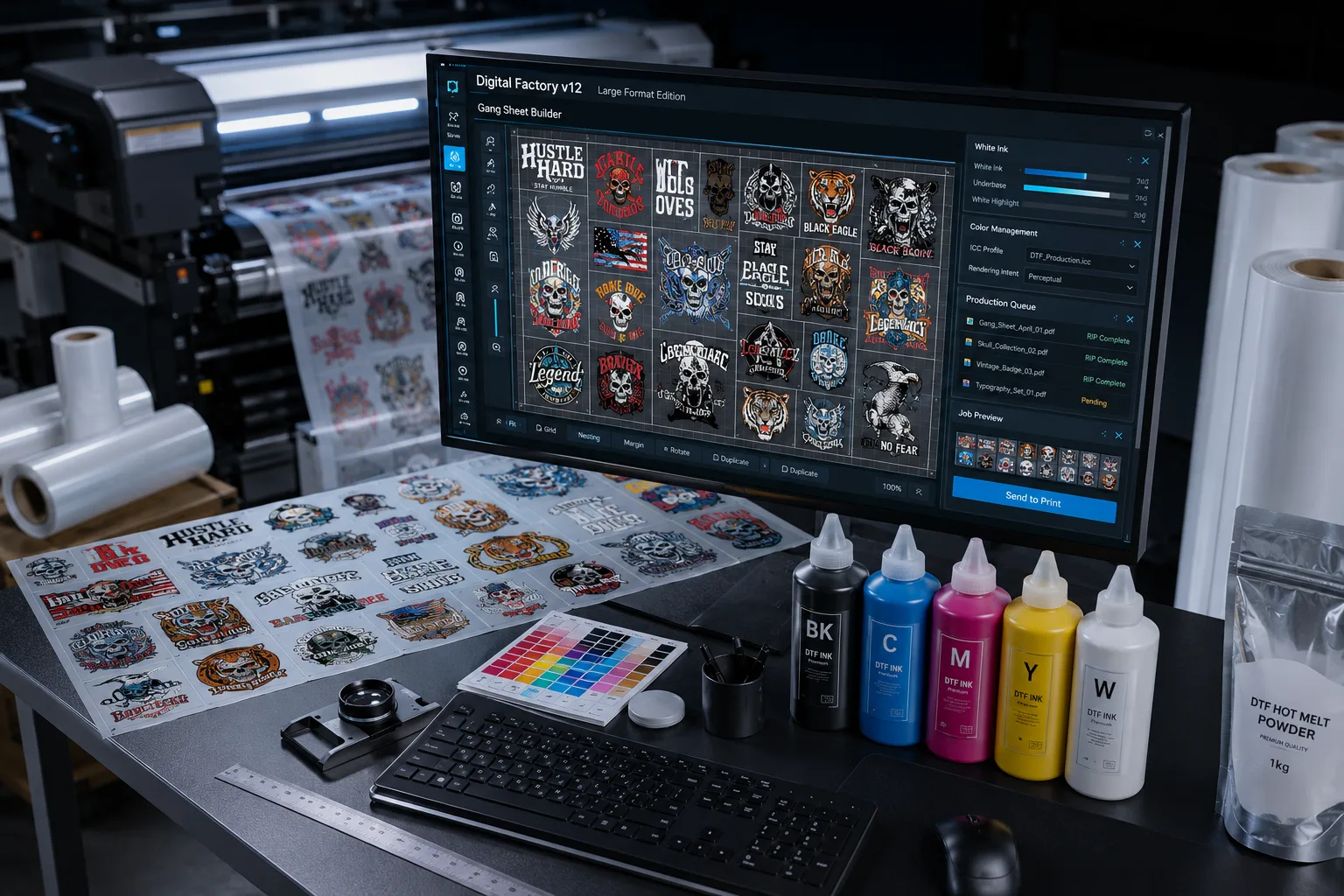
CADlink Digital Factory V12 provides advanced white ink control that helps reduce patchiness, improves layering, and creates sharper final prints.
This becomes extremely important for dark garment printing where white underbase quality directly impacts output.
Faster RIP Processing
Slow RIP software can delay production and reduce daily output.
CADlink processes heavy artwork faster, helping businesses complete more print jobs without workflow bottlenecks.
For high-volume DTF businesses, this translates directly into better productivity.
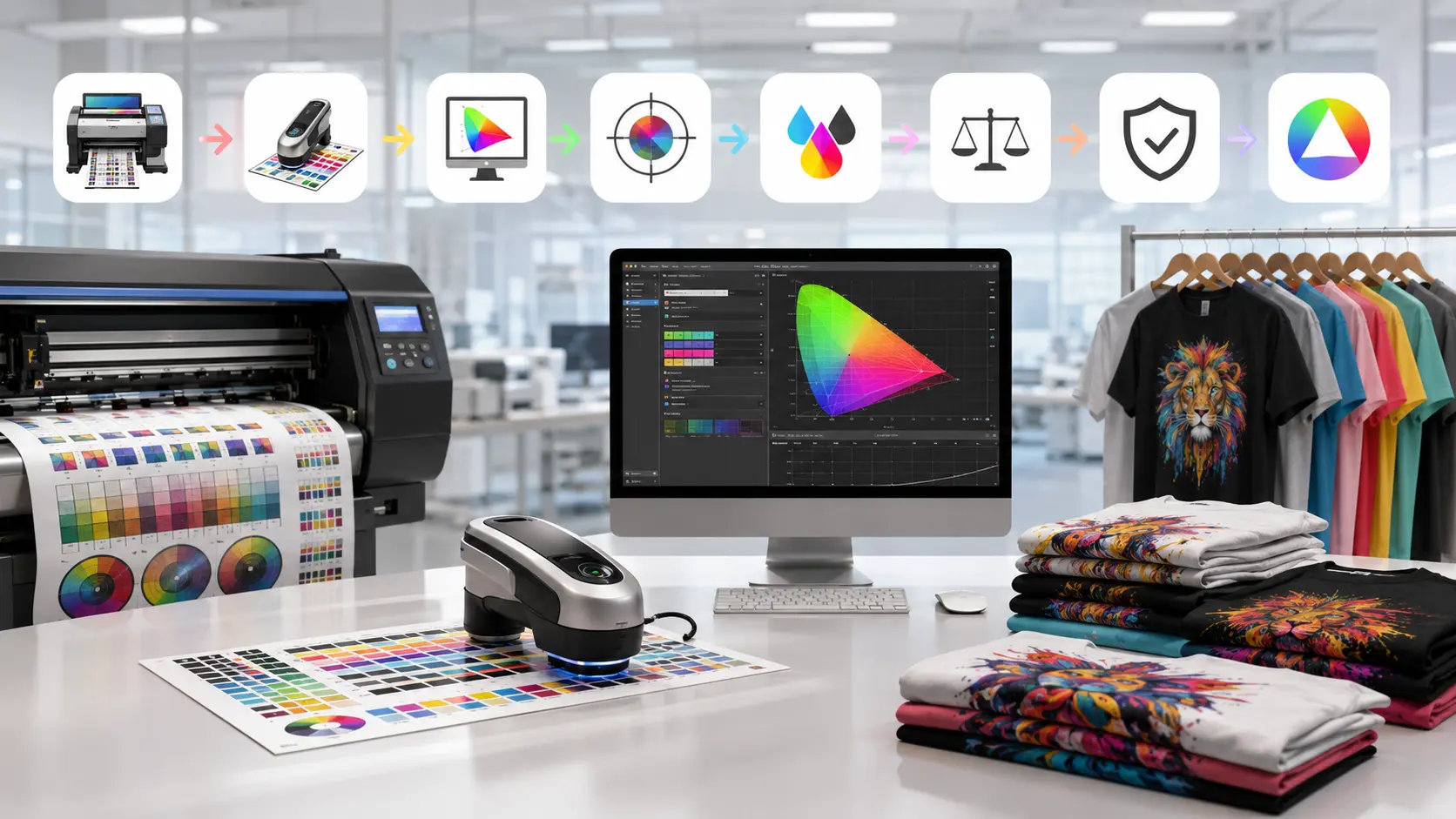
Professional Color Accuracy
Color mismatch is one of the most common customer complaints in custom printing.
CADlink Digital Factory V12 improves color consistency through advanced ICC profile management and print optimization.
The result:
- More accurate brand colors
- Better skin tones
- Sharper gradients
- Consistent repeat orders
Cleaner User Interface
Many RIP software solutions feel overly technical.
CADlink V12 offers a cleaner workflow that makes daily production easier for both beginners and experienced operators.
You spend less time adjusting settings and more time printing.
Key Features of CADlink Digital Factory V12
Advanced DTF Printing Support
The software is optimized specifically for modern DTF workflows.
It supports:
- White ink layering
- Film optimization
- High-resolution output
- Color profiling
- Print queue management
- Production automation
Multi-Printer Compatibility
CADlink supports multiple printer models used in DTF businesses.
This flexibility allows print shops to scale operations without constantly changing software ecosystems.
Production Efficiency Tools
CADlink Digital Factory V12 includes tools that help reduce waste and improve speed.
Features like nesting, queue management, and automated workflows help maximize daily production.
Better Print Detail
Small text, thin lines, gradients, and detailed artwork print more accurately with optimized RIP processing.
This is especially useful for premium custom apparel brands.
Who Should Buy CADlink Digital Factory V12?
CADlink is ideal for:
- DTF startup businesses
- Professional print shops
- Custom t-shirt brands
- Bulk apparel manufacturers
- High-volume DTF production units
- Businesses upgrading from basic RIP software
If you want smoother workflow and more professional print quality, CADlink becomes a strong long-term investment.
Why Buy CADlink Digital Factory V12 From DTF Gears?
Choosing the right software is important, but choosing the right support partner matters equally.
DTF Gears helps businesses with:
- Genuine CADlink software
- Installation guidance
- Setup assistance
- Printer compatibility support
- Technical assistance
- DTF workflow consultation
Instead of struggling with random software issues, businesses get proper support from professionals who understand DTF printing.
CADlink Digital Factory V12 vs Basic RIP Software
| Feature | CADlink Digital Factory V12 | Basic RIP Software |
|---|---|---|
| White Ink Control | Advanced | Limited |
| Color Accuracy | Professional | Average |
| Workflow Speed | Faster | Slower |
| Production Management | Advanced | Basic |
| DTF Optimization | Strong | Limited |
| Print Consistency | High | Inconsistent |
For serious DTF businesses, the difference becomes visible in both print quality and production efficiency.
Common Problems CADlink Helps Solve
Many DTF businesses face problems like:
- Dull print colors
- White ink inconsistency
- Slow printing workflow
- Poor gradient quality
- Film wastage
- Reprint issues
- RIP software crashes
CADlink Digital Factory V12 helps reduce these operational issues through better print processing and optimized workflow management.
Final Thoughts
DTF printing is becoming more competitive every year.
Businesses using outdated RIP software often struggle with print consistency, workflow speed, and production quality.
That’s why many professional print businesses now prefer CADlink Digital Factory V12 for smoother operations and better print output.
If you are planning to upgrade your DTF printing setup, investing in reliable RIP software can significantly improve both quality and productivity.
DTF Gears provides genuine CADlink solutions with proper setup support to help businesses run professional-level DTF production more efficiently.
FAQ
Is CADlink Digital Factory V12 good for DTF printing?
Yes, CADlink Digital Factory V12 is widely used for professional DTF printing because of its advanced white ink handling, color management, and workflow optimization.
Can beginners use CADlink V12?
Yes, the interface is designed to simplify production workflows for both beginners and experienced printing businesses.
Does CADlink improve print quality?
Yes, proper RIP processing improves color consistency, sharpness, gradients, and white ink performance.
Where can I buy CADlink Digital Factory V12?
You can buy genuine CADlink Digital Factory V12 software from DTF Gears with setup and technical support.