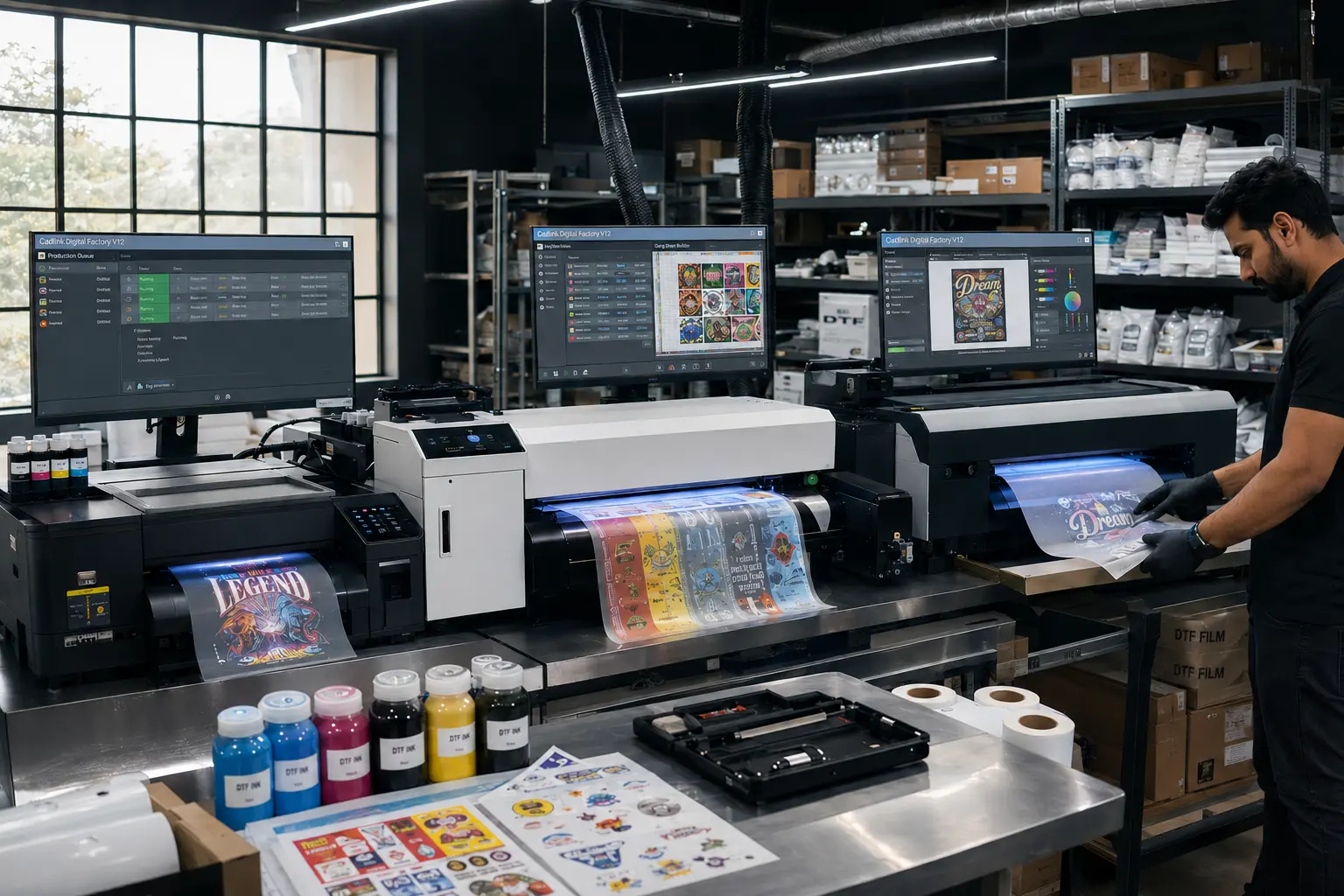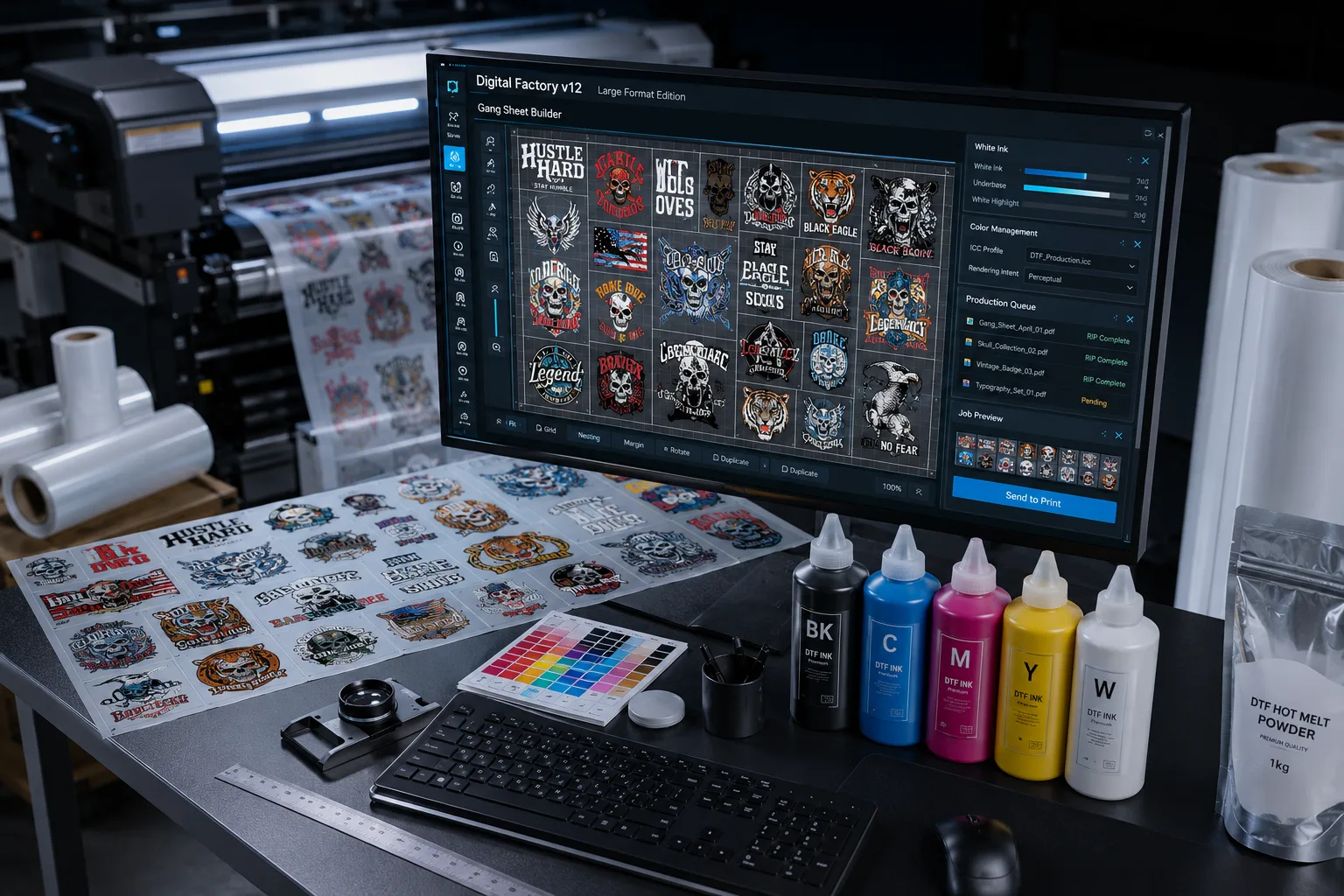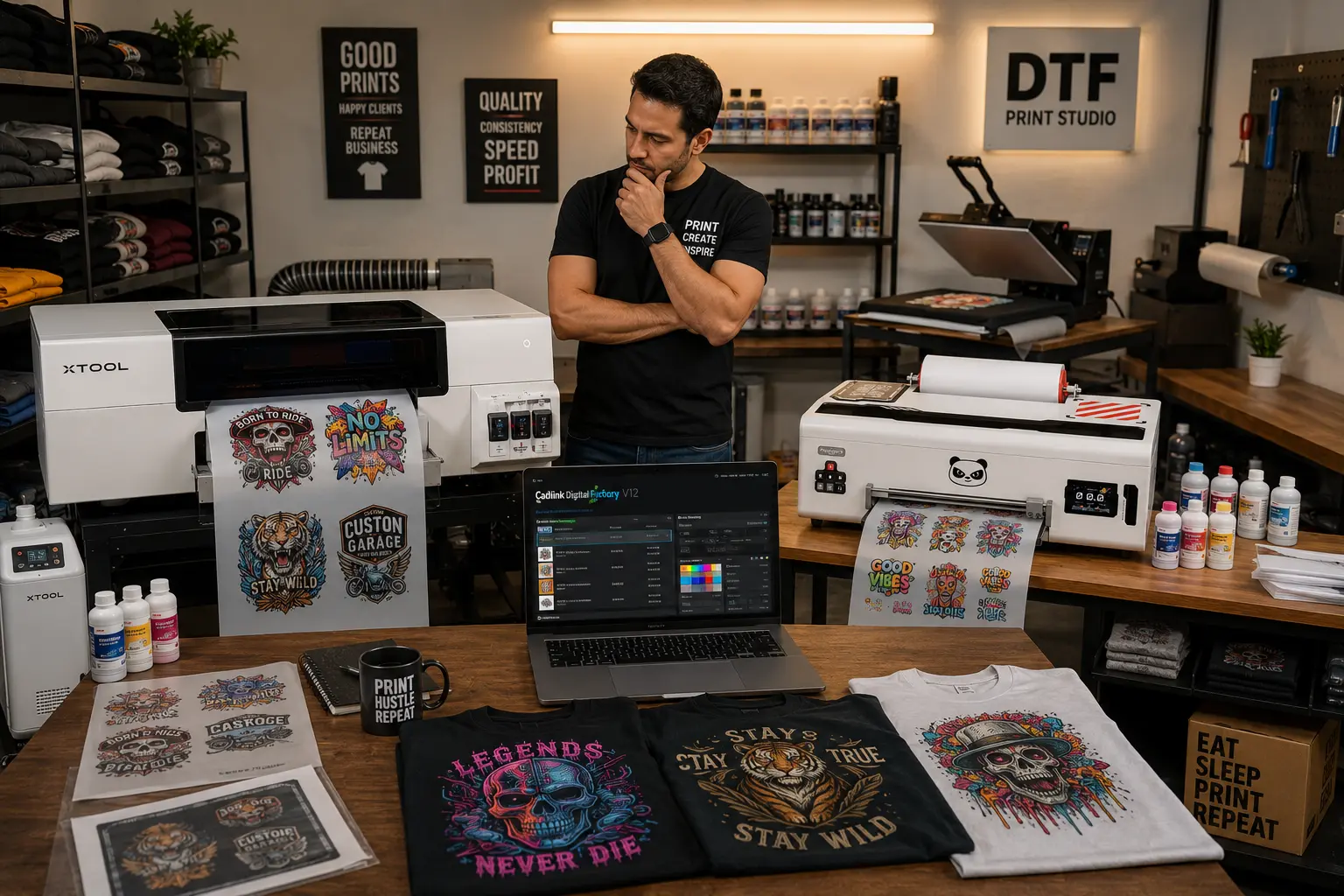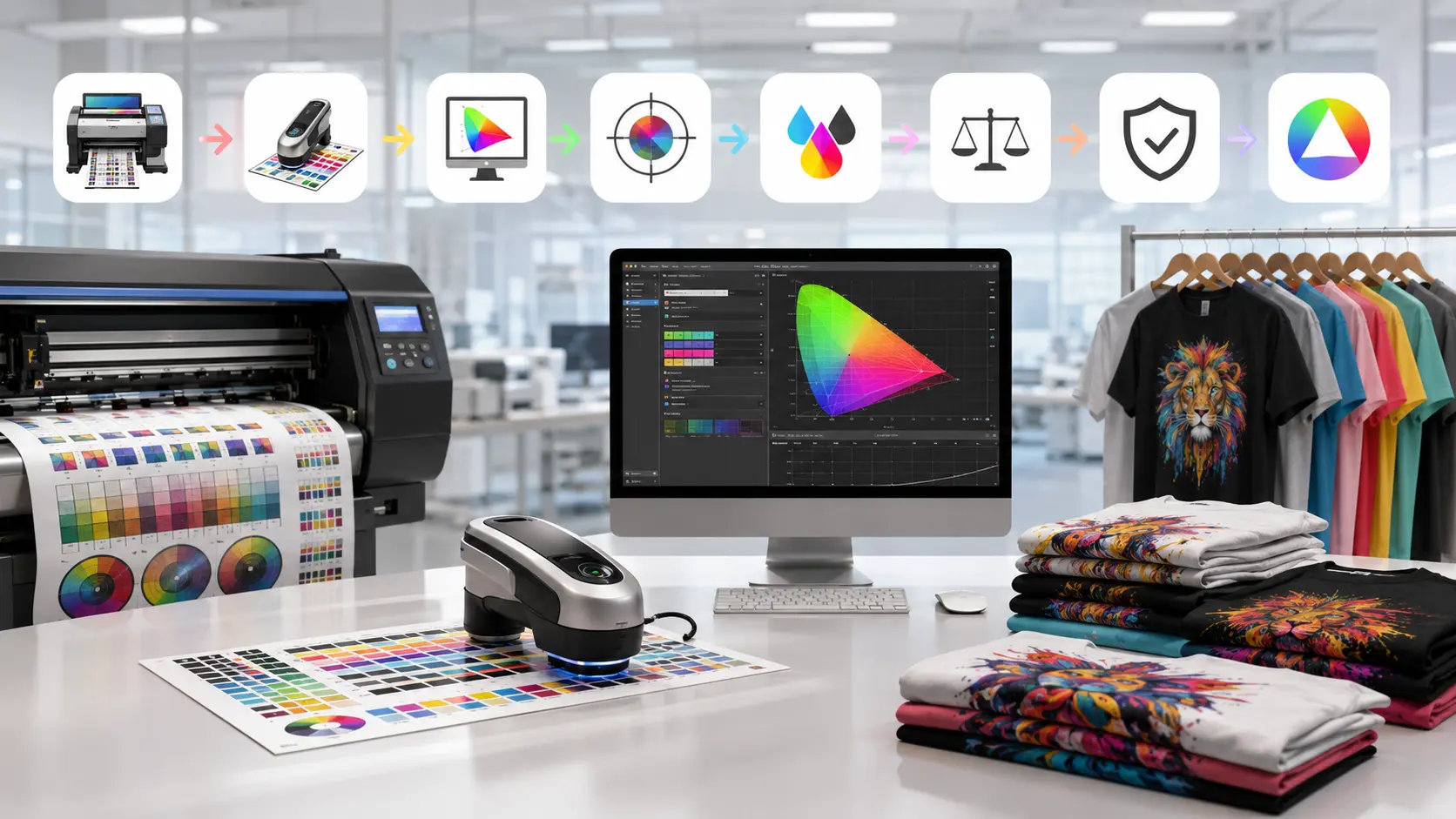

If you’re searching for Cadlink DTF software, you’re likely ready to take your DTF printing business to the next level. While printers, inks, and film are essential, the software behind your production workflow can make the difference between consistent professional results and costly printing mistakes.
Cadlink DTF is one of the most trusted RIP software solutions in the DTF printing industry. It helps print shops manage white ink, improve color accuracy, streamline production, and maximize printer performance.
Whether you’re starting a new DTF business or upgrading an existing setup, this guide will help you understand Cadlink DTF pricing, available plans, and how to choose the right version for your shop.
Why Cadlink DTF Is Popular Among Print Shops
Running a successful DTF operation requires more than simply sending artwork to a printer.
Professional print shops need software that can:
- Control white ink layers accurately
- Produce consistent color output
- Reduce wasted materials
- Speed up production workflows
- Handle large-volume printing jobs
- Support multiple printer configurations
This is where Cadlink DTF stands out.
The software is specifically designed for Direct-to-Film workflows and includes advanced tools that help businesses produce high-quality transfers consistently.
Many US print shops choose Cadlink DTF because it combines powerful production features with a user-friendly interface.
Cadlink DTF Pricing & Plans
DTF Gears offers several Cadlink DTF packages depending on your production requirements.
Digital Factory V12 Direct to Film RIP Desktop Edition
Price: $394.99
This package is ideal for:
- Startup DTF businesses
- Home-based print shops
- Single-printer setups
- Low-to-medium production environments
Key benefits:
- Complete DTF RIP software
- White ink management
- Professional color control
- Instant activation
Digital Factory V12 Direct to Film RIP Production Edition (Large Format)
Price: $799.99
Designed for:
- High-volume print shops
- Large-format DTF printers
- Commercial production environments
Key benefits:
- Advanced production workflow tools
- Large-format printer support
- Enhanced job management
- Higher-volume processing capabilities
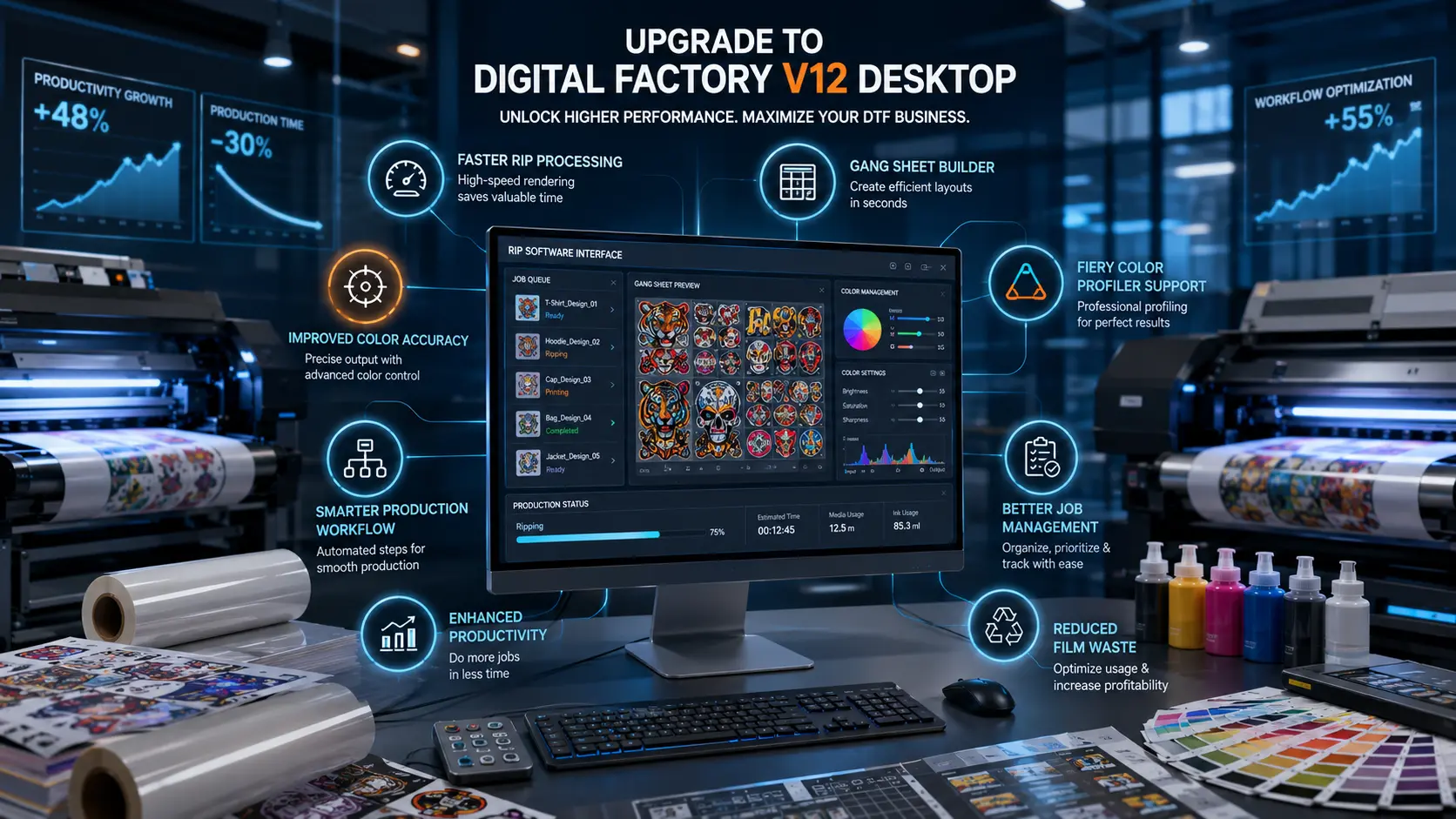
CADlink Digital Factory Upgrade V11 to V12 Desktop
Price: $222.49
Perfect for existing users who want:
- Latest V12 features
- Improved workflow tools
- Better software performance
- Continued compatibility updates
CADlink Digital Factory Upgrade V11 to V12 Large Format
Price: $472.49
Ideal for production users upgrading from an earlier version while maintaining large-format workflow capabilities.
CADlink Digital Factory V12 Upgrade from Desktop to Large Format
Price: $524.99
This upgrade is suitable for businesses that have outgrown their Desktop Edition and need support for larger production environments.
Multi-Printer Add-On for Digital Factory V12 Desktop Edition
Price: $199.99
Benefits include:
- Run multiple printers
- Improve workflow efficiency
- Expand production capacity
- Manage larger order volumes
Multi-Printer Add-On for Digital Factory V12 Large Format Edition
Price: $594.99
Recommended for commercial print shops operating multiple large-format printers simultaneously.
FluidMask Add-On Module for Digital Factory
Price: $194.99
FluidMask helps simplify artwork preparation by:
- Removing image backgrounds
- Improving artwork cleanup
- Reducing design preparation time
- Streamlining production workflows
What You Get When You Buy Cadlink DTF
Investing in Cadlink DTF means getting more than basic RIP software.
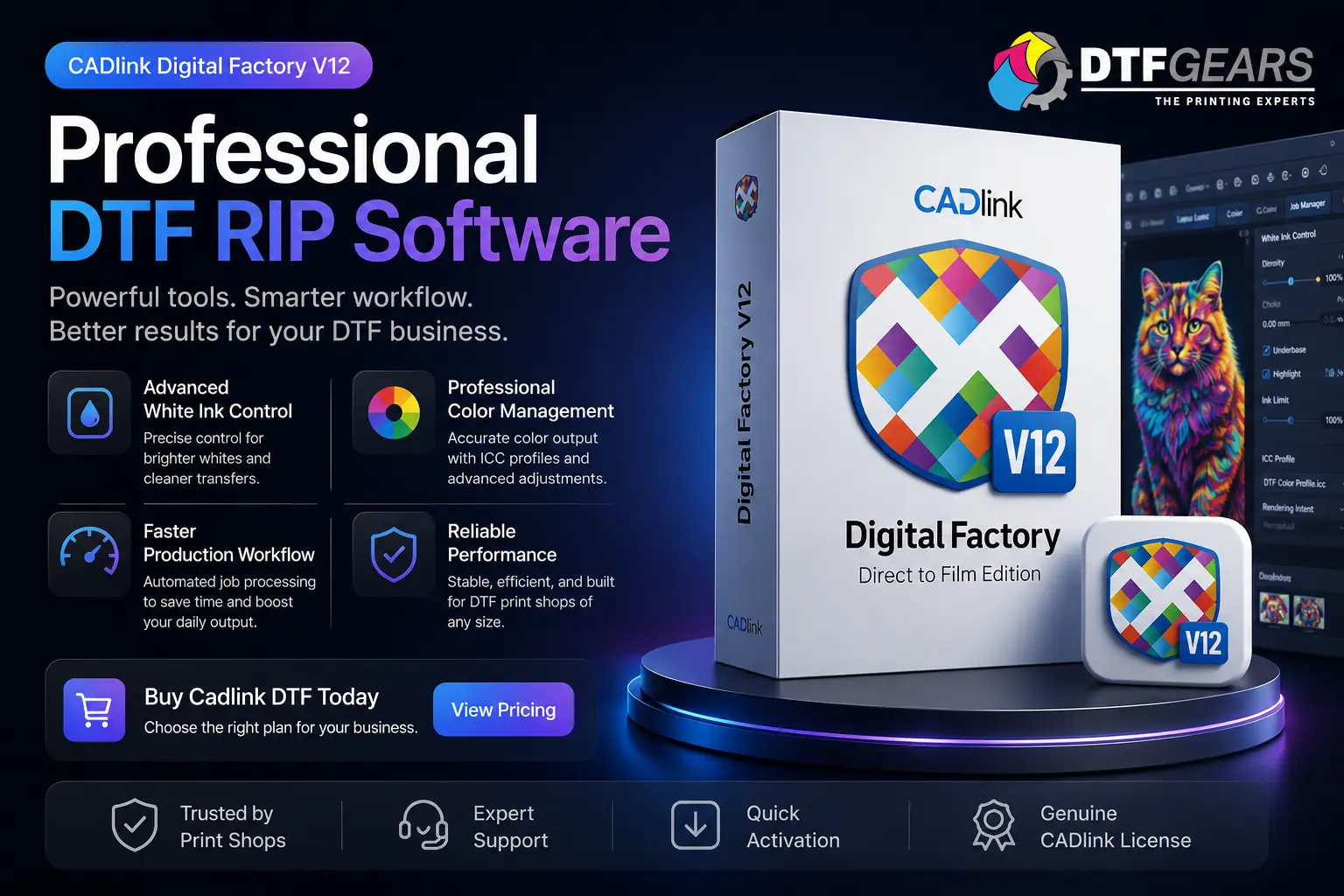
Advanced White Ink Control
White ink is one of the most critical parts of DTF printing.
Cadlink allows precise control over:
- White ink density
- Underbase generation
- Ink coverage optimization
This results in cleaner transfers and improved durability.
Professional Color Management
Accurate colors help build customer trust.
Cadlink provides:
- ICC profile support
- Advanced color correction
- Consistent output across jobs
- Better color matching
Faster Production Workflow
The software automates many repetitive production tasks, helping shops:
- Process orders faster
- Reduce manual adjustments
- Increase daily output
- Improve operational efficiency
Better Print Quality
Professional RIP software directly impacts print quality.
Using Cadlink DTF helps reduce:
- Banding issues
- Color shifts
- White ink alignment problems
- Poor transfer quality
Reliable Technical Support
When purchasing through DTF Gears, customers gain access to support that helps with:
- Software installation
- Activation assistance
- Printer configuration
- Workflow optimization
- Troubleshooting
Desktop Edition vs Production Edition
Many buyers wonder which version of Cadlink DTF is best.
Choose Desktop Edition If:
- You operate one printer
- You’re starting a DTF business
- Your production volume is moderate
- You want a lower initial investment
Choose Production Edition If:
- You run a commercial print shop
- You process large daily order volumes
- You use large-format printers
- You need advanced workflow features
For many growing businesses, the Desktop Edition provides an excellent starting point with the option to upgrade later.
How to Buy Cadlink DTF in the USA
Purchasing Cadlink DTF is straightforward.
Step 1: Determine Your Printer Model
Knowing your printer setup helps identify the correct software package.
Step 2: Choose the Appropriate License
Select the version that matches your production requirements.
Step 3: Complete Your Purchase
Purchase through DTF Gears and receive your activation details.
Step 4: Install the Software
Follow the installation process or contact support for assistance.
Step 5: Start Printing
Configure your workflow and begin producing professional DTF transfers.
Not Ready to Purchase Yet?
If you’re still evaluating the software, consider testing it first.
Before purchasing, check out our guide:
Cadlink DTF Free Trial: Download & Test Before You Buy
A trial version allows you to explore the interface, test features, and ensure compatibility with your workflow before making an investment.
Why Buy Cadlink DTF from DTF Gears?
DTF Gears specializes in helping DTF businesses get the most from their equipment and software.
Benefits include:
- Competitive pricing
- Genuine CADlink licenses
- Fast delivery
- Setup assistance
- Technical guidance
- Industry expertise
Instead of purchasing software from a generic reseller, you gain access to a team that understands DTF production workflows and can help solve real-world printing challenges.
Final Thoughts
For businesses serious about producing professional DTF transfers, Cadlink DTF remains one of the most reliable RIP software solutions available today.
Whether you choose the Desktop Edition, Production Edition, or one of the available upgrade packages, you’ll gain powerful tools designed to improve print quality, increase efficiency, and support business growth.
With pricing starting at $394.99, there is a Cadlink DTF solution available for nearly every stage of business growth.
Ready to Upgrade Your DTF Workflow?
View Pricing or Buy Cadlink DTF Today from DTF Gears and start producing better transfers with greater efficiency and control.
Also check out us On : Instagram | Youtube