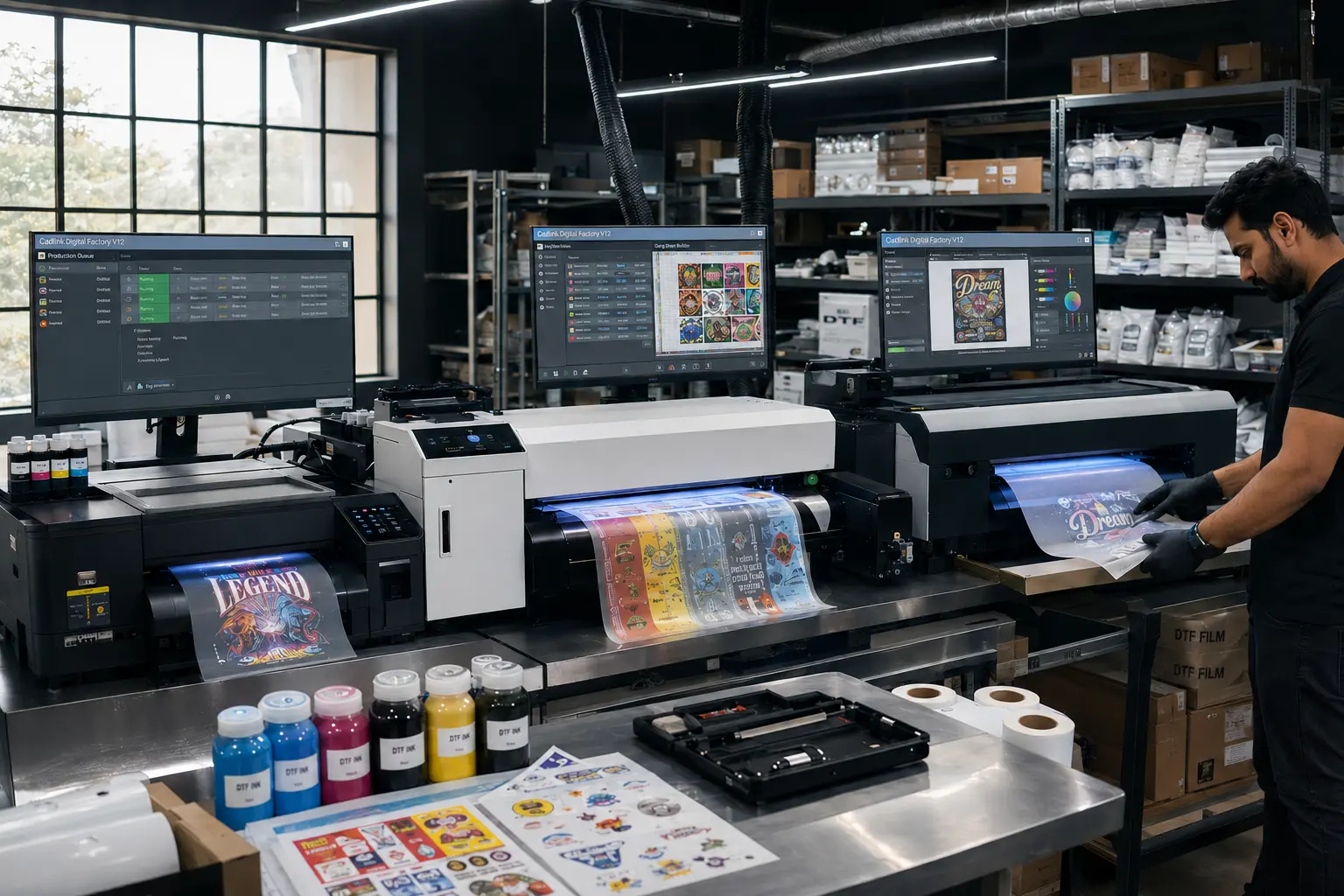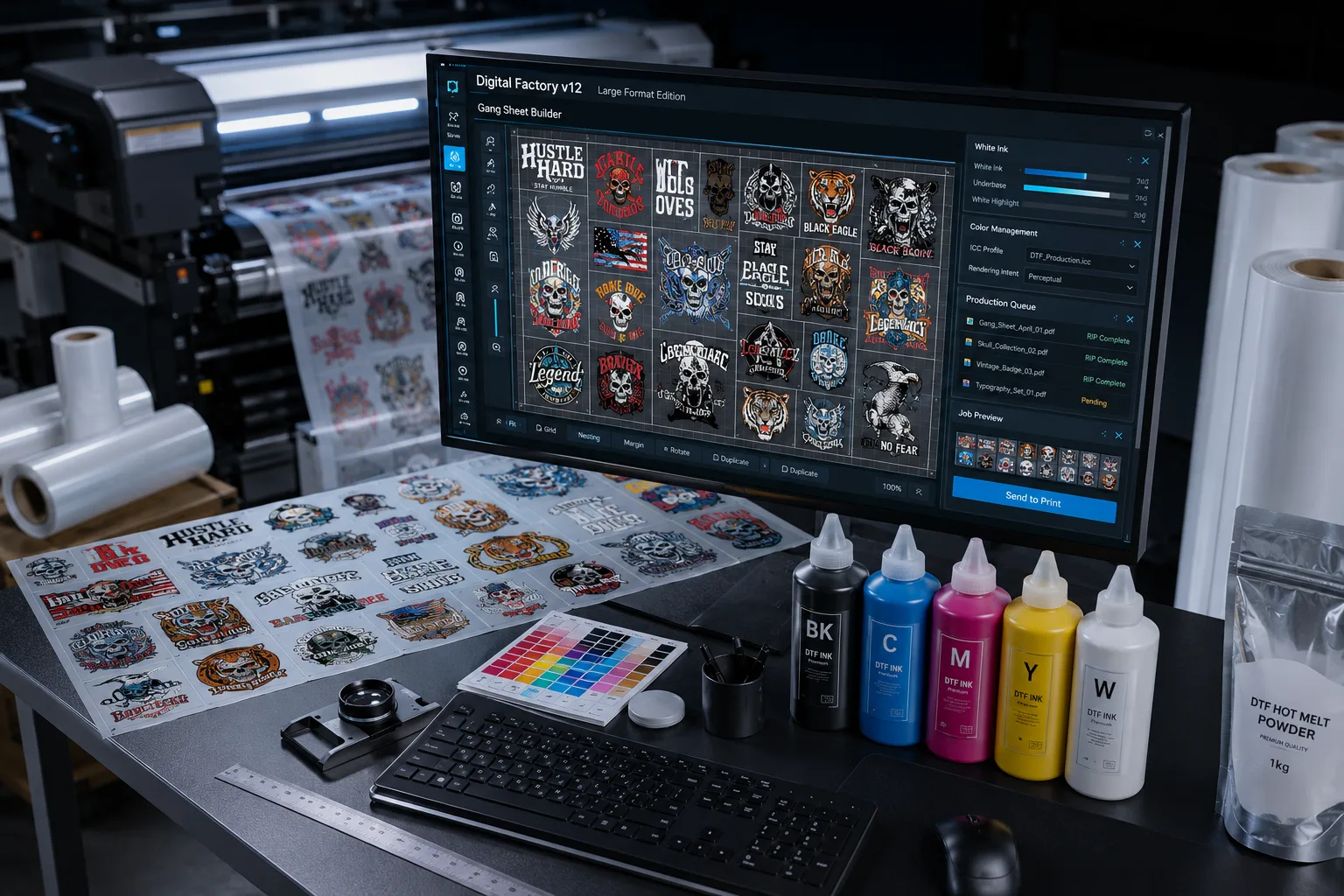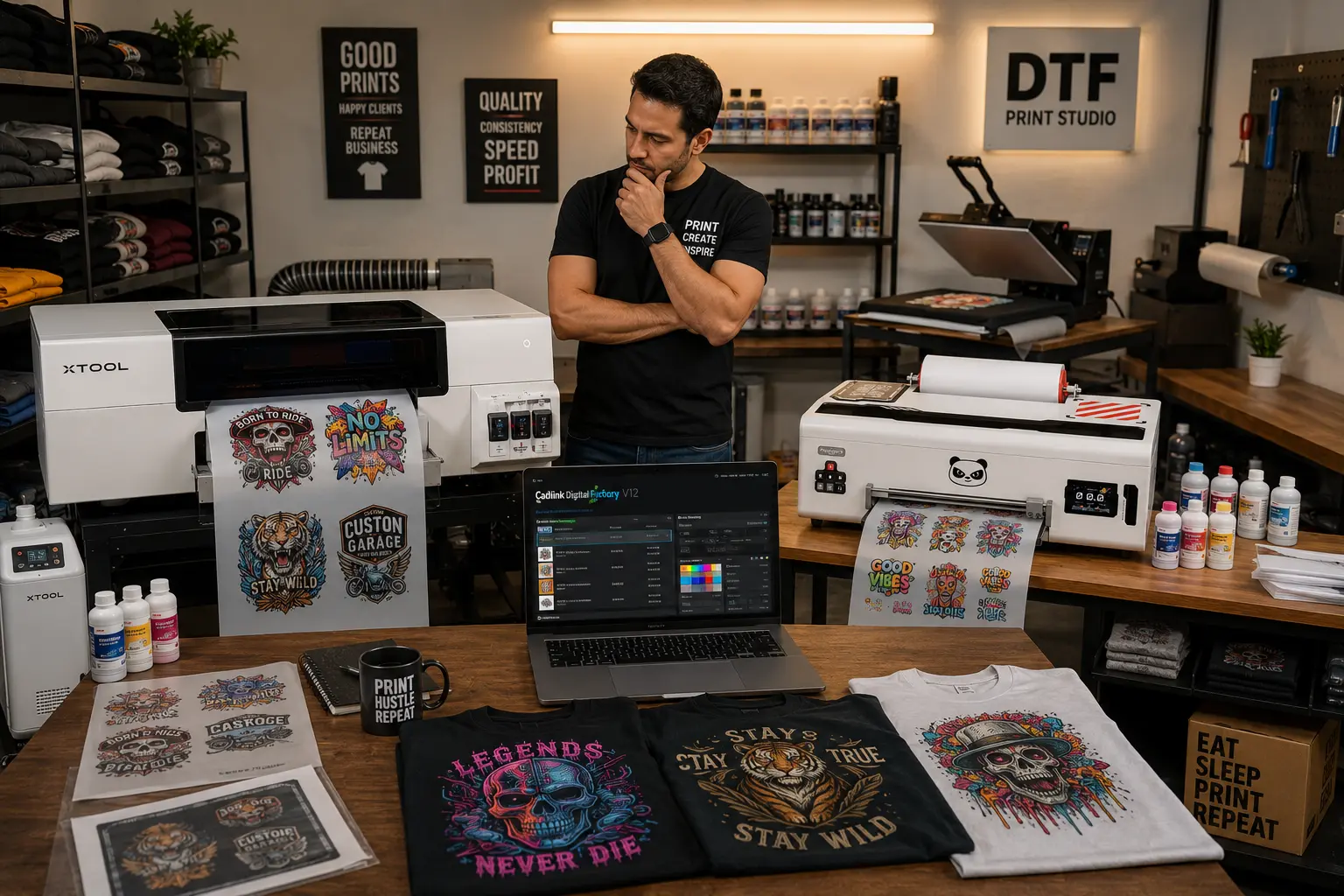

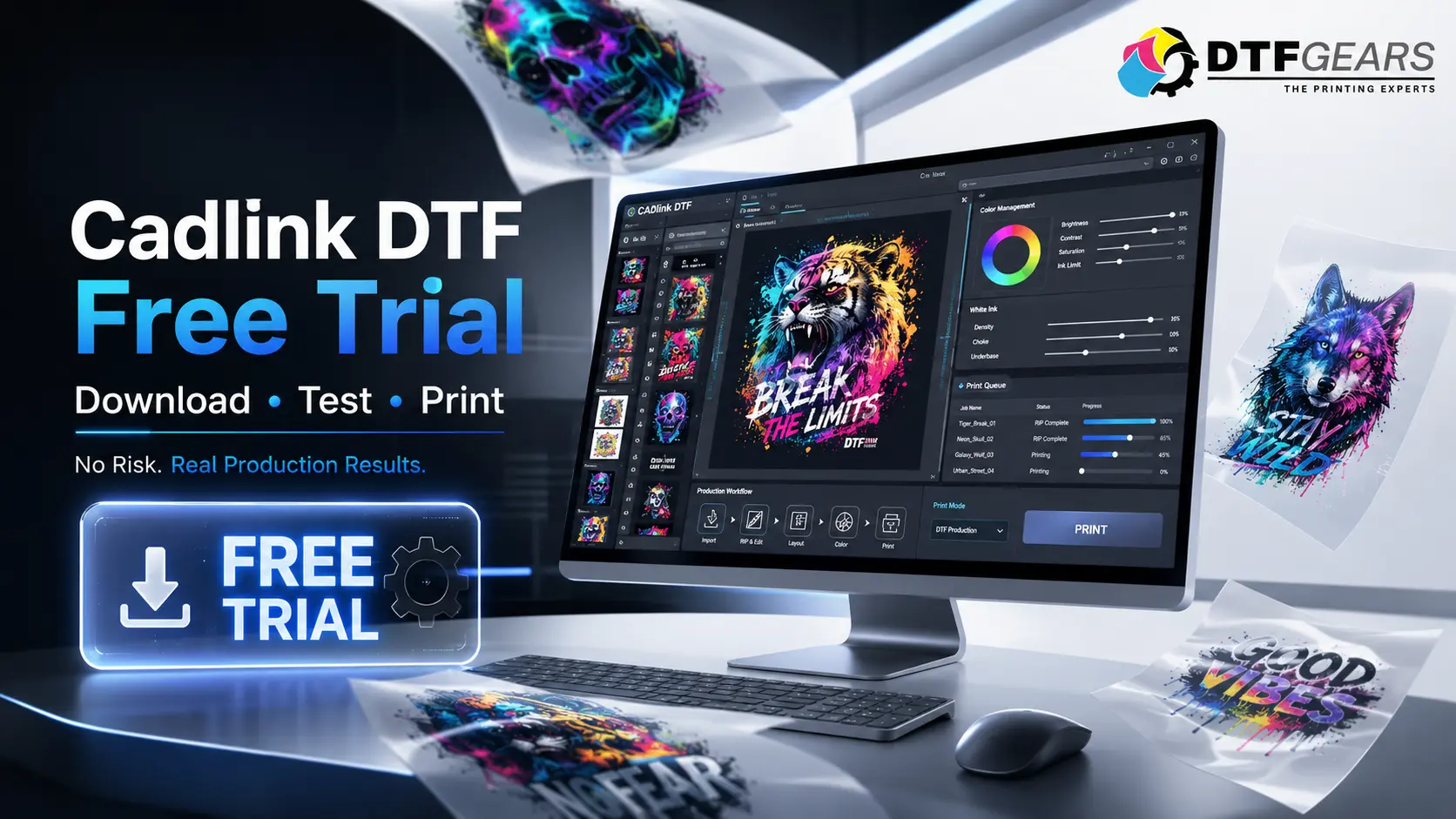
If you’re considering Cadlink DTF software for your print shop, testing it before making a purchase is the smartest move. A free trial allows you to evaluate the workflow, RIP performance, color management, and production efficiency on your own equipment before committing to a full license.
Whether you’re running a small DTF startup or a high-volume production facility, the Cadlink DTF free trial helps you understand exactly how the software fits into your daily printing operations.
Why Test Cadlink DTF Before Buying?
Every DTF printer setup is different. Ink brands, film types, printer models, and production requirements can all impact your workflow.
A trial version gives you the opportunity to:
- Verify compatibility with your printer
- Test color accuracy and output quality
- Evaluate RIP speed and processing performance
- Learn the software interface
- Compare it against your current RIP solution
- Determine if it improves production efficiency
Instead of relying on demonstrations or reviews, you can see real-world results using your own jobs and production environment.
How to Get the Cadlink DTF Free Trial
Getting started with the Cadlink DTF trial is simple.
Step 1: Request the Trial
Visit DTF Gears and submit a trial request. Our team will guide you through the setup process and help determine the best version for your printer configuration.
Step 2: Download the Software
Once approved, you’ll receive access to download the trial version of Cadlink DTF along with installation instructions.
Step 3: Install and Configure
Install the software on your production computer and connect it to your DTF printer.
Step 4: Test Real Production Jobs
Import artwork, create print queues, manage color profiles, and run actual customer orders to evaluate performance.
Step 5: Get Technical Assistance
Our team can assist with setup questions, printer integration, and workflow optimization during the trial period.
What’s Included in the Free Trial
The trial is designed to give you a realistic experience of what the software can do.
Professional RIP Features
Test advanced RIP processing designed specifically for DTF production workflows.
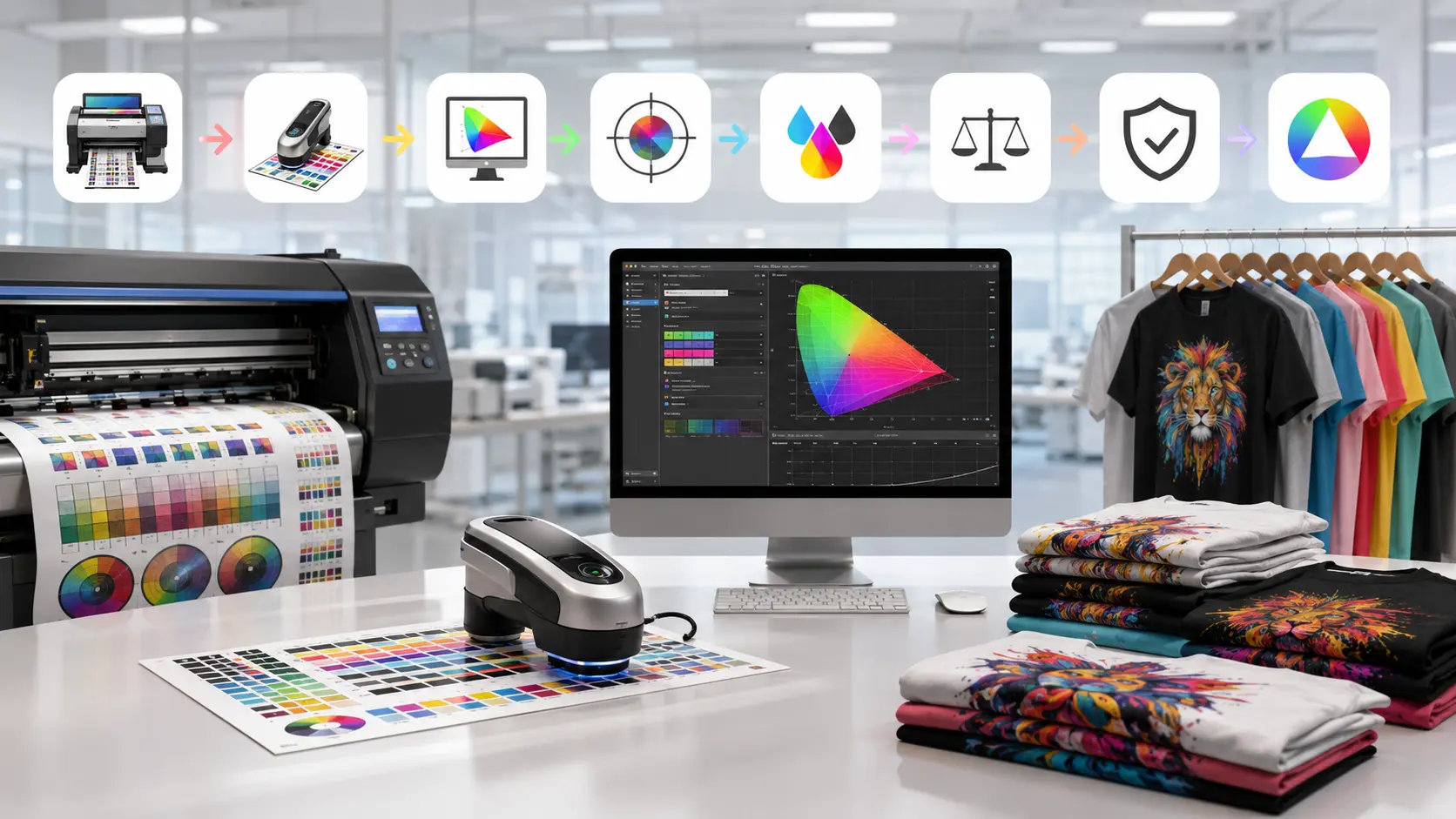
Color Management Tools
Evaluate color handling capabilities and profile support for accurate, repeatable results.
Print Queue Management
Experience efficient job organization, scheduling, and production control.
White Ink Handling
Test automated white ink generation and management features that simplify DTF production.
Production Workflow Testing
Run actual print jobs to see how the software performs under real production conditions.
Technical Guidance
Get support from DTF Gears to ensure proper installation and setup during your evaluation period.
Benefits of Using Cadlink DTF
Many print shops choose Cadlink DTF because it helps streamline operations while improving output consistency.
Key benefits include:
- Faster RIP processing
- Improved color consistency
- Reliable white ink generation
- Efficient production management
- Reduced workflow errors
- Professional-grade print output
- Better scalability for growing businesses
For shops looking to increase productivity without adding unnecessary complexity, Cadlink DTF remains one of the most trusted RIP solutions available.
Who Should Try Cadlink DTF?
A free trial is especially valuable for:
New DTF Businesses
Learn professional RIP software from the beginning and build a scalable workflow.
Growing Print Shops
Evaluate whether Cadlink DTF can support increasing order volumes.
Shops Switching RIP Software
Compare features, speed, and ease of use against your current solution.
Multi-Printer Operations
Test how the software performs across larger production environments.
From Free Trial to Buying Cadlink DTF
Once you’ve completed your evaluation, upgrading is straightforward.
You’ll already have experience with:
- Software installation
- Daily workflow management
- Print queue operations
- Color management tools
- Production optimization features
This makes the transition from trial to full license quick and seamless.
If you’re ready to purchase after testing, check our complete pricing guide:
👉 Related Guide: Buy Cadlink DTF Software: Pricing & Plans
The pricing guide explains available licensing options, software features, and recommendations based on shop size and production requirements.
Why Choose DTF Gears for Cadlink DTF?
At DTF Gears, we do more than simply provide software licenses.
We help print shops:
- Select the right Cadlink solution
- Configure printer compatibility
- Optimize workflows
- Improve production efficiency
- Receive ongoing technical support
Our goal is to ensure you get maximum value from your Cadlink DTF investment.
Start Your Cadlink DTF Free Trial Today
The best way to determine if Cadlink DTF is right for your shop is to test it yourself.
Download the trial, run real production jobs, evaluate the workflow, and see how professional RIP software can improve your printing operation.
Ready to get started? Contact DTF Gears today and start your free Cadlink DTF trial.