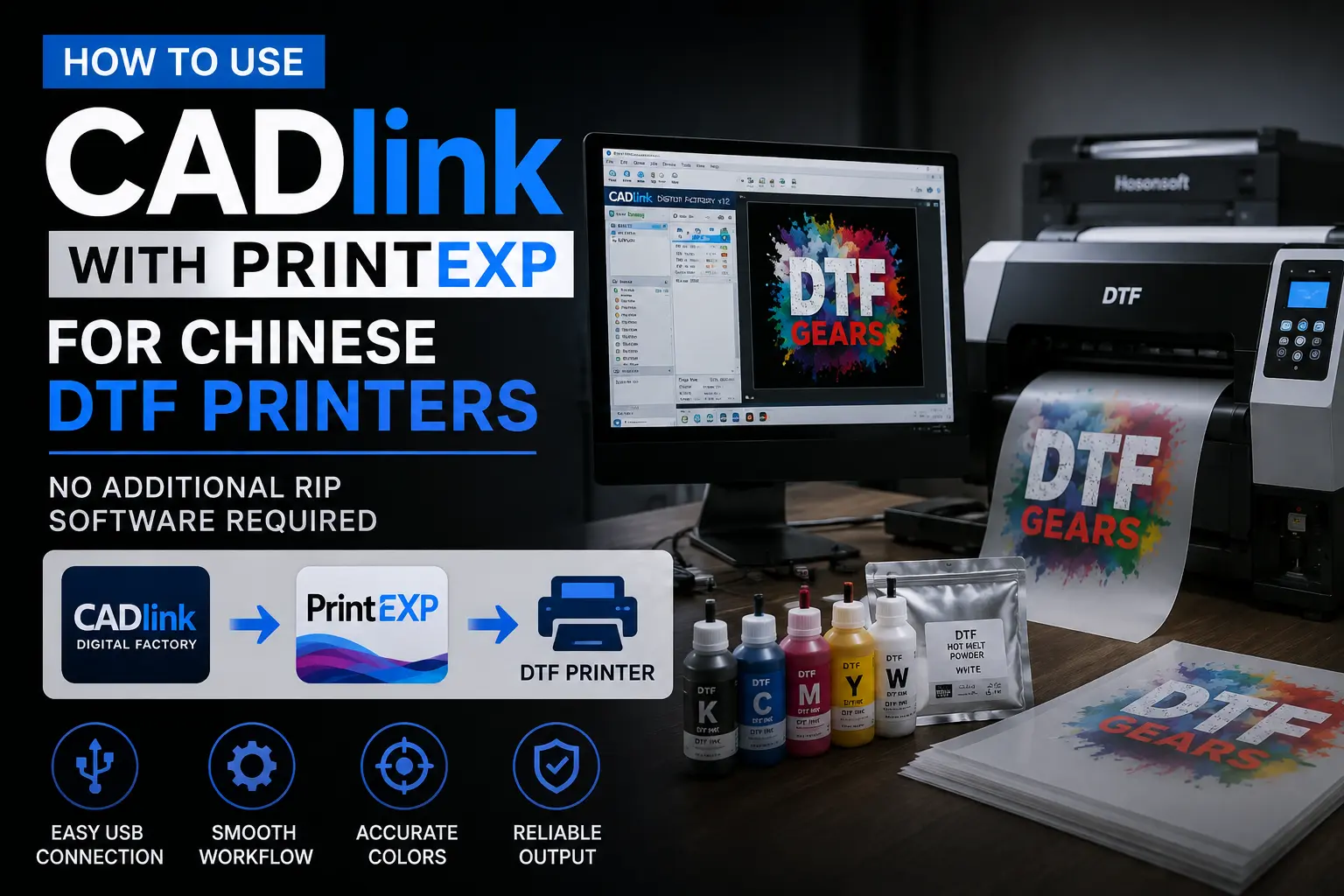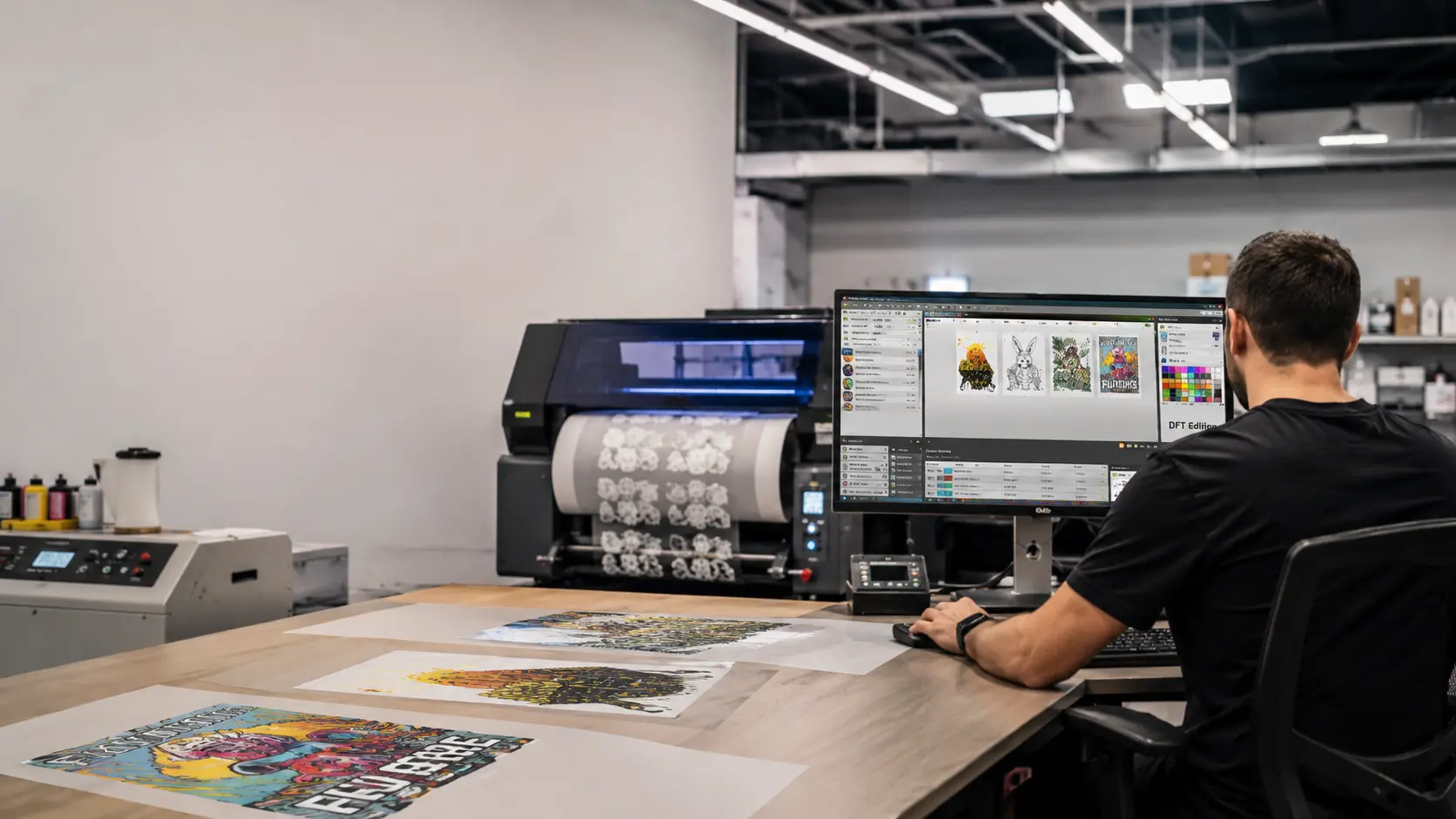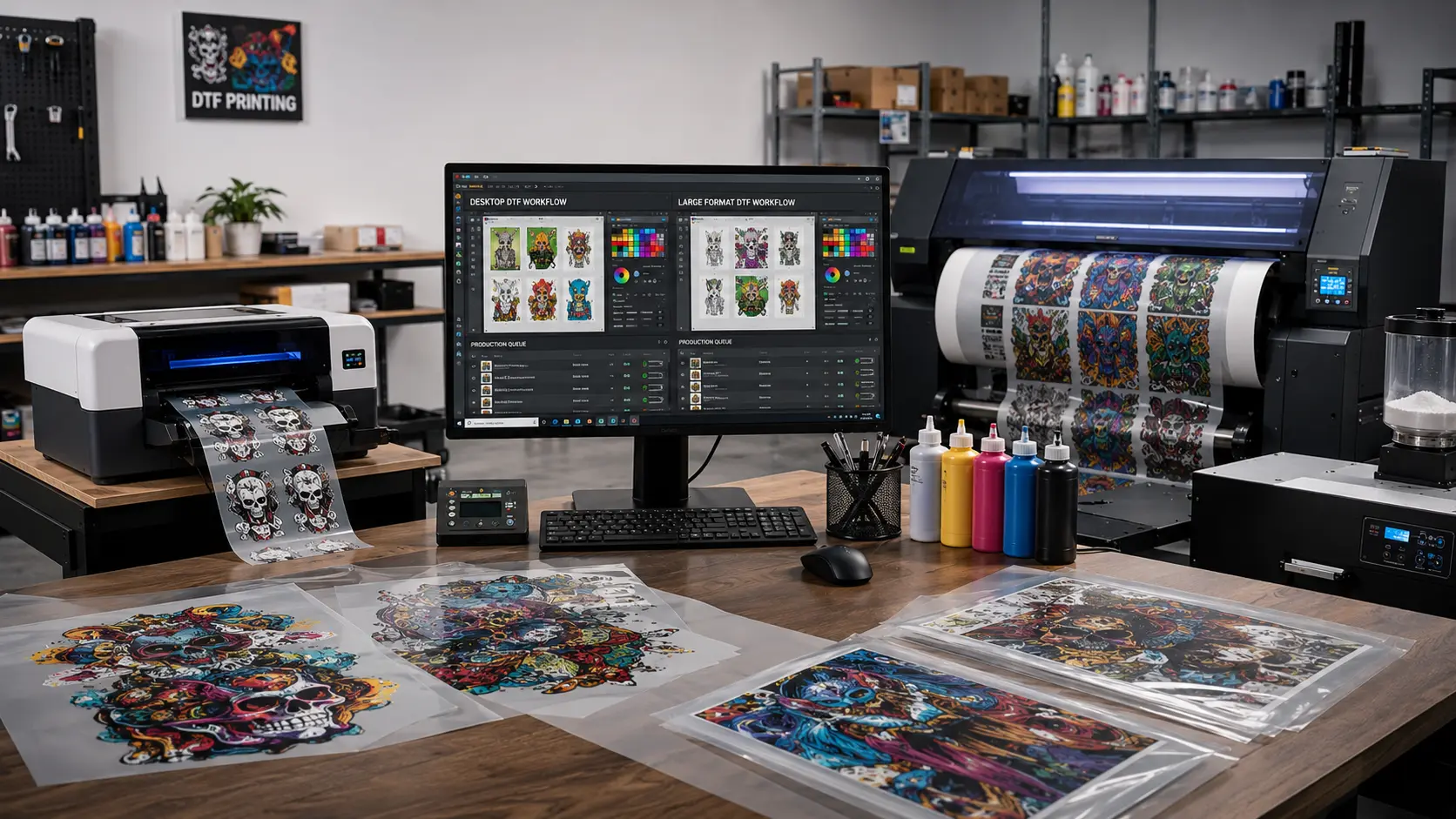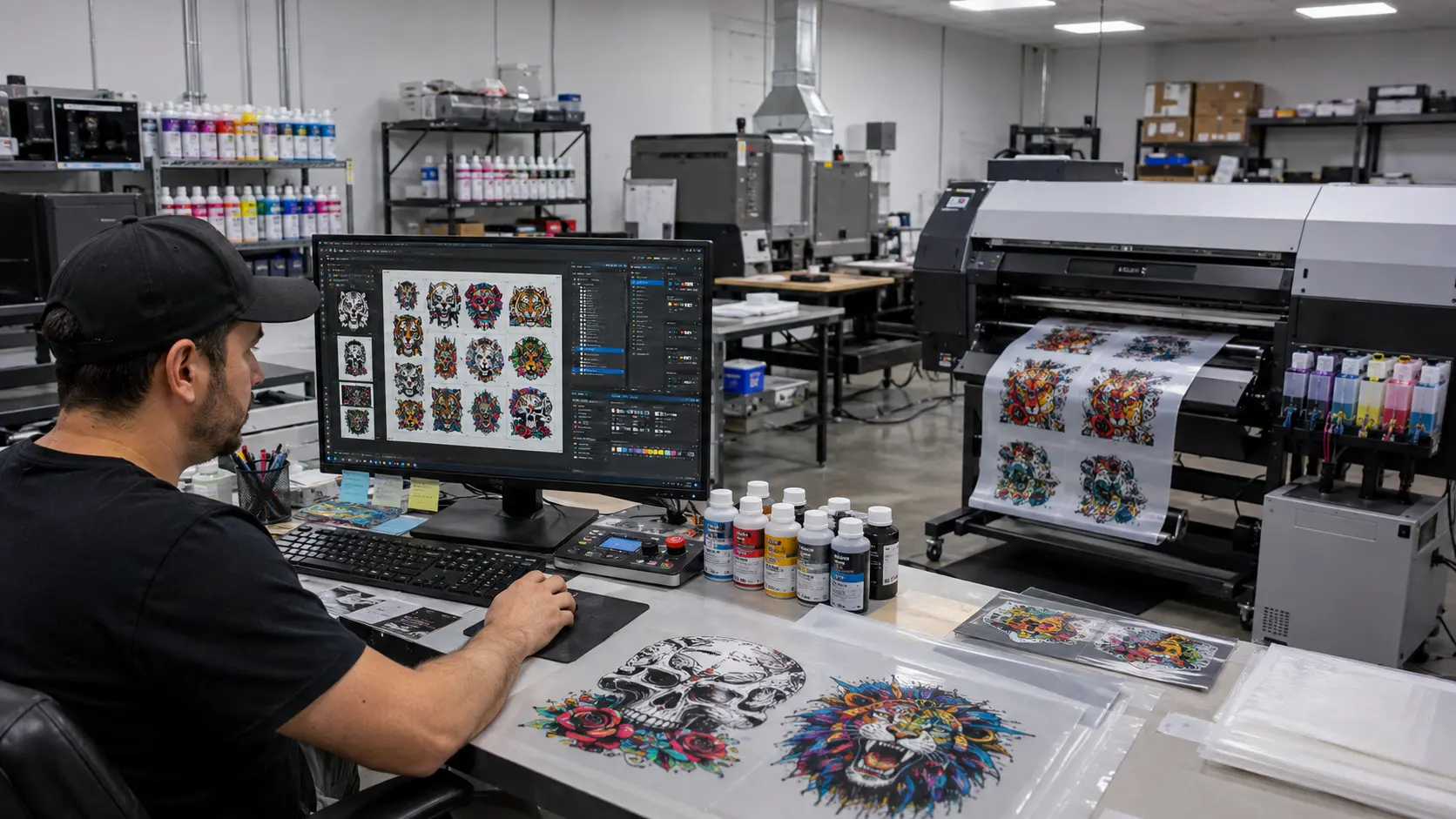

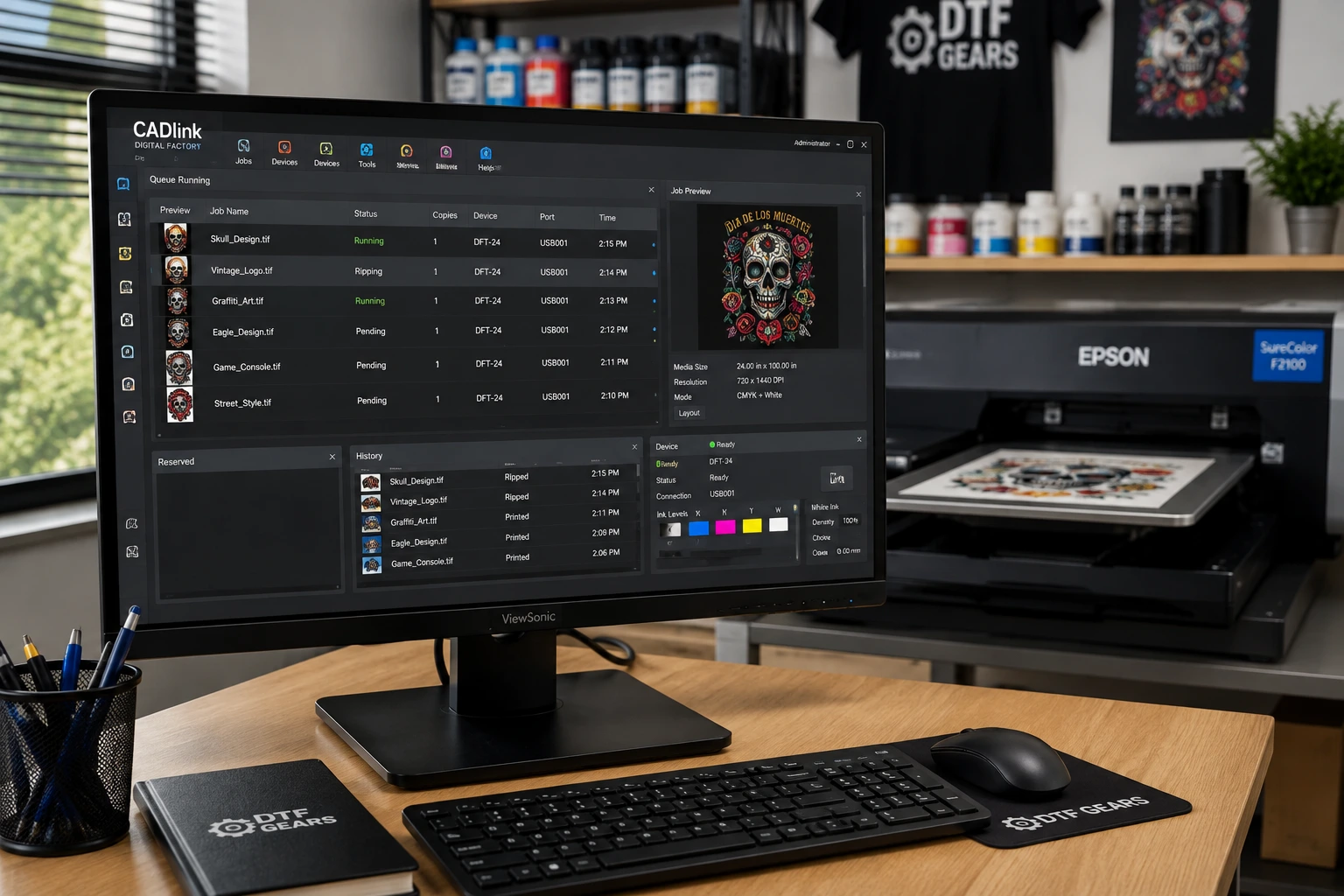
CADlink Software is designed for professional digital printing workflows, helping print businesses manage artwork, color, white ink, production queues, and print output from a single RIP software environment.
For businesses working with DTF printing, DTG, sublimation, wide-format printing, and other digital print applications, CADlink’s Digital Factory software provides tools designed to improve production control and print consistency.
Whether you are researching CADlink Digital Factory, comparing RIP software, or looking for CADlink software for a DTF printer, this guide covers the major editions, features, applications, pricing considerations, and factors to consider before choosing a CADlink solution.
What Is CADlink Software?
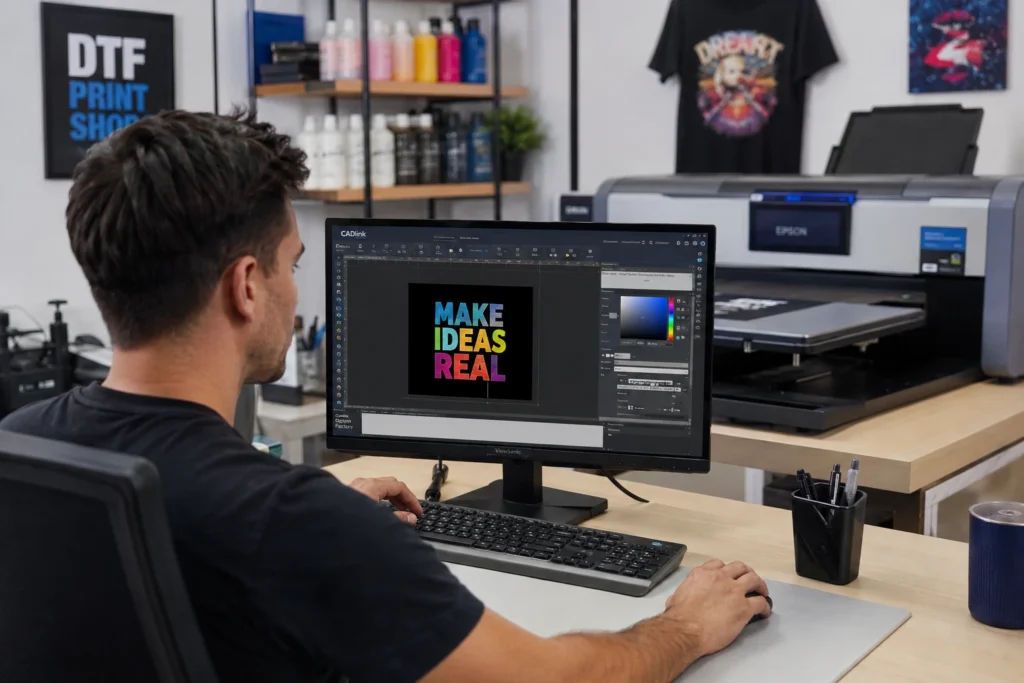
CADlink Software is a professional RIP and print production software solution developed for digital printing environments.
One of its best-known product families is Digital Factory, which provides specialized workflows for different types of digital printing.
Unlike basic printer drivers, RIP software provides greater control over how artwork is processed before it reaches the printer.
A professional RIP can help manage:
- Color reproduction
- White ink
- Print resolution
- Ink channels
- Production queues
- Artwork positioning
- Nesting
- Multiple print jobs
- Printer-specific workflows
- Media and print settings
For DTF businesses, these capabilities can become particularly important as production volume increases.
What Is CADlink Digital Factory?
CADlink Digital Factory is a RIP and production software platform designed for different digital printing applications.
Depending on the edition, Digital Factory can support workflows such as:
- Direct-to-Film (DTF)
- Direct-to-Garment (DTG)
- Dye sublimation
- Wide-format printing
- Textile printing
- Sign and graphics production
- Specialty digital printing
The software is available in different editions because the requirements of a small apparel printing business are different from those of a high-volume production facility.
CADlink Software for DTF Printing
DTF printing requires more than simply sending an image to a printer.
A typical DTF workflow involves:
Artwork → RIP processing → White ink generation → Color management → Film printing → Powder application → Heat transfer → Finished garment
CADlink RIP software can sit at the center of the digital printing stage.
For DTF businesses, important capabilities include:
White Ink Management
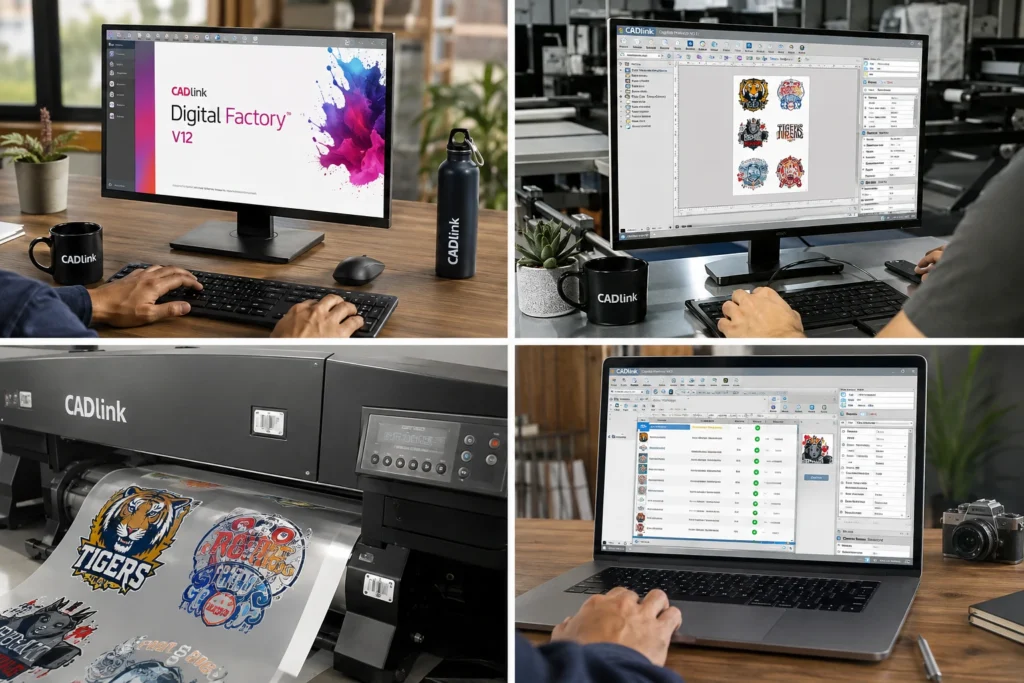
White ink is one of the most important parts of a DTF workflow.
The RIP software needs to process white ink separately from the CMYK image so that the printer can create an appropriate white layer underneath the artwork.
This becomes particularly important when printing:
- Transparent artwork
- Dark garments
- Detailed graphics
- Fine text
- Complex gradients
Color Management
Color consistency matters when printing apparel commercially.
CADlink software provides color-management controls designed to help businesses achieve more predictable output across print jobs.
This can be useful when a customer expects the same logo or design to look consistent across multiple garments.
Production Queue
A production queue allows print operators to organize multiple jobs rather than processing every design individually.
This can help businesses manage higher-volume workflows where multiple customer orders need to be printed throughout the day.
Gang Sheet Workflow
Gang sheets allow multiple designs to be arranged on the same sheet of DTF film.
Instead of printing one small design at a time, operators can place multiple graphics together to make better use of available film.
This can be particularly useful for:
- Custom apparel businesses
- Print-on-demand companies
- Bulk garment orders
- Small logo printing
- Multiple customer orders
Nesting
Nesting tools can help arrange artwork efficiently within the available print area.
Better artwork placement can reduce unused media and improve production efficiency.
CADlink Digital Factory V12
CADlink Digital Factory V12 is a newer generation of the Digital Factory RIP platform and includes production-focused tools designed for modern digital printing workflows.
Depending on the edition, users can access capabilities such as:
- Gang Sheet Builder
- Production Queue
- Nesting optimization
- ICC color management
- White ink controls
- Job preview
- Printer-specific workflows
- Production management tools
The exact features available depend on the Digital Factory edition and supported printer configuration.
CADlink Digital Factory Editions
CADlink offers different Digital Factory editions for different printing applications.
Before purchasing, it is important to identify your printer, printing technology, production volume, and required workflow.
Digital Factory DTF Edition
Designed around Direct-to-Film printing workflows.
This type of RIP solution can be useful for apparel businesses producing:
- T-shirts
- Hoodies
- Sweatshirts
- Uniforms
- Promotional apparel
- Custom garments
Digital Factory DTG Edition
Designed for Direct-to-Garment printing workflows.
DTG printing directly applies ink to garments, making printer-specific color and ink-management controls important.
Digital Factory Sublimation Edition
Designed for sublimation workflows, where artwork is transferred onto compatible substrates using sublimation ink and heat.
Common applications include:
- Sportswear
- Mugs
- Promotional products
- Polyester garments
- Signage
- Customized merchandise
Digital Factory Production Editions
Production-focused editions are intended for businesses that need more advanced print management and higher-volume workflows.
These can become particularly useful when a print operation moves beyond occasional custom orders and begins processing consistent commercial production.
CADlink Software Features
When evaluating CADlink Software, the most important features to consider include:
1. RIP Processing
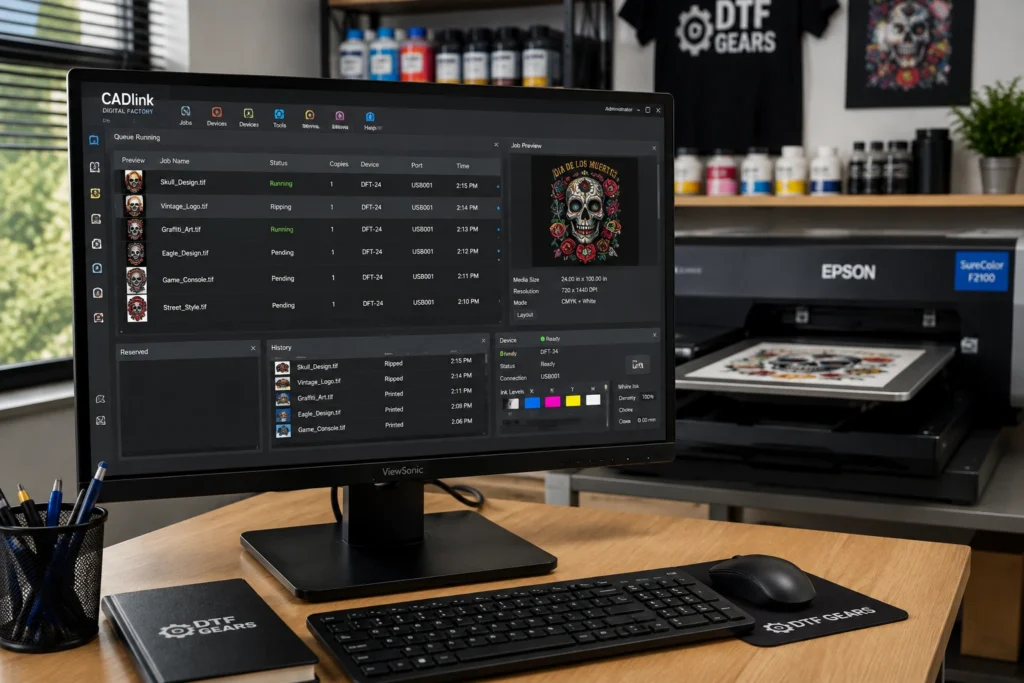
RIP processing converts artwork into printer-ready data while applying the selected color and production settings.
2. ICC Color Management
ICC profiles can help manage color reproduction between artwork, software, ink, media, and printer hardware.
3. White Ink Controls
White ink management is especially important for DTF and other specialty printing applications.
4. Gang Sheet Builder
Gang sheet tools allow multiple designs to be arranged together for more efficient printing.
5. Production Queue
Production queues make it easier to organize multiple jobs and manage print production.
6. Job Preview
A job preview allows operators to inspect the print before sending it to the printer.
7. Nesting Optimization
Nesting helps arrange designs efficiently within the available printable area.
8. Printer Support
Compatibility should always be checked before purchasing.
Not every CADlink edition supports every printer, ink configuration, or production setup.
Why Use RIP Software for DTF Printing?
A DTF printer can technically receive artwork through basic software, but professional production environments often require more control.
RIP software can help address several common challenges.
Better Color Control
Professional color management can provide more predictable results.
More Efficient Production
Gang sheets and nesting can help maximize usable film.
Better White Ink Control
The software can provide dedicated controls for the white layer used in DTF printing.
Easier Job Management
Production queues can make it easier to handle multiple customer orders.
More Consistent Output
Standardized profiles and production settings can help maintain consistency across jobs.
CADlink Software vs Basic Printer Software
A printer driver primarily focuses on communication between the computer and printer.
A RIP solution goes further by controlling how artwork is processed.
| Capability | Basic Printer Software | CADlink RIP Software |
|---|---|---|
| Print artwork | ✓ | ✓ |
| Advanced color management | Limited | ✓ |
| White ink controls | Limited | ✓ |
| Production queue | Limited | ✓ |
| Gang sheets | Limited | ✓ |
| Nesting | Limited | ✓ |
| Job preview | Basic | Advanced |
| Production workflow | Limited | ✓ |
For occasional printing, basic software may be sufficient.
For a commercial DTF operation, however, a dedicated RIP can provide substantially more workflow control.
How Much Does CADlink Software Cost?
The cost of CADlink Software depends on the specific Digital Factory edition, version, licensing model, and upgrade path.
For example, pricing can differ between:
- DTF editions
- Desktop editions
- Production editions
- New licenses
- Version upgrades
Businesses should compare the required edition rather than looking only at the headline software price.
For the latest CADlink pricing and available editions, check the current product listing before purchasing.
CADlink Digital Factory V12 Pricing
If you are researching CADlink Digital Factory V12 pricing, the exact price depends on the edition you need.
For example, different versions and editions may have separate pricing for:
- New licenses
- Upgrades
- Desktop configurations
- Production configurations
This makes it important to select the correct edition based on your printer and production requirements.
How to Choose the Right CADlink Software
The right CADlink solution depends on your printing setup.
Before purchasing, check these five factors.
1. What Printer Do You Use?
Start with the exact printer model.
Printer compatibility should be verified before buying any RIP software.
2. What Printing Technology Do You Use?
Determine whether your workflow involves:
- DTF
- DTG
- Sublimation
- Wide-format
- Textile
- Other specialty printing
3. What Is Your Production Volume?
A small custom-printing operation may have different requirements than a commercial print facility processing hundreds of jobs.
4. Do You Need Advanced White Ink Controls?
If you operate a DTF printer, white ink management should be a major consideration.
5. Do You Need Production Automation?
If you regularly process multiple orders, features such as queues, gang sheets, nesting, and job management can become increasingly valuable.
CADlink Software for DTF Businesses
CADlink software can be particularly useful for businesses that want to build a structured DTF production workflow.
Typical users include:
- DTF printing businesses
- Custom T-shirt companies
- Print-on-demand businesses
- Apparel manufacturers
- Promotional product companies
- Garment decorators
- Small print shops
- Commercial textile printers
As production volume increases, workflow management can become just as important as printer speed.
CADlink Software Workflow for DTF
A typical workflow can look like this:
Step 1: Prepare the Artwork
Create or import the design in your preferred graphics software.
Step 2: Import the Artwork Into CADlink
Load the artwork into the appropriate Digital Factory workflow.
Step 3: Configure the Print
Select the required printer, media, resolution, color settings, and other production parameters.
Step 4: Configure White Ink
Adjust the white layer according to the artwork and garment requirements.
Step 5: Create a Gang Sheet
Arrange multiple designs together when appropriate.
Step 6: Preview the Job
Review the artwork and print area before production.
Step 7: Send the Job to the Production Queue
Organize the job alongside other print orders.
Step 8: Print the DTF Film
Send the processed job to the compatible DTF printer.
CADlink Software Compatibility
Compatibility is one of the most important considerations before purchasing.
A CADlink edition may support specific:
- Printer models
- Ink configurations
- Printheads
- Operating systems
- Color profiles
- Production setups
Therefore, don’t choose software solely because it is described as a “DTF RIP.”
Always verify compatibility with your exact printer configuration.
Common Questions About CADlink Software
Is CADlink Software good for DTF printing?
CADlink Digital Factory provides professional RIP and production-management tools for supported DTF printing workflows. Its usefulness depends on your printer, edition, and production requirements.
What is CADlink Digital Factory?
CADlink Digital Factory is a family of RIP and production software solutions designed for digital printing applications.
What is CADlink RIP software?
CADlink RIP software processes digital artwork and controls important print-production parameters such as color, white ink, layout, and printer output.
Does CADlink support DTF printers?
CADlink supports specific DTF printers and configurations depending on the Digital Factory edition. Always verify compatibility with the exact printer model before purchasing.
What is CADlink Digital Factory V12?
Digital Factory V12 is a newer version of CADlink’s Digital Factory RIP platform, offering production-oriented features and workflows depending on the edition.
Does CADlink support gang sheets?
Supported Digital Factory configurations can include gang sheet functionality, allowing multiple designs to be arranged together for production.
Is CADlink a RIP software?
Yes. CADlink Digital Factory is a RIP and print-production software platform designed for professional digital printing workflows.
CADlink Software Buying Guide
If you’re ready to purchase CADlink Software, use this checklist first:
- Confirm your exact printer model.
- Identify your printing technology.
- Choose the correct Digital Factory edition.
- Check operating-system requirements.
- Verify printer compatibility.
- Compare new-license and upgrade pricing.
- Check included features.
- Determine whether you need gang sheets.
- Check white-ink management requirements.
- Consider your current and future production volume.
The goal isn’t simply to find the cheapest CADlink license.
The goal is to choose the CADlink software edition that matches your complete printing workflow.
Buy CADlink Software
If you’re looking for CADlink Software for DTF printing, DTF Gears can help you identify the appropriate CADlink solution for your printing setup.
Before purchasing, share your printer model, printhead configuration, and intended production workflow so the appropriate software edition can be selected.
Explore CADlink Digital Factory solutions from DTF Gears and choose the RIP workflow that fits your production setup.