
Thinking about starting a DTF printing business in the USA in 2027?
You are probably asking the same questions many new print entrepreneurs ask:
Which DTF printer should I buy? How much money do I actually need? Should I start small or invest in a commercial machine? Do I need a heat press? What about DTF ink, film, powder and RIP software? And should I consider UV printing too?
The good news is that you don’t need a massive production facility to get started.
The challenge is choosing a setup that makes sense for your budget, expected order volume, product range and growth plans.
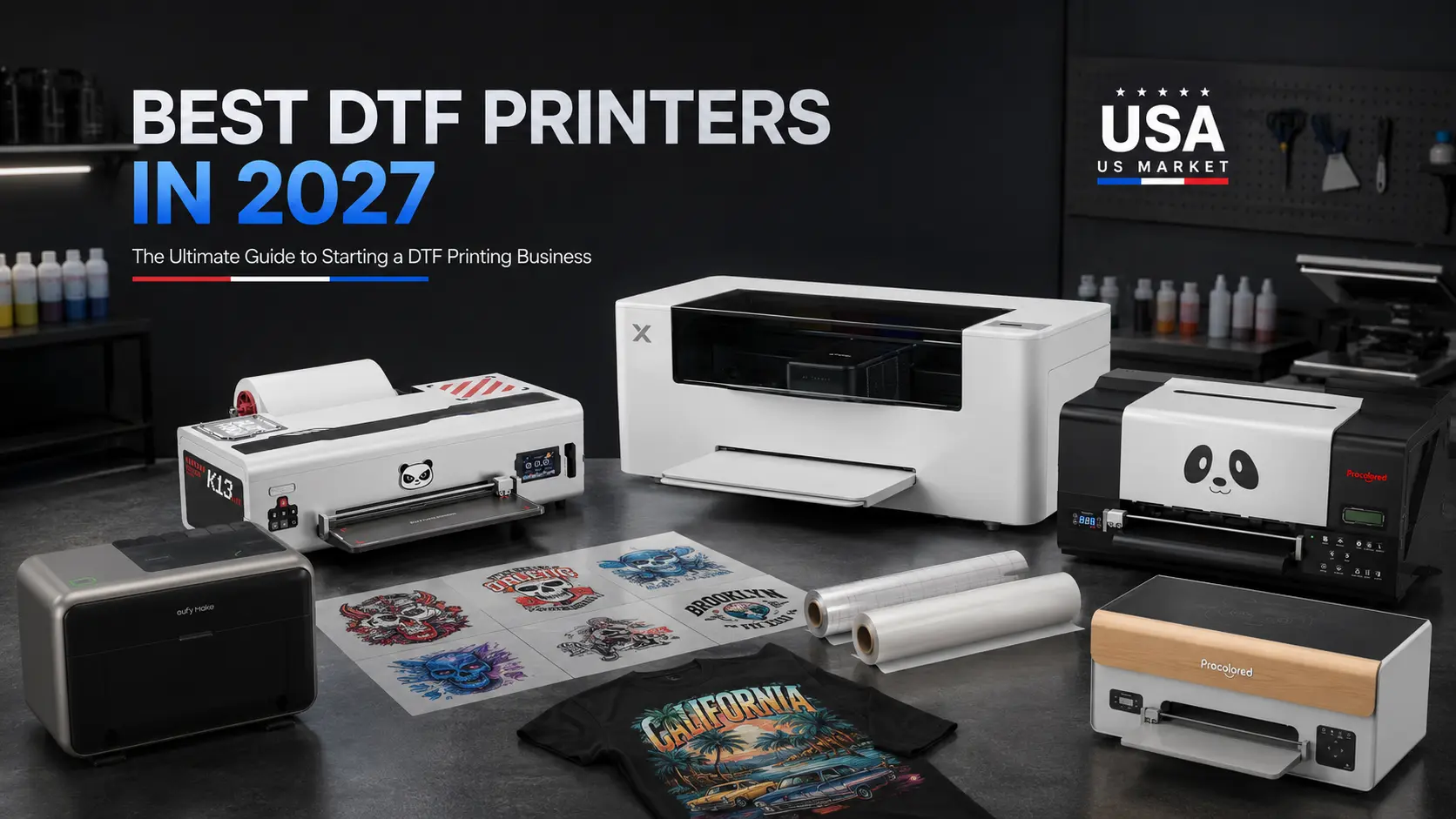
In this guide, we’ll look at some of the best DTF printers to consider in 2027, including Procolored and xTool, along with eufyMake E1 for UV printing. We’ll also cover the equipment, consumables and RIP software you need to turn a printer into a real business.
Note: Prices and product configurations can change. The prices mentioned in this guide are based on current US manufacturer listings and should be verified before purchase in 2027.
Is Starting a DTF Printing Business Still Worth It in 2027?
DTF printing continues to be attractive for entrepreneurs because it allows businesses to produce custom apparel without needing a traditional screen-printing setup.
You can create products such as:
- Custom T-shirts
- Hoodies
- Sweatshirts
- Sports jerseys
- Workwear
- School apparel
- Team uniforms
- Promotional clothing
- Personalized garments
- Small-batch fashion products
- DTF transfers for other businesses
The opportunity becomes even more interesting when you combine DTF printing with ecommerce.
A small business can sell through:
- Shopify
- Etsy
- Amazon
- Social media
- Local businesses
- Events
- Pop-up markets
- Custom-order websites
But buying a DTF printer is only the first step.
Your real business is the complete production workflow.
How Much Does It Cost to Start a DTF Printing Business in 2027?
There is no single answer.
Your startup investment depends on how much production you want to handle.
A basic setup might include:
DTF printer + heat press + RIP software + supplies
A more advanced setup could include:
Commercial DTF printer + powder shaker/oven + heat press + RIP software + bulk consumables + backup equipment
A useful way to think about your budget is:
Under $2,500
Ideal for entrepreneurs testing the market with a smaller setup.
$2,500–$5,000
A stronger range for a serious home-based or small apparel business.
$5,000–$10,000
Suitable for businesses planning higher production and more consistent order volume.
$10,000+
More appropriate for established print shops, production businesses or entrepreneurs building a larger operation.
And remember:
Don’t spend your entire budget on the printer.
You still need ink, film, powder, a heat press, RIP software, blanks, packaging and maintenance supplies.
Best DTF Printers in 2027
There isn’t one best DTF printer for every business.
The right choice depends on what you want to sell and how much you expect to produce.
Here are the machines worth considering.
1. Procolored K13 Lite — Best DTF Printer for Beginners
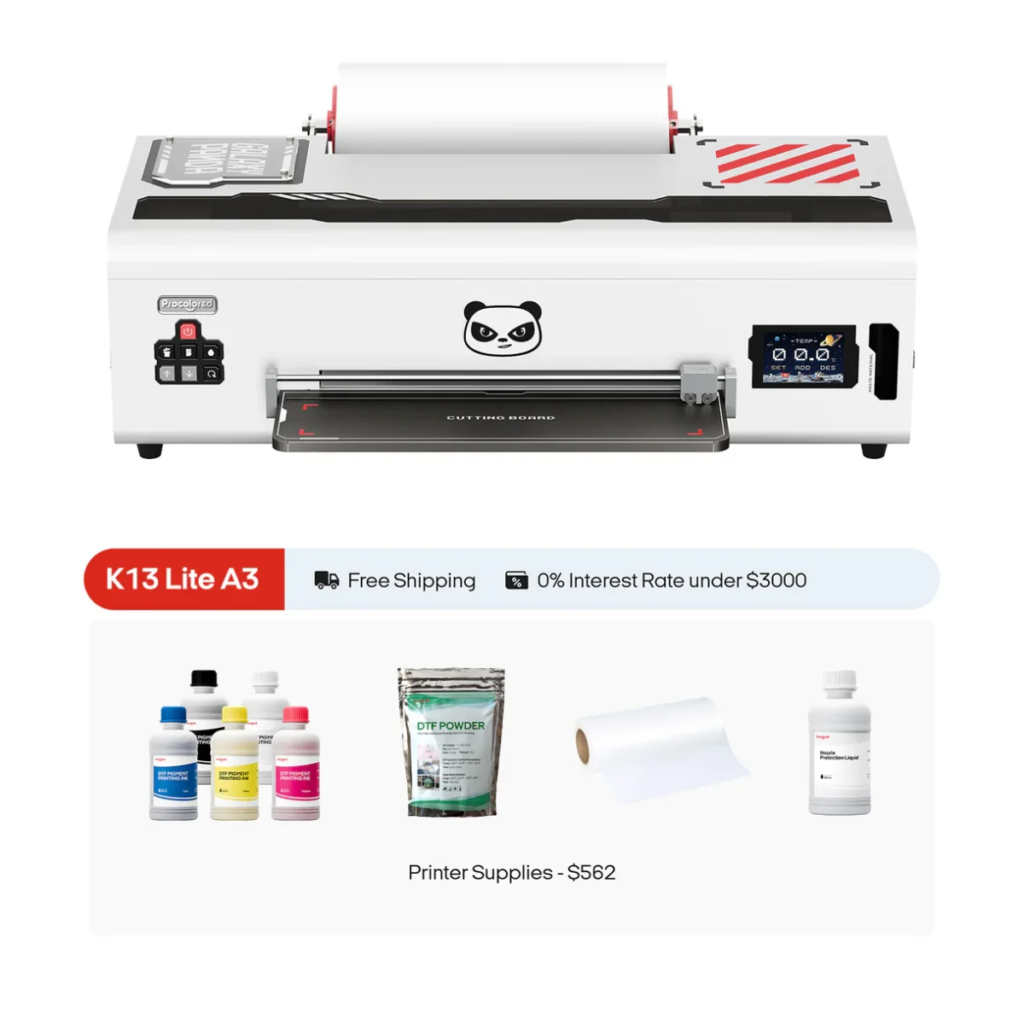
If you’re starting your first DTF printing business, the Procolored K13 Lite is one of the most accessible options to consider.
Procolored currently lists the K13 Lite as a 13-inch A3 DTF printer, with current US pricing around the $1,999–$2,499 range depending on configuration and promotion.
Why consider the K13 Lite?
It gives a new entrepreneur an opportunity to start with a smaller DTF setup without immediately jumping into a $5,000+ production machine.
That makes it interesting for:
- Home-based businesses
- Etsy sellers
- Small apparel brands
- Custom T-shirt businesses
- Beginners
- Local custom-printing services
BUY NOW : https://dtfgears.com/product/procolored-k13-lite-dtf-direct-to-film-a3-13-roll-printer-supplies-starter-bundle/
Entrepreneurs who want to start small and validate their business before scaling.
The biggest advantage for a beginner isn’t necessarily maximum speed.
It’s getting a manageable setup that you can learn and operate consistently.
3. Procolored F13 — Best for Stable Small-Business Production
If you’re ready to move into a more production-oriented setup, the Procolored F13 deserves attention.
Procolored currently lists F13 configurations around the $2,999–$3,499 range, depending on configuration and current promotions.
The F13 is positioned toward businesses that need more than an entry-level workflow.
BUY NOW
- Growing apparel brands
- Small print shops
- DTF transfer businesses
- Local custom apparel companies
- Businesses with consistent order volume
This is where your priorities begin to change.
You aren’t simply asking:
“Can this printer make good transfers?”
You’re asking:
“Can this printer support my daily production?”
That’s a much more important question.
Procolored P13 — For Growing DTF Businesses
The Procolored P13 sits further up the current lineup.
Procolored currently lists the P13 around $4,299, with promotional pricing varying by configuration and offer.
The P13 can make more sense for an entrepreneur who already has demand and doesn’t want to start with the smallest possible system.
BUY NOW
- Growing DTF businesses
- Small production studios
- Apparel brands
- DTF transfer sellers
- Businesses with regular commercial orders
If your order volume is increasing every month, buying based purely on today’s volume can create a bottleneck later.
That’s why scalability matters.
5. Procolored F13 Pro — For Higher-Volume Production
The Procolored F13 Pro is aimed at a more production-focused buyer.
Current Procolored US listings show the F13 Pro around $5,199, with some configurations and promotional pricing varying over time.
The F13 Pro becomes more relevant when you’re thinking about:
- Higher order volumes
- Commercial apparel production
- DTF transfer production
- Faster workflows
- Scaling an existing print business
BUY NOW
Growing businesses that have moved beyond the beginner stage.
If you’re already generating enough orders to justify a more serious production setup, this is the type of machine worth comparing.
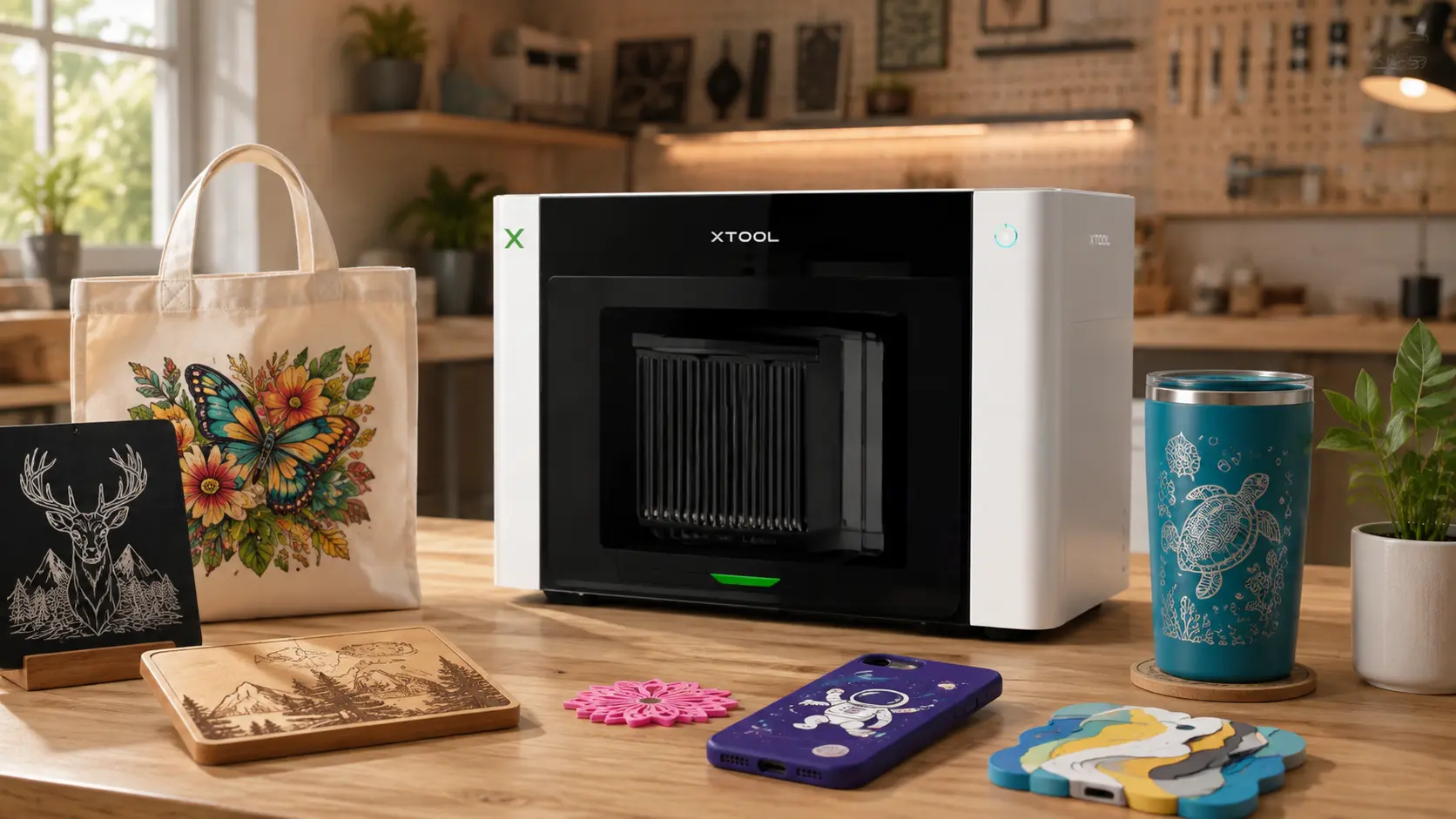
6. xTool Apparel Printer — Premium Apparel-Focused Option
The xTool Apparel Printer is another major option for entrepreneurs entering the DTF apparel market.
The current US xTool listing positions the Apparel Printer as a commercial-grade DTF solution with a 14-inch print width, Epson I1600 dual printheads, G7-certified color accuracy and a listed printing speed of up to 50 sq ft/hour. The current listed price is $5,199.
One of its biggest selling points is the focus on simplifying the apparel workflow.
xTool describes a one-click workflow that can automate printing, powder application and curing when paired with its shaker oven. It also highlights automatic printer maintenance functions.
Best for:
- Apparel brands
- Custom clothing businesses
- Professional creators
- Small-to-medium print businesses
- Entrepreneurs who value workflow automation
If you’re building a business specifically around apparel, xTool should be on your comparison list.
xTool vs Procolored: Which DTF Printer Is Better?
There isn’t a universal winner.
Both brands offer machines aimed at different business stages.
xTool may make sense if:
- Apparel is your primary focus
- You value an integrated workflow
- Automation is important
- You want a commercial-grade apparel solution
Procolored may make sense if:
- You want more models to choose from
- You’re comparing different price points
- You want to start smaller
- You want multiple production options as you scale
The better question isn’t:
“Which brand is better?”
It’s:
“Which machine fits my business?”
Procolored DTF Printer Range: Which One Should You Choose?
Here’s a simple way to look at the current lineup.
| Printer | Approx. Current US Price* | Best For |
|---|---|---|
| Procolored K13 Lite | From ~$1,999 | Beginners |
| Procolored K13 | From ~$2,499 | Small businesses |
| Procolored F13 | ~$2,999+ | Stable production |
| Procolored P13 | ~$4,299+ | Growing businesses |
| Procolored F13 Pro | ~$5,199+ | Higher production |
*Prices and configurations can change. Verify current pricing before purchase.
Procolored’s current comparison pages show these DTF models alongside UV DTF, UV and DTG machines, giving buyers multiple ways to build a broader printing operation.
What If You Want to Print More Than T-Shirts?
This is where your business model can become much more interesting.
DTF is primarily associated with apparel.
But customers don’t only want T-shirts.
They want:
- Personalized gifts
- Signs
- Décor
- Promotional products
- Custom accessories
- Personalized home products
- Branded merchandise
That’s where UV printing comes into the picture.
eufyMake E1 — Best UV Printing Option for Expanding Your Product Range
The eufyMake E1 is worth considering if you want to expand beyond apparel.
The current US listing starts at $2,499 for the Basic Bundle, while the printer-only option is listed at $2,199 with ink sold separately. The Deluxe Bundle is currently listed at $3,299.
The E1 is designed for UV printing and supports materials including:
- Metal
- Wood
- Acrylic
- Ceramic
- Stone
- Glass
- Canvas
- Leather
- Fabric
- Film
eufyMake also advertises up to 1440 DPI resolution and 3D texture printing up to 5 mm.
What can you sell?
With UV printing, you can explore products such as:
- Acrylic signs
- Personalized plaques
- Wooden décor
- Custom gifts
- Promotional products
- Personalized merchandise
- Decorative pieces
- Custom accessories
- UV DTF products
The E1 can also be expanded with a rotary attachment for cylindrical products such as mugs. The current US listing for that attachment is $399.99.
Best for:
Entrepreneurs who want to build a broader personalized-product business rather than focusing exclusively on apparel.
DTF vs UV Printing: Which Business Should You Start?
The answer depends on what you want to sell.
| DTF Printing | UV Printing |
|---|---|
| T-shirts | Acrylic |
| Hoodies | Wood |
| Sweatshirts | Metal |
| Jerseys | Ceramic |
| Sportswear | Glass |
| Uniforms | Décor |
| Bags | Personalized gifts |
| Apparel | Promotional products |
Choose DTF if:
Your business is primarily focused on apparel.
Choose UV if:
You want to focus on personalized products and hard surfaces.
Choose both if:
You want to create a broader custom-printing business.
And that’s one of the most interesting opportunities for a new entrepreneur in 2027.
What Equipment Do You Need to Start a DTF Business?
Buying a printer doesn’t give you a complete business.
You need the rest of the production workflow.
1. DTF Printer
Your printer is the center of the operation.
Choose it based on:
- Budget
- Print width
- Production volume
- Printhead
- Maintenance
- Speed
- Scalability
BUY NOW
2. DTF Ink
Ink is one of your ongoing operating costs.
You need reliable DTF ink that is compatible with your printer.
Don’t make your decision based solely on the lowest ink price.
Consider:
- Color consistency
- White ink performance
- Durability
- Printhead compatibility
- Overall cost per print
3. DTF Film
Film directly affects your transfer workflow.
Look at:
- Coating
- Thickness
- Release performance
- Powder adhesion
- Print quality
A low-cost film that creates failed transfers isn’t actually low-cost.
4. DTF Powder
The powder creates the adhesive layer that allows the printed design to bond to the garment.
Your workflow needs:
Print → Powder → Cure → Press
Poor powder application or curing can affect the final result.
5. Heat Press
The heat press is one of the most important pieces of equipment after your printer.
It controls:
- Temperature
- Pressure
- Press time
A good printer cannot compensate for an inconsistent heat press.
6. RIP Software
This is another area beginners often overlook.
Your RIP software sits between your artwork and your printer.
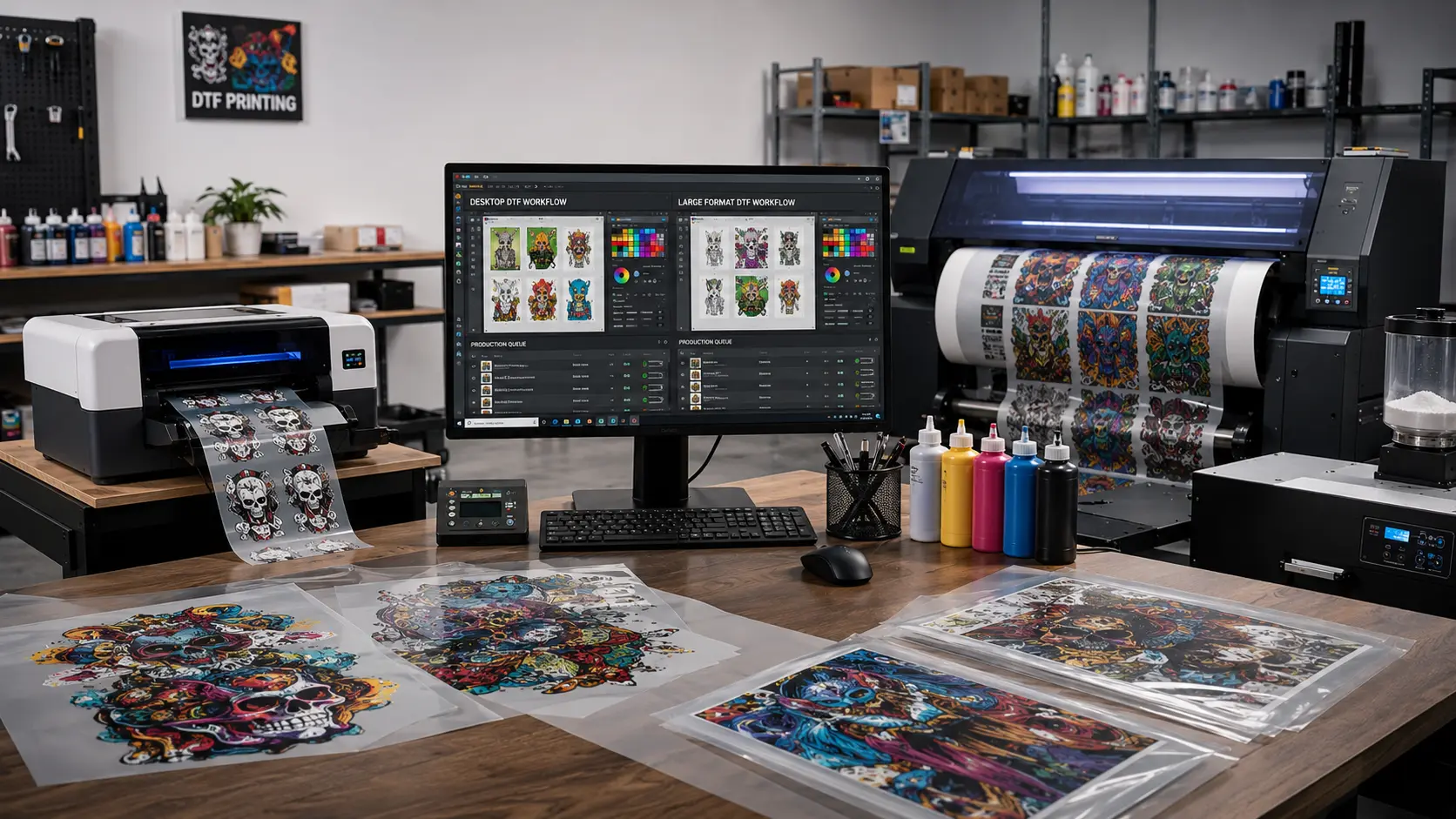
A good DTF RIP workflow can help with:
- Color management
- White ink
- Mirroring
- Print settings
- Job management
- Production queues
- Nesting
- Workflow efficiency
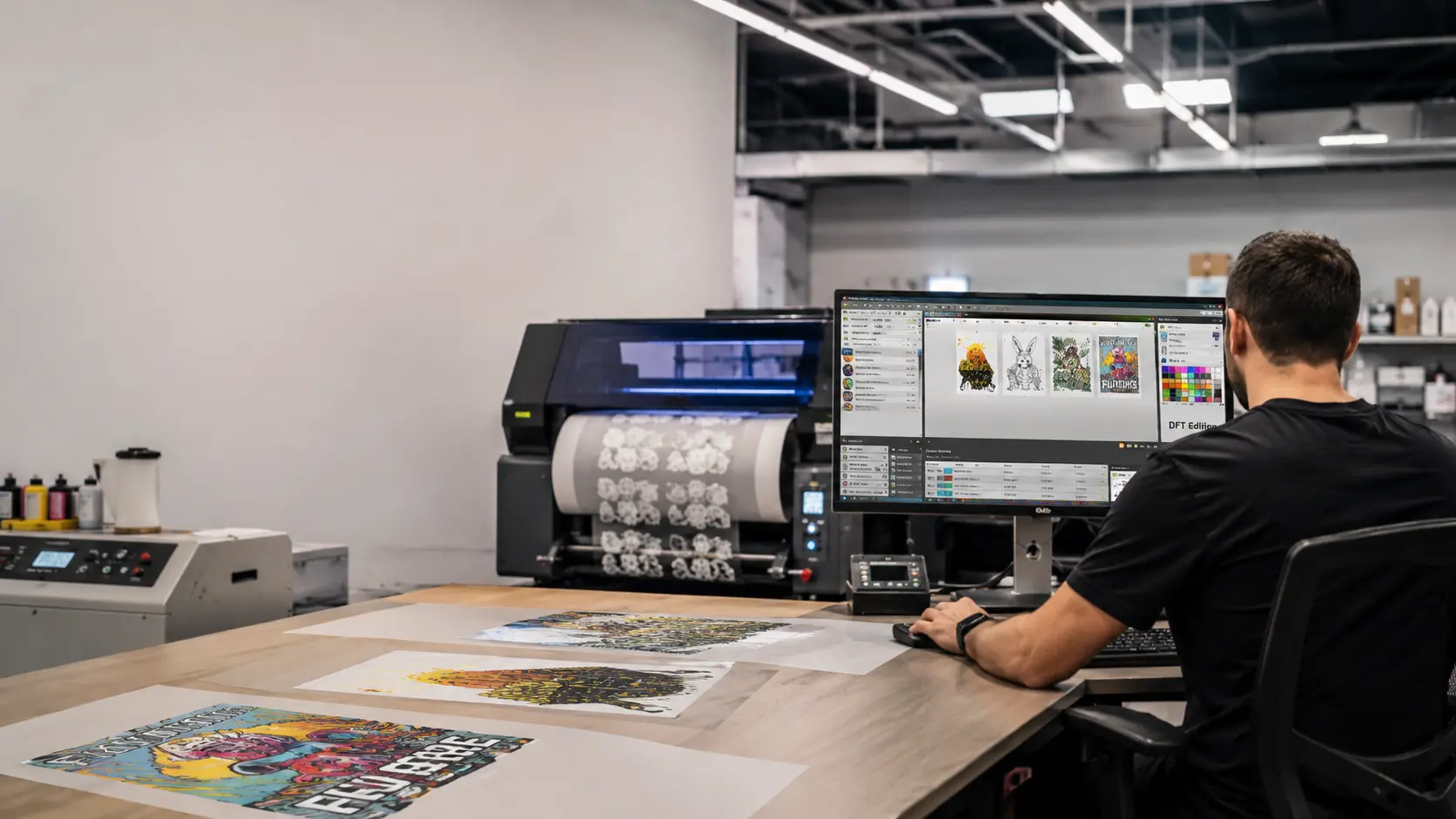
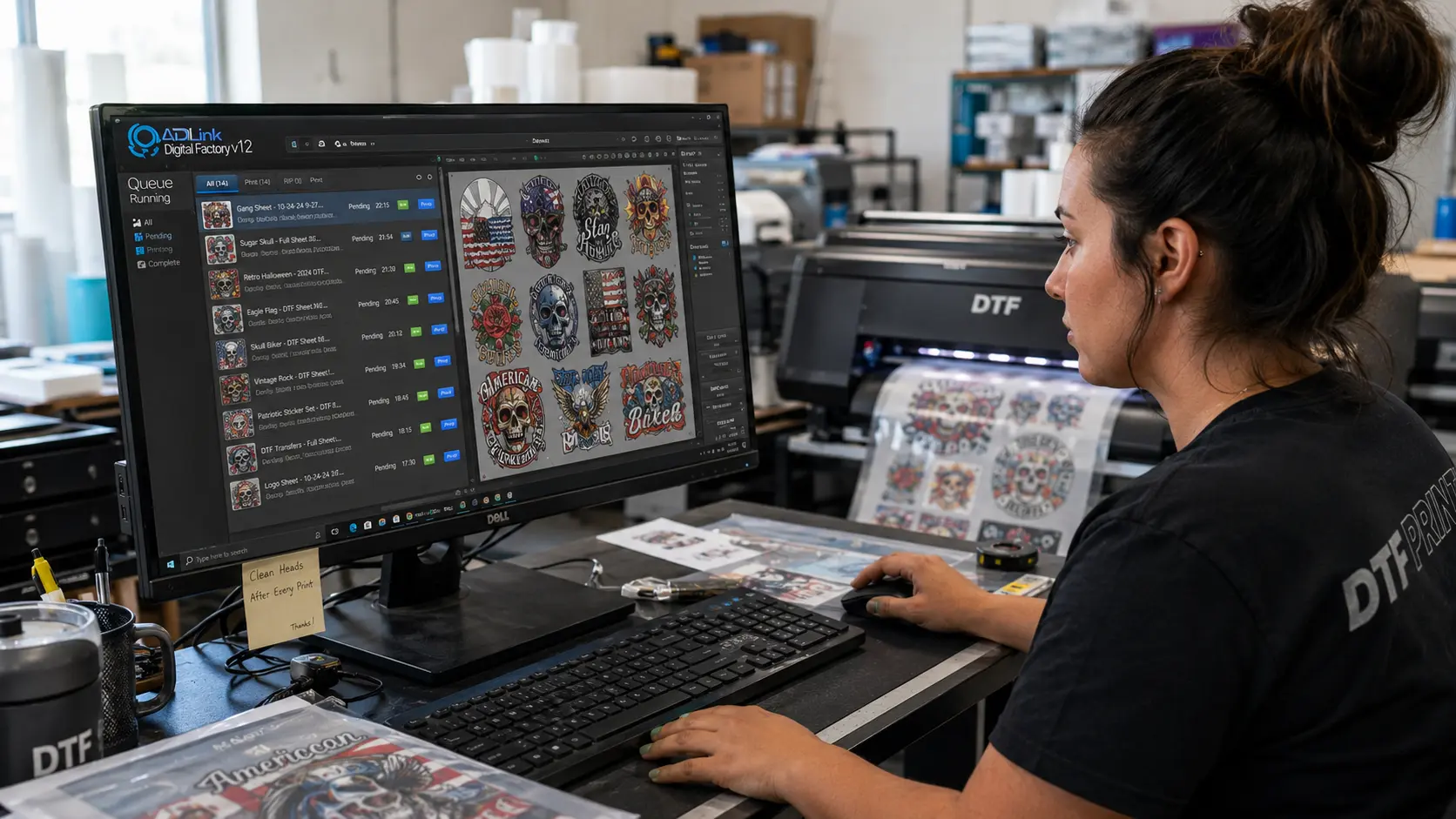
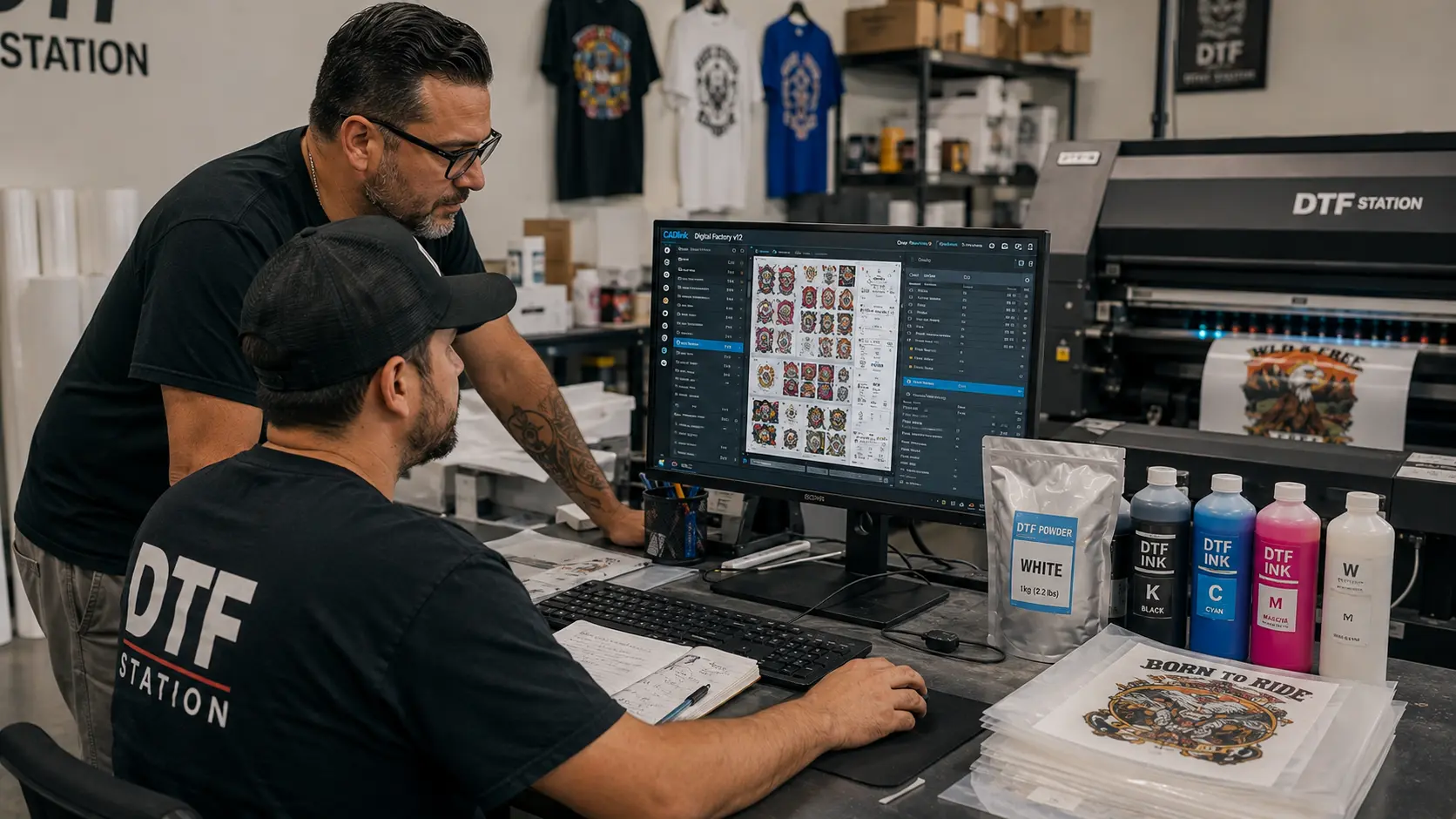
That’s where CADlink Digital Factory becomes relevant.
CADlink Digital Factory: The RIP Software for Your DTF Workflow
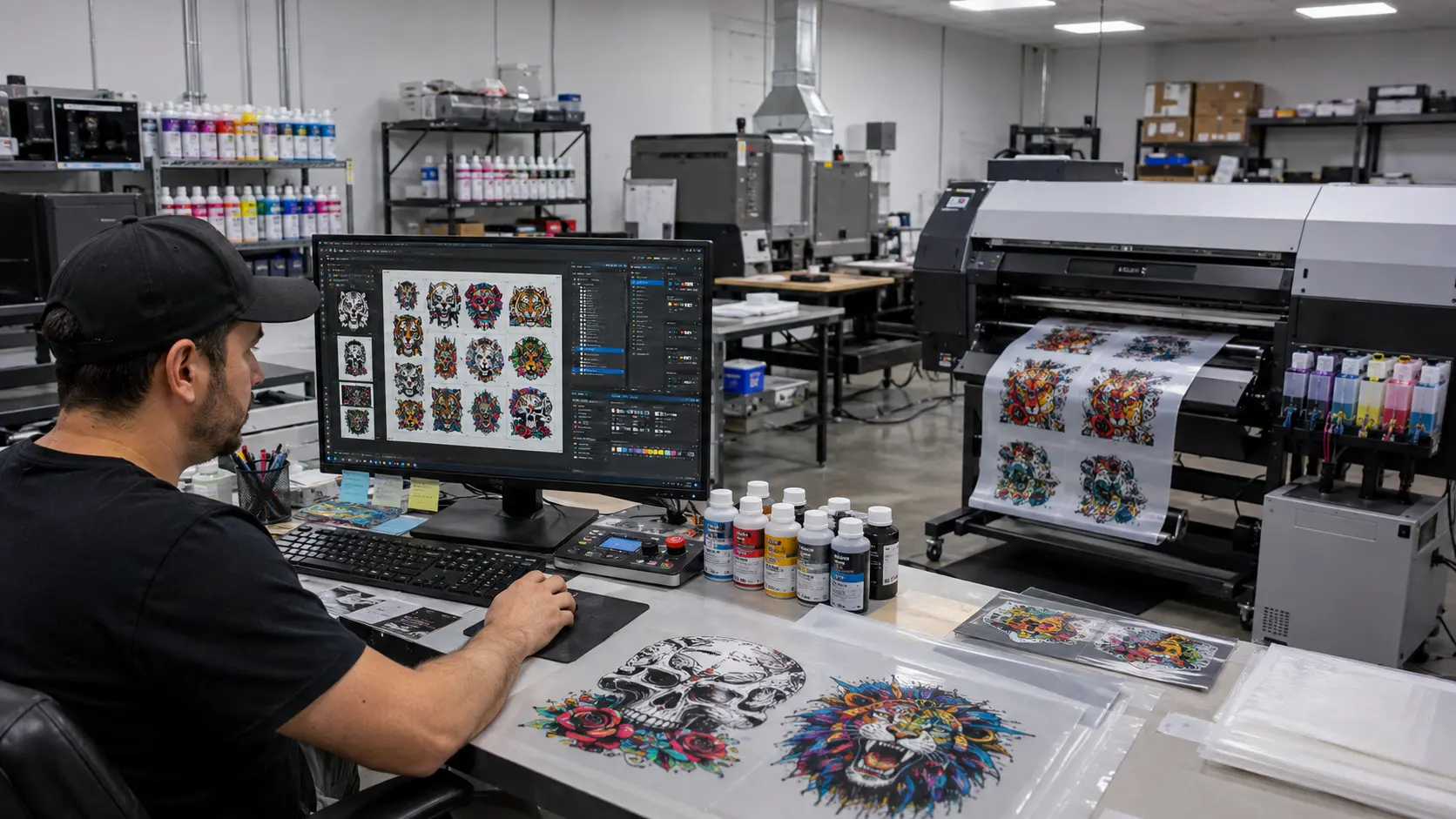
When your business moves from printing occasional shirts to handling multiple orders, production management becomes increasingly important.
CADlink’s Digital Factory Direct To Film Edition is designed specifically around DTF production workflows.
It can help manage important parts of the production process, including color management, white ink workflows and job preparation.
For a growing DTF business, RIP software isn’t simply another software subscription.
It’s part of your production infrastructure.
Your workflow becomes:
Design → Digital Factory → DTF Printer → Film → Powder → Cure → Heat Press
The better organized this workflow is, the easier it becomes to handle increasing order volume.
How Much Should You Actually Spend on Your First DTF Setup?
Here’s a practical way to think about it.
Around $2,000–$3,000
A good starting point for someone testing the market.
You could look at an entry-level Procolored setup and keep additional budget for:
- Heat press
- Film
- Ink
- Powder
- Blank garments
Around $3,000–$5,000
This gives you more room to build a serious small-business setup.
You can consider machines such as the Procolored F13 or P13 depending on the configuration and current pricing.
Around $5,000–$7,500
Now you’re entering a more serious production range.
This is where options such as:
- Procolored F13 Pro
- xTool Apparel Printer
become relevant.
$7,500+
At this level, you can start thinking beyond a single printer.
You could potentially build a more diversified operation with:
DTF + UV + RIP software + finishing equipment + inventory
That can create multiple revenue streams instead of relying on T-shirt printing alone.
Don’t Forget the Consumables
Your printer isn’t your only ongoing cost.
You will also need:
- DTF film
- DTF powder
- DTF ink
- Cleaning supplies
- Maintenance supplies
- Blank T-shirts
- Hoodies
- Packaging
- Shipping materials
This is why calculating cost per finished product is more useful than simply looking at printer price.
How to Choose the Best DTF Printer in 2027
Before you buy, answer these questions.
1. What is your total budget?
Not just your printer budget.
Your complete setup budget.
2. How many garments do you expect to produce?
Five shirts a day is very different from 100.
3. Are you selling finished apparel or DTF transfers?
Your business model affects the equipment you need.
4. How much space do you have?
Remember that your printer isn’t your only equipment.
5. How much maintenance can you handle?
DTF printers require regular care, especially around white ink.
6. Do you plan to scale?
Don’t buy only for today’s workload.
7. Do you want to sell products beyond apparel?
If yes, consider UV printing.
Best DTF Printer for Different Types of Businesses
Best DTF Printer for Beginners
A strong starting point for entrepreneurs who want to enter DTF printing without immediately investing in a larger production system.
Best DTF Printer for a Small Business
A better fit when you expect regular orders and need more production capability.
Best DTF Printer for a Growing Business
A potential choice for businesses that are moving beyond beginner-level production.
Best DTF Printer for Higher Production
Designed for entrepreneurs who are taking production more seriously.
Best Premium Apparel-Focused Option
A strong candidate for businesses focused specifically on apparel and streamlined production.
Best UV Printer for Expanding Your Product Range
A compelling option if you want to add personalized products beyond clothing.
Build a Complete DTF Business Setup With DTF Gears
The printer is only one part of the equation.
To build a successful DTF printing business, you need the entire ecosystem:
Printer
DTF Ink
DTF Film
DTF Powder
Heat Press
RIP Software
Maintenance Supplies
Blank Garments
Support
That’s where DTF Gears can become more than just another place to buy a printer.
The goal is to help entrepreneurs build a complete printing workflow.
Whether you’re:
- Starting your first home-based DTF business
- Launching an apparel brand
- Selling custom T-shirts online
- Producing DTF transfers
- Expanding an existing print shop
- Adding UV printing
- Building a personalized-product business
you need equipment that matches your business plan.
Final Verdict: What’s the Best DTF Printer to Buy in 2027?
The best DTF printer isn’t necessarily the most expensive printer.
It’s the printer that matches your budget, production volume, product range and growth plans.
If you’re starting from scratch and want to keep your initial investment controlled, look at the Procolored K13 Lite.
If you’re building a growing apparel business, consider machines such as the K13, F13 or P13.
If you’re ready for higher production, the F13 Pro deserves a closer look.
If you want a more integrated apparel-focused workflow, the xTool Apparel Printer is worth considering.
And if your goal is bigger than T-shirts, consider adding eufyMake E1 and entering the UV printing market.
The smartest entrepreneurs in 2027 won’t simply ask:
“Which DTF printer should I buy?”
They’ll ask:
“What printing business do I want to build?”
Once you answer that question, choosing the right printer becomes much easier.
Start Your DTF Business With the Right Equipment
From DTF printers and consumables to CADlink RIP software and essential printing equipment, DTF Gears can help you build your complete setup.
Whether you’re starting with a $2,000 setup or building a $10,000+ production operation, choose your equipment around your business — not the other way around.