
Looking to buy CADlink V12 for your DTF business in the USA?
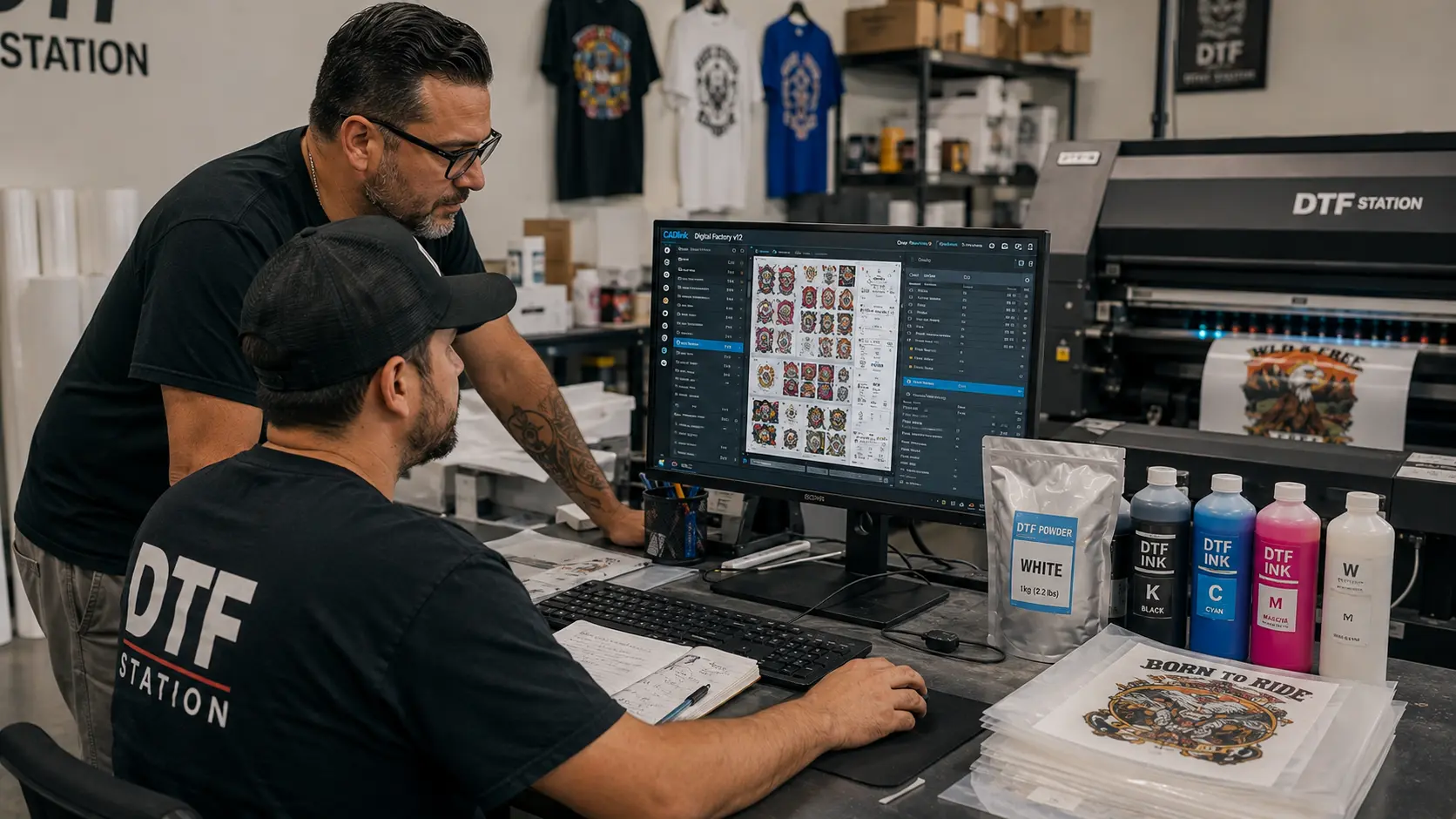
If you’re already printing DTF transfers—or you’re preparing to scale a commercial DTF operation—your RIP software can directly influence how efficiently you prepare, organize, and produce jobs.
gives DTF businesses a professional production workflow with tools for gang sheets, job management, white-ink controls, color management, print previews, and production queues.
And if you’re ready to purchase, DTF Gears currently offers the CADlink V12 Desktop Edition from $379.
Buy CADlink V12 From $379
CADlink V12 Pricing for DTF Businesses in the USA
Before buying any RIP software, the first question is usually simple:
How much does it cost?
DTF Gears currently offers multiple CADlink Digital Factory V12 options depending on your production requirements.
CADlink Digital Factory V12 Desktop Edition
The Desktop Edition is positioned for businesses running desktop-scale DTF printing workflows.
It can be a practical choice for:
- DTF startups
- Small and medium-sized print shops
- Custom apparel businesses
- Print-on-demand businesses
- Home-based commercial DTF operations
- Businesses upgrading from basic RIP software
CADlink Digital Factory V12 Production Edition
The Production Edition is designed for businesses that require a larger-format production workflow.
It can be relevant for:
- High-volume DTF operations
- Commercial print production
- Larger-format workflows
- Businesses managing more demanding production environments
CADlink V11 to V12 Upgrade
Existing eligible CADlink V11 users may also have an upgrade option.
Current listed upgrade price: $222.49
Before purchasing an upgrade, verify that your existing license qualifies.
CADlink V12 Pricing at a Glance
| CADlink Option | Current Listed Price | Best For |
|---|---|---|
| V12 Desktop Edition | $379 | Desktop DTF production |
| V12 Production Edition | $799 | Larger production workflows |
| V11 → V12 Upgrade | $222.49 | Eligible existing V11 users |
Prices can change, so verify the current price and edition details on the DTF Gears product page before checkout.
Ready to Buy?
Shop CADlink V12 at DTF Gears →
Which CADlink V12 License Should You Buy?
Choosing the right edition is more important than simply choosing the cheapest option.
Your printer, production volume, and workflow requirements should determine which CADlink V12 license makes sense.
Choose CADlink V12 Desktop if you:
- Run a desktop DTF printer
- Operate a small or medium DTF business
- Produce custom apparel
- Handle print-on-demand orders
- Need professional RIP controls
- Want better job management
- Are moving beyond basic printer software
Consider CADlink V12 Production if you:
- Operate a larger production environment
- Need a more production-focused workflow
- Work with larger-format requirements
- Process higher volumes of commercial jobs
Consider the V11 → V12 Upgrade if you:
- Already own an eligible CADlink V11 license
- Want access to V12 capabilities
- Prefer upgrading rather than purchasing a new license
If you’re unsure which edition fits your printer and workflow, check the product specifications or contact DTF Gears before purchasing.
What Do You Get When You Buy CADlink V12?
The value of CADlink V12 isn’t just the software license itself.
It’s the collection of production tools that can help turn individual print files into a more organized DTF production workflow.
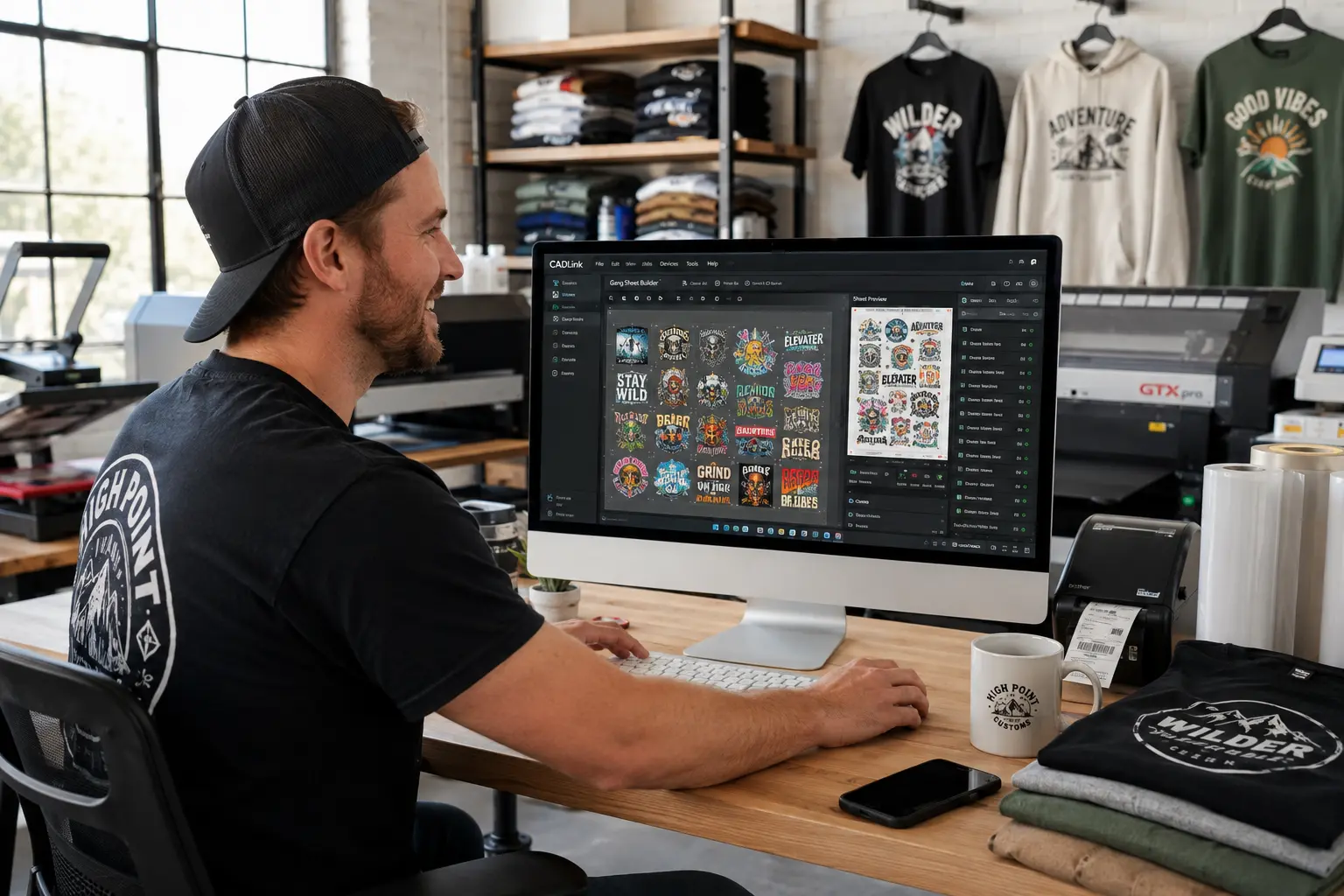
Gang Sheet Builder
If you’re running a commercial DTF business, printing one design at a time isn’t always the most efficient way to work.
Gang sheets allow multiple designs to be arranged on a single sheet of DTF film.
For example, one customer might need:
- 20 small logos
- 10 sleeve graphics
- 5 chest prints
- 3 larger front designs
Rather than preparing every design separately, a gang-sheet workflow lets you organize multiple designs together.
CADlink Digital Factory includes gang-sheet functionality within its production workflow.
Why this matters when buying CADlink V12
Better job organization can help you make more practical use of your available print area.
For a DTF business producing hundreds of transfers, even small workflow improvements can become meaningful over time.
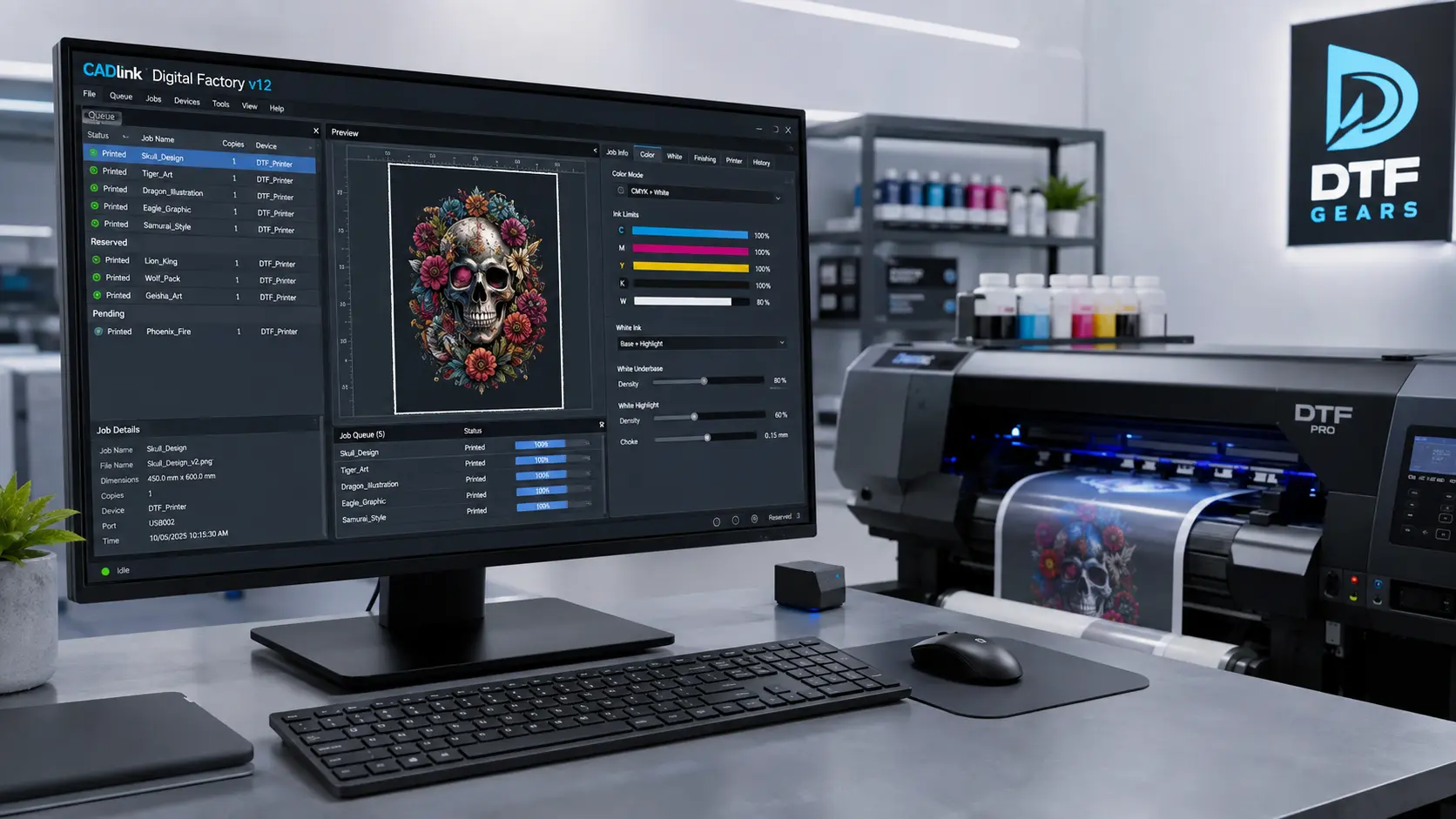
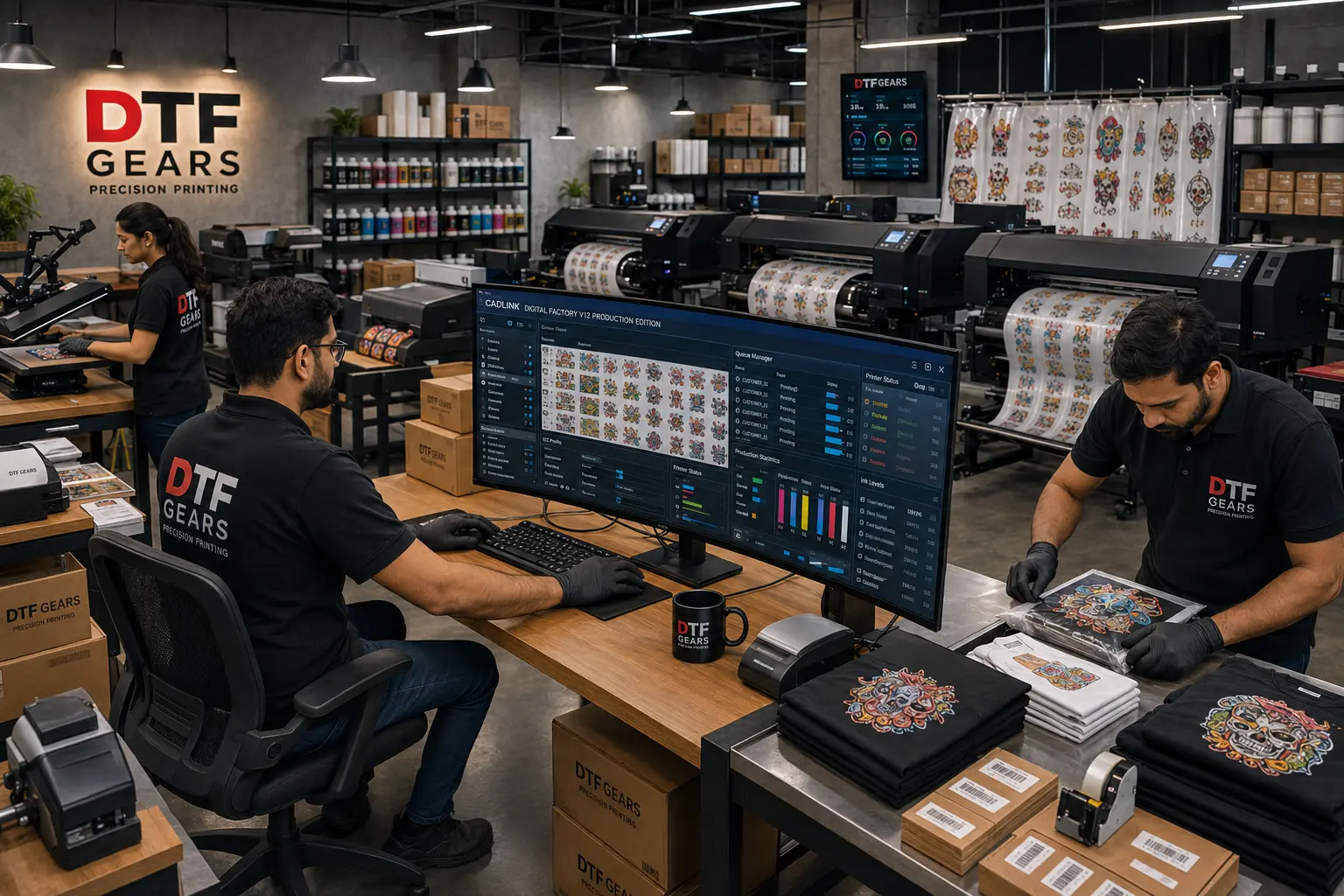
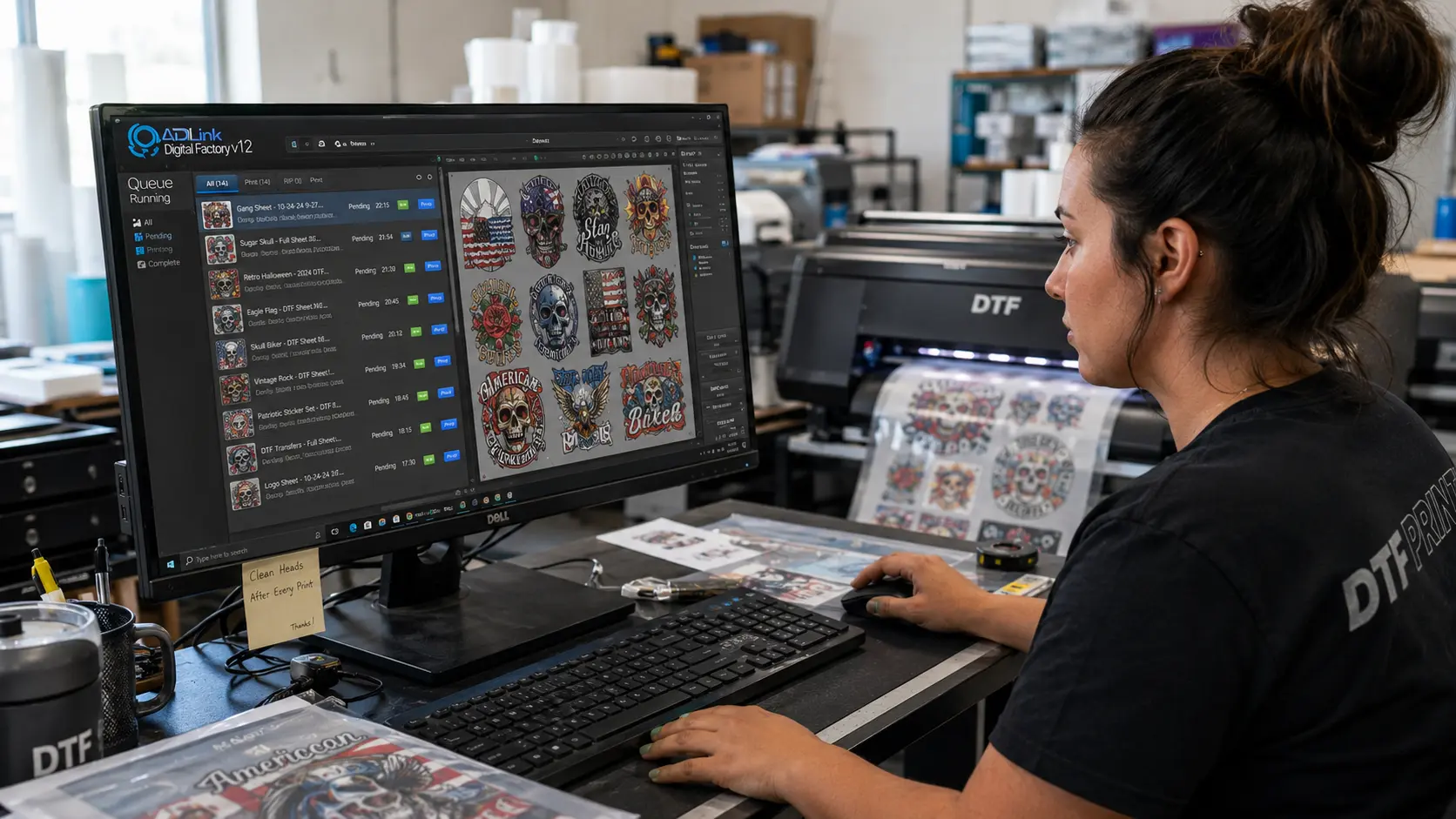
Production Queue Management
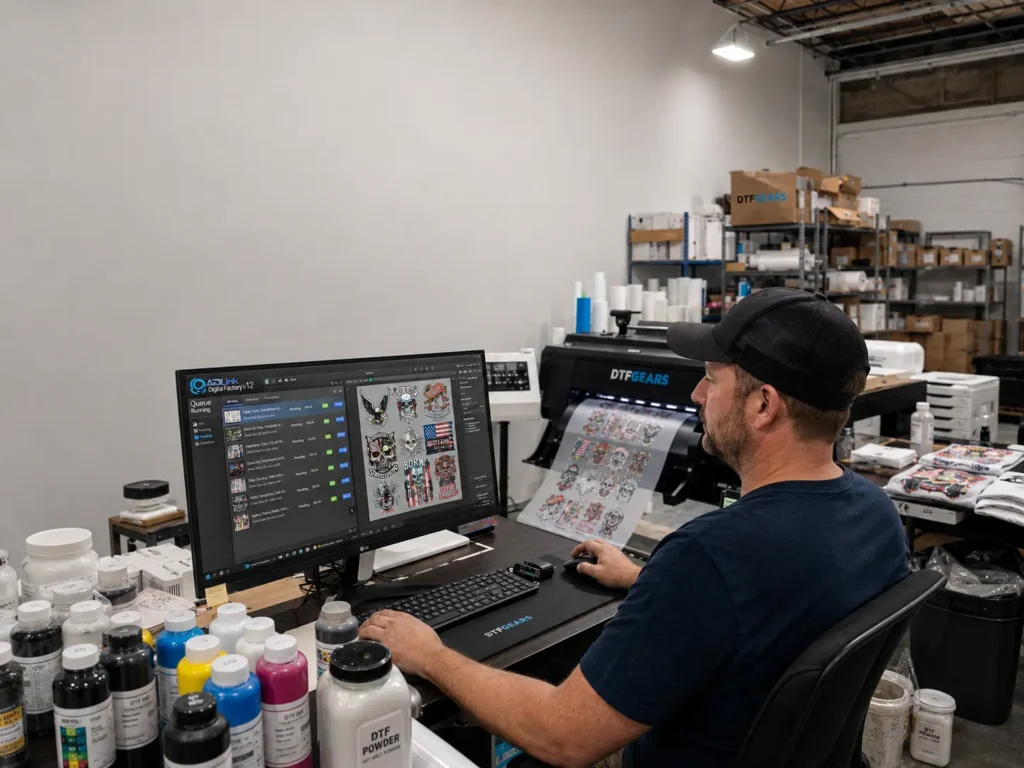
A growing DTF business can quickly accumulate dozens of print jobs.
If you’re manually opening files, preparing them, printing them, closing them, and then searching for the next job, your operator is spending valuable time managing files rather than producing transfers.
CADlink V12 provides a production queue environment for managing print jobs.
This allows businesses to organize jobs according to their production workflow rather than treating every design as an isolated print.
Why this matters
A professional queue can help you manage:
- Customer orders
- Repeat jobs
- Multiple designs
- Batch production
- Different print settings
- Jobs waiting for production
The result is a more structured workflow from artwork preparation to printing.
White Ink Controls for DTF Printing
White ink is one of the most important components of DTF production.
Unlike conventional CMYK printing, DTF workflows commonly require a white underbase so the printed artwork can maintain its appearance when transferred onto garments.
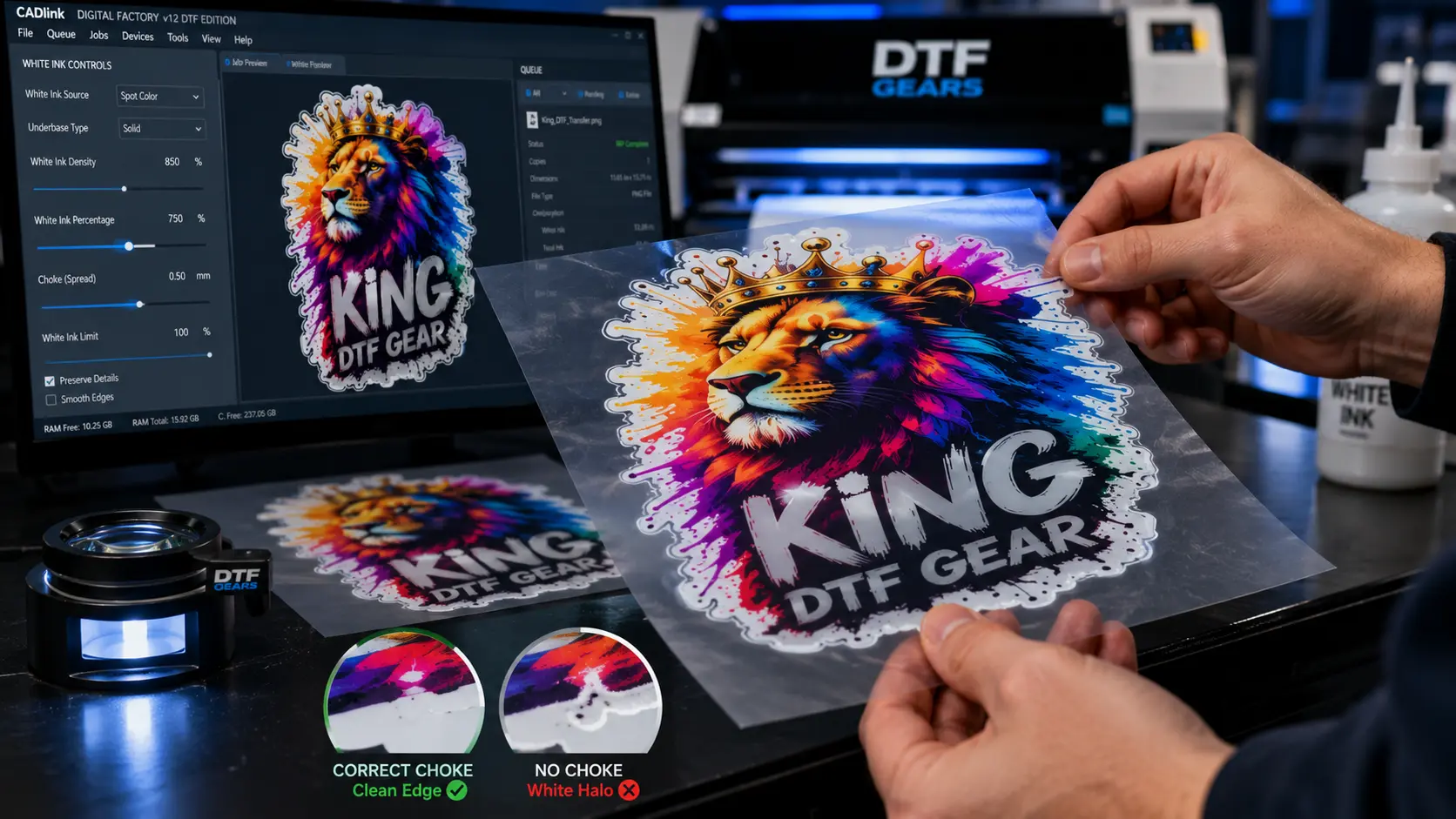
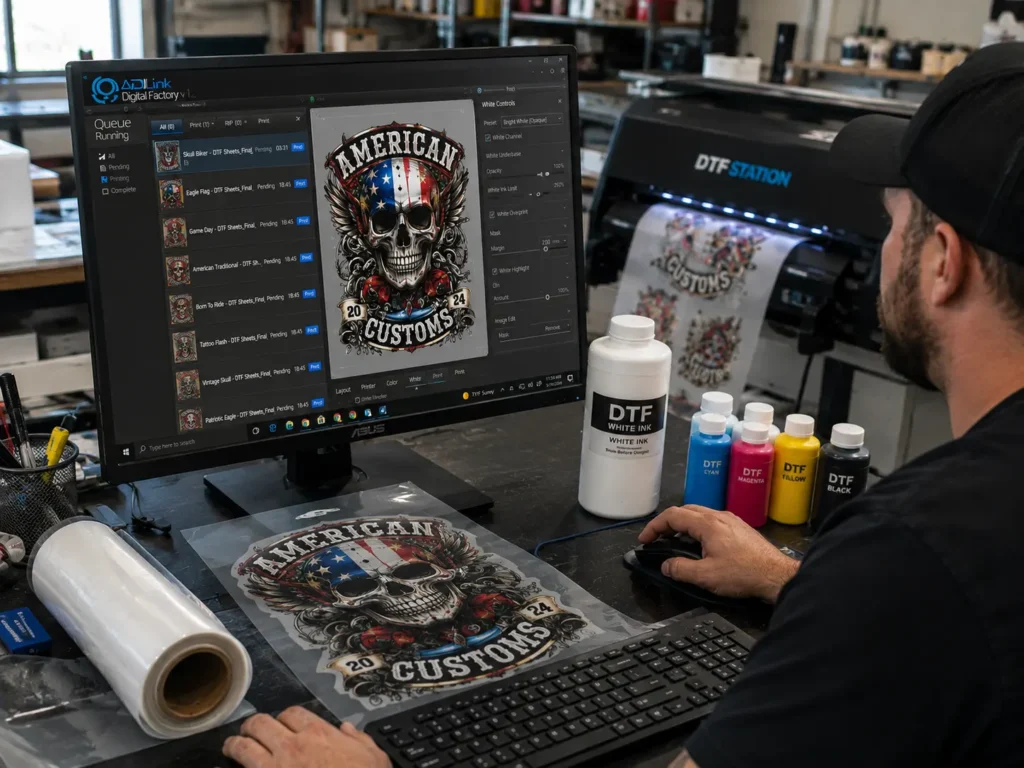
CADlink provides controls for white-ink generation and related underbase settings.
Depending on the workflow, operators can work with settings involving:
- White underbase
- White-ink strength
- White choke
- Maximum ink levels
- Highlight white
- Layer configuration
Why this matters before buying
If you’re investing in a professional DTF RIP, white-ink control should be one of the capabilities you evaluate.
You’re not simply buying software that sends an image to your printer.
You’re buying greater control over how that artwork is prepared for production.
Color Management for More Consistent DTF Production
Color consistency becomes increasingly important as a DTF business grows.
Imagine a customer ordering 50 shirts today and another 50 shirts two weeks later.
They expect the artwork to remain reasonably consistent.
Professional color-management tools can help create a more controlled workflow.
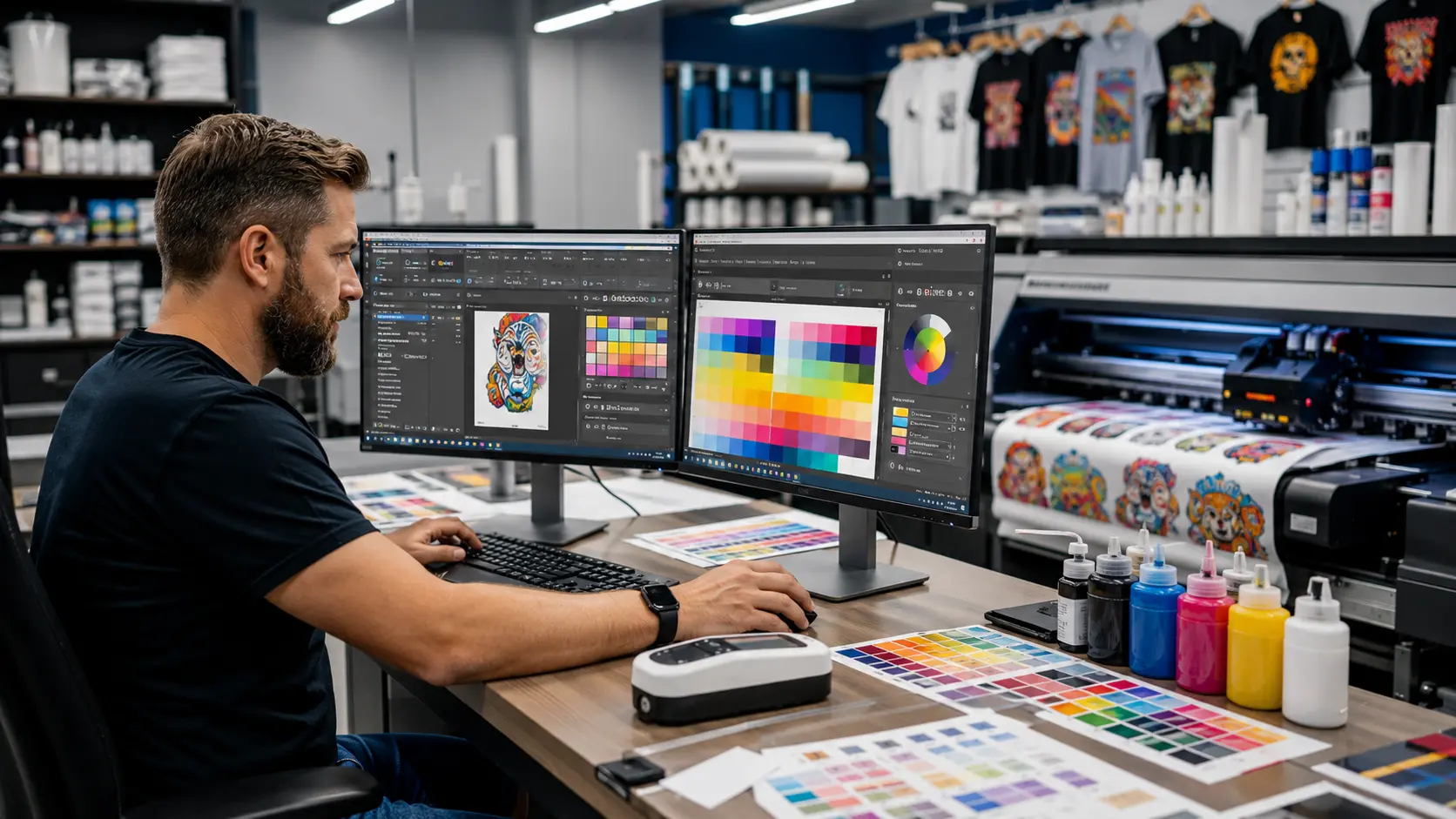
CADlink Digital Factory provides color-related controls and supports ICC-based color-management workflows.
This is particularly valuable for businesses producing:
- Brand logos
- Corporate apparel
- Sports uniforms
- Promotional merchandise
- Repeat customer orders
- High-volume apparel
The objective isn’t simply to produce bright colors.
It’s to build a workflow that gives operators greater control over output.
Job Preview and Production Control
One expensive mistake in DTF printing is discovering a problem after you’ve already consumed film and ink.
CADlink provides tools for previewing and managing jobs before production.
Depending on the workflow, operators can work with:
- Job positioning
- Scaling
- Duplication
- Copying
- Layout adjustments
- Print previews
- Production settings
That gives operators an opportunity to review jobs before they reach the printer.
For a business producing commercial orders, that additional control can be valuable.
Why Buy CADlink V12 Instead of Using Basic DTF Software?
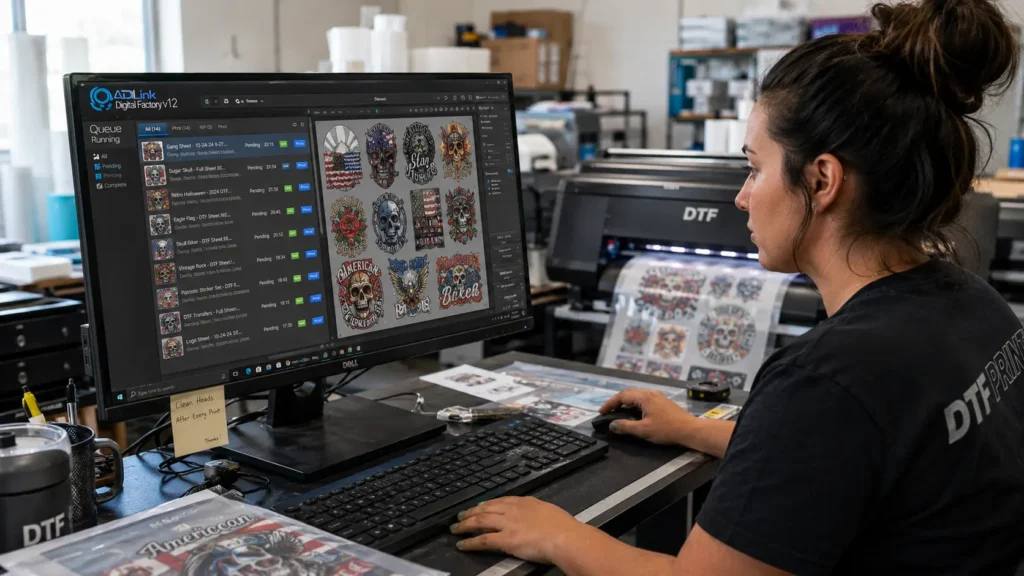
If you’re printing five transfers occasionally, you may not need professional RIP software.
But commercial DTF production is different.
Once your business starts handling dozens or hundreds of transfers, the software becomes part of your production infrastructure.
Consider the difference:
| Requirement | Basic DTF Workflow | CADlink V12 |
|---|---|---|
| Gang-sheet workflow | Manual/limited | Integrated tools |
| Production queues | Limited | Yes |
| White-ink controls | Basic | Advanced controls |
| Job management | Basic | Production-focused |
| Print preview | Basic | Yes |
| Color workflow | Basic | Advanced options |
| Commercial production | Limited | Designed for production workflows |
The key reason to buy CADlink V12 isn’t simply that it has more buttons.
It’s that it gives your DTF business a more structured production environment.
Is CADlink V12 Worth $379?
For a commercial DTF business, the better question is:
How much does your current workflow cost you?
Consider the money you’re potentially losing through:
- Wasted DTF film
- Incorrect layouts
- Failed prints
- Reprints
- Manual file preparation
- Operator time
- Inefficient production
- Poorly organized jobs
Even a small reduction in production inefficiency can matter when you’re producing hundreds or thousands of transfers.
Calculate Your Potential ROI
You can use a simple calculation:
Potential monthly benefit = reduced production costs + recovered operator time + additional production capacity
Then compare that number with your software investment.
For example, if a better workflow saves your business $100 per month in production-related costs, a $379 software investment would have a very different business case than if it saved only $10.
The important thing is to measure your own production numbers rather than relying on generic ROI claims.
Who Should Buy CADlink V12?
CADlink V12 is particularly relevant if you’re already treating DTF printing as a business rather than a hobby.
DTF Startups
If you’re launching a commercial DTF operation, building an organized workflow early can make scaling easier.
Custom Apparel Businesses
Businesses producing shirts, hoodies, uniforms, promotional apparel, and branded clothing can benefit from production-oriented RIP controls.
Print-on-Demand Businesses
If you’re producing designs for Shopify, Etsy, or another e-commerce operation, your order volume can increase quickly.
A production queue and organized job workflow become more valuable as orders grow.
DTF Transfer Suppliers
If you’re selling transfers to other apparel businesses, production consistency matters.
Customers expect their repeat orders to maintain consistent quality.
Established DTF Print Shops
If your current workflow involves constantly moving between folders, applications, and individual files, upgrading your RIP workflow may be worth evaluating.
Who Doesn’t Need CADlink V12 Yet?
Not every DTF printer owner needs professional RIP software.
You may not need CADlink V12 immediately if you:
- Print occasionally
- Produce only personal projects
- Have very low order volume
- Don’t need advanced production controls
- Don’t need gang-sheet workflows
- Aren’t running a commercial operation
But if you’re already receiving regular orders, that’s when the calculation changes.
The more you print, the more your workflow matters.
Buy CADlink V12 From DTF Gears
Once you’ve decided that CADlink V12 fits your DTF workflow, the next question is where to purchase your license.
DTF Gears offers CADlink Digital Factory software for DTF printing businesses and provides multiple licensing options.
The current listed options include:
CADlink V12 Desktop Edition
$379
Best suited for desktop DTF workflows.
CADlink V12 Production Edition
$799
Designed for larger production requirements.
V11 → V12 Upgrade
$222.49
For eligible existing V11 users.
Why Buy CADlink V12 From DTF Gears?
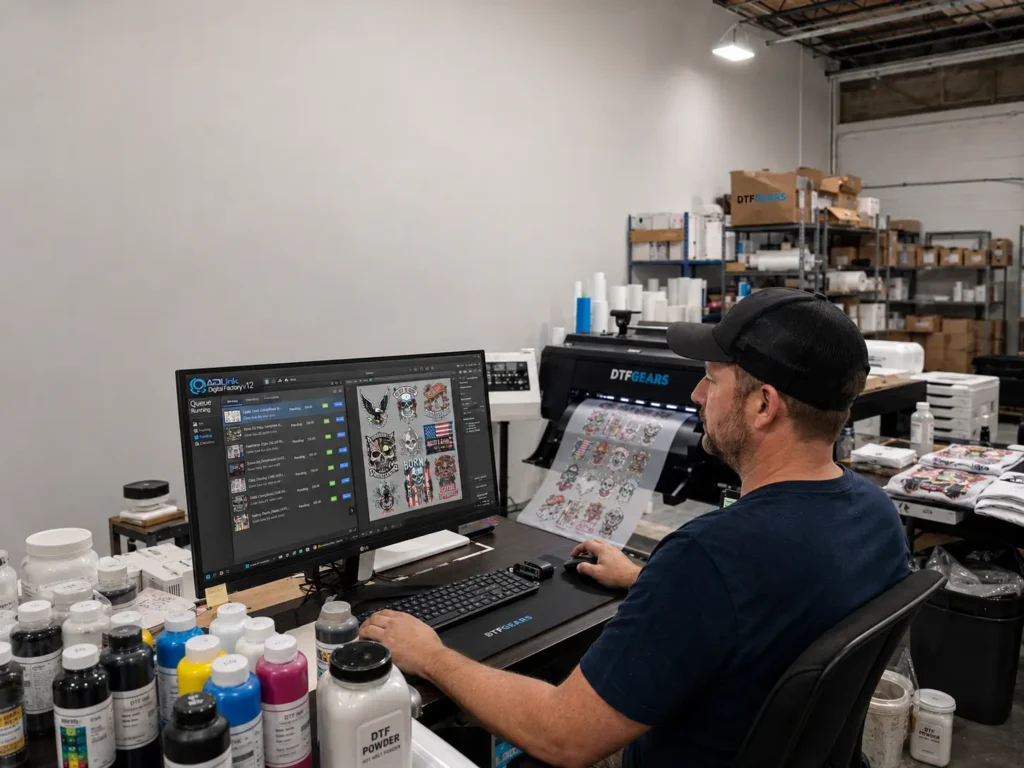
Choosing the software is only part of the purchase decision.
You also want a supplier that understands the DTF printing workflow.
DTF Gears focuses specifically on DTF printing equipment, software, supplies, and related solutions.
That makes it easier to evaluate CADlink V12 in the context of your actual DTF production setup.
Before purchasing, you should confirm:
- Your printer compatibility
- The appropriate CADlink edition
- Your operating-system requirements
- License requirements
- Upgrade eligibility
- Any specific configuration requirements
If you aren’t sure which version you need, contact DTF Gears before placing the order.
CADlink V12 vs Wasatch vs Ergosoft
Still comparing RIP software before you buy?
The right software depends on your printer, workflow, production requirements, and budget.
If CADlink V12 is on your shortlist alongside Wasatch and Ergosoft, compare the platforms before making your final purchase decision.
Read: CADlink V12 vs Wasatch vs Ergosoft
This comparison can help you understand which RIP solution makes the most sense for your DTF production environment.
CADlink V12: Buyer’s Checklist
Before clicking the purchase button, make sure you’ve checked these points:
✓ Confirm your printer
Make sure your specific printer and configuration are supported.
✓ Choose the correct edition
Desktop and Production editions serve different production requirements.
✓ Check your existing license
If you’re already using V11, determine whether you’re eligible for an upgrade.
✓ Evaluate your production volume
The more transfers you produce, the more valuable professional workflow tools can become.
✓ Calculate your production costs
Look at film, ink, powder, labor, reprints, and operator time.
✓ Buy from the correct supplier
Purchase your license through a reputable CADlink reseller serving your market.
Final Verdict: Ready to Buy CADlink V12?
If your DTF business is ready to move beyond a basic print workflow, CADlink Digital Factory V12 is worth considering as a professional RIP solution.
Its combination of:
- Gang-sheet creation
- Production queues
- White-ink controls
- Color-management capabilities
- Job preview
- Production management
makes it relevant for businesses that want more control over their DTF production process.
And with the CADlink V12 Desktop Edition currently listed at $379, the entry point is straightforward for many desktop-focused DTF businesses.
Don’t buy RIP software simply because it has a long feature list.
Buy it because those features solve problems in your actual production workflow.
Ready to Buy CADlink V12?
CADlink V12 Desktop Edition — From $379
Get your CADlink V12 license from DTF Gears today.
SHOP CADLINK V12 →
Need help choosing the right edition? Contact DTF Gears before purchasing.