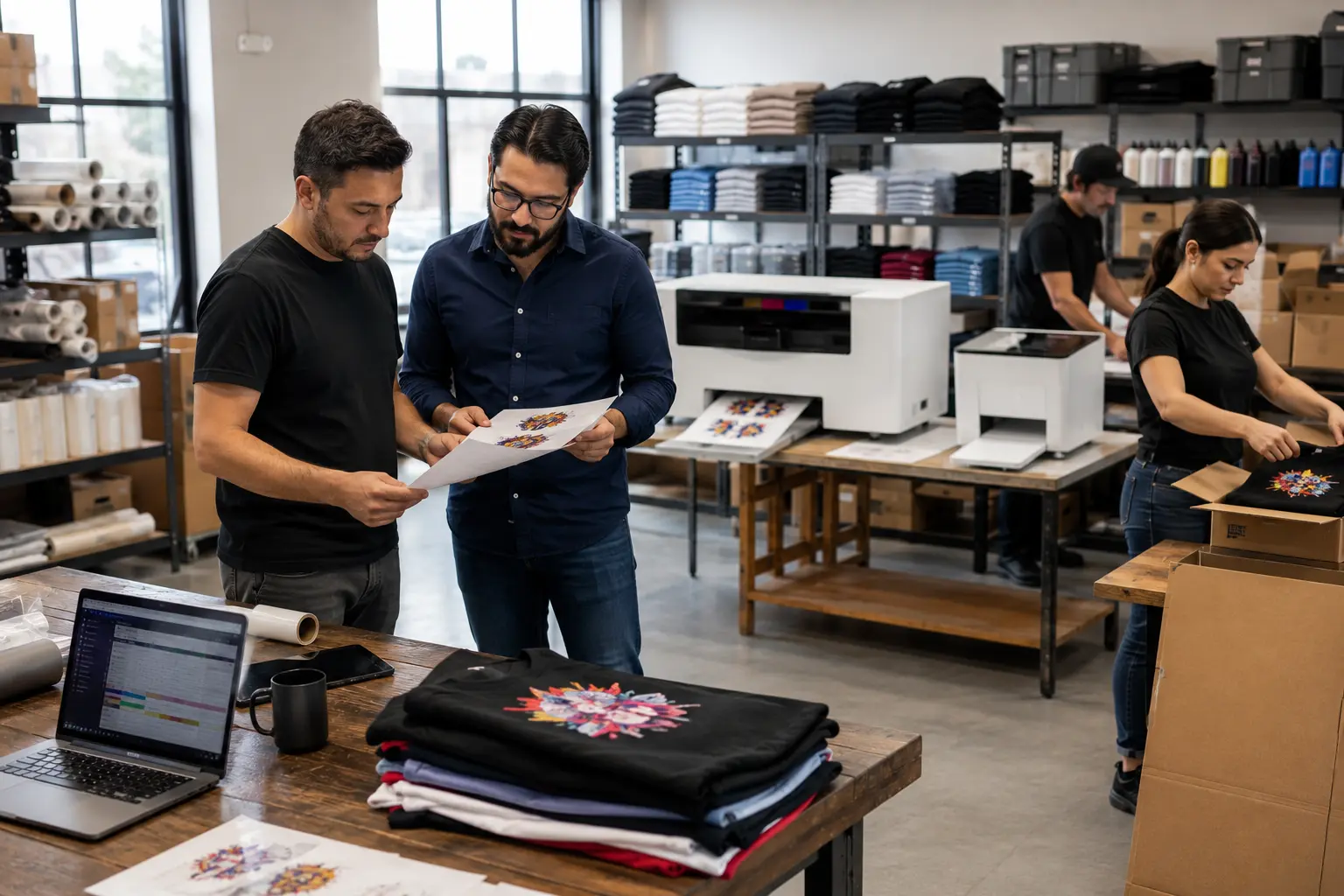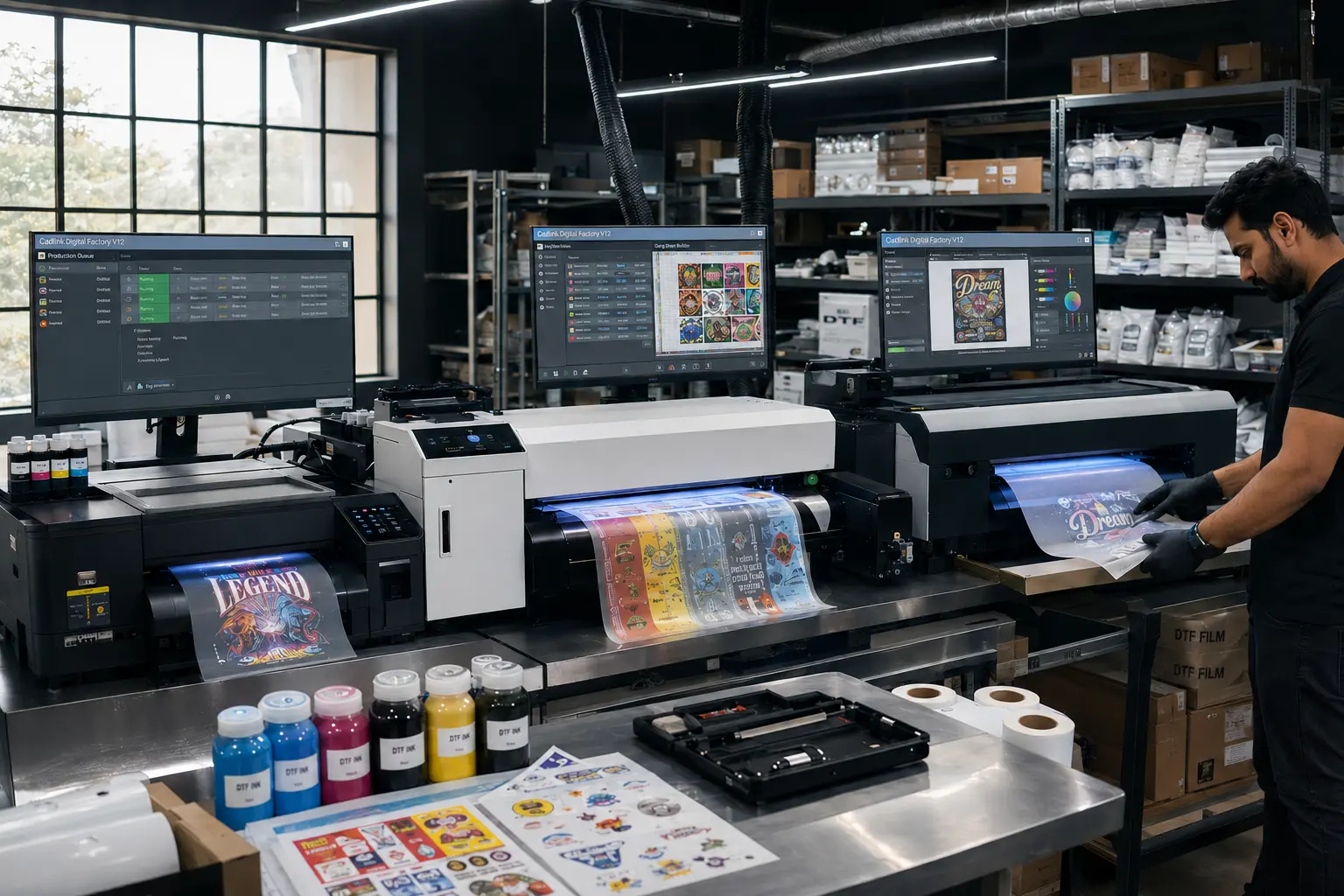

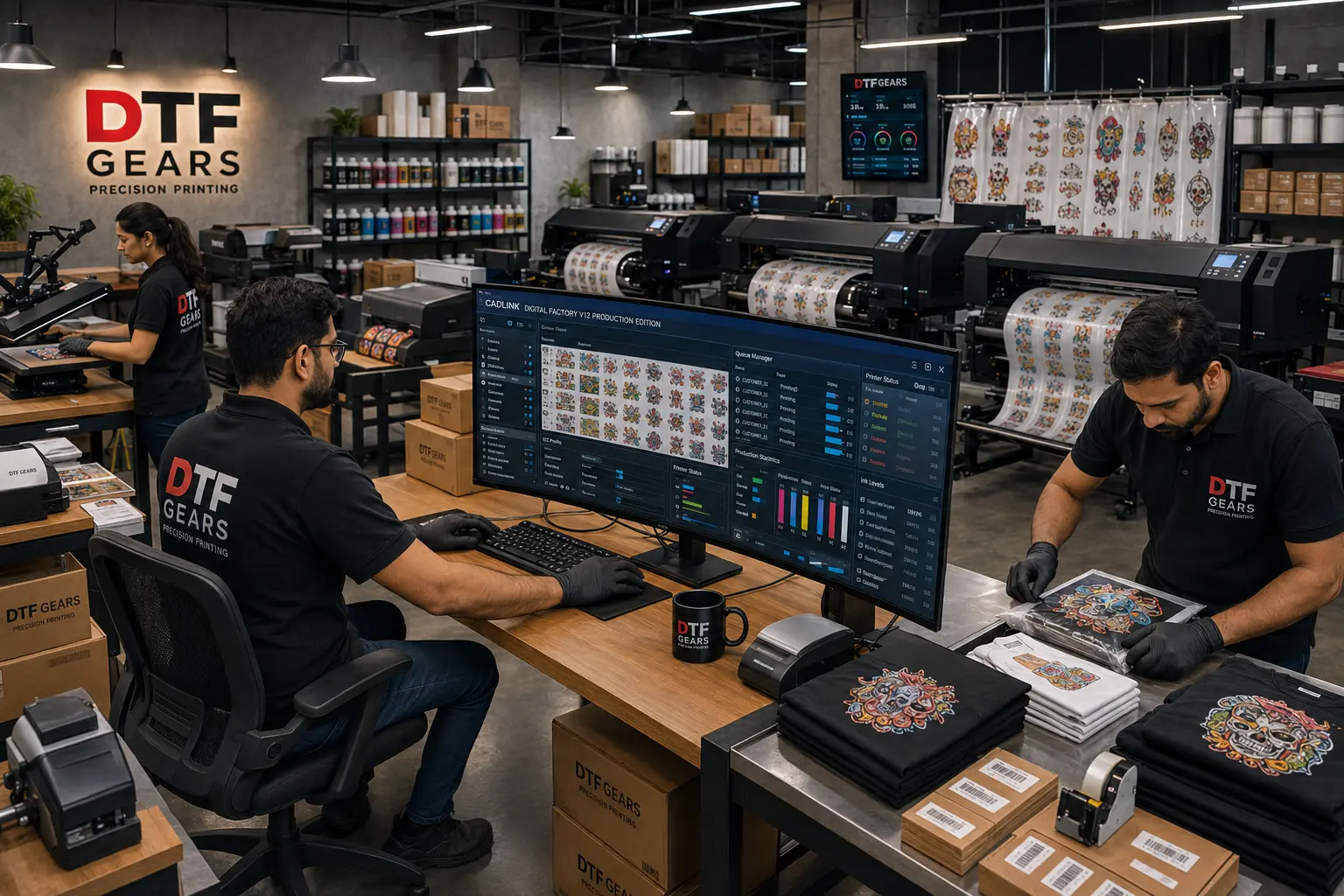
Whether you’re launching your first Direct-to-Film (DTF) business or upgrading an established print shop, choosing the right RIP software is just as important as choosing the right printer. One of the most common questions among DTF professionals is whether to buy CADlink V12 Desktop Edition or invest in the more powerful Production (Large Format) Edition.
At first glance, the price difference can make the decision seem straightforward. The Desktop Edition is priced at $394.99, while the Production Edition costs $849.99. Many buyers assume the higher-priced version offers better print quality or more advanced color management. In reality, that’s a misconception.
Both editions are built on the same powerful CADlink Digital Factory V12 RIP engine. They deliver identical print quality, use the same advanced color management system, include professional white ink controls, and provide the same intuitive interface. The real difference lies in printer compatibility, production workflow, and the scale of your printing operation.
If you operate a compact A3 or 17-inch DTF printer, purchasing the Production Edition may be unnecessary. On the other hand, if your business relies on 24-inch, 30-inch, or 32-inch roll-fed printers to fulfill hundreds of transfer orders each day, the Desktop license simply won’t meet your production requirements.
This comprehensive CADlink V12 Desktop vs Production Edition guide explains everything you need to know before making your investment. We’ll compare both editions in detail, discuss their ideal use cases, evaluate pricing, licensing, workflow capabilities, and help you determine which version will deliver the best value for your DTF business.
What Is CADlink Digital Factory V12?
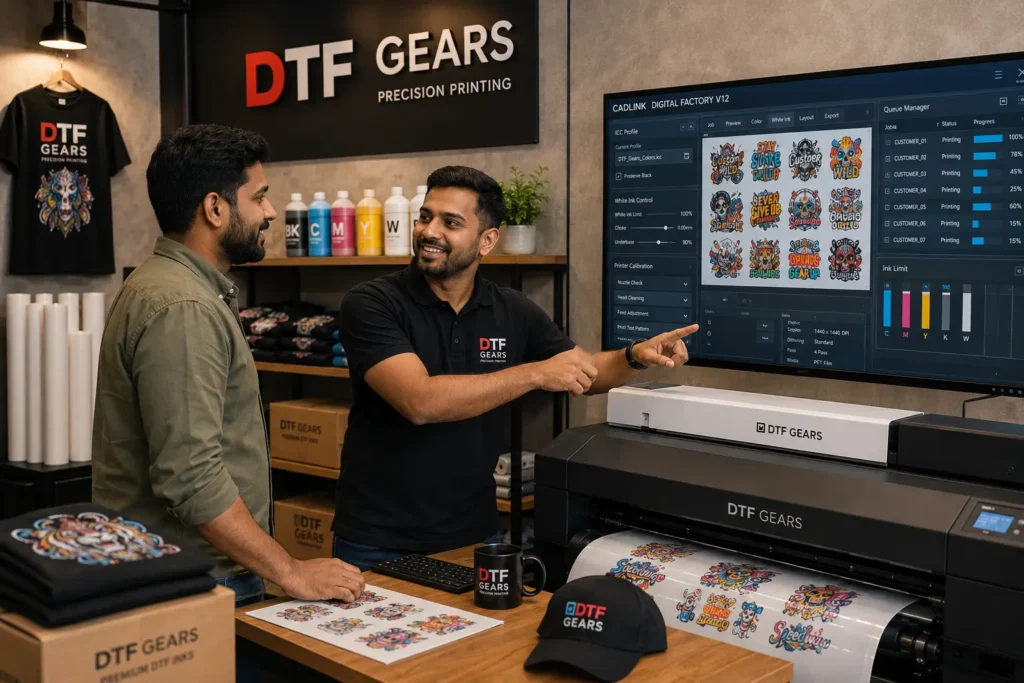
Every successful DTF print shop relies on more than just a high-quality printer. Behind every vibrant transfer lies powerful RIP (Raster Image Processor) software that prepares artwork for printing, controls ink usage, optimizes layouts, and ensures consistent color reproduction. That’s where CADlink Digital Factory V12 comes in.
CADlink Digital Factory V12 is a professional RIP solution developed specifically for digital textile and Direct-to-Film printing. Instead of sending artwork directly from design software to your printer, CADlink processes every file through an intelligent workflow that maximizes print accuracy while minimizing production waste.
For print shops handling multiple customer orders every day, this software becomes the control center of the entire production process.
Its responsibilities include:
- Processing artwork for printing
- Generating precise white ink layers
- Managing ICC color profiles
- Optimizing film usage through automatic nesting
- Organizing production queues
- Improving workflow efficiency
- Reducing material waste
- Delivering consistent color from job to job
Unlike generic printer drivers, CADlink is designed specifically for professional production environments where speed, repeatability, and color accuracy directly impact profitability.
Why Professional RIP Software Matters
Many new DTF business owners underestimate the role of RIP software. They focus heavily on selecting a printer while treating software as an afterthought.
In reality, the RIP software determines how efficiently your printer performs.
A professional RIP solution can help your business:
- Reduce ink consumption
- Fit more artwork onto every PET film sheet
- Eliminate color inconsistencies
- Improve white ink coverage
- Reduce production errors
- Simplify repeat orders
- Increase daily production capacity
Without proper RIP software, even the most expensive printer cannot achieve its full potential.
Key Features Included in Both CADlink V12 Editions
One of the biggest misconceptions surrounding the CADlink V12 Desktop vs Production Edition comparison is that the Production version offers significantly better features.
It doesn’t.
Both editions share the same professional software engine and include many of the exact same production tools.
Some of the most valuable features available in both editions include:
Intelligent Gang Sheet Builder
Rather than manually arranging customer designs, CADlink automatically creates optimized gang sheets that maximize available film space.
For businesses printing multiple logos, graphics, or apparel designs, this feature saves both time and material costs.
Automatic Nesting
Automatic nesting analyzes every artwork file and positions designs efficiently to reduce unused film.
Even small improvements in nesting efficiency can translate into substantial savings over thousands of print jobs.
Advanced ICC Color Management
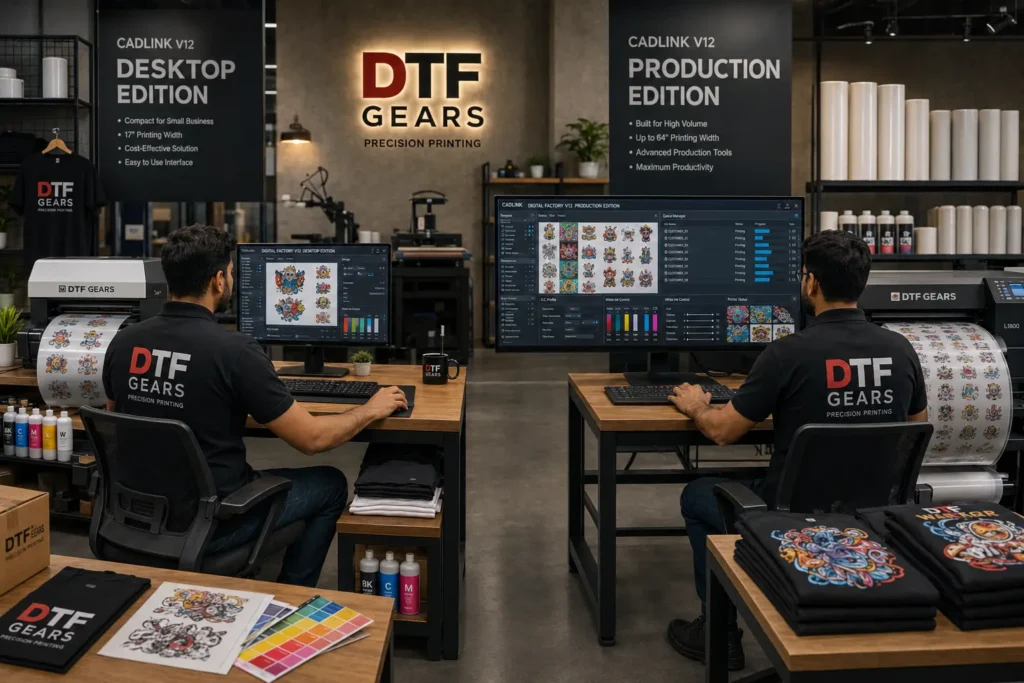
Color consistency is essential in professional garment decoration.
CADlink V12 allows users to:
- Load custom ICC profiles
- Fine-tune color output
- Maintain accurate brand colors
- Achieve repeatable production results
Whether printing fashion apparel or corporate merchandise, accurate color builds customer confidence.
White Ink Generation
DTF printing depends heavily on accurate white ink placement.
CADlink automatically generates clean white underbases while allowing operators to adjust:
- White density
- Choke settings
- Spread
- Edge smoothing
- Underbase quality
This ensures vibrant colors on both dark and light garments.
Production Queue Management
Instead of processing one order at a time, operators can organize multiple print jobs inside a centralized production queue.
This is particularly valuable during busy production periods when dozens of customer orders are waiting.
Live Print Preview
Before committing ink and film, CADlink provides an accurate preview showing:
- Artwork placement
- White ink layer
- Print dimensions
- Layout positioning
This reduces costly mistakes before production begins.
Professional Workflow Automation
CADlink simplifies repetitive production tasks by automating many of the processes that would otherwise require manual adjustments.
Operators spend less time preparing files and more time producing transfers.
Shared Benefits Across Both Editions
Whether you purchase Desktop Edition or Production Edition, you’ll receive:
- Professional RIP technology
- Advanced color engine
- Reliable white ink processing
- Efficient gang sheet creation
- Production queue management
- ICC profile support
- Faster workflow
- Reduced material waste
- Consistent output quality
This is important because many buyers mistakenly believe the Production Edition produces “better-looking” transfers.
It doesn’t.
A transfer printed from Desktop Edition can look identical to one produced using Production Edition when both are configured correctly.
The difference lies elsewhere.
Understanding the Difference Between Editions
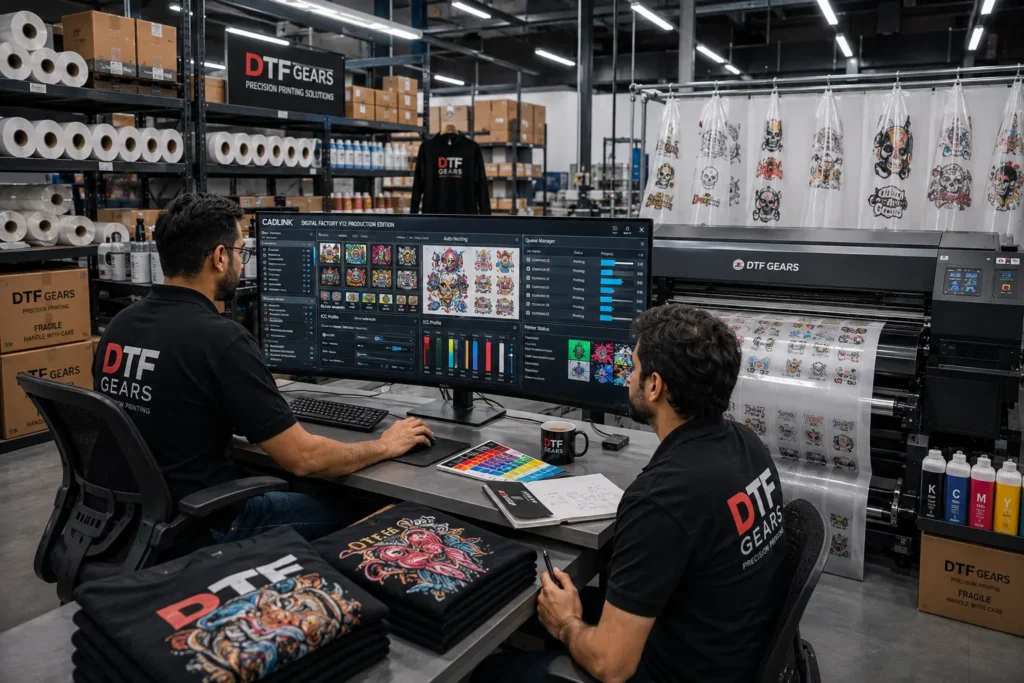
Think of the two versions like commercial vehicles.
A compact delivery van and a large freight truck can both transport goods safely.
They may even use the same engine technology.
The difference is capacity.
The van is ideal for local deliveries.
The truck is designed for moving much larger loads.
CADlink follows the same philosophy.
Both editions use the same software technology.
Both produce professional-quality transfers.
Both offer advanced RIP capabilities.
The distinction is the type of printer each license is designed to support.
Desktop Edition focuses on compact production environments using smaller-format DTF printers.
Production Edition is built for commercial operations using wide-format printers capable of running continuously throughout the day.
This licensing structure ensures businesses only pay for the level of production they actually require.
Why Choosing the Correct Edition Matters
Selecting the wrong edition can limit your workflow or cause unnecessary spending.
For example:
Scenario 1: New Apparel Startup
A business owner purchases a converted Epson ET-8550 with a 13-inch print width.
Daily production ranges between 20 and 40 transfers.
In this situation, purchasing the Production Edition provides little additional value because the Desktop Edition already includes all the RIP functionality required for high-quality output.
Scenario 2: Growing Local Print Shop
A custom apparel company operates two 17-inch printers and fulfills around 100 customer orders each day.
The Desktop Edition continues to offer an excellent balance of affordability and performance.
The business benefits from professional RIP capabilities without paying for support they don’t yet need.
Scenario 3: Commercial Transfer Supplier
A wholesale transfer company installs a 32-inch industrial roll-fed DTF printer capable of continuous production.
Its daily output exceeds several hundred transfers.
Here, the Production Edition becomes essential because it supports large-format hardware and production-scale workflows.
Attempting to run such equipment with a Desktop license simply isn’t practical.
Which Businesses Typically Choose Desktop Edition?
The Desktop Edition is commonly selected by:
- Home-based DTF businesses
- Etsy sellers
- Small apparel brands
- Promotional product companies
- Local print shops
- Startup garment decorators
- Schools and educational print labs
- Side-hustle entrepreneurs entering the DTF market
These businesses prioritize affordability while still demanding professional print quality.
Desktop Edition — Best for A2 / 17″ Setups
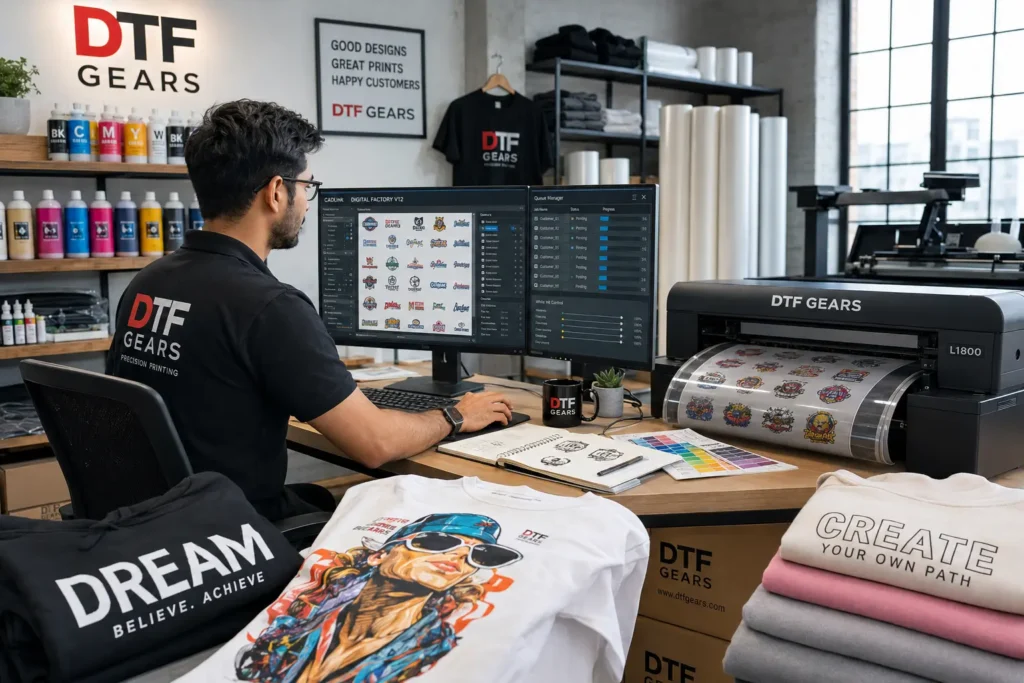
If your DTF business operates with a desktop-sized printer, the CADlink Digital Factory V12 Desktop Edition offers everything you need to produce professional-quality transfers without paying for features designed for industrial equipment.
This edition is purpose-built for A4, A3, A3+, 13-inch, and 17-inch DTF printers, making it the preferred choice for startups, small businesses, home-based print studios, and custom apparel brands.
Priced at $394.99, it delivers the same professional RIP engine used in larger production environments while keeping your software investment affordable.
Unlike basic printer drivers or entry-level RIP programs, the Desktop Edition gives you complete control over color accuracy, white ink generation, artwork positioning, and production management—all through an intuitive interface that is easy to learn.
Whether you’re printing custom t-shirts, hoodies, tote bags, promotional merchandise, or personalized apparel, the Desktop Edition provides the tools needed to maintain consistent quality and improve workflow efficiency.
Who Should Choose the Desktop Edition?
The Desktop Edition is ideal for businesses that operate smaller-format DTF printers and produce low to medium daily print volumes.
It is commonly used by:
- Home-based DTF businesses
- Etsy and Shopify sellers
- Startup apparel brands
- Print-on-demand businesses
- Local t-shirt shops
- School merchandise suppliers
- Promotional product companies
- Small embroidery and garment decoration businesses adding DTF services
If your printer width is 17 inches or smaller, this edition is almost always the right investment.
Supported Printer Sizes
The Desktop Edition is designed specifically for compact DTF printing systems.
Typical supported printers include:
- A4 DTF printers
- A3 printers
- A3+ printers
- 13-inch printers
- 17-inch printers
- Desktop Epson conversions
- Compact roll-fed desktop printers
These machines are perfect for businesses producing custom apparel in moderate volumes while maintaining a relatively small workspace.
Professional RIP Features Included
Although the Desktop Edition is the more affordable license, it includes the same powerful production engine found in the Production Edition.
Key capabilities include:
Smart Gang Sheet Builder
Instead of manually arranging artwork, CADlink automatically positions multiple customer designs onto a single PET film sheet.
This allows operators to:
- Fit more artwork on every print
- Reduce wasted film
- Increase production efficiency
- Save valuable preparation time
For businesses printing dozens of small logos or chest prints every day, this feature alone can significantly improve productivity.
Automatic Nesting
Nesting technology intelligently rotates and arranges artwork to maximize available print space.
The result:
- Less empty film
- Lower PET film costs
- Reduced operator intervention
- Faster artwork preparation
Over hundreds of print jobs each month, these savings quickly add up.
Advanced White Ink Management
White ink plays a critical role in DTF printing.
CADlink provides complete control over:
- White underbase generation
- Density adjustments
- Choke settings
- Edge smoothing
- Ink optimization
These controls help produce vibrant prints while minimizing unnecessary white ink usage.
Professional ICC Color Management
Color consistency separates professional print shops from amateur operations.
The Desktop Edition allows operators to:
- Load printer-specific ICC profiles
- Fine-tune color output
- Match brand colors accurately
- Achieve repeatable production results
Whether you’re printing one shirt or one thousand, customers expect every transfer to look the same.
Production Queue
Rather than sending one job at a time, CADlink organizes multiple print jobs inside a production queue.
Benefits include:
- Improved workflow
- Less operator downtime
- Faster order processing
- Easier management of repeat jobs
Even smaller businesses benefit from organized production management.
Why Desktop Edition Is Perfect for Small Businesses
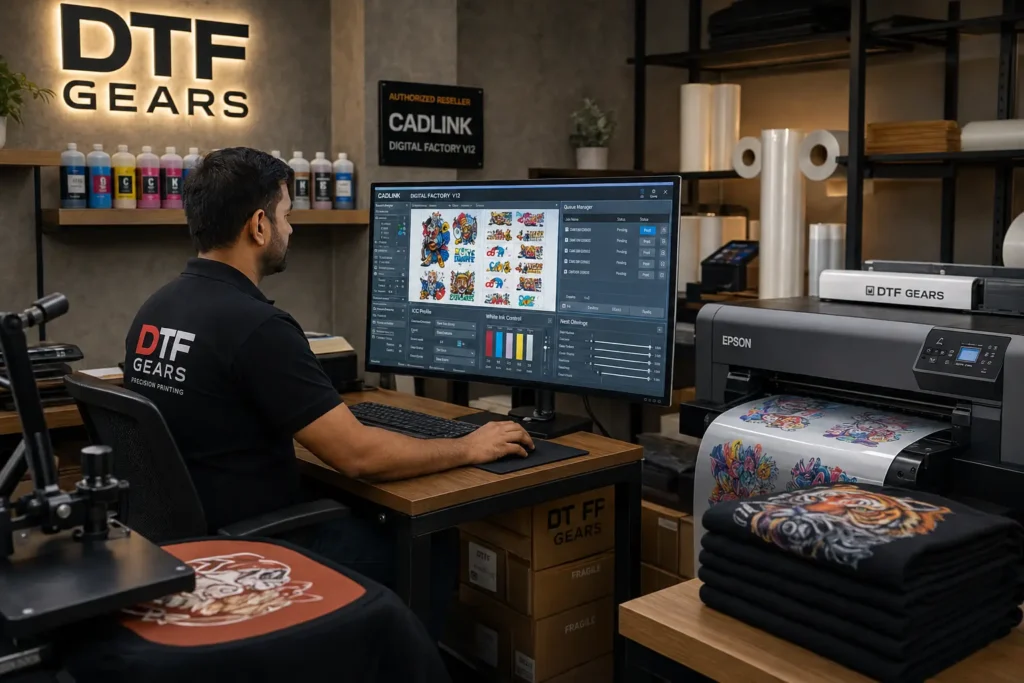
Many new DTF entrepreneurs assume they need the most expensive RIP software available.
In reality, purchasing software that exceeds your production requirements often provides little return on investment.
The Desktop Edition is designed to match the needs of businesses that:
- Produce fewer than 100–150 transfers per day
- Operate one printer
- Focus on custom orders rather than wholesale production
- Need professional-quality output without enterprise-level costs
By investing only in the capabilities you actually need, you can allocate more of your budget toward:
- Additional PET film
- Premium DTF inks
- Heat presses
- Marketing
- Inventory
- Business growth
Real-World Example
Imagine a custom apparel shop that specializes in local business uniforms, birthday shirts, sports jerseys, and school merchandise.
The shop owns a 13-inch Epson-based DTF printer and processes around 40 customer orders each day.
Most print jobs include:
- Company logos
- Team names
- Small chest graphics
- Back prints
- Sleeve transfers
Because production volume remains manageable, the Desktop Edition provides every tool required to produce professional transfers efficiently.
Spending more on the Production Edition would not improve print quality—it would simply unlock compatibility with larger printers the business doesn’t own.
Production (Large Format) Edition — Best for A1+/24″+ Multi-Printer Shops
As your DTF business grows, production demands change dramatically.
Instead of printing a handful of custom shirts each day, you may begin fulfilling wholesale transfer orders, supplying apparel decorators, or managing multiple commercial printers simultaneously.
At this stage, software compatibility becomes just as important as hardware.
This is where the CADlink Digital Factory V12 Production (Large Format) Edition becomes the preferred solution.
Designed specifically for commercial environments, this edition supports 24-inch, 30-inch, 32-inch, 42-inch, and larger roll-fed DTF printers, allowing businesses to operate at industrial production levels.
Priced at $849.99, the Production Edition is intended for companies that depend on high-volume printing rather than occasional custom jobs.
Who Should Choose the Production Edition?
The Production Edition is recommended for businesses that:
- Operate 24-inch or wider DTF printers
- Print hundreds of transfers daily
- Serve wholesale customers
- Produce gang sheets continuously
- Manage multiple production operators
- Supply transfer dealers or apparel manufacturers
- Need uninterrupted production workflows
If your business has outgrown a desktop printer, this edition is designed to scale with your operation.
Supported Printer Sizes
Unlike the Desktop Edition, the Production license supports wide-format commercial printers, including:
- 24-inch DTF printers
- 30-inch roll-fed systems
- 32-inch industrial printers
- 42-inch production equipment
- A1 and A1+ printers
- Multi-head commercial DTF systems
These machines are built for continuous production, allowing businesses to print significantly more transfers in a single run.
Built for High-Volume Production
The biggest advantage of the Production Edition isn’t different software tools—it’s the ability to support large-format equipment designed for maximum throughput.
With wider printers, businesses can:
- Print larger gang sheets
- Complete bulk orders faster
- Reduce operator intervention
- Improve material utilization
- Increase daily production capacity
- Lower production costs per transfer
For commercial print shops, these efficiencies have a direct impact on profitability.
Better Workflow for Growing Businesses
High-volume shops often receive dozens—or even hundreds—of orders every day.
Managing these efficiently requires software capable of organizing complex production schedules.
The Production Edition helps businesses:
- Process large batches of jobs
- Maintain organized print queues
- Reduce production bottlenecks
- Improve turnaround times
- Keep multiple printers operating efficiently
As order volume grows, these workflow improvements become essential rather than optional.
Why Larger Print Width Matters
Many people focus only on printer speed, but print width is equally important.
A 24-inch or 32-inch printer can fit significantly more artwork across a single roll than a 13-inch or 17-inch desktop printer.
This means:
- More transfers per print run
- Fewer roll changes
- Better film utilization
- Lower labor costs
- Increased daily output
For businesses fulfilling wholesale orders, this production advantage quickly offsets the higher software investment.
Real-World Example
Consider a commercial transfer supplier serving dozens of apparel decorators across the country.
The company operates two 32-inch DTF printers and prints more than 1,000 transfers every day.
Its workflow includes:
- Large gang sheets
- Continuous roll printing
- Multiple operators
- Scheduled production queues
- High-volume shipping deadlines
In this environment, the Production Edition provides the compatibility and workflow support required to keep operations running efficiently.
Attempting to use a Desktop license for this type of business would create unnecessary limitations.
Price & License Comparison Table
Choosing between the CADlink V12 Desktop vs Production Edition becomes much easier when you compare the two licenses side by side. While both editions use the same professional RIP engine, they are designed for different production environments.
The table below highlights the key differences.
| Feature | Desktop Edition | Production (Large Format) Edition |
|---|---|---|
| Price | $394.99 | $849.99 |
| Best For | Home & Small Print Shops | Commercial Production Facilities |
| Maximum Printer Size | Up to 17″ | 24″, 30″, 32″, 42″+ |
| Printer Type | Desktop DTF Printers | Large Format Roll-Fed Printers |
| RIP Engine | ✔ Same CADlink V12 Engine | ✔ Same CADlink V12 Engine |
| Print Quality | ✔ Professional | ✔ Professional |
| ICC Color Management | ✔ Included | ✔ Included |
| White Ink Generation | ✔ Included | ✔ Included |
| Smart Gang Sheet Builder | ✔ Included | ✔ Included |
| Automatic Nesting | ✔ Included | ✔ Included |
| Production Queue | ✔ Included | ✔ Included |
| Batch Printing | ✔ Included | ✔ Included |
| Multi-Printer Commercial Workflow | Limited | ✔ Optimized |
| Recommended Daily Production | Up to ~150 Transfers | High-Volume Production |
| Ideal User | Startups & Growing Businesses | Established Commercial Shops |
Feature Comparison: What Actually Changes?
One of the biggest misconceptions is that the Production Edition includes “better” RIP features.
It doesn’t.
The core software functionality remains the same. Whether you purchase the Desktop or Production license, you’ll have access to the same professional-grade tools that make CADlink one of the most trusted RIP solutions in the DTF industry.
Let’s look at what stays the same—and what changes.
Features Included in Both Editions
No matter which version you choose, you’ll receive:
- Advanced RIP processing
- Professional ICC color profiling
- Automatic white ink generation
- Smart Gang Sheet Builder
- Intelligent artwork nesting
- Live print preview
- Job history and reprinting
- Production queue management
- High-resolution raster processing
- Professional color consistency
- Easy-to-use interface
- Fast file processing
This means your printed transfers will look just as vibrant and accurate on the Desktop Edition as they will on the Production Edition, assuming you’re using the same printer, inks, film, and settings.
The Real Difference: Printer Compatibility
The major difference between the two editions is the type of printer each license supports.
Desktop Edition
Designed specifically for:
- A4 printers
- A3 printers
- A3+ printers
- 13-inch DTF printers
- 17-inch DTF printers
These printers are commonly found in:
- Home businesses
- Etsy shops
- Small apparel brands
- Local print shops
Production Edition
Designed for:
- 24-inch DTF printers
- 30-inch roll-fed systems
- 32-inch commercial printers
- 42-inch industrial printers
- A1 and A1+ printers
- Multi-printer production environments
These systems are used by businesses producing hundreds or even thousands of transfers every day.
Desktop vs Production Workflow Comparison
Let’s compare how each edition fits into a typical workday.
Scenario 1: Small Custom Apparel Business
A customer orders:
- 20 custom t-shirts
- 10 hoodies
- 15 tote bags
The operator creates one gang sheet, prints the transfers, cures the film, and presses the garments.
A 13-inch or 17-inch printer paired with the Desktop Edition handles this workload comfortably.
The shop benefits from:
- Low software cost
- Fast setup
- Excellent print quality
- Efficient material usage
There’s little reason to invest in a Production license unless the business plans to expand.
Scenario 2: Wholesale Transfer Supplier
Now imagine a business supplying transfers to apparel decorators across several cities.
Daily production includes:
- 300 left-chest logos
- 500 back prints
- 250 sleeve designs
- Multiple gang sheets running simultaneously
A 32-inch roll-fed printer can print significantly more artwork per run than a desktop printer.
The Production Edition is designed for this type of workflow, allowing businesses to maximize printer capacity and reduce production time.
Cost vs Value: Is the Production Edition Worth It?
The price difference between the two editions is $455.00.
At first glance, this may seem substantial.
However, the value depends entirely on your production setup.
Desktop Edition ROI
For businesses using a 13-inch or 17-inch printer, the Desktop Edition offers exceptional value because it provides:
- Professional RIP functionality
- Advanced color management
- White ink optimization
- Production automation
—all at an affordable price.
Investing the additional $455 in the Production Edition won’t improve print quality if your hardware doesn’t require it.
Production Edition ROI
For commercial shops using 24-inch or larger printers, the Production Edition quickly pays for itself through:
- Higher daily output
- Better film utilization
- Reduced labor time
- Faster order completion
- Increased production capacity
If your business regularly processes bulk orders, the larger investment becomes a long-term productivity gain rather than an expense.
Which Edition Should You Buy? (Decision Framework)
Choosing the right CADlink license doesn’t have to be complicated. Start by asking yourself a few simple questions.
Choose the Desktop Edition if:
✔ Your printer is 17 inches or smaller
✔ You operate a home-based or small DTF business
✔ You primarily produce custom orders
✔ You print fewer than 100–150 transfers per day
✔ You’re starting your DTF journey and want professional RIP software without overspending
✔ You use printers such as Epson ET-8550 conversions or other desktop DTF systems
At $394.99, the Desktop Edition offers outstanding value for small and growing businesses.
Choose the Production Edition if:
✔ Your printer is 24 inches or larger
✔ You own a commercial roll-fed DTF printer
✔ You fulfill wholesale or contract printing orders
✔ You operate multiple printers
✔ Your shop prints hundreds of transfers daily
✔ You need software designed for industrial-scale production
At $849.99, the Production Edition is built for businesses where speed, scalability, and production efficiency directly affect revenue.
Quick Buying Guide
| If You Have… | Buy This Edition |
|---|---|
| 13-inch Printer | Desktop Edition |
| 17-inch Printer | Desktop Edition |
| A3 or A3+ Printer | Desktop Edition |
| 24-inch Printer | Production Edition |
| 30-inch Printer | Production Edition |
| 32-inch Printer | Production Edition |
| 42-inch Printer | Production Edition |
| Multiple Commercial Printers | Production Edition |
Final Verdict
When comparing CADlink V12 Desktop vs Production Edition, the decision isn’t about choosing the “better” software—it’s about choosing the right license for your printer and production goals.
Both editions are powered by the same CADlink Digital Factory V12 RIP engine, giving you access to professional-grade features such as intelligent gang sheet creation, automatic nesting, advanced ICC color management, white ink control, and production queue management. Print quality remains consistent across both versions, so you’re not sacrificing performance by choosing the Desktop Edition.
If you’re operating a 13-inch or 17-inch DTF printer, the Desktop Edition ($394.99) is the most practical and cost-effective choice. It delivers everything a startup or growing print shop needs to produce vibrant, professional transfers without paying for compatibility with hardware you don’t own.
If your business has moved into 24-inch, 30-inch, or 32-inch commercial printing, the Production Edition ($849.99) is the clear winner. It supports wide-format printers, larger production runs, and the workflow demands of high-volume commercial environments.
The best investment is the one that matches your current equipment while leaving room for future growth. Buying the correct edition today ensures a smoother workflow, better return on investment, and a more efficient DTF production process.
Ready to Choose the Right CADlink V12 Edition?
Whether you’re starting a custom apparel business or managing a high-volume commercial print shop, DTF Gears offers genuine CADlink Digital Factory V12 licenses with expert support to help you get up and running quickly.
- Best for A3, A3+, 13-inch, and 17-inch DTF printers
- Ideal for startups, home businesses, and growing print shops
- Professional RIP features at an affordable price
Production (Large Format) Edition – $849.99
- Designed for 24-inch, 30-inch, 32-inch, and larger commercial DTF printers
- Built for wholesale production and multi-printer workflows
- Perfect for businesses focused on speed, scalability, and high-volume output
If you’re still unsure which license fits your setup, evaluate your printer size, daily production volume, and growth plans. Choosing the right edition today will save time, reduce production bottlenecks, and support your business as it scales.
Related Reading: Top 5 CADlink V12 Features That Save DTF Print Shops Time & Ink Cost