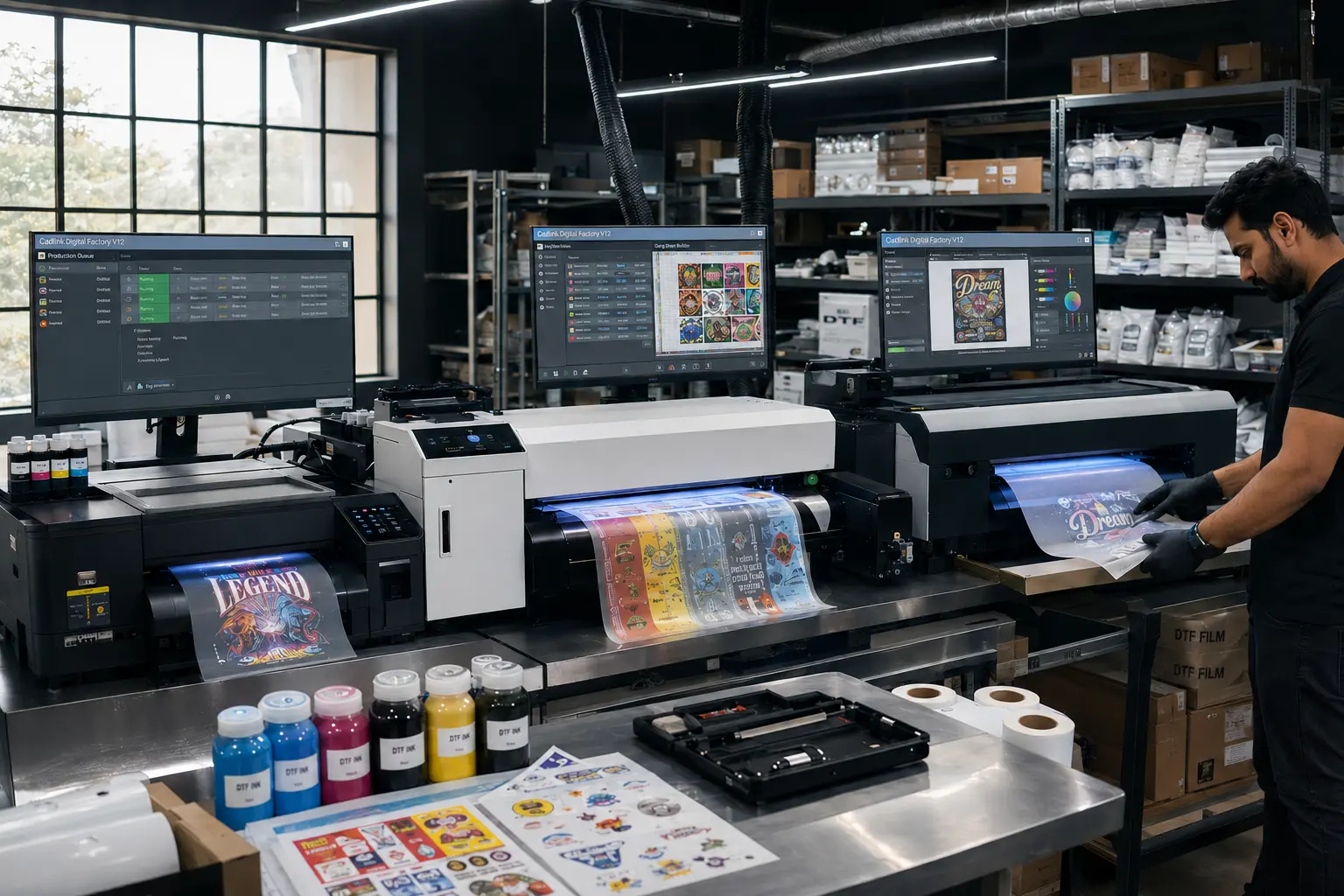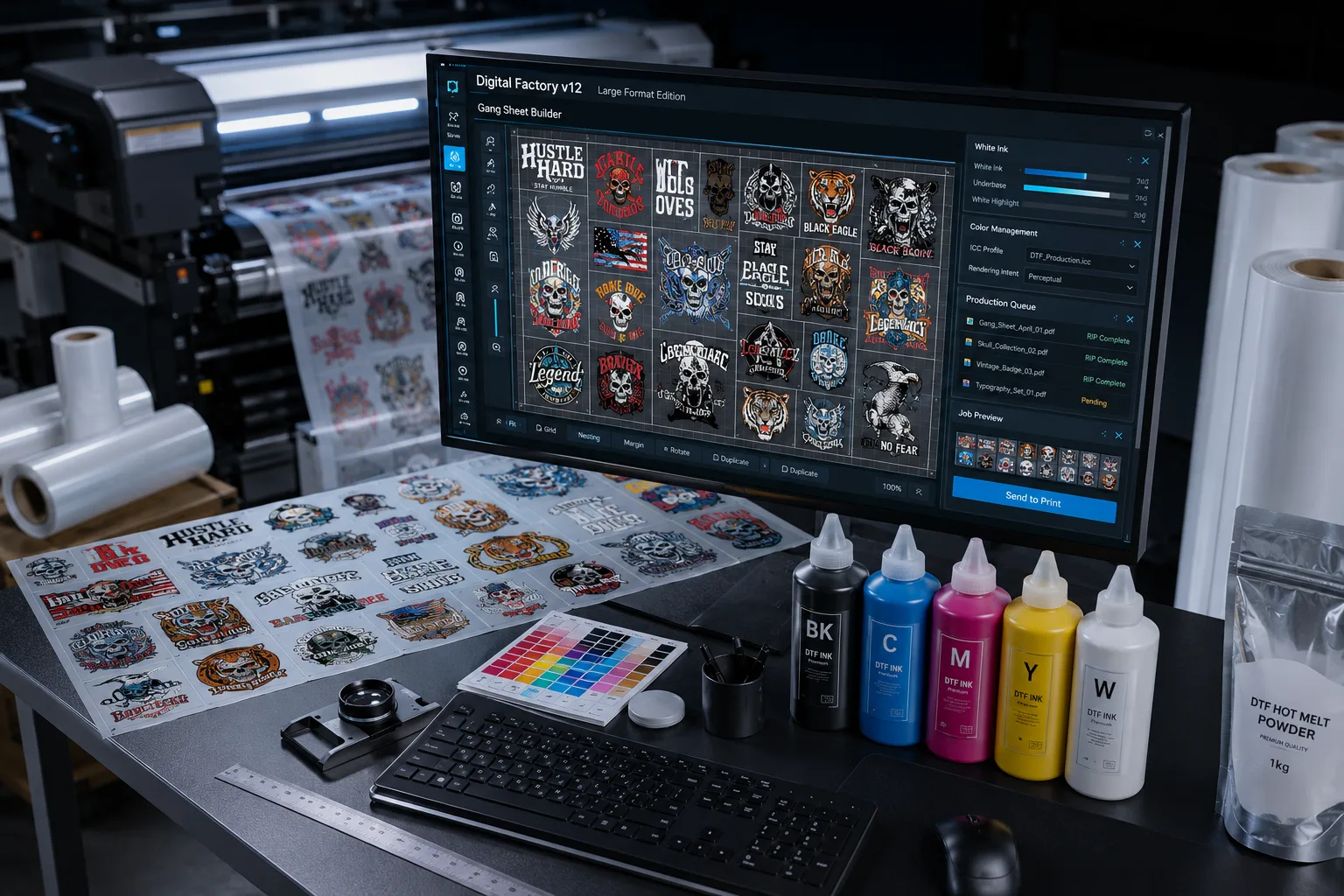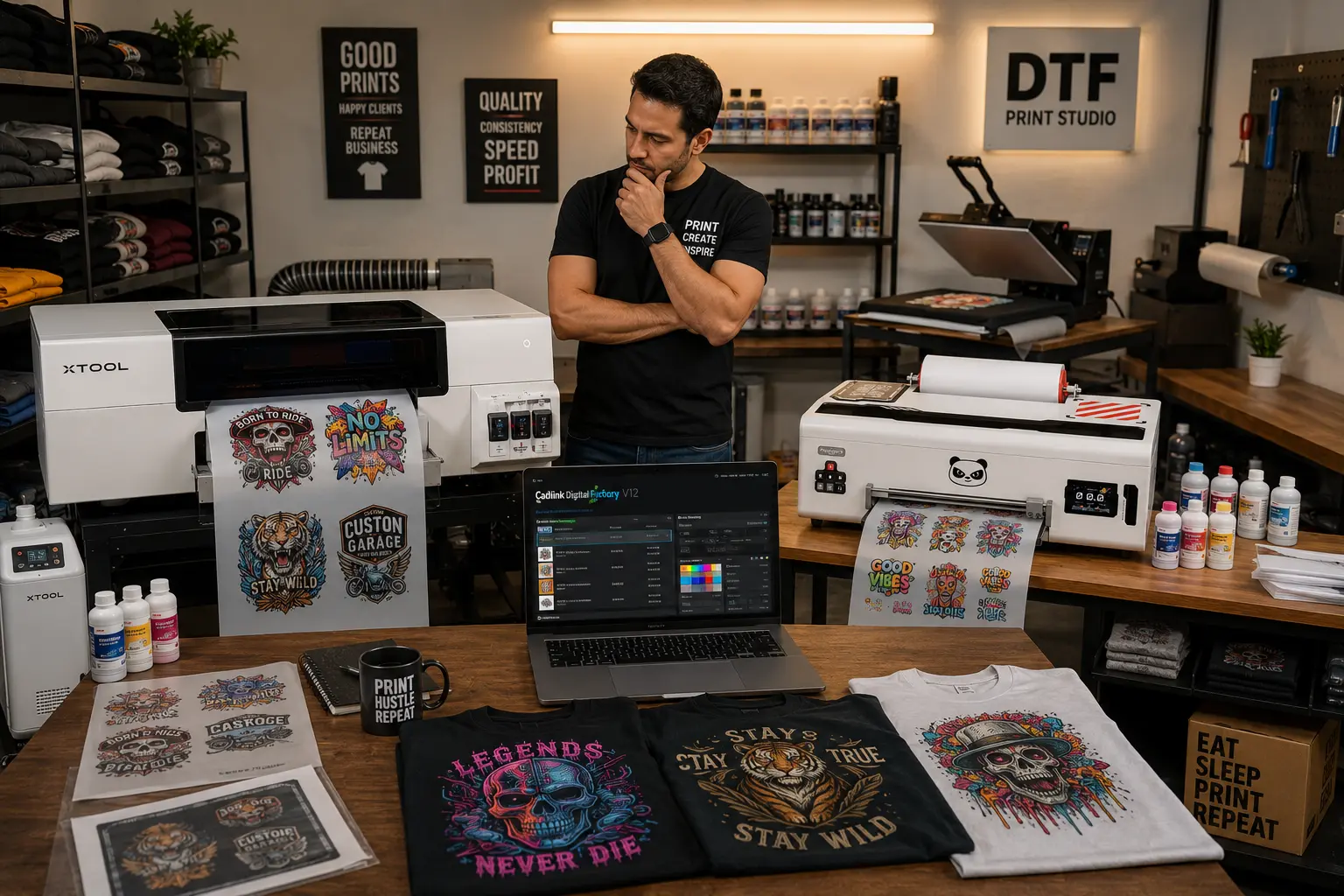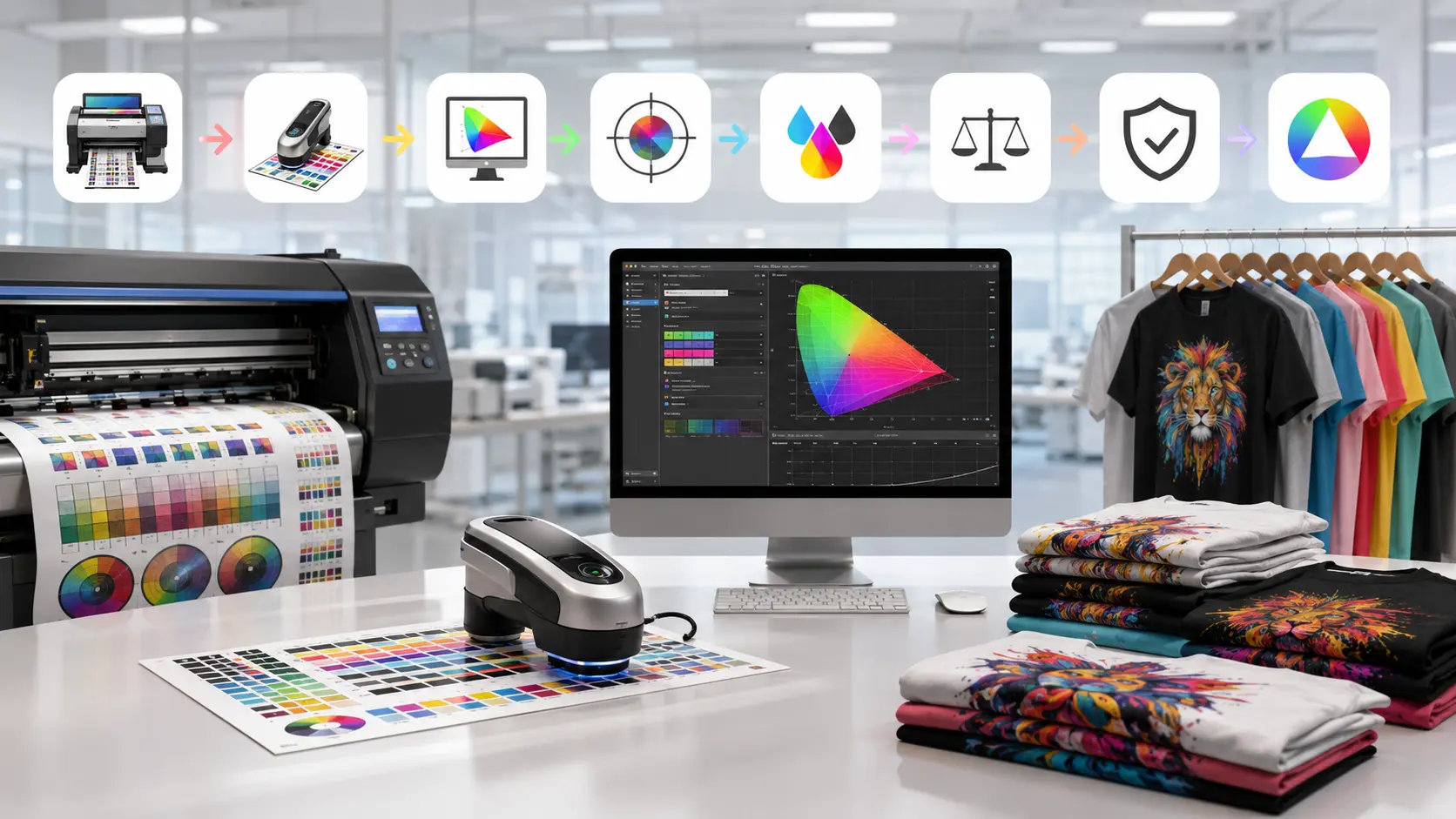

For years, most print shops in the USA have relied on CADlink Digital Factory v11 as a stable RIP solution for DTF and DTG production. It became the industry comfort zone.
But now, with the release of Digital Factory v12, the conversation has shifted from stability to efficiency.
The problem?
Almost nobody is actually breaking down the real differences between CADlink v12 vs v11.
Most online content still focuses on older workflows, outdated tutorials, or generic feature lists. Even major industry sites discussing CADlink are still centered around v11, leaving a massive gap in real-world v12 upgrade analysis.
As an authorized dealer, DTF Gears is in a unique position to evaluate what actually changed, what matters in production, and whether upgrading makes sense for modern DTF businesses in the USA.
This guide breaks down:
- What’s new in CADlink Digital Factory 12
- Real production improvements over v11
- DTF RIP software update advantages
- Whether the CADlink upgrade is actually worth the investment
Why CADlink v12 vs v11 Is Suddenly a Big Deal
In the past, RIP software upgrades were often minor improvements hidden behind version numbers.
That’s not the case here.
The jump from CADlink v11 vs v12 affects:
- Workflow automation
- White ink management
- RIP processing speed
- Production consistency
- Multi-printer environments
For growing DTF businesses, these improvements directly impact:
- Turnaround time
- Labor efficiency
- Ink consumption
- Reprint rates
That makes this less of a software update and more of a production optimization decision.
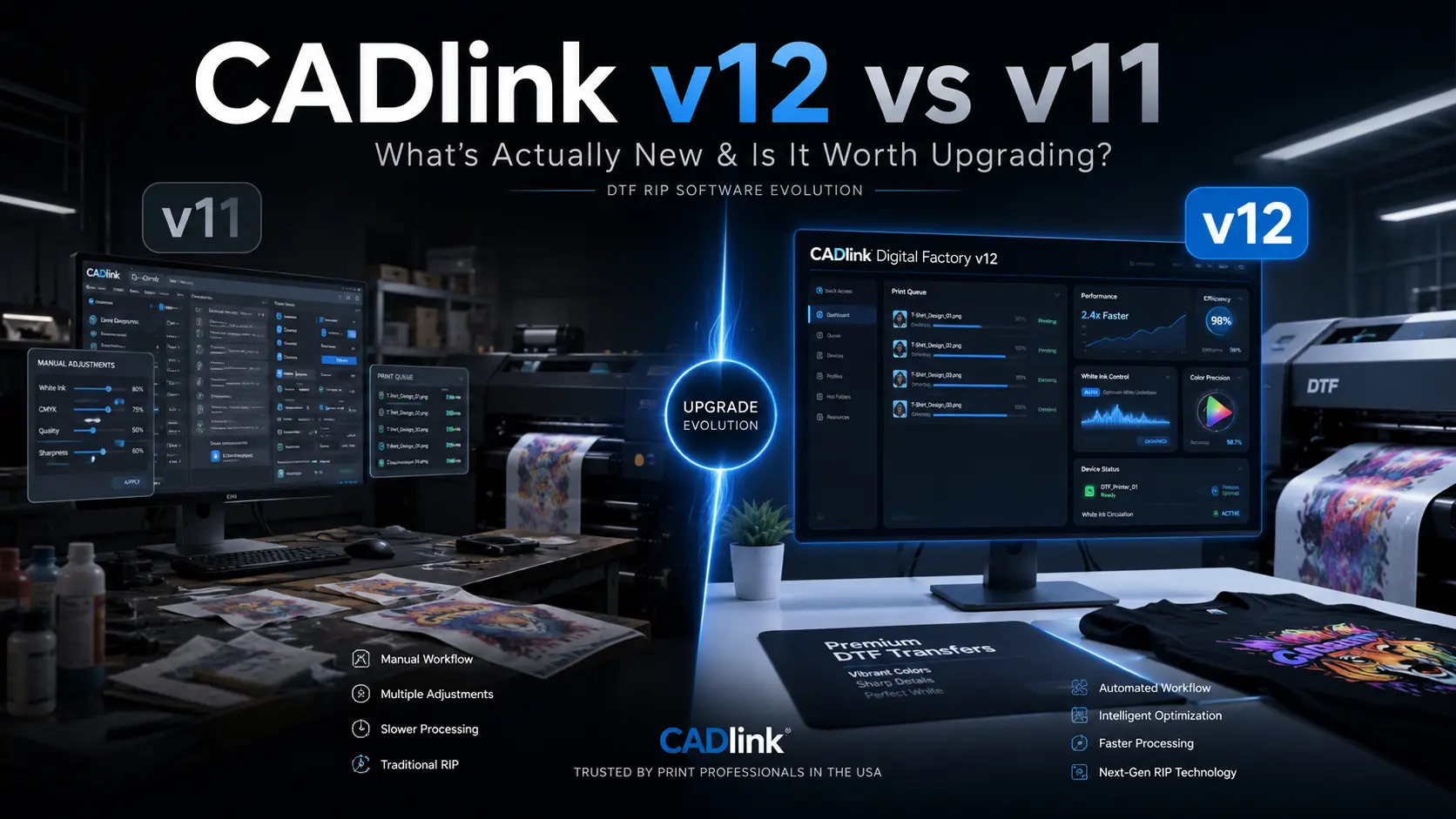
CADlink v12 vs v11: Quick Comparison Table
| Feature | CADlink v11 | CADlink v12 |
|---|---|---|
| RIP Processing Speed | Stable | Faster and optimized |
| DTF Workflow | More manual adjustment | Improved automation |
| White Ink Handling | Good but operator-dependent | Smarter layering control |
| Queue Management | Standard | More efficient job handling |
| Color Profiling | Traditional ICC workflows | Enhanced consistency |
| Printer Compatibility | Broad support | Expanded modern printer support |
| Workflow Automation | Limited | Significantly improved |
At first glance, the changes may appear incremental. In production environments, however, the impact becomes much more noticeable.
The Biggest CADlink Digital Factory 12 Features
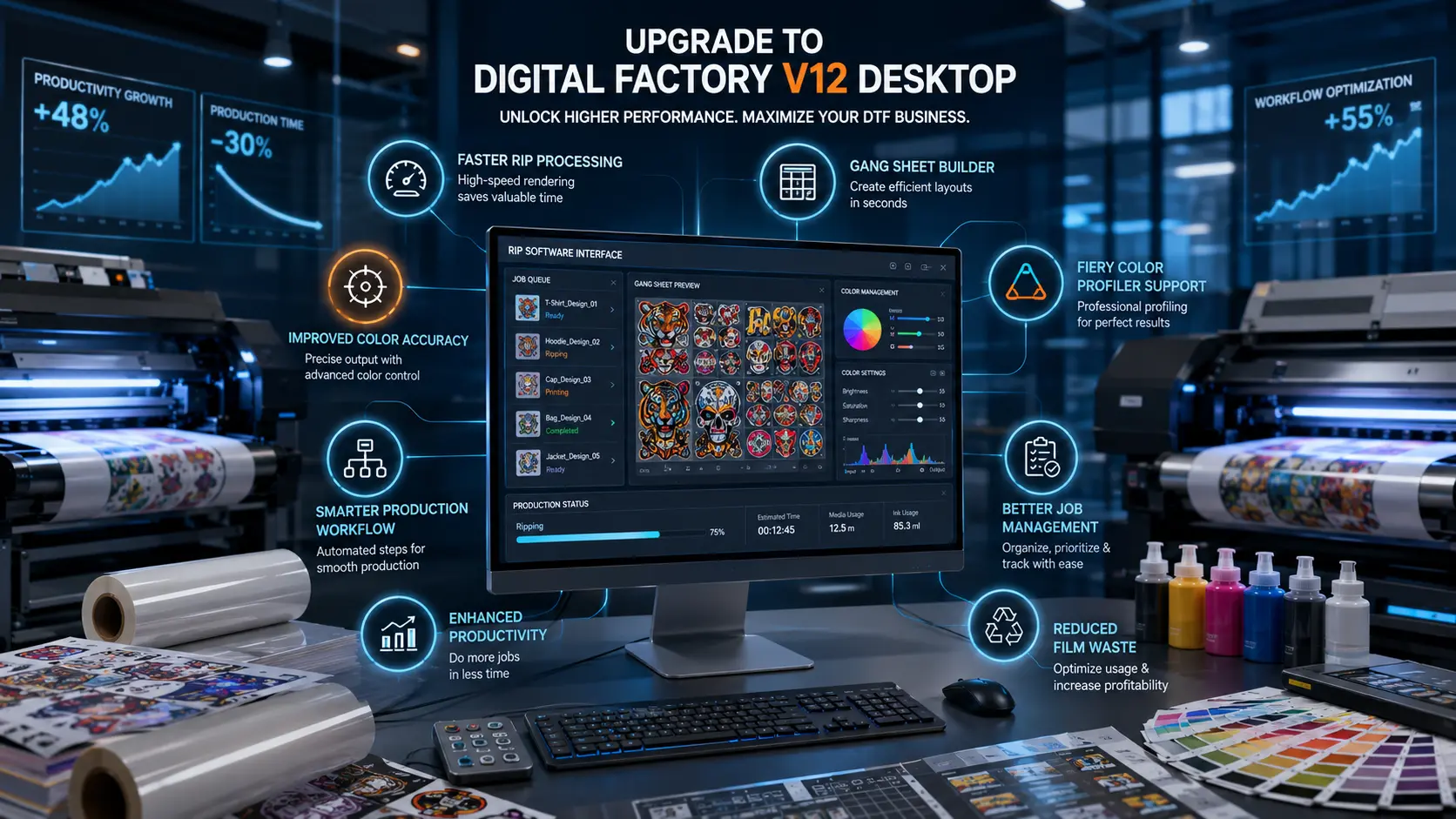
Faster RIP Processing for High-Volume Production
One of the most important upgrades in CADlink v12 vs v11 is improved RIP engine optimization.
In practical terms, this means:
- Faster rendering of large graphics
- Better handling of batch orders
- Reduced lag during peak production
For print shops processing dozens or hundreds of transfers daily, even small improvements in RIP speed can significantly increase output.
This becomes especially important for USA-based apparel businesses handling:
- Rush fulfillment
- Seasonal campaigns
- Bulk promotional printing
Improved DTF RIP Software Update
The most noticeable change in the DTF RIP software update is white ink handling.
In v11, many operators still rely heavily on manual balancing and repeated calibration to maintain consistency.
With v12:
- White underbase control is more refined
- Ink layering behaves more consistently
- Gradient transitions appear cleaner
- Fine details hold better during transfers
This reduces:
- Ink waste
- Failed transfers
- Reprint frequency
For DTF-heavy workflows, this is one of the strongest reasons to consider a CADlink upgrade.
Better Workflow Automation
Automation is where CADlink Digital Factory 12 features begin to feel like a real generational improvement rather than a standard update.
Compared to v11, v12 introduces:
- Smarter queue prioritization
- Better preset management
- Improved handling of repetitive production tasks
That translates into:
- Less operator intervention
- Faster onboarding for staff
- Reduced production bottlenecks
For growing shops trying to scale efficiently, workflow automation matters more than flashy interface updates.
Enhanced Color Consistency
Color consistency is one of the most expensive hidden issues in DTF production.
Even slight variations can lead to:
- Customer complaints
- Brand mismatch problems
- Material waste
The updated profiling system in v12 improves:
- Repeatability across batches
- Fabric-to-fabric consistency
- Predictability in commercial jobs
This is especially valuable for businesses producing branded merchandise or repeat client orders.
What Most Competitors Are Missing About CADlink v12
Here’s where the industry gap becomes obvious.
Most online resources discussing CADlink are still heavily focused on:
- v11 setup tutorials
- Older workflow explanations
- Legacy printer configurations
Very few are addressing:
- Real CADlink v12 vs v11 production differences
- DTF-specific optimization improvements
- Upgrade ROI for commercial print shops
That creates a major opportunity for businesses researching:
- CADlink upgrade decisions
- DTF RIP software updates
- Modern RIP workflow optimization
Right now, the keyword space around CADlink v12 vs v11 is still relatively open, which means early authoritative content has a strong chance to dominate rankings long term.
Real Production Differences Between v11 and v12
Shops Running v11 Often Experience:
- More manual color correction
- Slower processing during bulk orders
- Higher dependency on experienced operators
- More frequent white ink recalibration
Shops Upgrading to v12 Commonly Notice:
- Faster job turnaround
- Reduced manual intervention
- Better print consistency
- Smoother workflow scaling
The difference isn’t just technical—it’s operational.
That matters because production efficiency is ultimately what determines profitability.
Is CADlink v12 More Stable Than v11?
This is one of the biggest concerns among existing users.
The good news is that v12 doesn’t abandon the reliability CADlink is known for. Instead, it modernizes the workflow while improving overall efficiency.
v11 still remains:
- Stable
- Familiar
- Reliable for established setups
But v12 introduces:
- Faster processing architecture
- Better handling of modern production demands
- More scalable workflow management
For most growing DTF businesses, the advantages outweigh the transition learning curve.
Who Should Upgrade to CADlink v12?
Upgrade if You:
- Run medium-to-high volume DTF production
- Handle bulk apparel orders
- Need faster turnaround times
- Use multiple printers
- Want more automation in workflow management
Stay on v11 if You:
- Have a low-volume setup
- Prioritize complete workflow familiarity
- Rarely process bulk orders
- Already have highly optimized manual workflows
For most expanding print shops in the USA, the long-term efficiency benefits of upgrading are difficult to ignore.
The Real ROI Behind a CADlink Upgrade
Many businesses evaluate software upgrades only based on upfront cost.
That’s the wrong way to analyze CADlink v12 vs v11.
The real ROI comes from:
- Faster production cycles
- Reduced operator dependency
- Lower reprint rates
- Better ink efficiency
- Increased order capacity
Even small workflow improvements can create significant monthly savings in high-volume environments.
In DTF production, efficiency compounds quickly.
Why DTF Gears Is Covering This Before Everyone Else
Most companies wait until search demand becomes crowded before creating content.
That’s a mistake.
The opportunity around:
- CADlink v12 vs v11
- CADlink upgrade
- DTF RIP software update
- CADlink Digital Factory 12 features
is still early.
As an authorized dealer working directly with DTF workflows, DTF Gears is positioned to provide practical upgrade insights before the rest of the market catches up.
That matters because print shops don’t need generic feature lists.
They need:
- Real production analysis
- Workflow insights
- Honest upgrade guidance
Explore CADlink Software Solutions
If you’re evaluating a CADlink upgrade for your print business, the next step is testing how v12 performs in your own workflow.
👉 Explore our Software Page for CADlink solutions and supported workflows.
👉 Start with our Free Trial CTA to evaluate CADlink Digital Factory 12 before committing to a full upgrade.
Final Verdict: Is CADlink v12 Worth Upgrading To?
After comparing CADlink v12 vs v11, the answer depends on your production goals.
If your workflow is small, stable, and already optimized, v11 can still perform reliably.
But for businesses focused on:
- Scaling production
- Improving efficiency
- Reducing manual corrections
- Optimizing DTF workflows
v12 delivers meaningful operational advantages.
The improvements are not just cosmetic.
They directly impact:
- Speed
- Consistency
- Automation
- Workflow efficiency
For modern DTF print shops in the USA, CADlink Digital Factory 12 feels less like a routine update and more like a production-focused evolution.