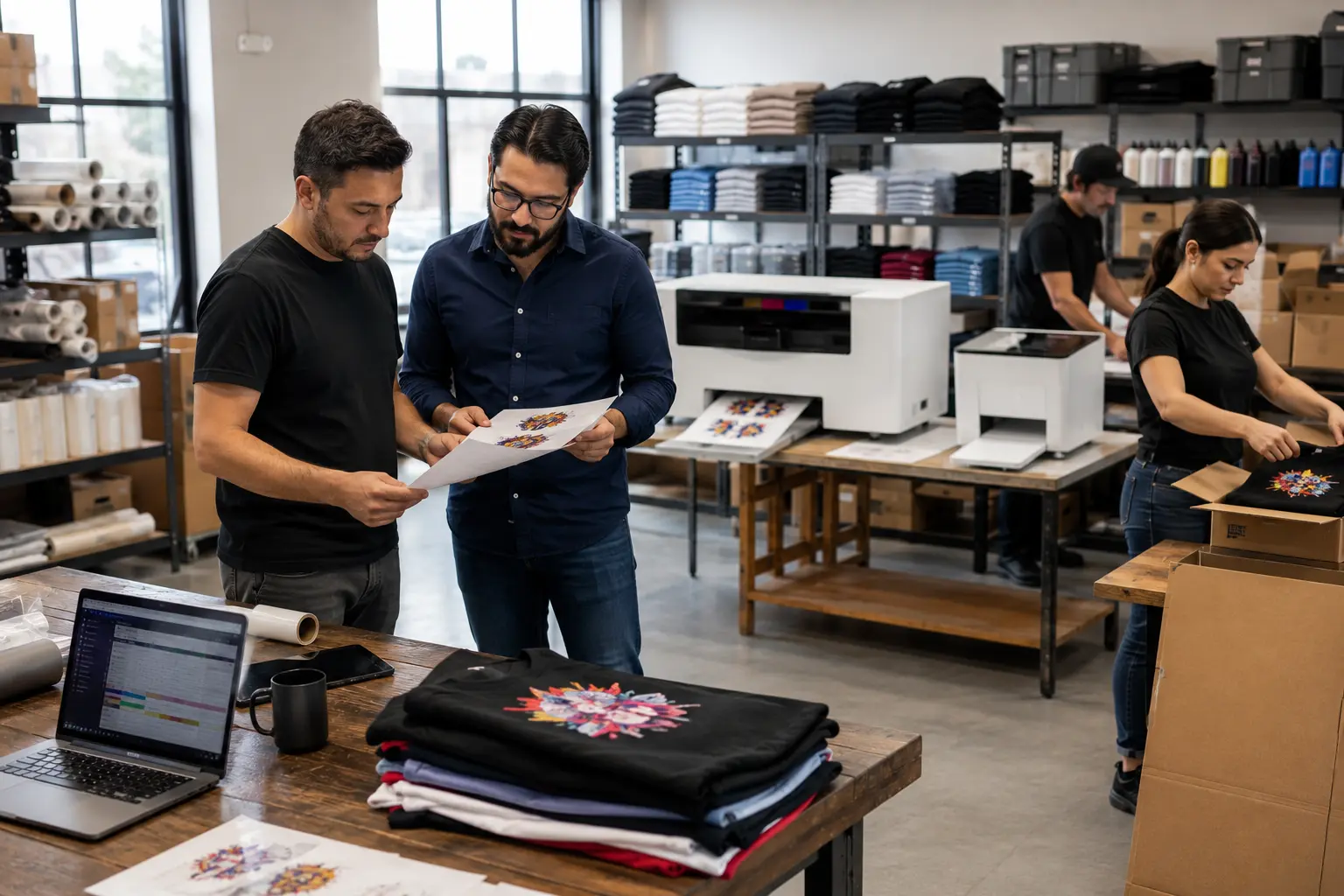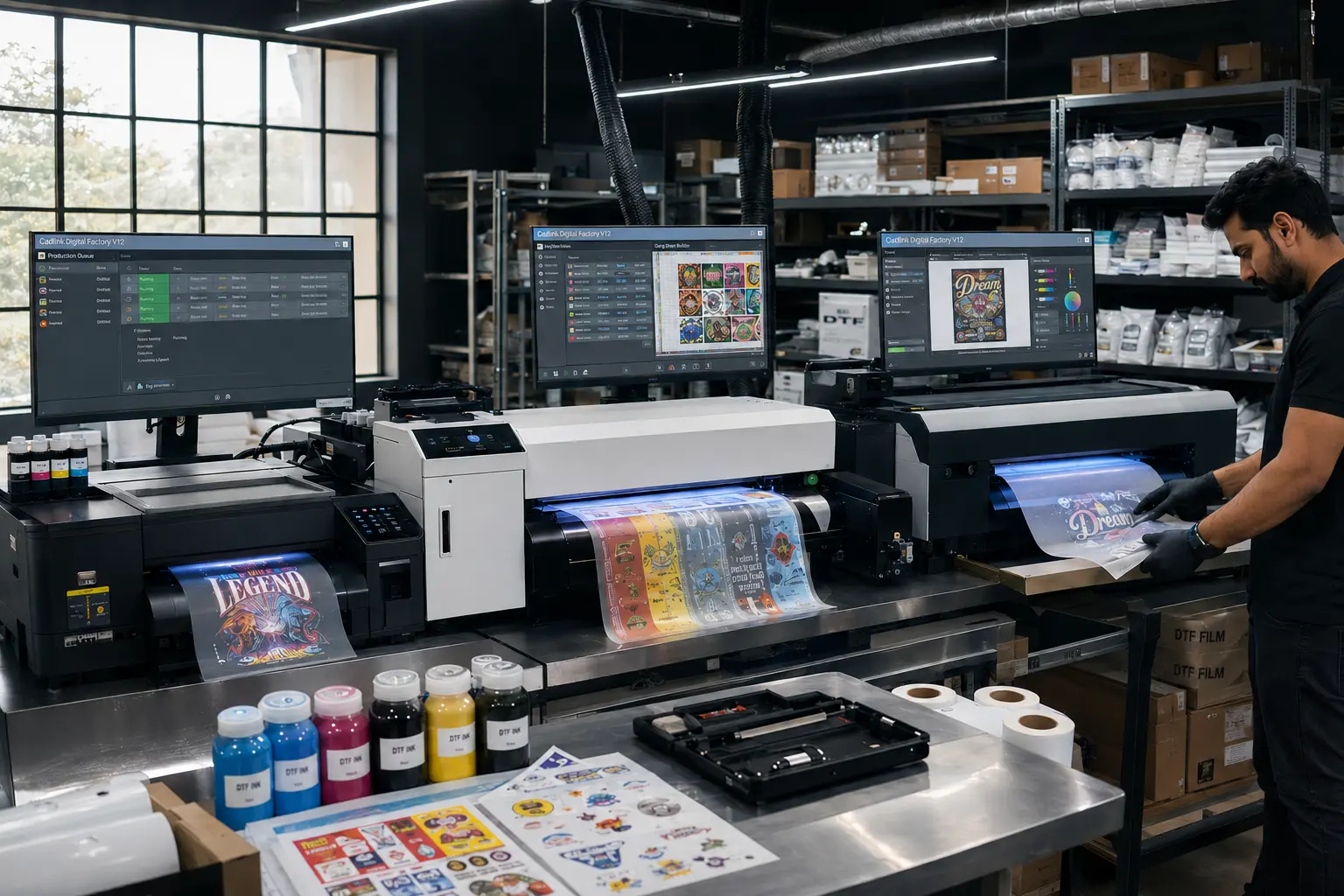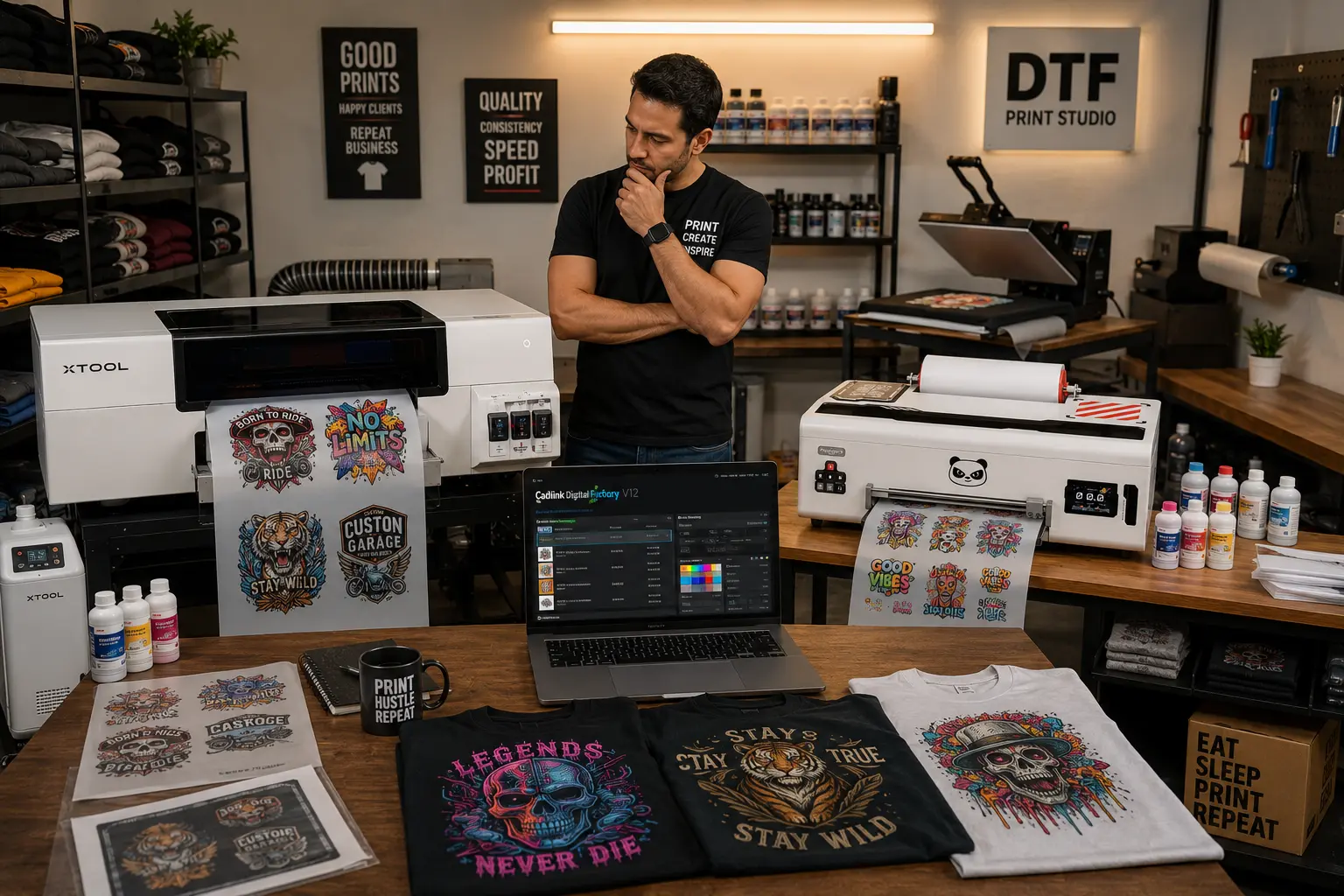

DTF Printing may seem like a simple process, but those familiar with it understand that an error as simple as mismanagement of the process could easily lead to wasted print and unhappy clients. At DTF GEARS, we have many client relationships with different types of printers. The equipment is rarely at fault; most of the problems we see are not because of the machine but are merely caused by mistakes in the overall workflow.
- Failure To Use Correct Software Settings
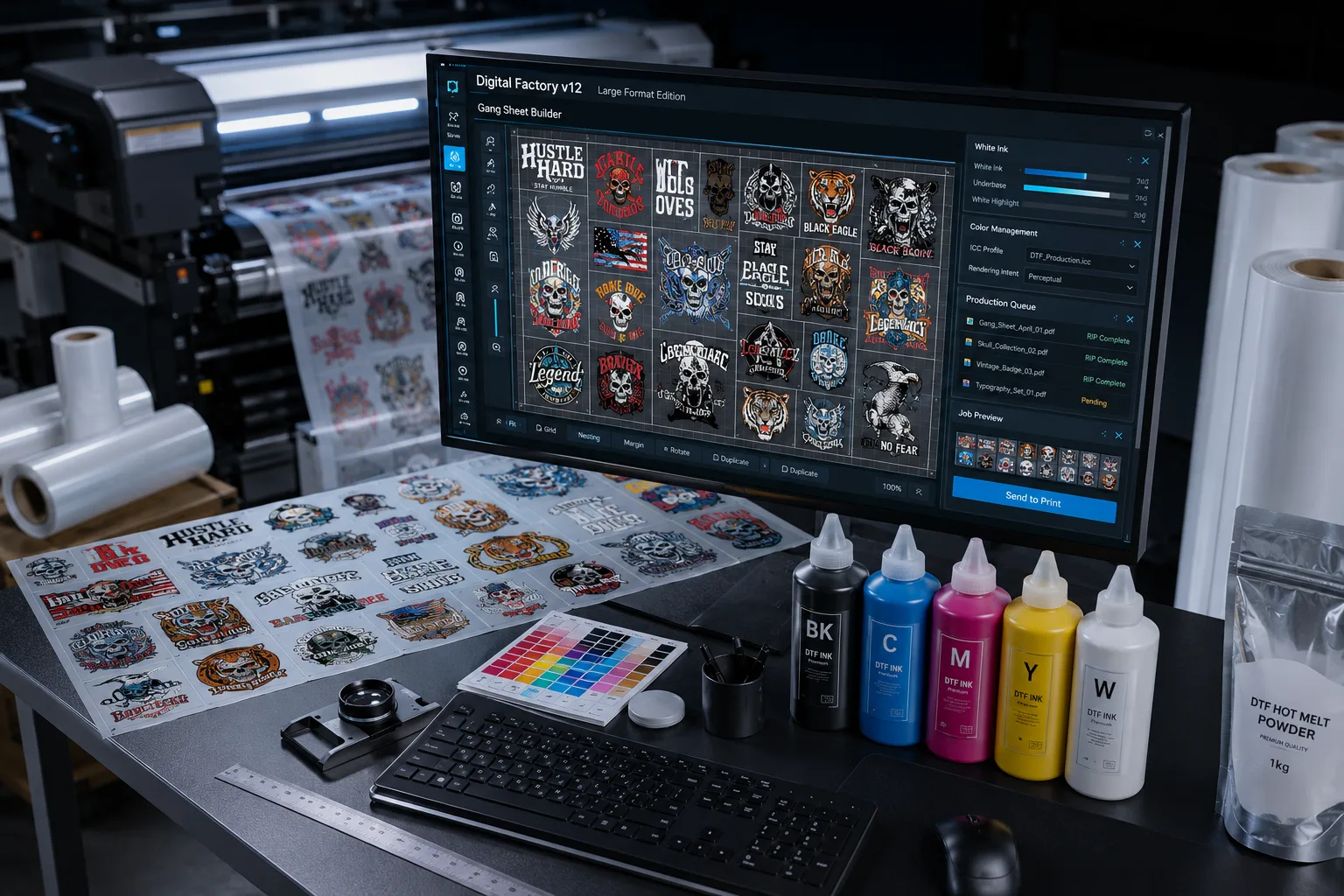
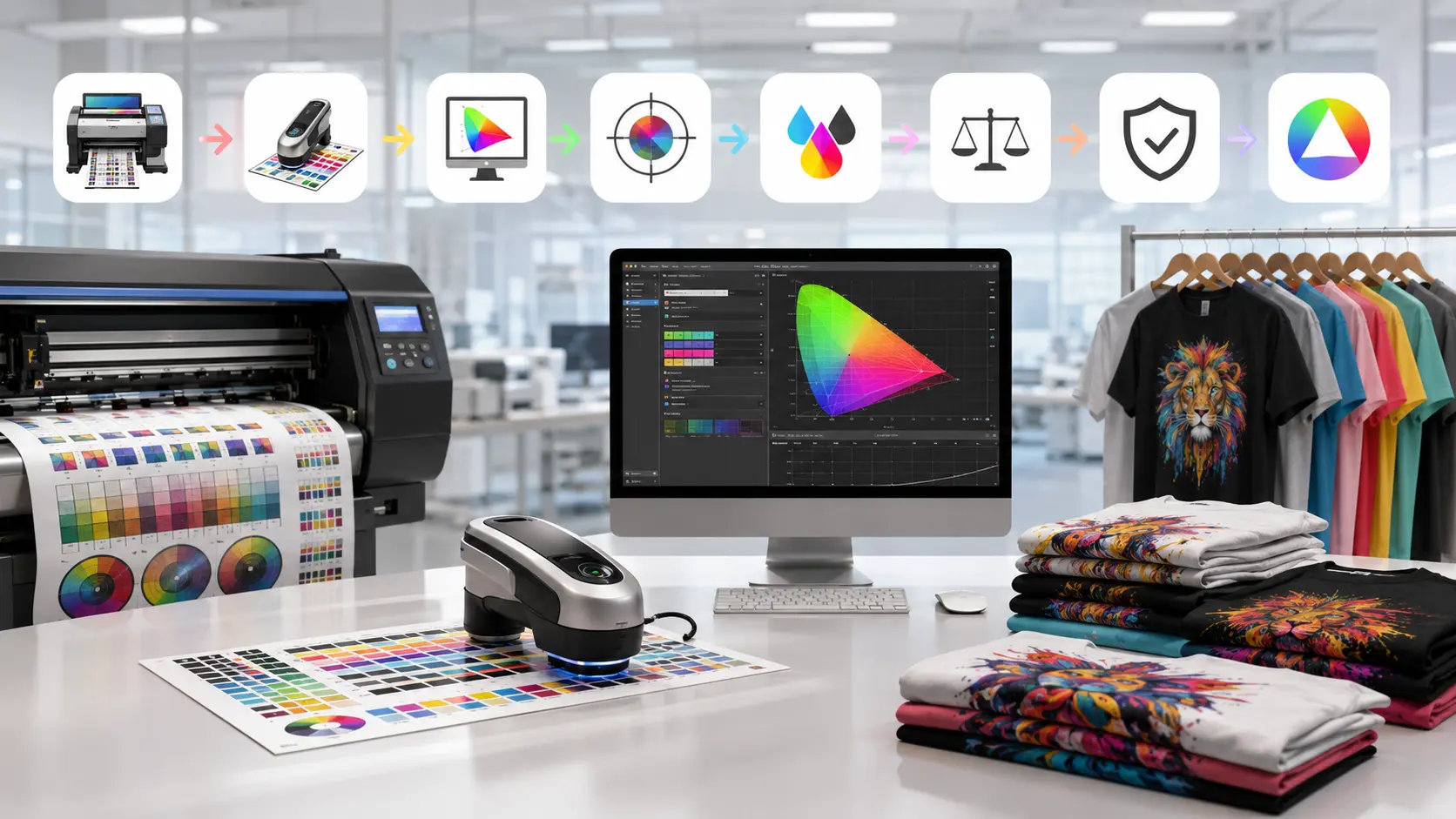
The most common mistake made is failing to use the proper settings within the DTF software. An essential difference between DTF printing and other forms of printing is that the software for DTF printing must contain all aspects of keeping track of how, when, and where to apply the white ink layers, the colour to be outputted, and the accuracy of the files created.
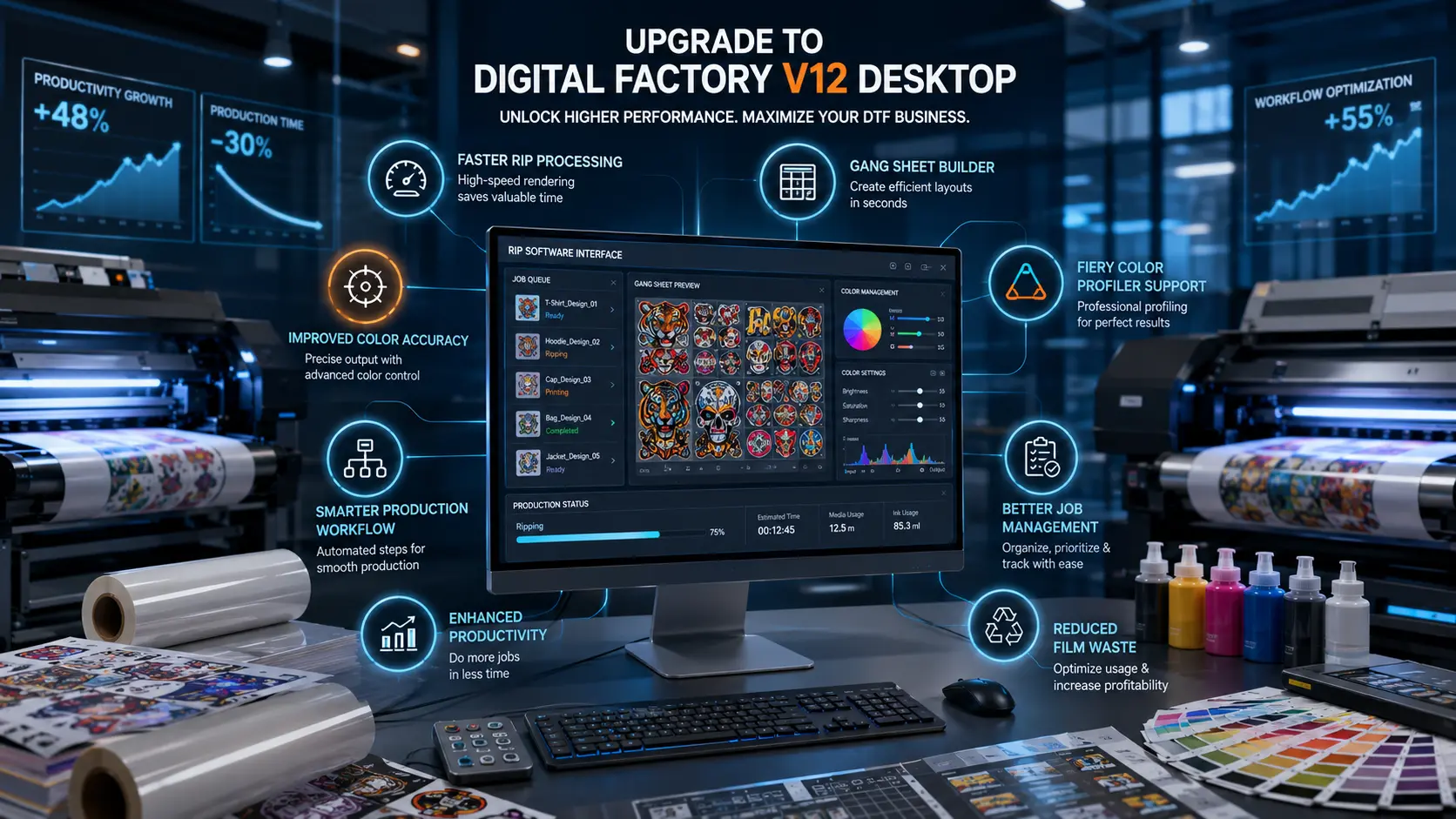
To help you better understand how to configure your DTF software, we recommend that you use a Professional RIP Software For DTF Printing, such as Cadlink Digital Factory.
By using Cadlink Digital Factory, you can be assured:
- That the correct white base layer has been created.
- That the Colour Profiles used in your prints are accurate and provide the most desired results.
- Incorrect Settings When Using a Heat Press
When using a heat press, many users rush this step. If you set the wrong temperature or pressure, you can ruin the print even after doing everything else correctly.
You should always:
- Follow the film manufacturer’s recommended temperatures specific to each film type
- Use consistent pressure throughout the print
- Allow enough time for cooling before removing the film from the surface
- Artwork of Low Quality
No matter how good the DTF Software is, a poor-quality graphic will not give you the results you want.
Do not use:
- Images that are low resolution
- Backgrounds that are not transparent
- Images that are not mirrored
Using Cadlink Digital Factory will help you avoid these issues prior to printing.
- Not Performing Test Prints
Bypassing test prints to save time tends to do the opposite by actually increasing printing time.
Test prints allow you to:
- Balance colours
- Check ink flow and powder adhesion
- Ensure that your RIP Software is outputting to DTF correctly.
If you want to avoid problems related to DTF printing, it is important to use the right type of materials, follow the appropriate workflow, and utilize properly developed DTF Software applications. We at DTF GEARS provide customers with tools for improving their DTF Printing experience, such as Cadlink Digital Factory software and testing, as well as providing ongoing support for all aspects of a customer’s printing process.