

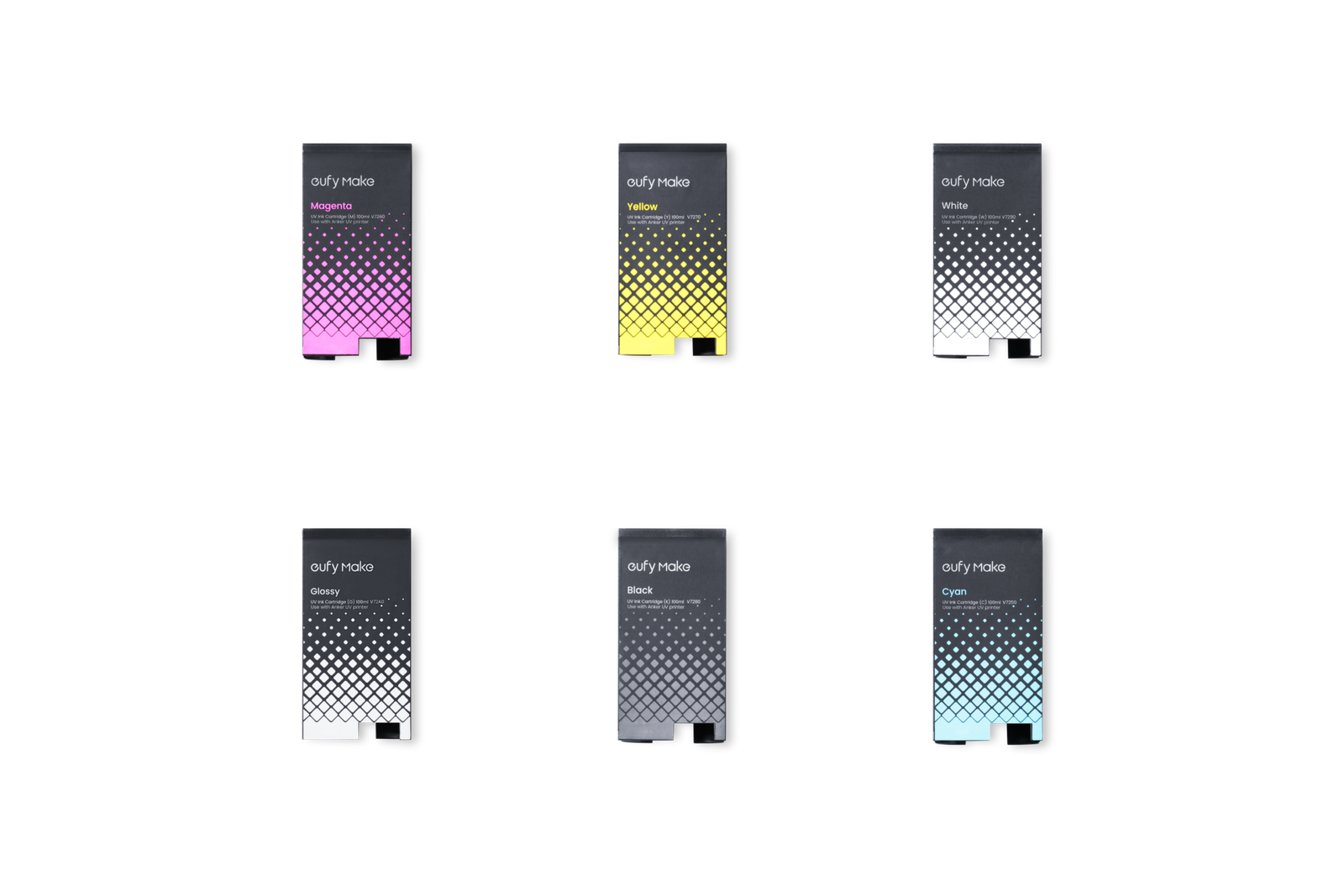
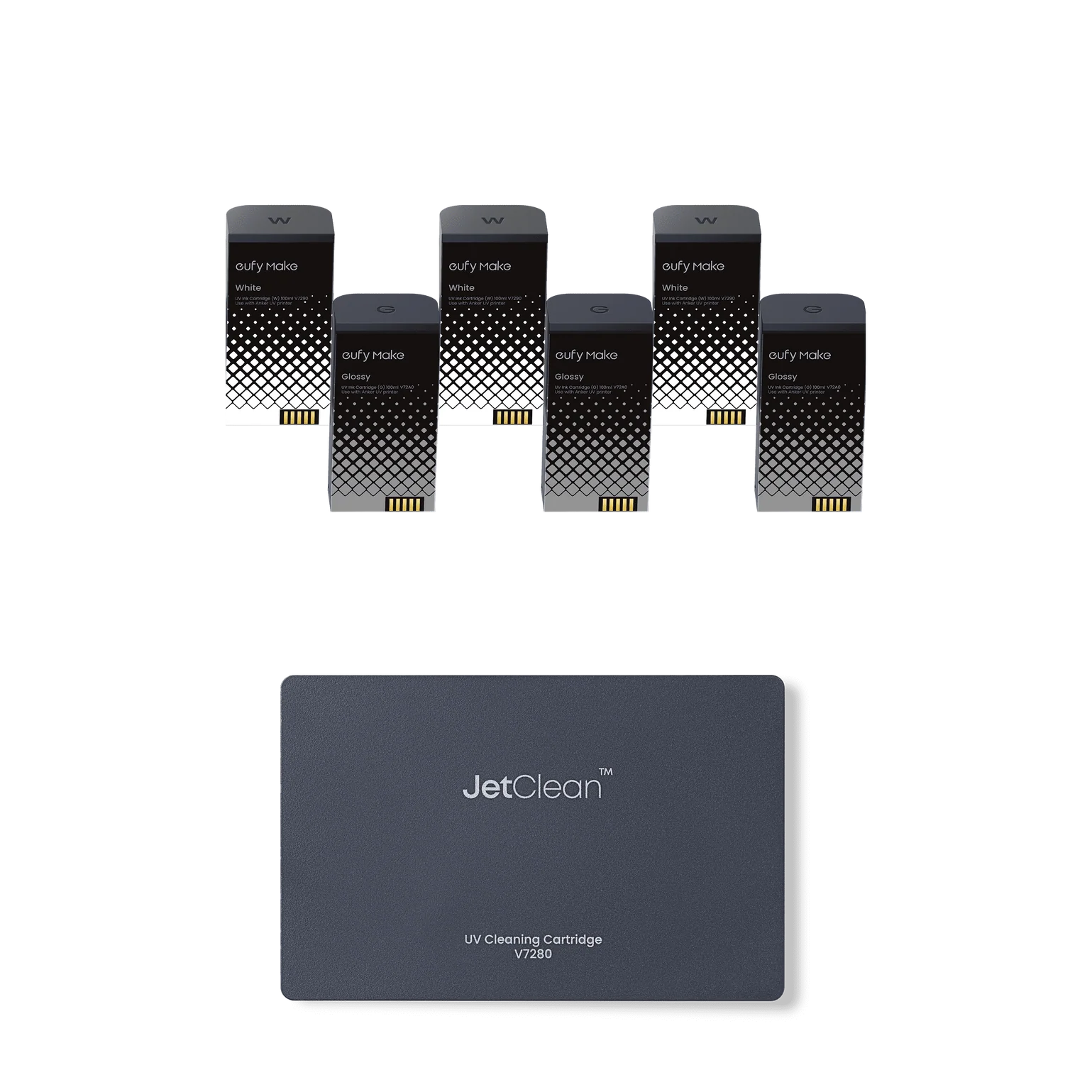
eufyMake E1 UV Ink Cartridges — 100mL | CMYK, White, Flexible White & Glossy | Professional UV Printing Ink for Rigid and Flexible Substrates
$42.99-
$49.99 Original price was: $49.99.$42.99Current price is: $42.99.
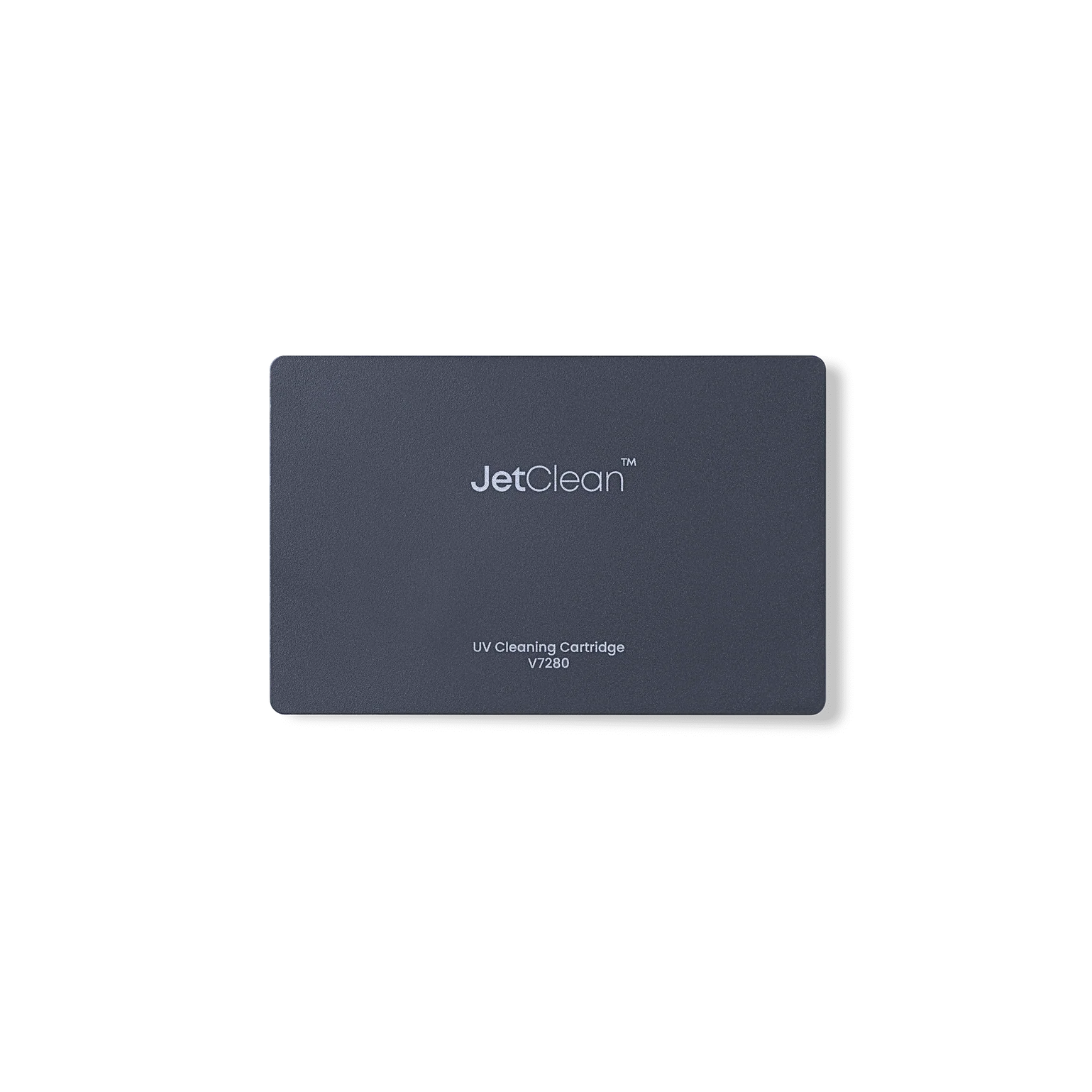
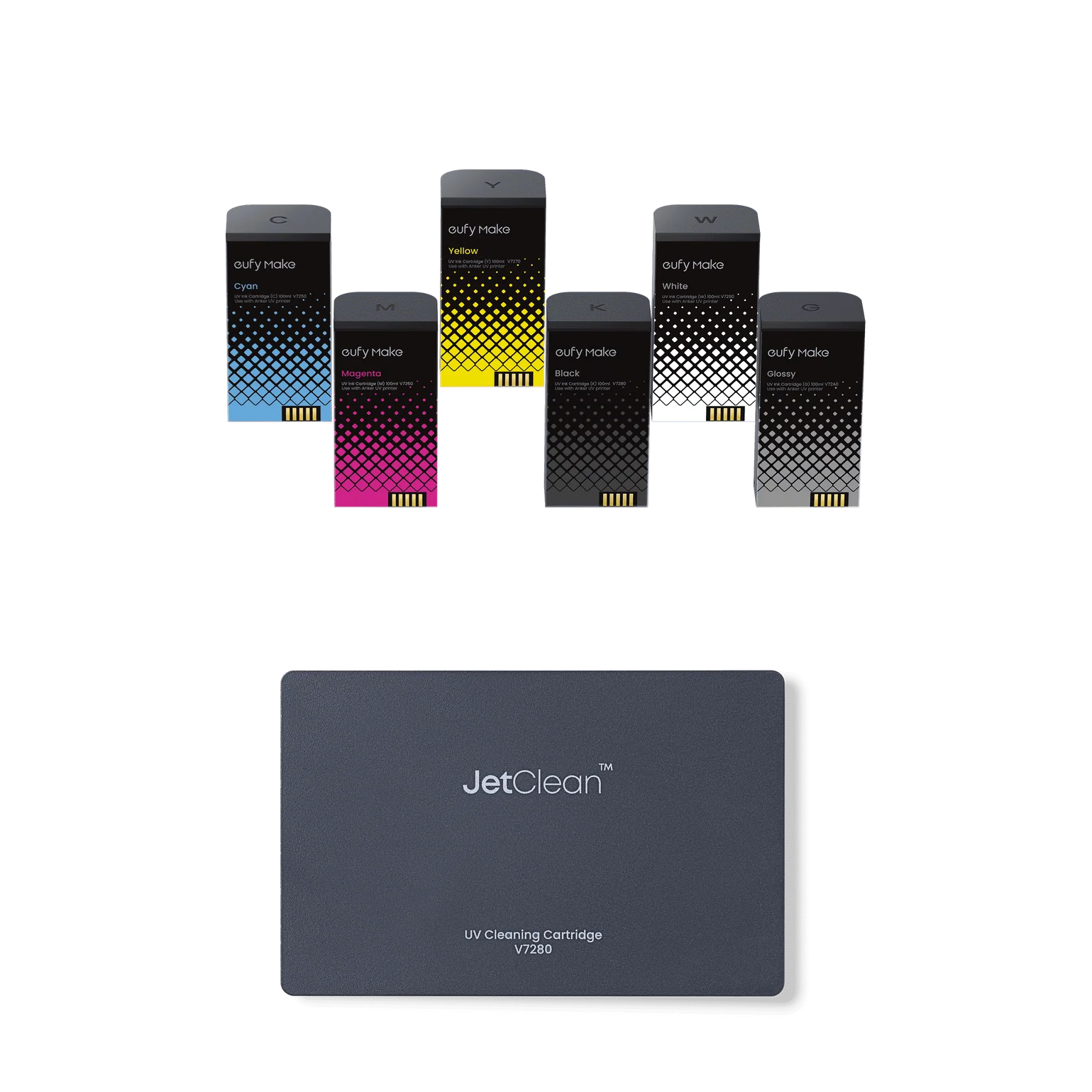
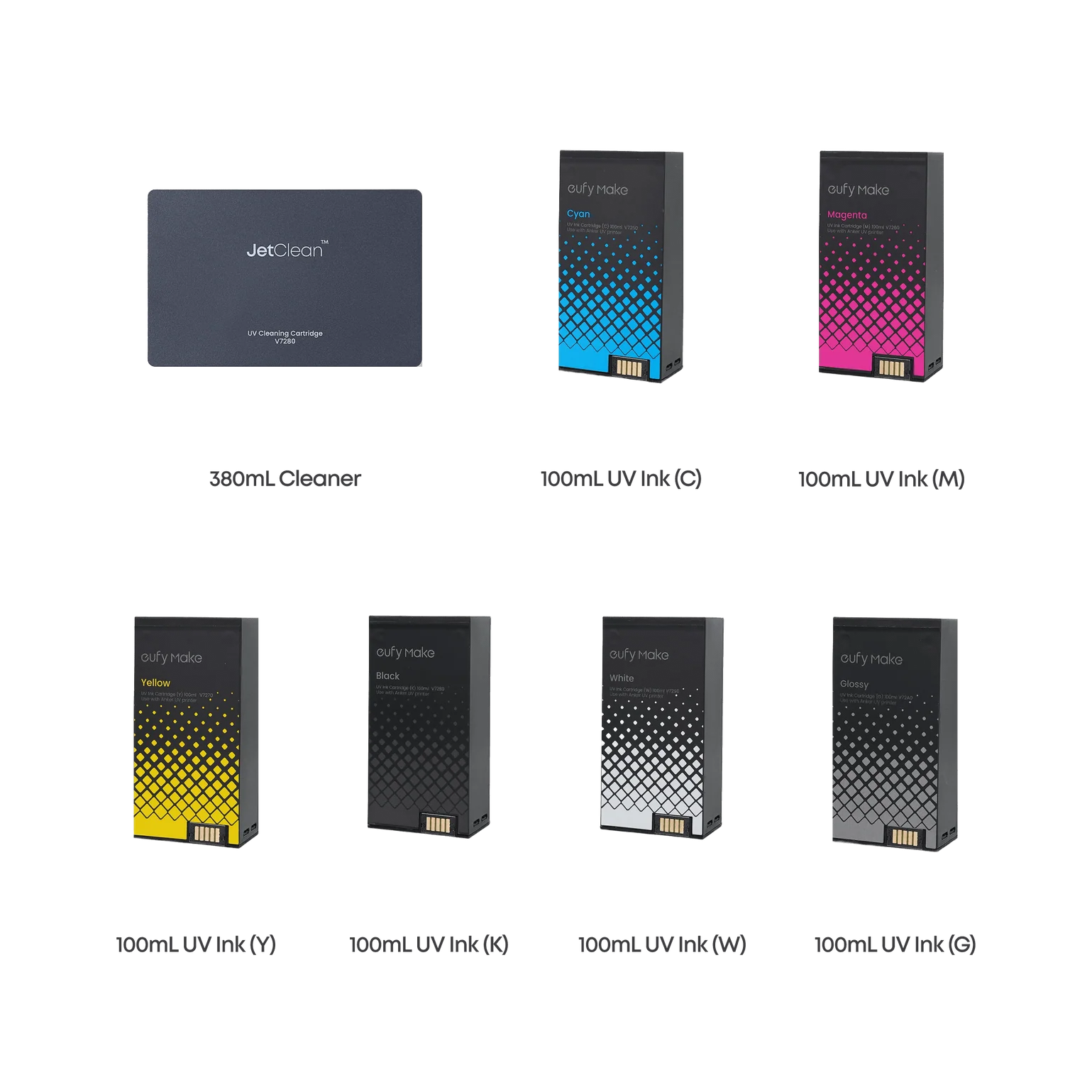
A clogged printhead doesn't announce itself until it's already ruined a run.The eufyMake JetClean Cleaning Cartridge is a 380mL high-capacity maintenance solution designed to keep your UV printer's ink channels clear, your printhead protected, and your output consistent — before problems have a chance to develop. It's the one consumable that pays for itself the first time it prevents an unplanned service call.UV ink is aggressive by nature. Left in idle channels, it settles, thickens, and clings. JetClean is formulated to dissolve residue, flush ink pathways thoroughly, and condition critical printhead components — so the printer you switch on after a weekend off behaves exactly like the one you left running on Friday.
A clogged printhead doesn’t announce itself until it’s already ruined a run.
The eufyMake JetClean Cleaning Cartridge is a 380mL high-capacity maintenance solution designed to keep your UV printer’s ink channels clear, your printhead protected, and your output consistent — before problems have a chance to develop. It’s the one consumable that pays for itself the first time it prevents an unplanned service call.
UV ink is aggressive by nature. Left in idle channels, it settles, thickens, and clings. JetClean is formulated to dissolve residue, flush ink pathways thoroughly, and condition critical printhead components — so the printer you switch on after a weekend off behaves exactly like the one you left running on Friday.

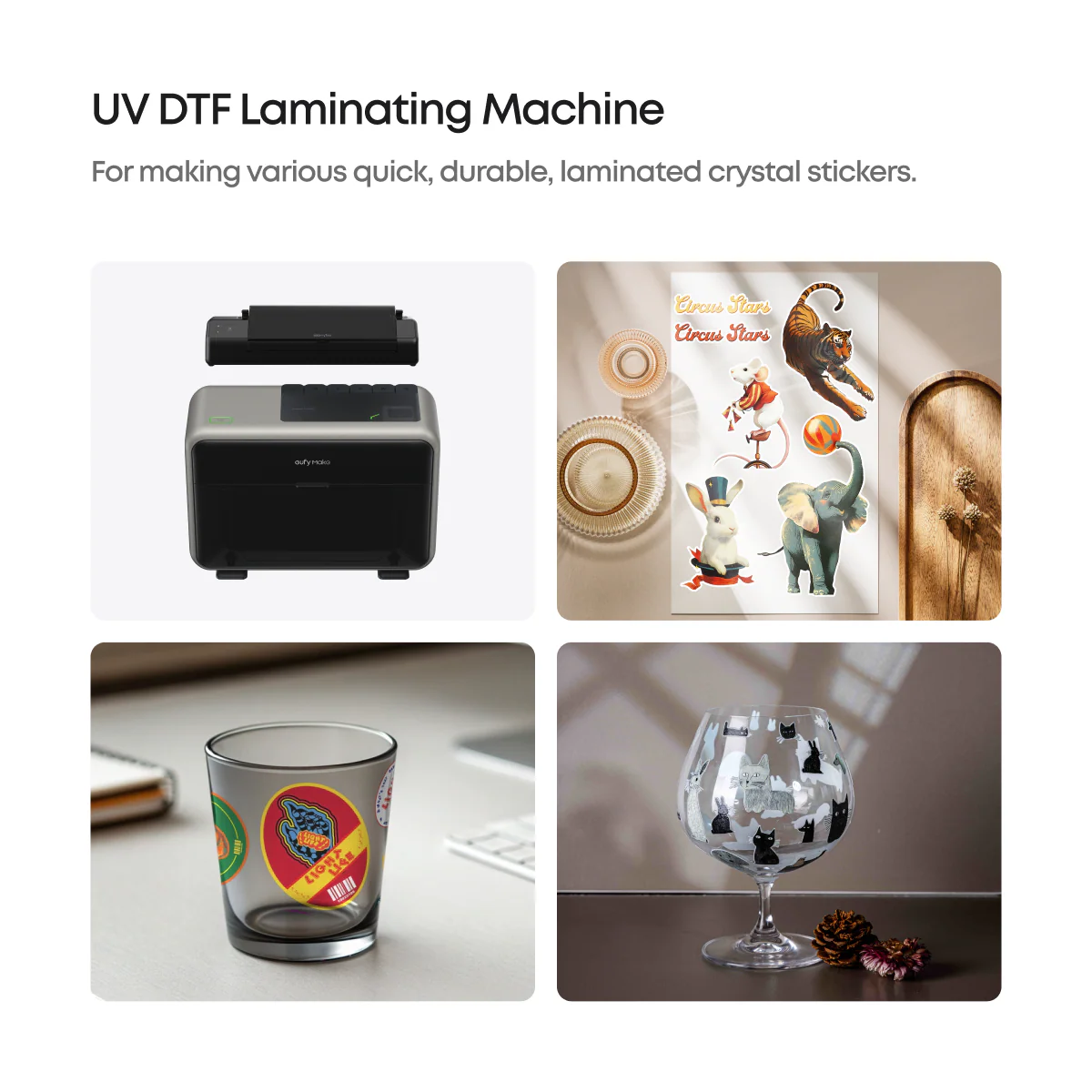
UV printing is an advanced digital printing technology that uses UV-curable inks and LED UV light to instantly cure prints in a single pass. Unlike traditional printing, UV printing supports a wide variety of materials including glass, metal, acrylic, wood, plastic, ceramic, and leather while delivering high-resolution, vibrant results.
Using piezoelectric inkjet technology, the printhead precisely sprays ink without touching the material surface, enabling accurate and versatile printing. The UV curing process instantly solidifies the ink through ultraviolet light, reducing drying time and improving production efficiency.
Modern UV printers also support special effects such as white ink layering, gloss finishes, embossed textures, and 3D relief printing. Advanced features like automatic nozzle cleaning, camera-assisted positioning, laser height detection, and modular flatbed or rotary attachments further enhance precision, reliability, and flexibility for a wide range of printing applications.
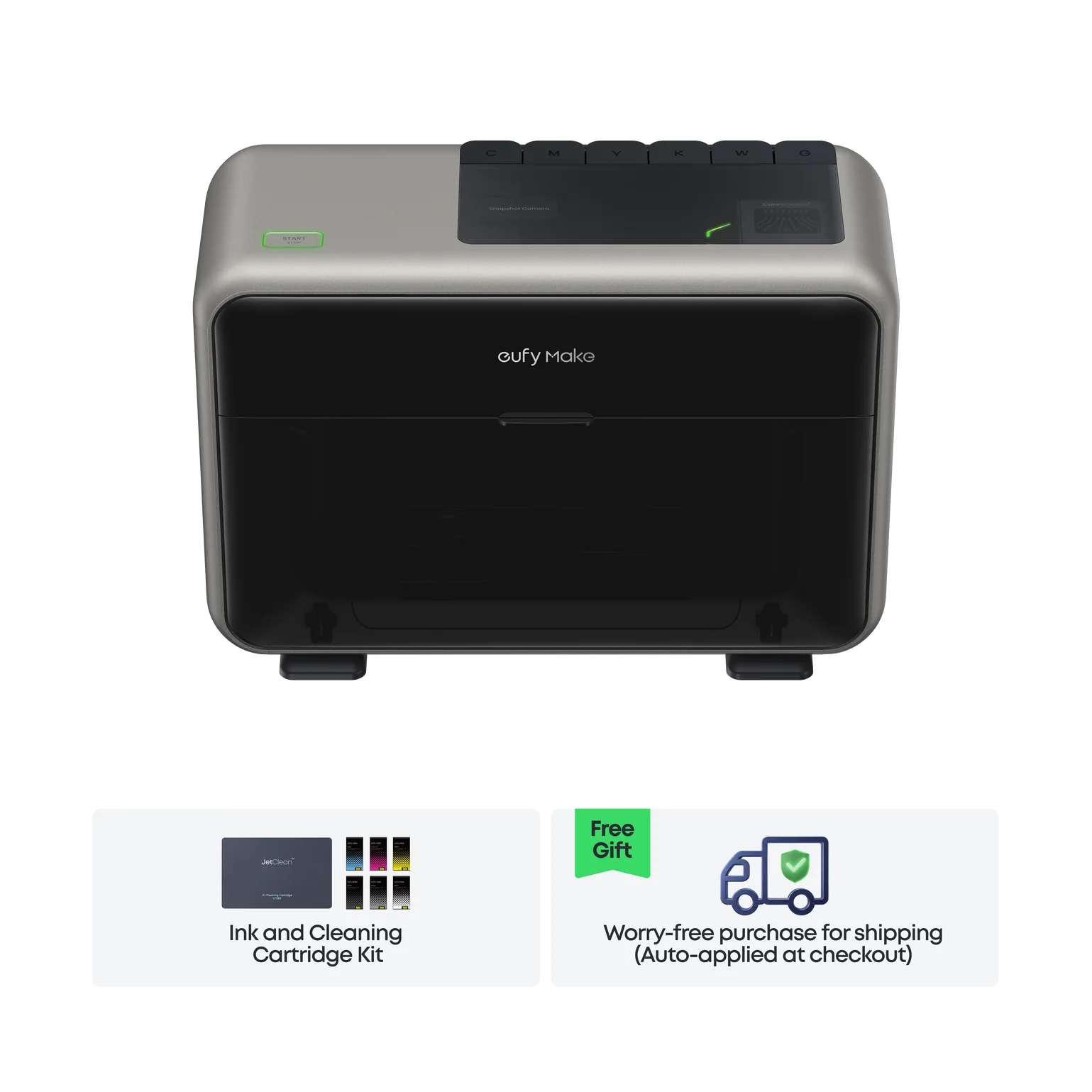
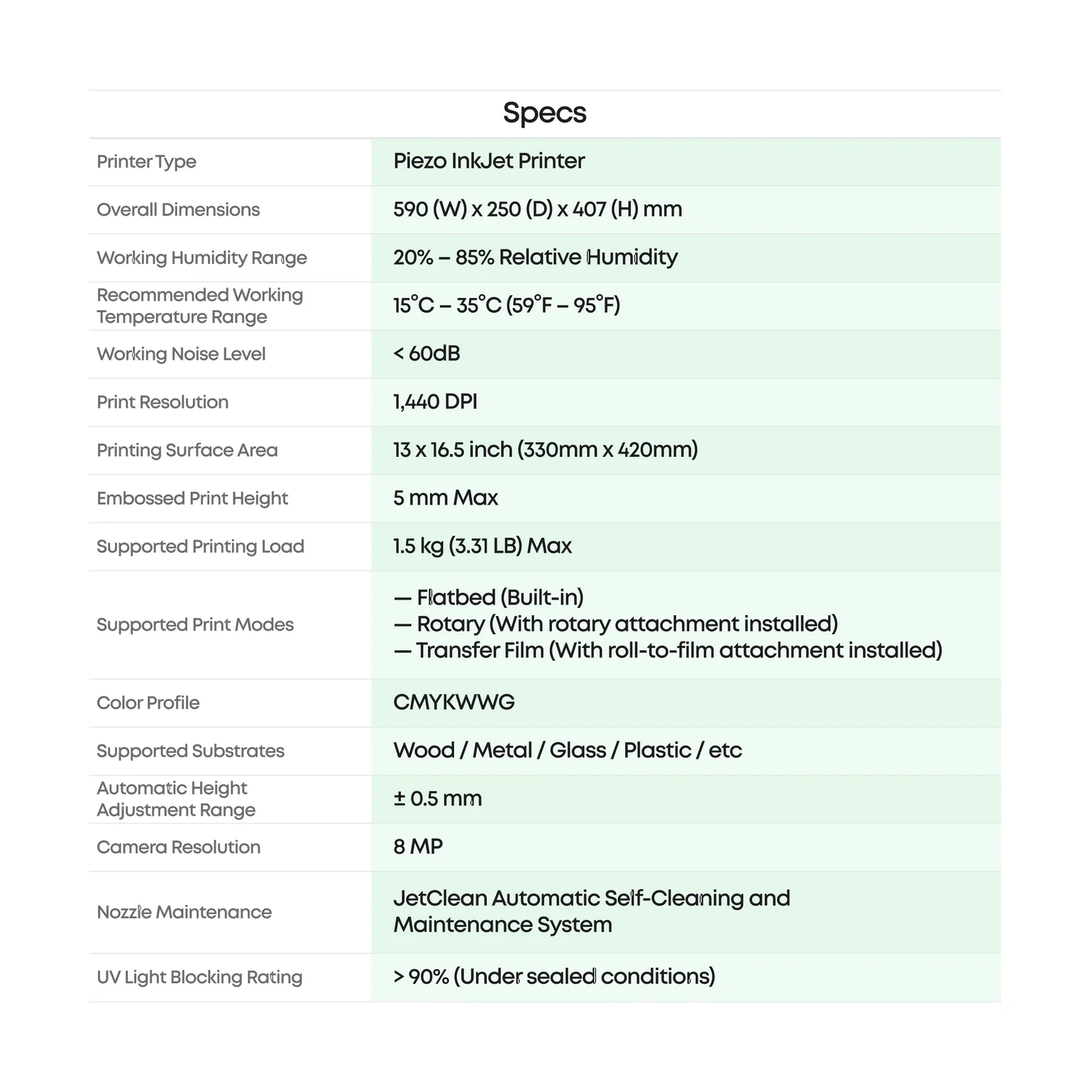
The E1 UV Printer uses CMYKW UV inks plus optional gloss varnish to create vibrant prints, textured effects, and embossed 3D designs. Its ColorMaestro™ Technology uses AI software to convert images into depth maps, allowing the printer to build layered textures up to 5mm thick using white ink or gloss.
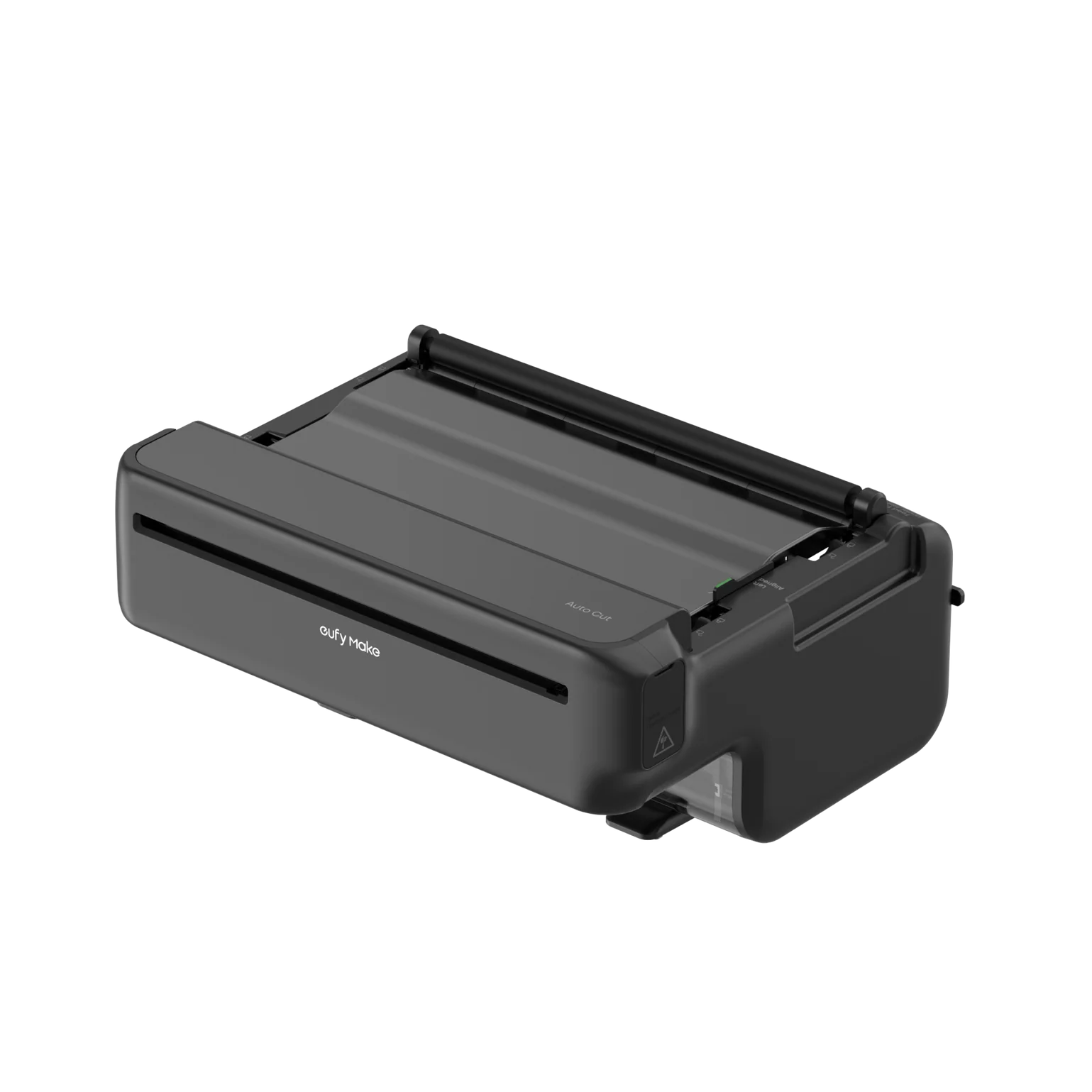
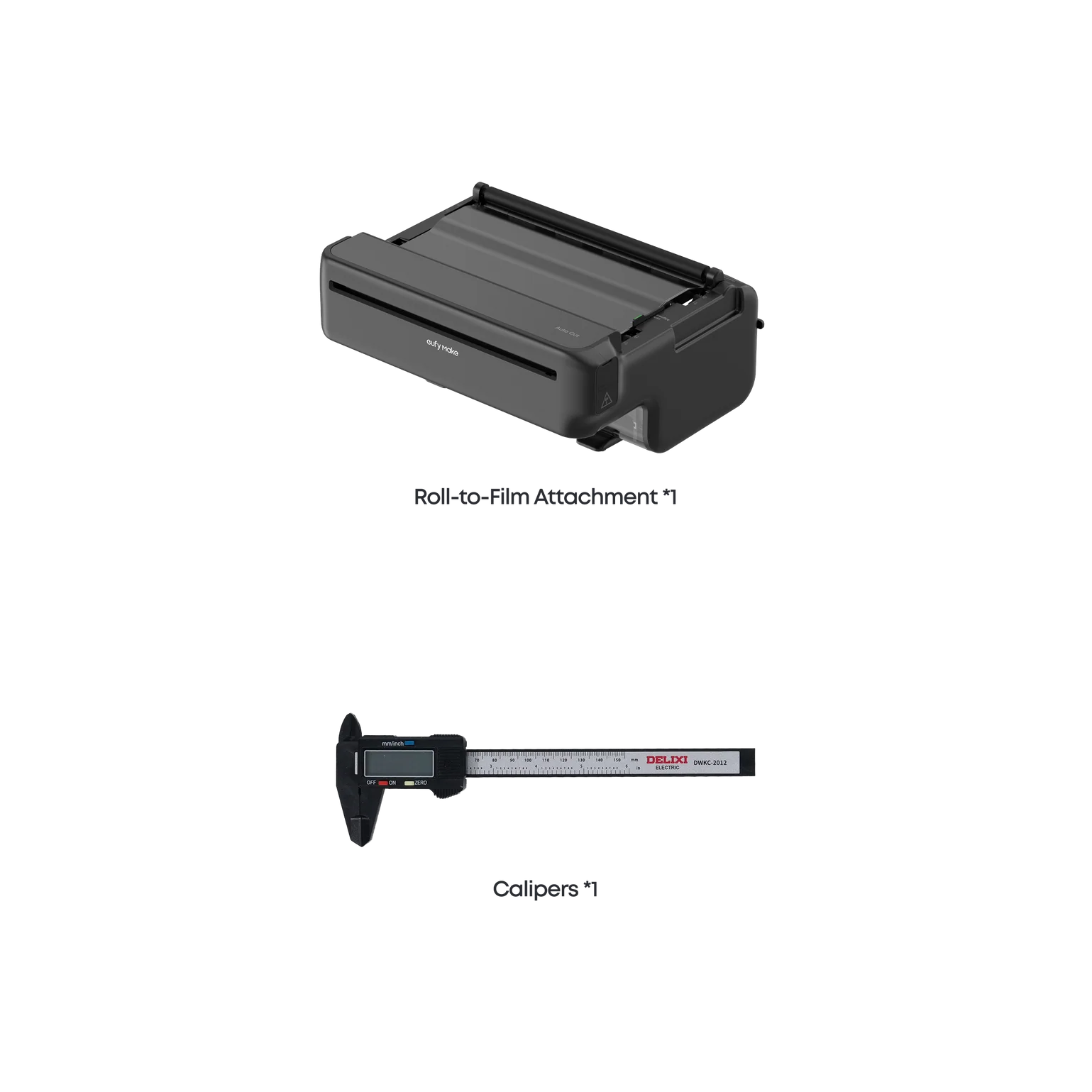
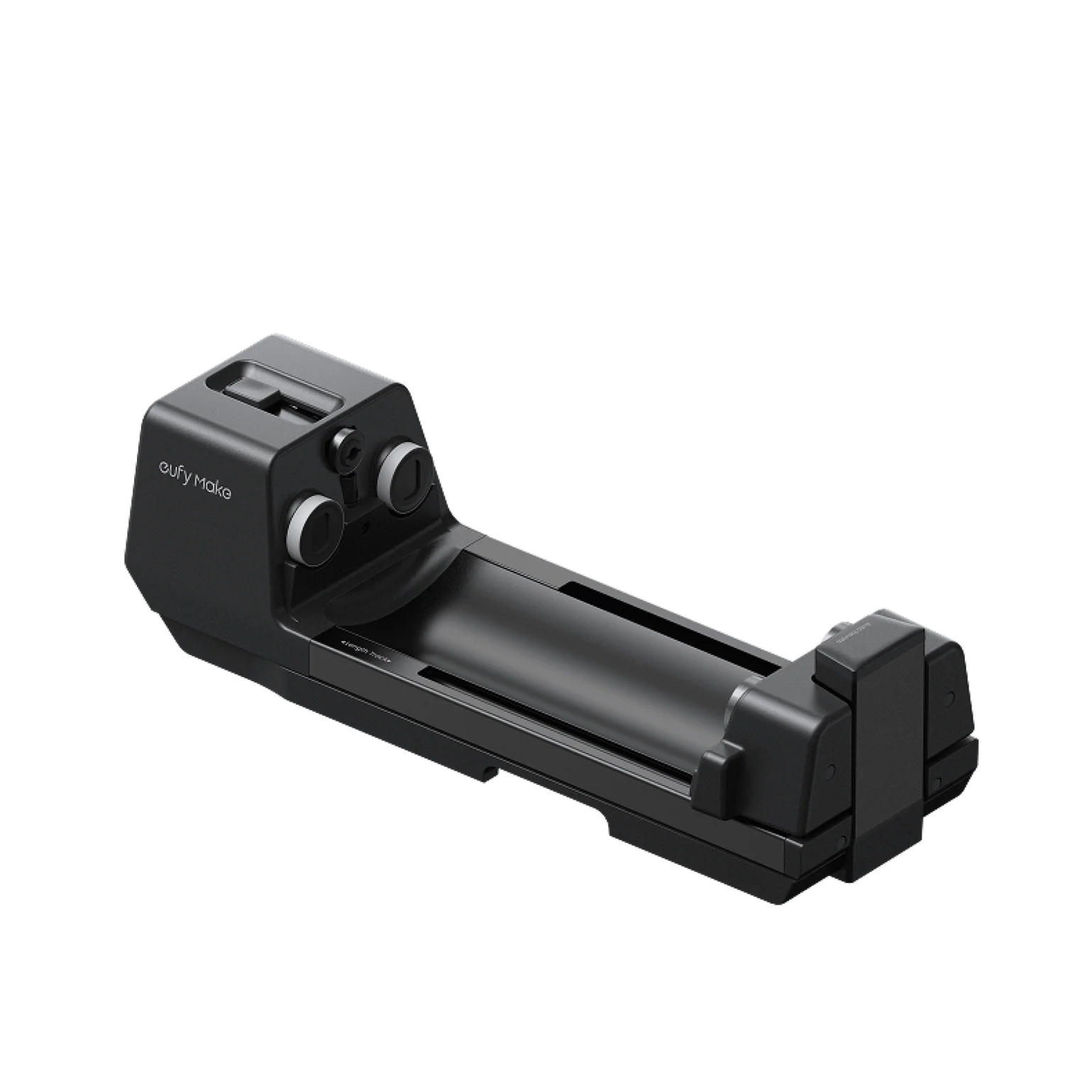
The printer supports flatbed, rotary, and future roll-to-roll printing for different types of objects and materials. It also features the JetClean™ automatic nozzle cleaning system to reduce clogs and maintenance.
For precise printing, the E1 includes dual lasers and a built-in camera that automatically detect object position and height for accurate alignment and high-quality results.
The E1 supports printing on over 300 materials, including glass, acrylic, metal, leather, wood, plastic, and tile. Since different materials react differently to UV inks, choosing a flat, stable, and low-deformation surface is recommended for the best print quality.
Before printing, always clean the material surface to remove dust, oil, and impurities. For smooth materials like glass, ceramic, metal, and acrylic, applying a pre-coating liquid is recommended to improve ink adhesion and reduce peeling or uneven colors.
For safety, avoid using flammable materials, chemically reactive materials, or substrates that may release harmful gases under UV light or heat. If unsure about a material, perform a small test print first or consult the material supplier. Selecting appropriate materials and correctly setting the corresponding printing parameters in the software are the keys to achieving high-quality UV printing results.
Ink cartridge replacement depends on your printing frequency, design complexity, and white ink usage. During the initial setup, the printer uses about 15ml of each color for system priming and flushing. After long periods of inactivity, a small amount of ink is also used for automatic maintenance and printhead cleaning.
For regular printing, most users can complete hundreds of prints before needing replacement cartridges. The printer app automatically monitors ink levels and will notify you when ink drops below 12%, giving you time to prepare new cartridges in advance.
Automatic Maintenance works in the background to keep the printer operating smoothly and prevent clogging before issues occur. This includes Flash Clean cycles during idle periods, Deep Cleaning every 72 hours for regular users, moisturizing protection after extended inactivity, and automatic white ink cleaning to prevent ink settling.
Manual Cleaning is designed for resolving print quality issues during use. Users can select different cleaning levels depending on the severity of the problem — Flash Clean for minor nozzle issues, Medium Clean for moderate print defects, and Deep Clean for more serious clogging or print quality problems.
It depends on how often you use the printer. For regular daily or weekly printing, it is recommended to keep the printer powered on so automatic maintenance and nozzle protection can run normally. This helps maintain consistent print quality and reduces the risk of clogging.
If you plan to leave the printer unused for an extended period, such as during vacations or long breaks, use the Safe Shutdown function by holding the power button for 5 seconds. The printer will begin a moisturizing process that takes approximately 7.5 minutes and helps protect the printhead for long-term storage without consuming additional fluids.
-
-
-
-
-
-
-
-
-
-
-
There are no reviews yet.
We use cookies to improve your experience on our site. By using our site, you consent to cookies.
Websites store cookies to enhance functionality and personalise your experience. You can manage your preferences, but blocking some cookies may impact site performance and services.
Essential cookies enable basic functions and are necessary for the proper function of the website.
These cookies are needed for adding comments on this website.
Google Tag Manager simplifies the management of marketing tags on your website without code changes.
Statistics cookies collect information anonymously. This information helps us understand how visitors use our website.
Google Analytics is a powerful tool that tracks and analyzes website traffic for informed marketing decisions.
Service URL: policies.google.com (opens in a new window)
SourceBuster is used by WooCommerce for order attribution based on user source.
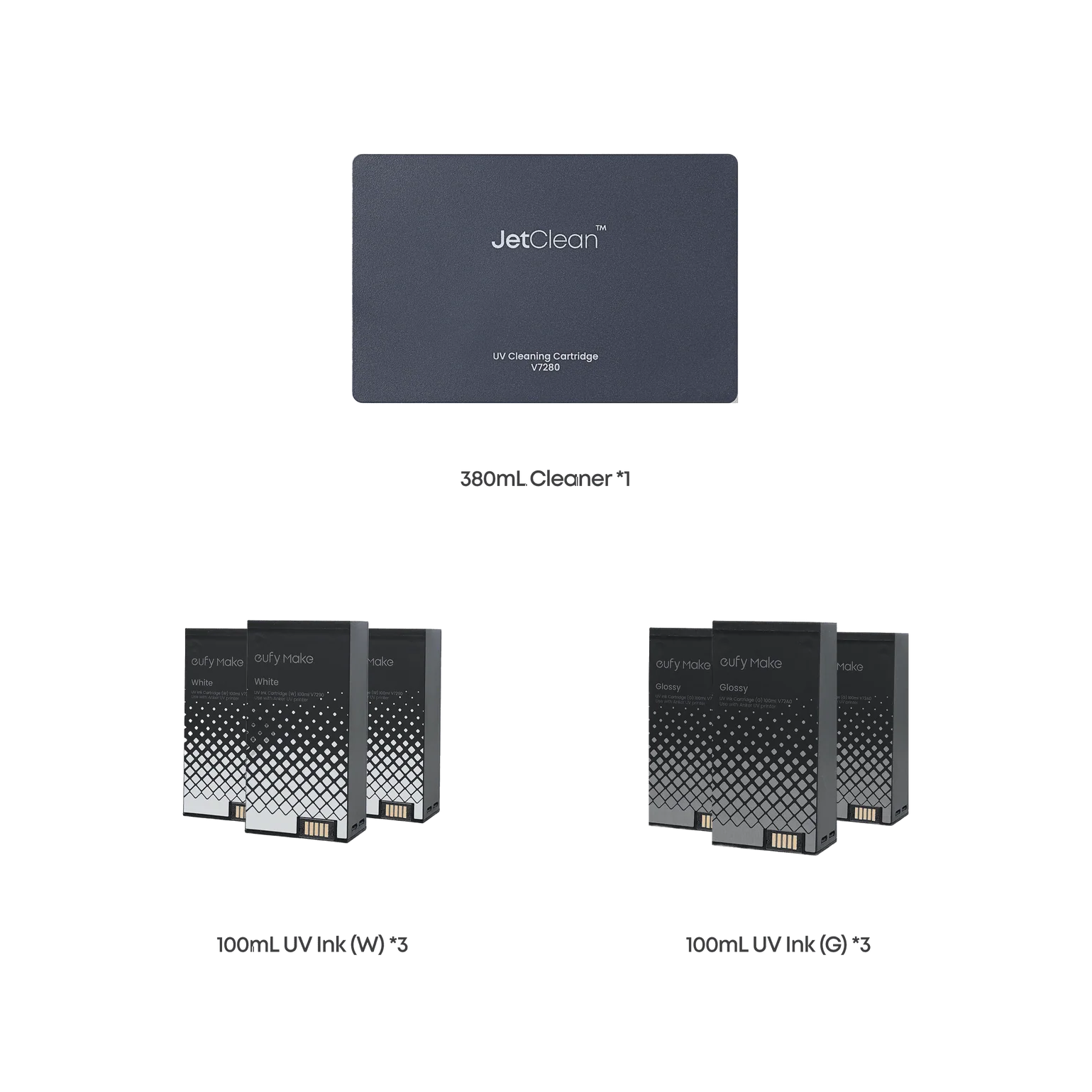


Reviews
There are no reviews yet.