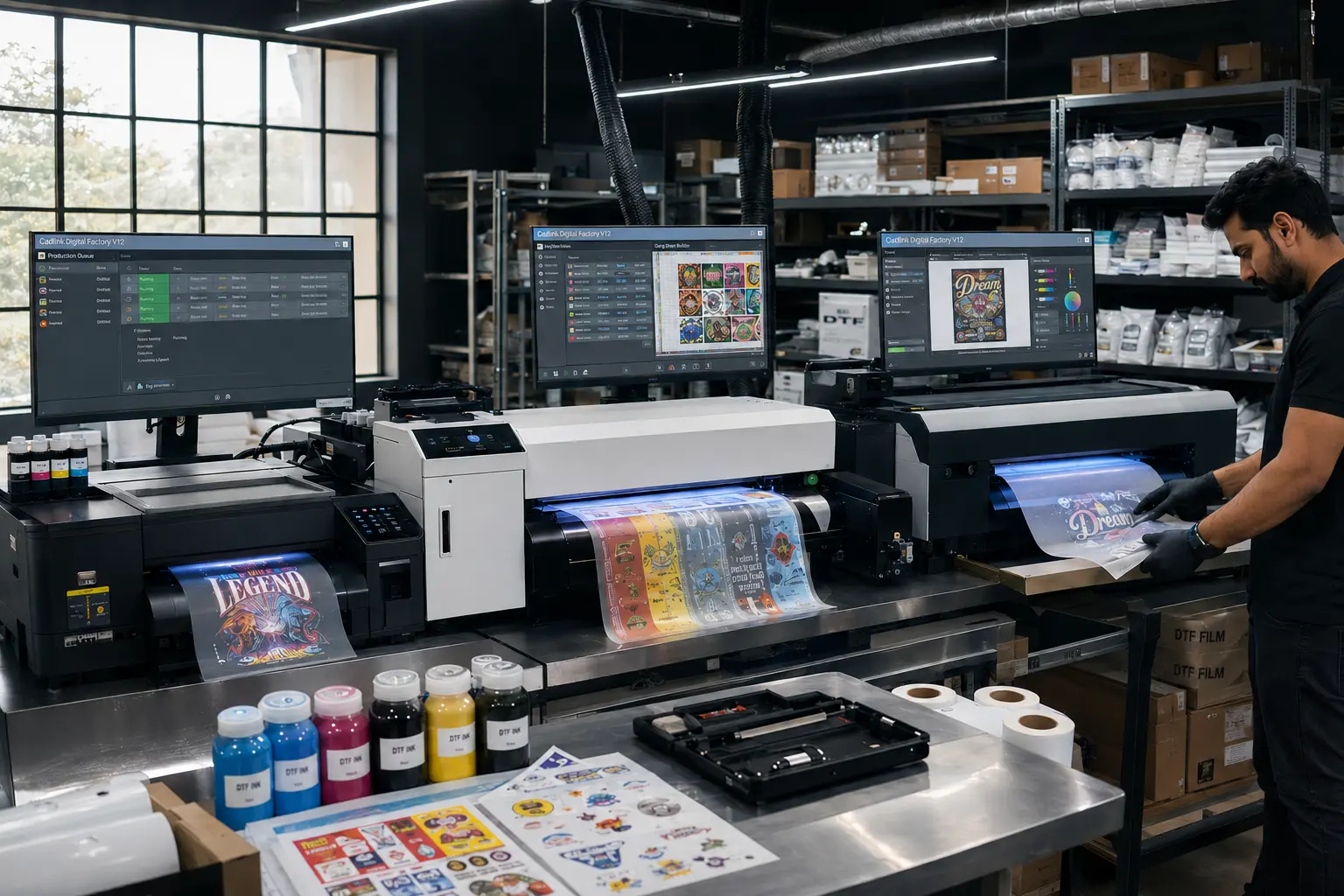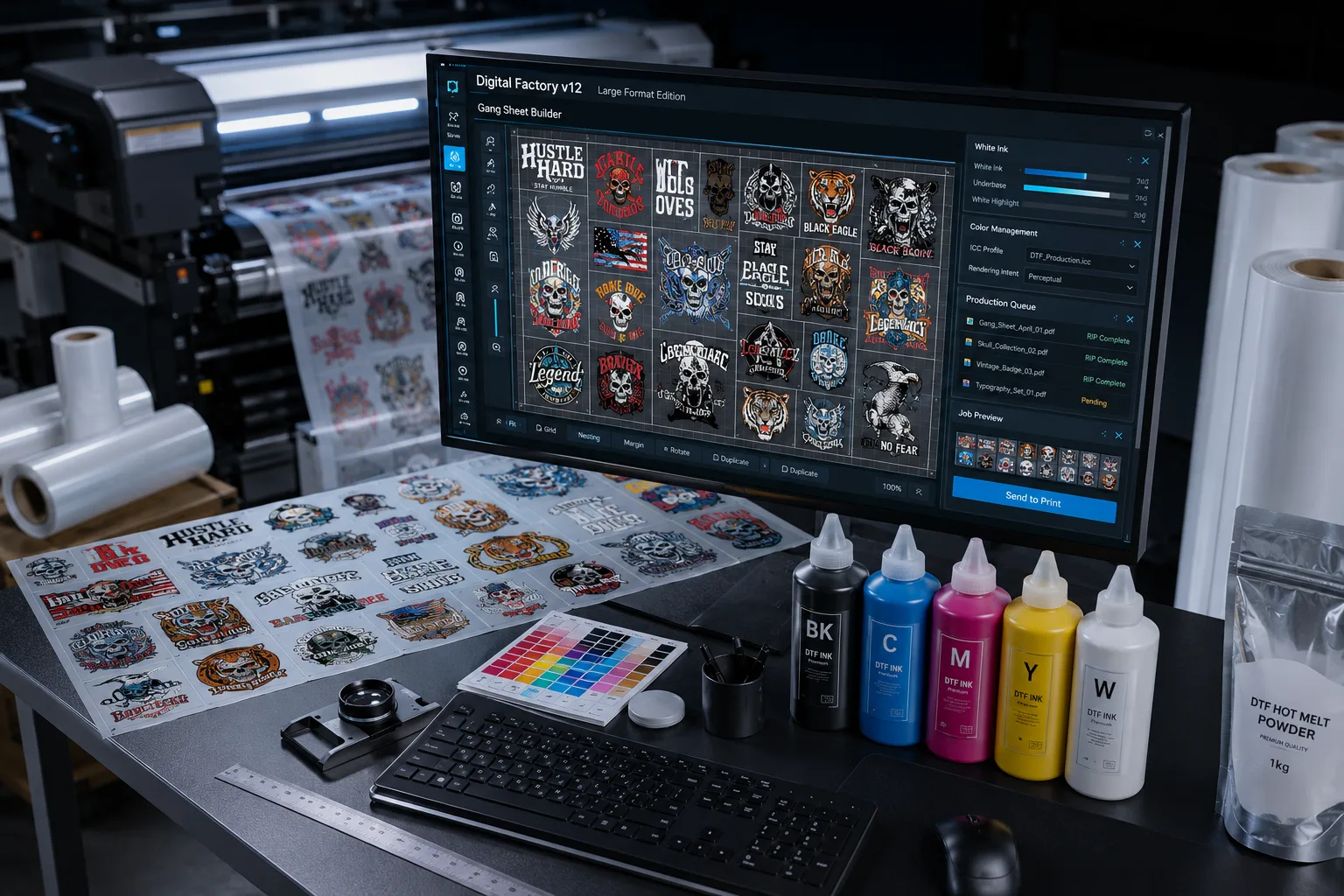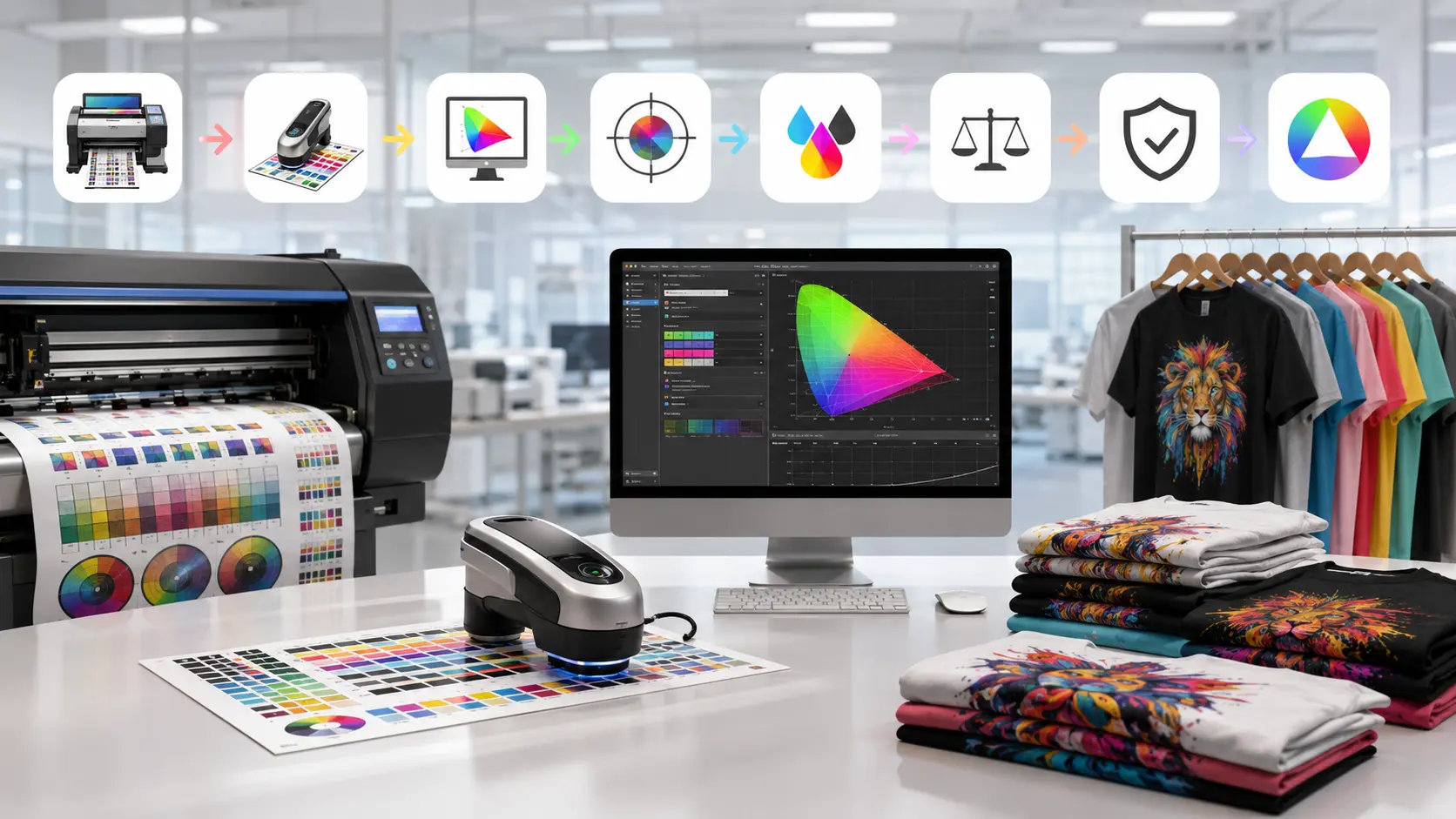

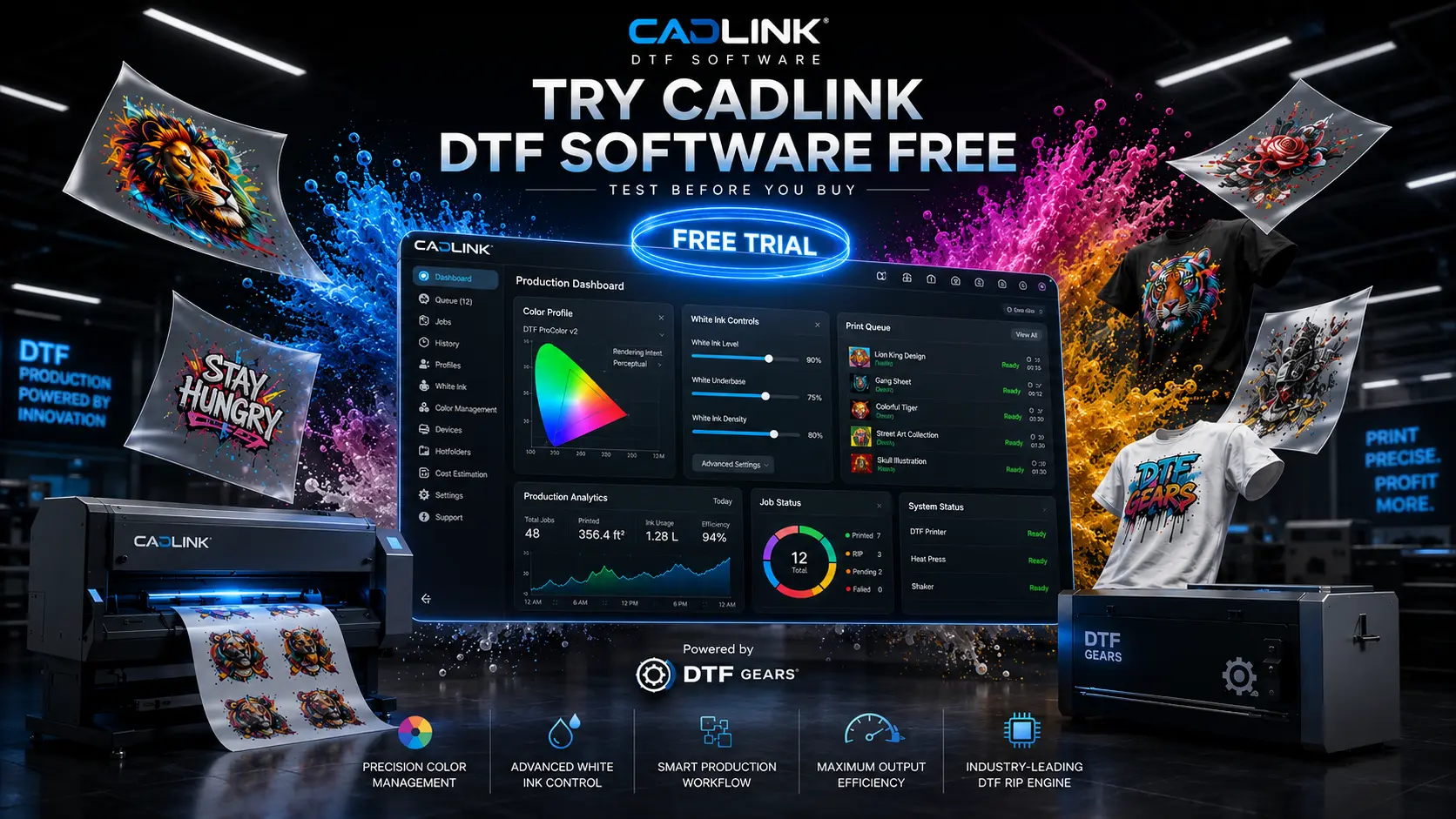
If you’re looking for reliable RIP software for your DTF printing business, the Cadlink DTF Software V12 free trial is one of the best ways to test the platform before making a purchase.
Instead of committing upfront, you can download the trial version, explore the workflow, test print quality, and see how the software performs with your equipment. For many print shops across the USA, this hands-on approach removes uncertainty and helps them make a confident buying decision.
Whether you’re starting a new DTF business or upgrading your existing setup, trying Cadlink DTF Software V12 first can save both time and money.
Why DTF Shops Choose Cadlink DTF Software
DTF printing requires more than just a printer. The RIP software controls color management, white ink generation, print accuracy, and production efficiency.
Cadlink DTF Software V12 has become a preferred choice because it offers:
- Professional color management
- Automated white ink handling
- Easy job setup
- Faster production workflows
- Support for multiple DTF printer models
- Consistent print quality
For businesses that depend on repeatable results, software performance can directly impact profitability.
Try Cadlink DTF Software V12 Free
The free trial allows you to experience the software before investing in a full license.
Benefits of Testing Before Buying
- Evaluate software compatibility
- Test color accuracy
- Check workflow efficiency
- Compare against your current RIP software
- Understand the user interface
- Verify printer support
Many shop owners discover workflow improvements during the trial period that help increase daily production capacity.
Ready to Test?
👉 Start Your Cadlink DTF Software Free Trial Today
Download the software, run your own production tests, and see how it fits into your business operations.
What the Free Trial Includes
The trial version is designed to help users understand the software’s capabilities before purchasing.
Access to Core Features
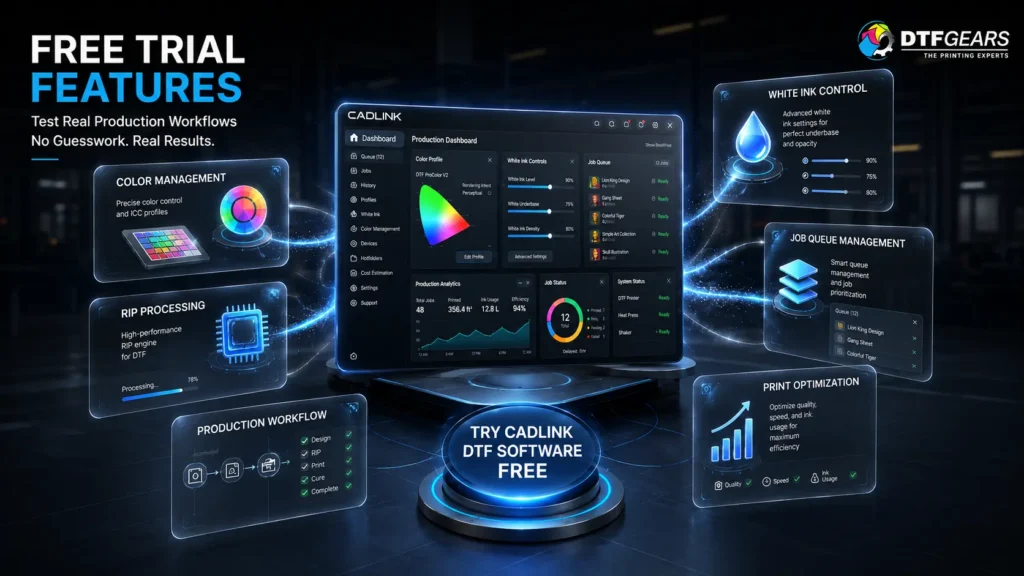
Depending on the trial version available, users can typically explore:
- RIP processing tools
- Color profiling options
- White ink generation
- Job queue management
- Print layout optimization
- Production workflow controls
This allows users to experience the same environment used by professional DTF printing operations.
Real-World Testing
Instead of relying on product descriptions, you can:
- Upload actual customer artwork
- Prepare production files
- Evaluate output quality
- Measure processing speed
- Test workflow improvements
This practical evaluation provides valuable insight before making a purchasing decision.
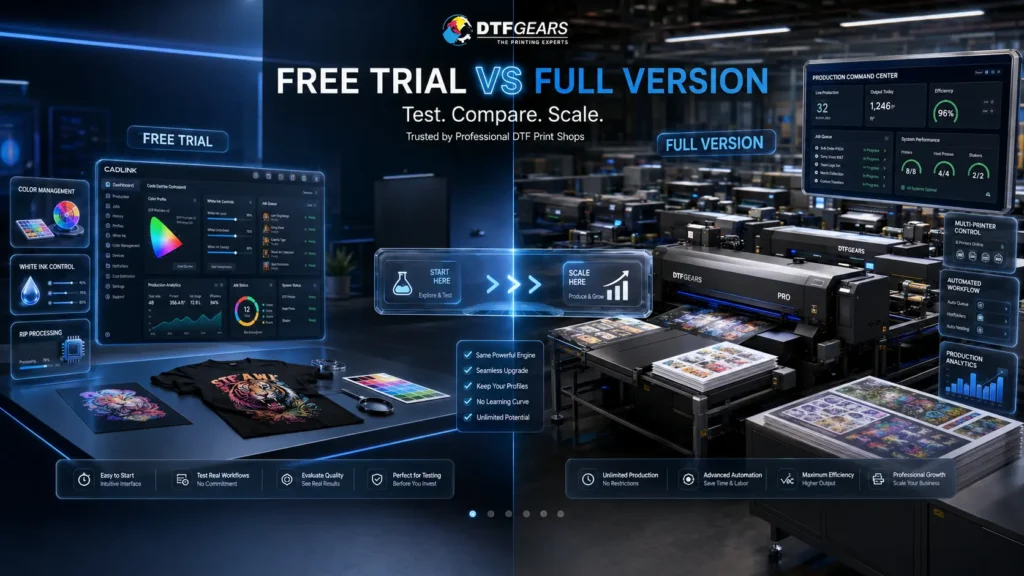
Free Trial vs Buying the Full Version
Many business owners wonder whether the trial version is enough for long-term use.
Here’s a simple comparison:
| Feature | Free Trial | Full Version |
|---|---|---|
| Software Testing | ✔ | ✔ |
| Workflow Evaluation | ✔ | ✔ |
| Production Printing | Limited | Full Access |
| Ongoing Updates | ✖ | ✔ |
| Technical Support | Limited | ✔ |
| Commercial Usage | Limited | ✔ |
| Long-Term Operation | ✖ | ✔ |
The trial is ideal for evaluation, while the full version is designed for daily production environments.
Who Should Use the Trial?
The Cadlink DTF Software V12 trial is particularly useful for:
New DTF Businesses
If you’re launching a new DTF operation, testing software first helps avoid costly mistakes.
Existing Print Shops
Businesses upgrading from older RIP solutions can compare performance before switching.
Equipment Buyers
If you’re purchasing a new DTF printer, testing software compatibility early can streamline setup and production.
Multi-Printer Operations
Larger shops can evaluate how the software integrates with existing workflows and production processes.
How to Get Started
Starting your trial is straightforward:
- Download the trial version.
- Install the software on your workstation.
- Connect your supported DTF printer.
- Import artwork files.
- Configure color and white ink settings.
- Run test jobs.
- Evaluate results.
Within a short period, you’ll have a clear understanding of whether Cadlink DTF Software meets your production requirements.
Understanding Pricing After the Trial
After testing the software, many users want to compare licensing options and understand the total investment required.
For a detailed breakdown of available options, read our guide:
👉 Cadlink DTF Software Price: Get the Best Deal in 2026
This resource explains pricing considerations, licensing models, and how to choose the right package for your business.
Why Buy Through DTF Gears?
At DTF Gears, we help DTF businesses across the USA find the right software solutions for their production needs.
When you choose us, you get:
- Expert product guidance
- Genuine software licensing
- Fast assistance
- Industry knowledge
- Ongoing customer support
Our goal is to help print shops improve productivity, print quality, and workflow efficiency.
Start Your Free Trial Today
The easiest way to determine whether Cadlink DTF Software is right for your business is to test it yourself.
Don’t rely on reviews alone. Run your own prints, evaluate the results, and experience the workflow firsthand.
Start Your Cadlink DTF Software Free Trial Now
Download the Trial and Test Real Production Jobs
Contact DTF Gears for Licensing & Expert Guidance
A hands-on trial gives you the confidence to make the right investment and choose software that supports long-term business growth.