
Why RIP Software Matters for Epson ET-8550 DTF Printing
The Best RIP Software for Epson ET-8550 is a powerful photo printer, but in DTF workflows, hardware alone is not enough.
The real performance comes from your RIP software for Epson ET-8550, which controls:
- Color conversion from digital file → print output
- White ink layer generation
- Ink density and saturation
- Print resolution and pass control
- Film output accuracy
Without proper RIP software, even premium ink setups produce:
- washed-out colors
- inconsistent white underbase
- banding issues
- wasted film and ink
This is why choosing the right RIP software for Epson ET-8550 directly impacts profit and print quality.
What Makes a Good RIP Software for ET-8550 DTF?
Before selecting software, you need to understand what matters in real production:
1. White Ink Control
DTF printing depends heavily on white ink accuracy. Poor control leads to dull transfers.
2. ICC Profile Accuracy
Without proper profiles, skin tones and brand colors shift drastically.
3. File Processing Speed
Large PNG/PSD files should process without lag or corruption.
4. DTF Workflow Optimization
Not all RIPs support:
- film-based output
- hot peel / cold peel adjustments
- powder adhesion optimization
Cadlink Digital Factory V12 Desktop Edition Overview
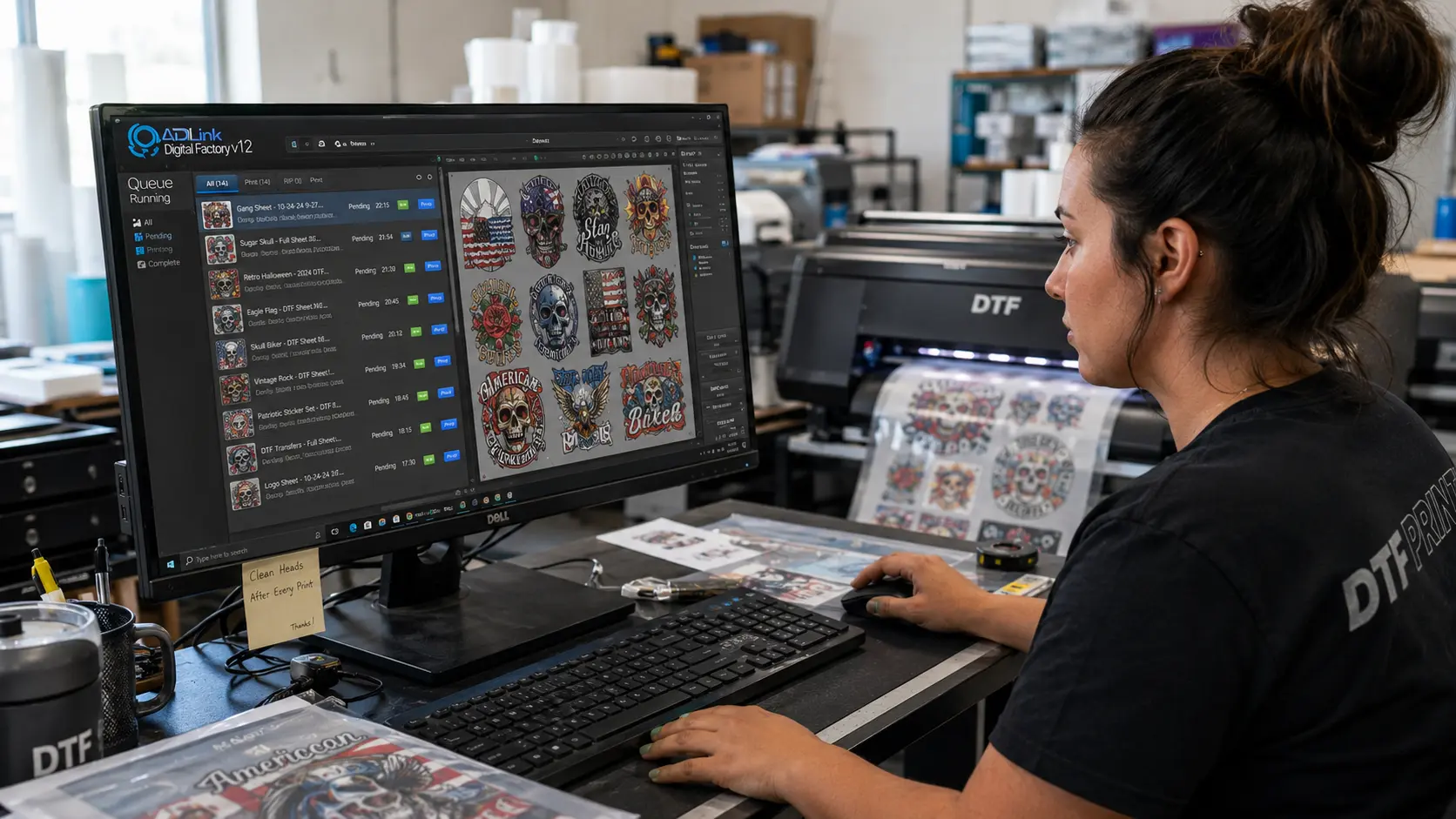
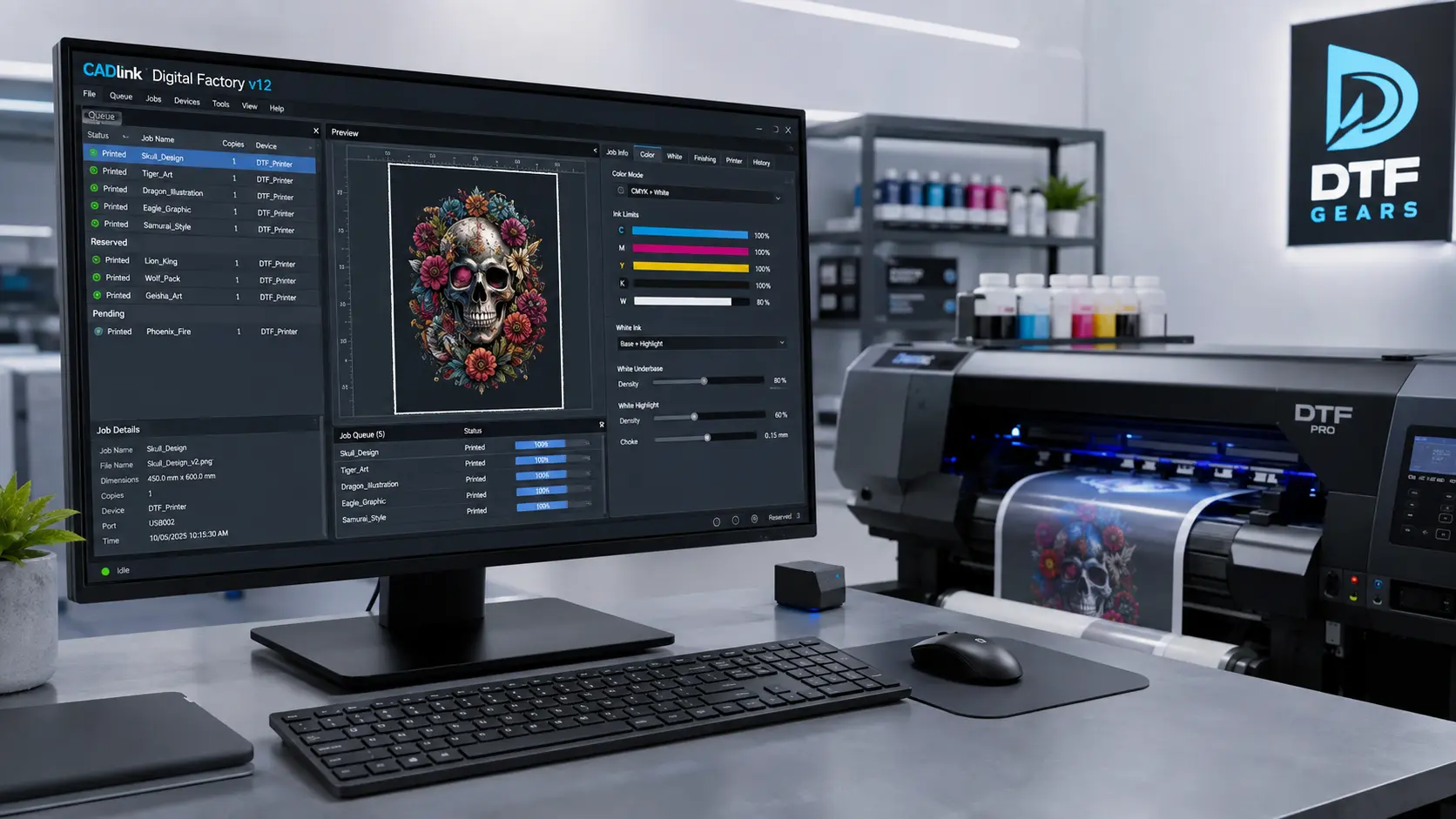
Cadlink Digital Factory V12 Desktop Edition is designed specifically for production-level digital printing workflows, including DTF.
It is widely used because it balances:
- Stability
- Color accuracy
- Ease of use
- Hardware compatibility
For Epson ET-8550 users, it provides a structured workflow instead of manual guesswork.
Why Cadlink V12 Is the Best RIP Software for Epson ET-8550
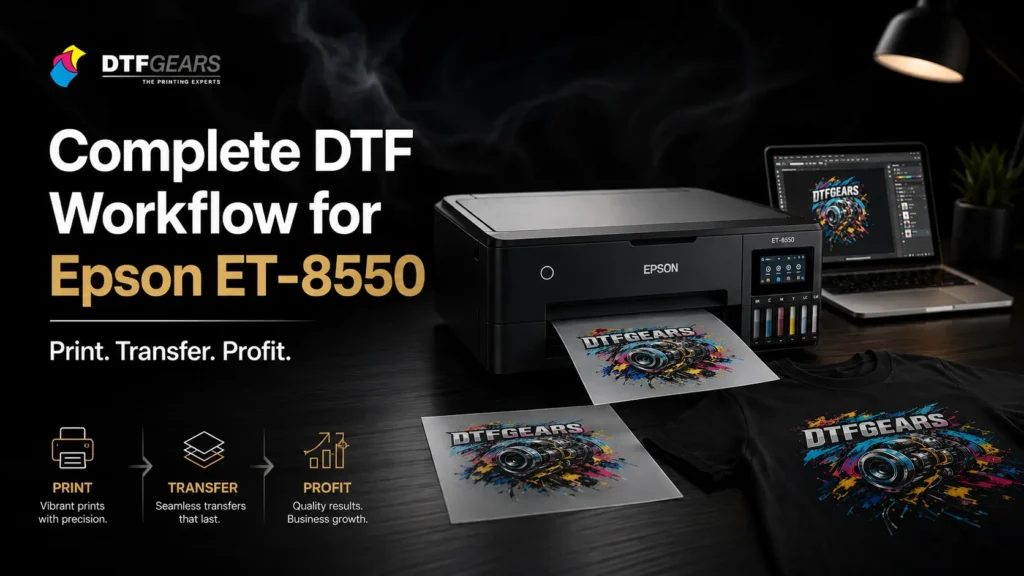
Let’s break it down practically, not theoretically.
✔ 1. Superior Color Engine
Cadlink uses advanced color mapping to ensure:
- skin tones stay natural
- gradients remain smooth
- blacks are deep without clogging
✔ 2. DTF White Ink Layer Control
This is critical.
Cadlink allows:
- precise underbase generation
- opacity control
- choke/spread adjustments
This prevents:
- dull prints
- misaligned white layers
✔ 3. Stable Epson ET-8550 Optimization
Unlike generic RIP tools, Cadlink is tuned for Epson consumer + semi-pro printers:
- controlled ink limits
- no head overloading
- stable long print runs
✔ 4. Faster Production Workflow
You can batch process:
- multiple designs
- repeat prints
- layered PSD files
Without system lag.
Epson ET-8550 Setup with Cadlink V12 (Step-by-Step)
Step 1: Installation
Install Cadlink Digital Factory V12 Desktop Edition on Windows system.
Step 2: Printer Configuration
Select:
- Epson ET-8550 profile
- DTF mode (if available)
Step 3: ICC Profile Setup
Load correct DTF profile:
- CMYK + White ink enabled
Step 4: Print Settings Optimization
Recommended baseline:
- High resolution mode
- Medium ink density
- White ink underbase ON
Step 5: Test Print Calibration
Always run:
- gradient test
- white alignment test
Common Problems Without Proper RIP Software
If you use basic drivers or wrong RIP software for Epson ET-8550:
- Colors shift after heat press
- White ink misalignment occurs
- Film output looks grainy
- Ink bleeding increases
- Production cost rises
Cadlink solves these systematically.
Cadlink V12 vs Other RIP Software (Simple Comparison)
| Feature | Generic RIP | Cadlink V12 |
|---|---|---|
| Color Accuracy | Medium | High |
| White Ink Control | Weak | Advanced |
| DTF Optimization | Limited | Full support |
| Stability | Unstable | Production-ready |
| Learning Curve | Easy | Moderate |
Cadlink clearly leads for professional DTF output.
Pricing & Value Insight
While Cadlink is a paid solution, the value comes from:
- reduced ink waste
- fewer failed prints
- consistent output quality
- faster production cycles
For small print shops, it typically pays for itself within weeks.
Buy Cadlink V12 Desktop Edition for Epson ET-8550
If you’re serious about DTF printing, upgrading your RIP software for Epson ET-8550 is not optional.
👉 Buy Cadlink Digital Factory V12 Desktop Edition
Final Takeaway
If your goal is consistent, professional DTF output, Cadlink V12 is currently one of the most reliable RIP software for Epson ET-8550 options available.
It removes guesswork and turns your ET-8550 into a stable production printer.