
Buy Cadlink DTF RIP Software? Here’s What You Need to Know
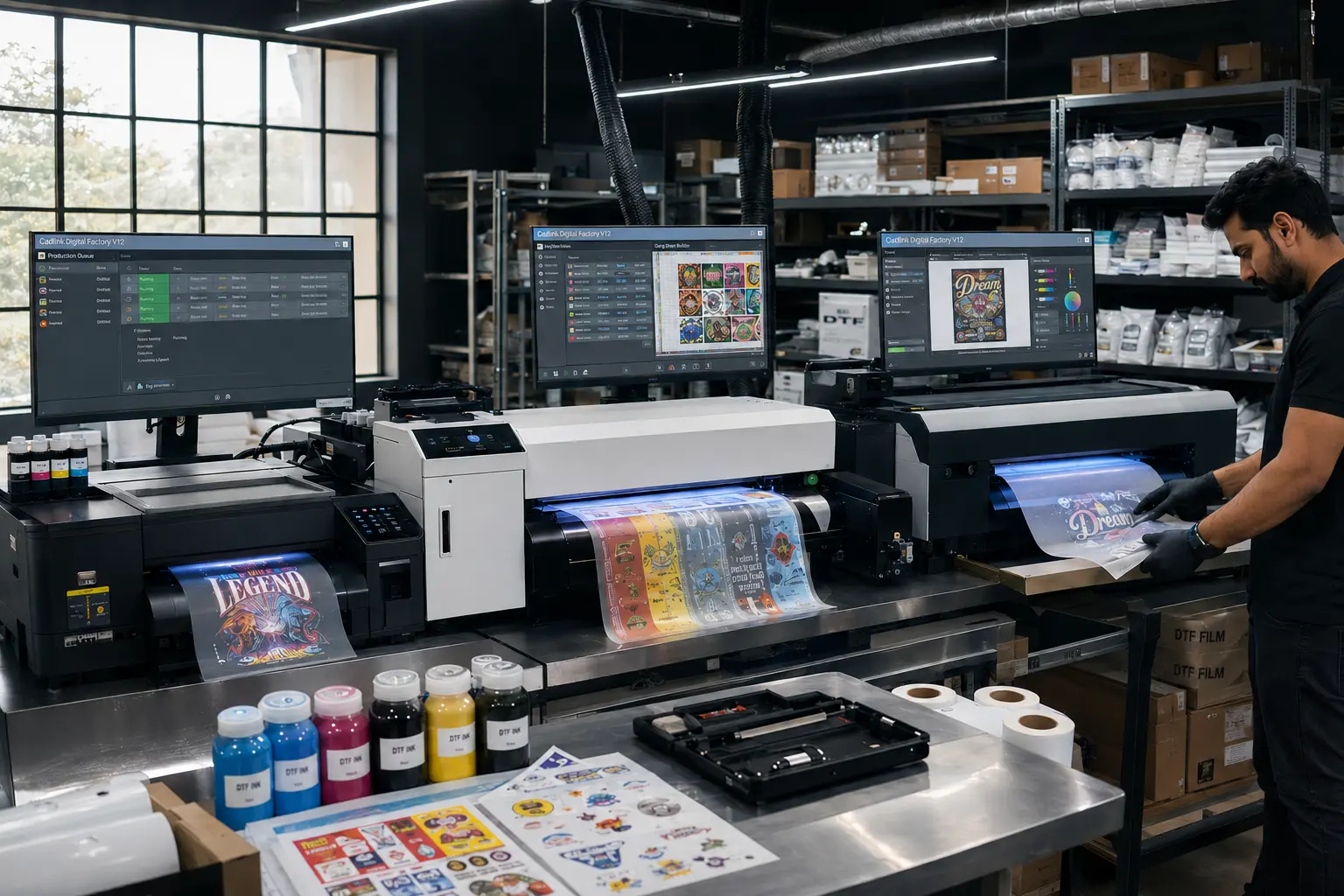
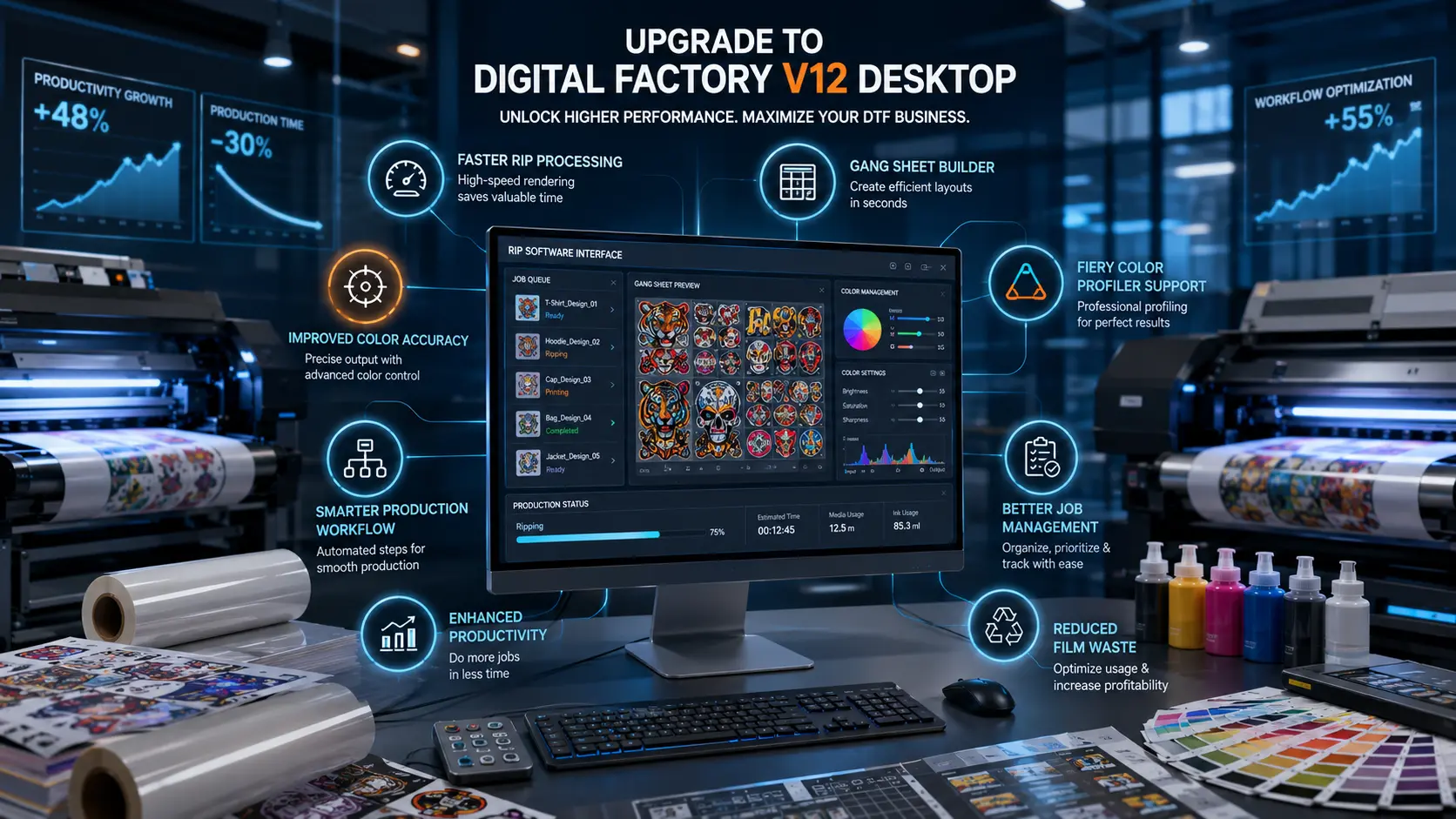
Investing in the right Buy Cadlink DTF RIP software can have a direct impact on the profitability of your DTF printing business. While printers, films, and inks often get most of the attention, experienced print shop owners know that the software running behind the scenes is what determines workflow efficiency, color accuracy, white ink control, and overall production consistency.
That’s why thousands of DTF businesses rely on Cadlink DTF RIP Software to manage their printing operations.
If you’re ready to purchase a genuine Cadlink license, it’s important to buy from an authorized seller that can provide both the software and the support needed to get your shop running smoothly. At DTFGears, we help DTF businesses across the United States choose the right Cadlink solution, complete installation, and optimize their workflow from day one.
Whether you’re launching a new DTF business or upgrading from basic RIP software, this guide covers everything you need to know before purchasing.
Why Cadlink DTF RIP Software Is the Industry Standard
DTF printing requires much more than simply sending artwork to a printer.
Every job involves:
- Color processing
- White ink layer generation
- Ink management
- Print queue control
- Resolution optimization
- Production workflow management
Without specialized RIP software, achieving consistent results becomes difficult and expensive.
Cadlink is trusted by professional DTF operators because it helps solve many of the challenges that growing print businesses face every day.
Better Color Accuracy
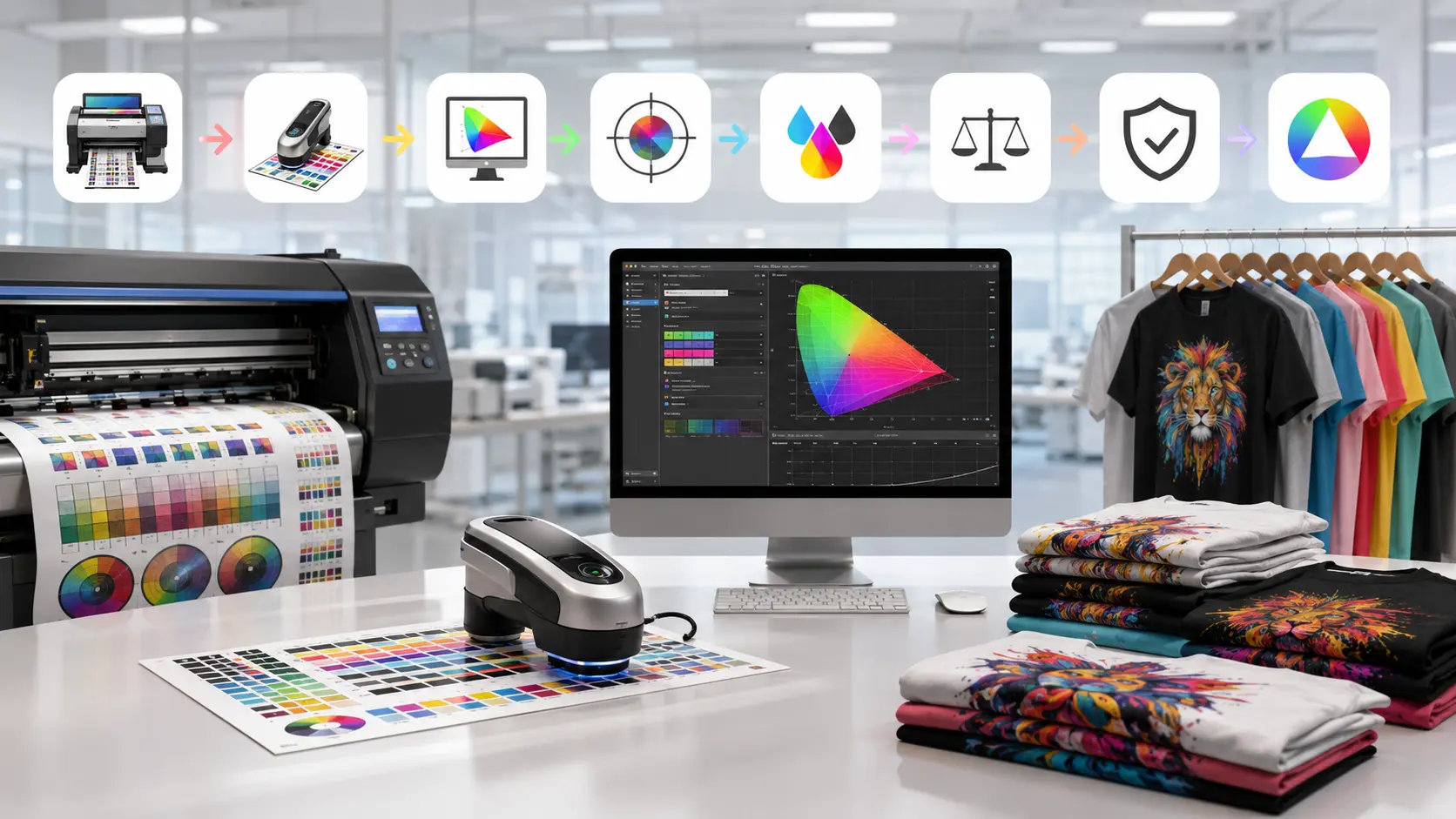
Customers expect colors to match their designs. Cadlink provides advanced color management tools that help maintain consistency across multiple print runs.
Automated White Ink Processing
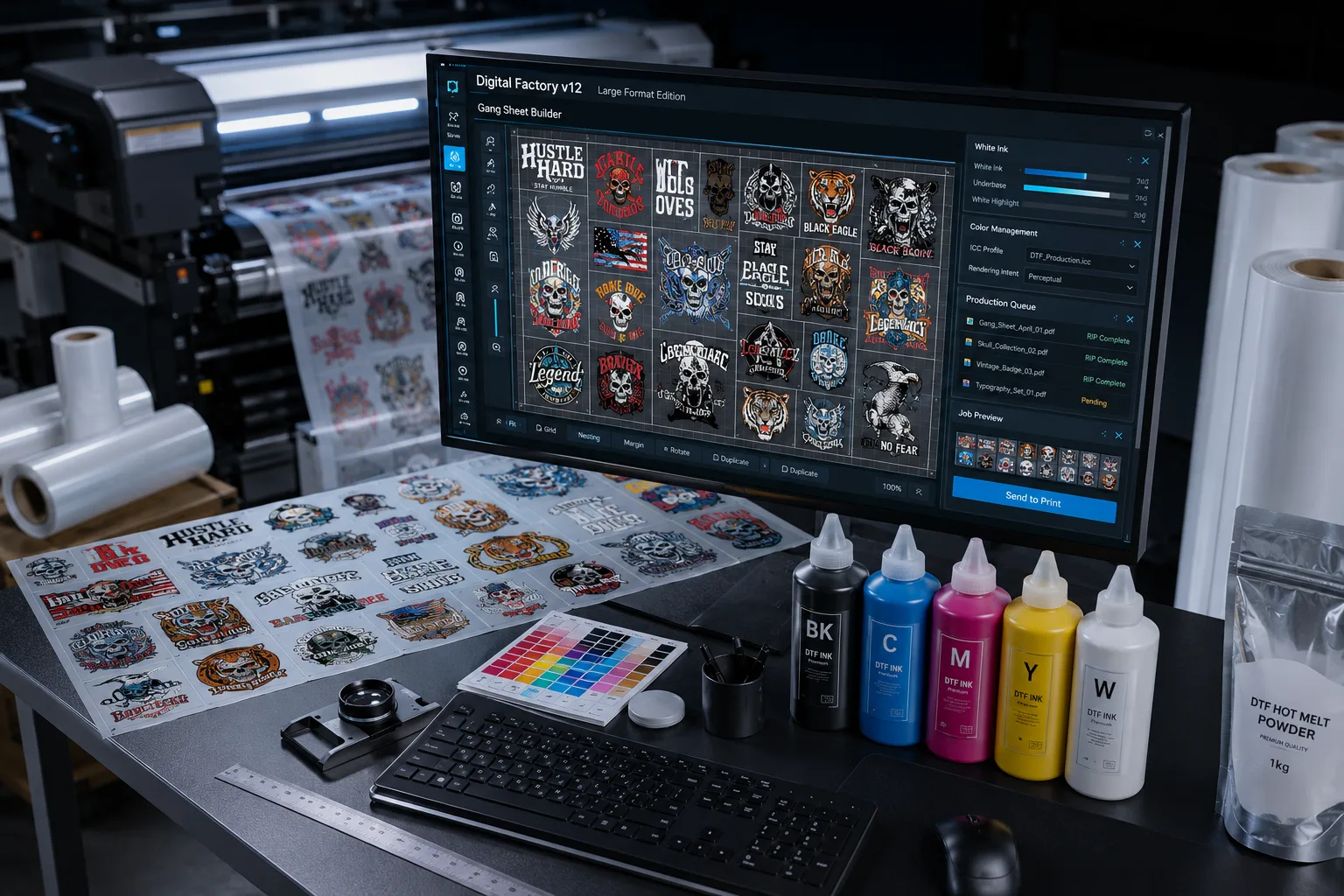
White ink is one of the most important aspects of DTF printing. Cadlink automates white layer generation, helping reduce manual work while improving output quality.
Increased Production Efficiency
Instead of manually adjusting settings for every job, operators can create repeatable workflows that save time and reduce mistakes.
Reduced Waste
Poor RIP settings can lead to wasted film, ink, and production hours. Cadlink helps optimize output, reducing unnecessary costs.
Why Buy from DTFGears Instead of Unknown Software Sellers?
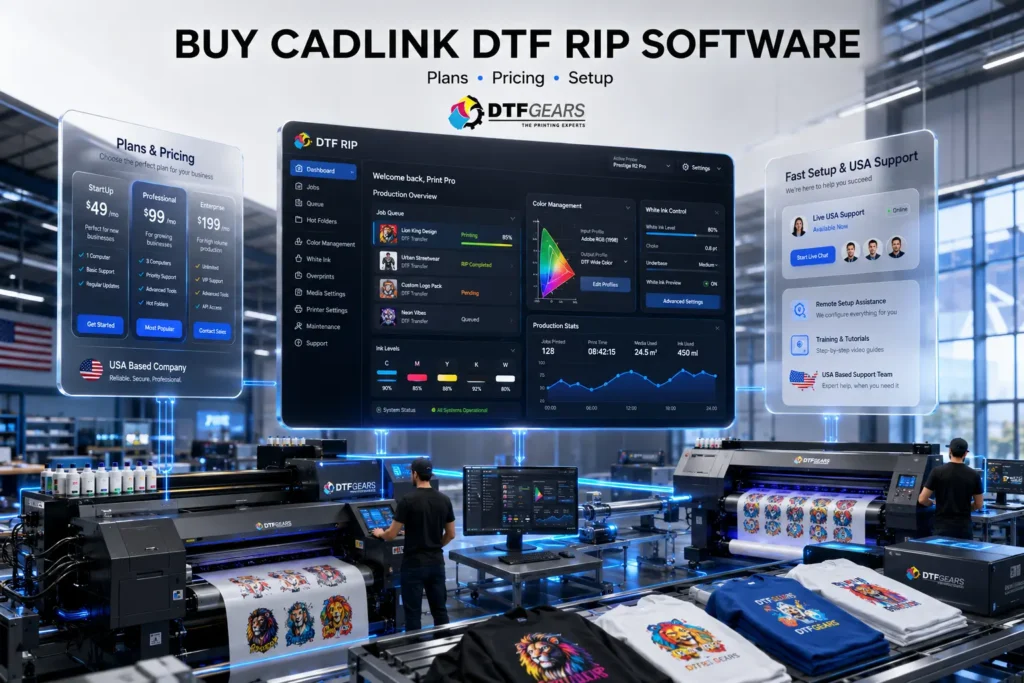
One of the biggest mistakes DTF shop owners make is purchasing software from unauthorized or unsupported sources.
While the initial price may seem attractive, it often creates problems later.
When you purchase from DTFGears, you’re working with an authorized provider that understands DTF production workflows and printer compatibility.
Genuine Software Licensing
Purchasing through DTFGears ensures that you’re receiving an authentic Cadlink license.
USA-Based Support
If you encounter setup questions or compatibility concerns, you’re dealing with a team that understands the U.S. DTF market.
Expert Product Guidance
Not every shop requires the same software package. DTFGears helps identify the best solution based on your:
- Printer model
- Production volume
- Business goals
- Workflow requirements
Faster Onboarding
Instead of spending days troubleshooting, you can get assistance with setup and implementation.
CTA: Buy Genuine Cadlink DTF RIP Software from DTFGears and Start Printing with Confidence.
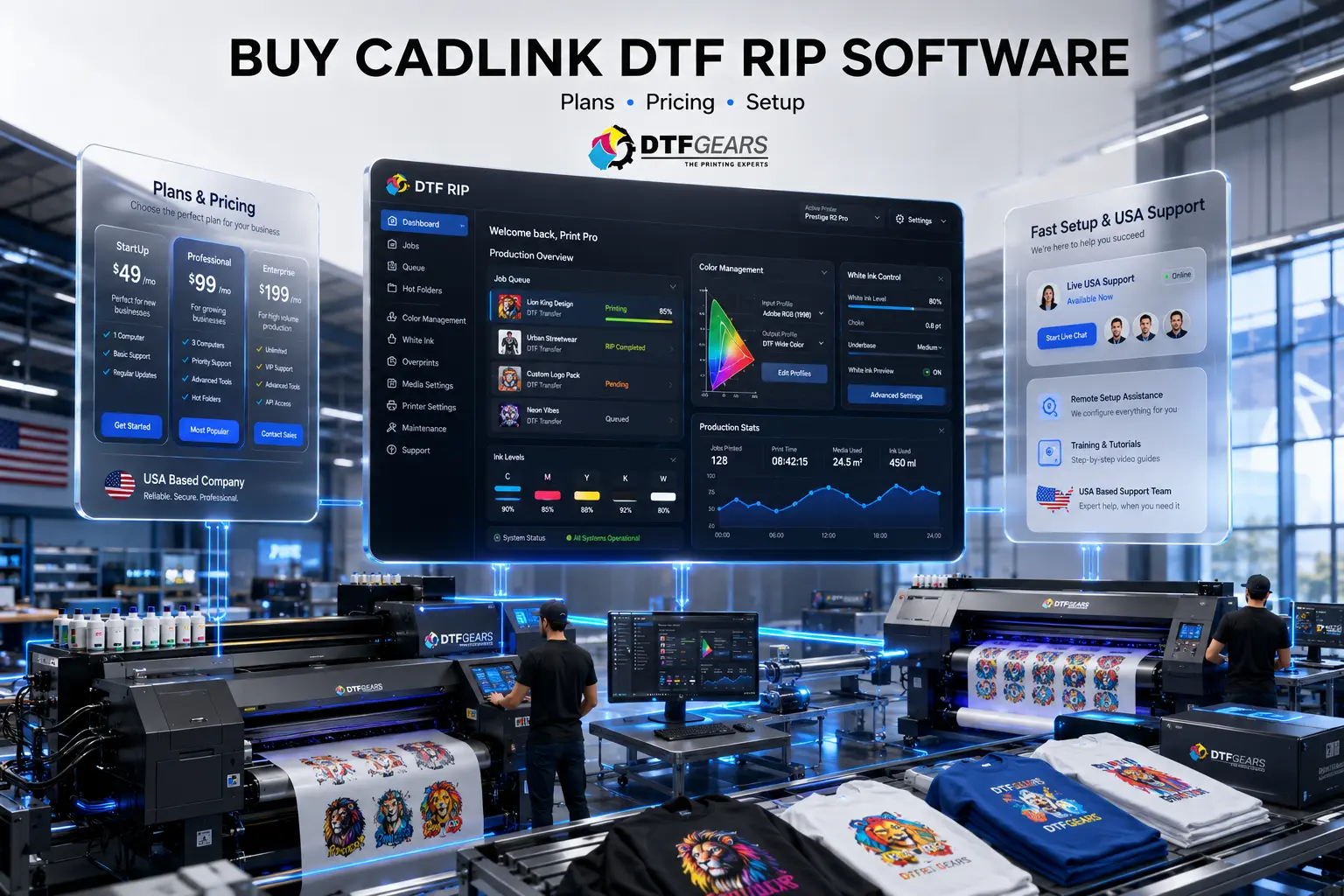
Cadlink DTF RIP Software Plans & Pricing
Choosing the right version depends on your current business size and future growth plans.
Many DTF operators make the mistake of purchasing software solely based on price. The better approach is to evaluate the long-term value the software provides.
Entry-Level Solutions
Ideal for:
- New DTF startups
- Home-based businesses
- Single printer operations
Benefits include:
- Core RIP functionality
- White ink management
- Essential production controls
- Basic workflow optimization
Professional Production Packages
Best for:
- Established print shops
- Growing order volumes
- Multiple daily production runs
Benefits include:
- Enhanced color control
- Faster processing
- Better queue management
- Increased automation
Advanced Commercial Solutions
Recommended for:
- High-volume production facilities
- Multiple printer environments
- Large-scale apparel decorators
Benefits include:
- Enterprise workflow tools
- Advanced automation
- Improved production tracking
- Maximum operational efficiency
Because pricing can vary depending on licensing and printer compatibility, many businesses prefer speaking directly with DTFGears before making a purchase decision.
CTA: View Pricing and Find the Best Cadlink Package for Your Shop.
What Is Included When You Purchase Cadlink DTF RIP Software?
Many buyers assume they are only paying for RIP functionality.
In reality, Cadlink provides a complete production management system.
Advanced RIP Engine
Process artwork quickly and efficiently while maintaining high output quality.
White Ink Generation
Automatically create optimized white layers for vibrant transfers.
Color Management Tools
Maintain consistency across multiple jobs and different materials.
Production Workflow Controls
Manage jobs, queues, and print settings from a centralized interface.
Printer Integration
Support for many popular DTF printing systems used throughout the United States.
Ongoing Workflow Benefits
The value of professional RIP software increases over time as production volume grows.
How Cadlink DTF RIP Software Helps Increase Profit Margins
Many DTF business owners focus exclusively on sales growth.
However, profitability often improves faster by reducing waste and increasing production efficiency.
Cadlink helps businesses save money by reducing:
Film Waste
Incorrect print settings can ruin expensive transfer film.
Ink Waste
Optimized output settings improve ink utilization.
Labor Costs
Automation reduces manual adjustments and repetitive tasks.
Reprints
Better color accuracy and white ink control help prevent costly production mistakes.
Even a small reduction in waste can save thousands of dollars annually for busy print shops.
Buy & Set Up in the USA
Getting started with Cadlink is easier when you have access to knowledgeable support.
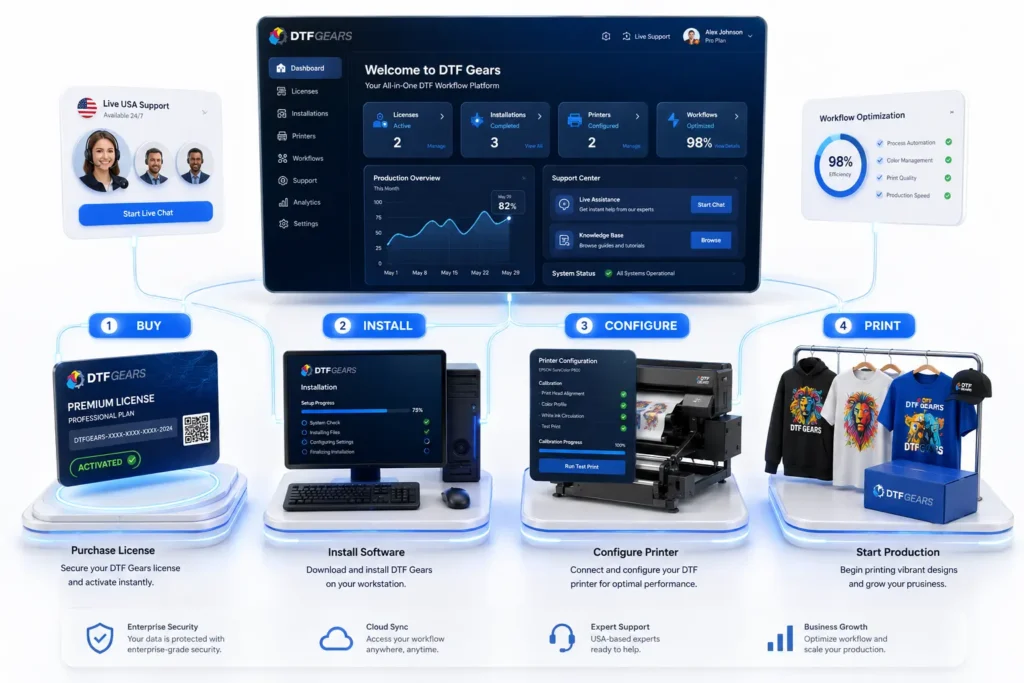
Step 1: Contact DTFGears
Discuss your printer model and workflow requirements.
Step 2: Choose the Correct License
Select a software package designed for your production environment.
Step 3: Complete Installation
Install the software on your production workstation.
Step 4: Configure Printer Profiles
Apply recommended settings and profiles.
Step 5: Run Test Prints
Verify output quality and workflow performance.
Step 6: Begin Production
Start processing customer orders with confidence.
Signs Your Shop Is Ready for Cadlink
If you’re experiencing any of the following issues, upgrading may be a smart investment:
- Frequent color inconsistencies
- White ink problems
- Slow production workflow
- Excessive material waste
- Growing order volume
- Multiple printers in operation
- Increased customer expectations
Professional RIP software becomes increasingly valuable as your business grows.
Why DTF Businesses Across the USA Choose DTFGears
DTFGears is more than a software reseller.
We work with DTF businesses daily and understand the challenges print shop owners face.
Customers choose DTFGears because they receive:
- Genuine Cadlink licenses
- Product expertise
- Setup assistance
- Reliable support
- Industry knowledge
- Printer compatibility guidance
Our goal is to help businesses maximize the return on their software investment and get productive as quickly as possible.
Frequently Asked Questions
Is Cadlink DTF RIP Software worth the investment?
For most commercial DTF businesses, yes. Improved workflow efficiency, reduced waste, and better print quality often justify the investment quickly.
Can beginners use Cadlink?
Absolutely. Many new DTF operators start with Cadlink because it provides professional capabilities while remaining accessible to new users.
Why buy from an authorized seller?
Authorized sellers provide genuine licenses, product expertise, and reliable support that may not be available through unofficial channels.
Does DTFGears help with setup?
Yes. DTFGears can help guide customers through the installation and setup process.
Can Cadlink improve print quality?
Properly configured Cadlink software can significantly improve color consistency, white ink management, and production reliability.
Ready to Buy Cadlink DTF RIP Software?
Choosing the right RIP software is one of the most important decisions for any DTF printing business. The right solution can streamline production, improve print quality, reduce waste, and support long-term growth.
As an authorized Cadlink seller serving businesses across the United States, DTFGears helps customers find the right software package, complete setup quickly, and start producing professional-quality transfers with confidence.
Get Started Today
✅ Genuine Cadlink Licenses
✅ Authorized USA Seller
✅ Setup Assistance Available
✅ Trusted by DTF Professionals
View Pricing, Compare Plans, and Buy Cadlink DTF RIP Software from DTFGears Today.
Internal Link: Cadlink DTF RIP Software Free Trial: Start Testing Before You Buy