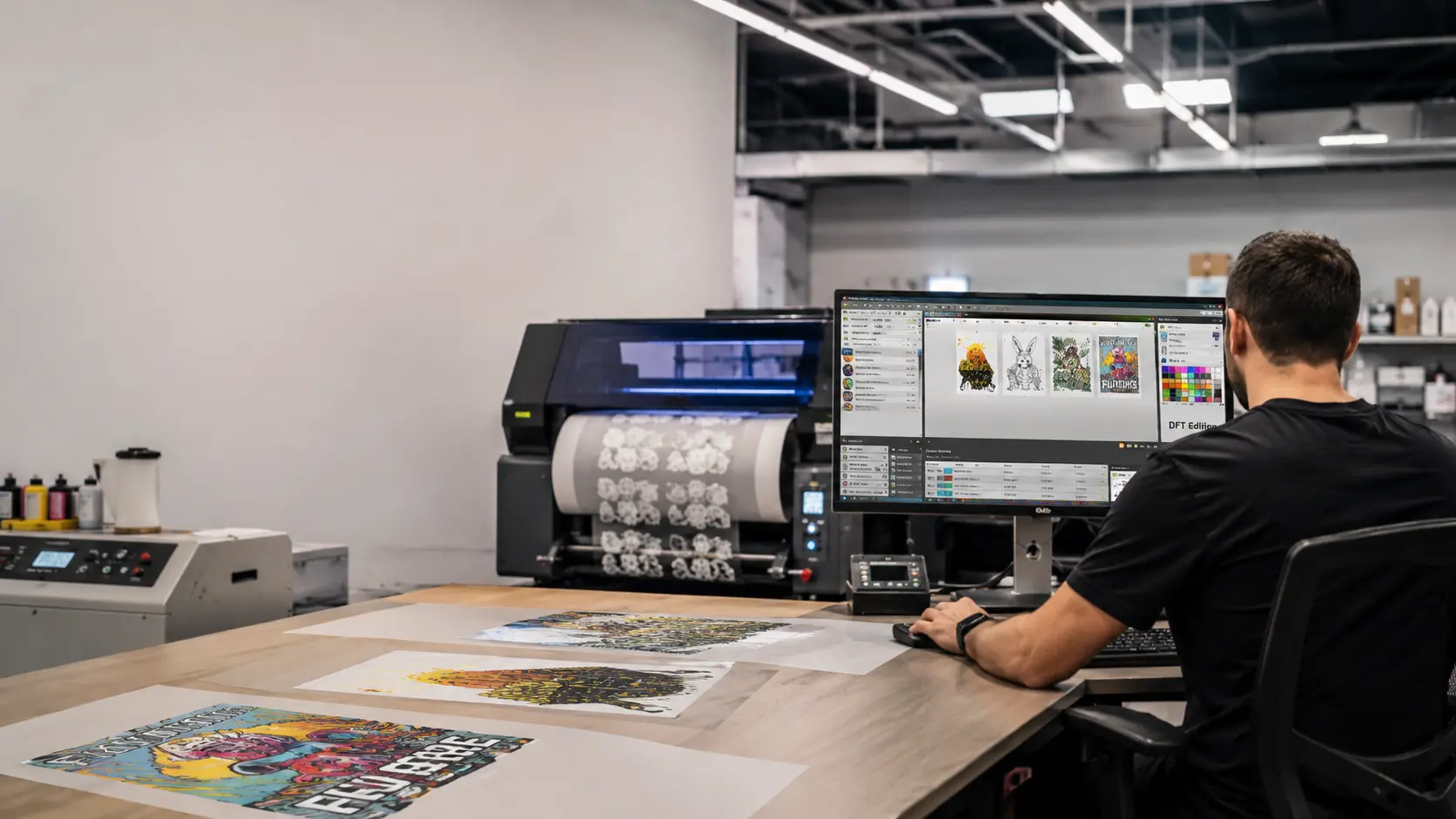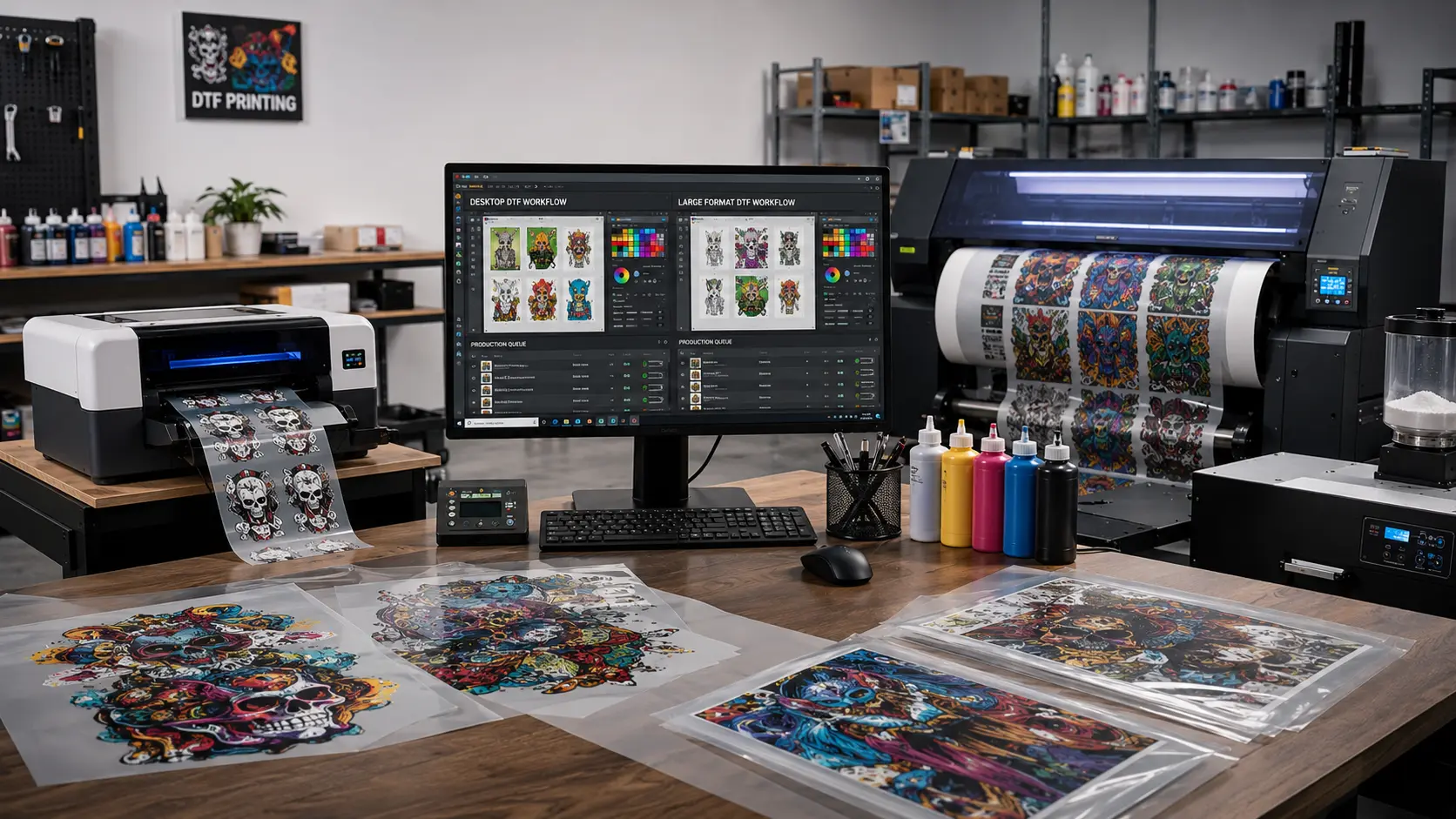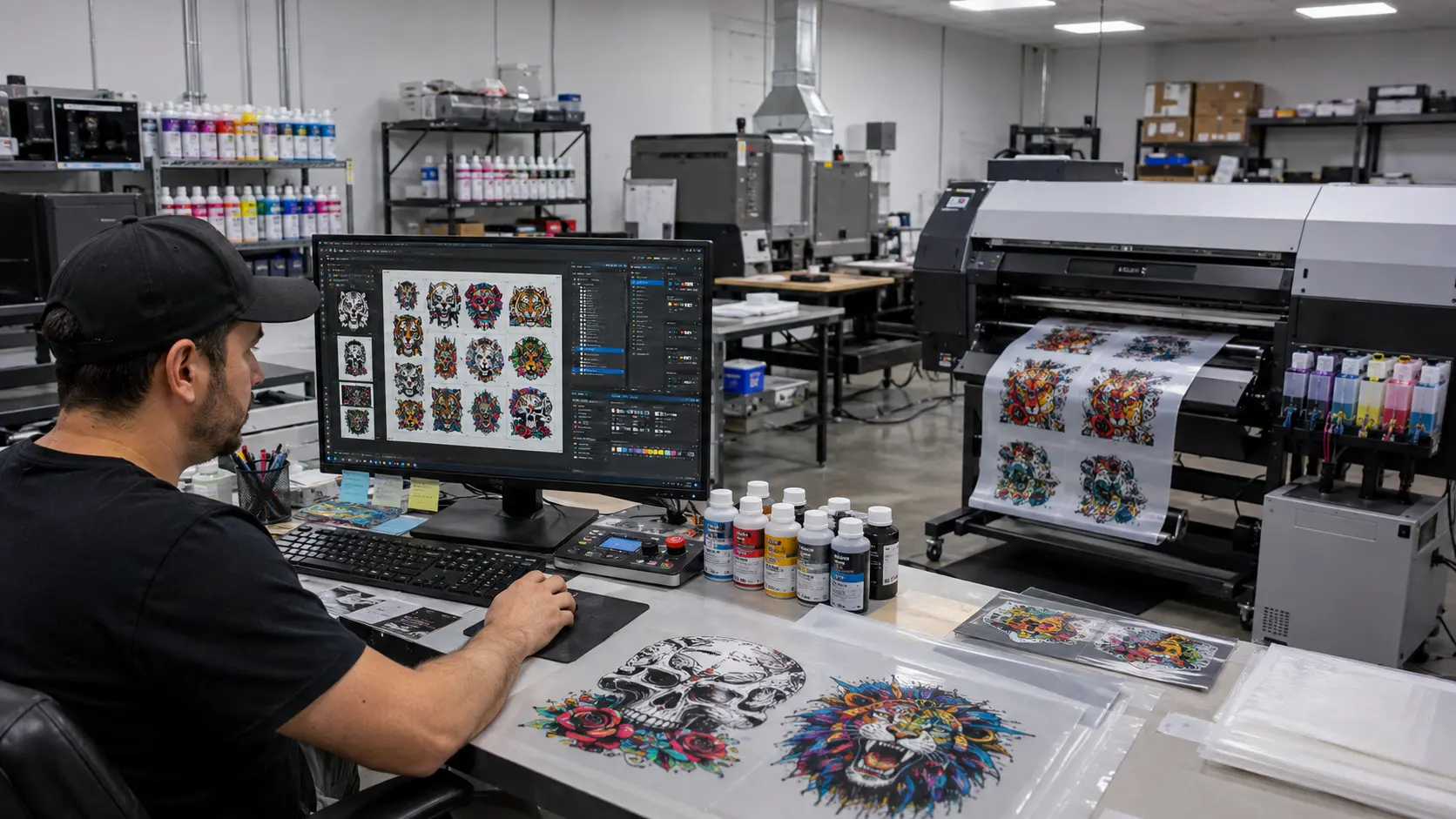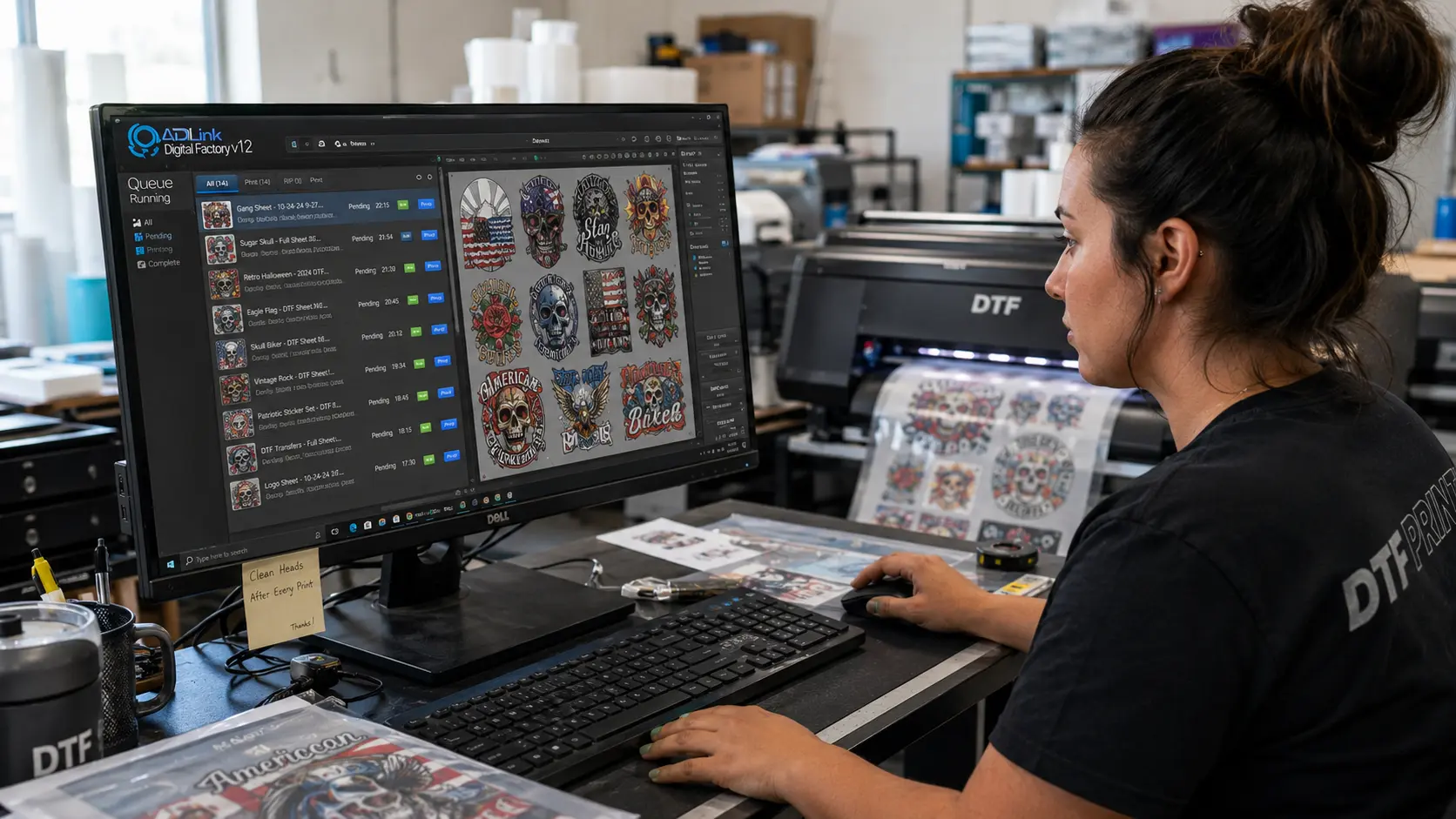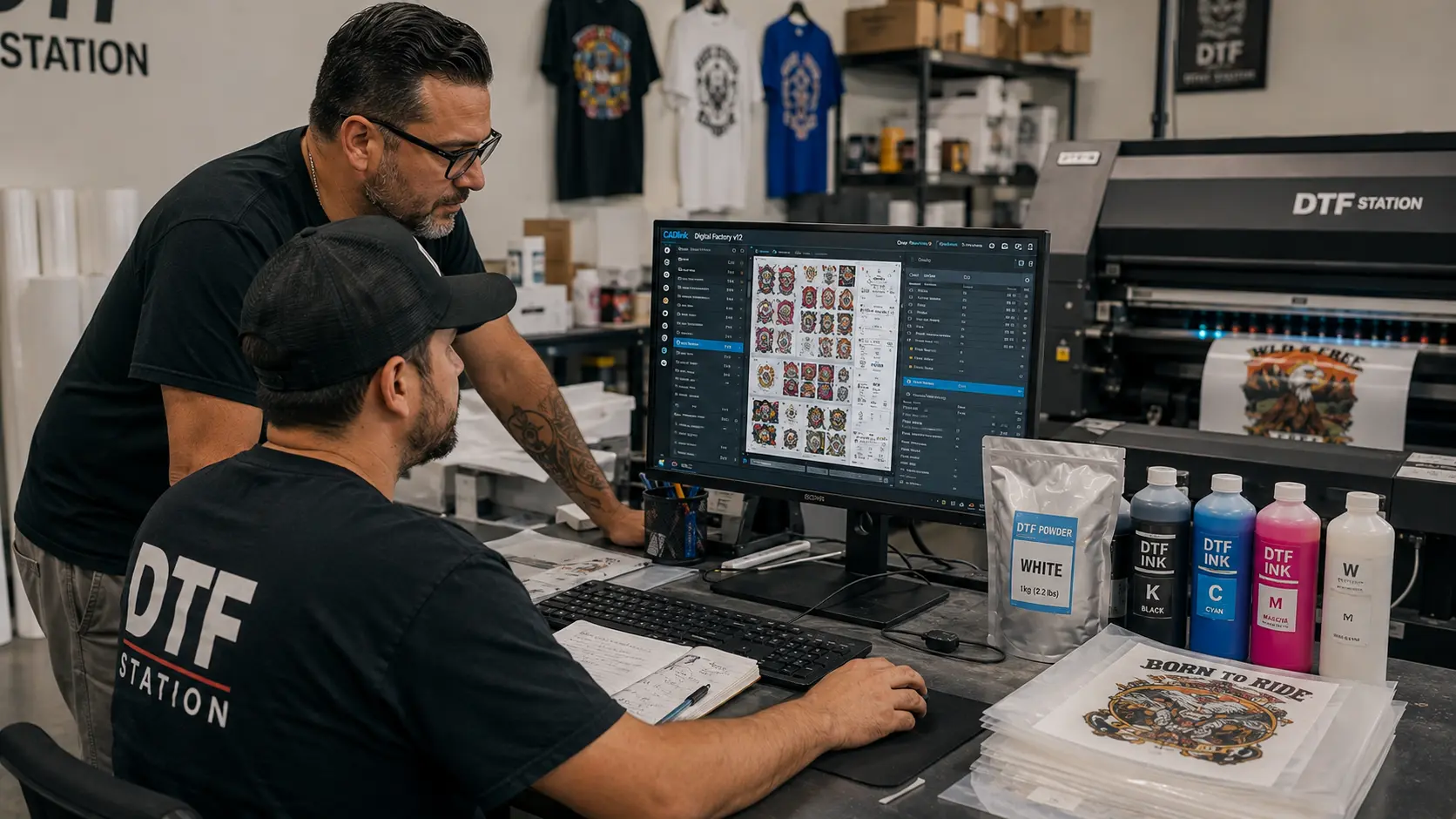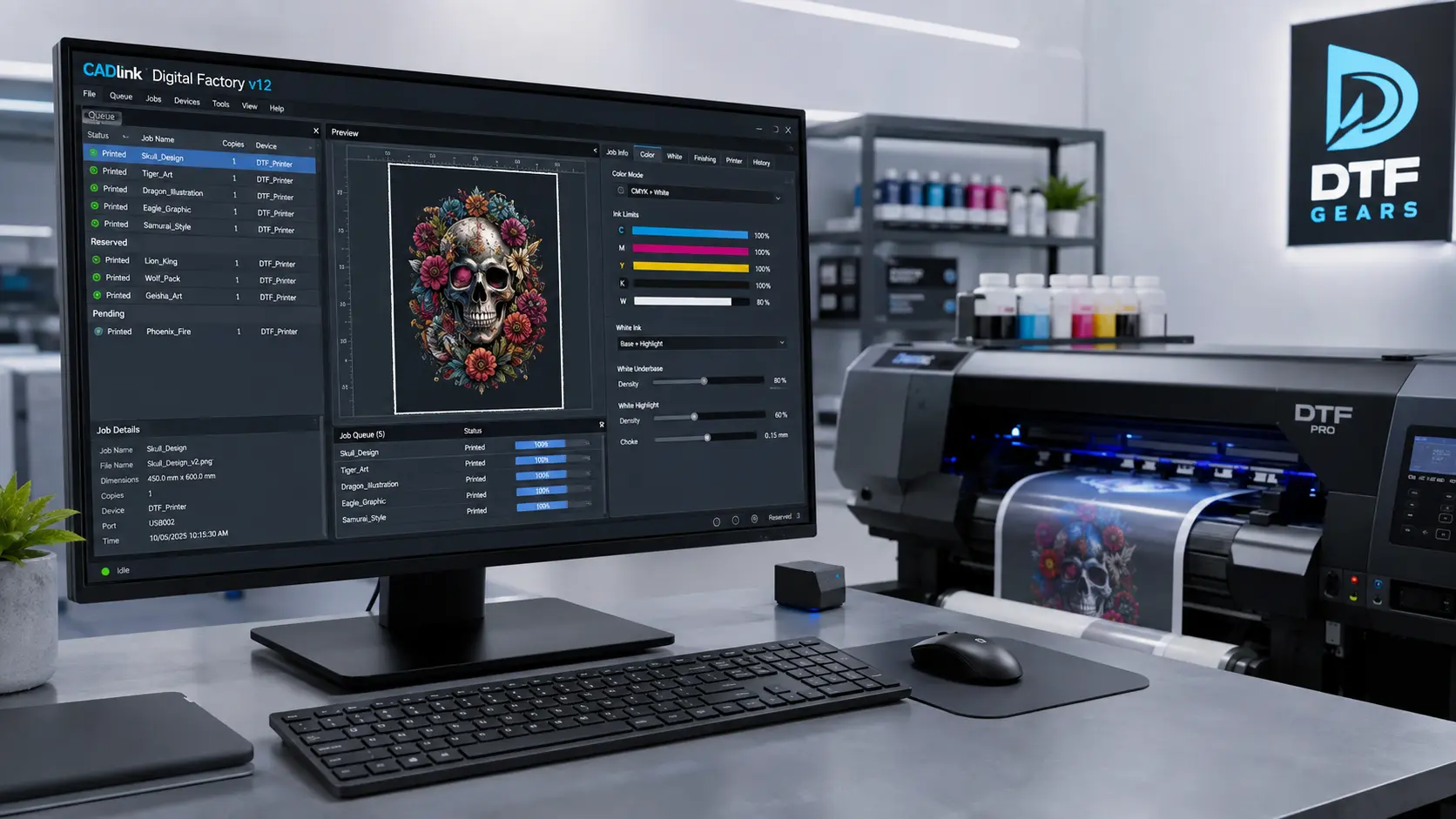

If you are looking to buy Cadlink V12, choosing the right RIP software version can directly impact your printing workflow, color accuracy, and production efficiency. The latest Cadlink V12 software brings advanced tools designed for DTF, DTG, wide-format, and specialty printing businesses that need reliable performance.
Whether you run a small print shop or a high-volume production setup, understanding Cadlink V12 price, plans, features, and purchasing options helps you make a confident decision before investing.
This guide covers everything you need to know before buying Cadlink Digital Factory V12, including pricing expectations, new features, and how to purchase it in the USA.
Why Buy Cadlink V12?
Modern printing businesses require more than just basic printer control. A professional RIP software solution helps manage colors, optimize output quality, reduce waste, and improve workflow speed.
Cadlink V12 is built for professionals who want:
- Accurate color management
- Faster print processing
- Better production control
- Advanced DTF printing support
- Improved workflow automation
- Consistent print quality across jobs
For businesses handling daily printing orders, upgrading to the latest version can help improve efficiency and reduce production challenges.
Cadlink V12 Price & Plans
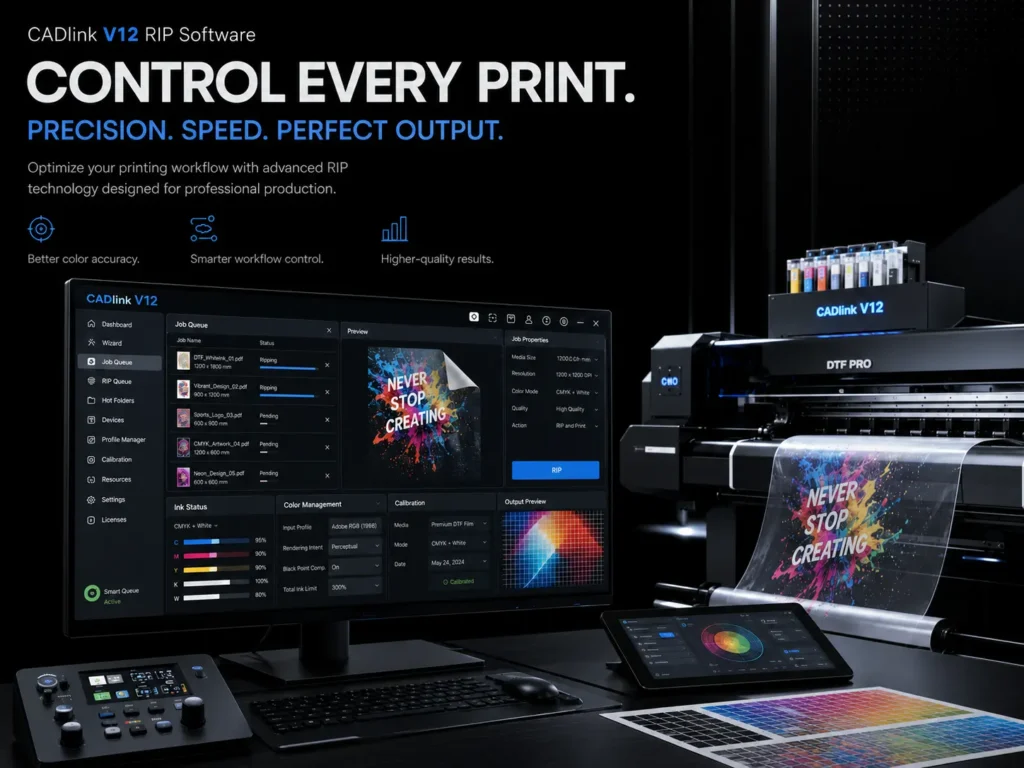
The Cadlink V12 price depends on the edition and features required for your printing setup. Different versions are designed for different production needs, allowing businesses to choose software based on their workflow.
Cadlink Digital Factory V12 Desktop Edition
The Desktop Edition is ideal for smaller print shops, startups, and businesses that need professional RIP capabilities without enterprise-level requirements.
Key benefits include:
- Professional color management
- Support for popular printing workflows
- Easy setup and operation
- Tools for improving print consistency
This edition works well for businesses producing custom apparel, promotional products, and specialty prints.
Cadlink Digital Factory V12 Production Edition
For businesses managing larger workloads, the Production Edition provides more advanced workflow capabilities.
It is suitable for:
- Growing print companies
- Multiple daily production jobs
- Higher-volume DTF operations
- Teams requiring improved efficiency
Features generally focus on handling more complex production environments while maintaining quality output.
Choosing the Right Cadlink V12 Plan
Before purchasing, consider:
Your printer type:
Make sure the software edition matches your DTF, DTG, sublimation, or wide-format printer requirements.
Production volume:
Small businesses may find Desktop Edition enough, while larger operations benefit from production-focused features.
Future growth:
Selecting the right version today can prevent costly upgrades later.
What’s New in the Latest Version
The latest Cadlink V12 update focuses on improving the printing experience with better workflow tools, enhanced performance, and more reliable production management.
Some improvements include:
Improved Printing Workflow
V12 helps streamline the complete printing process — from file preparation to final output.
Users can benefit from:
- Faster processing
- Easier job management
- Better control over print settings
Enhanced Color Management
Color accuracy is one of the biggest factors in professional printing.
Cadlink V12 provides tools that help printers achieve:
- More consistent colors
- Better output matching
- Reduced color adjustments
This is especially valuable for brands that require accurate logos, designs, and repeat orders.
Better Support for Modern Printing Needs
The latest version is designed to support evolving print businesses, including:
- DTF transfers
- Apparel printing
- Custom merchandise
- Promotional product printing
With improved workflow control, businesses can manage more jobs while maintaining quality.
Try Before You Buy: Cadlink V12 Free Trial
If you are unsure which version fits your business, testing the software before purchasing can help.
You can explore the features and workflow through the Cadlink Digital Factory V12 Free Trial guide:
Cadlink Digital Factory V12 Free Trial
A trial allows you to understand compatibility, features, and performance before making your final purchase decision.
How to Buy V12 in the USA
Buying Cadlink V12 in the USA is simple when choosing an authorized software provider.
Before purchasing, check:
1. Confirm Your Printer Compatibility
Make sure your printer model works with the selected Cadlink V12 edition.
2. Select Your Edition
Choose between available versions based on:
- Business size
- Production requirements
- Required features
3. Complete Your Purchase
After selecting the right plan, complete your order and get access to your software license.
Is Cadlink V12 Worth Buying?
For professional printers, investing in reliable RIP software can improve productivity and print quality.
Cadlink V12 is worth considering if you need:
- Professional DTF printing control
- Better color accuracy
- Reliable production workflow
- Software built for commercial printing
A powerful RIP solution helps reduce errors and allows print businesses to deliver consistent results.
Final Thoughts: Buy Cadlink V12 Today
Choosing the right printing software is an important decision for any growing print business. Cadlink V12 offers advanced tools, improved workflow management, and professional printing capabilities.
Before you buy, compare editions, check compatibility, and select the plan that matches your production goals.
Ready to upgrade your printing workflow?
Buy Cadlink V12 today and take your production quality to the next level.