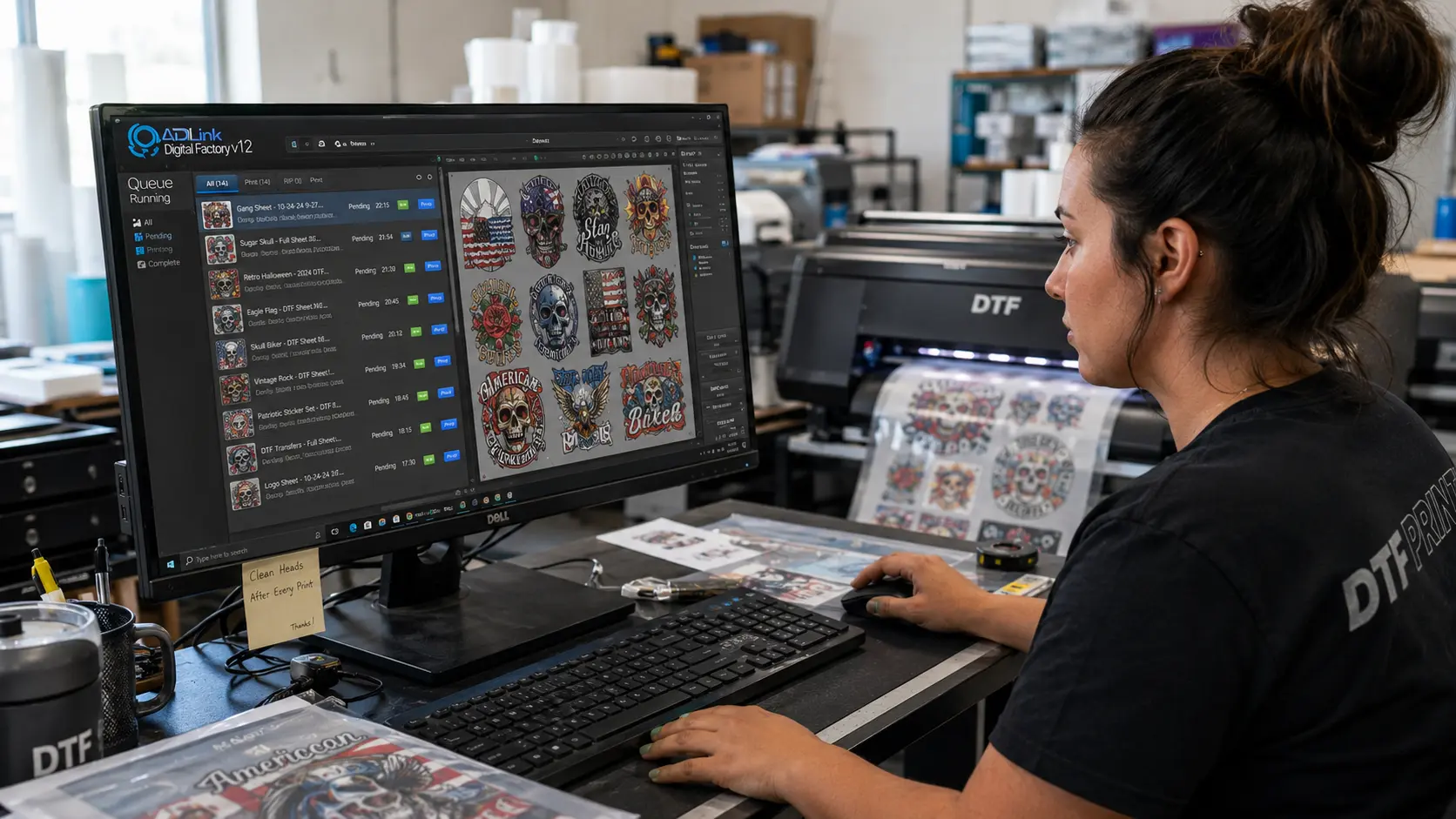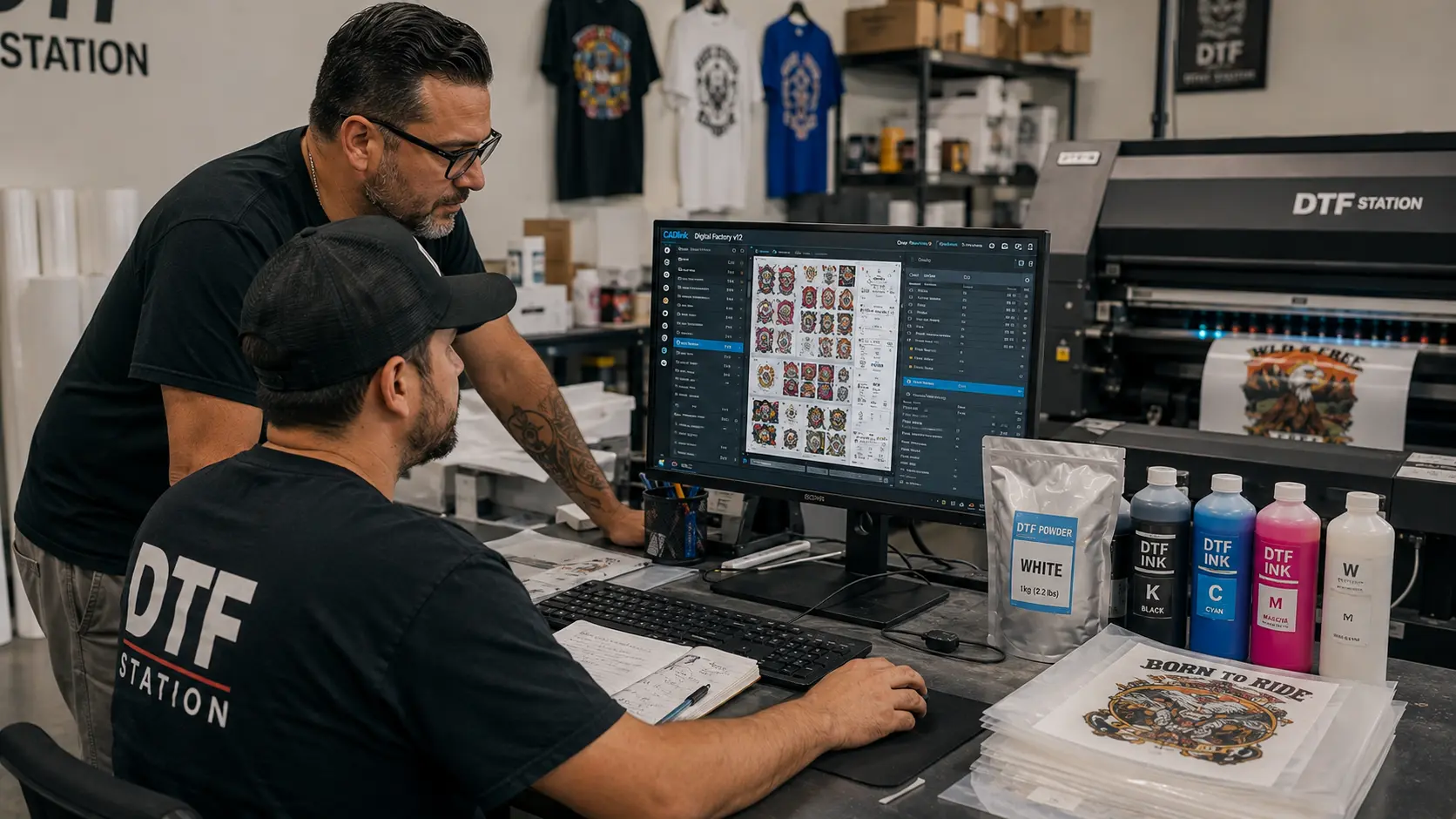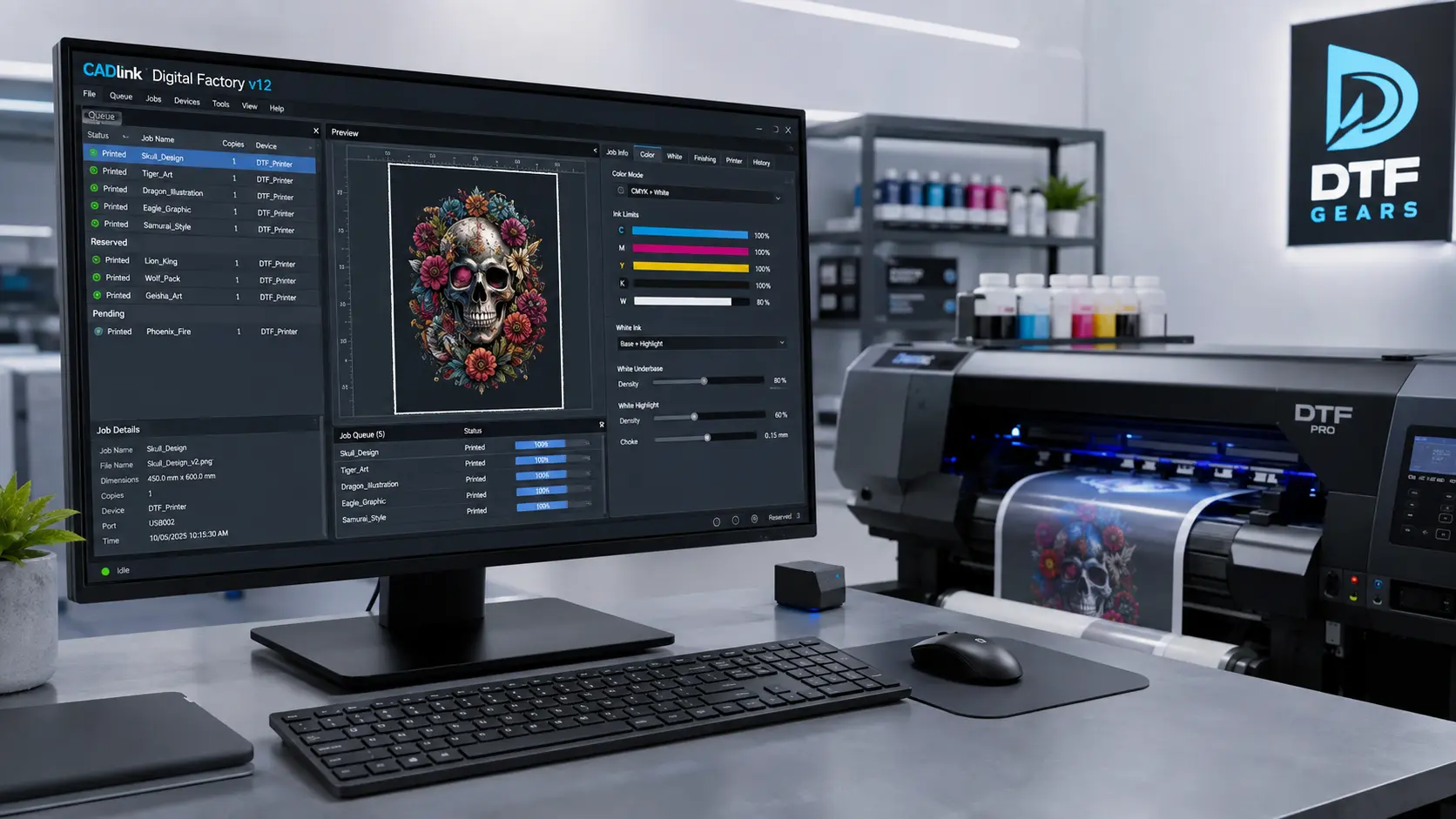

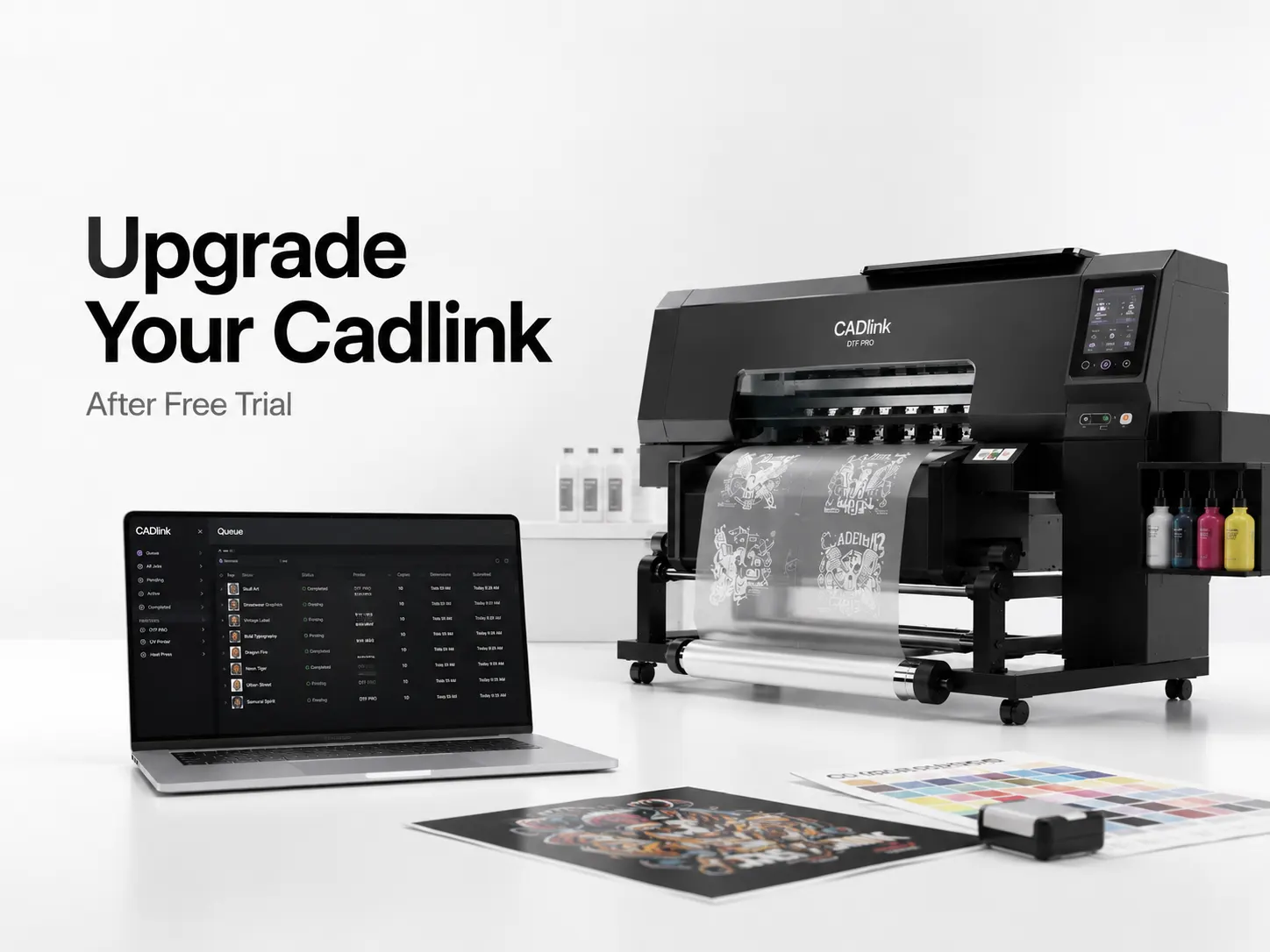
Your Cadlink V12 Free Trial helped you explore the software, test print workflows, and understand how it fits your production needs. Now it’s time to unlock the complete experience with the full Cadlink version.
For US print shops, upgrading means getting full access to professional RIP features, advanced color control, smoother production workflows, and tools designed for consistent output.
If you are ready to continue printing without trial limitations, choose the right Cadlink plan and upgrade today.
Cadlink Full Version Pricing
After completing your Cadlink Free Trial, upgrading gives you access to the complete software experience.
The full version is built for businesses that need reliable printing performance, better workflow management, and professional-level production control.
With the paid version, you can get benefits like:
- Full access to available features
- Unlimited workflow usage
- Better production flexibility
- Professional print management tools
- Long-term software access
The right plan depends on your printer setup, production volume, and business requirements.
Why Upgrade After the Cadlink Free Trial?
The trial version is useful for testing, but the full version is designed for daily production.
Upgrading helps print businesses:
Improve Print Workflow
Manage jobs efficiently and reduce unnecessary production delays.
Get Complete Feature Access
Use all available tools without trial restrictions.
Maintain Consistent Quality
Improve color handling, print accuracy, and overall output quality.
Support Business Growth
A complete RIP workflow helps shops handle more orders as demand increases.
Plans for US Print Shops
Every print business has different needs. Choosing the right Cadlink version depends on your production goals.
Small Print Shops
Ideal for businesses starting with professional printing.
Benefits:
- Simple workflow management
- Essential printing tools
- Cost-effective setup
Growing Printing Businesses
Designed for shops handling more customers and larger workloads.
Benefits:
- More efficient production
- Advanced workflow options
- Better scalability
High-Volume Production Shops
Best for businesses where speed and consistency matter.
Benefits:
- Professional production environment
- Improved job management
- Maximum workflow efficiency
How to Buy After the Free Trial
Ready to continue after testing Cadlink?
Follow these steps:
- Select the Cadlink version that fits your business
- Choose your license option
- Complete your purchase
- Activate the full version
- Continue your printing workflow
Upgrading is the fastest way to move from testing to a complete professional printing setup.
Cadlink Free Trial vs Full Version
| Feature | Free Trial | Full Version |
|---|---|---|
| Test workflow | ✓ | ✓ |
| Professional production use | Limited | ✓ |
| Complete access | Limited | ✓ |
| Long-term business use | ✗ | ✓ |
| Full workflow control | Limited | ✓ |
Ready to Upgrade?
Your Cadlink Free Trial was the first step. Now unlock the full software experience and take control of your printing workflow.
Related Resource
Continue learning:
Cadlink Free Trial: Download the Full Version Free
I
FAQ Questions
Q: Can I buy Cadlink after the free trial ends?
A: Yes, you can upgrade to the full Cadlink version after testing the trial.
Q: Is Cadlink Free Trial enough for production work?
A: The trial helps evaluate the software, while the full version provides complete access for regular business use.
Q: Which Cadlink plan is best for a print shop?
A: The best plan depends on your printer setup, production volume, and workflow requirements.
Q: Can I continue using my settings after upgrading?
A: In most cases, upgrading allows you to continue your workflow with the full licensed version.