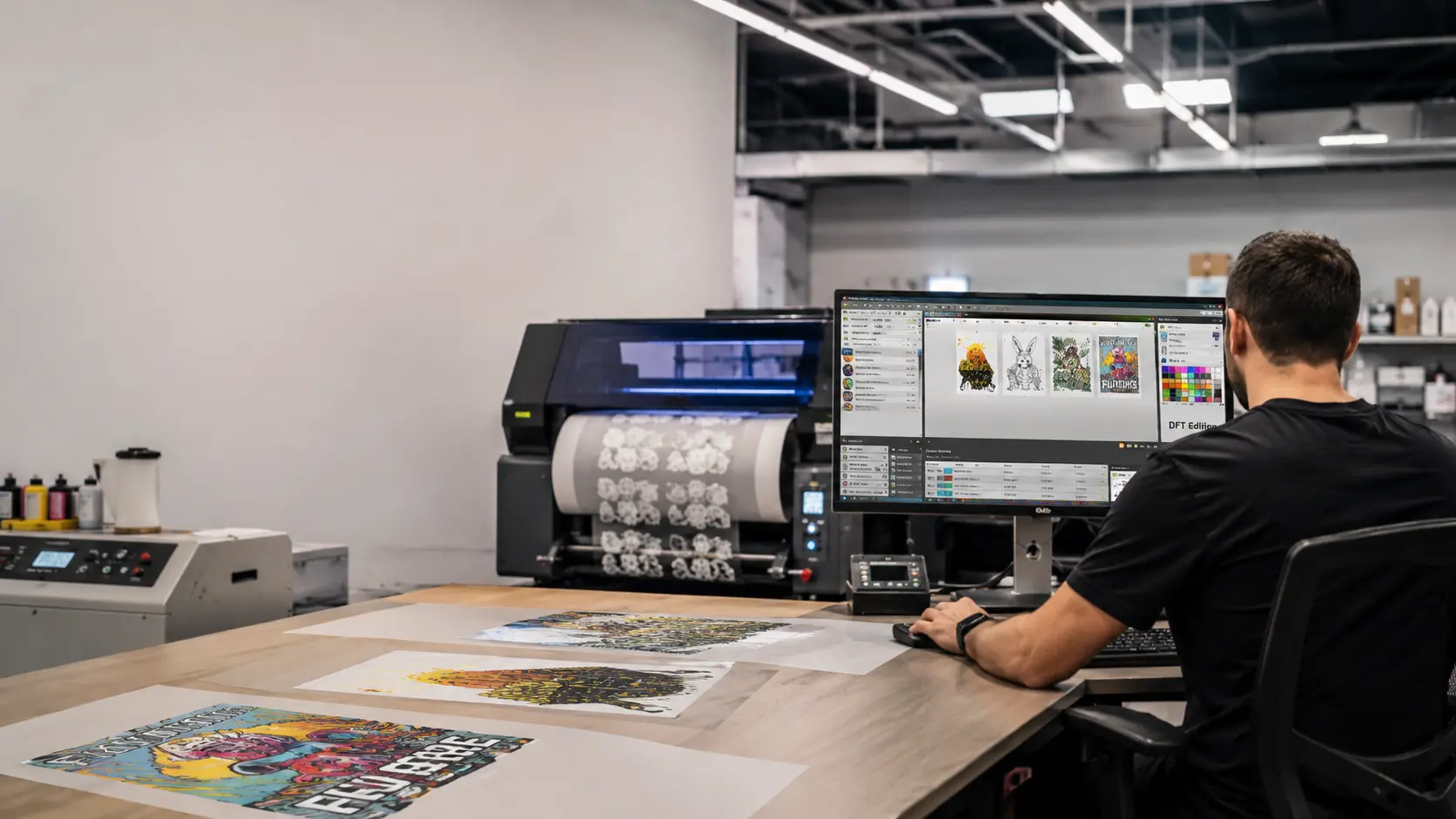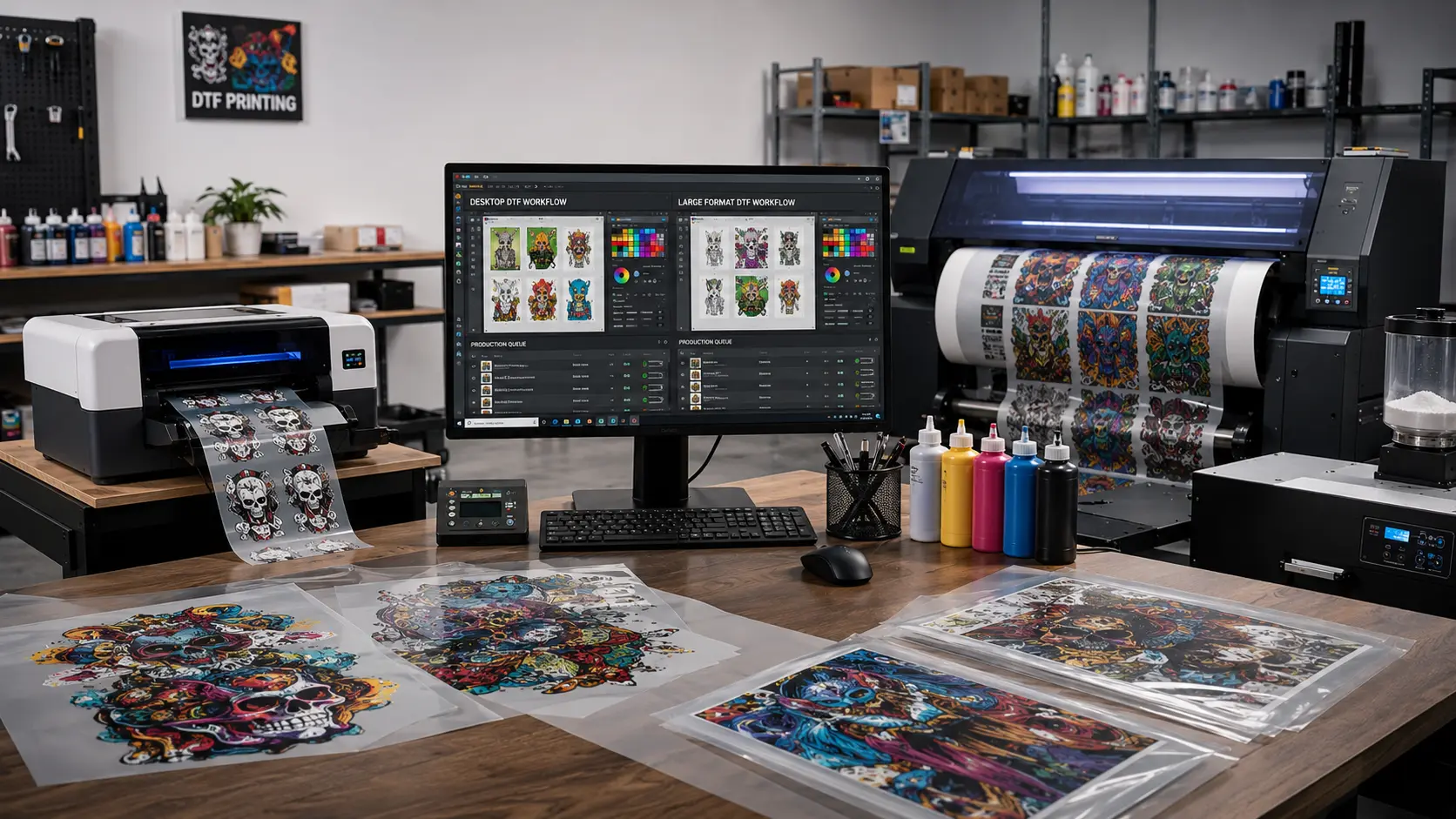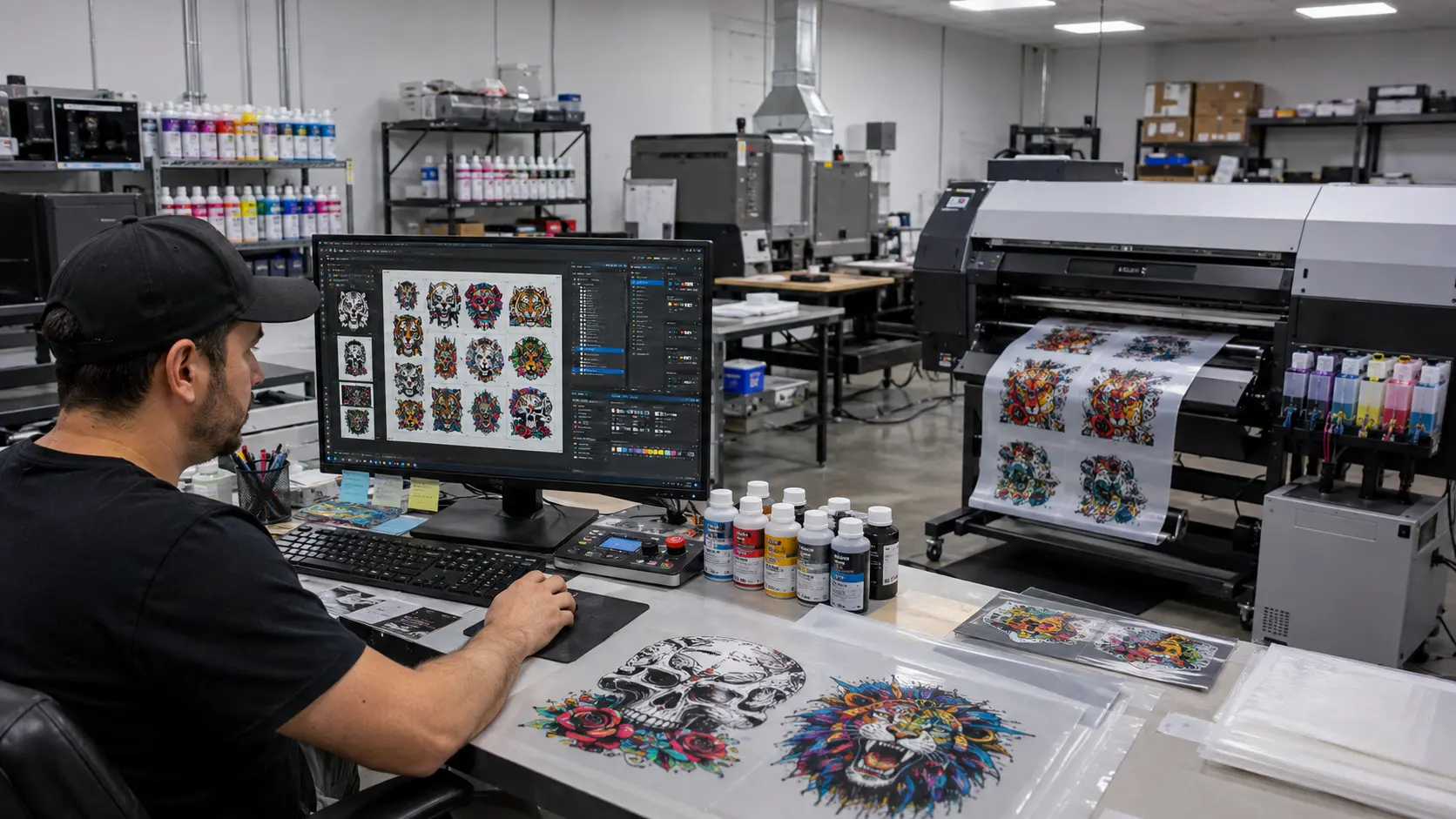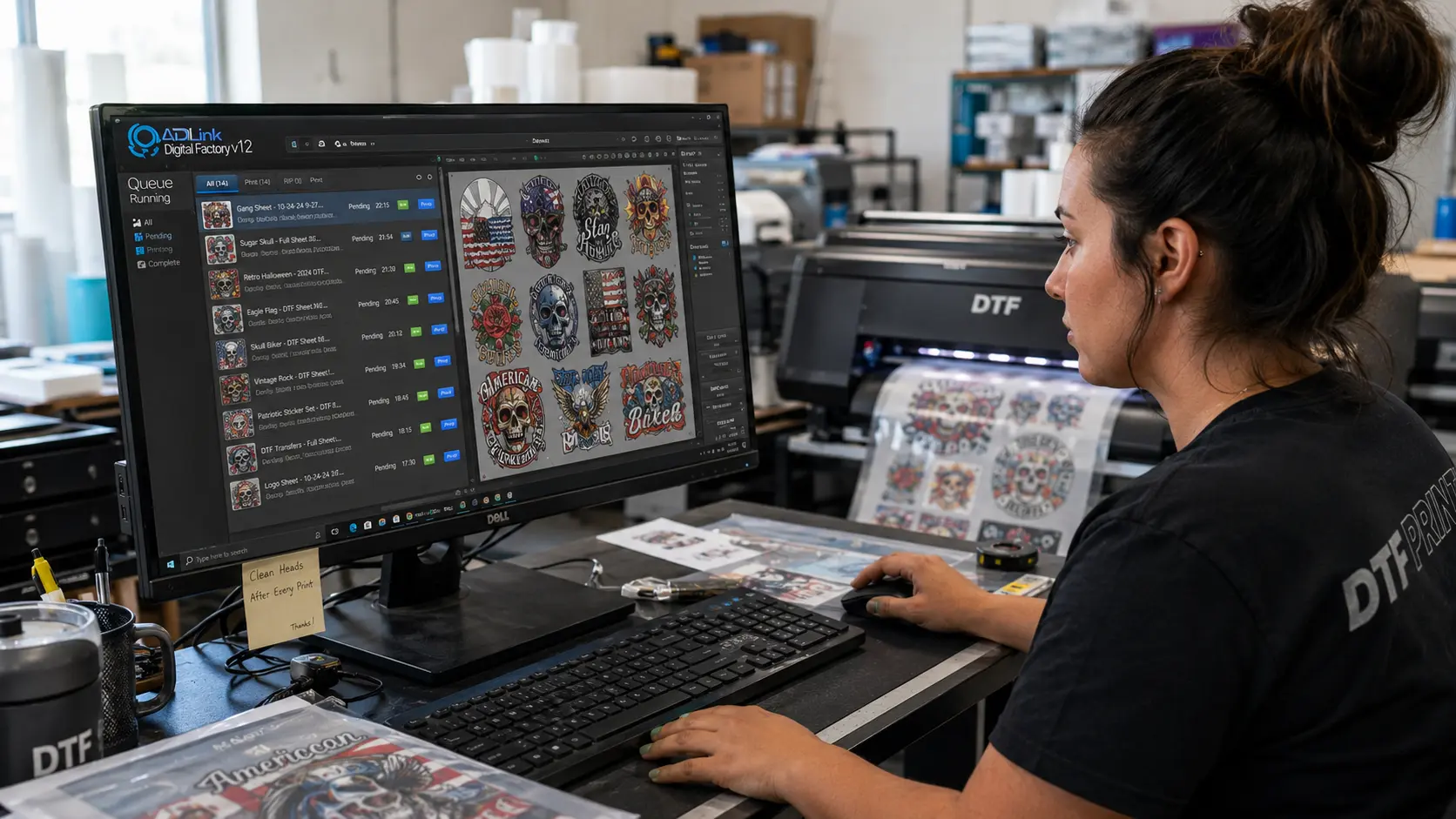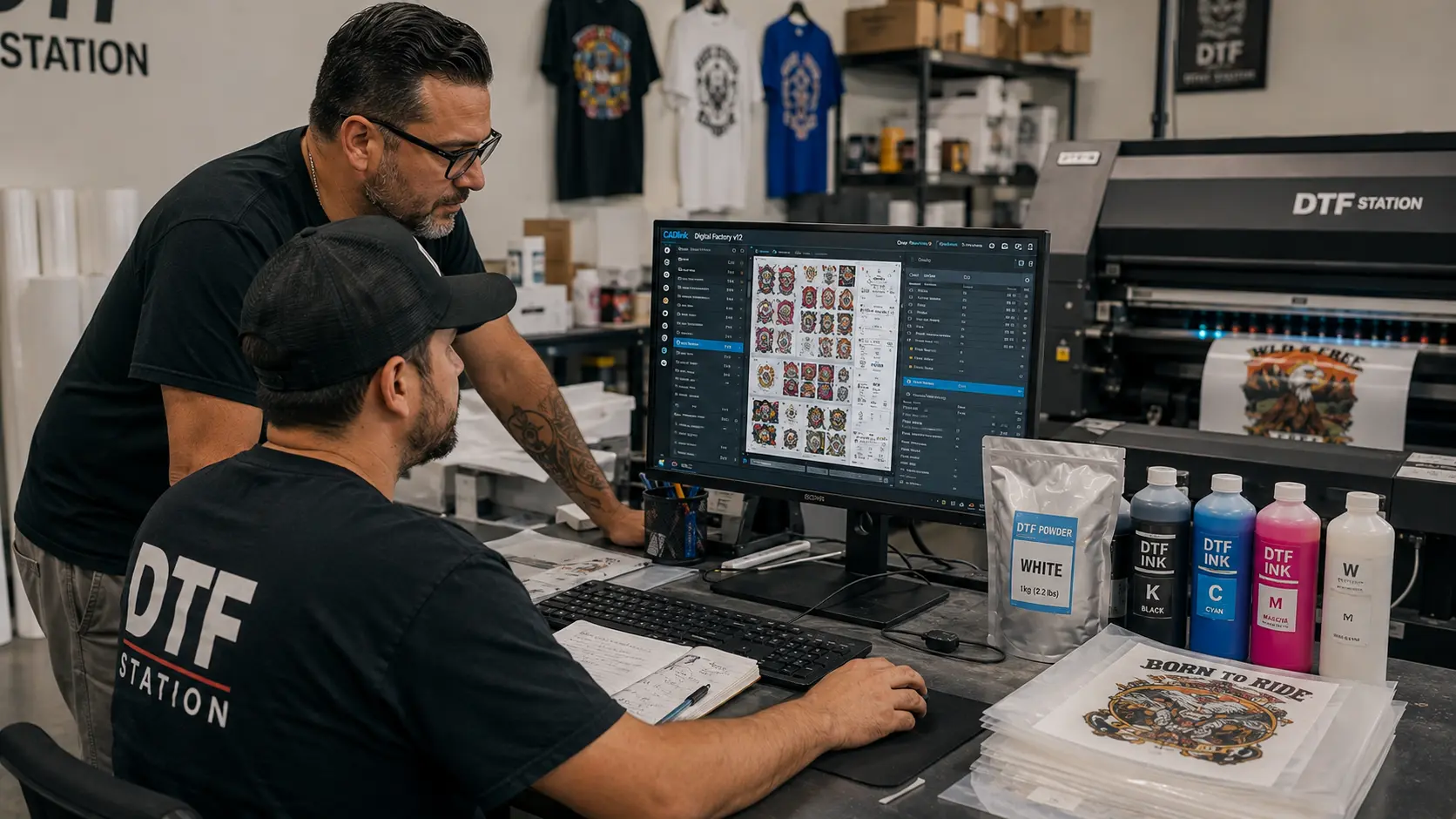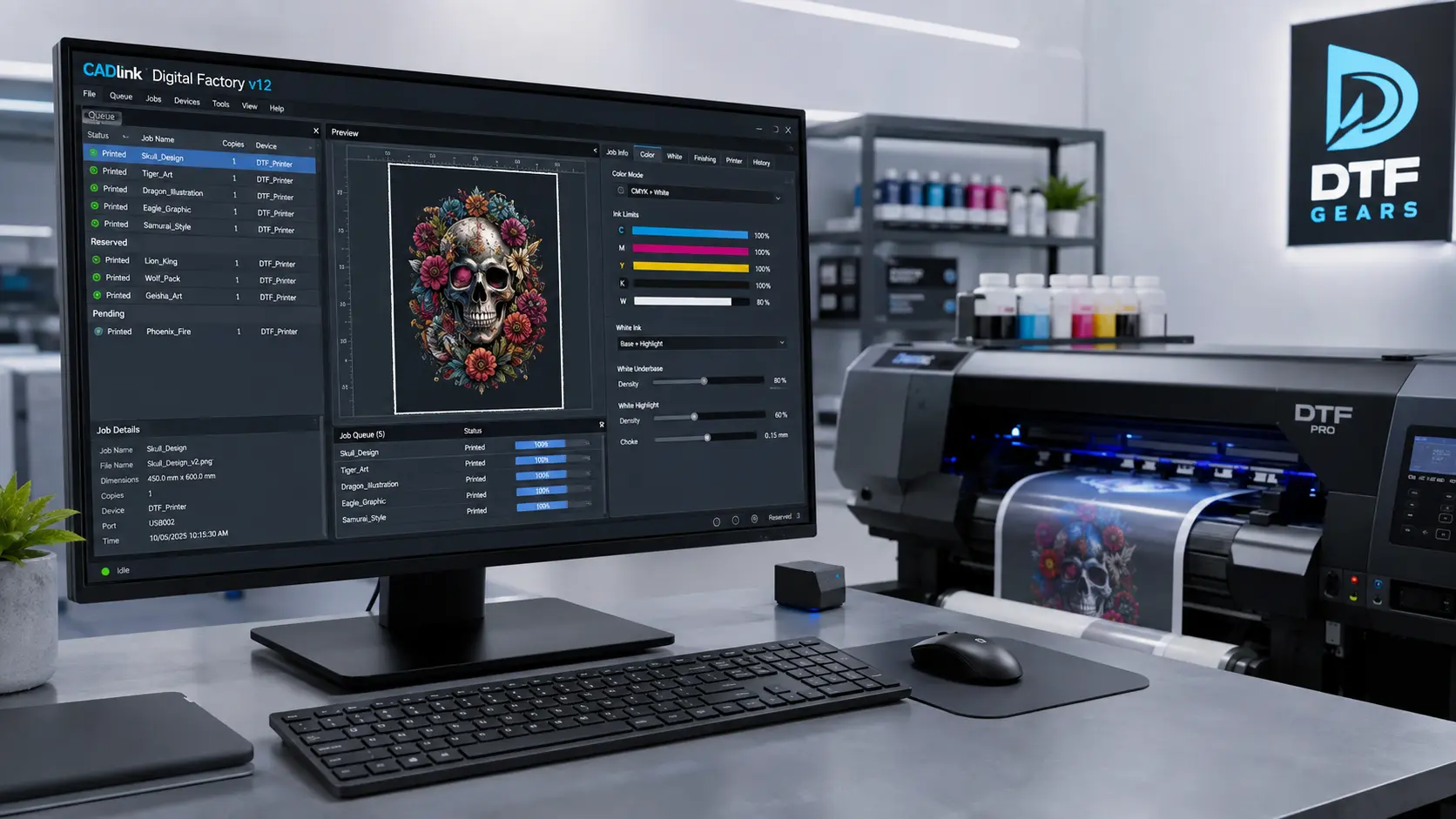

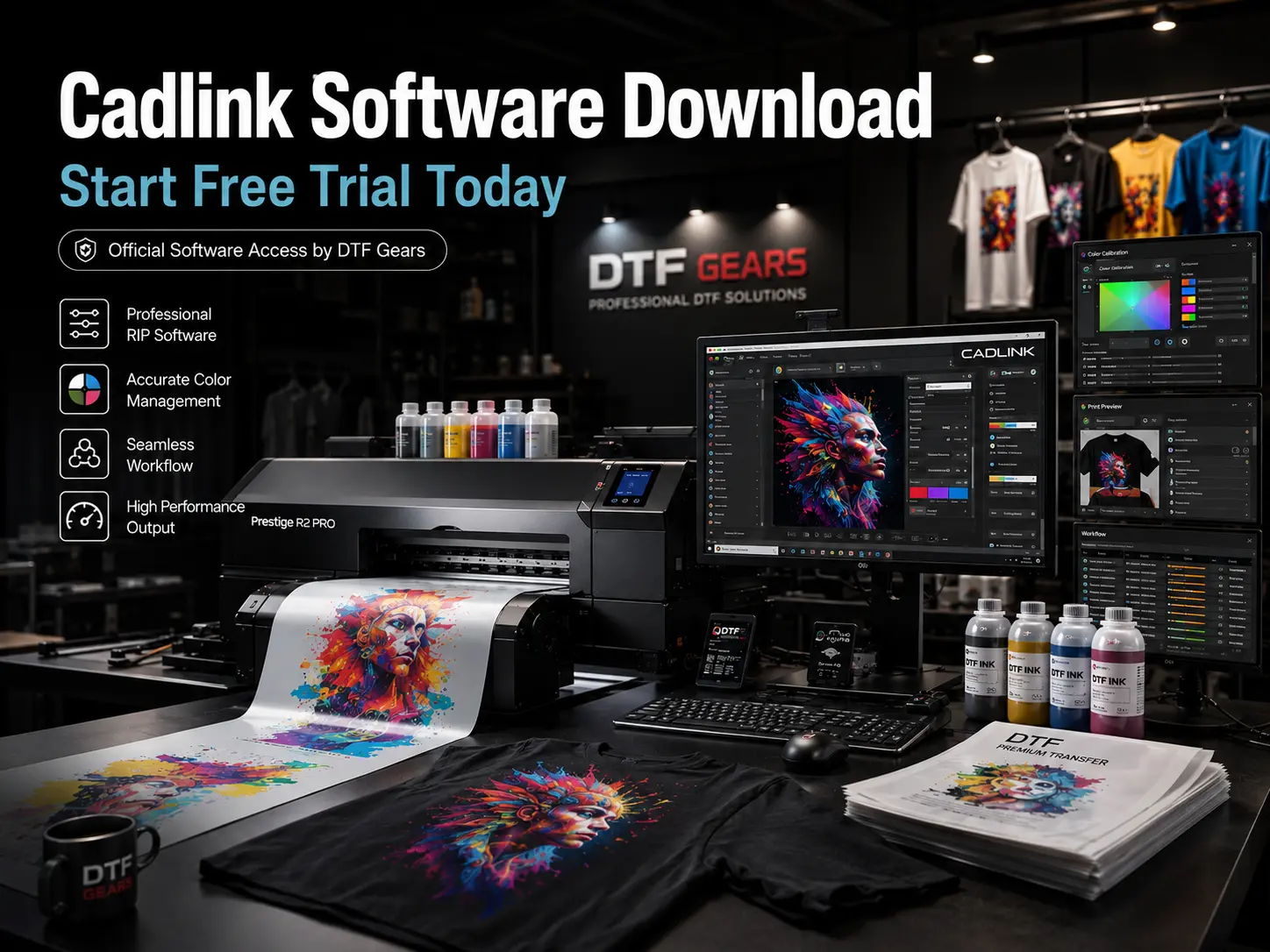
Finding the right RIP software can make a huge difference in DTF and digital printing performance. With a Cadlink Software Download, printers can explore professional print management tools, test compatibility, and experience the software before upgrading.
At DTF Gears, we make it easier for print businesses to access genuine Cadlink solutions. As an authorised seller of Cadlink software, DTF Gears provides trusted software access, support, and upgrade options for professionals looking to improve their printing workflow.
The Cadlink software download free trial allows you to install the software, connect your printer, test real production settings, and decide if Cadlink is the right solution for your business.

Cadlink Software Download: Free Trial
The Cadlink Software Download process gives users the opportunity to experience powerful RIP software features before purchasing a full license.
Cadlink Digital Factory is designed for businesses that need better control over their printing process, including:
- DTF printing operations
- Apparel production
- Custom merchandise printing
- Wide-format printing
- Professional colour management
With the free trial, you can explore the software interface, configure your printer, and understand how Cadlink improves your daily workflow.
Unlike basic printer software, Cadlink provides advanced RIP technology that helps manage colour accuracy, ink usage, image processing, and production efficiency.
Why Choose DTF Gears for Cadlink Software?
Buying genuine software matters when your business depends on print quality and reliability.
DTF Gears is an authorised Cadlink software seller, helping customers get:
- Genuine Cadlink licenses
- Reliable purchase support
- Professional software guidance
- Upgrade assistance
- Solutions for DTF printing needs
When you download and test Cadlink through DTF Gears, you get access to trusted software solutions built for professional printing environments.
Install Cadlink Software on Your Printer
After completing your Cadlink Software Download, the next step is installation and printer setup.
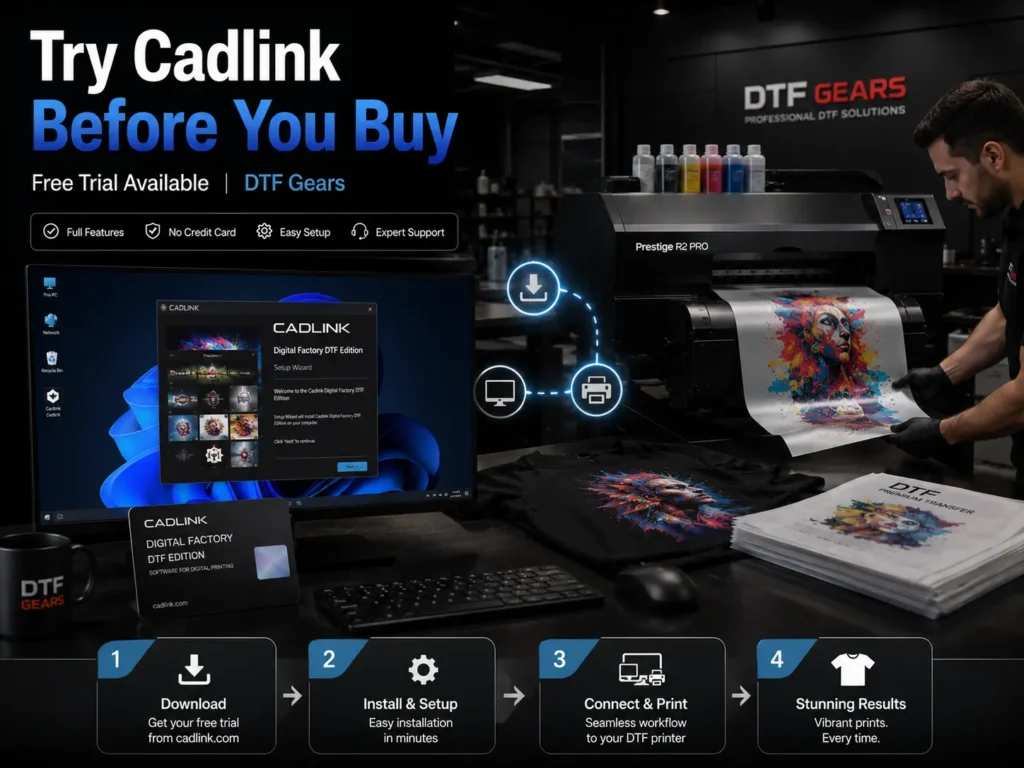
The setup process is simple:
Step 1: Download Cadlink Software Trial
Start by downloading the trial version and installing it on your computer. Ensure your system meets the required specifications for smooth performance.
Step 2: Connect Your Printer
Connect your DTF printer or compatible printing device and confirm that all printer drivers are properly installed.
Step 3: Configure Printing Settings
Inside Cadlink Digital Factory, adjust important settings such as:
- Printer model selection
- Ink configuration
- Print resolution
- Media settings
- Colour profiles
Correct configuration helps achieve consistent and professional output.
Step 4: Test Your Print Quality
Run test prints to evaluate:
- Colour accuracy
- White ink performance
- Image sharpness
- Overall print consistency
The trial gives you a real understanding of how Cadlink performs with your equipment.
Benefits of Using Cadlink RIP Software
A professional RIP solution helps printing businesses maintain quality while increasing efficiency.
Improved Colour Management
Cadlink helps control colours more accurately, allowing businesses to achieve consistent results across different materials.
Better DTF Printing Workflow
From file preparation to final output, Cadlink simplifies the printing process and reduces manual adjustments.
Increased Production Efficiency
Automated features help save time and improve workflow management for busy print shops.
Professional Print Results
Get sharper details, smoother gradients, and better overall print quality with advanced RIP processing.
Buy When You’re Ready
After testing the Cadlink Software Download free trial, you can upgrade to the full version when you are confident with the results.
The complete Cadlink version unlocks professional features designed for long-term printing operations.
Choose the full software version when you need:
- Unlimited production use
- Complete RIP features
- Business-ready workflow tools
- Reliable printing performance
DTF Gears helps you move from trial to full activation with genuine Cadlink software solutions.
Read more:
Cadlink Software Download: Buy & Activate
(Internal Link)
Why Professional Printers Choose DTF Gears
DTF Gears supports print professionals by providing quality DTF solutions, accessories, and trusted software options.
With authorised Cadlink software availability, customers can confidently choose the right tools to improve their printing setup.
Whether you are starting a new DTF business or upgrading your current workflow, Cadlink helps you achieve better control and production results.
Final Thoughts
The Cadlink Software Download free trial is the easiest way to experience professional RIP software before buying.
Test the software, connect your printer, explore the features, and upgrade when you are ready.
With DTF Gears as your authorised Cadlink software seller, you get genuine software access and reliable support for your printing journey.
Start your Cadlink free trial today and experience professional printing control.