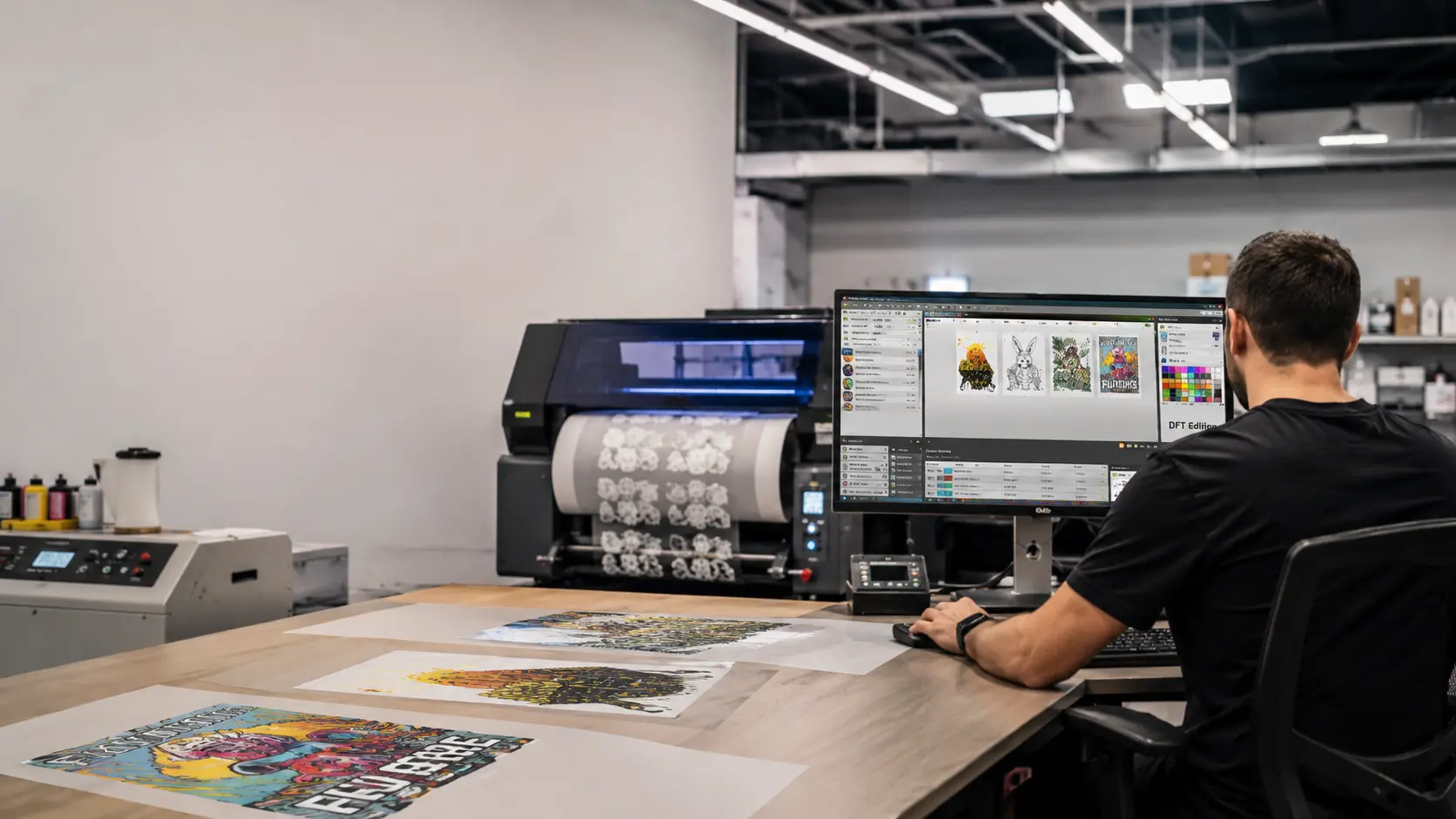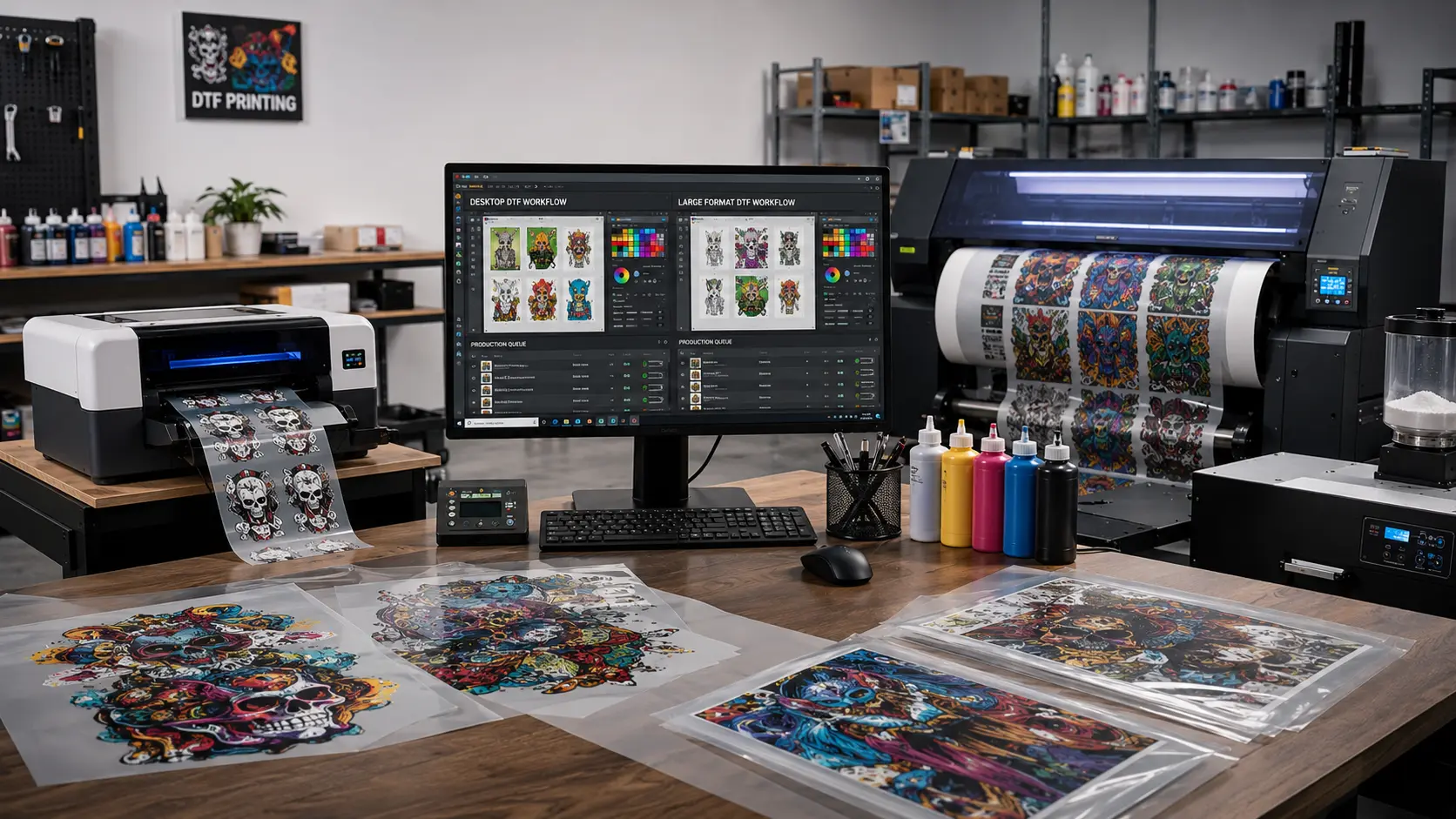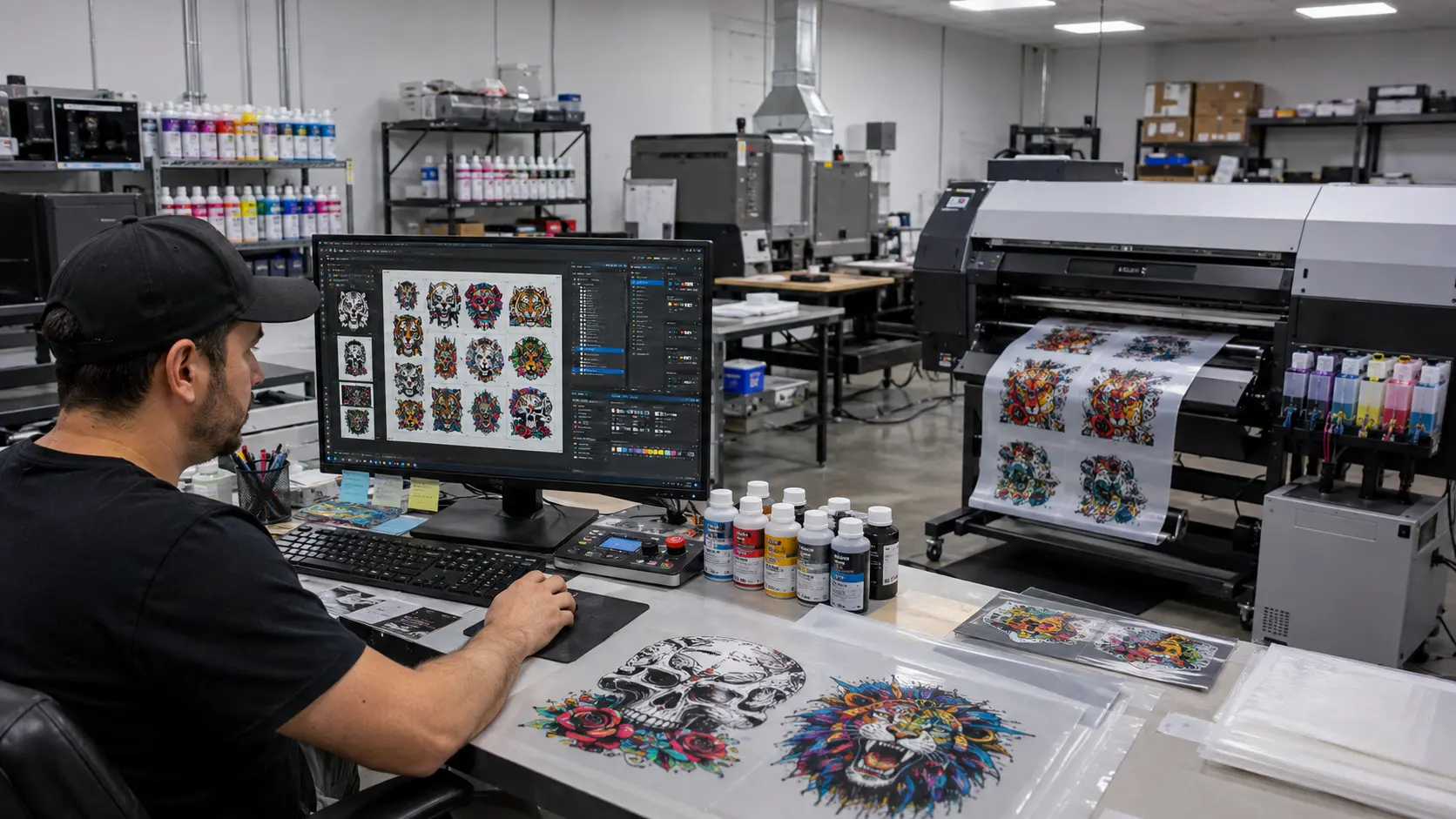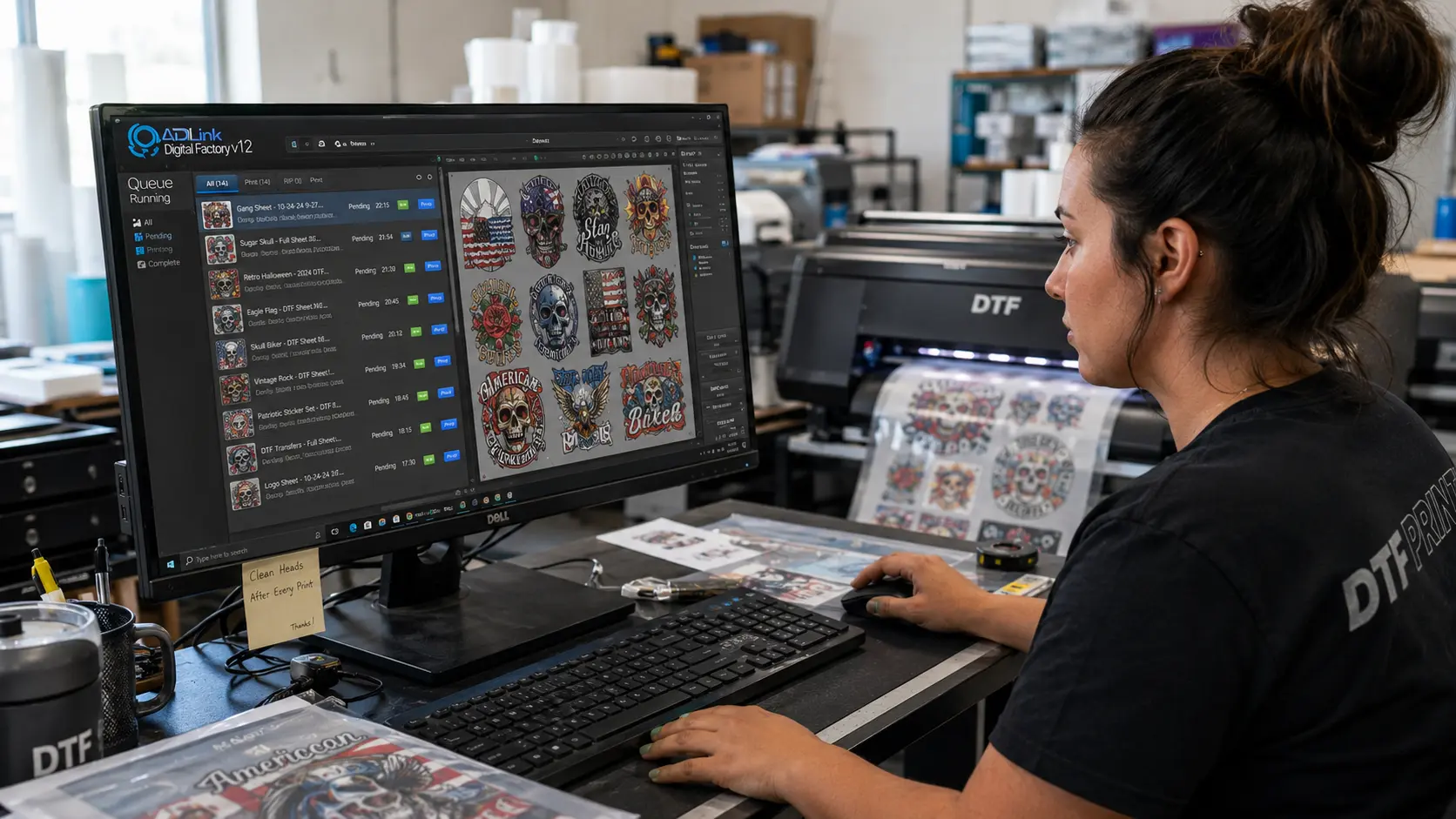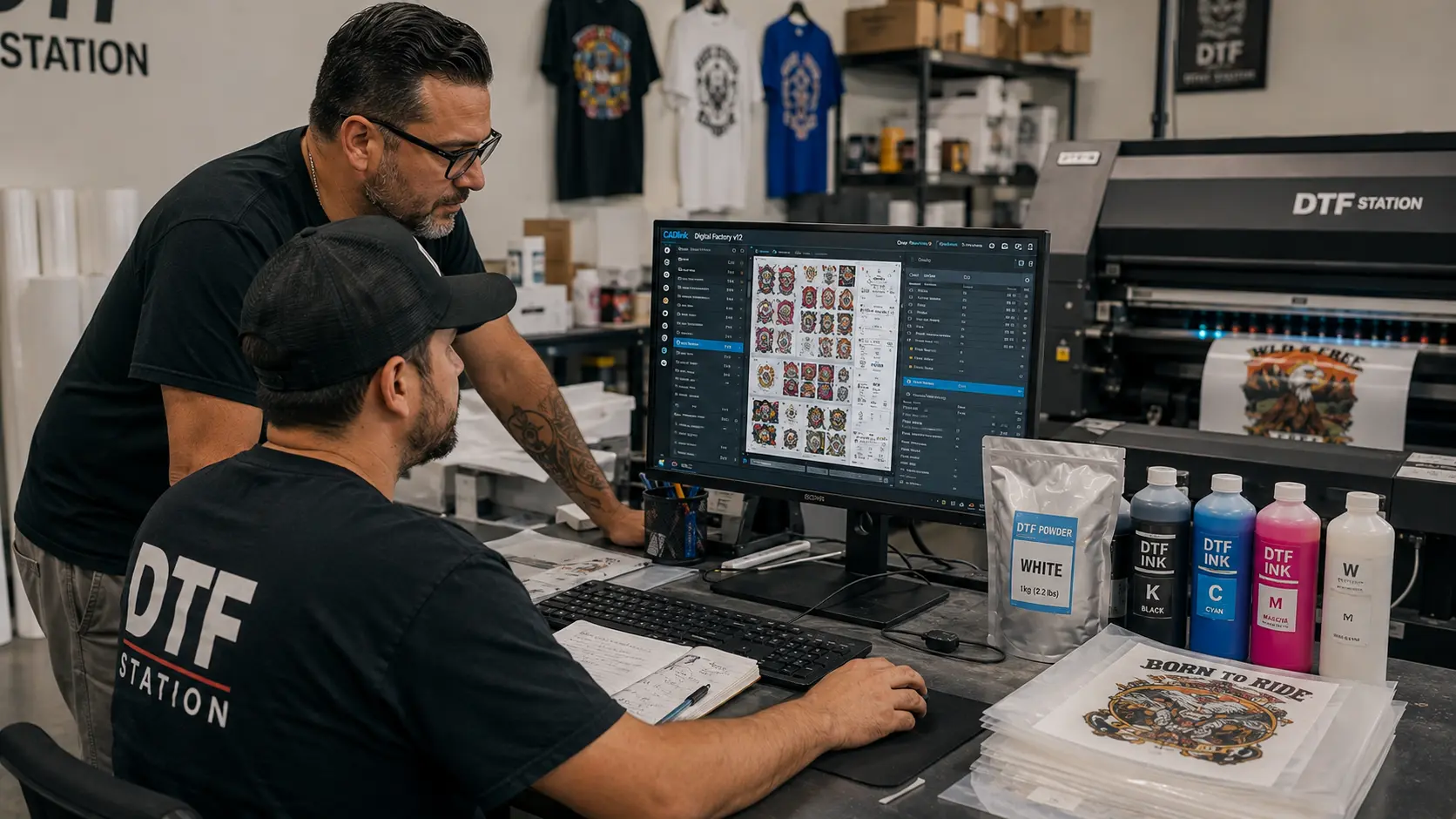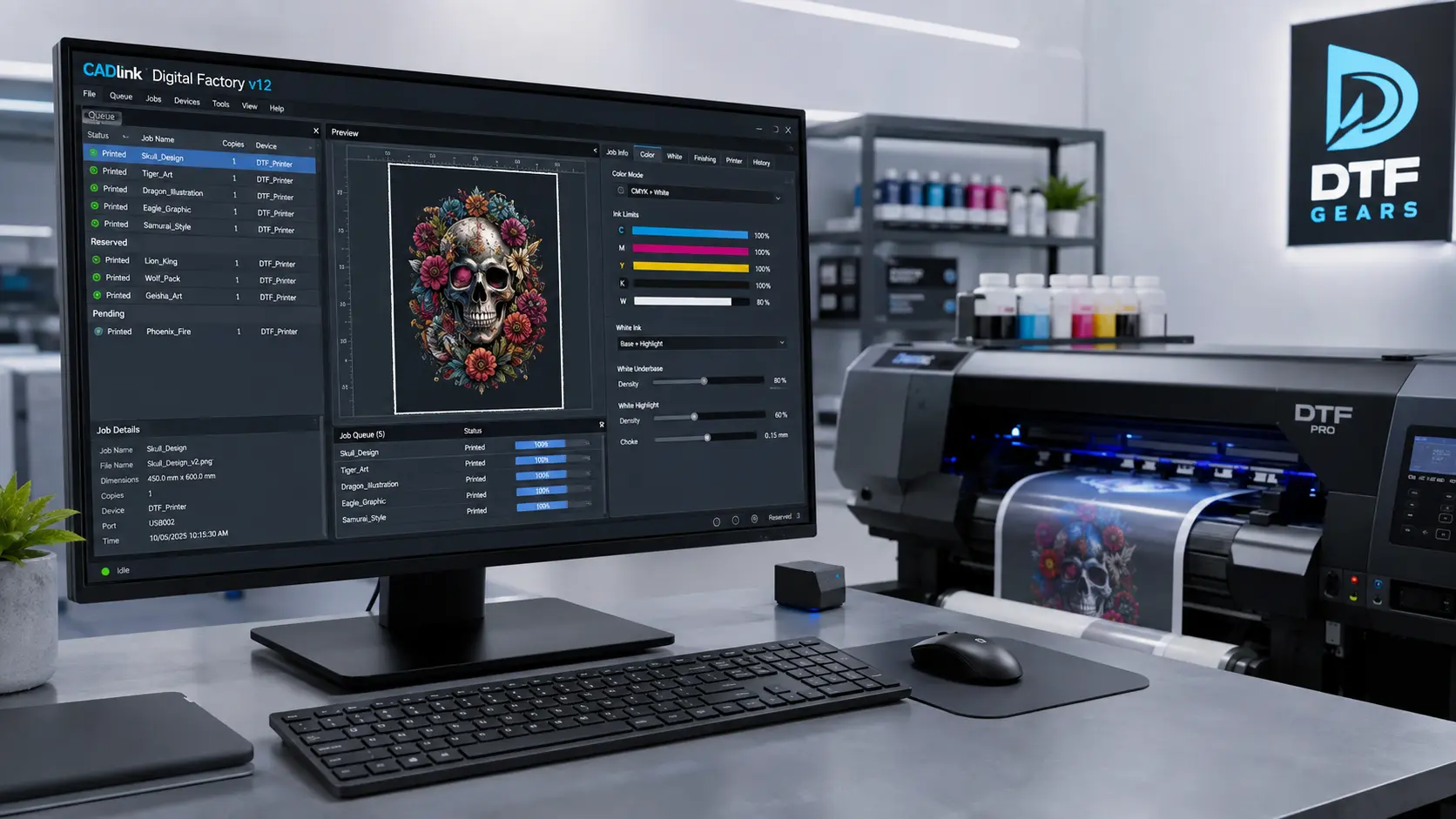

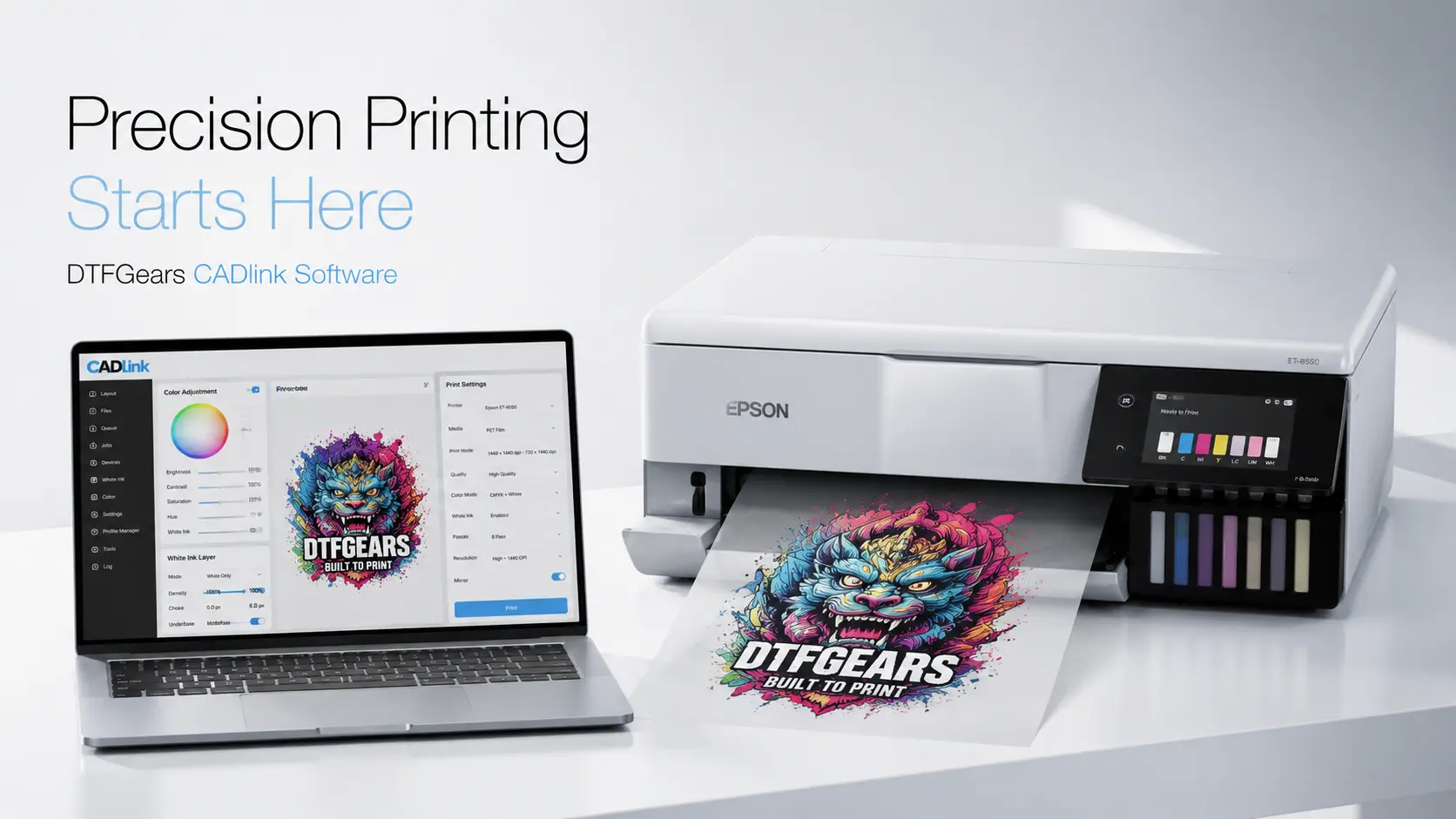
When it comes to building a profitable DTF printing business, software is not optional—it’s the control center. The DTFGears CADlink software stands out as a professional-grade RIP (Raster Image Processor) solution designed specifically for Direct-to-Film (DTF) workflows, ensuring precision, color accuracy, and production efficiency.
If your prints look inconsistent, colors feel off, or white ink isn’t behaving right—your bottleneck is likely your RIP software, not your printer.
What Makes CADlink Software Essential for DTF Printing?
CADlink isn’t just another printing tool—it’s engineered to optimize every stage of the DTF process, from artwork preparation to final output.
Advanced Color Management
- Delivers accurate ICC profiling for consistent colors
- Ensures brand colors remain identical across batches
- Eliminates guesswork in color correction
Precision White Ink Control
- Smart white layer generation
- Adjustable density and choke settings
- Prevents ink bleeding and improves sharpness
Seamless Workflow Automation
- Batch processing for bulk orders
- Queue management for production scaling
- Faster turnaround with minimal manual effort
Plug-and-Play Compatibility
- Works smoothly with Epson-based DTF printers (like ET-8550)
- Optimized for DTF inks, PET films, and powder systems
Why DTFGears CADlink Software Is a Business Asset
This software directly impacts your profit margins and print quality.
Here’s how:
- Reduces ink wastage → better cost efficiency
- Minimizes print errors → fewer reprints
- Improves output quality → higher customer satisfaction
- Speeds up production → more orders per day
In short: better prints + faster workflow = more revenue
Best Setup: DTF Business Starter Kit (Recommended)
If you’re starting or upgrading, combining CADlink with a complete setup is the smartest move.
DTF Business Starter Kit Includes:
- Epson ET-8550 converted DTF printer
- Premium DTF inks (CMYK + White)
- PET transfer films (hot & cold peel)
- Adhesive powder (fine-grade)
- Heat press compatibility
- CADlink RIP software (pre-configured)
- Basic training / setup support
Why this works:
Everything is calibrated to work together—no trial-and-error, no compatibility issues.
Printer Supplies That Actually Make a Difference
Even the best software won’t save poor-quality supplies. Here’s what you should prioritize:
DTF Inks
- High-opacity white ink
- Smooth flow to prevent clogging
- Long-lasting vibrancy
PET Films
- Anti-static coating
- Consistent ink absorption
- Clean peel (no residue)
Adhesive Powder
- Fine texture for smooth finish
- Strong fabric bonding
- Wash durability
Maintenance Essentials
- Nozzle cleaning solution
- Capping station care kits
- नियमित printer checks to avoid downtime
Pro Tips to Maximize CADlink Performance
- Use custom ICC profiles for your exact ink + film combo
- Maintain daily white ink circulation
- Keep humidity controlled (40–60%)
- Run test prints before bulk production
If you’re serious about DTF printing, DTFGears CADlink software is not an upgrade—it’s a necessity. It bridges the gap between average prints and professional-grade output.
Pair it with a DTF Business Starter Kit and high-quality supplies, and you’re not just starting a business—you’re building a scalable printing operation.