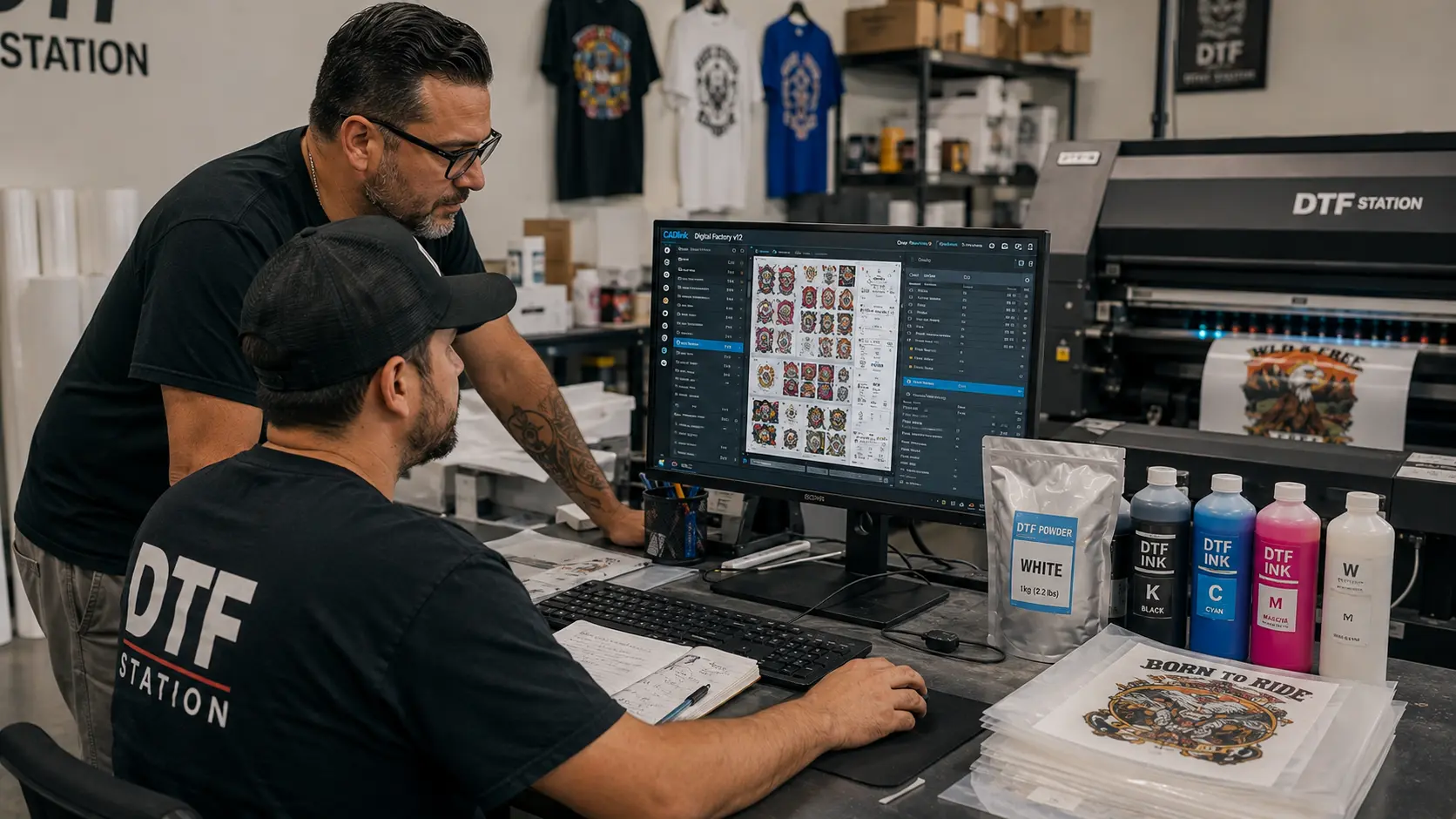

If your prints lack vibrancy, your workflow feels slow, or you’re juggling multiple tools — you’re losing money.
Cadlink V12 Digital Factory fixes that.
Built specifically for DTF printing, this RIP software gives you complete control over color, white ink, and production flow — all in one powerful system.
At DTFGears, we provide the full desktop edition with instant activation, so you can start printing professionally from day one.
What is Cadlink V12 Digital Factory?
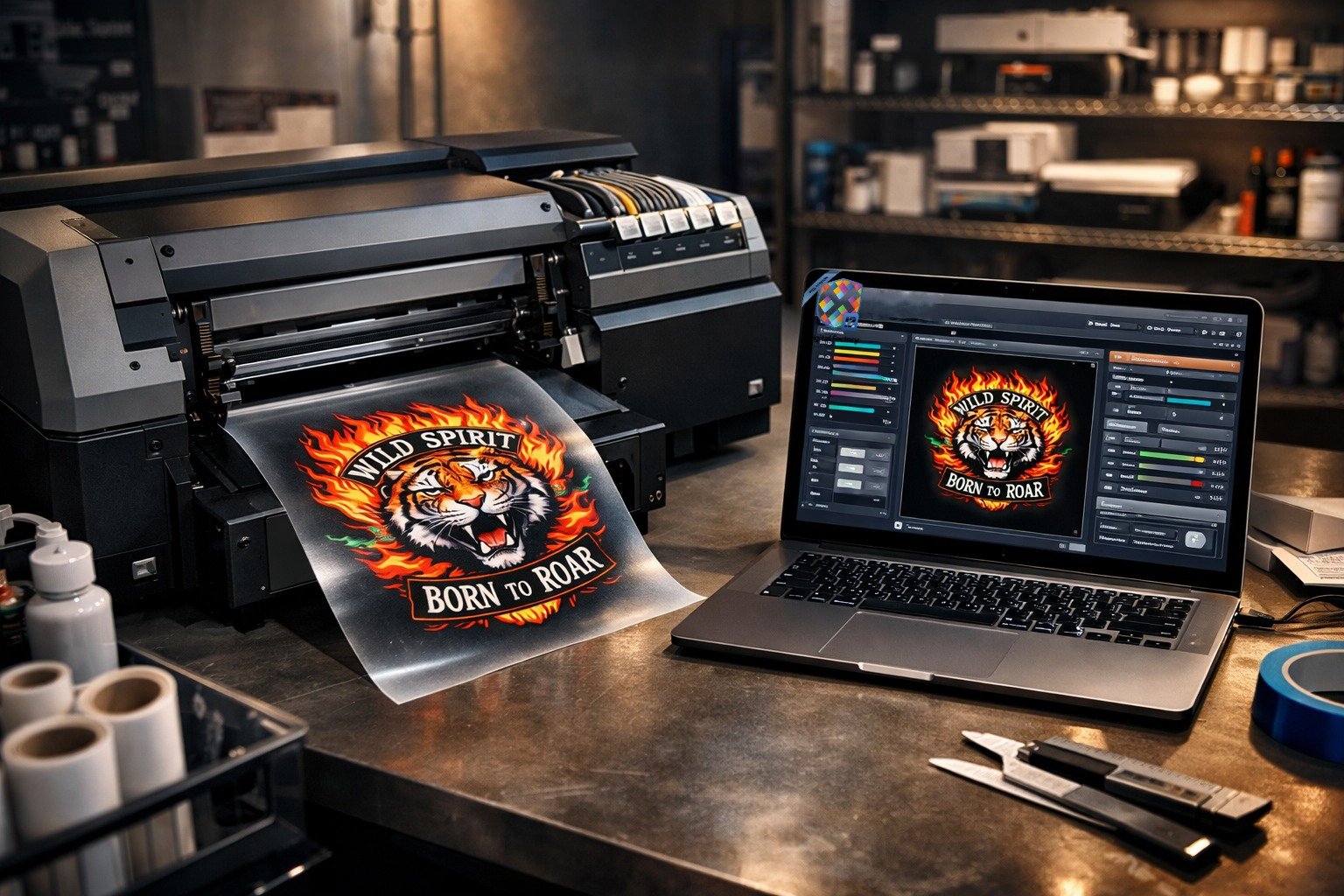
Cadlink V12 Digital Factory is a professional RIP software designed for DTF workflows. It converts your artwork into print-ready files while managing color accuracy, white ink layers, and printer communication.
Instead of using multiple tools, it combines everything into one streamlined system:
- File preparation
- Color management
- White ink control
- Print automation
That means faster production + better print quality — without complexity.
Why Cadlink V12 Digital Factory is a Game-Changer for DTF
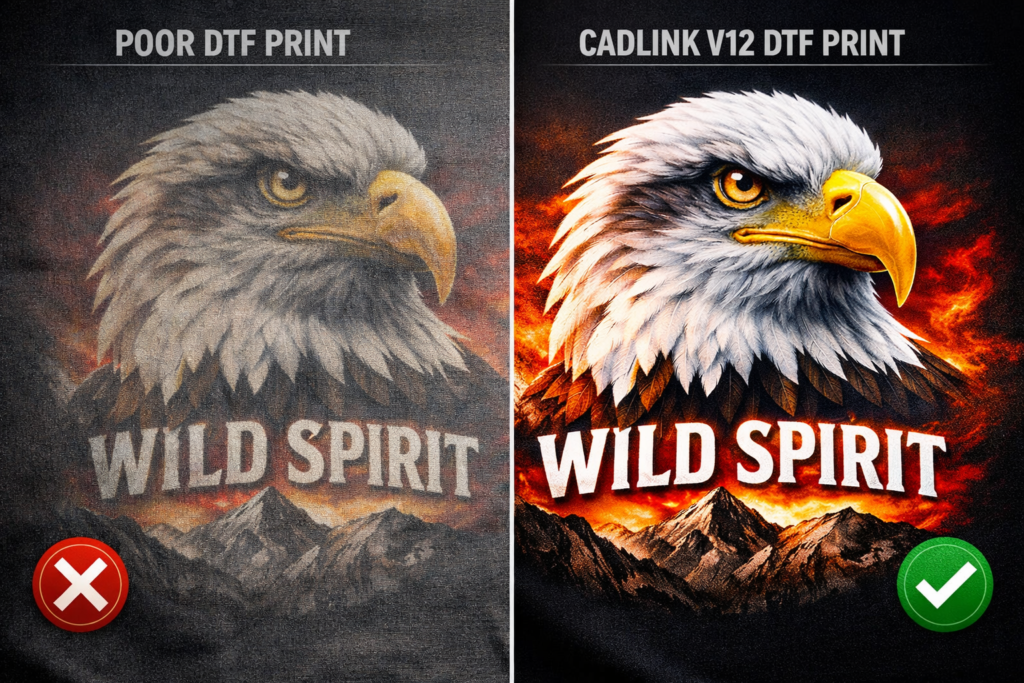
1. Precision Color with Fiery Technology
- Built-in Fiery color engine for professional ICC profiling
- New saturation rendering for vibrant textile prints
- Better mid-tones, gradients, and skin tones
This ensures consistent, high-quality output across every job.
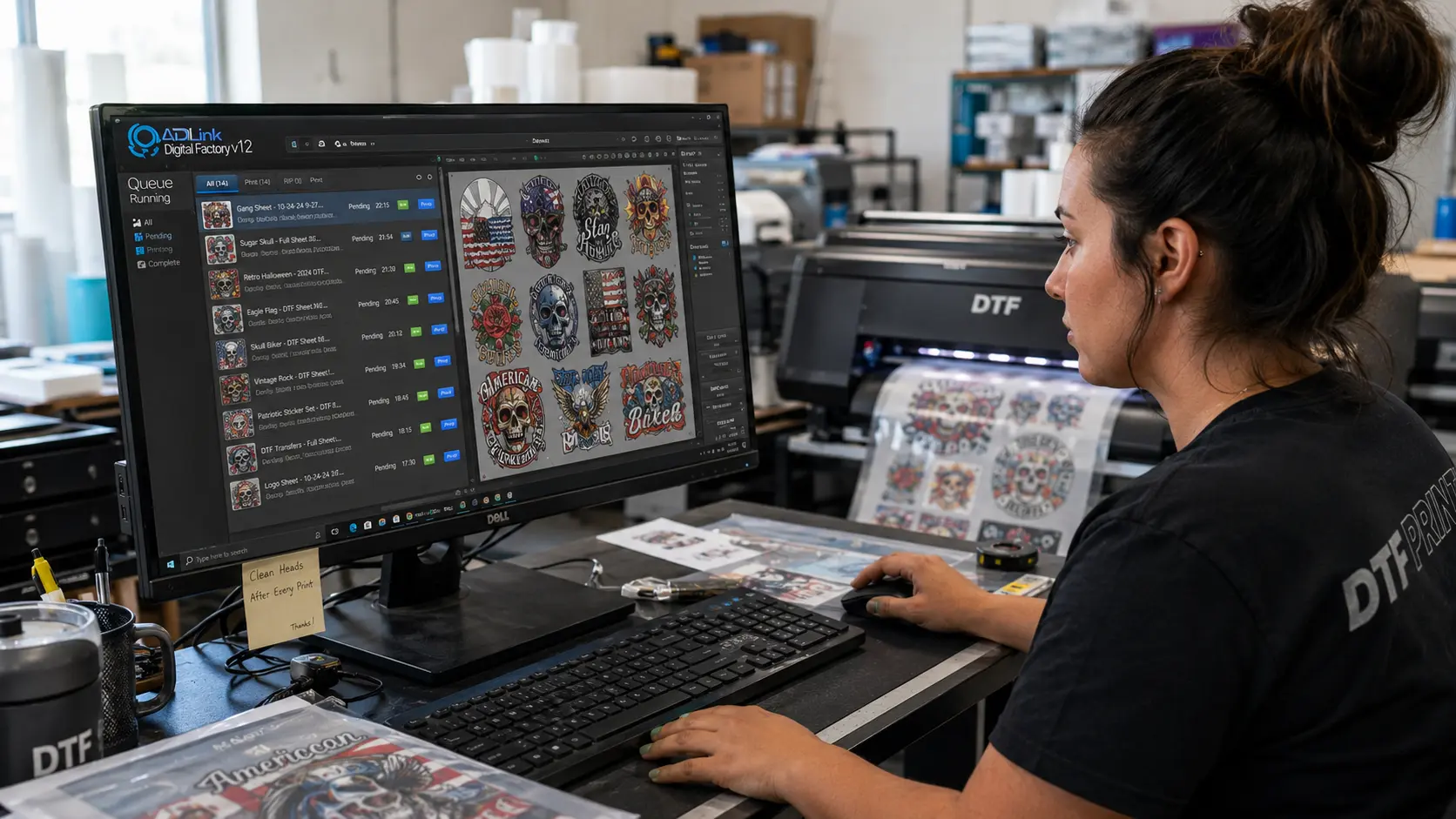
2. Built-in Gang Sheet Builder (No Extra Software Needed)
- Create and manage layouts directly inside the RIP
- Drag-and-drop placement with auto alignment
- Batch multiple designs instantly
This eliminates third-party tools and saves hours in production time.
3. Advanced White Ink Control
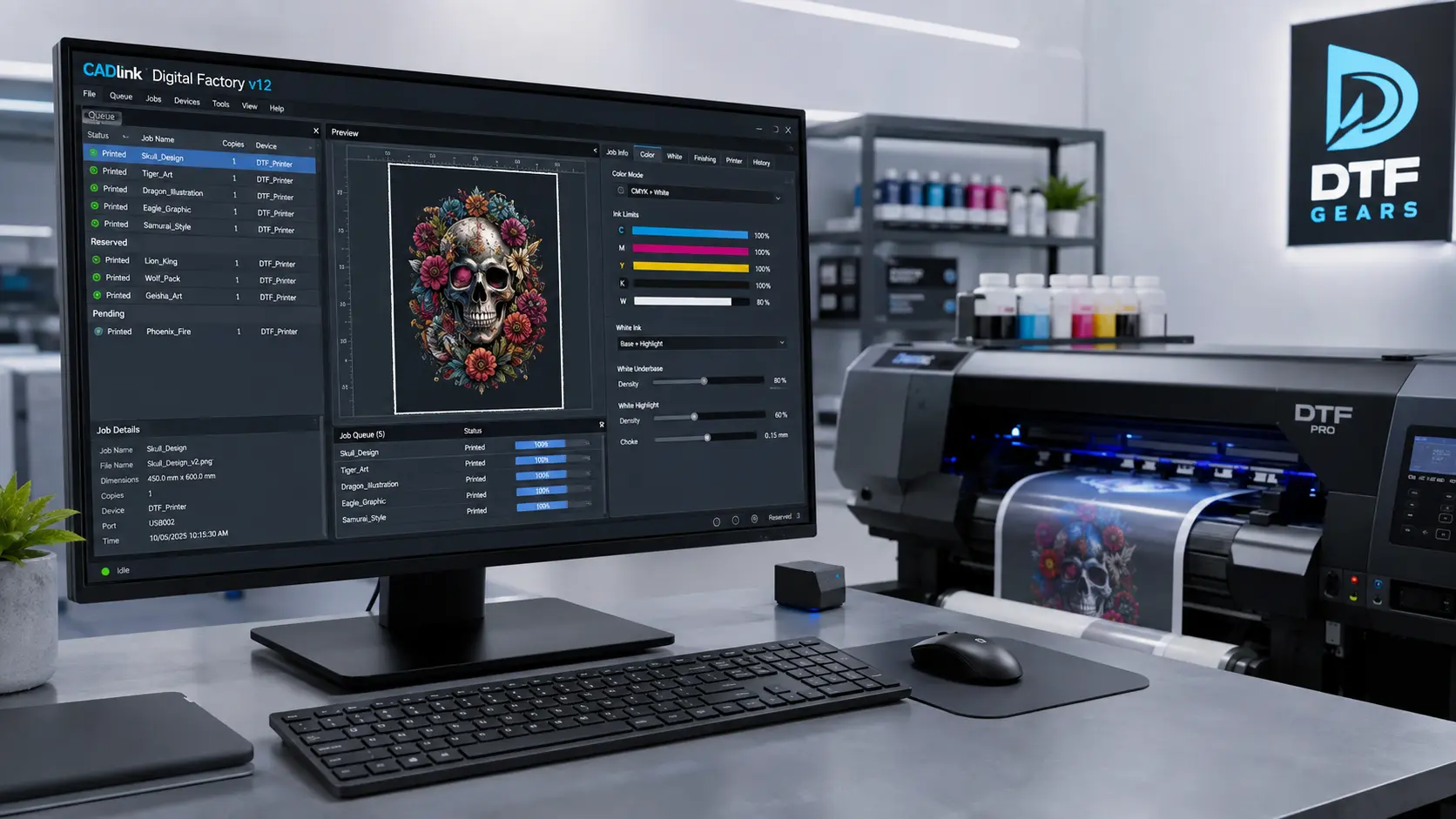
- Automatic underbase generation
- Adjustable white ink density
- Cleaner edges and better opacity
Perfect for bright prints on dark fabrics — where most printers fail.
4. Smarter Markup & Finishing Tools
- Multi-side job labels
- Pull-cut indicators
- Print-length tracking
These features improve cutting accuracy and post-print workflow efficiency.
5. Faster Workflow & Automation
- Batch printing and job grouping
- Hot-folder automation support
- Optimized queue management
This means more orders processed in less time — critical for scaling your business.
Desktop Edition: Who Is It Best For?
The Cadlink V12 Digital Factory Desktop Edition is ideal for:
- DTF startups
- Small print shops
- Custom t-shirt businesses
- Epson-based desktop DTF setups
It supports:
- A2 sheets and smaller
- Roll media up to 17 inches
Perfect if you’re running a single printer setup and want professional output without heavy investment.
What Makes DTFGears the Best Place to Buy?
Buying software is easy. Using it correctly is not.
That’s where DTFGears stands out.
When you buy from DTFGears, you get:
- Lifetime license (no recurring cost)
- Instant activation — no dongle required
- Setup & installation guidance
- Real DTF workflow support
- Expert troubleshooting help
Your license is delivered via email — and you’re ready to go within a day.
Key Benefits of Using Cadlink V12 Digital Factory
- Sharper prints with better detail
- Accurate and consistent colors
- Reduced ink wastage
- Faster production turnaround
- Professional-level output every time
In short: it turns your setup into a production-ready printing business.
System Requirements (Quick Overview)
To run Cadlink V12 Digital Factory smoothly:
- Windows 10 / 11 (64-bit)
- Minimum 8GB RAM (16GB recommended)
- Dual-core processor (quad-core preferred)
- Basic storage for installation
Mac is not officially supported — a Windows system is recommended for best performance.
Is Cadlink V12 Digital Factory Worth It?
If you’re serious about DTF printing, this isn’t optional — it’s essential.
Cadlink V12 Digital Factory gives you:
- Better print quality
- Faster workflow
- Full control over production
And when you get it from DTFGears, you also get real support — not just software.
Frequently Asked Questions: CADlink V12 Digital Factory
CADlink V12, now commonly called Digital Factory V12, is a specialized RIP (Raster Image Processor) software built to turn your designs into high-quality DTF prints with accuracy, speed, and professional control. It brings superior color accuracy and advanced job-management automation together to optimize every stage of your production workflow.
Digital Factory was formerly developed by CADlink and is now under the Fiery brand (Fiery Specialty Production), which provides solutions to make machines run better in a wide variety of production markets.
Digital Factory V12 supports direct to film, direct to garment, UV, sublimation, toner transfer, and wide format print/cut applications.
The software is available in two versions: a Desktop Edition, which supports up to a 23″ print width, and a Large Format Edition, which caters to a 24″ print width or wider.
A key feature of Digital Factory 12 is its advanced white ink management system. Since DTF printing relies on accurate white underbase generation, this RIP software provides full control over white ink density, choke adjustments, and ink layering — resulting in enhanced opacity on dark garments, sharper image detail, smoother gradients, and improved wash durability.
With built-in ICC profiling and advanced color management tools, Digital Factory 12 ensures accurate color reproduction across multiple substrates and production runs. The powerful colour engine improves saturation and tone so colours appear richer and more consistent.
Yes. It offers powerful queue management, hot-folder support, batch printing, and auto-nesting to streamline your entire workflow and reduce manual steps.
V12 includes a visual gang sheet builder. You can drag and drop designs, adjust spacing, and create efficient layouts that reduce waste and save film — especially helpful when printing multiple small jobs at once.