
The Problem With “Just Buying the Cheapest Kit”
You’ve decided you want to start DTF printing on your Epson ET-8550 or ET-8500. You’ve done your research, you understand the process — now you just need to buy the right kit.
Here’s where most beginners make a costly mistake: they buy inks, powder, film, and software from different suppliers — sometimes because they’re chasing the lowest price — and end up with a stack of incompatible products that deliver inconsistent results, or worse, damage their printer heads.
This guide is here to save you from that headache. We’ll walk through every component of a quality DTF starter kit, explain what to look for, and flag the most common mistakes we see from beginners who contact us after a frustrating first experience.
Component 1: DTF Inks — The Most Critical Decision
Not all DTF inks are created equal, and this is especially true for the Epson ET-8550 and ET-8500. These printers use Epson’s precision micro-piezo print heads, which are sensitive to ink viscosity and pigment particle size.
What to look for in DTF inks for the ET-8550:
- Formulated specifically for EcoTank modified printers — generic DTF inks from industrial suppliers can cause head clogs
- Includes all five channels: Black, White, Magenta, Yellow, and Cyan
- White ink quality matters most — the white underbase is what makes your colours pop on dark fabric
- Wash-fastness: the ink should bond properly with the powder to survive repeated washing
💡 Pro Tip White ink settles faster than other colours. Any kit you buy should include guidance on white ink agitation and maintenance to keep your print heads healthy.
Component 2: DTF Adhesive Powder — Often Overlooked
Hot-melt adhesive powder is what bonds your transfer to the fabric during heat pressing. The quality and grain of this powder directly determines:
- How well the transfer adheres to the fabric
- How flexible the finished print feels (stiff prints crack and peel faster)
- How durable the print is through washing cycles
For A3 printing on the ET-8550, a fine-grain hot-melt powder (typically white, 80–120 micron) is the standard. Coarser powders can leave a texture that affects print quality, particularly on fine detail areas.
A 1Kg quantity is the right amount for a beginner kit — enough to get through your initial learning curve and first batch of production prints without running short.
Component 3: RIP Software — Don’t Skip This
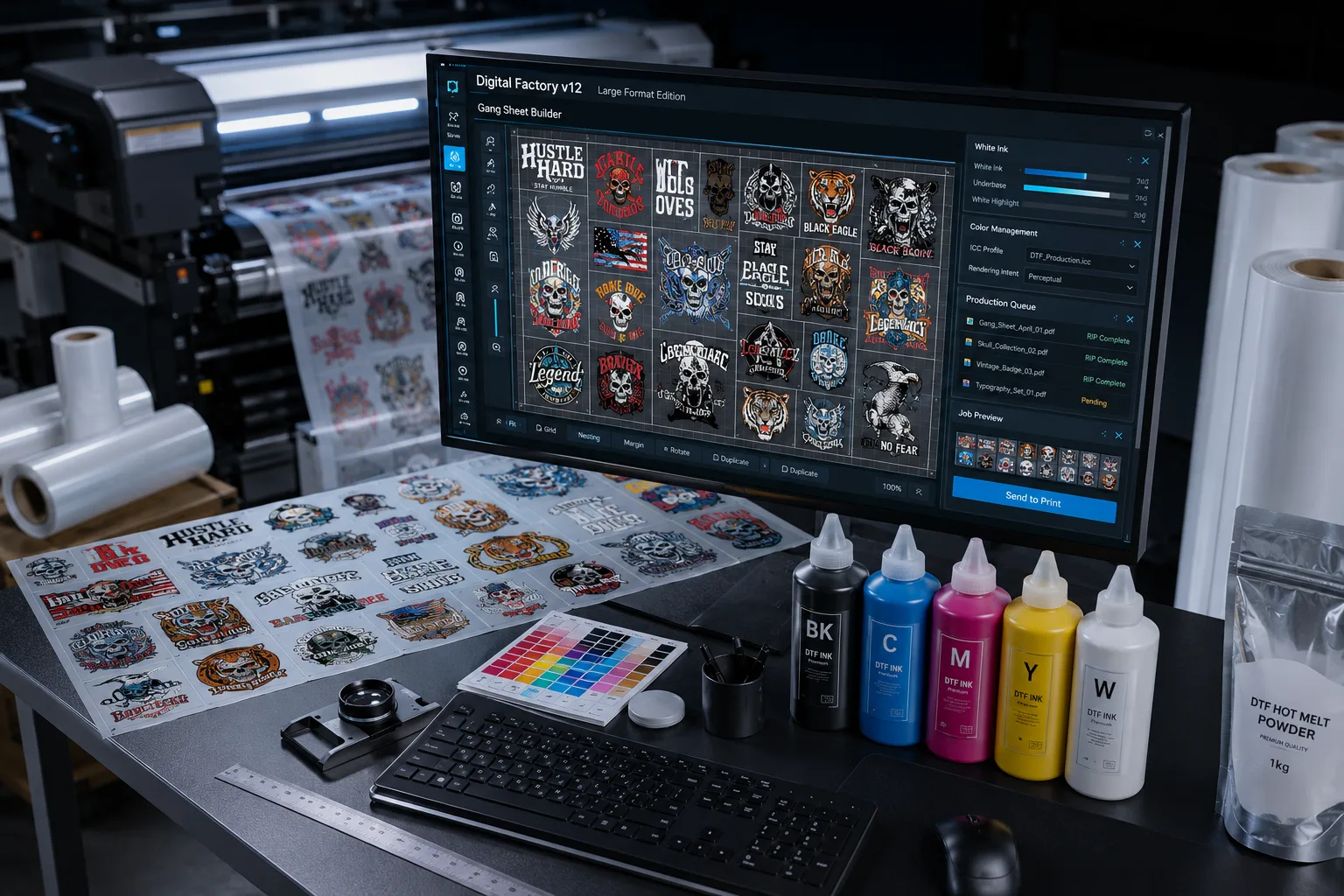
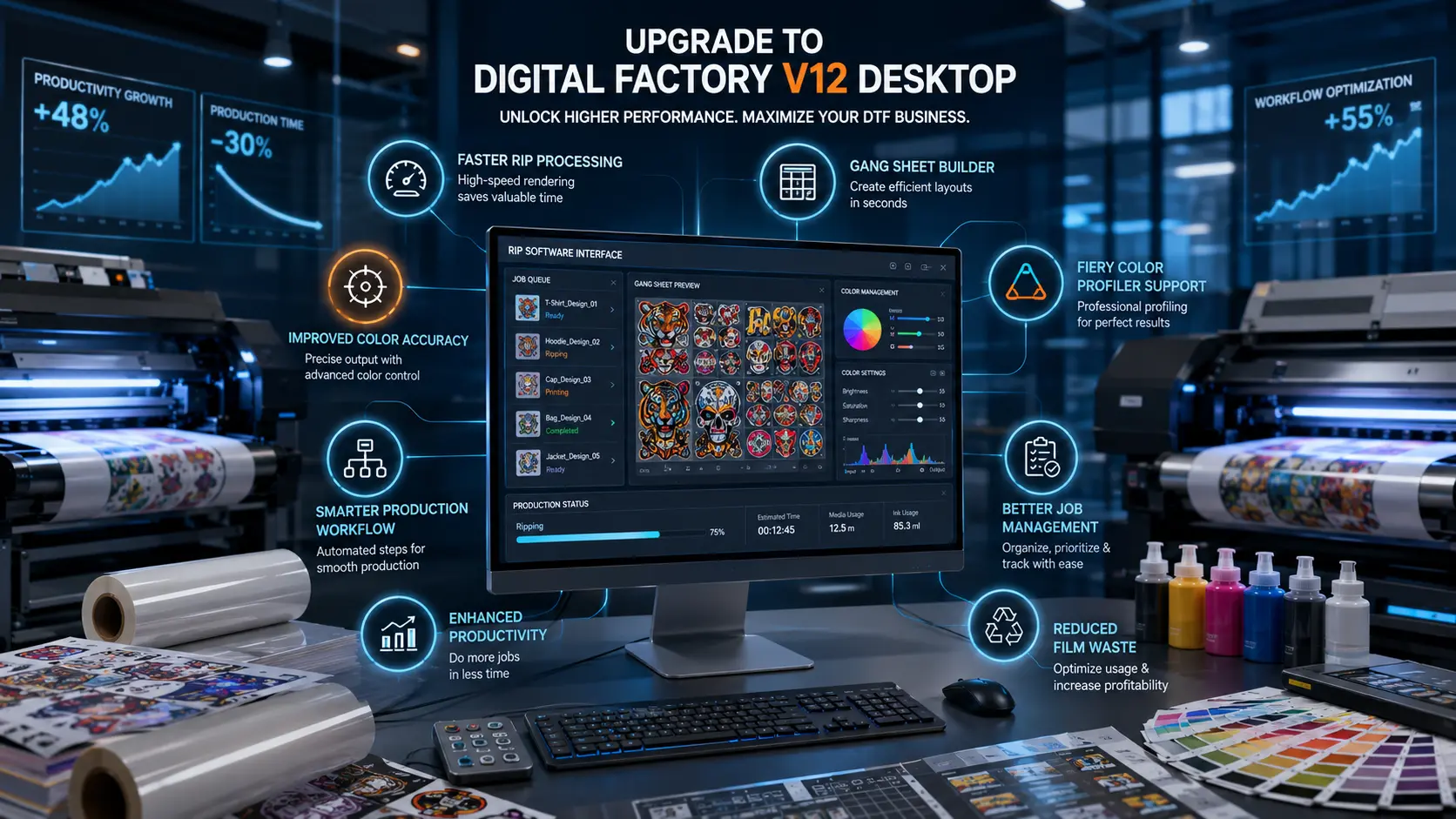
RIP stands for Raster Image Processor. This software sits between your design file and your printer, and it does several things that are absolutely critical for DTF:
- Converts your design into the correct colour profile for DTF output
- Manages the white ink underbase channel separately from your colour channels
- Controls ink density, saturation, and layering to prevent oversaturation
- Handles print queues and nesting (printing multiple designs efficiently on one sheet)
Without RIP software, you simply cannot produce professional DTF output on an ET-8550. The standard print driver does not give you the control you need over the white channel.
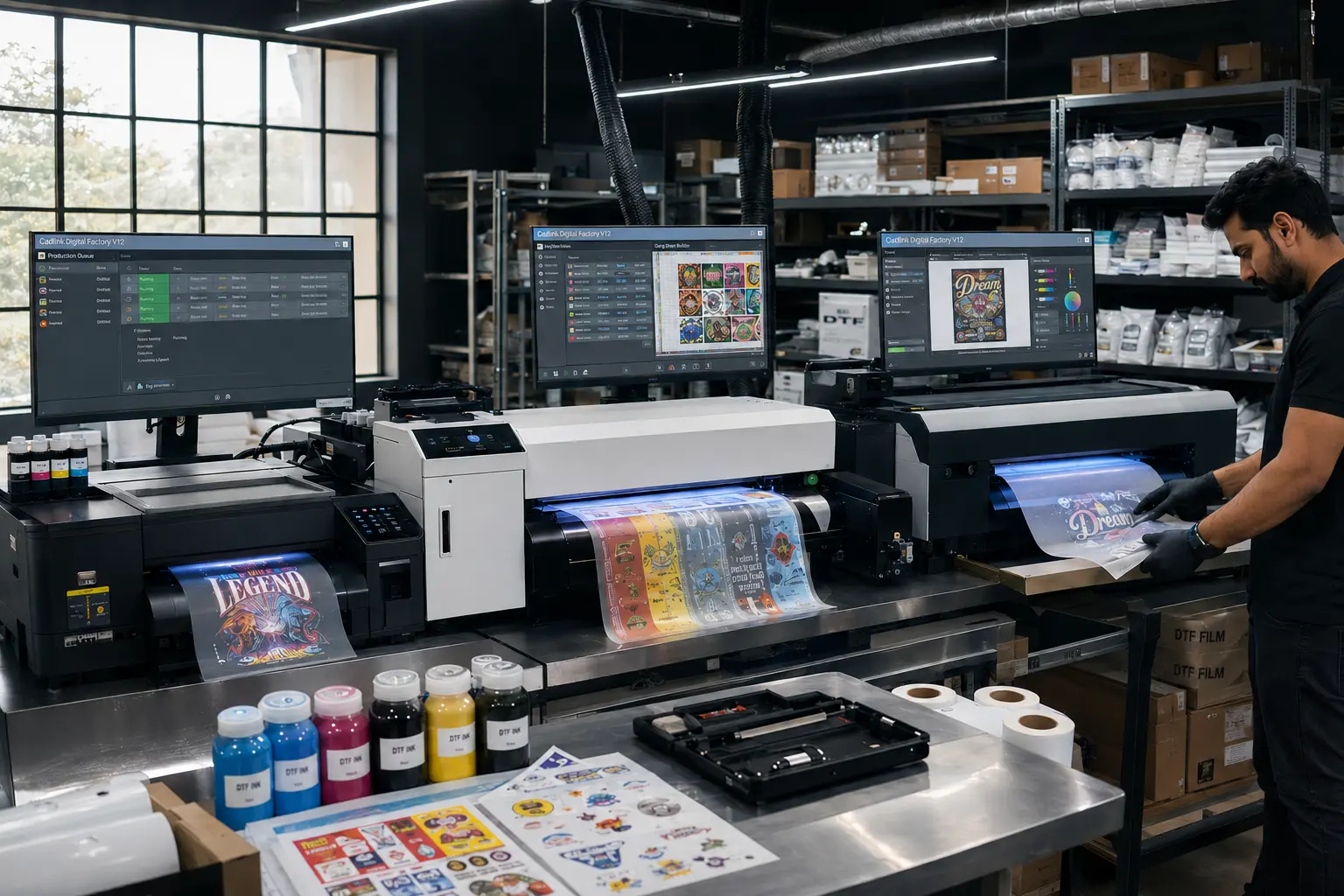
Cadlink Digital Factory 12 is the industry benchmark — it’s what professional print shops worldwide use, and it has specific presets optimised for Epson EcoTank DTF setups. This is not software you want to compromise on with a cheaper, less-supported alternative.
Component 4: DTF Transfer Film — Cold Peel vs. Warm Peel
DTF films come in two main variants: cold peel and warm peel. Here’s the practical difference:
| Cold Peel | Warm Peel | |
| Peel timing | After cooling (~30 sec) | While still warm |
| Detail retention | Excellent — less distortion | Good |
| Risk of ghosting | Very low | Moderate if rushed |
| Best for | Beginners, fine artwork | Experienced users, speed |
For ET-8550 beginners, cold peel film is strongly recommended. The double matte finish also prevents fingerprints from affecting your transfer before pressing, and the matte surface gives a cleaner final look on fabric compared to glossy film.
100 sheets of A3 film is an ideal starting quantity — enough to learn the process, run test prints, and fulfil a small initial production run.
Component 5: Expert Support — The One You Shouldn’t Ignore
This is the component most beginners overlook — and then regret.
DTF printing has a learning curve. Getting your first successful transfer from an ET-8550 involves calibrating ink density, understanding your heat press temperature and dwell time, configuring your RIP software correctly, and troubleshooting any printer head issues.
A 1-on-1 technical support session with an experienced DTF specialist compresses months of trial-and-error into a single 30-minute call. You get your specific printer set up correctly for your specific use case — not generic advice from a forum thread.
💰 Real Value For first-time DTF users, expert setup support often saves more money in wasted consumables than the cost of the entire kit.
The Complete Checklist: What Should Be in Your ET-8550 Starter Kit
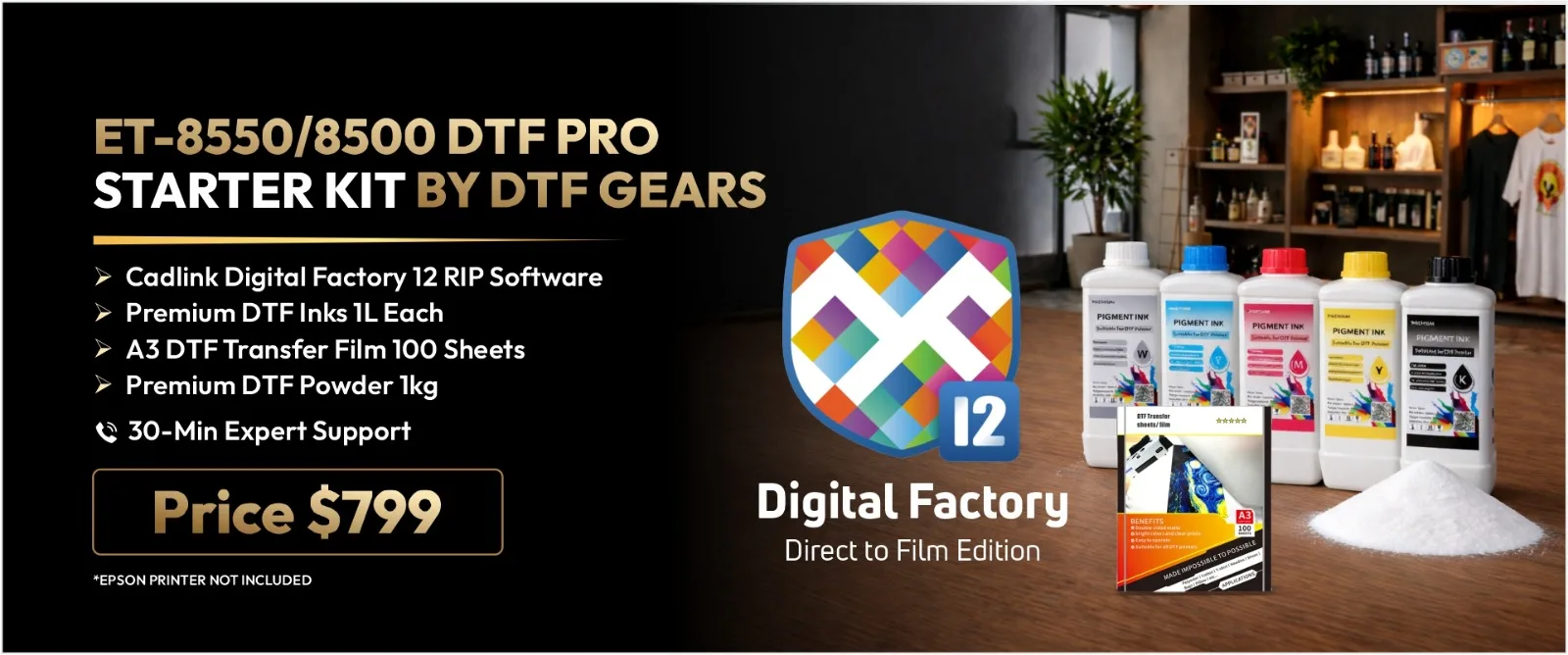
- DTF pigment inks — 1L per colour (CMYK + White), formulated for EcoTank modified printers
- Fine-grain hot-melt adhesive powder — 1Kg
- Cadlink Digital Factory 12 RIP software — licensed copy
- Premium double matte cold peel A3 film — 100 sheets
- 1-on-1 expert support session — 30 minutes minimum
If you’re evaluating a kit and it’s missing any of these five elements — or substitutes Cadlink with unknown RIP software, or doesn’t specify ink compatibility with the ET-8550 — approach with caution.
The Official DTF Gears ET-8550 Starter Kit
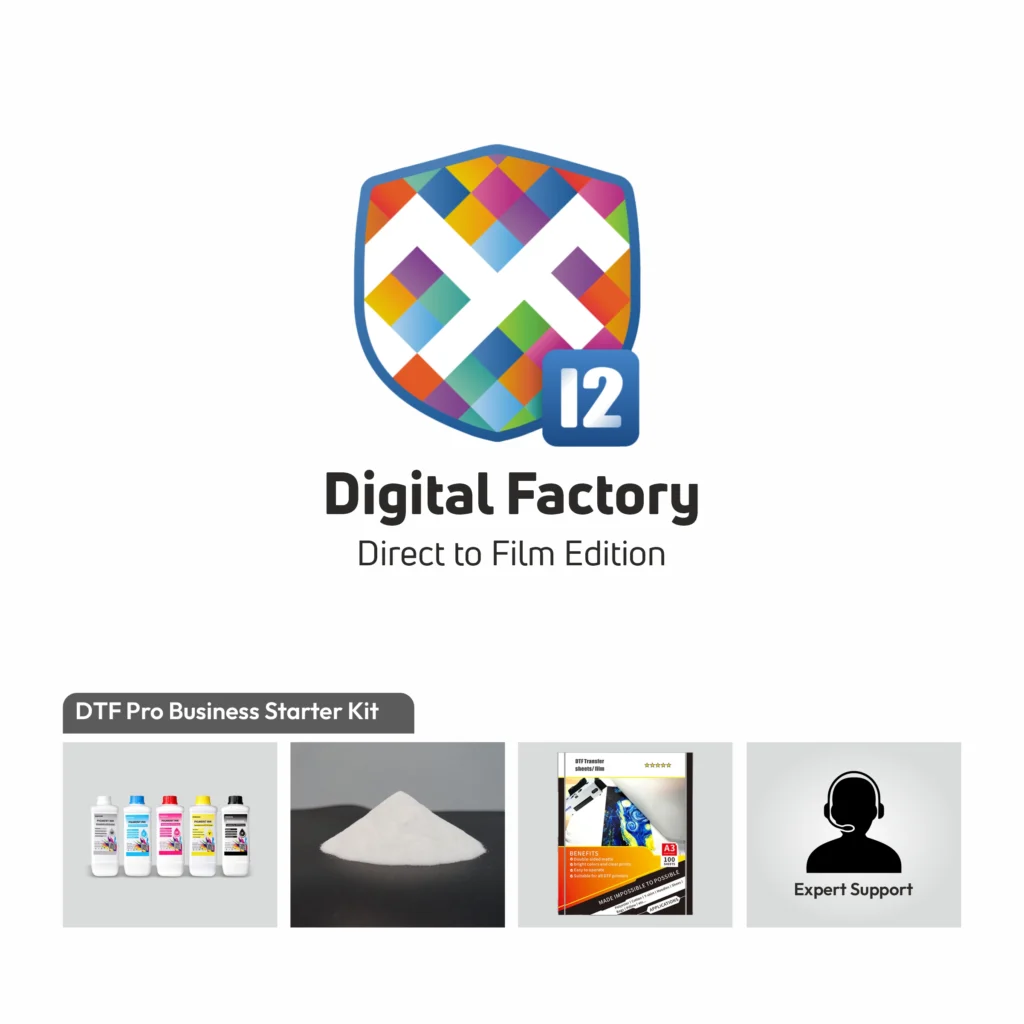
The DTF Complete Beginner Starter Kit from Official DTF Gears (SKU: DTF-8550-StarterKit) was built specifically around this checklist. Every component has been tested together on the ET-8550 and ET-8500 platform to ensure they work as a system — not just as individual products that happen to be bundled together.
At $799.99, the kit includes all five of the components above. When you price each item individually from separate suppliers, the savings — plus the compatibility guarantee and included support session — represent substantial value for anyone starting their DTF journey.
Ready to Make Your Decision?
In our final article in this series, we break down the full kit spec, walk through exactly what you’ll receive, answer the most common pre-purchase questions, and give you everything you need to make a confident buying decision.
→ Read Part 3: The Official DTF Gears ET-8550 Starter Kit — Full Review & Buying Guide