

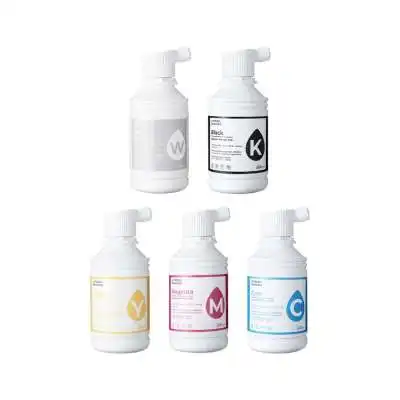
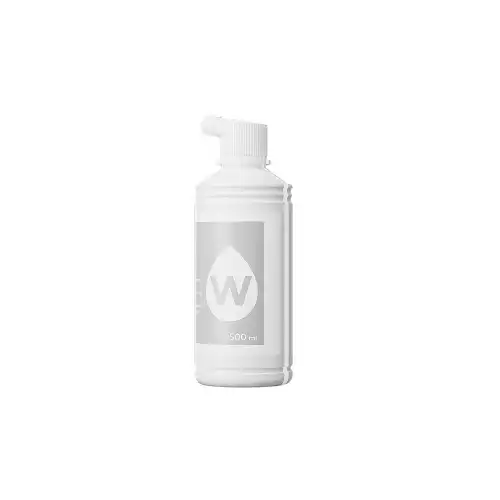
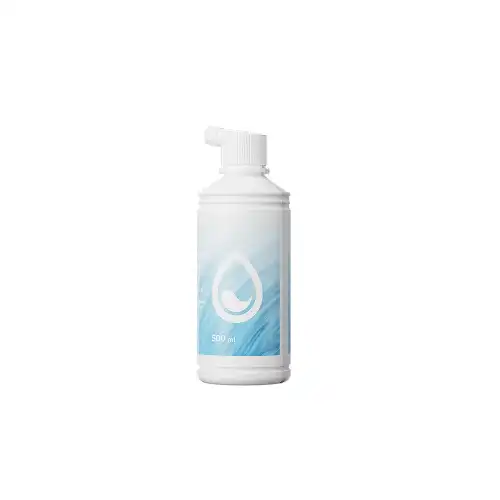
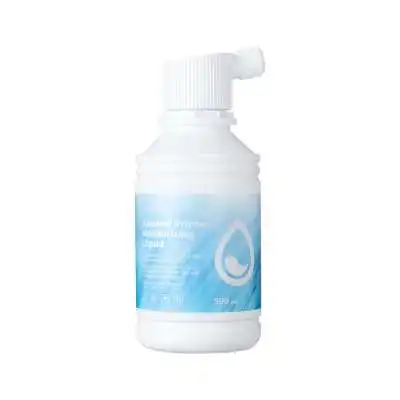
xTool Selected DTF Apparel Printer Ink - 500ml
Price range: $35.00 through $39.00-
$29.00
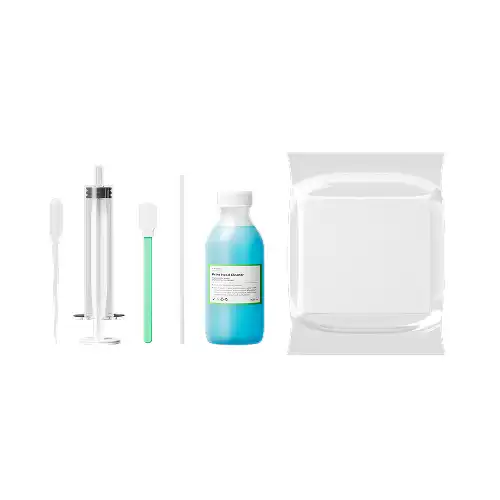
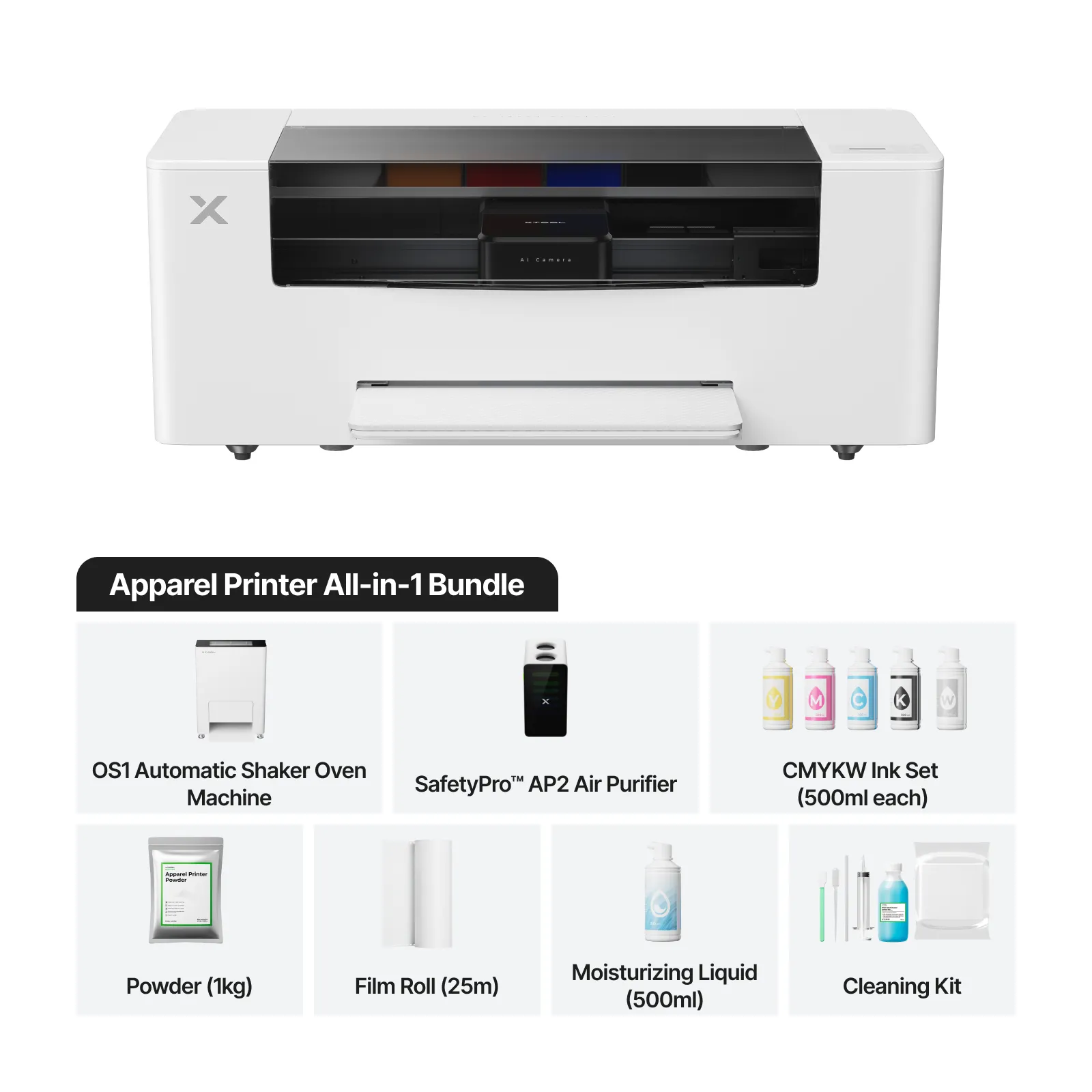
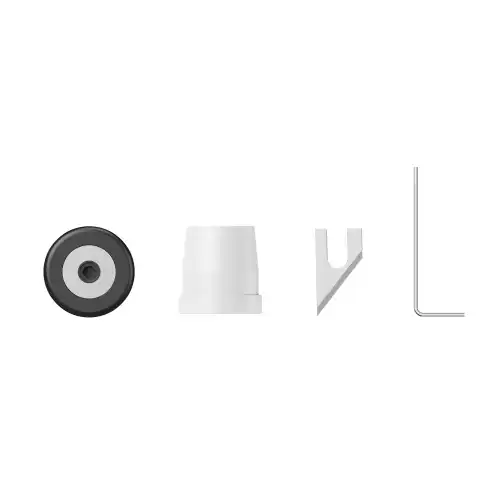
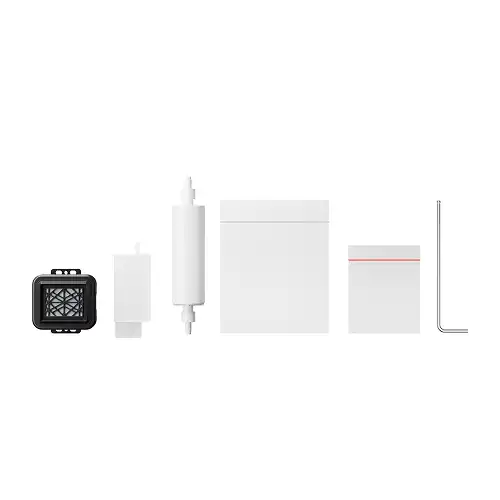
Essential DTF Printer Cleaning Solution for Crisp Prints & Clog-Free PerformanceThe xTool Apparel Printer Cleaning Kit is a purpose-built DTF printer cleaning kit designed to keep your xTool Apparel DTF printer operating smoothly with minimal downtime. This fast, easy maintenance solution helps prevent ink buildup, nozzle clogs, and white-ink residue—ensuring sharp detail, consistent color output, and reliable day-to-day performance. Why This Cleaning Kit Is Essential
Essential DTF Printer Cleaning Solution for Crisp Prints & Clog-Free Performance
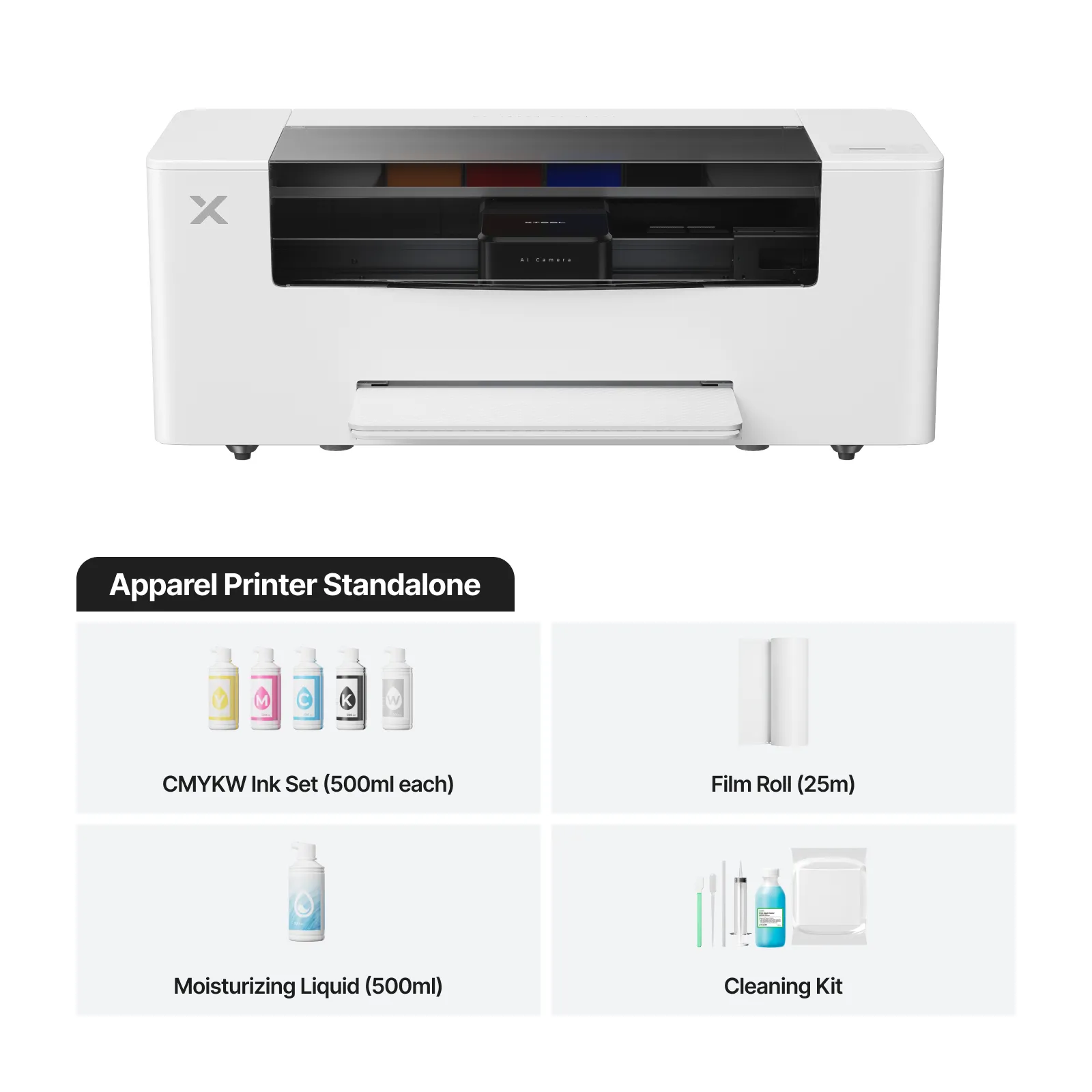
The xTool Apparel Printer Cleaning Kit is a purpose-built DTF printer cleaning kit designed to keep your xTool Apparel DTF printer operating smoothly with minimal downtime. This fast, easy maintenance solution helps prevent ink buildup, nozzle clogs, and white-ink residue—ensuring sharp detail, consistent color output, and reliable day-to-day performance.
Why This Cleaning Kit Is Essential

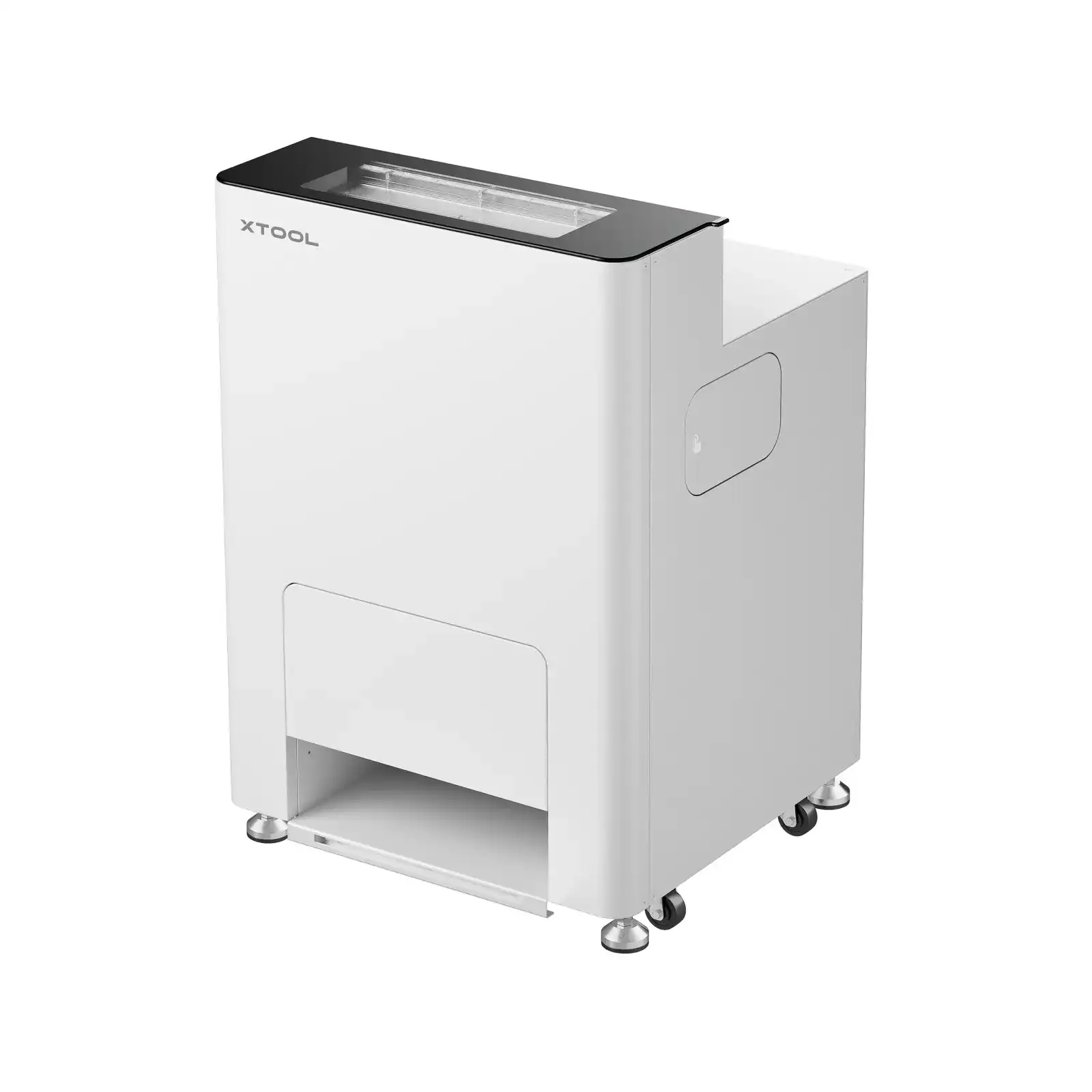
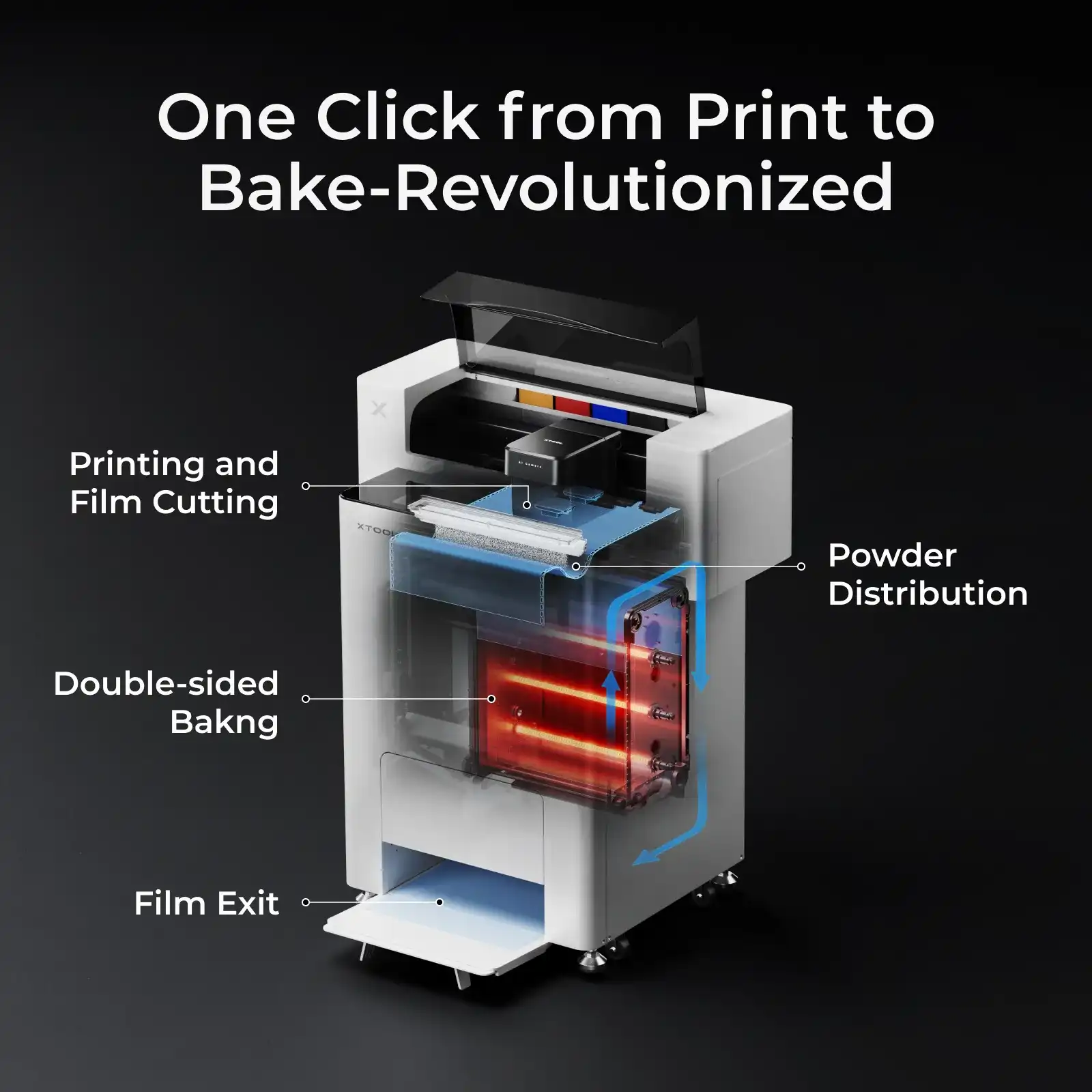
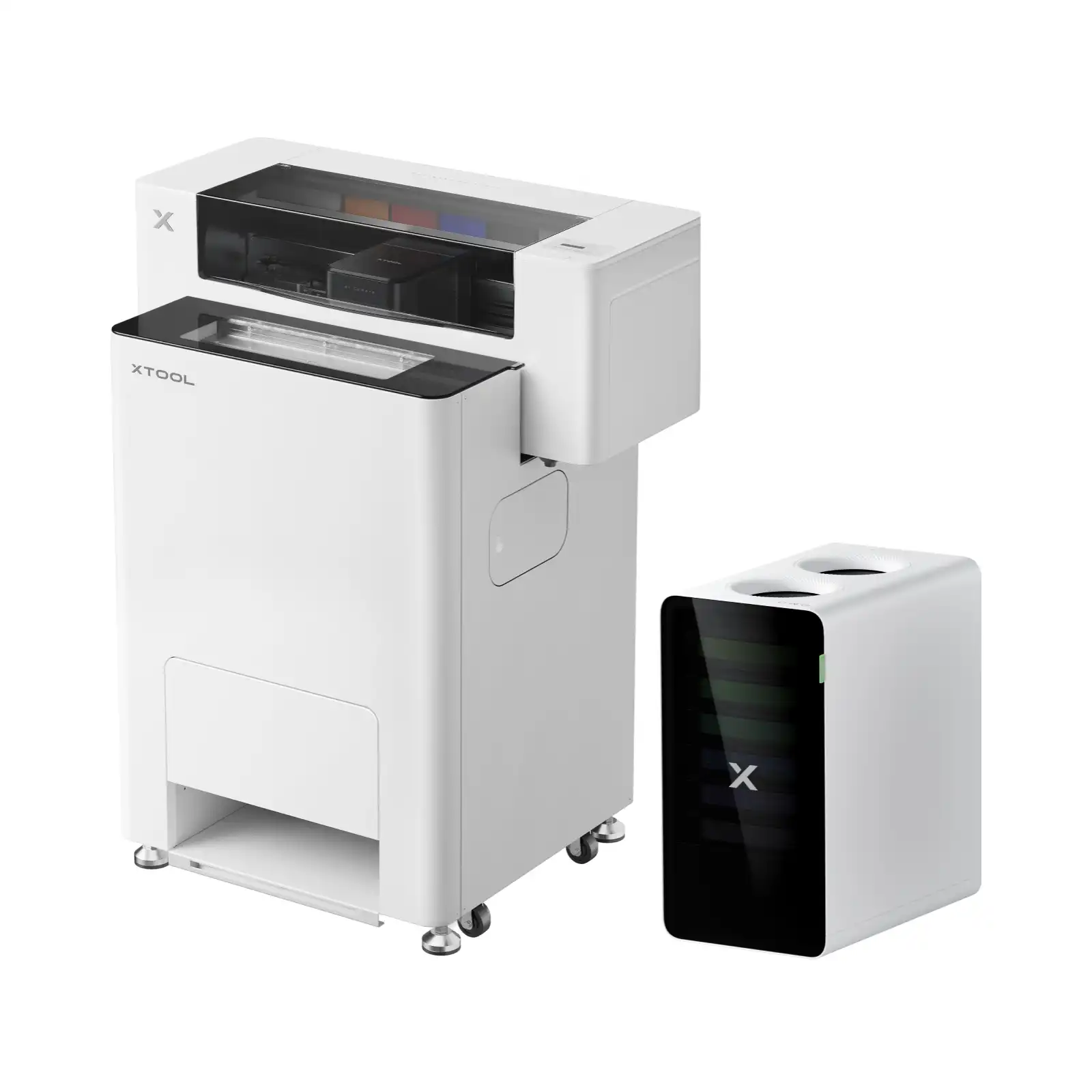
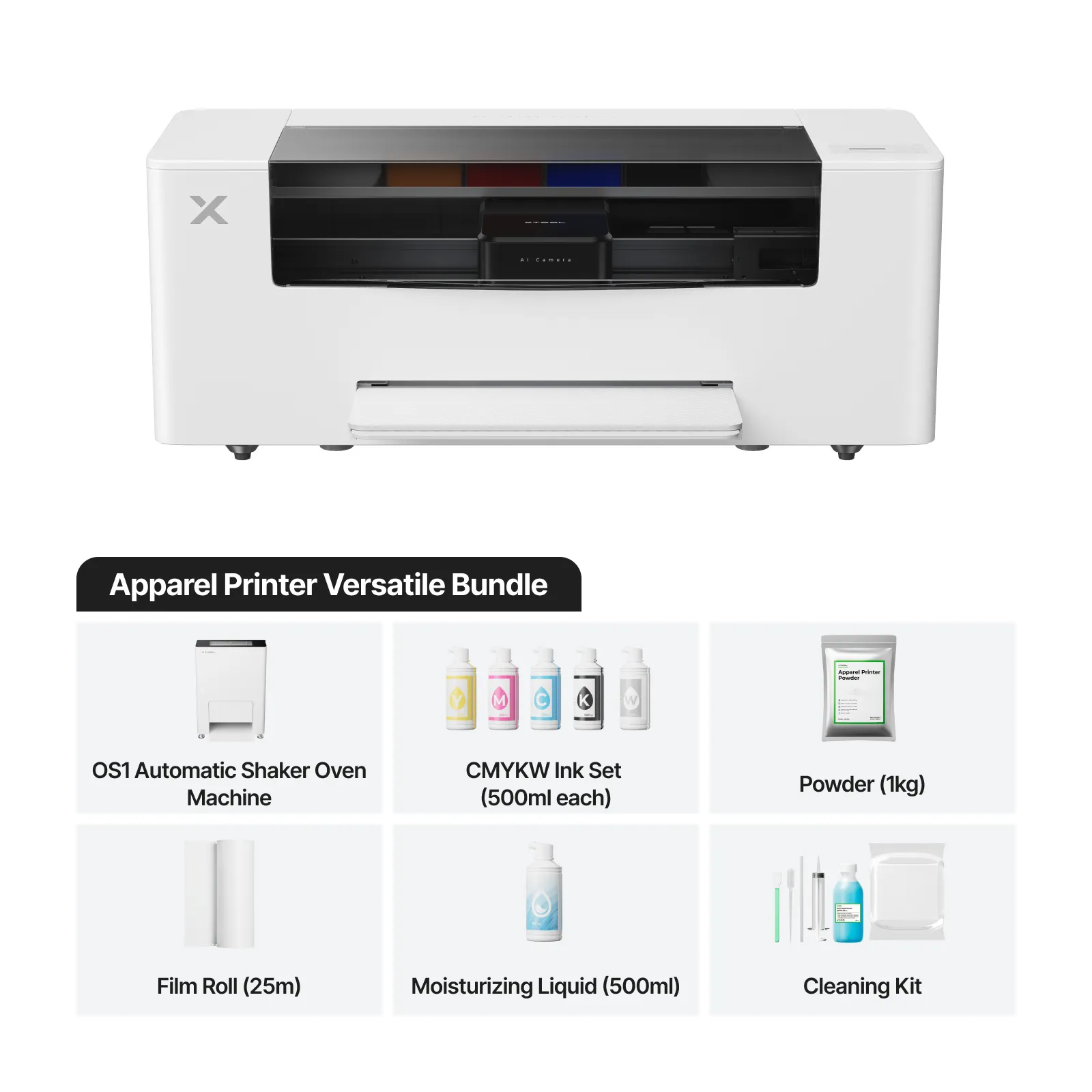
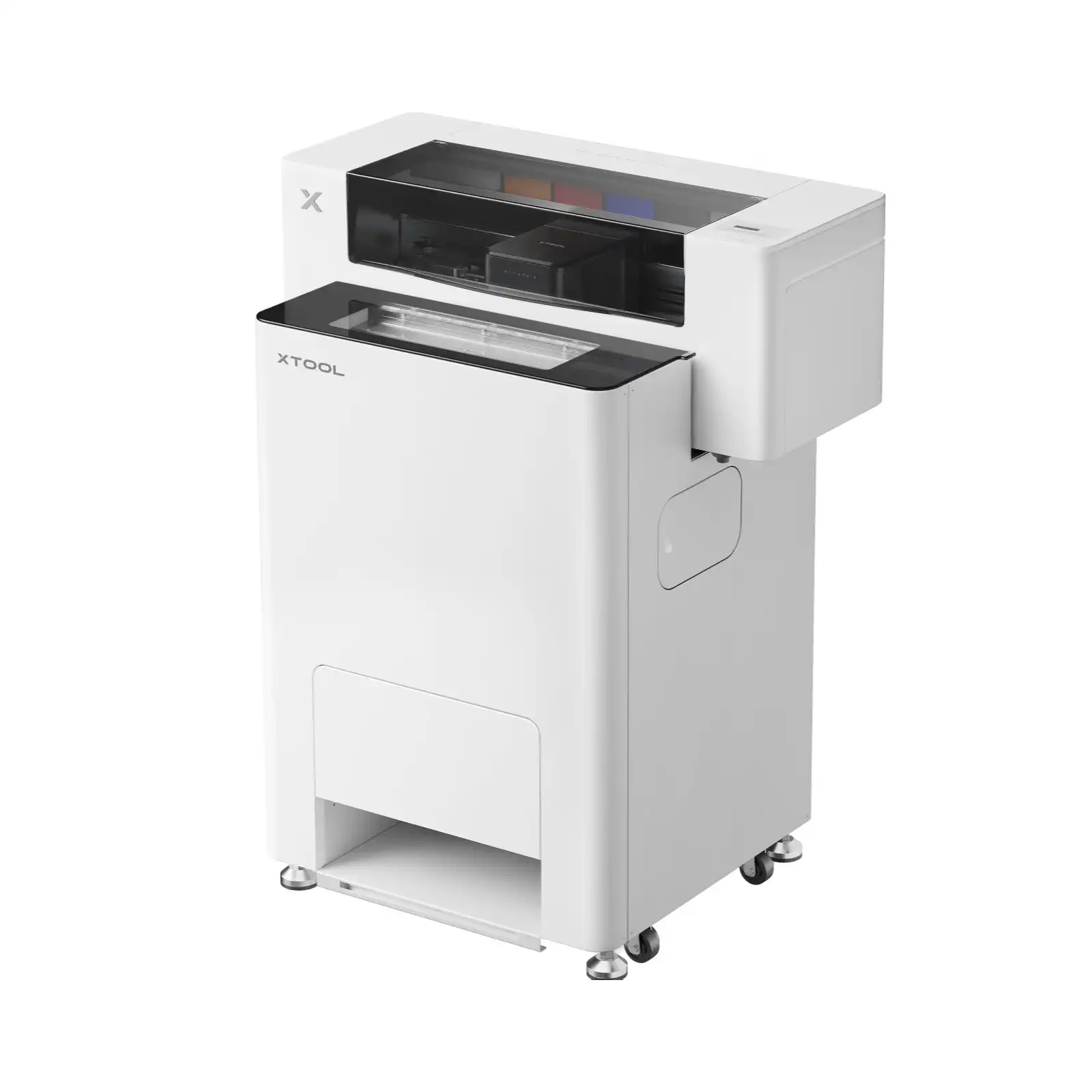
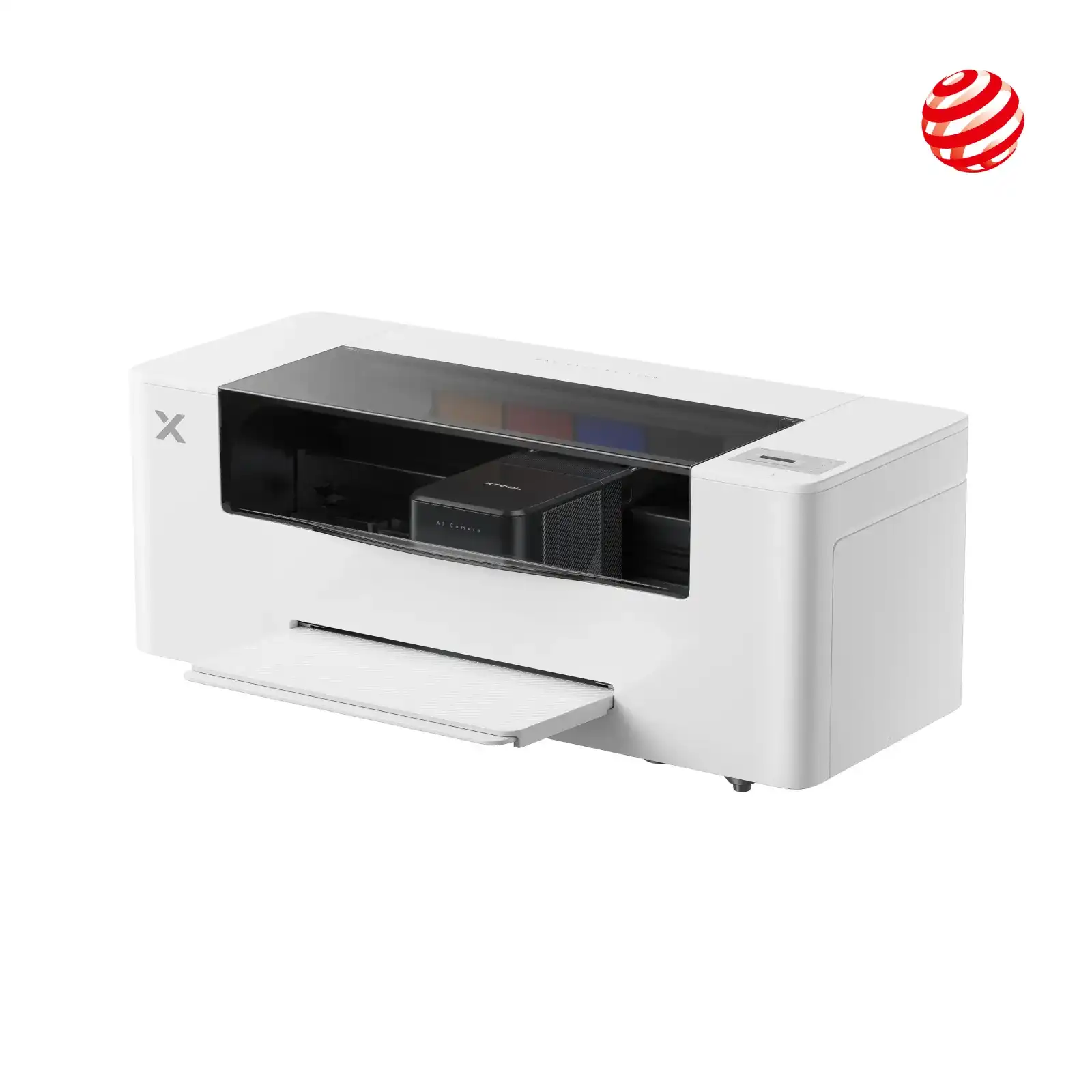
The xTool Apparel Printer uses advanced DTF (Direct-to-Film) printing technology, enhanced with a fully integrated baking system. It automates powder application, shaking, and curing—tasks typically done manually on traditional DTF printers.
With one click, your design is printed and cured in just 8 minutes. Simply heat-press the film onto any fabric. The all-in-one software lets you manage design and printing in a single program, eliminating the need for multiple tools and making DTF printing faster and beginner-
friendly.
Compared to screen printing, the xTool Apparel Printer is ideal for custom and personalized apparel printing. It easily handles multi-color designs and intricate graphics in a single print, delivering greater detail and clarity than traditional screen printing. Its fully automated maintenance system also eliminates most manual cleaning, saving time and improving production efficiency.
Unlike sublimation printing, which is limited to light-colored polyester fabrics, the xTool Apparel Printer works on all fabric types and colors. It performs exceptionally well on cotton and polyester, producing vibrant, durable prints that remain bright and wash-resistant over time.
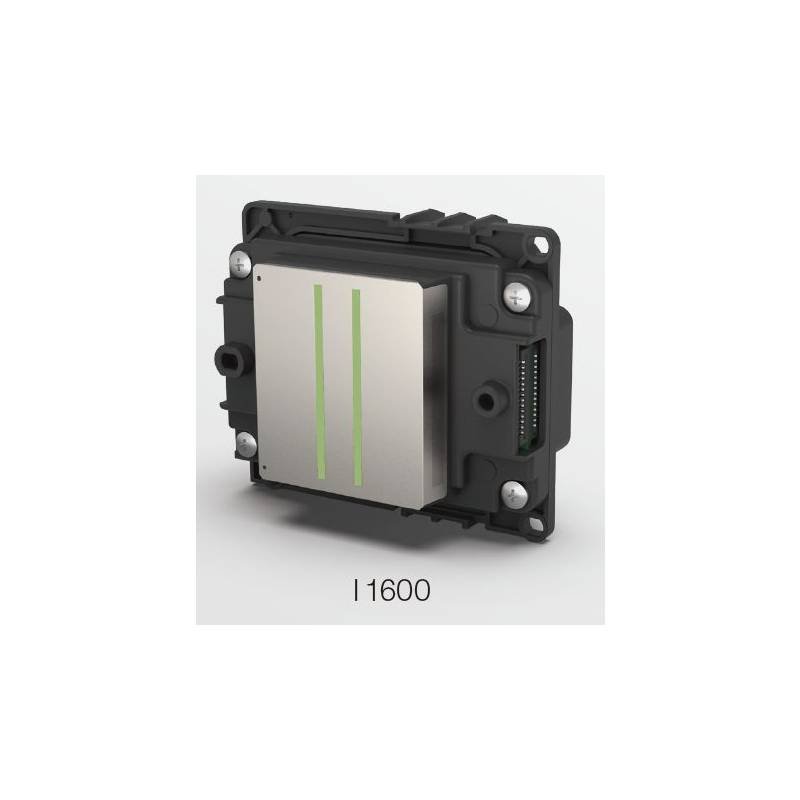
Not at all. The xTool Apparel Printer is designed for easy, worry-free maintenance with a fully automated lifecycle management system. When the printer remains plugged in, it continuously monitors internal temperature and humidity, automatically performing printhead cleaning and white ink circulation to prevent clogging.
You can track key performance metrics through the xTool mobile app, which provides real-time status updates. If the system detects an issue it can’t resolve automatically, the app sends clear alerts with step-by-step guidance, ensuring minimal downtime and hassle-free operation.
The DTF film sold by xTool is hot peel, also referred to as warm peel. This means you can peel the film while it’s still warm, without waiting for it to cool down to room temperature.
Although peeling at higher temperatures may occur before the adhesive powder fully solidifies (above 110°C / 230°F), the warm-peel process is designed to deliver consistent results while saving time. By eliminating long cooling delays, xTool’s DTF film significantly improves workflow efficiency, making it ideal for high-volume and commercial apparel printing.
xTool does not recommend third-party inks, as they may cause printhead clogging and impact print quality and printer lifespan. For optimal performance and warranty safety, xTool official inks are strongly recommended.
For DTF film:
Using genuine xTool consumables ensures maximum reliability, consistent results, and smooth operation.
Yes. The xTool Apparel Printer is compatible with all fabric types and colors, making it ideal for a wide range of apparel applications. It delivers outstanding results on cotton and polyester, the most commonly used materials in clothing.
Prints produced with the xTool Apparel Printer are highly durable and washable, withstanding 50–100 wash cycles while retaining their vibrant colors, sharp details, and overall print integrity.
Using the xTool Apparel Printer, the cost to print one A3-sized DTF transfer—including xTool film, ink, and hot-melt powder—is approximately $0.80. A blank T-shirt purchased in bulk typically costs $3–$5.
This brings the total production cost per T-shirt to around $4–$6. In the U.S. market, custom printed T-shirts usually retail for $20–$40, allowing for a potential profit margin of $14–$36 per shirt, depending on pricing and volume.
For optimal curing performance, the xTool OS1 Shaker Oven should be set to approximately 110°C (230°F). This temperature ensures proper melting and bonding of the hot-melt powder for durable, high-quality DTF prints.
Preheating is strongly recommended and can be easily activated from the printer’s control panel. For best results, allow the OS1 to preheat for about 20 minutes. While the machine can be used without preheating, skipping this step may result in less consistent or suboptimal curing quality.
For best results, xTool recommends pressing at least twice, as double pressing improves adhesion, durability, and wash resistance (with pressure above 0.7 MPa).
Recommended Heat Press Process
Following this pressing method ensures strong bonding, smooth finish, and long-lasting xTool DTF prints.
-
-
-
-
-
-
-
-
-
-
-
-
There are no reviews yet.
We use cookies to improve your experience on our site. By using our site, you consent to cookies.
Websites store cookies to enhance functionality and personalise your experience. You can manage your preferences, but blocking some cookies may impact site performance and services.
Essential cookies enable basic functions and are necessary for the proper function of the website.
These cookies are needed for adding comments on this website.
Google Tag Manager simplifies the management of marketing tags on your website without code changes.
Statistics cookies collect information anonymously. This information helps us understand how visitors use our website.
Google Analytics is a powerful tool that tracks and analyzes website traffic for informed marketing decisions.
Service URL: policies.google.com (opens in a new window)
SourceBuster is used by WooCommerce for order attribution based on user source.

Reviews
There are no reviews yet.