
If you have ever printed a stunning, vibrant design from your computer only to have it look dull, faded, and lifeless on the transfer film, you are not alone. Many print shop owners blame their printer, their ink, or their film. But more often than not, the real culprit is your CADlink DTF RIP Software.
When you buy an imported DTF printer, it usually comes bundled with generic, entry-level software. While it gets the printer moving, it severely limits your color output and wastes ink.
Let’s look at the hard visual proof of what happens when you upgrade to professional Cadlink DTF RIP Software.
The Visual Proof: Generic Software vs. CADlink
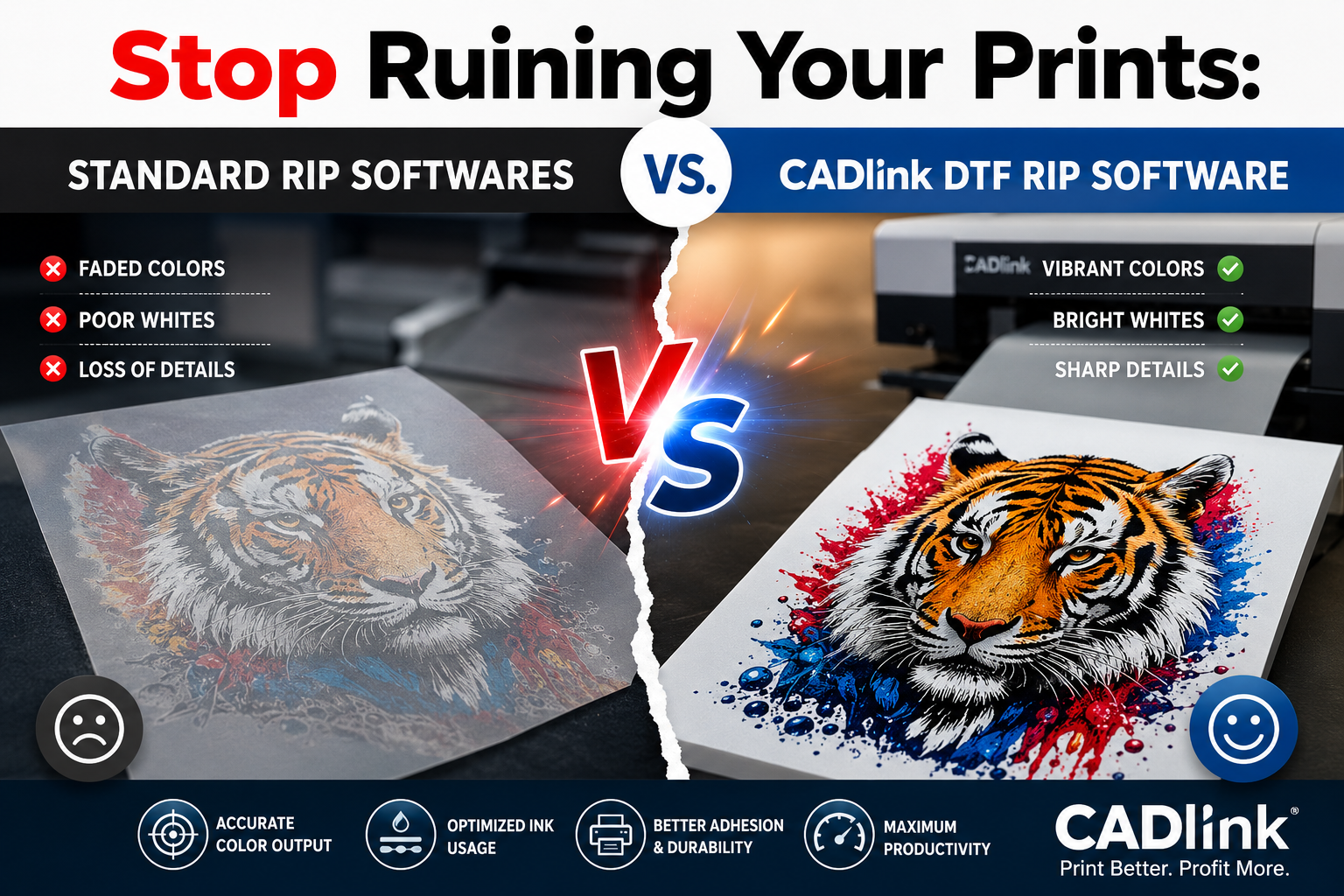
To demonstrate the difference, we took a vibrant, high-contrast digital file and printed it using the exact same printer, ink, and film. The only variable we changed was the software driving the machine.
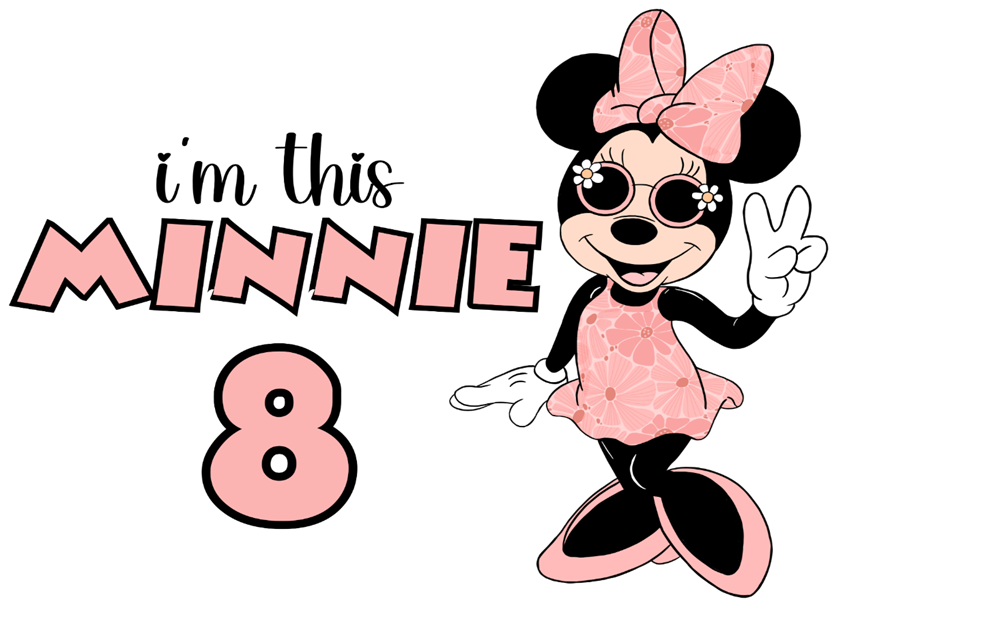
The Original File: Notice the rich, vibrant pinks in the floral pattern and the deep, solid blacks surrounding the design.
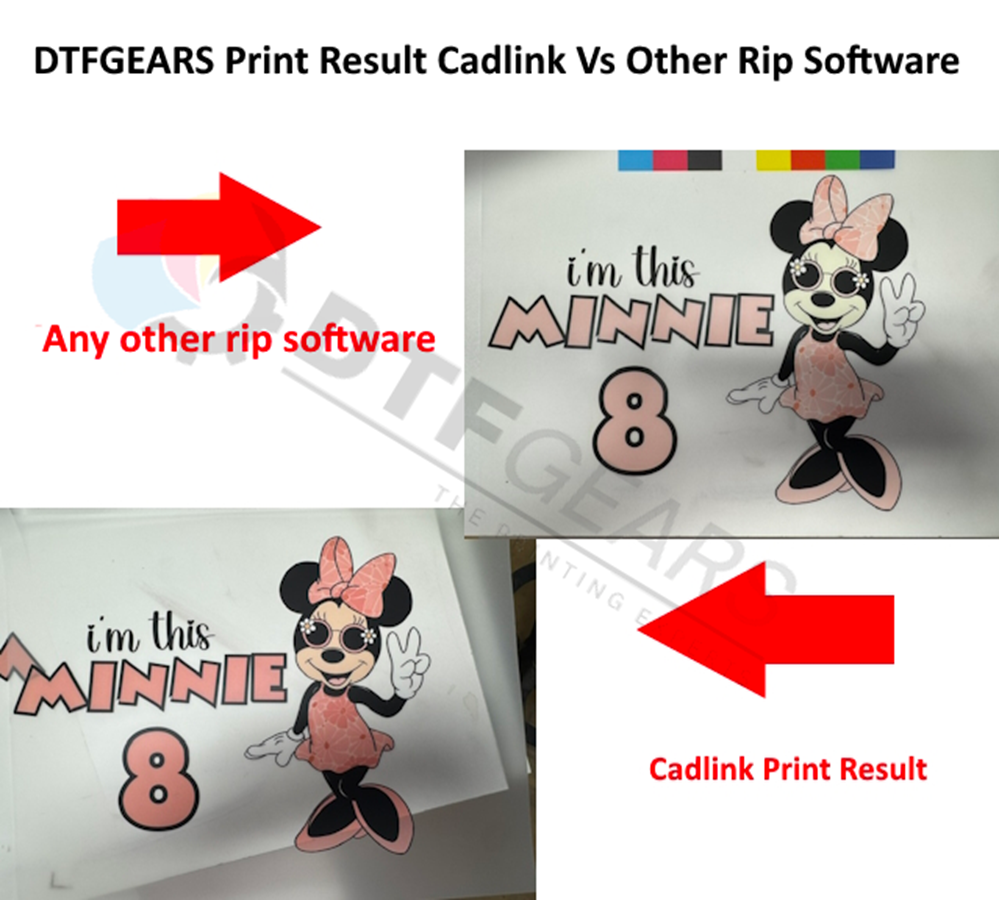
The Print Comparison: On the top right, printed with generic RIP software. On the bottom left, the CADlink DTF print result.
1. Color Accuracy and Vibrancy
Look closely at the pink “MINNIE” text and the floral dress.
- Standard Software: The colors are completely washed out, shifting to a dull, muted salmon color. It lacks the punch necessary for a high-quality retail garment.
- CADlink: The pinks remain vibrant, true to the original digital file, and visually striking.
2. Deep Blacks and Contrast
- Standard Software: Struggles to interpret the black areas, resulting in muddy or grayish tones that blend poorly with the surrounding colors.
- CADlink: Translates the dark elements perfectly, providing crisp, sharp contrast that makes the colors pop.
Why Does CADlink RIP Software Perform So Much Better?
The difference you see in the images above isn’t magic; it comes down to how the software translates data from your screen to your printhead.
Advanced ICC Color Profiles
Generic software often uses a “one-size-fits-all” color profile that simply guesses how much cyan, magenta, yellow, and black ink to mix. CADlink DTF RIP software includes expertly crafted ICC color profiles explicitly designed for DTF printing. It knows exactly how to mix your inks to achieve photographic accuracy.
Superior White Ink Management
One of the biggest reasons standard software produces dull colors is poor white ink underbasing. If the software lays down too much white ink, it dilutes the colors sitting on top of it. CADlink DTF technology calculates the precise amount of white ink needed for every individual pixel, ensuring your colors stay vivid while saving you a massive amount of money on wasted white ink.
KnockMeOut Color Features
Professional software allows you to automatically remove the black background (or any garment color) from your design with a single click. Instead of printing a heavy, sweaty block of black ink, the software lets the fabric show through, resulting in a softer, higher-quality shirt.
The Verdict: Your Printer is Only as Good as Your Software
You can own the most expensive printer on the market, but if you are running it on basic software, you will always get basic results. Upgrading your DTF RIP Software is the single fastest, most cost-effective way to improve your print quality, save on ink costs, and stop throwing away ruined transfers.
Ready to see the difference on your own machine? Don’t settle for faded prints. Download the free trial of CADlink Digital Factory today and unlock the true potential of your DTF printer!
Frequently Asked Questions: Optimizing Your DTF RIP Software
Q1: Why do Chinese DTF printers (like Procolored or setups using Hosonsoft motherboards) print dull colors out of the box?
When you buy an imported DTF printer or a machine utilizing a Hosonsoft motherboard, the hardware itself is usually highly capable. The bottleneck is almost always the basic software bundled with it, such as generic or cracked versions of AcroRIP. These basic programs rely on a “one-size-fits-all” configuration that doesn’t understand how specialized DTF inks interact with different film coatings.
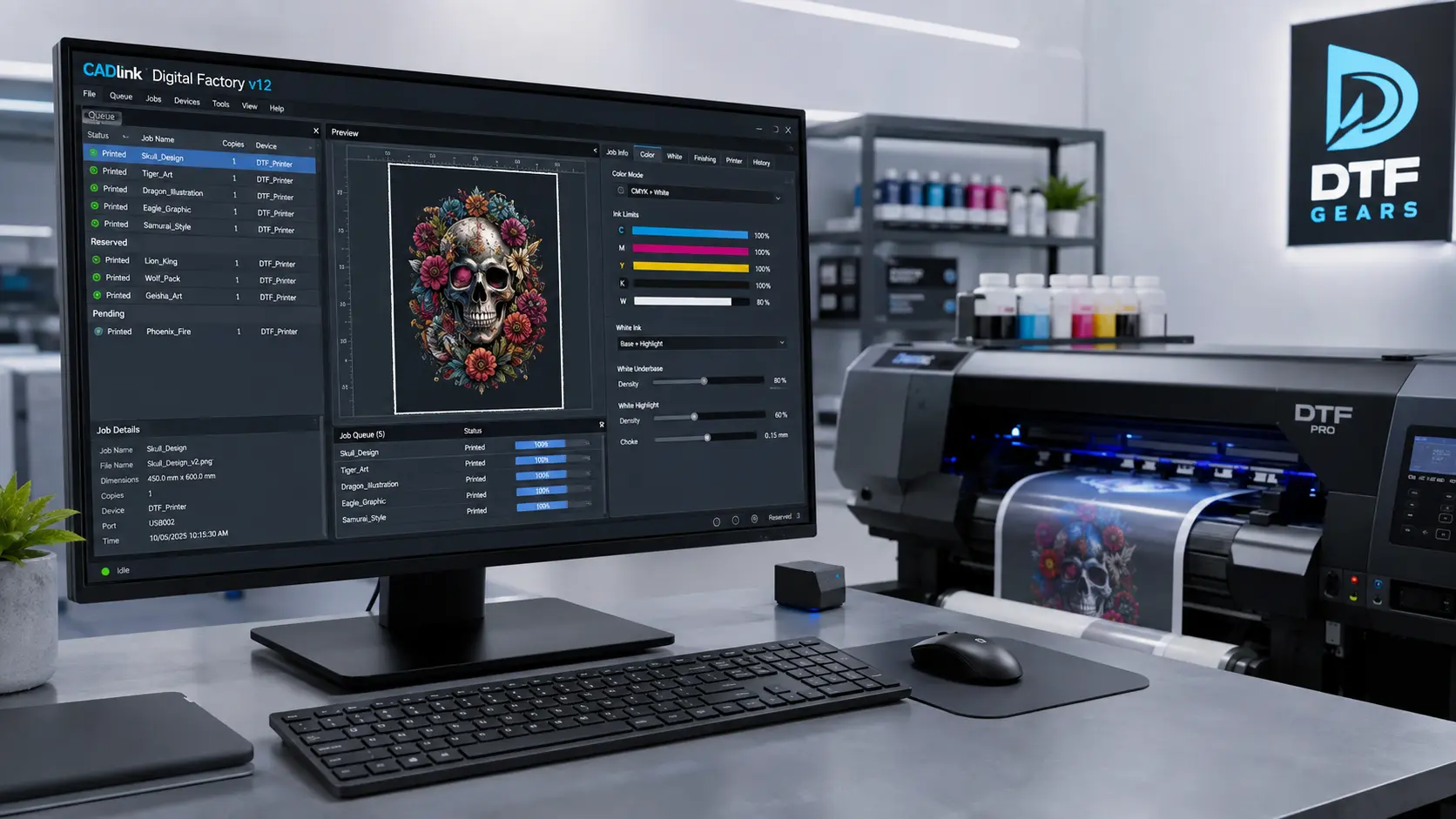
Upgrading to a professional platform like CADlink Digital Factory V12 gives you access to a dedicated color management engine. It features precision-tuned ICC color profiles built specifically for modern DTF printheads, ensuring the vibrant pinks, deep blacks, and sharp contrasts on your screen perfectly match your final cured transfer.
Q2: Can changing my DTF RIP software prevent printhead strikes and ink smudging?
Surprisingly, yes. While a printhead strike can be a mechanical issue (like incorrect tension or high humidity warping the film), it is frequently caused by poor ink management. Basic software often dumps massive, unoptimized puddles of white ink across the entire design. This excessive fluid load over-saturates the film, causing the transfer sheet to swell, buckle, or curl upward as it feeds through.
When the film bows, the moving printhead collides with it, causing catastrophic smudges or permanent hardware damage. Professional CADlink RIP software solves this by generating intelligent underbase gradients that apply the exact amount of white ink needed based on transparency. Less wasted ink means flatter film, faster drying times, and zero head strikes.
Q3: What is the main operational difference between AcroRIP and CADlink DTF?
AcroRIP is a functional, entry-level tool, but it requires heavy manual intervention and lacks production automation. Users frequently complain about color banding, uneven laydown on heavy solid fills, and the tedious task of manually prepping files in third-party design programs.
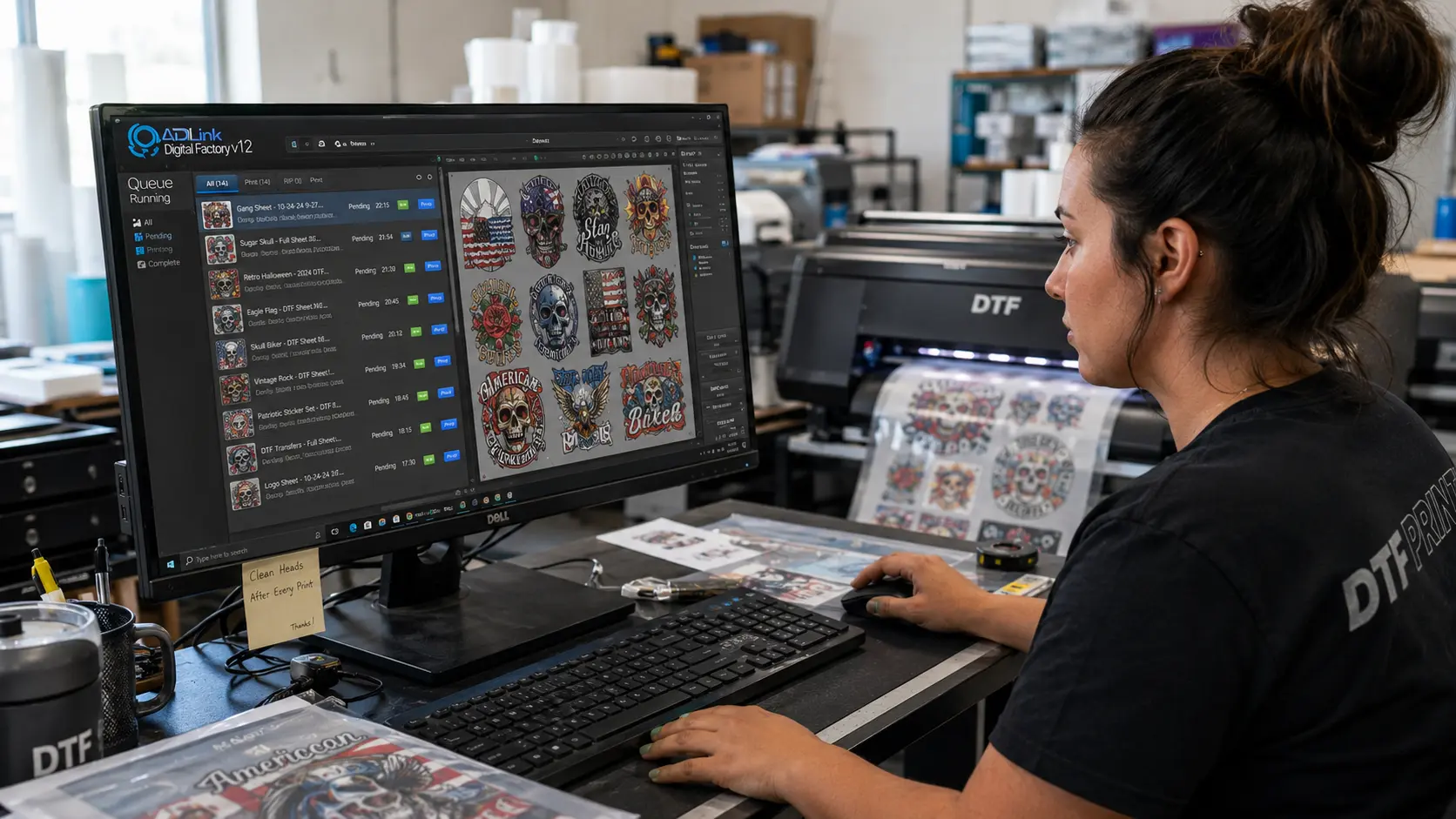
In contrast, CADlink DTF is a complete automated production system. It features a built-in Visual Production Manager with advanced nesting (automatically arranging multiple designs to save film), hot-folder automation, and independent control over single-pass highlight whites and underbases. It eliminates the guesswork, allowing you to drag, drop, and print flawless transfers at a commercial scale.
Q4: Will switching to CADlink really save me money on ink and supplies?
Absolutely. White ink is the single most expensive consumable item in a DTF printing setup. Basic RIP software applies a solid, thick 100% white block underneath every single color element, regardless of whether it’s needed or not.
CADlink RIP software utilizes advanced “KnockOut” features. If you are pressing onto a black t-shirt, the software can automatically drop the black ink channels entirely and dynamically fade out the white ink underbase in those areas. By letting the natural fabric color do the heavy lifting, you can reduce your overall white ink consumption by up to 35%. Over the course of a few months, the software completely pays for itself in ink savings alone while giving your shirts a much softer, more breathable retail feel.
Don’t let subpar software limit your business growth or ruin your prints.
- ➡️ Download the Free CADlink V12 Trial Link — Test it on your machine and see the color difference instantly.
- ➡️ Buy the Full Lifetime CADlink License Key (Instant Code) — Unlock the ultimate production power for your print shop.