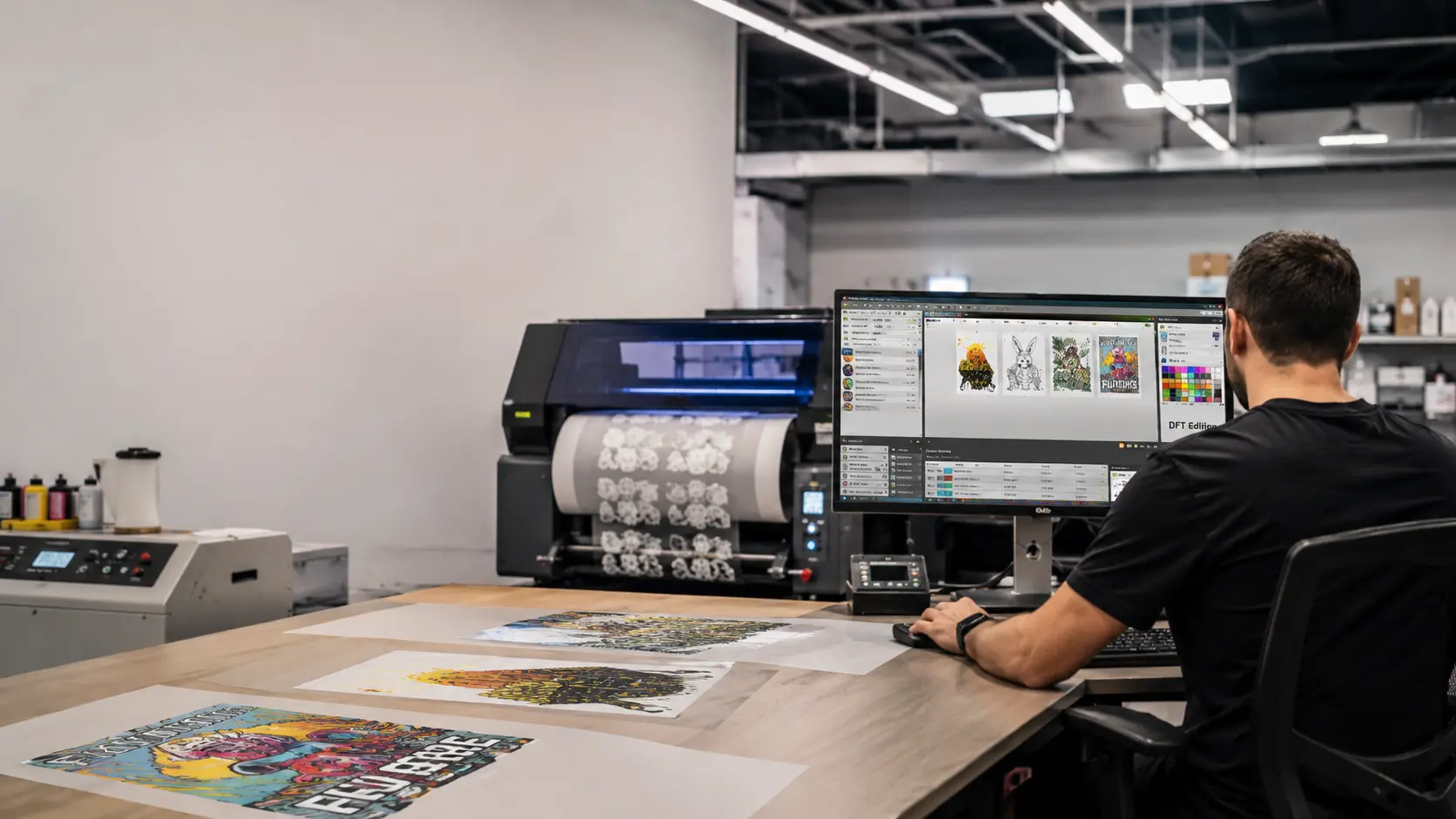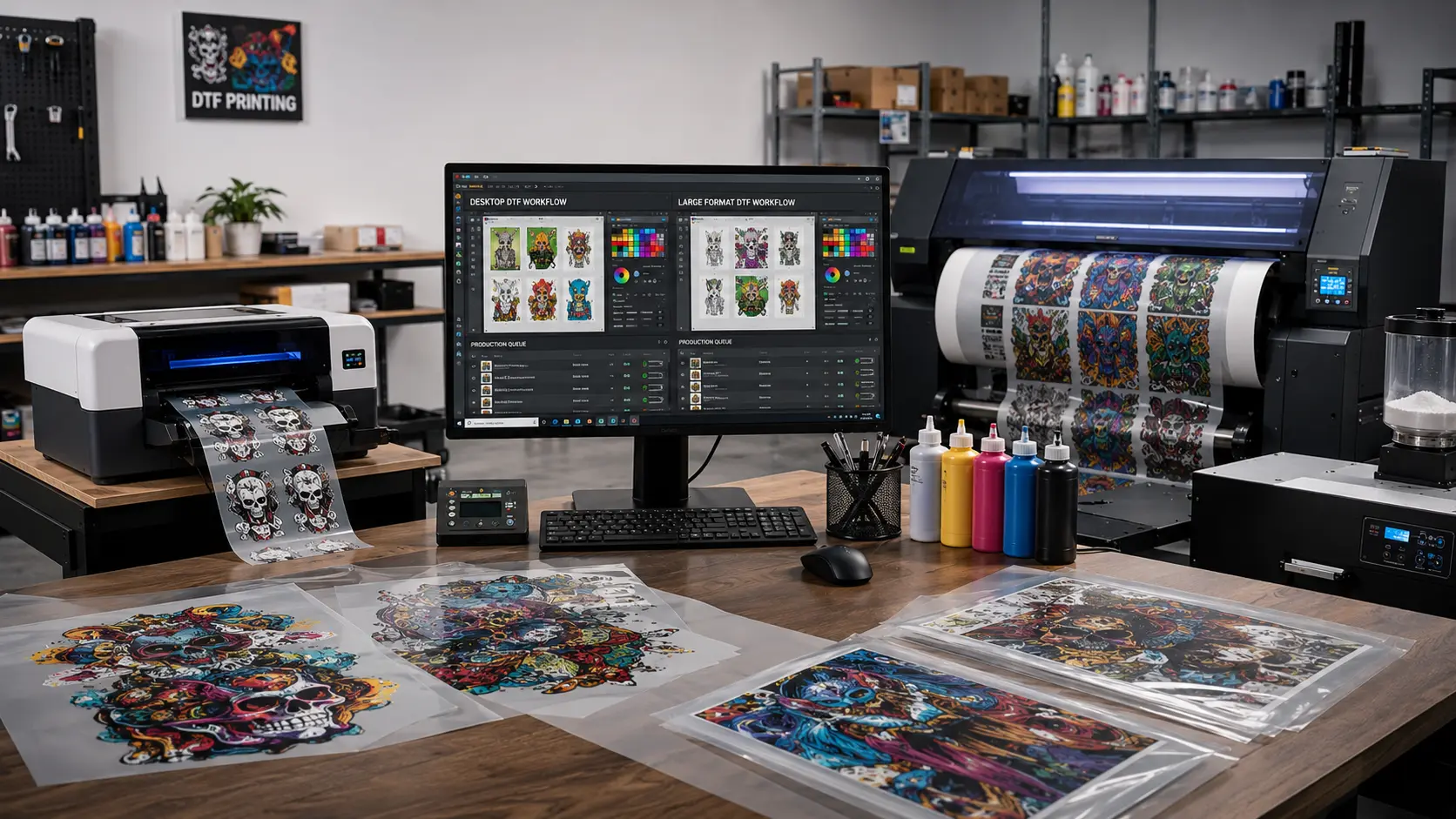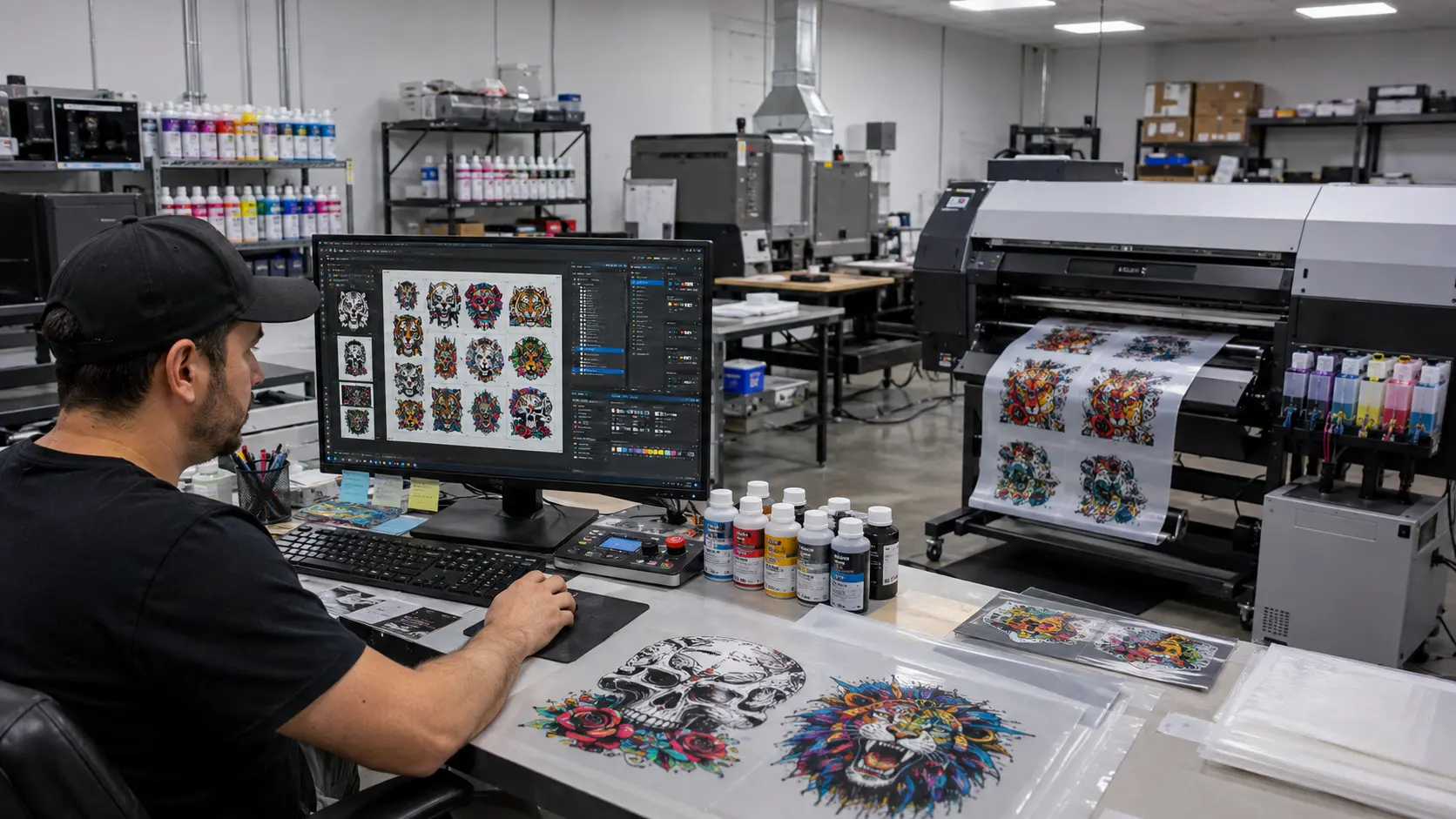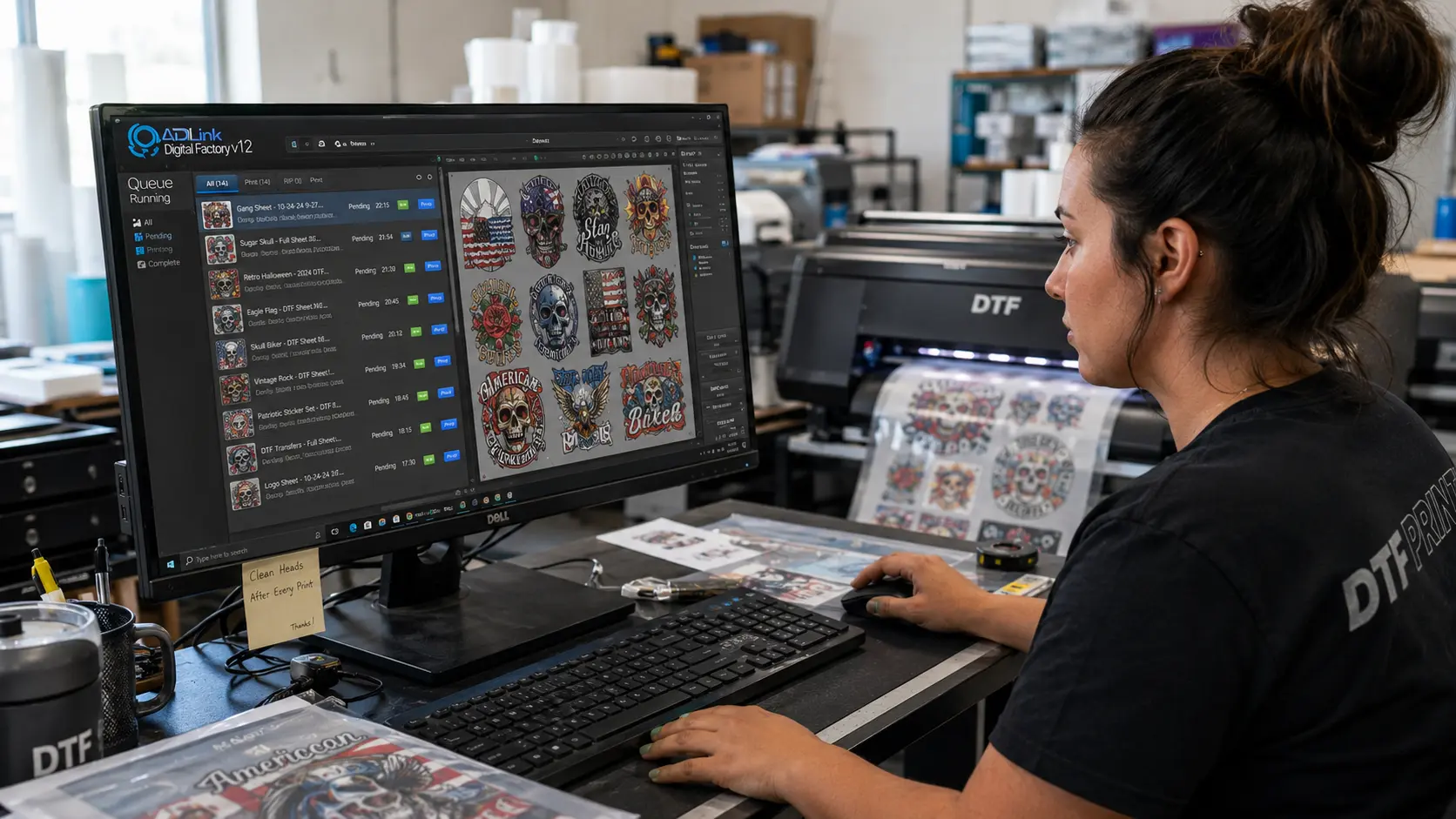

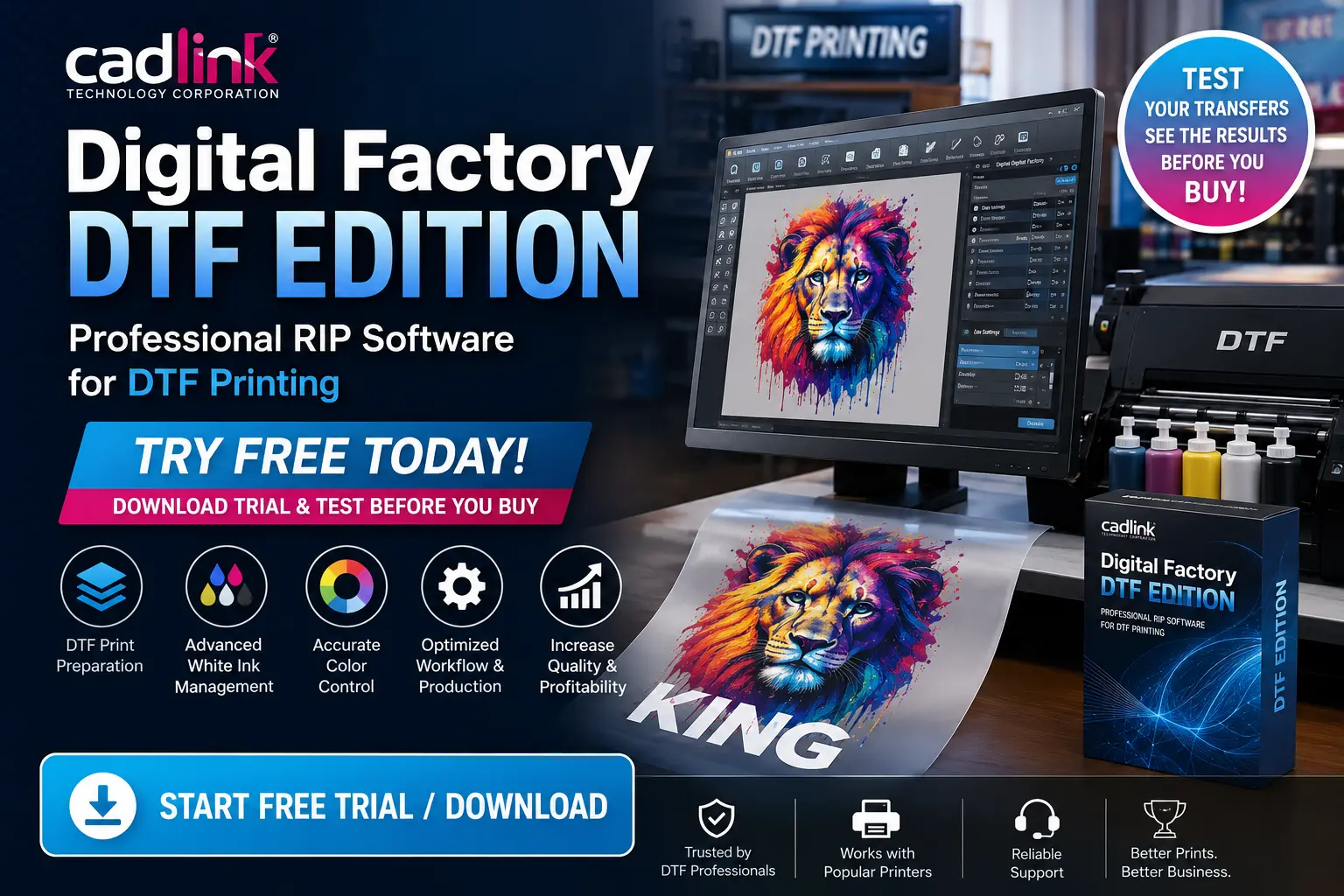
Cadlink Digital Factory DTF Edition offers a trial experience that allows users to explore professional DTF printing tools before purchasing the complete version.
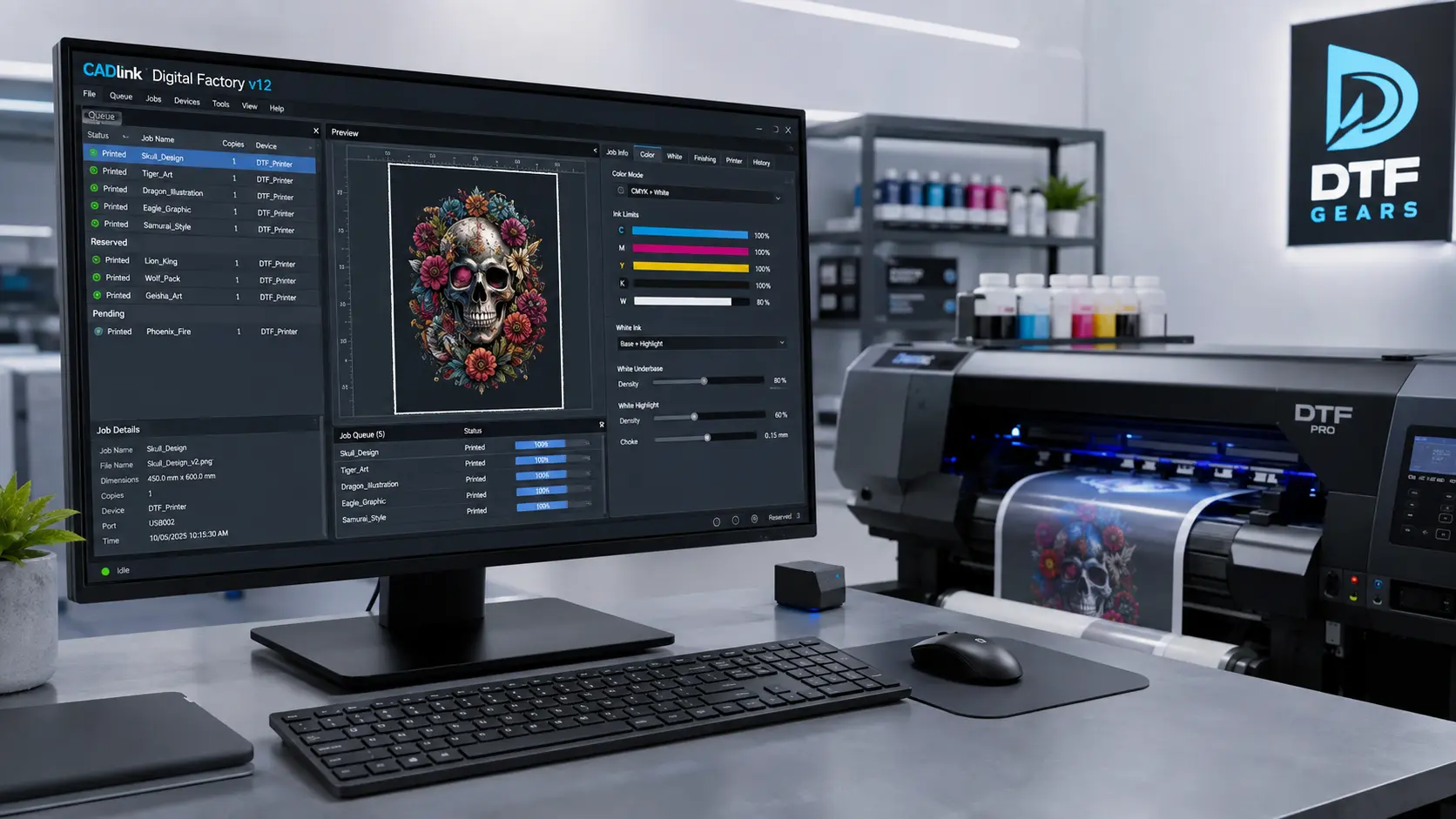
With the free trial, you can prepare artwork, manage white ink settings, optimize colors, and understand how the software fits into your printing workflow.
Whether you operate a small custom apparel business or a high-volume production shop, testing the software first helps you make a confident buying decision.
Why Try Cadlink Digital Factory DTF Edition Free?
DTF printing requires more than sending an image to a printer. A reliable RIP solution helps control:
- Color accuracy
- White ink output
- Print layering
- Film transfer preparation
- Production consistency
The Cadlink Digital Factory DTF Edition free trial gives you access to a professional workflow environment where you can test these capabilities before purchasing.
Instead of guessing if software will work with your setup, you can evaluate the real performance with your own files and printing process.
What You Can Test During the Free Trial
1. DTF Artwork Preparation
A successful DTF transfer starts with proper artwork preparation.
The software helps you manage:
- Image processing
- Print layouts
- Transfer-ready files
- Output settings
Poor file preparation can lead to:
- Weak colors
- Incorrect sizing
- Poor transfer quality
- Material waste
By testing the software, you can see how easily your designs move from computer screen to printed film.
2. White Ink Management
White ink is one of the biggest challenges in direct-to-film printing.
A strong white ink workflow helps create:
- Vibrant colors
- Better opacity
- Clean transfer results
- Professional finishes
The trial lets you understand how Cadlink Digital Factory DTF Edition handles white ink production and whether it improves your existing workflow.
3. Color Management and Accuracy
Customers expect printed apparel designs to match the original artwork.
Color issues can cause:
- Customer complaints
- Reprints
- Increased costs
Using professional DTF RIP software helps businesses achieve more predictable color results.
During your trial, you can test:
- Different color profiles
- Print adjustments
- Output consistency
Run Your Film Transfers Free
Testing software with real production files gives you a better understanding than simply viewing features.
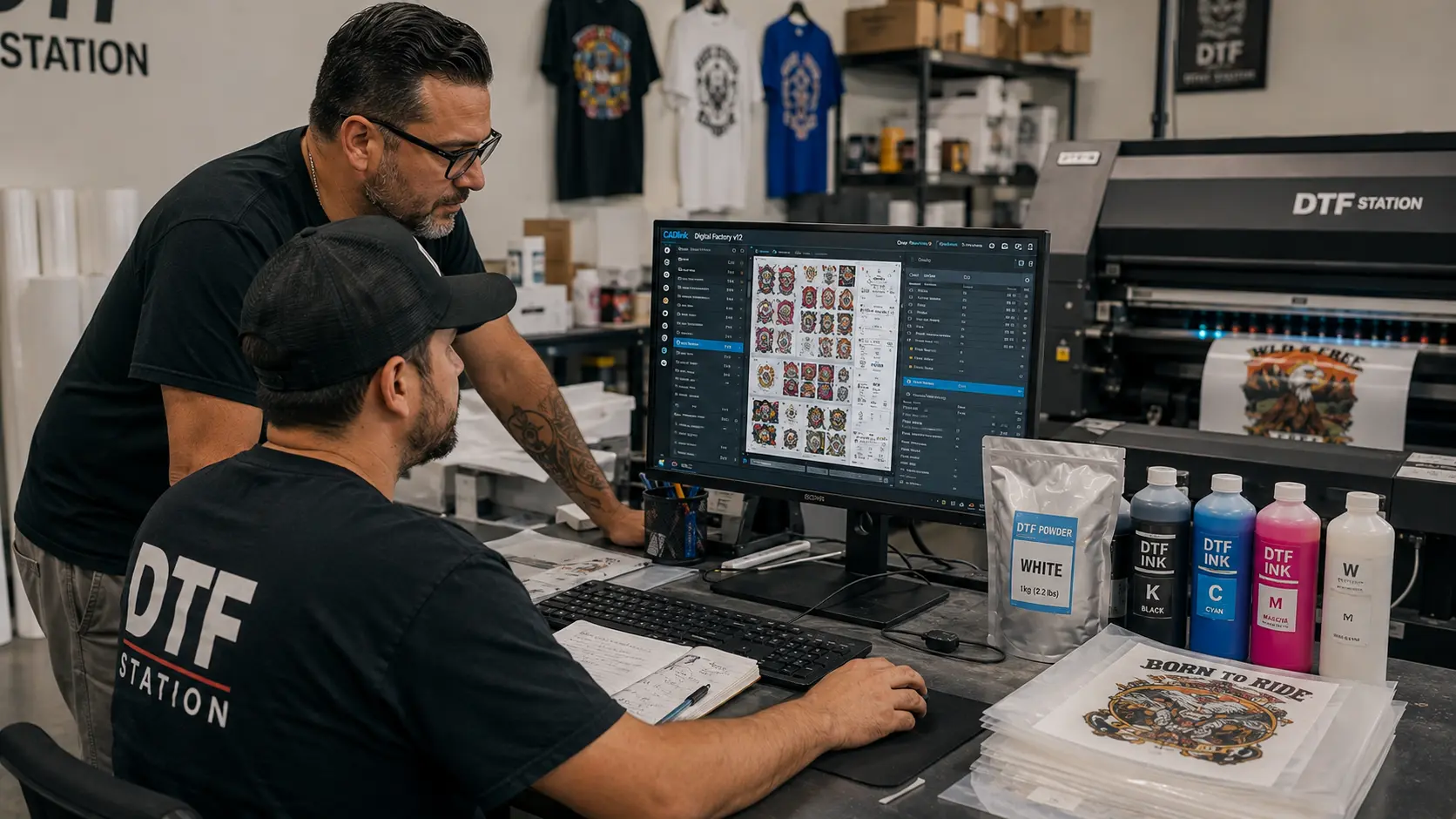
During the trial period, you can evaluate your complete workflow:
Upload Your Designs
Import your artwork and check how the software handles different file formats.
Prepare Your Print Jobs
Adjust settings based on your printer, film, and transfer requirements.
Review Output Quality
Analyze:
- Color reproduction
- White ink coverage
- Detail accuracy
- Overall print quality
This hands-on experience helps you decide if the software matches your business needs.
Benefits of Testing Cadlink Digital Factory DTF Edition Before Buying
Reduce Printing Mistakes
Incorrect settings can waste expensive DTF film, ink, and powder.
A trial allows you to understand the software before using it for daily production.
Improve Production Workflow
Professional RIP software can help organize print jobs and create a smoother production process.
Check Printer Compatibility
Every DTF setup is different.
Testing allows you to confirm:
- Printer support
- Workflow compatibility
- Required settings
Train Your Team
A trial period also gives operators time to learn the software interface before switching fully.
Who Should Use Cadlink Digital Factory DTF Edition?
DTF Printing Businesses
Production shops can use the software to manage regular apparel orders and improve consistency.
Custom Clothing Brands
Brands producing personalized products can benefit from better print preparation and quality control.
Print-on-Demand Companies
Businesses handling multiple daily designs need reliable workflow management.
Beginners Starting DTF Printing
New users can test professional software before making a larger investment.
Cadlink Digital Factory DTF Edition vs Basic RIP Software
Many beginners start with basic RIP solutions, but professional DTF production often requires more control.
| Feature | Basic RIP Software | Cadlink Digital Factory DTF Edition |
|---|---|---|
| White Ink Control | Limited | Advanced |
| Color Management | Basic | Professional |
| Workflow Tools | Simple | Production-focused |
| Print Optimization | Limited | Improved control |
| Business Scalability | Low | Better suited |
For businesses serious about DTF printing, testing professional software can reveal the difference in output quality and efficiency.
Common Questions Before Starting the Trial
Is Cadlink Digital Factory DTF Edition free?
The trial version allows users to test the software before purchasing the full license.
Can I test my own printer?
Yes, testing with your existing workflow helps you understand compatibility and performance.
Is DTF RIP software necessary?
For professional production, RIP software helps improve print consistency, color handling, and workflow efficiency.
Should I buy after the trial?
If the software improves your print quality and production process, upgrading can be a worthwhile investment.
Buy After the Trial
Once you have tested the software and confirmed it fits your workflow, upgrading gives you access to the complete professional solution.
If you are ready to purchase, read our guide:
Buy Cadlink Digital Factory DTF Edition
(Internal Link)
Start Your Cadlink Digital Factory DTF Edition Free Trial Today
A free trial is the easiest way to experience professional DTF printing software before committing.
Test your files, run your transfers, evaluate the workflow, and see how Cadlink Digital Factory can improve your printing process.