
Introduction
Choosing the right CADlink Digital Factory V12 version is one of the most important decisions for any DTF printing business in the USA. The software you use directly impacts print accuracy, white ink control, production speed, and overall output quality.
Many beginners rush to buy CADlink software without understanding which edition fits their printer setup. This leads to wasted money, poor color output, and inefficient workflow.
This guide by Dtfgears breaks down every CADlink DTF RIP software version in detail so you can make the right decision from day one.
What is CADlink Digital Factory V12?
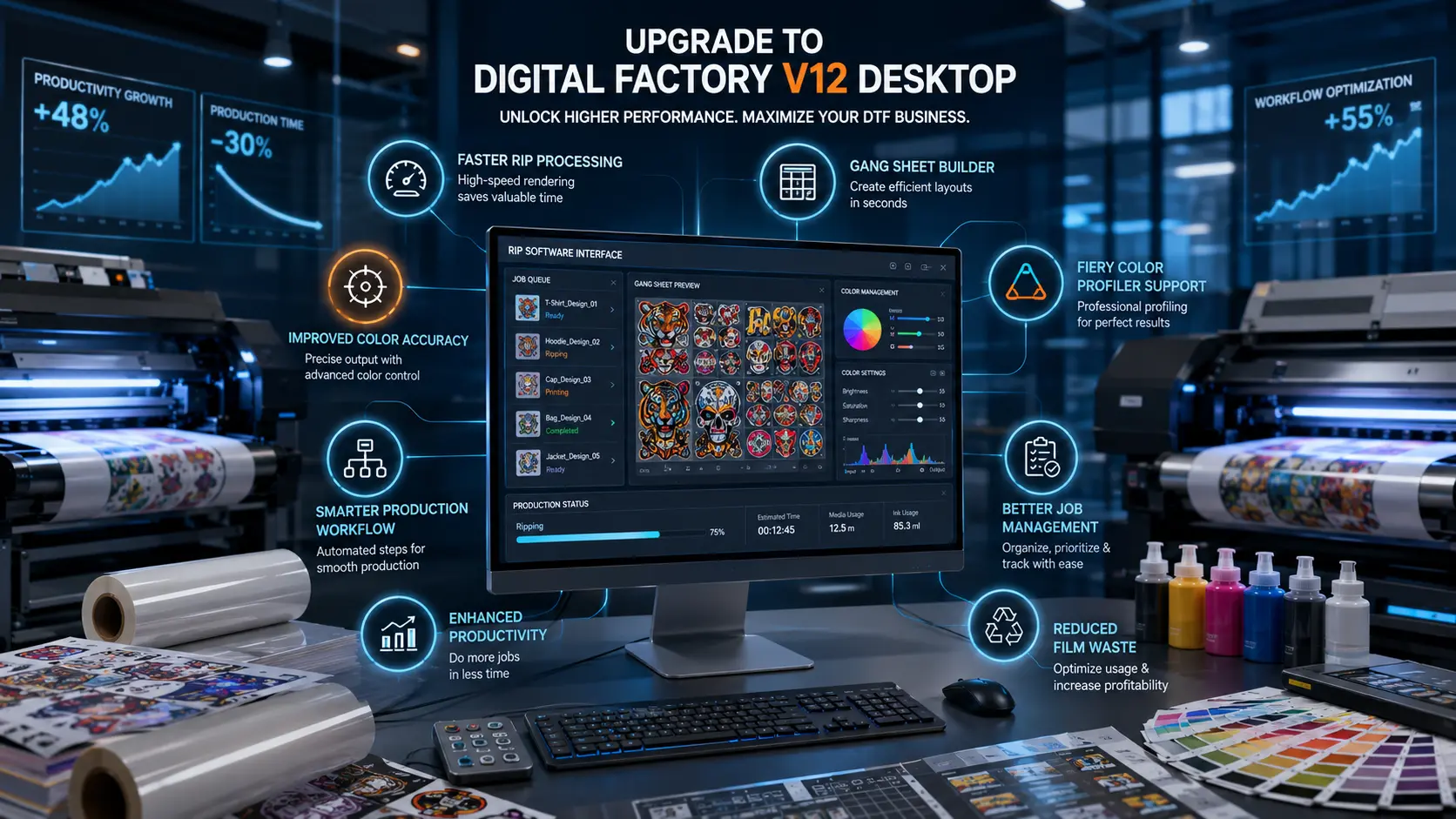
CADlink Digital Factory V12 is a professional RIP (Raster Image Processor) software designed for digital printing workflows like:
- DTF (Direct to Film) printing
- DTG (Direct to Garment) printing
- Large format textile and signage printing
It acts as the brain between your design file and your printer.
Core functions include:
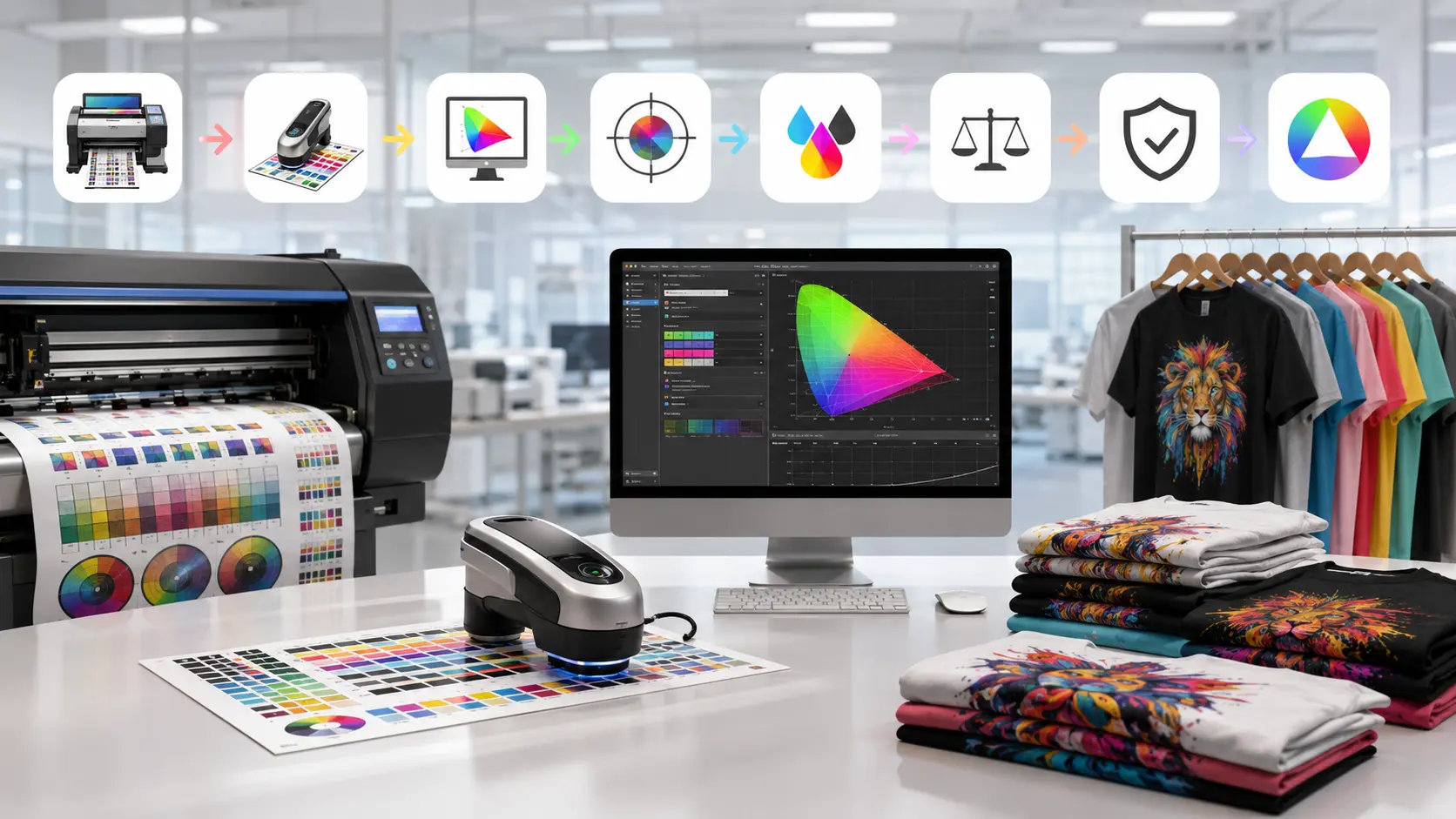
- Color correction and ICC profiling
- White ink layering for DTF printing
- Print queue management
- Resolution and speed optimization
- Printer-specific output control
Without a proper RIP like CADlink DTF RIP software, even the best printer will produce inconsistent results.
Why Choosing the Right CADlink Version Matters
Not all printers need the same version of CADlink Digital Factory V12. Choosing incorrectly can lead to:
- Over-saturated or dull colors
- White ink misalignment in DTF prints
- Slow production speed
- Software-printer compatibility issues
- Higher operational costs
For USA-based print shops where competition is high, efficiency matters as much as quality.
CADlink Versions Explained in Detail
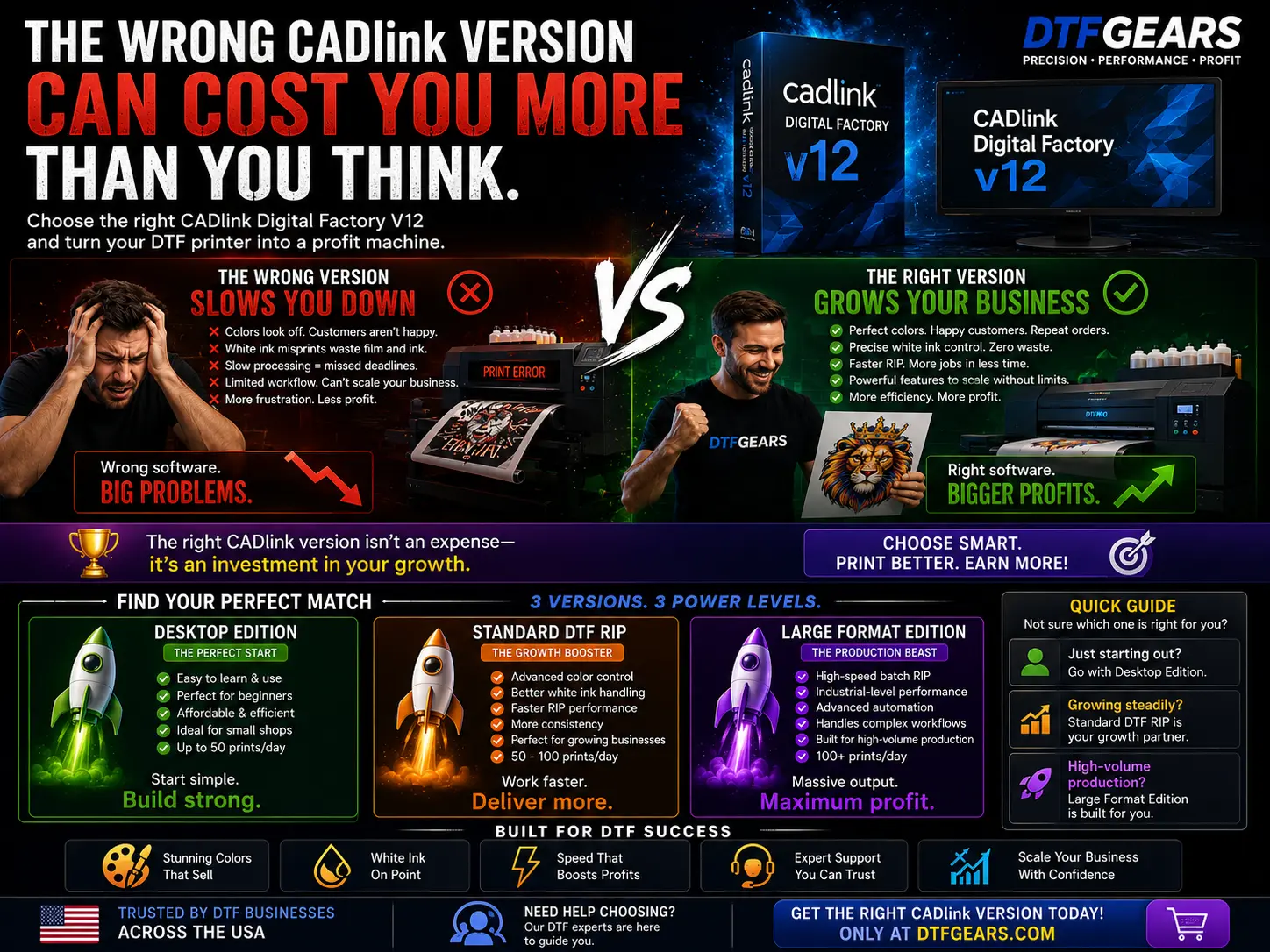
1. CADlink Desktop Edition (Entry-Level Users)
The CADlink desktop edition is designed for beginners and small-scale DTF businesses.
Best for:
- Home-based printing setups
- Startup DTF businesses in the USA
- Low-volume production (under 50 prints/day)
Key Features:
- Simple user interface
- Basic RIP functionality
- Standard color control
- Single-printer support
Advantages:
- Affordable entry point
- Easy to learn
- Stable for small workloads
Limitations:
- Limited automation
- Not suitable for scaling production
- Fewer advanced ICC controls
If you are just starting and planning to buy CADlink software, this is often the safest entry point.
2. Standard CADlink DTF RIP Software (Mid-Level Production)
This version of CADlink Digital Factory V12 is ideal for growing print shops.
Best for:
- Small to medium commercial DTF shops
- 50–100 prints/day workflow
- Shops upgrading from entry-level systems
Key Features:
- Advanced color profiling tools
- Better white ink control
- Faster RIP processing
- Improved print queue system
Advantages:
- Balanced cost and performance
- Better print consistency
- Scalable for growth
Limitations:
- Not fully optimized for industrial production
- Limited multi-job automation
This is the most commonly used version in USA small business print environments.
3. Large Format RIP Software Edition (Industrial Users)
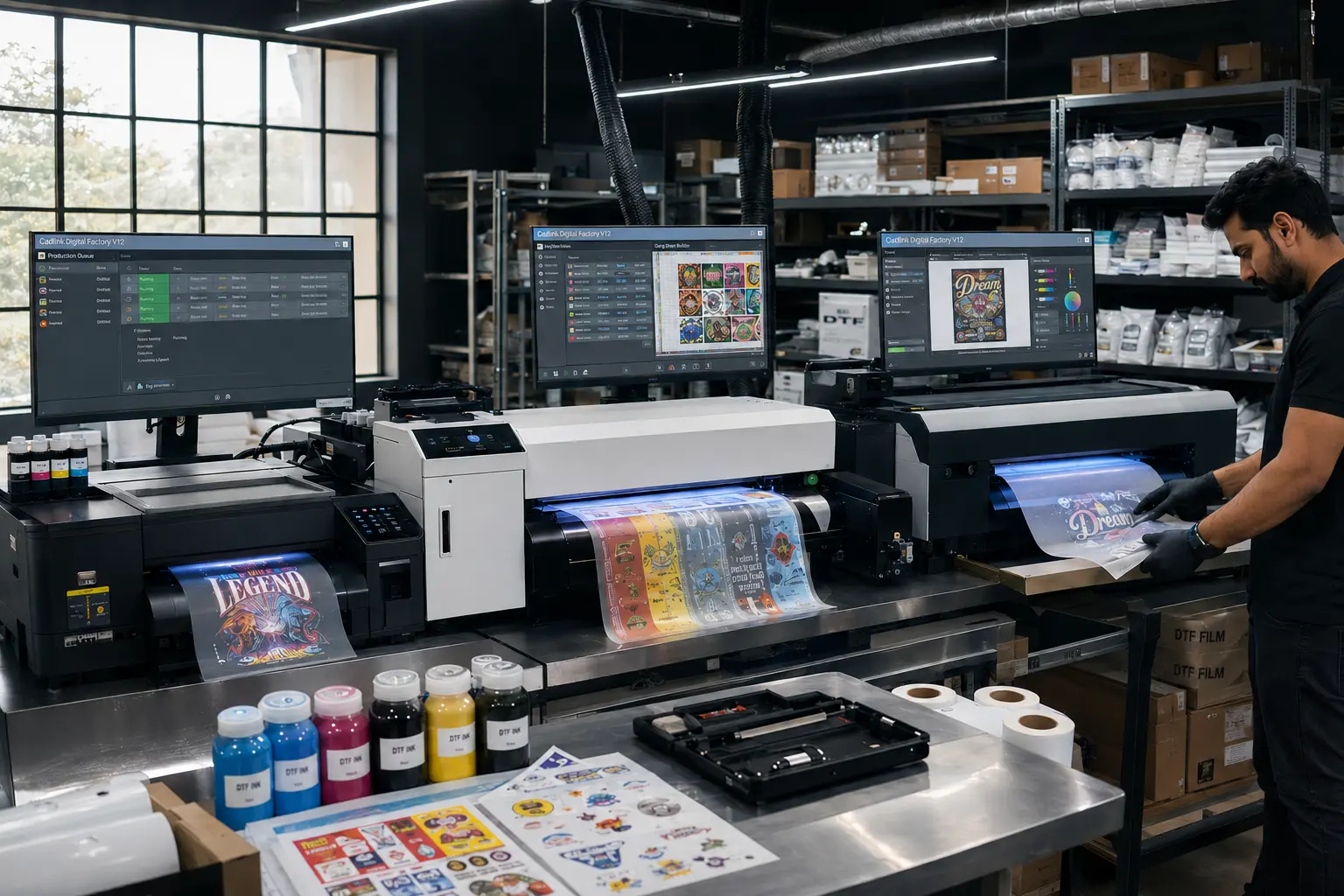
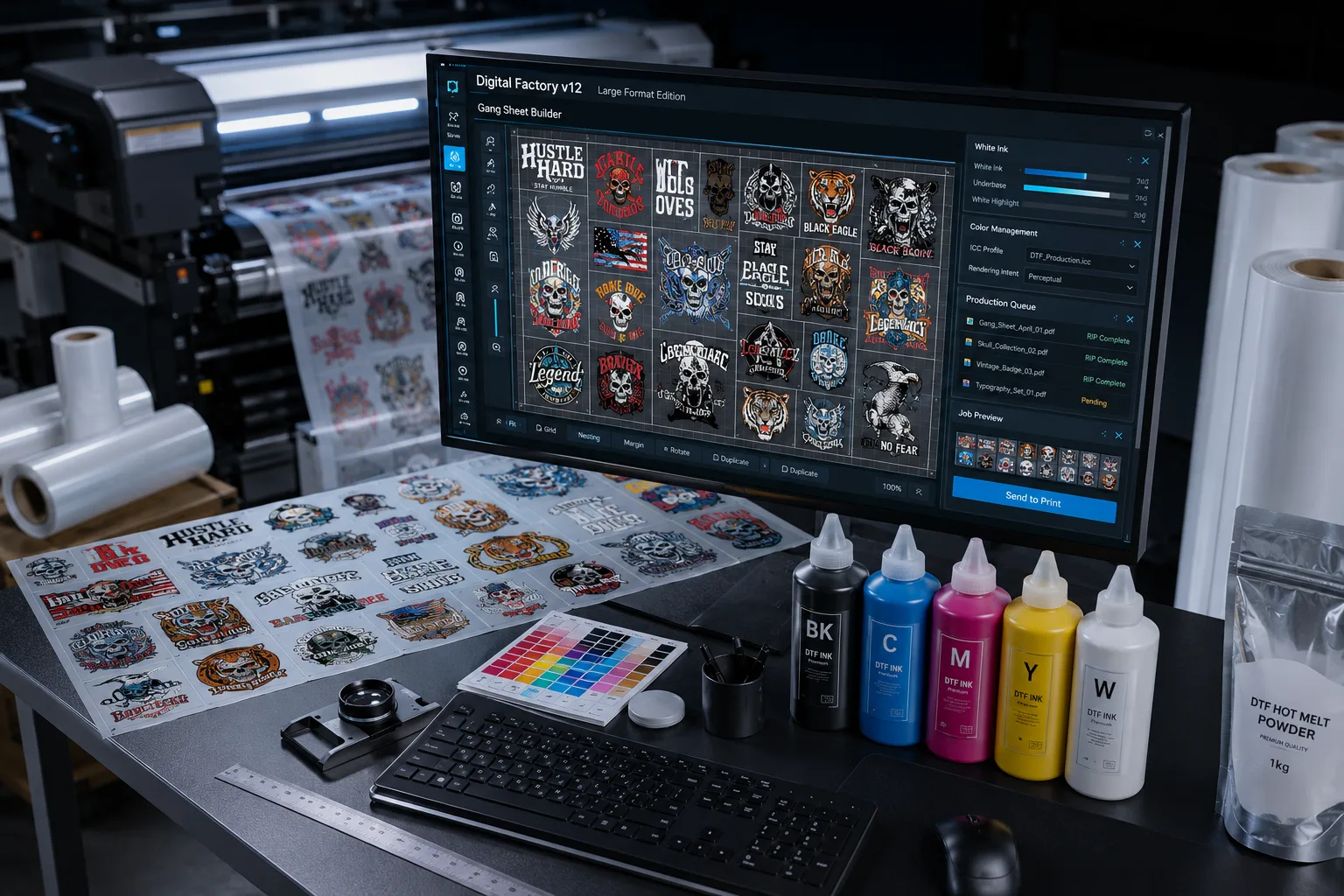
The large format RIP software edition is built for high-volume production environments.
Best for:
- Industrial DTF printing companies
- High-volume USA print factories
- 100+ prints/day operations
Key Features:
- High-speed batch processing
- Advanced queue automation
- Superior ICC color management
- Strong white ink optimization
- Multi-printer control support
Advantages:
- Maximum production efficiency
- Designed for scaling businesses
- Handles heavy workloads smoothly
Limitations:
- Higher cost
- Requires technical understanding
- Overkill for beginners
CADlink Version Comparison Table
| Feature | Desktop Edition | Standard DTF RIP | Large Format Edition |
|---|---|---|---|
| Production Level | Low | Medium | High |
| Speed | Basic | Fast | Very Fast |
| White Ink Control | Standard | Advanced | Industrial |
| Automation | No | Limited | Full |
| Best For | Beginners | Growing shops | Factories |
How to Choose the Right Version
Before you buy CADlink software, evaluate:
1. Daily Output Volume
- Under 50 prints → Desktop edition
- 50–100 prints → Standard version
- 100+ prints → Large format edition
2. Business Stage
- Startup → Desktop
- Growth stage → Standard
- Scaling business → Large format
3. Printer Type
Your printer compatibility also determines which CADlink DTF RIP software version you need.
Expert Advice from Dtfgears
At Dtfgears, we see many USA businesses upgrade too early or choose the wrong version of CADlink Digital Factory V12.
The smarter approach:
- Start lean
- Master workflow
- Upgrade based on production demand
This prevents unnecessary software cost and workflow confusion.
Final Thoughts
The right CADlink Digital Factory V12 version can dramatically improve your print quality and production speed. Whether you choose the CADlink desktop edition or the large format RIP software, the decision should always be based on business scale—not assumptions.
For USA DTF businesses, using the correct CADlink DTF RIP software ensures:
- Better consistency
- Higher output
- Lower waste
- More profit