


Spec sheets tell you what a printer should do. A maker running it on real products for two straight days tells you what it actually does. That's why the 48-hour hands-on test from maker Samcraft is one of the most useful looks at the xTool O1 Omni 4-in-1 printer we've seen so far.
He printed on coins, award medals, slate coasters, canvas frames, leatherette hat patches, tote bags, a 3D-printed tag and tumblers, then shared the good results and the odd ones. Below we break down what he found and which O1 Omni setup matches each kind of job.
Quick verdict
- Alignment is the standout. Placement on small objects like coins was spot on.
- It handles uneven surfaces better than expected, including raised details.
- Flexible ink on the dual-head model held up on leatherette and canvas without cracking.
- The rotary is precise, with automatic taper and roundness checks.
- Surface prep still matters. One tumbler showed iridescence that likely came from contamination.
1. Alignment: The Scanner Lives in the Print Head
Most desktop UV printers place artwork using a fixed camera above the bed. The O1 Omni builds its scanning system into the print head itself, so it measures the object from the same position it prints from.
That showed up clearly on metal coins, which are small, reflective and unforgiving if a print is even slightly off. The prints landed where they were placed in the software. If you sell personalised coins, tags, keychains or jewellery blanks, this is the feature that saves you from wasted blanks.
2. Z-Height Forgiveness on Uneven Surfaces
Next up was an award medallion with a raised ribbon. Uneven heights usually cause blurry edges or overspray because the print head sits too far from the lower areas.
The O1 Omni kept focus and detail across the surface. For trophy shops, promo product sellers and anyone printing on embossed or textured items, this widens the range of products you can take on without making custom jigs for every job.
3. Smart Masking for Irregular Shapes
Slate coasters and canvas frames don't have clean, straight edges. Inside xTool Studio, smart masking detects the object's outline so the print stays on the surface instead of spilling onto the bed.
Pro tip: smart masking gets you very close, but for perfectly crisp edges, a quick manual mask with tape still wins. That matters most on high-value pieces or products you'll photograph for listings.
4. Flexible Ink on Leatherette and Canvas
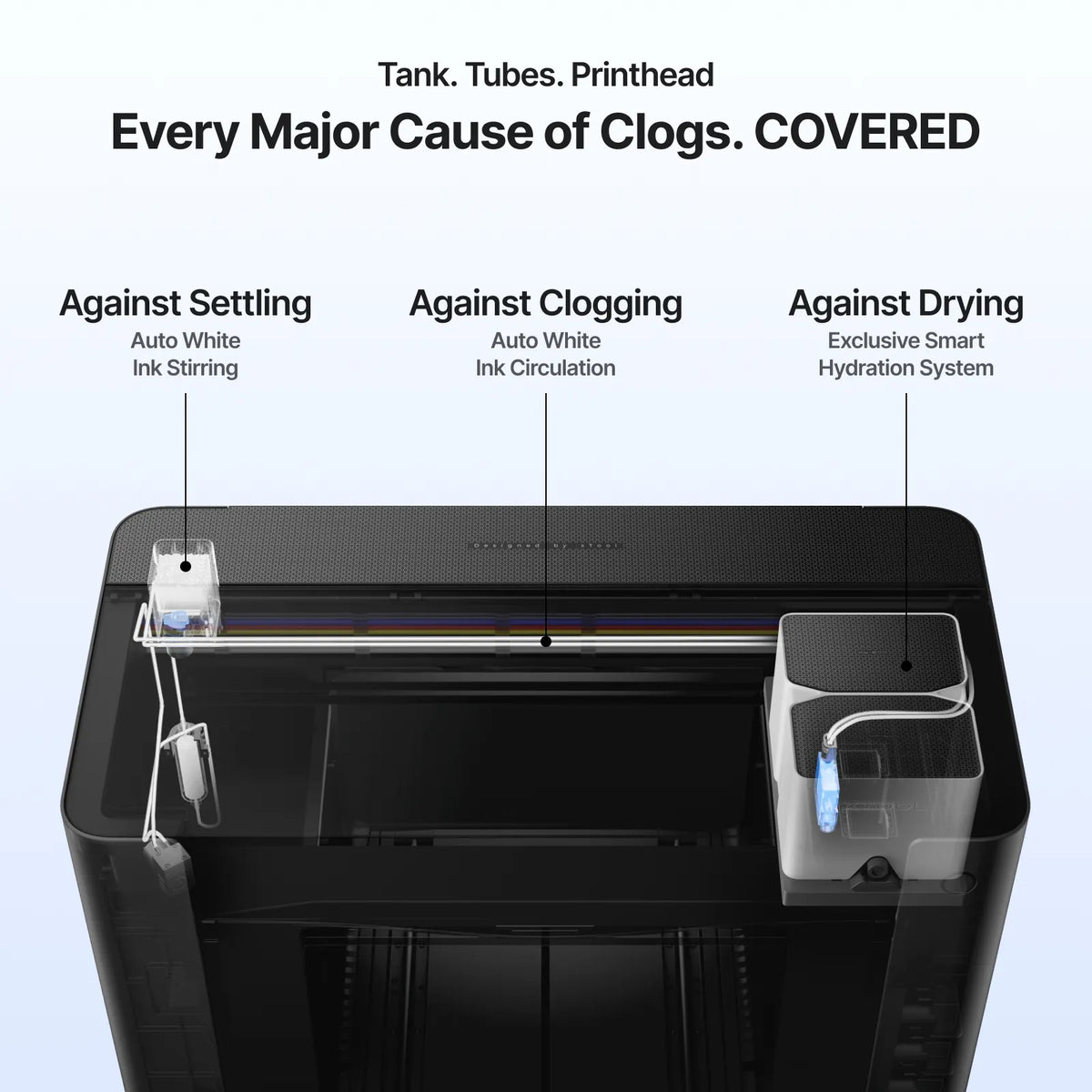
This is where the dual-head setup earns its place. Standard UV ink cures hard, which can crack on materials that bend. Using flexible ink on the O1 Omni Dual-Head UV printer, he printed:
- Leatherette hat patches. The prints stayed intact when flexed.
- Canvas bags. Stretching the fabric didn't crack the design.
If your catalogue includes patches, bags, leather goods or other soft items, the dual-head model is the one to look at. If you also want to print shirts and hoodies with DTG and DTF, step up to the O1 Omni UV + DT Fabric 4-in-1 printer.
5. Low Overspray and Easy Cleanup
A 3D-printed licence plate tag showed minimal overspray. What little there was came off with a lint roller on a reusable bed mat. Less cleanup between jobs means more pieces per hour when you're running batches.
6. The Rotary Attachment: Built for Tumblers and Bottles
The rotary was one of the highlights. It's very mechanical and precise, and it automatically checks taper and roundness before printing. Tapered tumblers are where cheaper rotaries struggle, so this is a big deal for drinkware sellers.
Don't skip this setting: if you want the design to go all the way around the cup, select "Full Wrap" in xTool Studio. Without it, you won't get complete coverage.
If drinkware is a main product for you, the O1 Omni Single-Head Professional Bundle with rotary includes the attachment so you're ready from day one.
7. The Iridescence Issue (And How to Avoid It)
To keep it honest, one tumbler that had been printed before showed an iridescent, rainbow-like film. The likely cause was contamination on the surface, not a printer fault.
The lesson applies to any UV printer: prep matters. Before printing on coated drinkware, glass or metal:
- Wipe the surface with isopropyl alcohol and let it fully dry.
- Handle blanks by the edges or with gloves to avoid skin oils.
- Use a primer or adhesion promoter where the material calls for it.
- Be careful when reprinting over old or partly removed prints.
New to UV printing? Our guide to what UV printing is and how it works covers the basics.
Which xTool O1 Omni Edition Matches These Tests?
| What you want to print | Best fit |
|---|---|
| Coins, medals, slate, acrylic, wood, signs | Single-Head UV Starter Bundle |
| Rigid items plus tumblers and bottles | Single-Head Professional Bundle (with rotary) |
| Leatherette patches, canvas bags, flexible goods | Dual-Head UV Starter Bundle |
| Hard goods plus T-shirts and hoodies (UV, UV DTF, DTG, DTF) | UV + DT Fabric Starter Bundle |
Want to see every edition and bundle side by side? Compare all xTool O1 Omni bundles here.
Keeping Your O1 Omni Running
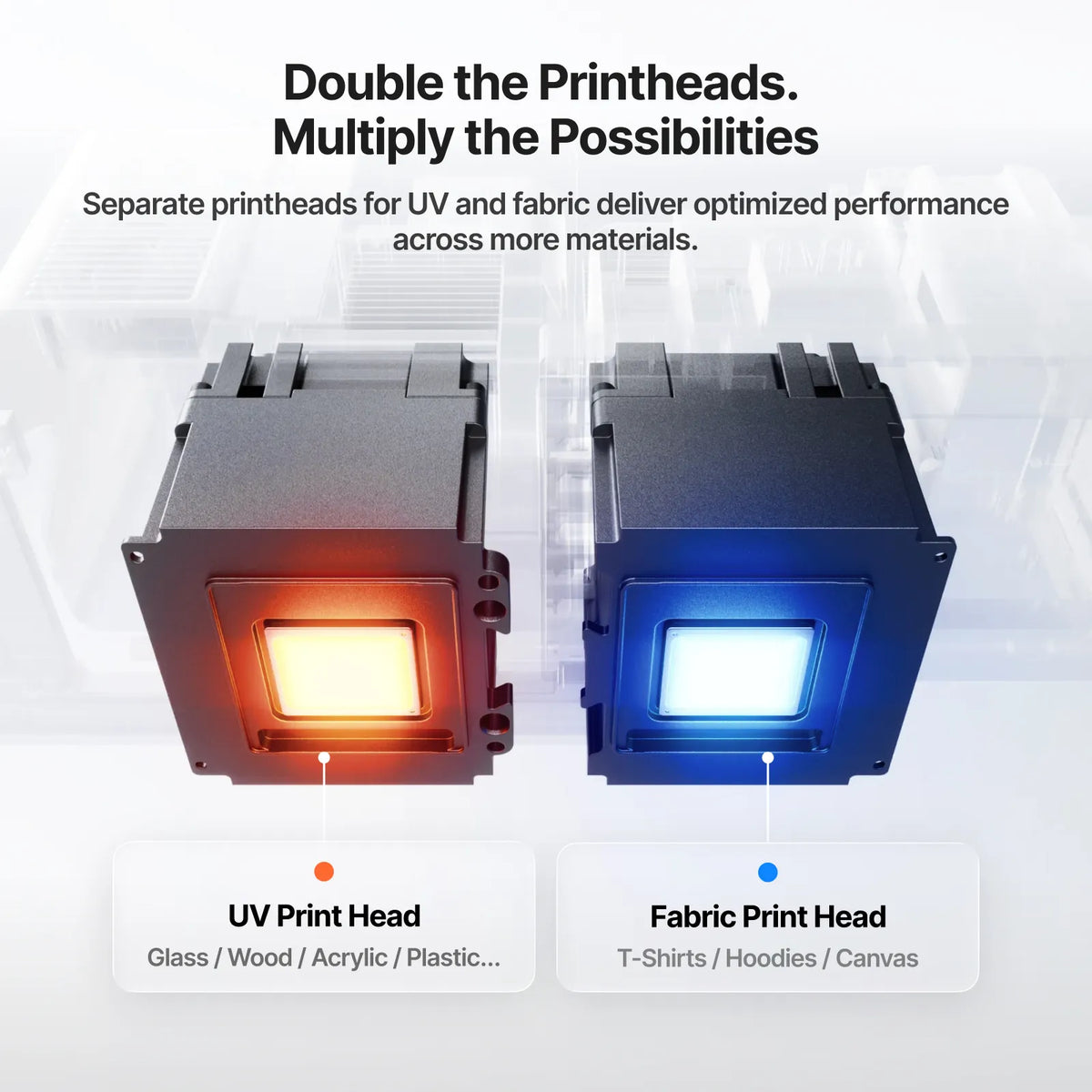
Precise alignment only helps if the print head is healthy. The O1 Omni includes automated maintenance, but heads are still wear parts in a busy shop. We stock the xTool O1 Omni printhead kit so a worn head doesn't stop production for long.
Is the O1 Omni the Right UV Printer for You?
Based on this test, the O1 Omni is a strong pick if you print on lots of different products, especially small items that need exact placement, curved drinkware, or soft goods that need flexible ink. If you mainly want high-detail textured prints on a desktop, also look at the eufyMake E1 UV printer. For a full comparison, see our best UV printers page, and for a budget breakdown read how much a UV flatbed printer really costs.
FAQs
How does the xTool O1 Omni align prints?
It uses a scanning system built into the print head instead of a fixed overhead camera. In real-world tests this gave very accurate placement, even on small metal coins.
Can the O1 Omni print on uneven surfaces?
Yes. It kept focus on an award medallion with a raised ribbon, so it handles moderate height differences well.
Which O1 Omni model do I need for leather and canvas?
The dual-head model, which can run flexible ink. Flexible ink resisted cracking on leatherette patches and canvas bags.
Does the O1 Omni print all the way around a tumbler?
Yes, with the rotary attachment. Make sure "Full Wrap" is selected in xTool Studio for complete coverage.
What causes a rainbow or iridescent film on UV prints?
Usually surface contamination such as oils, residue or leftover coating. Clean blanks with isopropyl alcohol and use a primer where needed.
Ready to add the xTool O1 Omni to your shop?
Buy from DTF Gears with expert US support and flexible financing options.
Shop xTool O1 Omni


