
The custom apparel industry is undergoing a quiet revolution — and DTF printers are at the center of it. Whether you’re a home-based creator or scaling a print-on-demand business, direct-to-film technology has made high-quality, full-color garment printing more accessible than ever before.
In this guide, we’ll walk you through exactly what DTF printers are, how they work, which machines and software are leading the market, and why creators across the USA are making the switch from screen printing and DTG in 2025.
What Exactly Are DTF Printers?
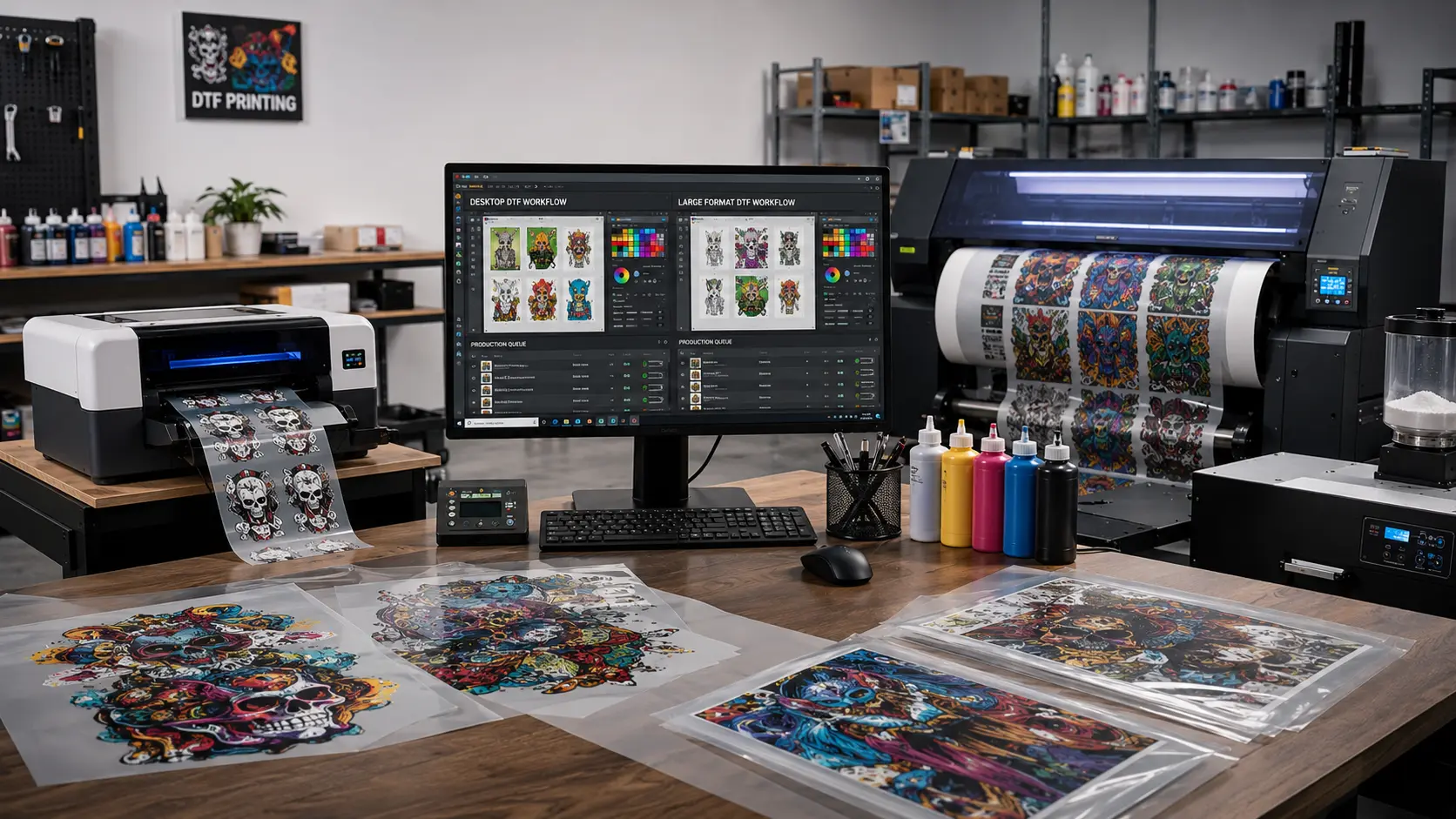
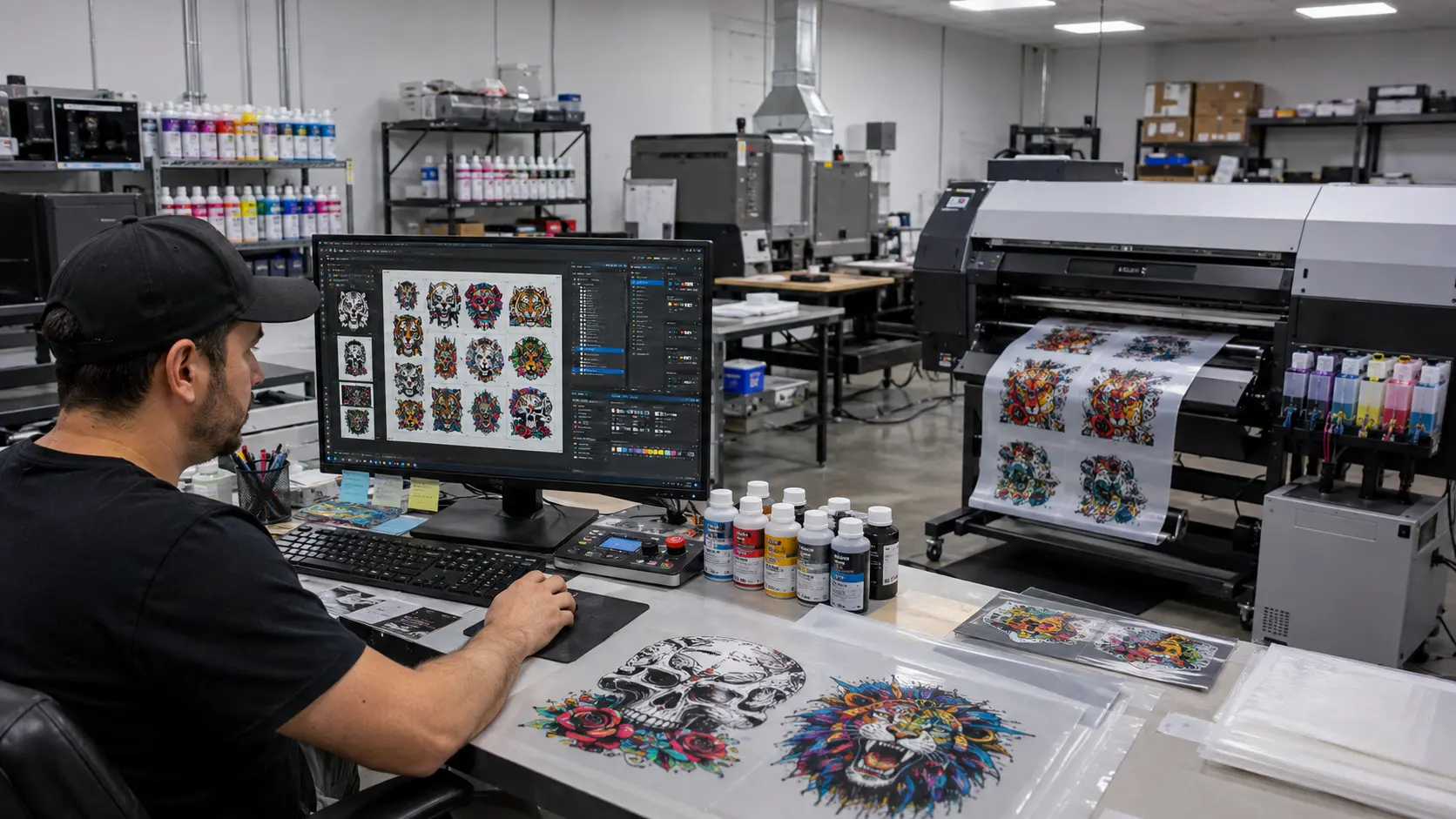
DTF printers — short for Direct-to-Film printers — are inkjet printing systems that transfer full-color designs onto a special PET film using water-based pigment inks and a hot-melt adhesive powder. The resulting film transfer can then be heat-pressed onto virtually any fabric: cotton, polyester, blends, nylon, leather, and more.
Unlike Direct-to-Garment (DTG) machines that print directly onto fabric, DTF printers produce a versatile film that acts as the intermediary between your design and the final product. This opens up possibilities that traditional apparel printing methods simply cannot match.
DTF printing isn’t just another print method. It’s the first technology that genuinely works on every fabric type without pretreatment.
How DTF Printers Work: Step-by-Step
Understanding the DTF printing process helps you optimize quality and speed. Here’s the complete workflow every DTF printer user follows:
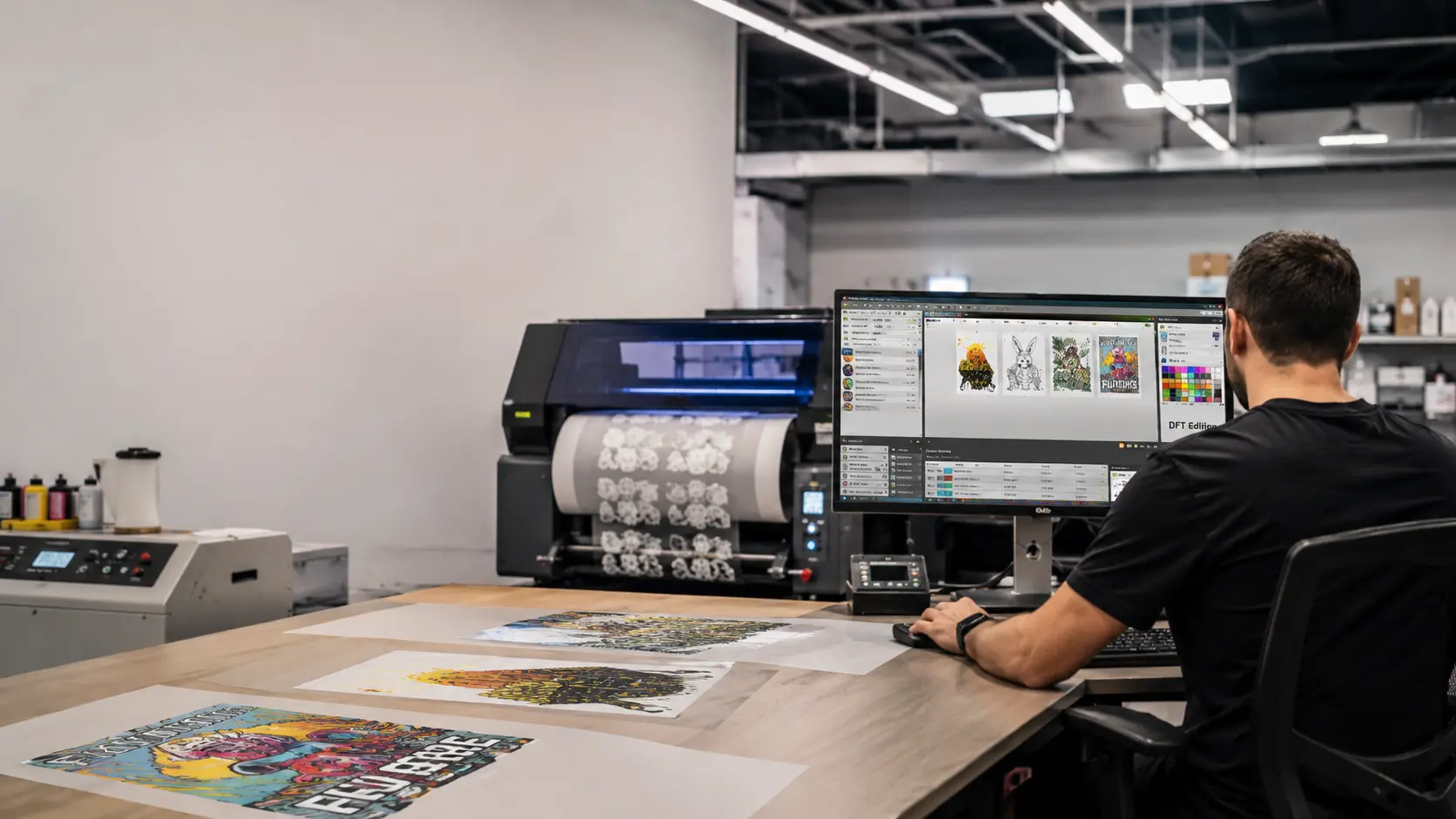
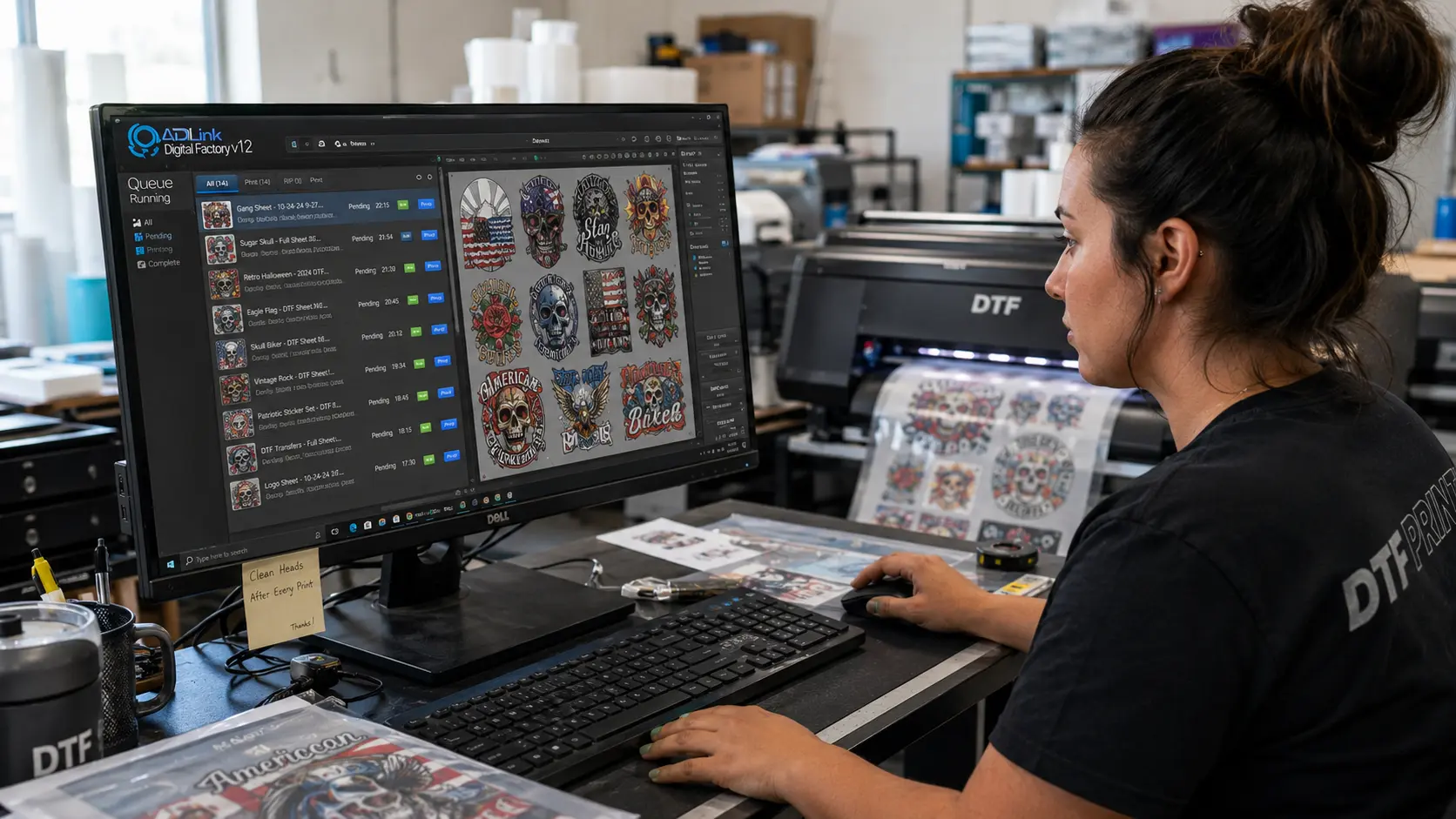
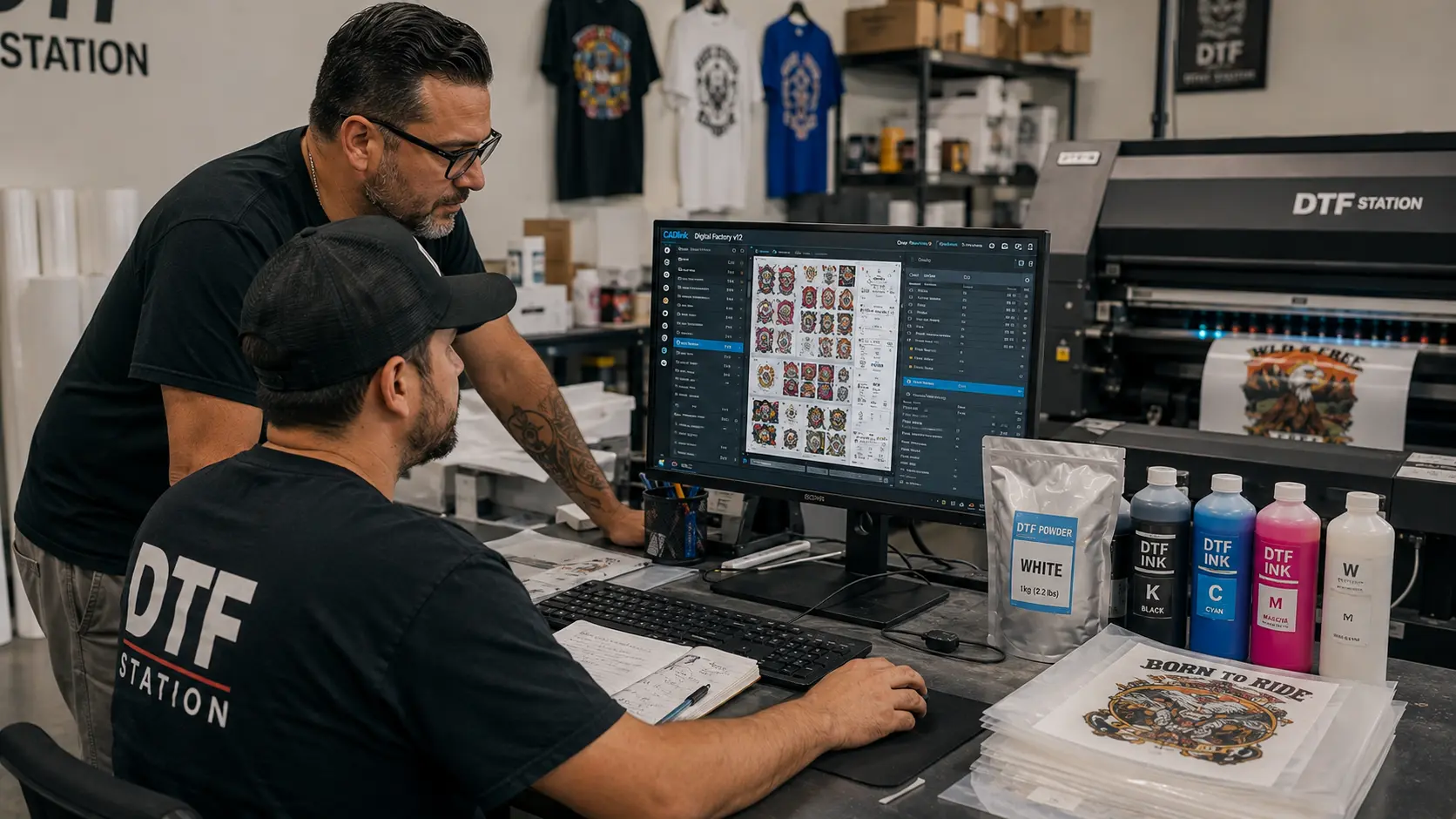
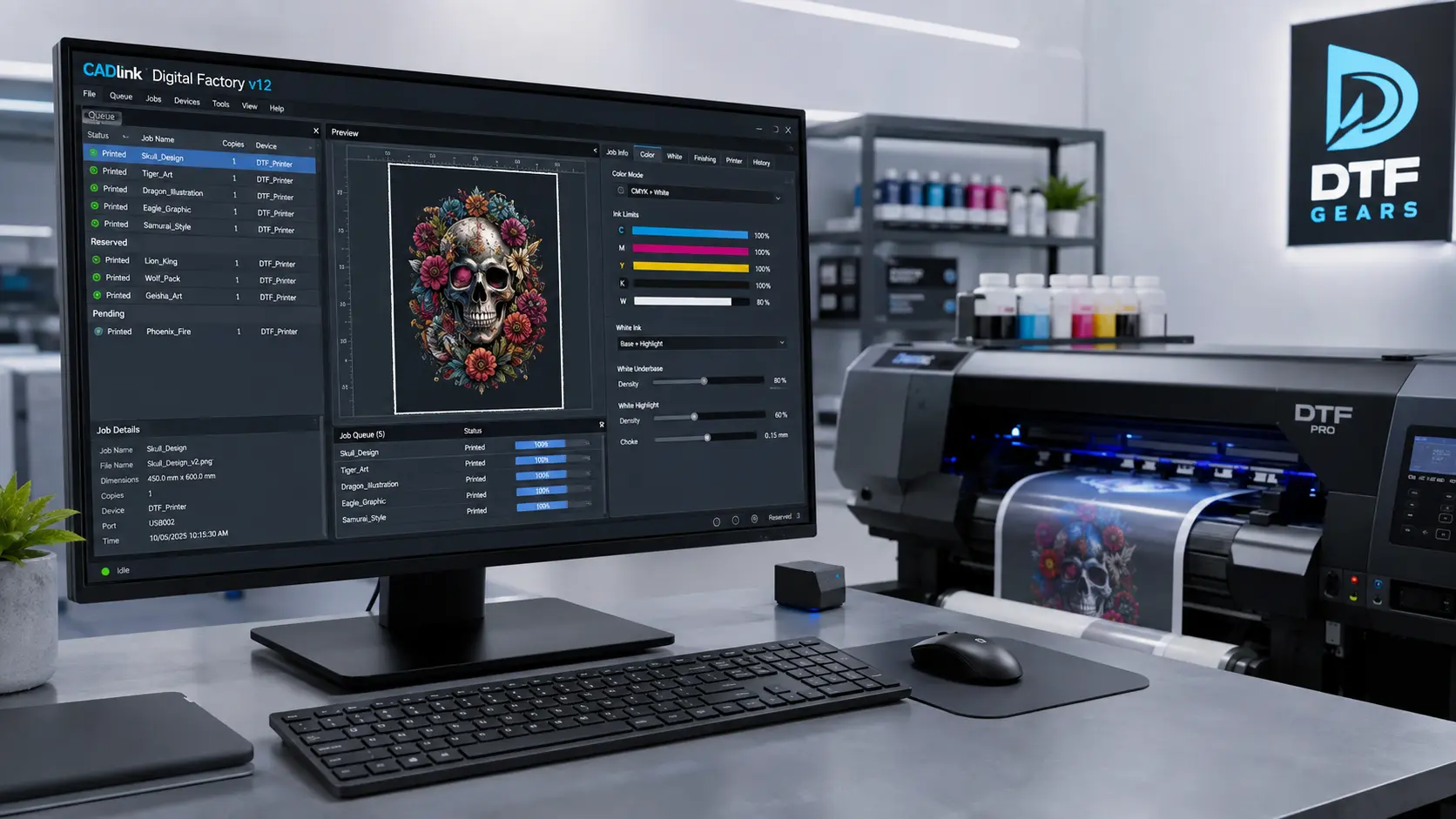
Step 1 — Design Preparation & RIP Software Your artwork is processed through RIP (Raster Image Processing) software, which manages ink density, white underbase layers, and color profiles. This is where tools like CADlink Digital Factory DTF Edition come in — offering professional-grade color management and gang sheet automation.
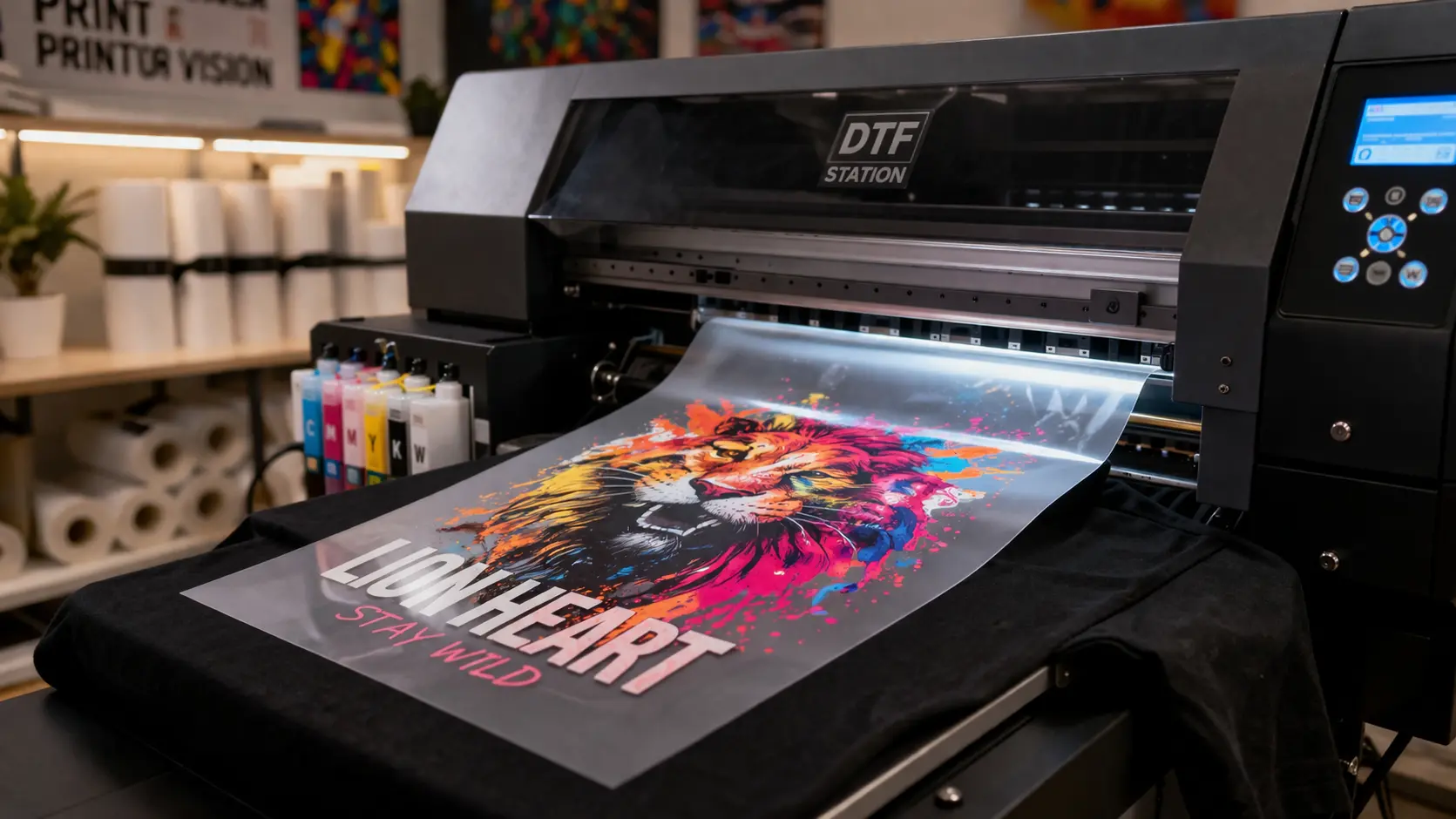
Step 2 — Printing on PET Film The DTF printer lays down CMYK inks followed by a white ink layer in reverse order onto a transparent or matte PET film. The white ink forms the essential underbase that makes colors pop on dark fabrics.
Step 3 — Adhesive Powder Application While the ink is still wet, hot-melt adhesive powder (TPU) is applied evenly across the printed area. The powder only sticks to the inked zones, ensuring clean edges and no adhesive bleed.
Step 4 — Curing in the Oven/Shaker The film passes through a curing oven or powder shaker set to around 120–160°C, melting and bonding the adhesive powder to the ink layer. This creates the final ready-to-press transfer.
Step 5 — Heat Press Transfer The cured film is placed face-down on the garment and pressed at 160–165°C for 10–15 seconds. After a brief cool-down, the film is peeled away — leaving a vibrant, washable transfer permanently bonded to the fabric.
DTF Printers vs. Other Printing Methods
One of the most common questions creators ask is how DTF printers stack up against established methods. Here’s a frank comparison:
| Feature | DTF Printers | DTG Printing | Screen Printing | Sublimation |
| Works on dark fabrics | ✓ Yes | ✓ With pretreat | ✓ Yes | ✗ Light only |
| No minimum order | ✓ Yes | ✓ Yes | ✗ High MOQ | ✓ Yes |
| Fabric versatility | ✓ All fabrics | Cotton best | Most fabrics | Polyester only |
| Pretreatment required | ✓ None | ✗ Required | ✗ Screens needed | ✓ None |
| Setup cost | Low–Medium | High | Very High | Low |
| Wash durability | ✓ Excellent | Good | ✓ Excellent | ✓ Excellent |
The data makes the case clearly: DTF printers combine the fabric versatility of screen printing with the low-MOQ flexibility of DTG — without the pretreatment headaches. For modern creators, that’s a decisive advantage.
Top DTF Printers for Creators in 2025
The market for DTF printers has matured significantly. Whether you’re a solo creator or running a full shop, there’s a machine designed for your production volume.
xTool F2 Ultra DTF Printer — Best for Beginners The DTF printers lineup from xTool delivers professional-grade results in a desktop footprint. The F2 Ultra combines a built-in powder shaker and curing unit — making it the most beginner-friendly DTF printer on the market for small studios and home creators.
ProColoured DTF Series — Best Color Output Known for their vivid color accuracy, ProColoured DTF printers use next-generation water-based inks formulated for maximum brightness across both light and dark garments. Their A3+ models are ideal for custom t-shirt shops scaling to mid-volume production.
xTool Pro Roll-to-Roll DTF — Production Scale For businesses ready to scale, the xTool Pro roll-to-roll system handles continuous film printing with automated take-up. These production-class DTF printers integrate natively with xTool’s ecosystem for seamless workflow management.
ProColoured A4 Desktop DTF — Compact Studio The most compact DTF printer in ProColoured’s lineup, the A4 Desktop is perfect for Etsy sellers, pop-up shops, and creators testing the DTF market before committing to larger equipment. Browse the full range at ProColoured.
The Role of RIP Software in DTF Printing
Hardware is only half the equation. The software powering your DTF printer determines color accuracy, ink efficiency, and ultimately your profit margin per print. This is where RIP software becomes mission-critical.
Why CADlink is the Industry Standard for DTF Printers
CADlink Digital Factory DTF Edition is the most widely adopted RIP software among professional DTF printer operators in North America. Here’s what sets it apart:
- Advanced ICC color profile management for perfectly matched CMYK output across any DTF printer brand
- Gang sheet nesting — automatically arranges multiple designs on a single film sheet to minimize waste
- White ink optimization tools that reduce ink costs by up to 20%
- Supports all major DTF printer brands including xTool, ProColoured, Epson-based systems, and more
- Hot folder automation for high-volume DTF printing workflows without manual intervention
- Real-time ink cost calculator — know your cost per print before the job runs
Pro Tip: When setting up your DTF printer with CADlink software, always create a custom ICC profile for your specific ink and film combination. Generic profiles can cost you 15–25% in color accuracy. CADlink includes a built-in profiling wizard to simplify this process.
The Business Case for DTF Printers in the USA
The economics of DTF printing are compelling for American creators at every scale. Here’s why so many entrepreneurs are investing in DTF printers rather than outsourcing.
Low Barrier to Entry Entry-level DTF printers like the ProColoured A4 Desktop start under $500, making the technology accessible to creators just beginning to monetize their designs. Compare this to DTG machines — which typically start at $15,000+ — and the value proposition is undeniable.
No Pretreatment = No Extra Labor DTG machines require pretreating every garment with a chemical spray before printing — a time-consuming step that adds labor costs and inconsistency. DTF printers eliminate this entirely. Print the film, press it, ship it.
Inventory-Free Production Because DTF printers support true single-unit economics, you don’t need to pre-print stock. Print only what sells. This is the core reason Etsy sellers, Amazon Merch creators, and custom gift shops are rapidly adopting DTF printer technology.
Revenue Per Print A standard A3 gang sheet produced by a DTF printer using CADlink nesting software can fit 8–12 t-shirt-sized transfers at a consumables cost of $1.20–$2.40 total. Retail transfer prices range from $3–$8 each — making margins consistently strong even at low volumes.
7 Expert Tips for Better DTF Prints
- Use 300 DPI minimum — DTF printers are capable of reproducing fine detail, but only if your source artwork is high resolution.
- Calibrate your heat press — temperature inconsistency is the #1 cause of adhesion failures in DTF printing.
- Store film flat and dry — PET film warps in humidity, causing feed errors in your DTF printer.
- Use CADlink’s gang sheet tool — packing transfers efficiently can reduce your film cost by 30–40% per job.
- Shake powder immediately — applying TPU powder within 30 seconds of printing ensures even adhesion across the entire design.
- Test wash fastness — always run a 40°C wash cycle before committing to a new ink or film brand in your DTF printer setup.
- Profile for each substrate — a design pressed onto cotton behaves differently than on polyester; CADlink lets you save and switch substrate profiles instantly.
The Future of DTF Printers in America
The DTF printer market in the USA is still in its growth phase. Manufacturers like xTool are pushing integration with laser cutters and UV printers to create hybrid creative workflows. ProColoured is advancing their ink chemistry to support neon and metallic pigment DTF printing — previously impossible at this price point.
RIP software is also evolving rapidly. CADlink’s roadmap includes AI-powered color matching and cloud-based job management — features that will further reduce the skill barrier for new DTF printer operators.
For creators building a business in custom apparel, the message is clear: DTF printers are not a passing trend. They represent a fundamental shift in how on-demand garment decoration works — and the brands investing in this technology today are positioning themselves for long-term competitive advantage.
Final Thoughts
From a garage-studio Etsy seller to a production print shop operator, DTF printers have democratized professional-quality custom apparel in a way no previous technology has managed. The combination of no pretreatment, no minimum orders, all-fabric compatibility, and outstanding wash durability makes DTF printing the practical choice for creators serious about quality and profitability.
Pair the right DTF printer — whether that’s an xTool desktop unit or a production-grade ProColoured system — with professional RIP software like CADlink Digital Factory, and you have a complete creative and commercial platform ready to scale with your ambitions.
Ready to start your DTF printing journey? Explore the full range of DTF printers, inks, films, and accessories in the DTF Gears store — everything you need, all in one place.